Login
Login
You don’t need to buy a NAS. These 4 computers do the job for less
A 4-bay NAS isn't cheap—they'll often cost you around $500 before you start including hard drives, which are now quite pricy. Even budget 2-bay NASes come in at around $200.
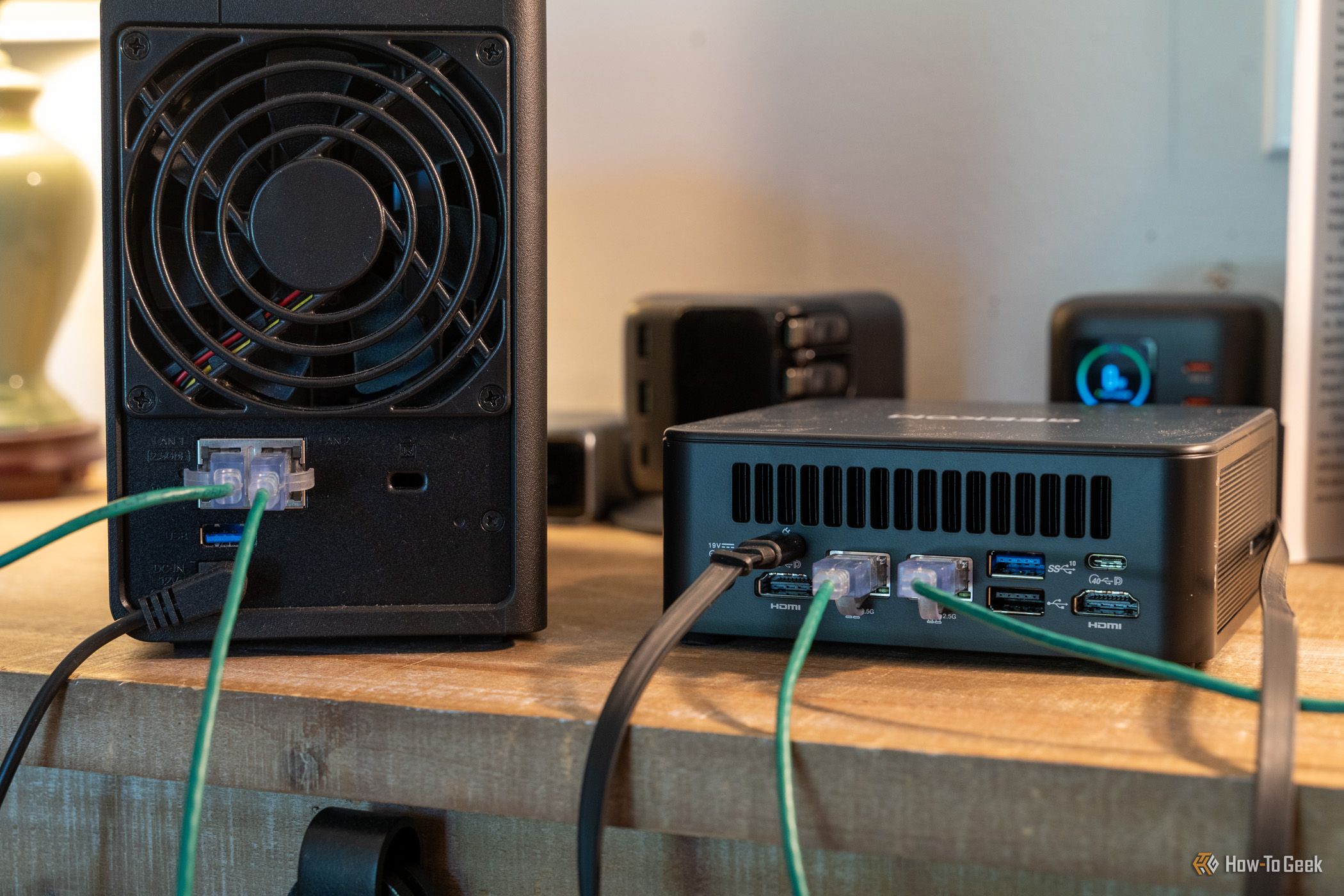

A 4-bay NAS isn't cheap—they'll often cost you around $500 before you start including hard drives, which are now quite pricy. Even budget 2-bay NASes come in at around $200.
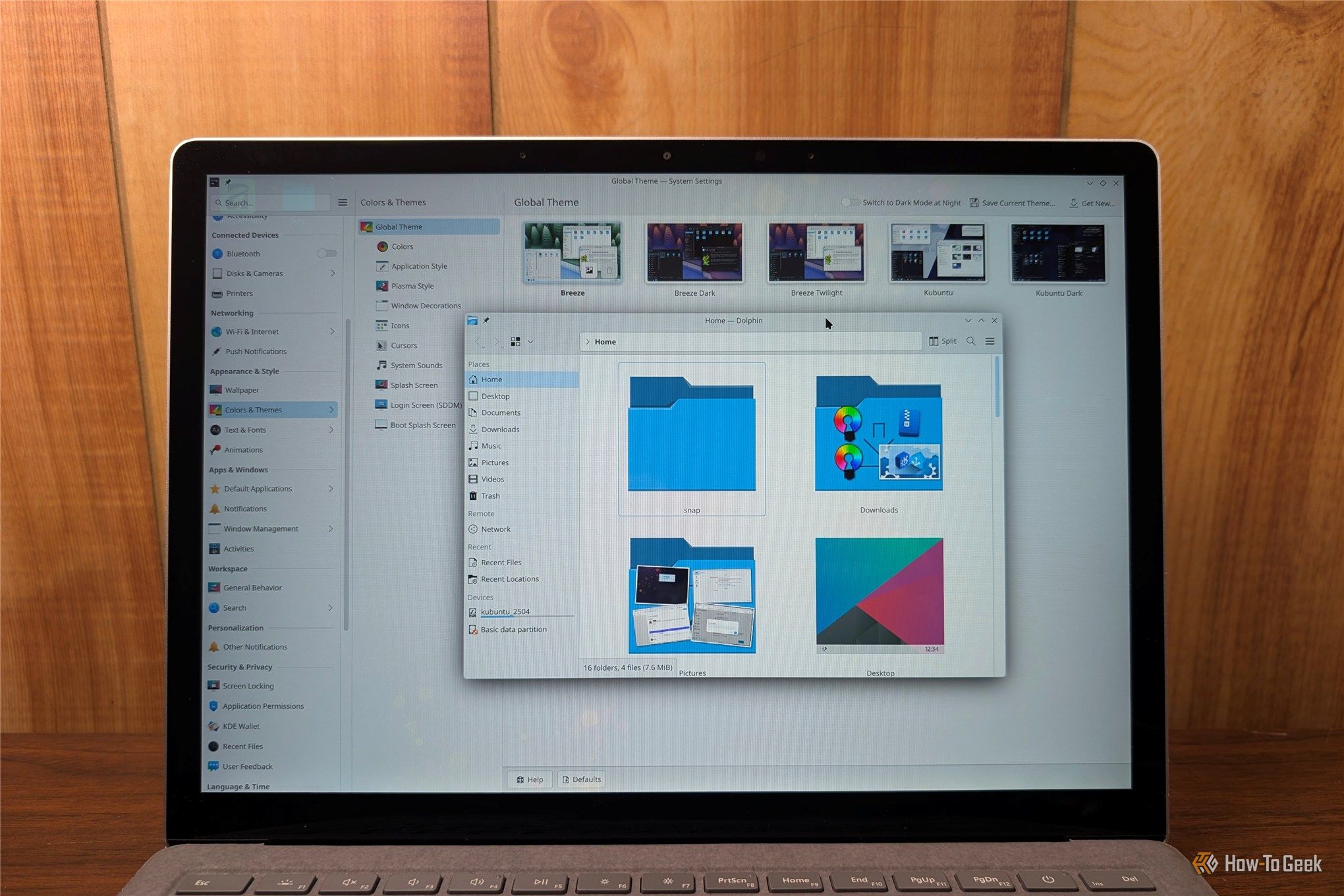
Linux has a reputation for being difficult or tedious to work with because it involves using a command-line interface all the time. Today, that reputation doesn't hold up. While some modern Linux distros are still very terminal heavy, many are every bit as approachable as Windows or macOS—you only really use the terminal when you want to use it.
Switching your DNS server to 1.1.1.1 is common advice, and for good reason: it is reliable, fast, and theoretically, better for your privacy.
Adobe Creative Cloud offers some of the best applications for creative jobs. The only drawback? You have to pay up to $70 a month—or about $840 per year—to access them. There are first-year promotions available, but even those add up to about $740 per year. That is a big commitment, especially considering the annual subscriptions come with hefty early termination fees.
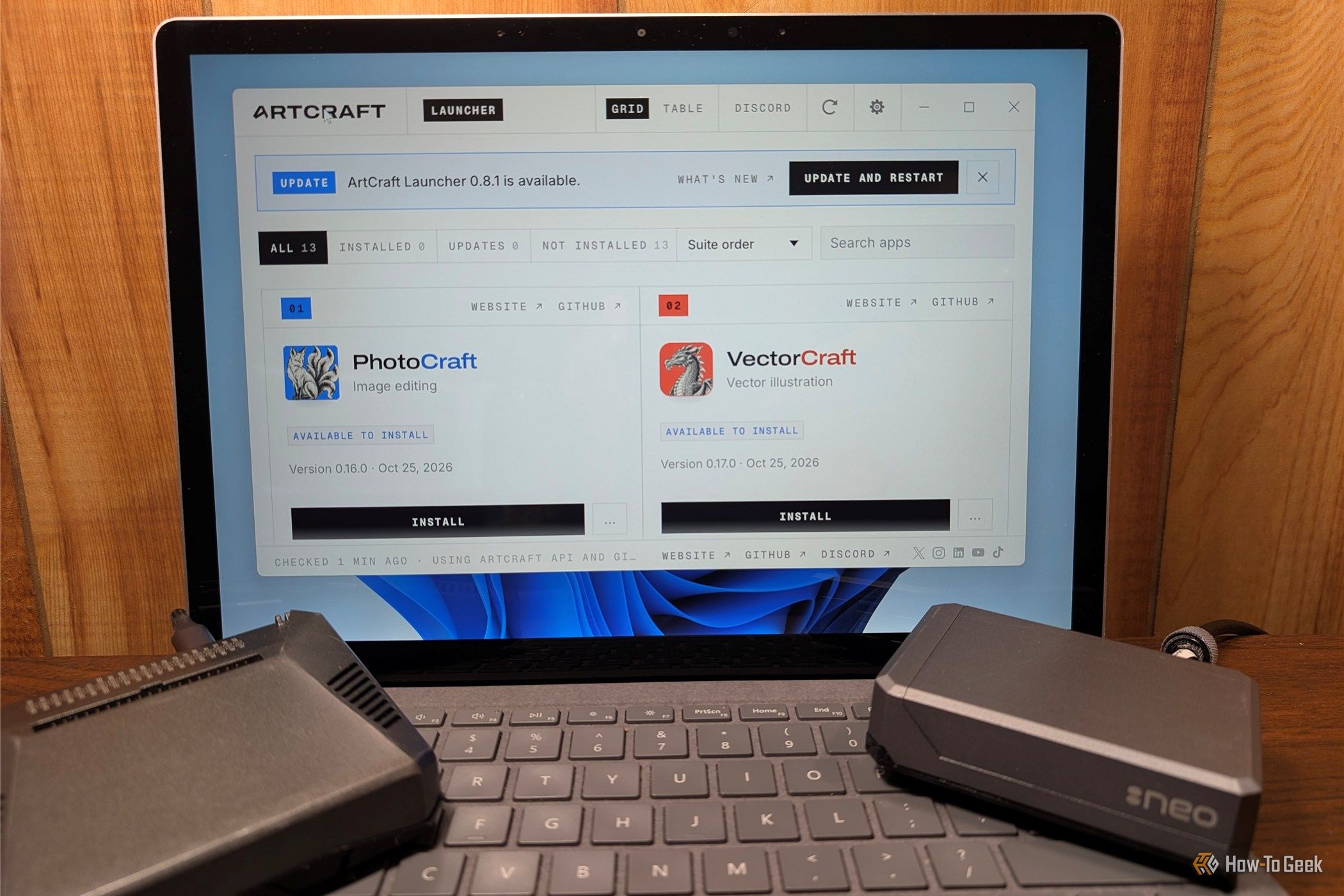
Most of us download and install new apps and self-hosted services without a second thought, but if you do anything important on your PC, it can be a significant security risk.
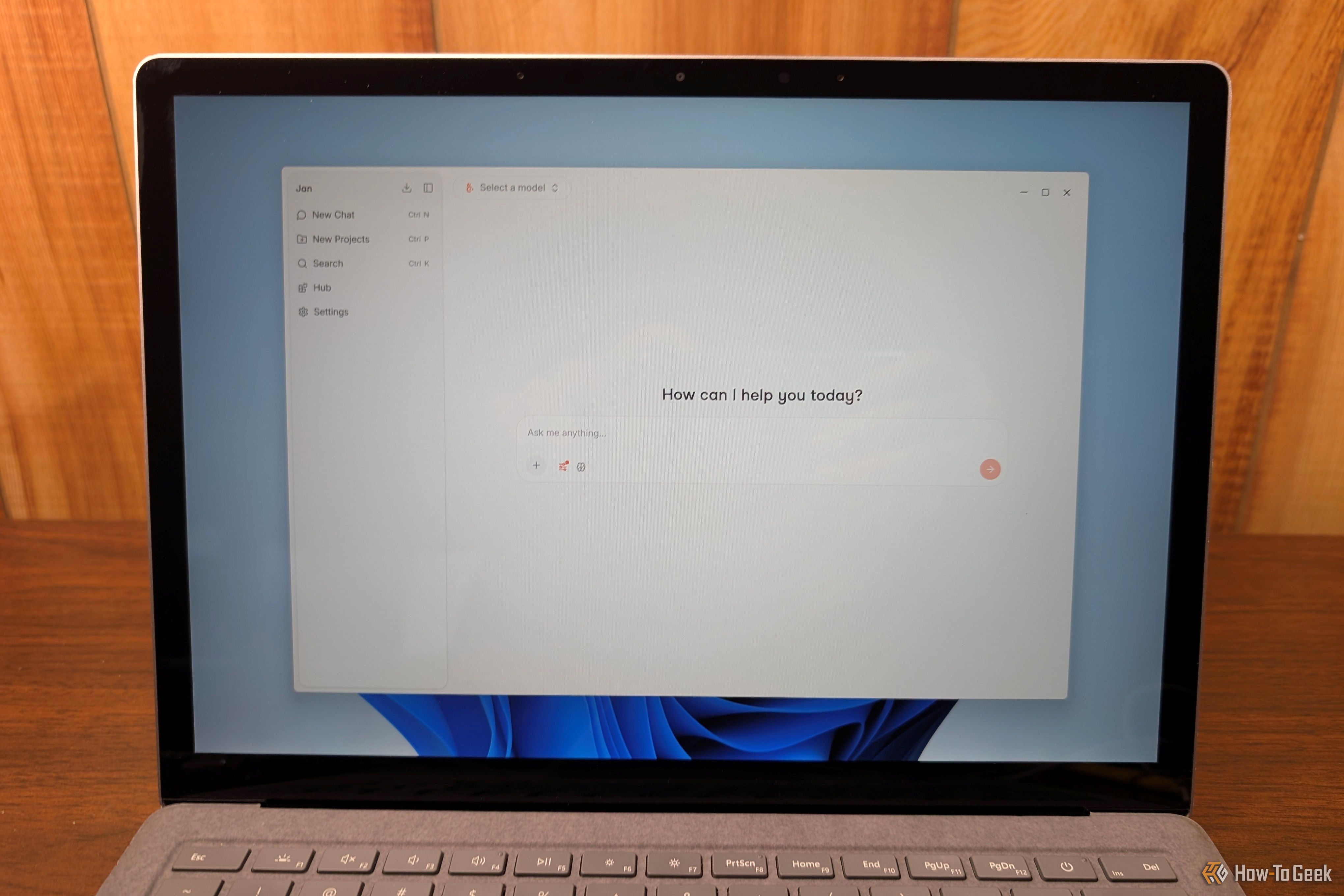
The difference between a battery-powered sensor that runs for a few days and one that runs for a year comes down to what the board does when it's doing nothing. Most DIY projects, like weather stations, mailbox alerts, or plant monitors, spend 99% of their life idle. In those scenarios, idle draw matters far more than peak performance.
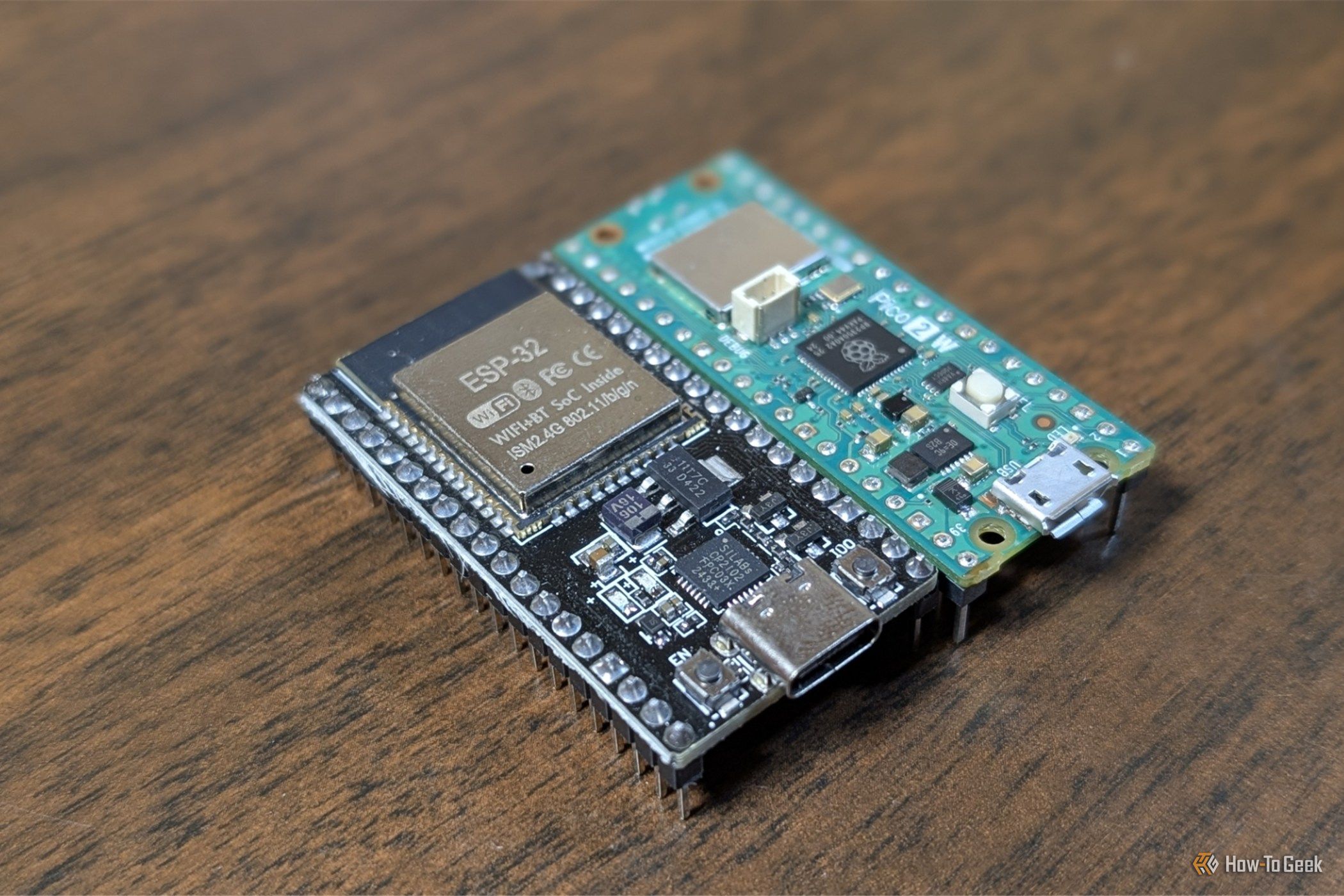
Over time, most of us have accumulated a number of inexpensive subscription services that, cumulatively, add up to a significant amount of money.
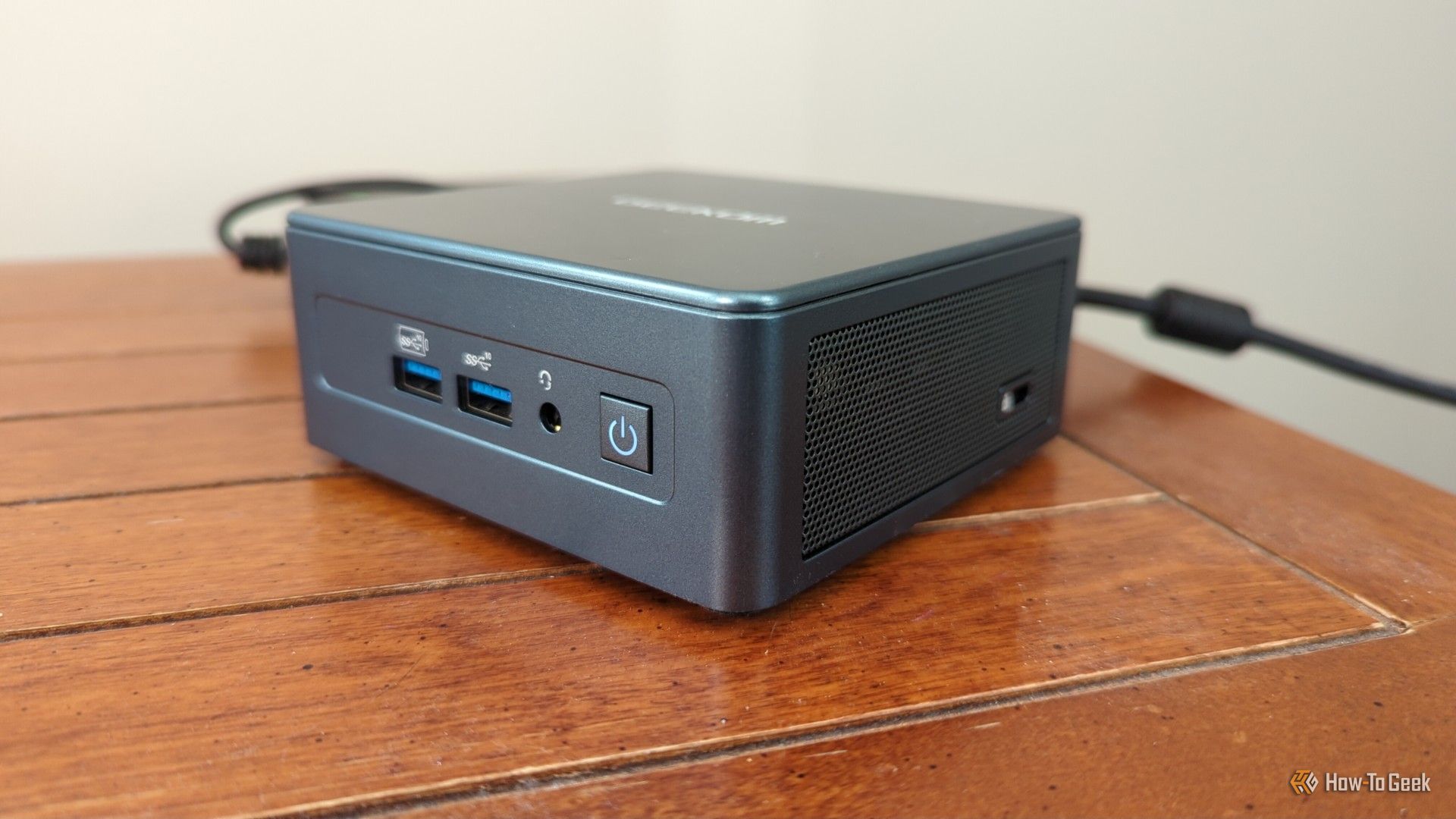
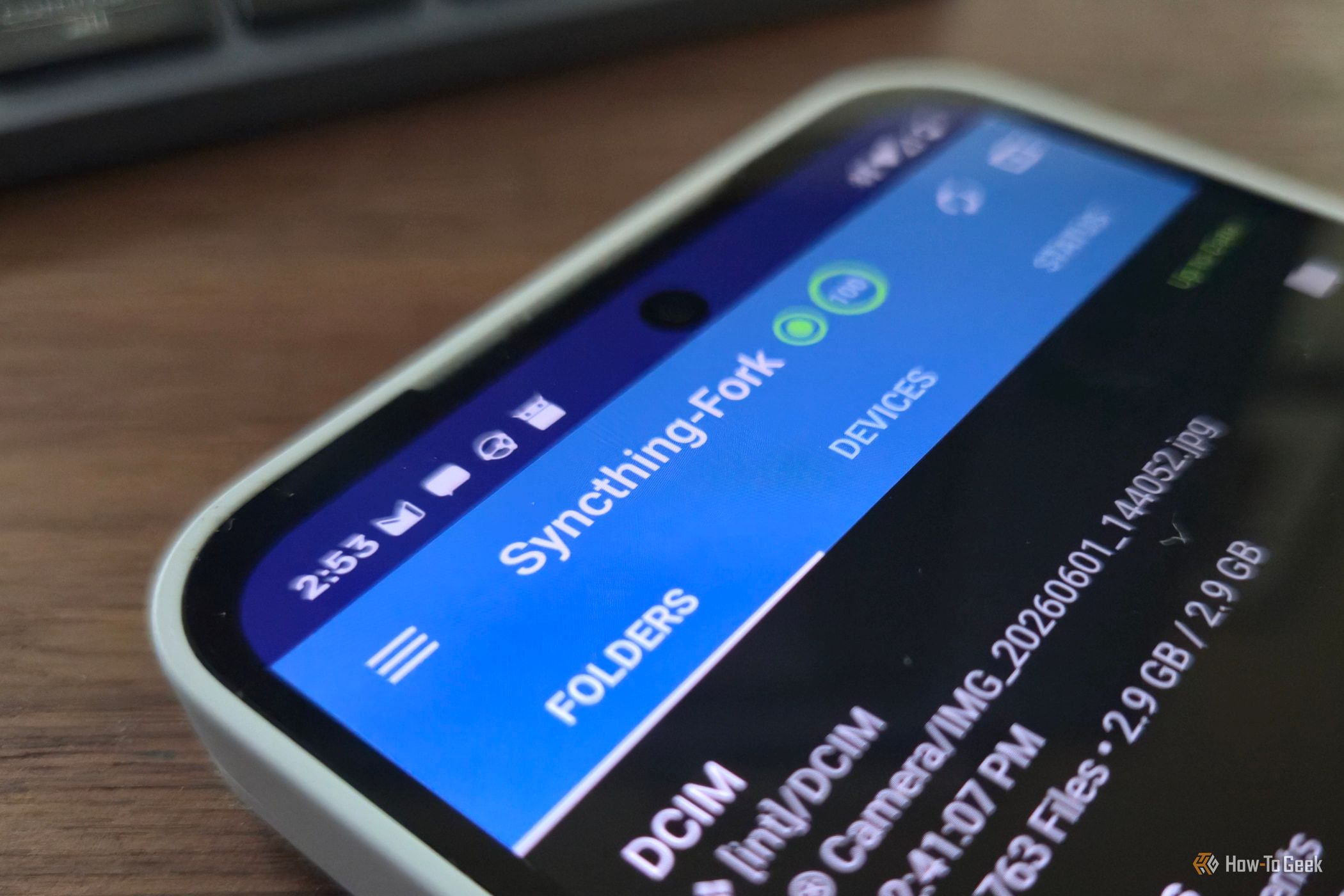
I regularly need to move files between my Linux PC and my Android phone, but there are surprisingly few good options. You can manually attach your phone to the PC, email the files to yourself, or use a cloud storage service, but those options are either clunky or involve more steps than I'd like. KDE Connect is great for transferring a few files now and then, but it isn't designed as a sync program.
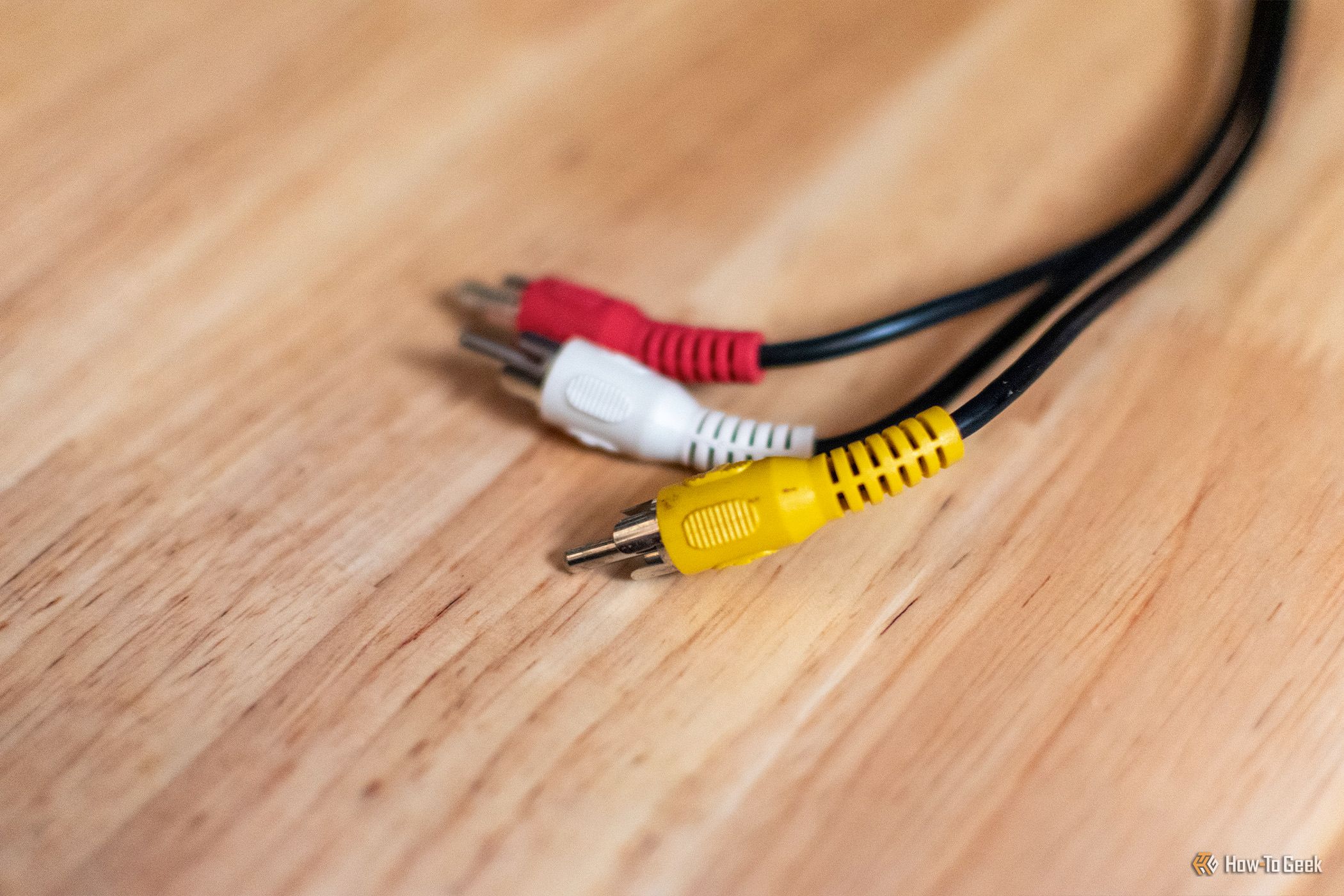
Most of us have outdated electronics and gadgets sitting around—an old TV, some nice old speakers, or a slightly bulky monitor. They often work just fine, but they just haven't aged well because either connectivity or software left them outdated long before they break.
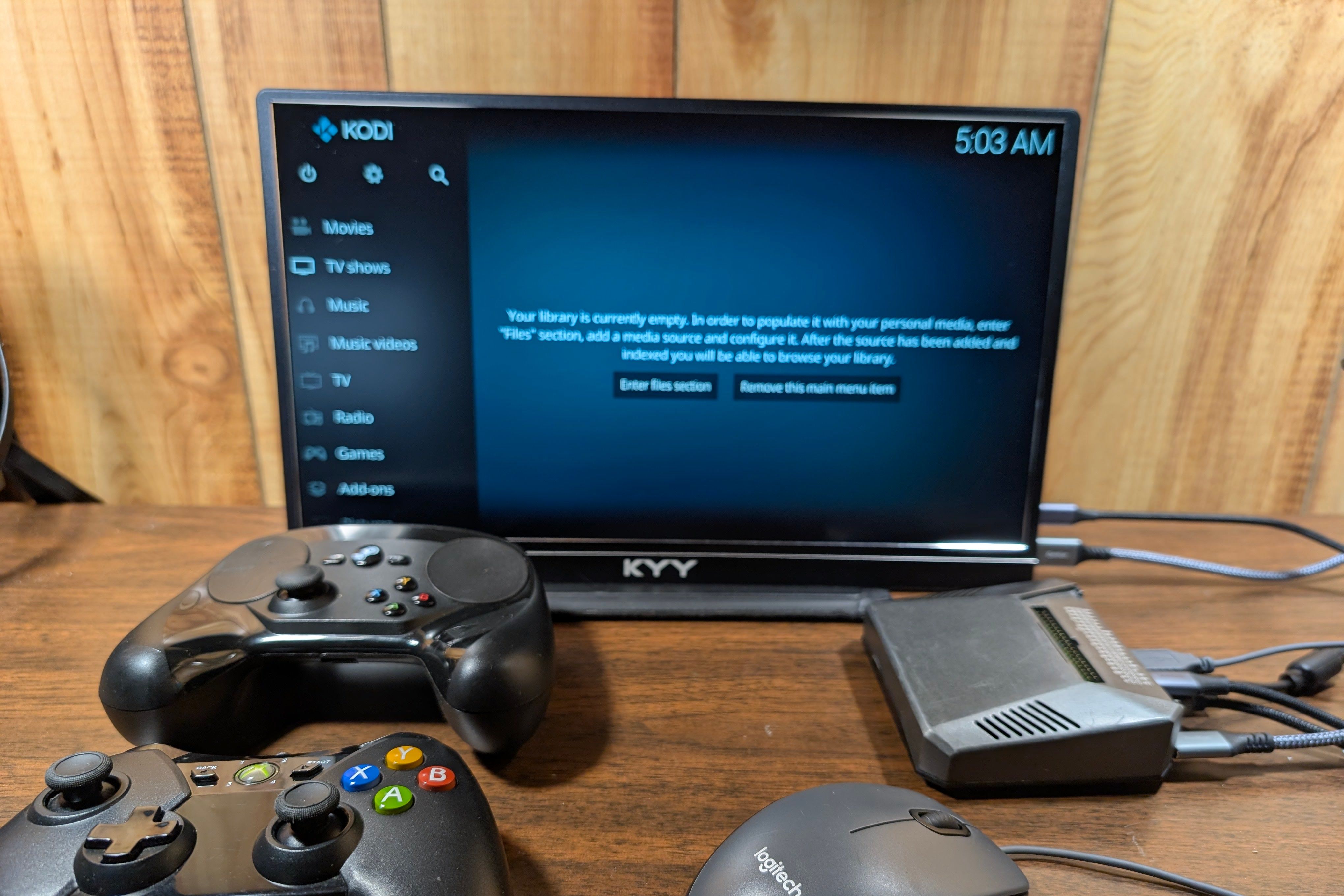
HDMI, DisplayPort, and USB-C are the most popular ports today, but they're not the only ports in use. In fact, if you take a look at the most popular ports today across all electronics, you'll find that a surprising number of them have been around for a very long time.
My homelab started with a single service, and before I knew it, I had a few dozen services running. In reality, I only use a handful of services every day—most of them sit idle or even offline.