❌

Reading view

There are new articles available, click to refresh the page.

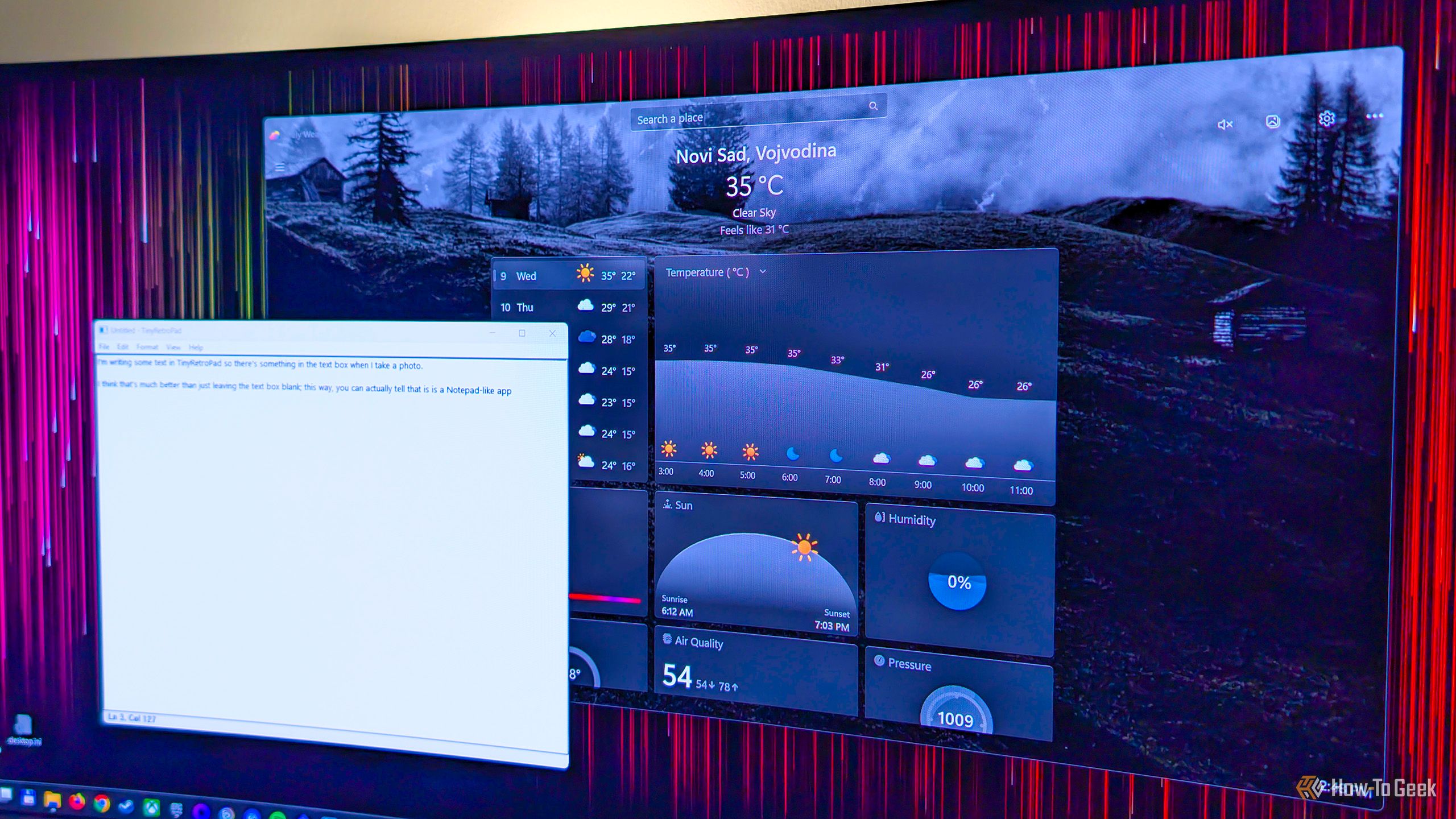
4 classic Windows tools that did things Windows 11 still can't

Microsoft included a number of really helpful features and tools in past versions of Windows that many users came to love. While some of these utilities have survived the transition to Windows 11, others were left by the wayside. Some even made it to Windows 11, only to be retired in one of its subsequent updates. Here are some of my favorite classic Windows tools that are missing from Windows 11, with the latest version of Windows still lacking equivalent features.
How to reset your Steam Deck's sudo password in less than five minutes without losing any data

Back when I used the Steam Deck as my main PC handheld, I forgot the sudo password I'd created the first time around. Naturally, I started to panic and thought I'd need to reflash my Deck and lose all my data, but then I found a solution that let me reset my Steam Deck's sudo password in just a few minutes. All you need for this is a wired keyboard (or a wireless keyboard with a dongle and a USB dock) and some focus, because there's some typing involved.

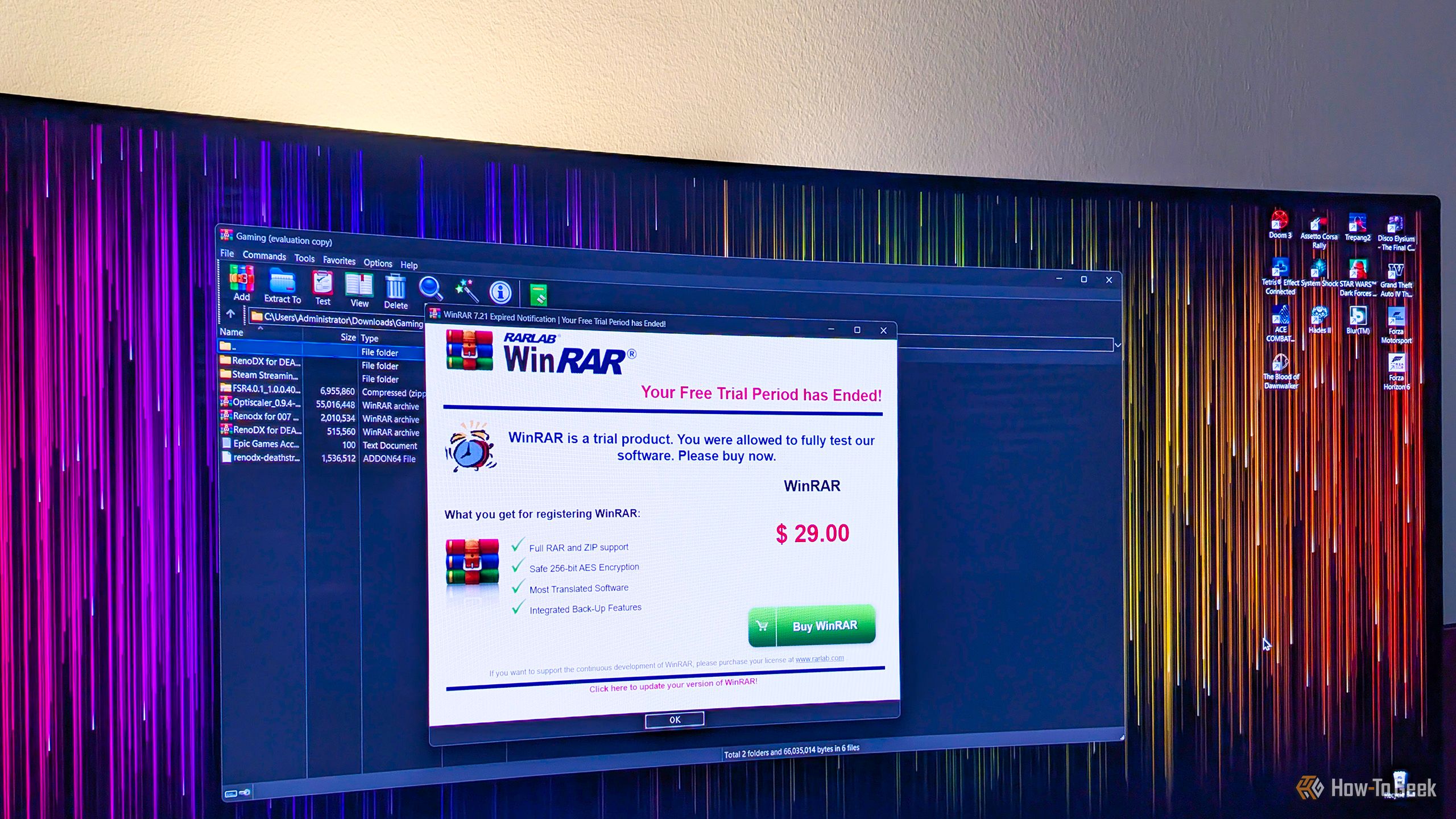
Why are you still using WinRAR when this open-source alternative is so much better?

WinRAR is probably one of the most common third-party apps found on countless Windows PCs around the world, and for good reason. While it's technically paid software, you can use it for as long as you like without paying a dime, it handles a wide selection of archive formats, and it resides in the Windows context menu, so you don't even have to open it to use it.

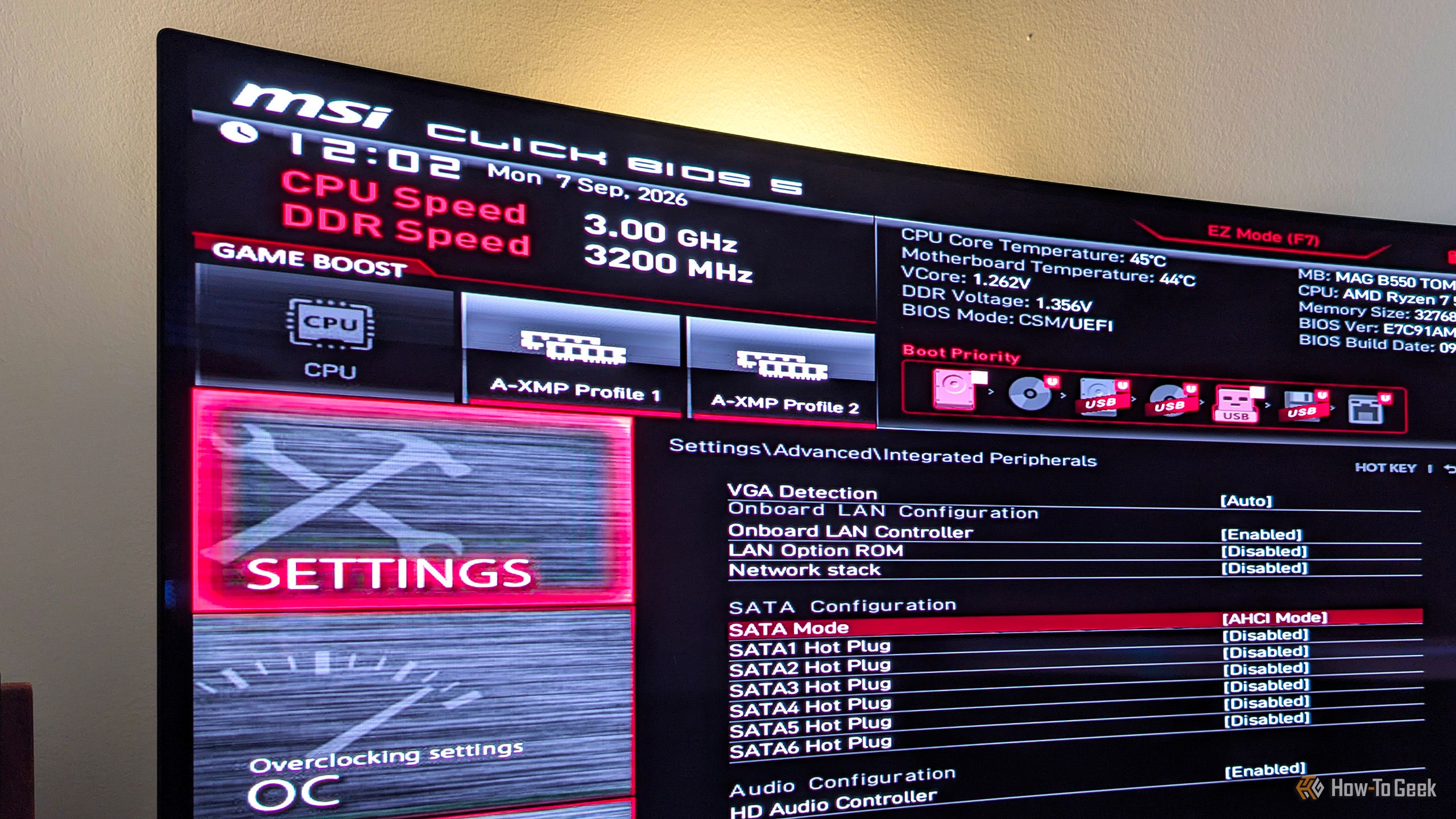
4 BIOS settings that can quietly slow your SSD to a crawl

Most people shouldn't worry about the majority of BIOS settings, since leaving them at their default values makes the most sense. This applies to most SSD-related BIOS settings as well. That said, there's a chance the previous owner messed with them if you bought a used PC, or that one friend who likes to tinker with PCs tweaked your motherboard's BIOS settings without your knowledge.

❌