Login
Login
Full Body VR Tracking Is Just Some Recycled Hardware Away
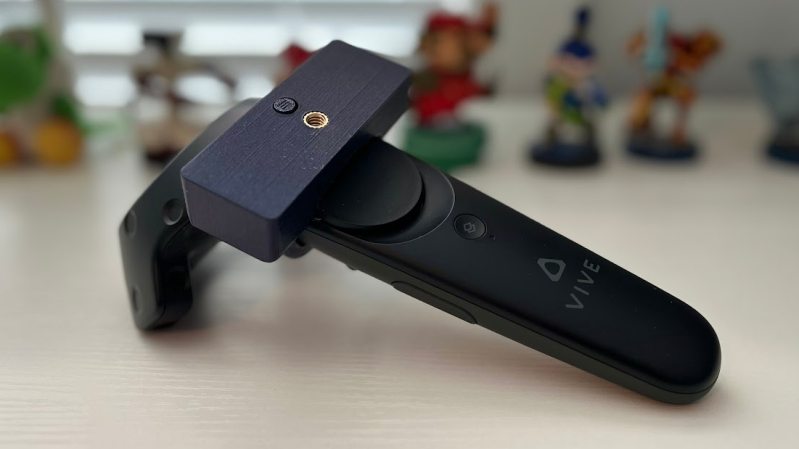
Full body tracking in VR applications involves attaching sensors to one’s body, and [Jaki] has a DIY method to do it on the cheap: the Vive Tracker Lite project repurposes Vive controllers as lighthouse-based trackers, no hardware modifications required.
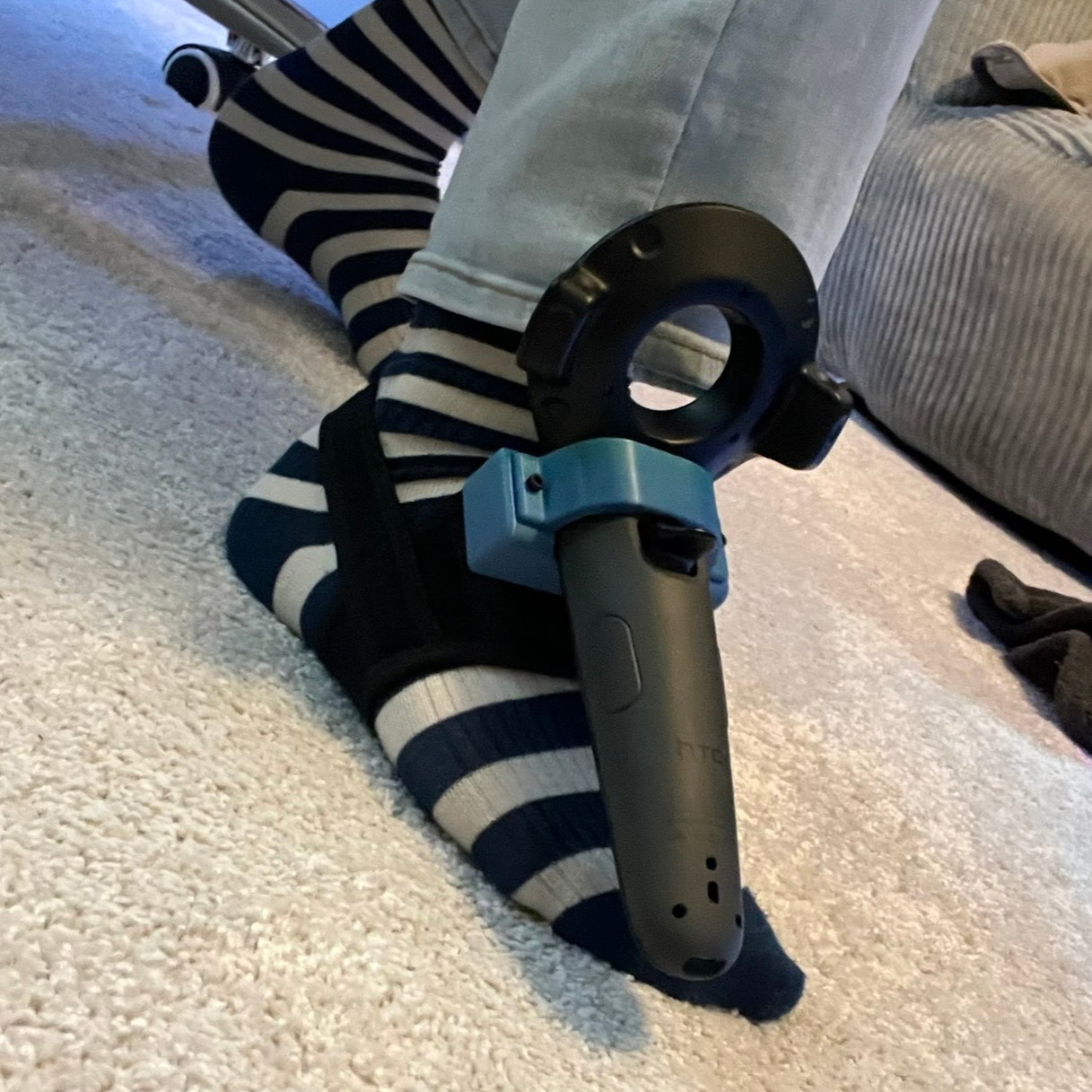 A common method of doing body tracking is to strap on some Vive trackers. Those are extremely hacker-friendly pieces of hardware, but [Jaki] observed that older Vive VR controllers can be had for cheap, and already contain everything a tracker needs. Some new firmware and a custom mount is all it takes to turn them into perfectly usable body trackers.
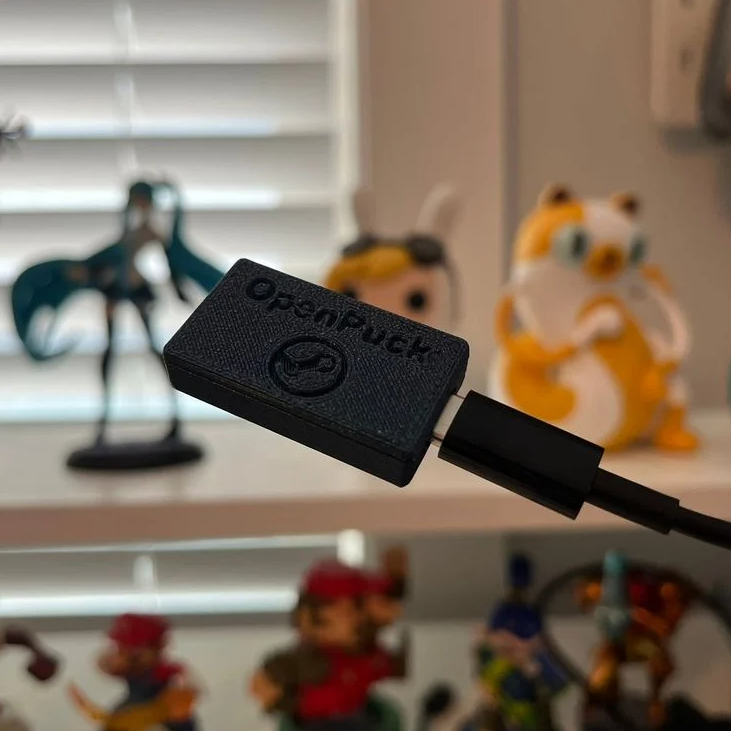
But what about a wireless receiver? [Jaki] has that covered as well with the $5 Viva Dongle, which uses a Pro Micro NRF52840 to act as a cheap DIY alternative to the official dongle hardware.
We appreciate the effort put into making this project accessible to everyone, even novices. [Jaki]’s put effort into a Python program with a full GUI to make the flashing of firmware as easy as possible for both projects. Experimenting with body tracking in VRChat or games with mods is just some recycled hardware away.
Granted, a Vive controller is not the slimmest piece of hardware, but all it takes is a firmware change and a 3D-printed fixture to make a perfectly serviceable tracker. That being said, we’re sure an enterprising hardware hacker may crack a controller open and embark on a serious rebuild, or even interface to some of the inputs in a clever way. If you’ve done that or know of someone who has, drop us a note on our tips line because we’d love to see it.