For the past few years, Mistral has tried to carve itself a name as Europe’s answer to Silicon Valley’s AI giants, moving from smaller, open models to heavyweight systems like Mistral Large 3 in late 2025. After raising €3 billion in September 2026, the French start-up has doubled down on its ambition to compete with leading US and Chinese AI developers. Now, the company is trying again to take on the AI behemoths with Mistral Large 4, a massive open-weight model built for coding, complex reasoning, image analysis, and business automation.
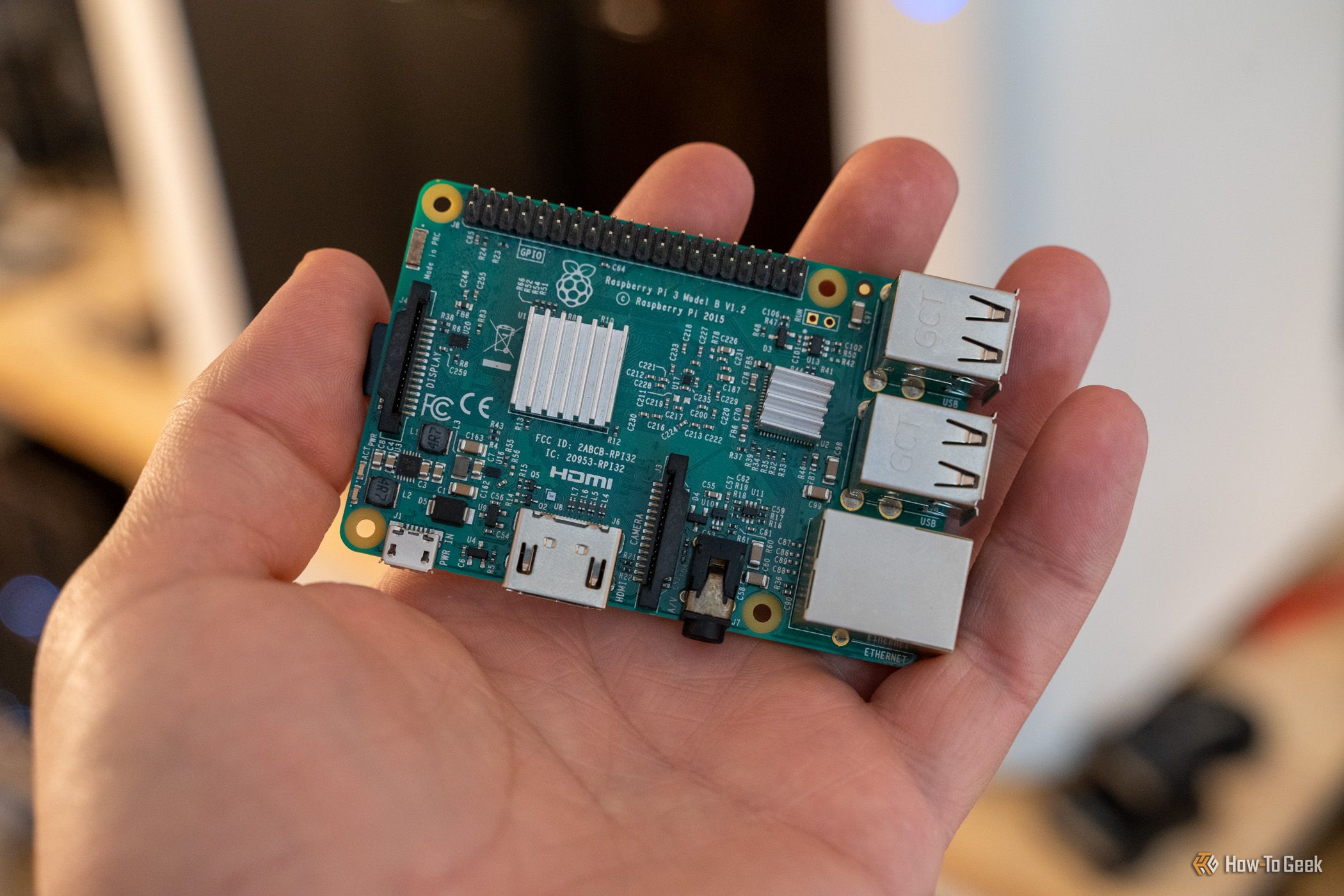
Your Raspberry Pi is actually capable of helping you save money if you put it to use in the right way. If you’re currently paying for cable with a DVR service, your Raspberry Pi can take over that task. Still paying for a password manager? The Raspberry Pi can handle that, too. Need to track prices for Black Friday? Yep, your Pi is fully capable of doing that, as well. So, here are three projects you can do this weekend on your Raspberry Pi—and none of them will take long to set up.
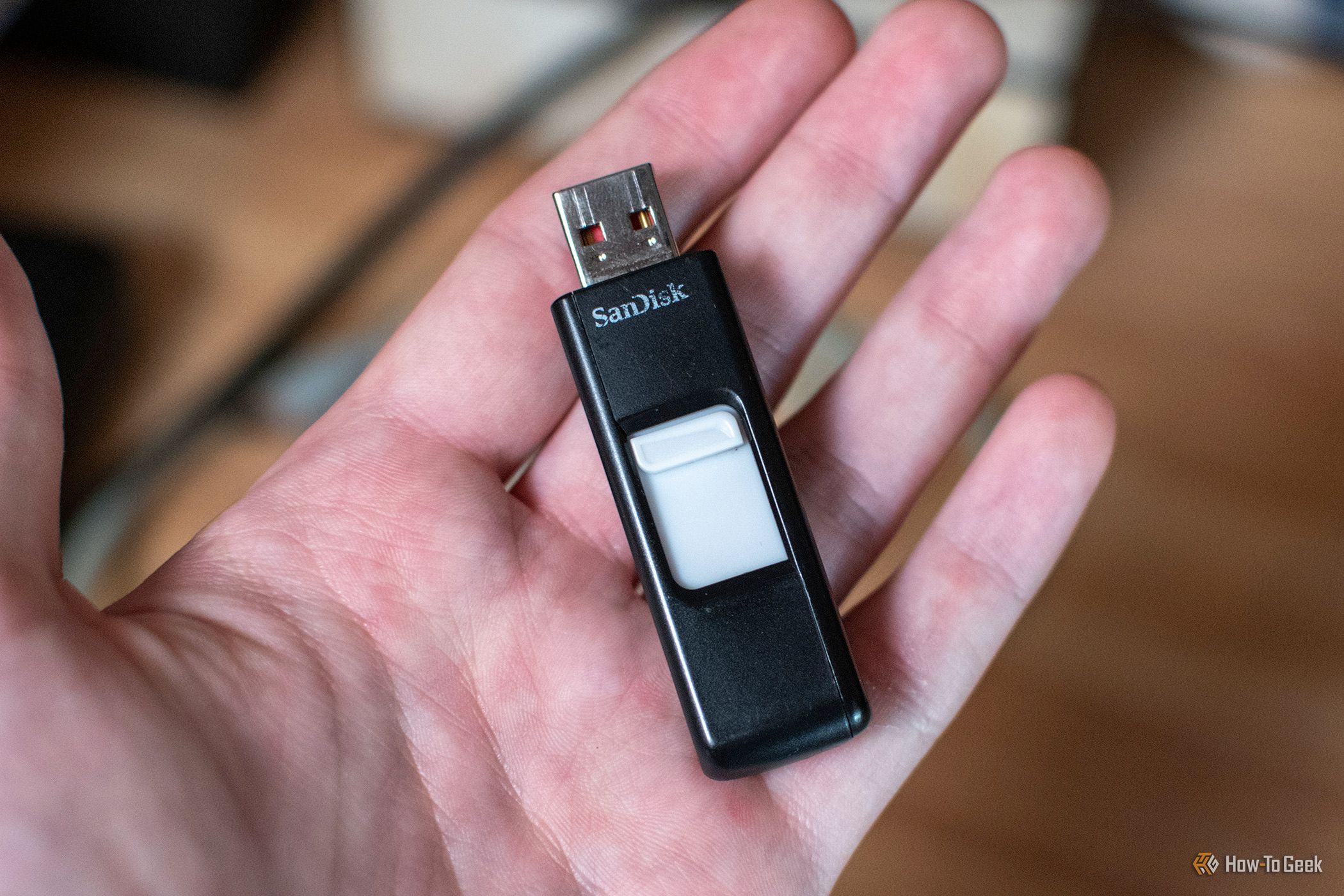
At one point in time, USB drives were all the rage for file transfers. I kept one in my pocket at almost all times and I had several around the house for various purposes. Over time, USB drives quietly stopped being so popular. But I still have uses for them in my homelab, so here are the main reasons why I’ll never throw away old USB drives.
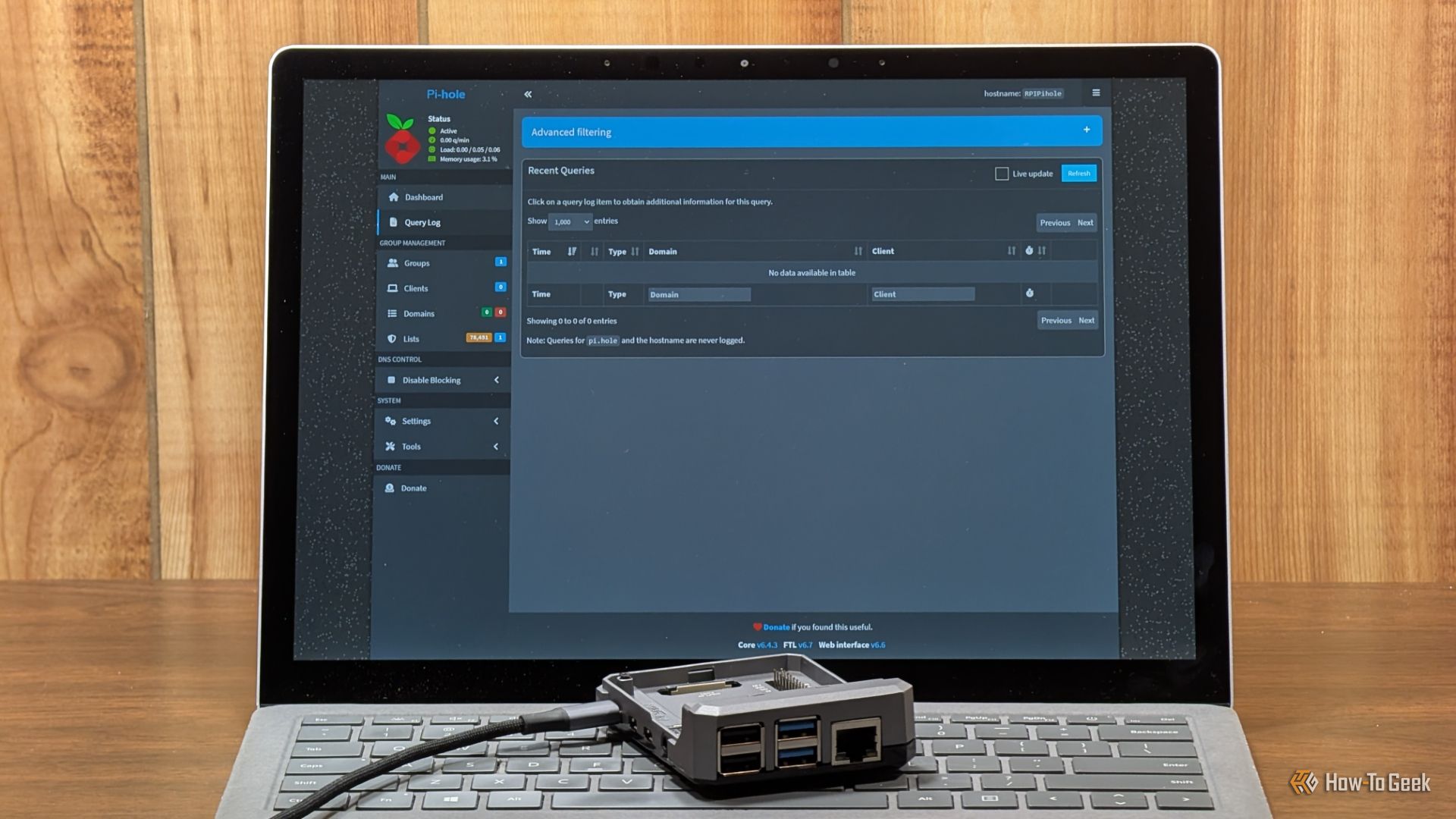
Pi-hole is one of my favorite services that solves an everyday problem without requiring expensive hardware. Install it on a Raspberry Pi, configure your devices to use it for DNS, and you can block unwanted domains while monitoring DNS activity across your network.
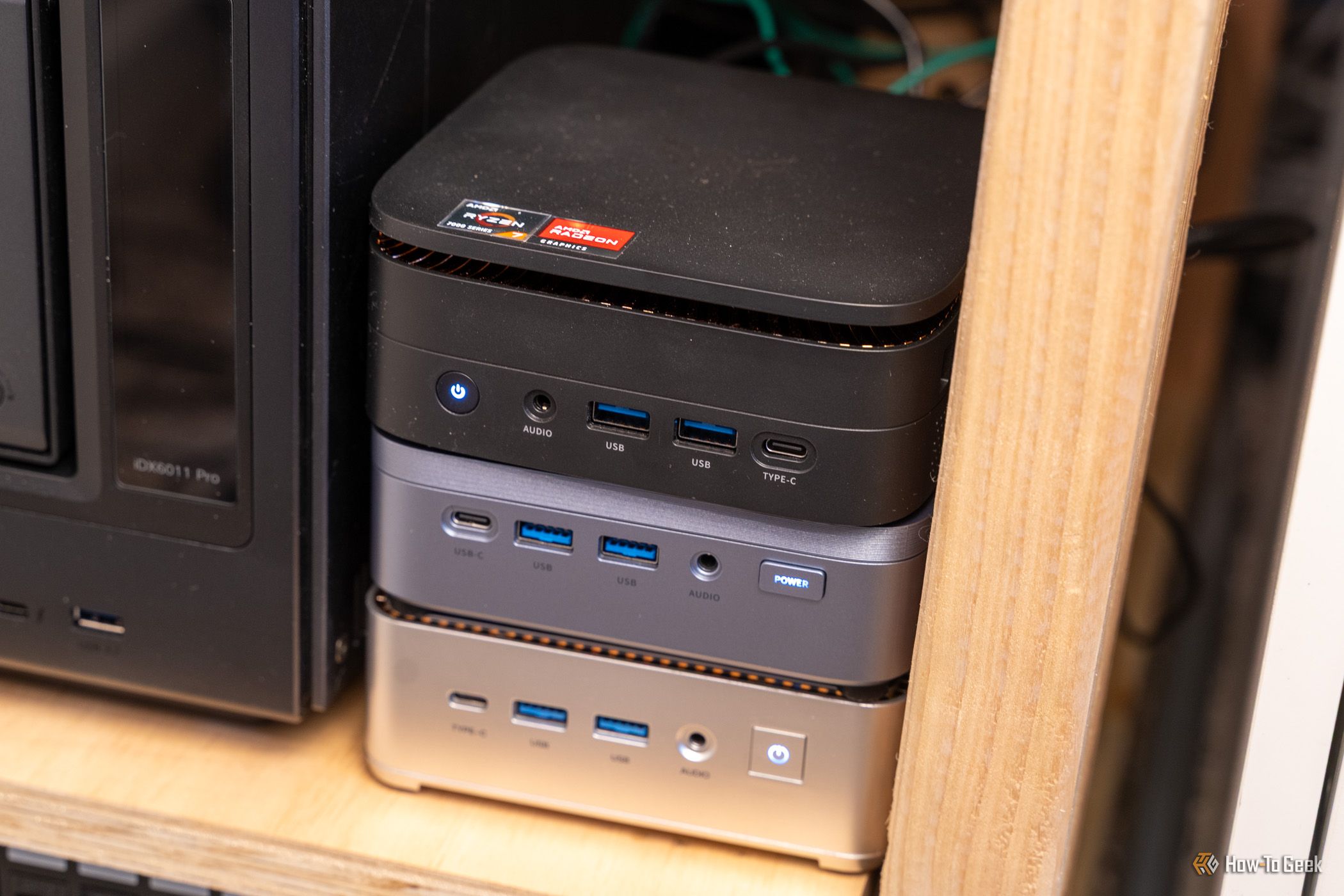
Intel's N100 and similar ultra-low-power CPUs used to be the go-to recommendation for homelab beginners who wanted a PC that sips power while still seamlessly handling numerous basic self-hosted services.
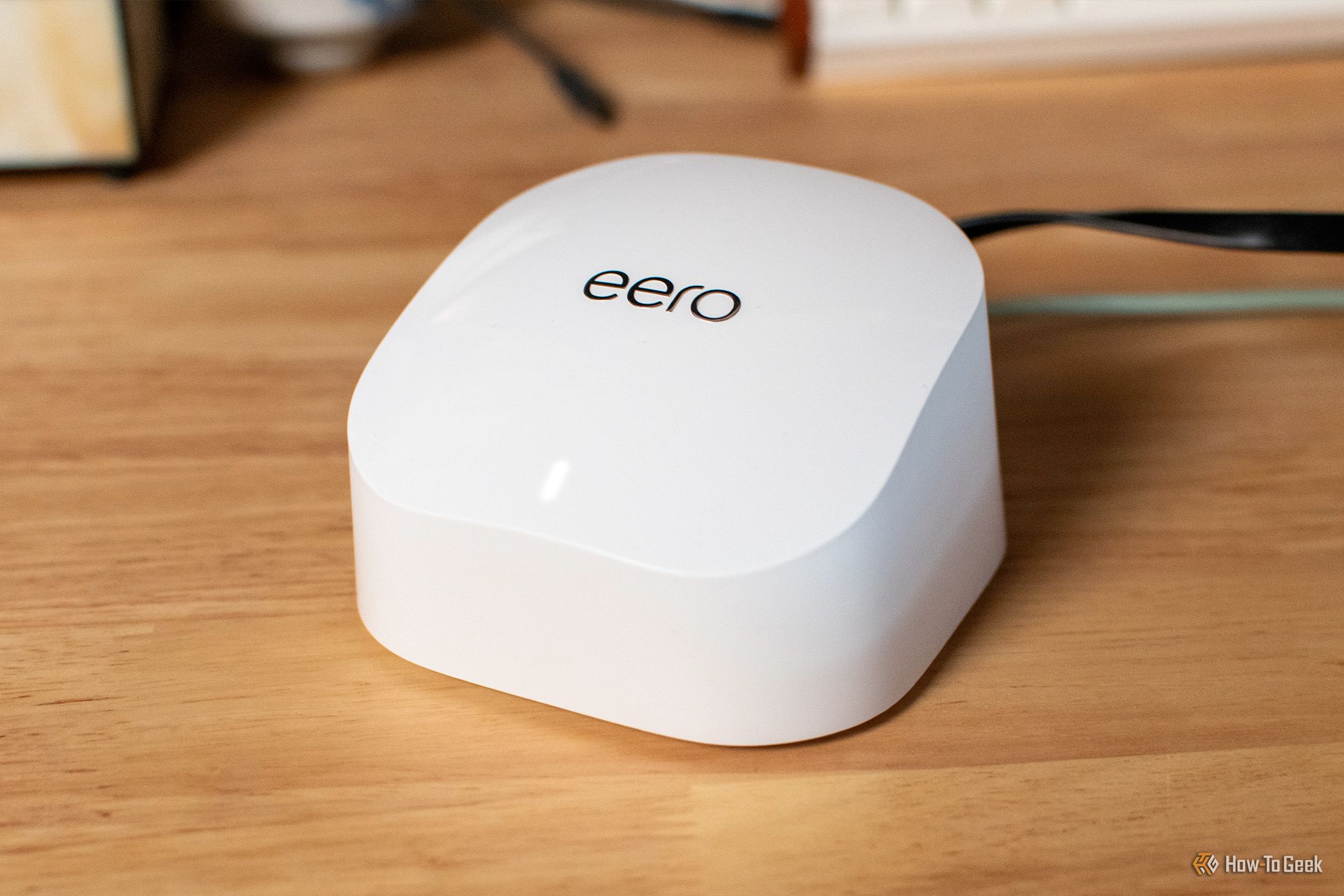
Every time a new Wi-Fi standard comes out, there’s pressure from every side to upgrade. Wi-Fi 8 is on the horizon, and I feel that Wi-Fi 7 has barely had time to settle. But, do you really need to upgrade to Wi-Fi 7 or Wi-Fi 8? There’s a good chance your old Wi-Fi router is still perfectly fine.
I've been homelabbing for over half a decade now, and there are two specific Docker containers that are set-and-forget for me. I never think about them, and they just sit there quietly in the background keeping everything going—and those containers are Pi-hole and Caddy.
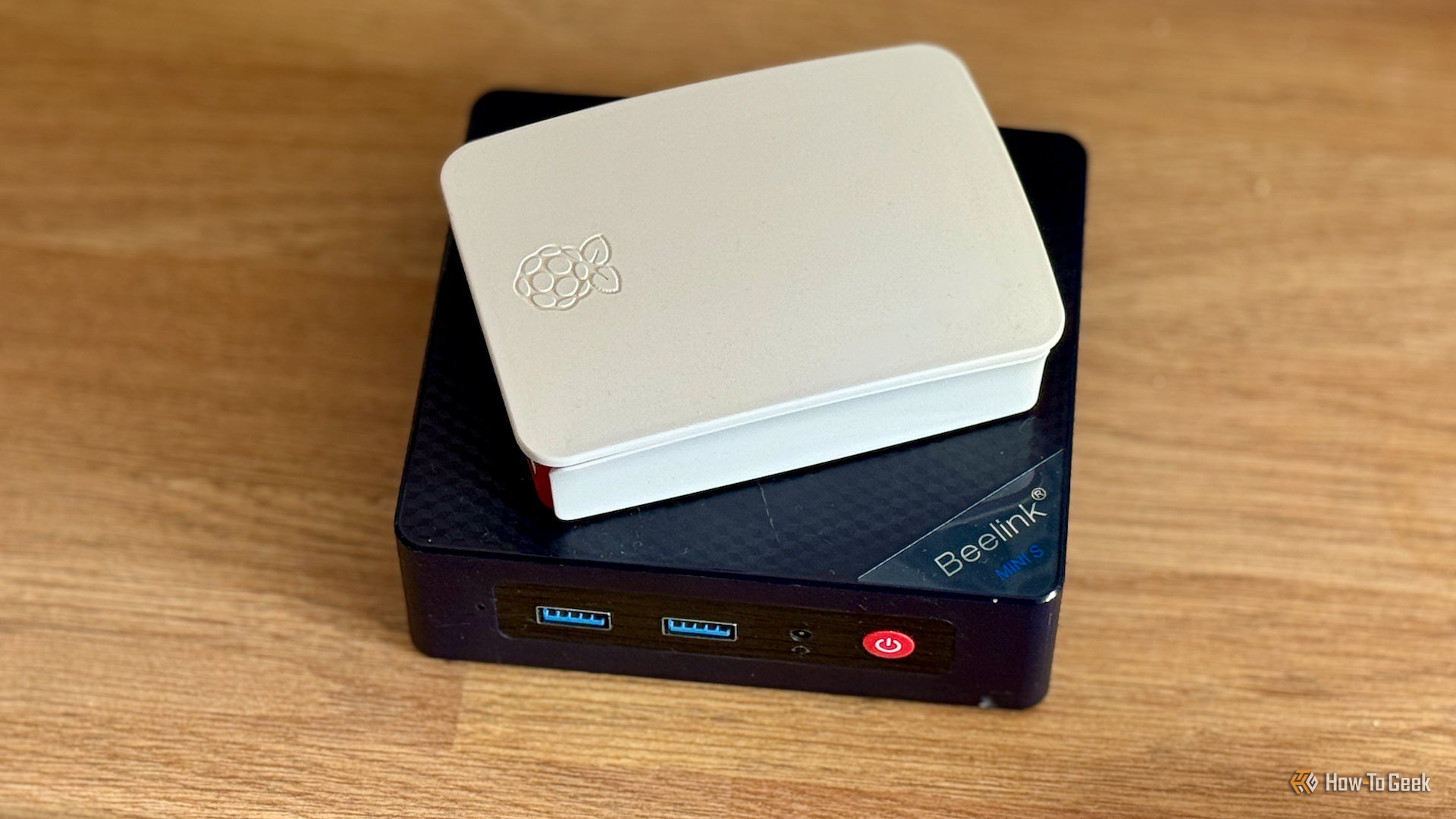
I've been building PCs for over 20 years, so naturally, I get why people do it: it's fun, and you get a great computer at the end. But beyond the fun, is there any reason to spend the time and money anymore when a plug-and-play mini PC can absolutely replace your daily driver for almost anything but gaming?
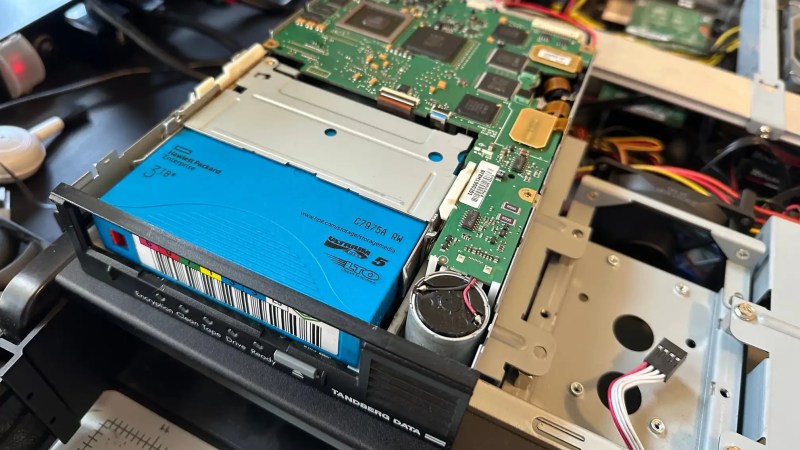
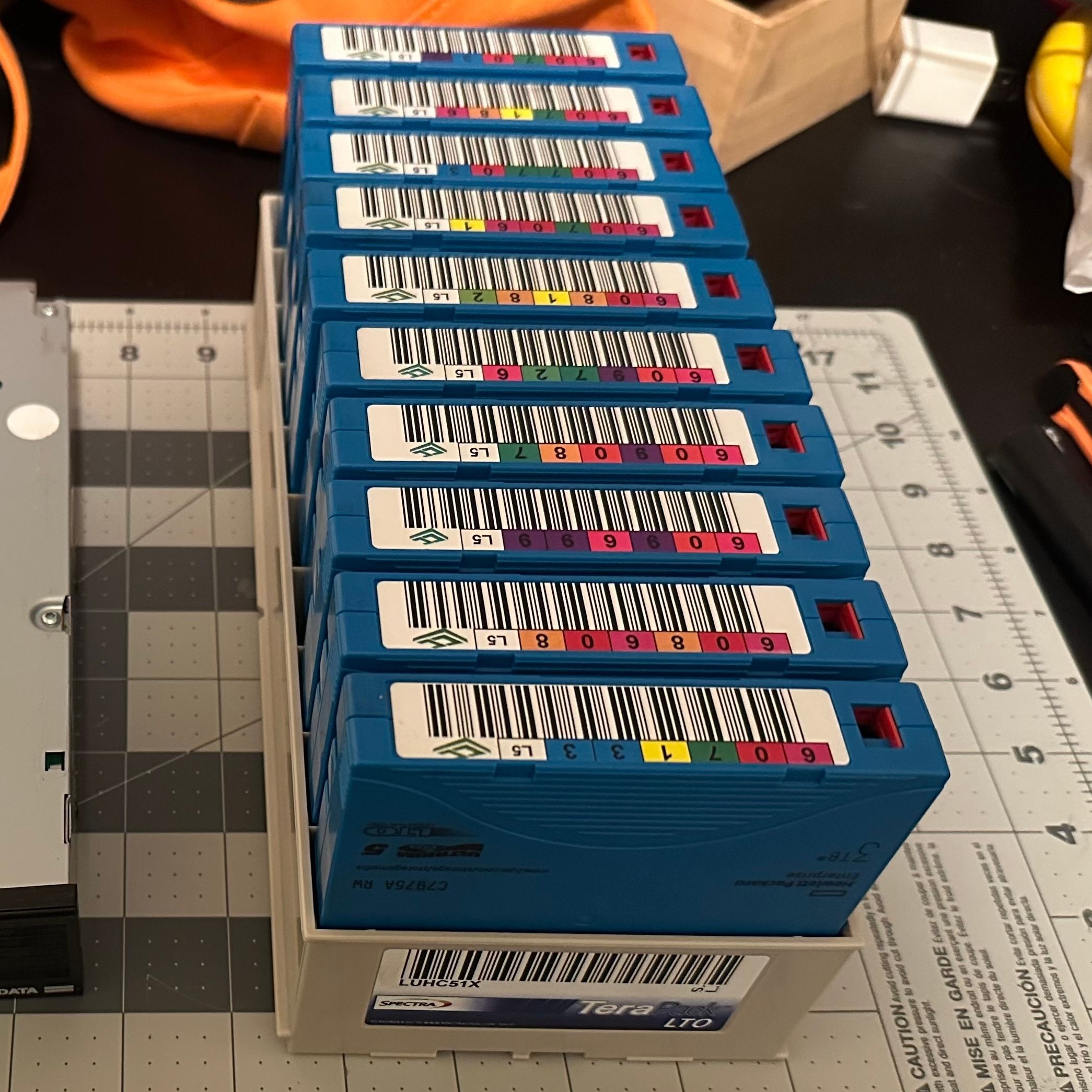
It’s one of the great mysteries of computing, how somehow in the Year Of OLlama 2026, tape remains the god of cheap storage. A while back [Ben Pettis] recounted his experience setting up an LTO-5 tape drive in his homelab, an experience which only becomes more relevant as hard drive prices stay high.
LTO-5 is already well out of date in the professional world, after all– a new server install would be debating the merits of LTO-9 versus LTO-10, but for the homelab it’s a matter of what’s affordable on the used market with decently-sized cartridges. If you can live with 1.5 TB of uncompressed data on a roughly palm-sized Linear Tape, Open cartridge then LTO-5 could be good enough. Yes, the tapes are advertized as 3TB, but that’s assuming a 2:1 compression ratio on the data, which you’re not likely to get on the photos and video that make up much of a data horder’s storage. That’s one thing [Ben] was quick to clear up for us. He also detailed his adventures with the cheaper-to-buy fiber channel model of drive.
The label would have you believe this box stores 30 TB.
Tape drives usually come with an SAS or fiber channel interface– fiber channel being, you guessed it, an optical solution unlike the SCSI-like SAS connection you may be familiar with for block storage devices. With a PCIe adapter it’s not hard to set up, provided you get the cables the right way around! That’s another detail we’re glad [Ben] shared so we can find it again if we have the same problem: with no switch in the circuit, you need a crossover cable to bring TX to RX. Which is obvious in retrospect, but obscure to those of us just learning about the standard.
The advantage, as [Ben] makes clear and everyone has always known is simply price. As of this writing, diskprices.com has 16$/TB as the lowest cost, while [Ben] was able to pick up lightly-used tapes on eBay for only 2$/TB. If you have a lot of data, those savings amortize the drive costs relatively quickly, since a used drive like [Ben]’s can be had for a few hundred bucks.

 Login
Login