❌

Reading view

There are new articles available, click to refresh the page.

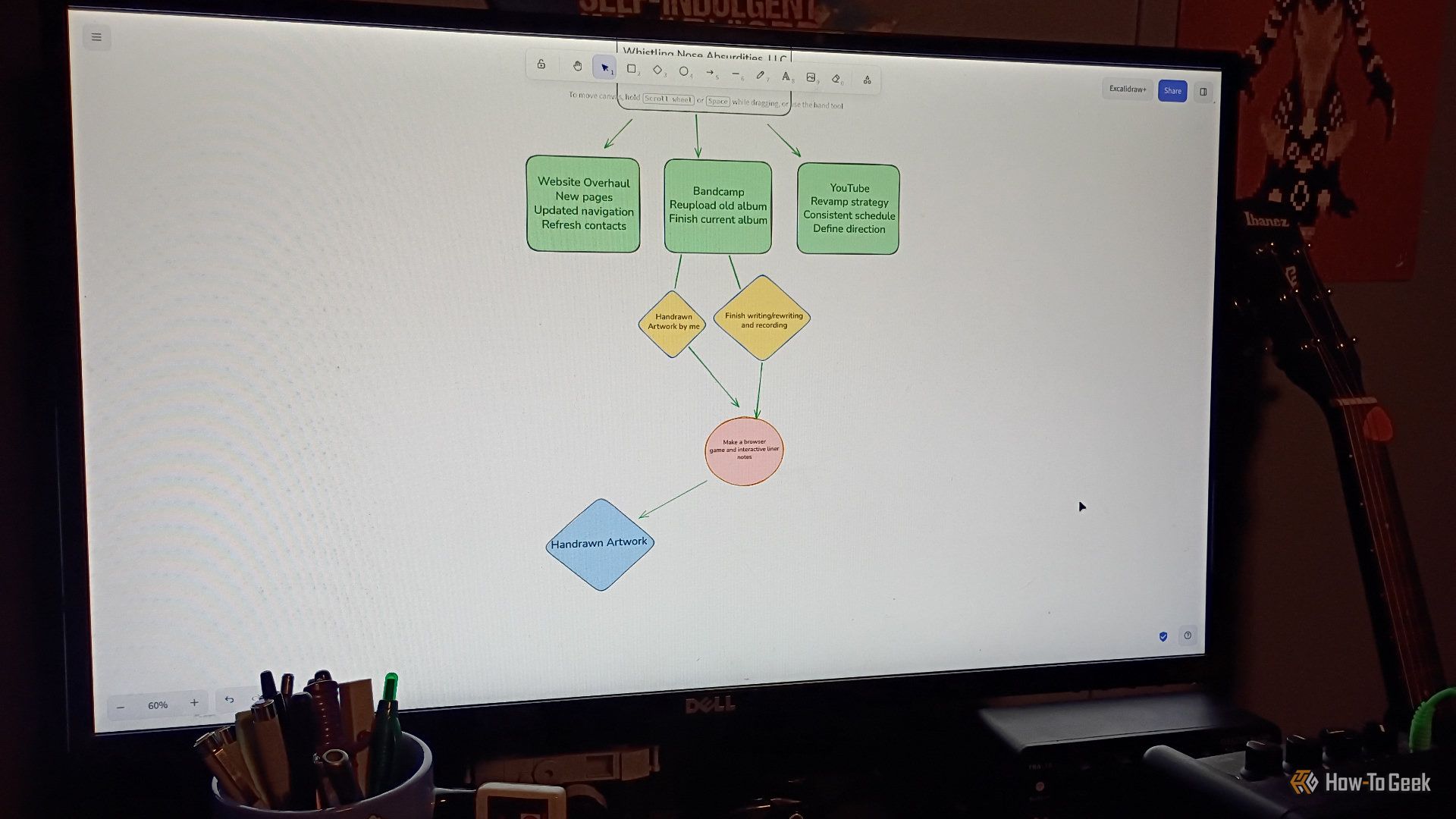
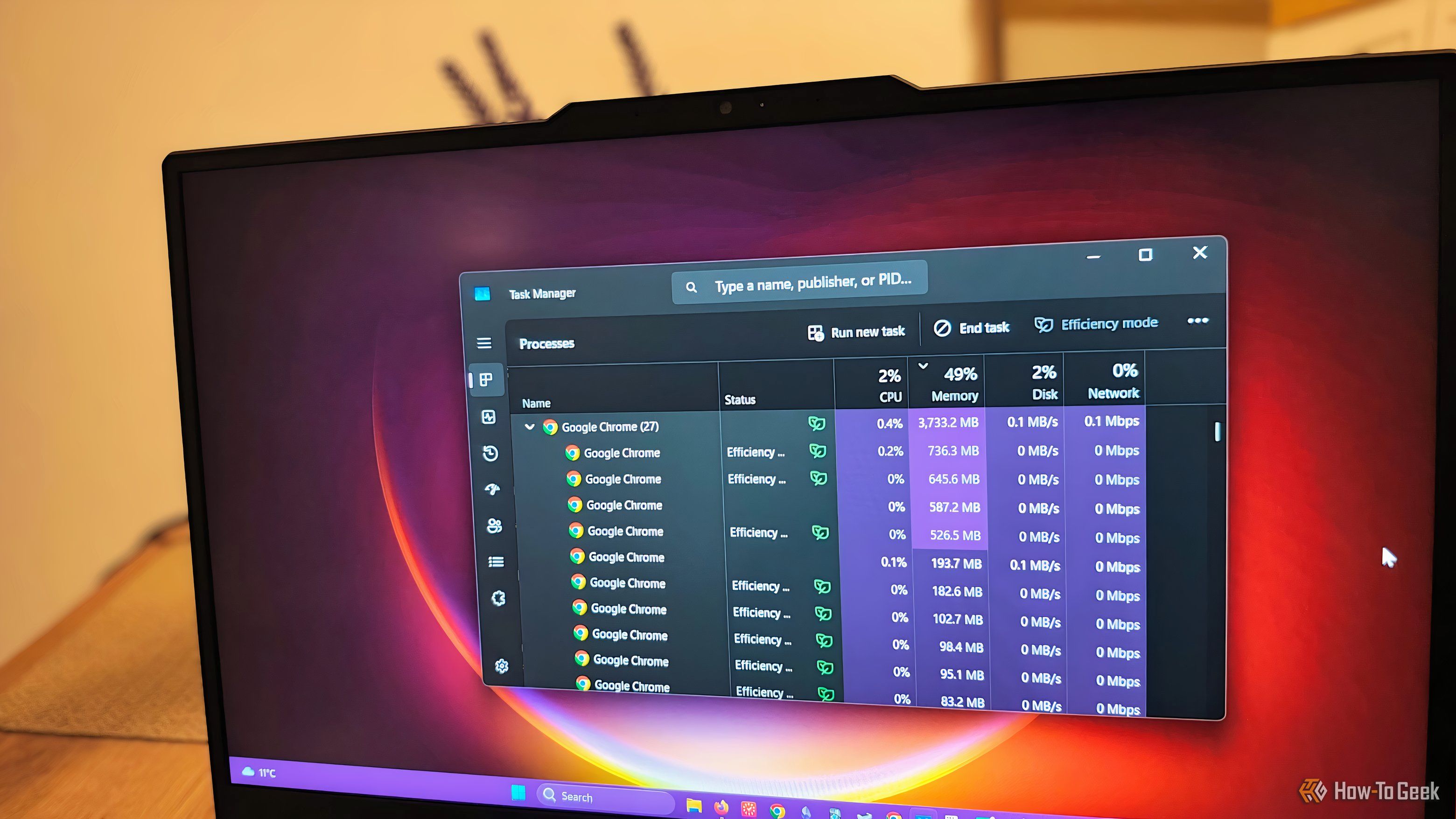
Hundreds of Chrome extensions were caught hijacking searches. Here's how to check yours

Installing a Chrome extension might feel seemingly harmless, but it could give someone else a peek at everything you search for online. You might be taking a detour you never signed up for. That’s what security researchers at Socket have uncovered β€” 319 Chrome extensions with a collective 13.4 million installations that push people’s searches through hidden servers before landing on Bing or Yahoo. Nothing looks alarming, which is why they stay under the radar.

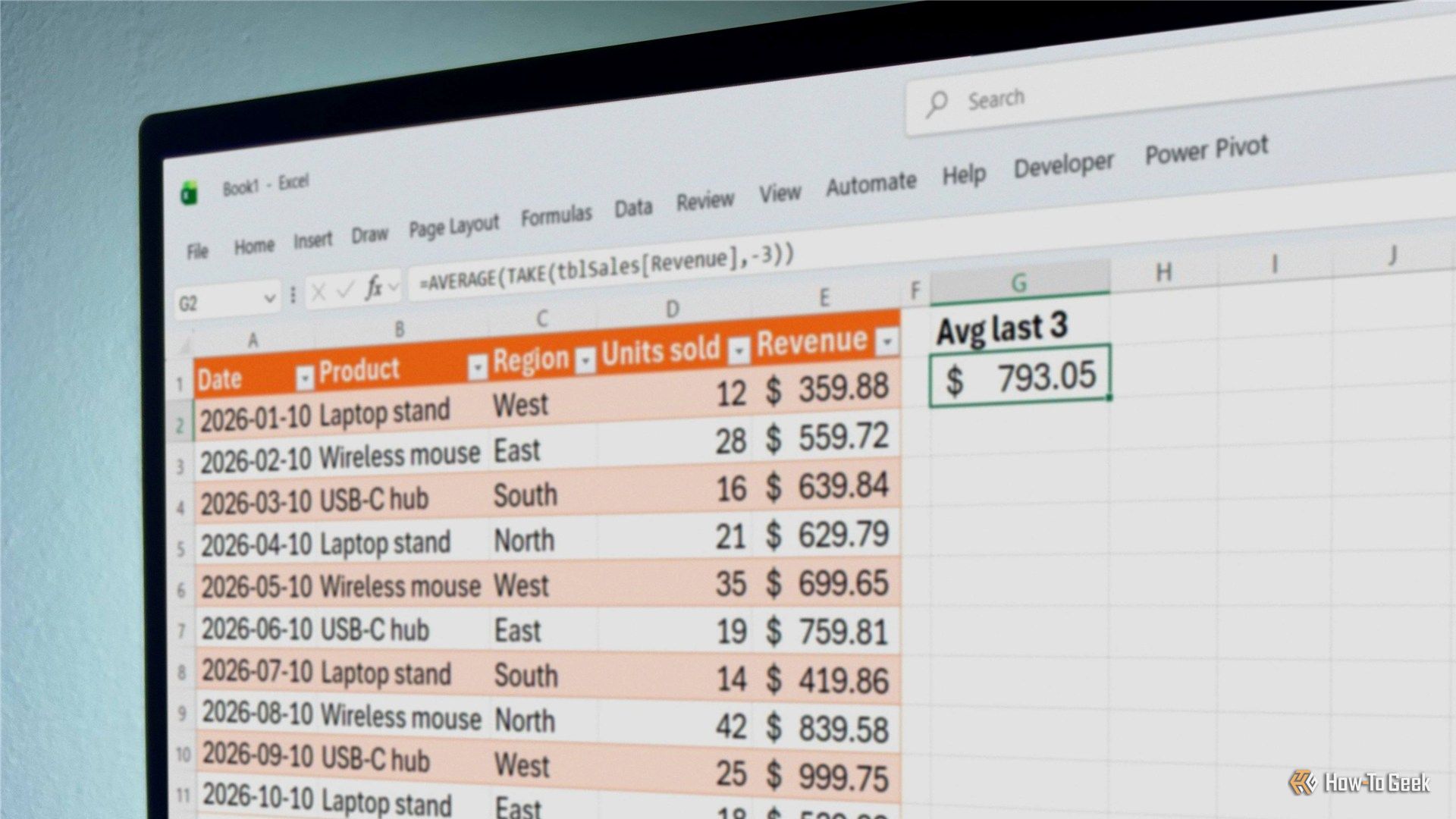
How to use the TAKE function in Excel

Ever found yourself copying a few rows from an Excel spreadsheet into another part of your workbook, only to repeat the whole process when your data changes? There's a better way. Excel's TAKE function lets you extract the rows and columns you need, so you can build focused reports that update automatically.

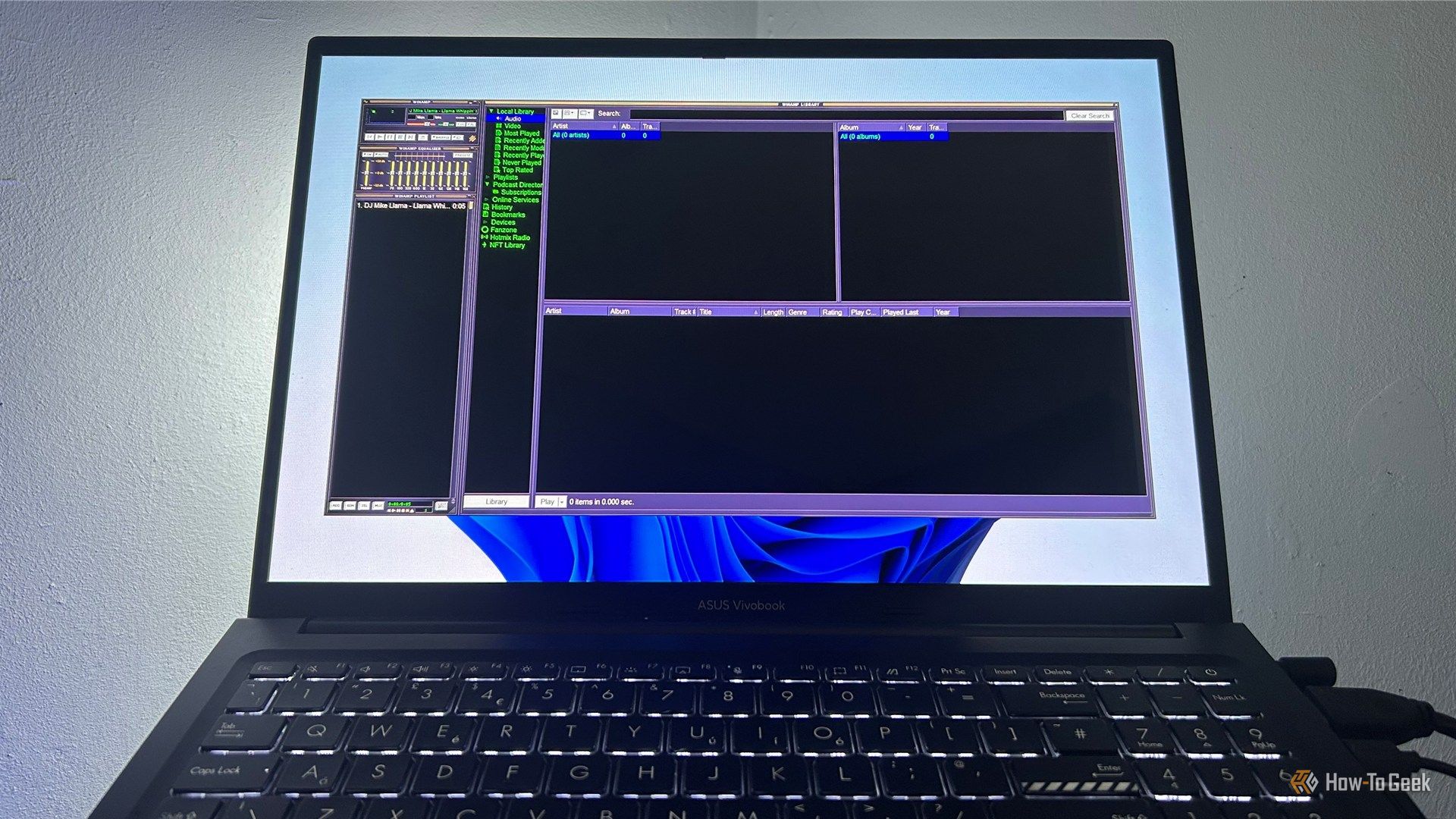
Microsoft didn't build these 5 apps, but they changed Windows forever anyway

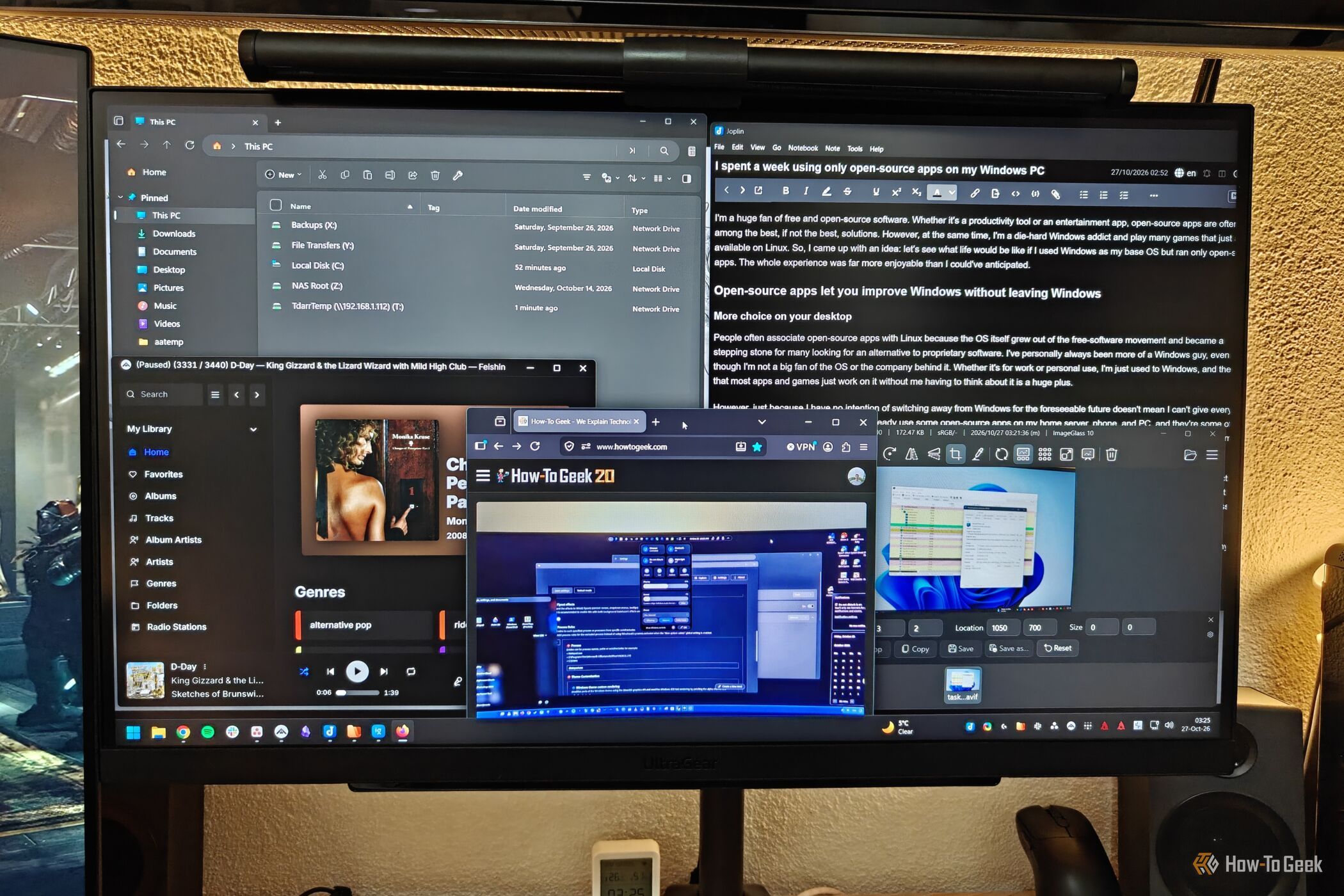
Windows is Microsoft's operating system, but that doesn't mean Microsoft gets all the credit for shaping the PC experience. Over the years, independent developers created apps that changed how people browsed the web, listened to music, watched videos, played games, and even interacted with Windows itself. These five did more than add another program to your PC: they changed what Windows users came to expect from it.

Forget Microsoft Word: Here's why I do all my writing in Markdown

I spent years writing everything in Microsoft Word. But over time, its cluttered interface, messy formatting, and sluggish performance began to distract me from what truly mattersβ€”writing. That’s when I tried Markdown. Its clean, distraction-free approach won me overβ€”and I haven’t looked back since.

How to use the TRIMRANGE function in Excel

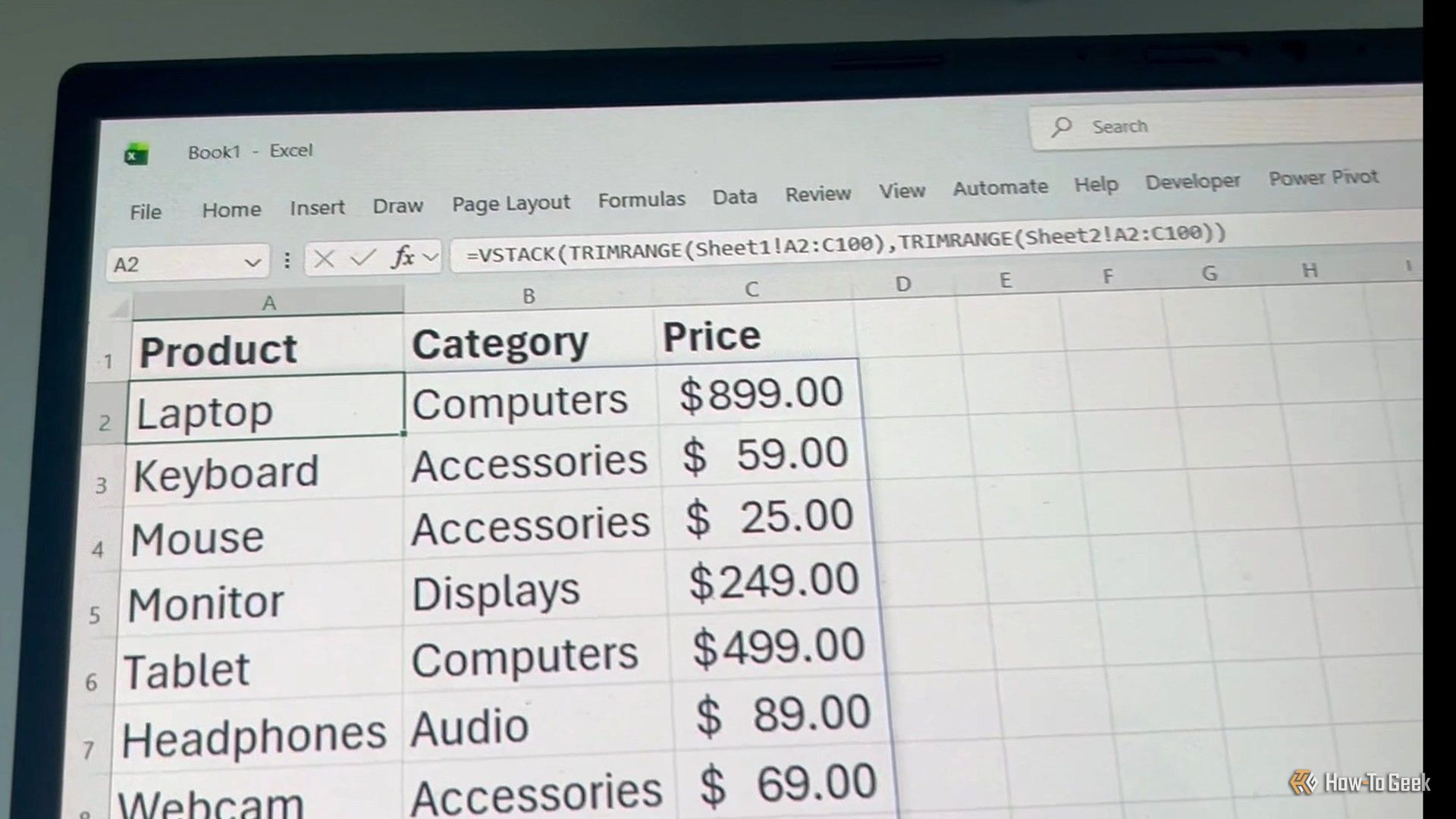
Excel has hundreds of functions, and nobody needs to know them all. But a few are worth keeping in your back pocket because they save you headaches as your data changes. TRIMRANGE is a great example. When you build a spreadsheet that's going to grow, you usually leave room for data you haven't entered yet. Those empty cells can turn dynamic array results into a mess, but TRIMRANGE quietly trims the blank edges off a range and keeps things tidy.

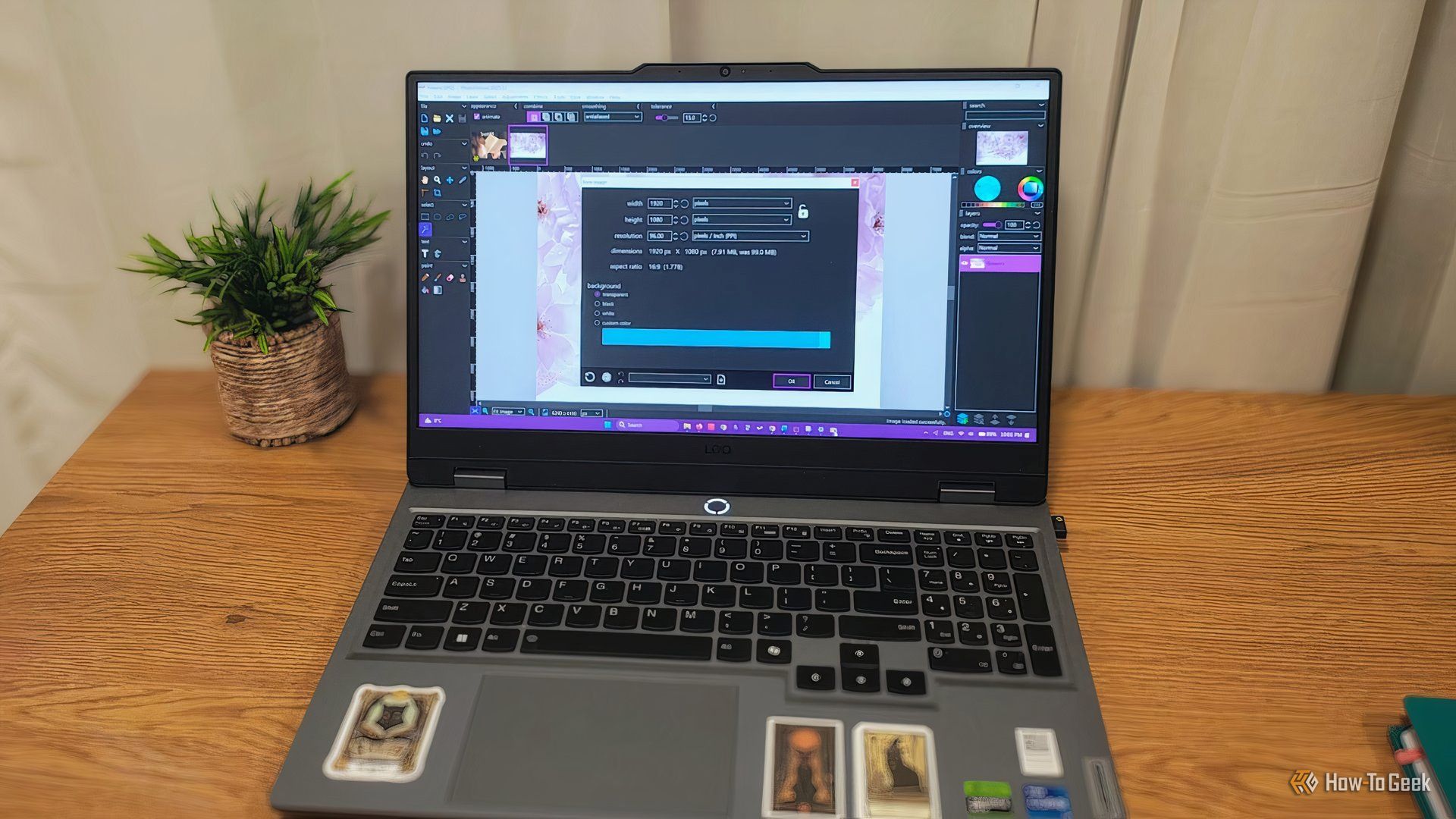
Adobe wants $840 a year for Creative Cloud. This open-source project is recreating it for free

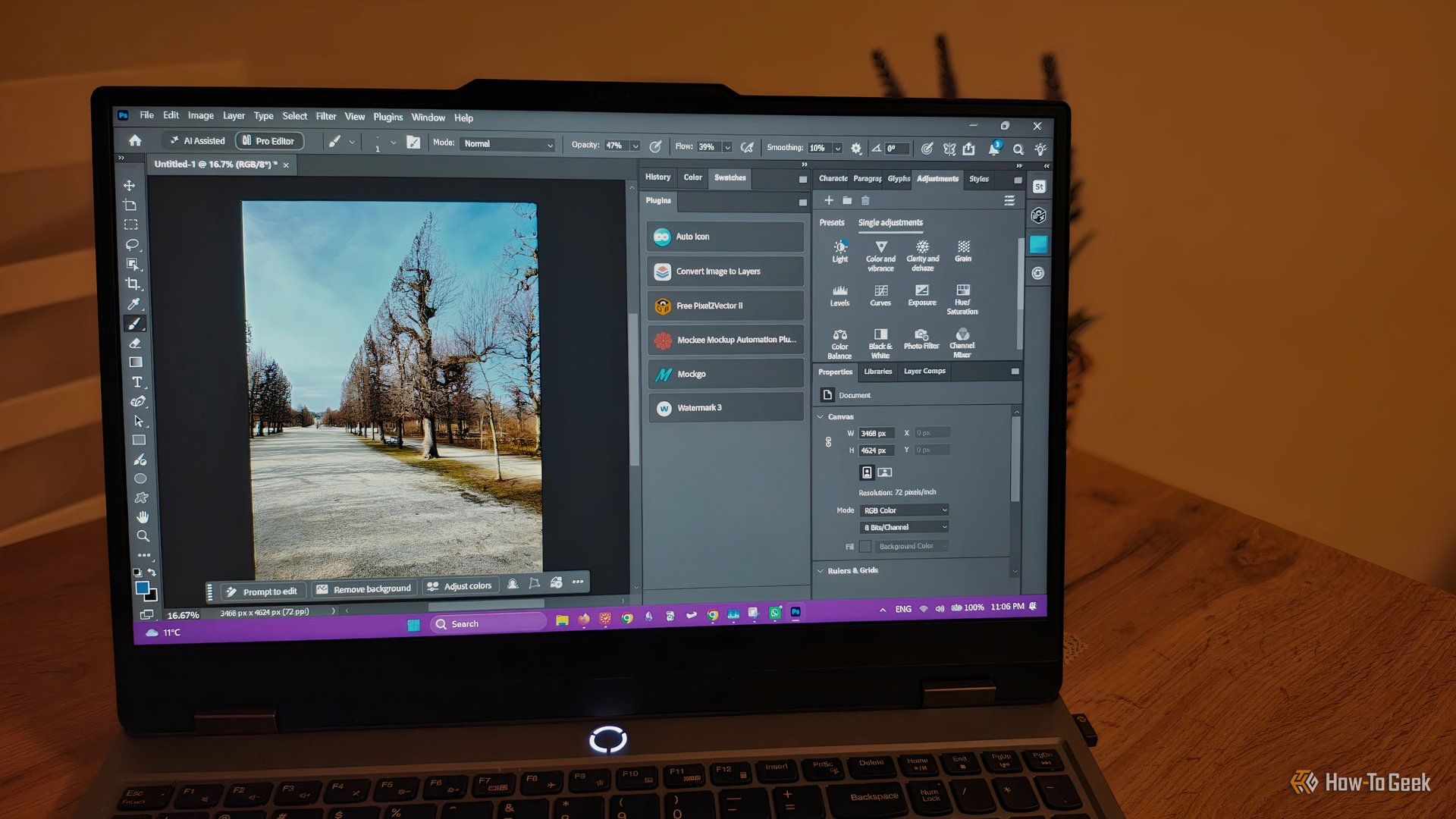
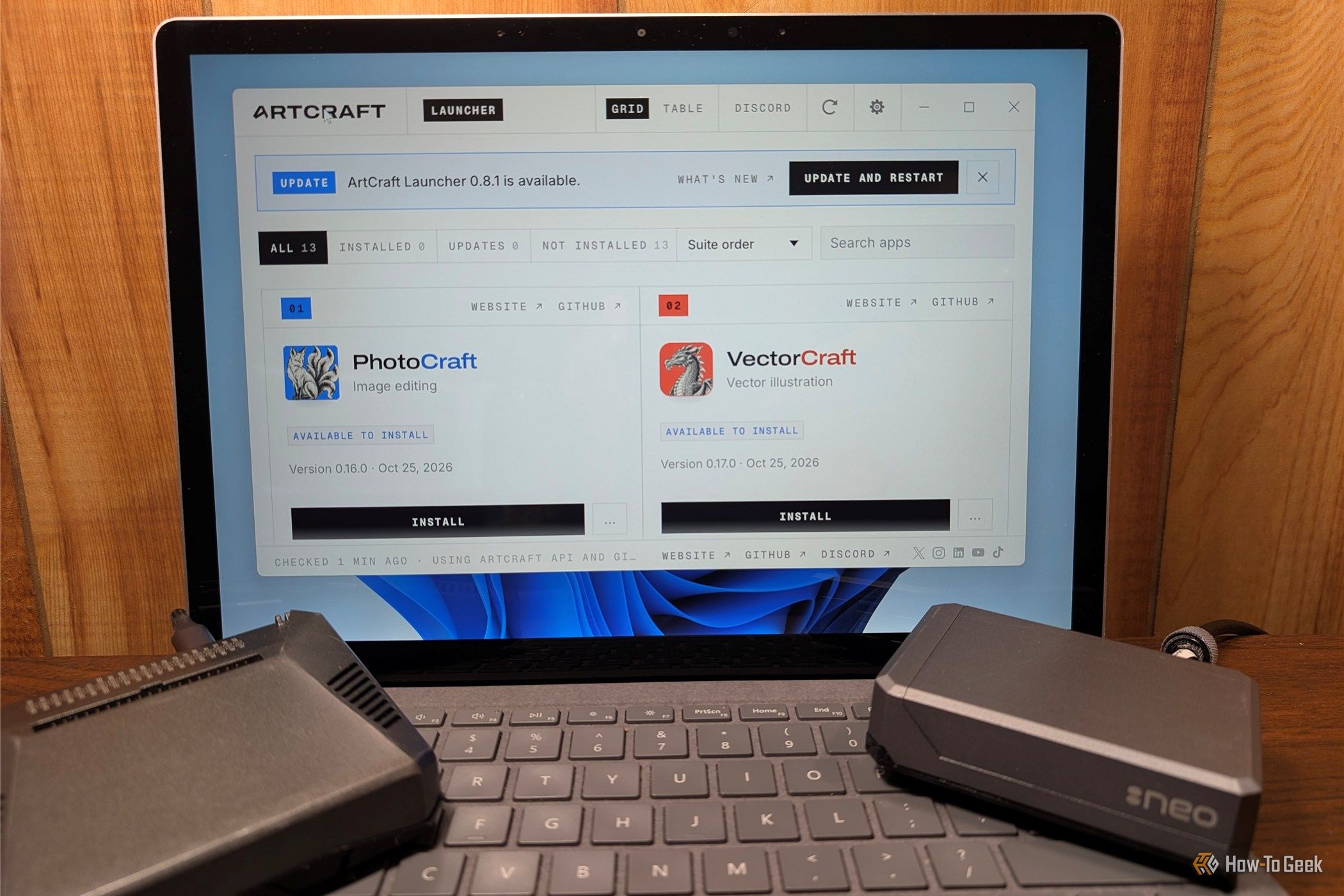
Adobe Creative Cloud offers some of the best applications for creative jobs. The only drawback? You have to pay up to $70 a monthβ€”or about $840 per yearβ€”to access them. There are first-year promotions available, but even those add up to about $740 per year. That is a big commitment, especially considering the annual subscriptions come with hefty early termination fees.

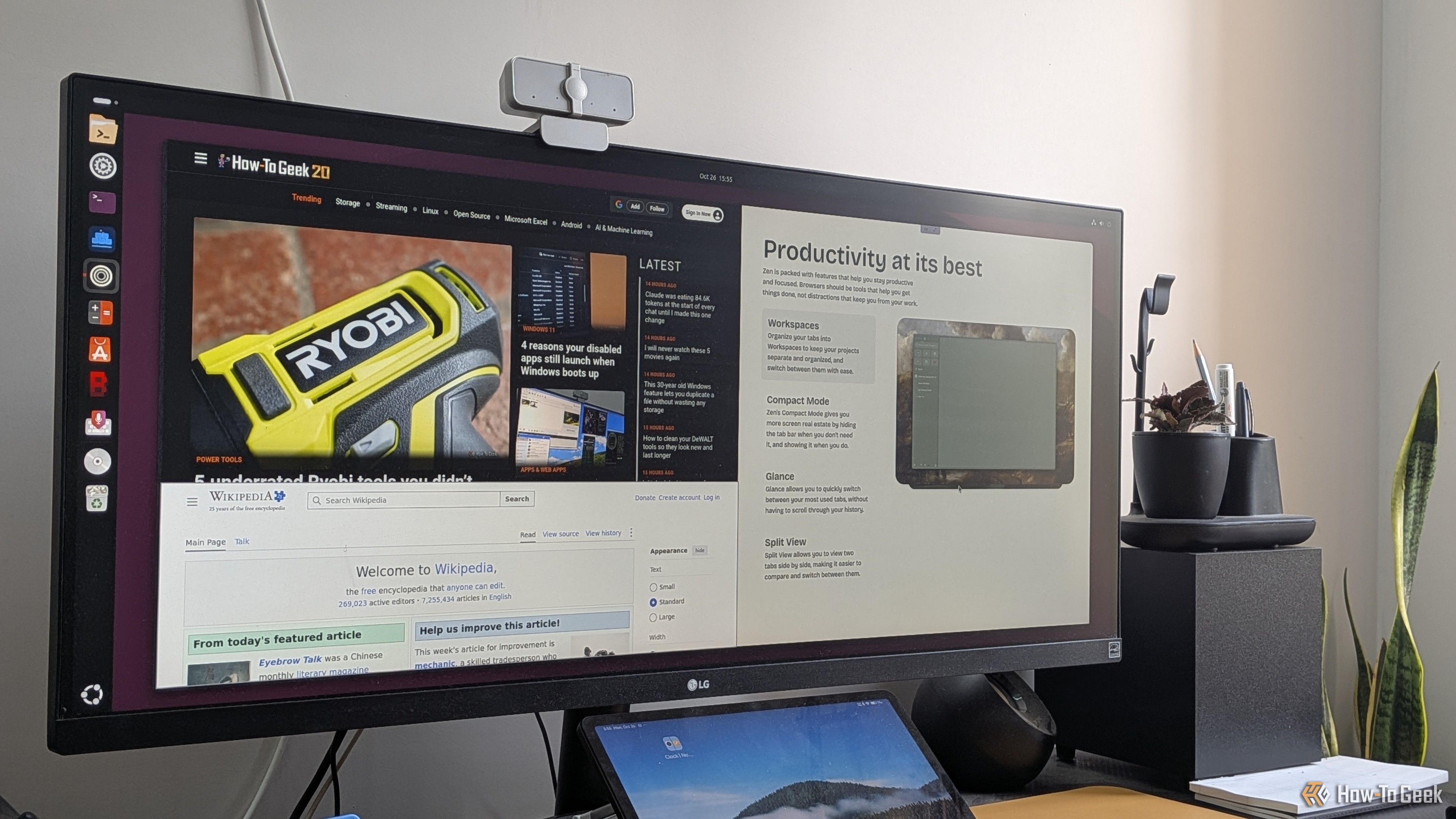
I finally tried the best Linux web browser, and it’s my new default

Almost everything I do on my PC happens inside the browser, to the point that I feel like my operating system is basically a bootloader for my browser. Now, when you have an app that’s so central to your workflow, it’s natural to get a bit picky about it. Thankfully, Firefox has been more than enough as my daily driver for over a decade. Sure, I occasionally experiment with other browsers to see what’s out there, but I’ve always returned to Firefox β€” that is, until now.

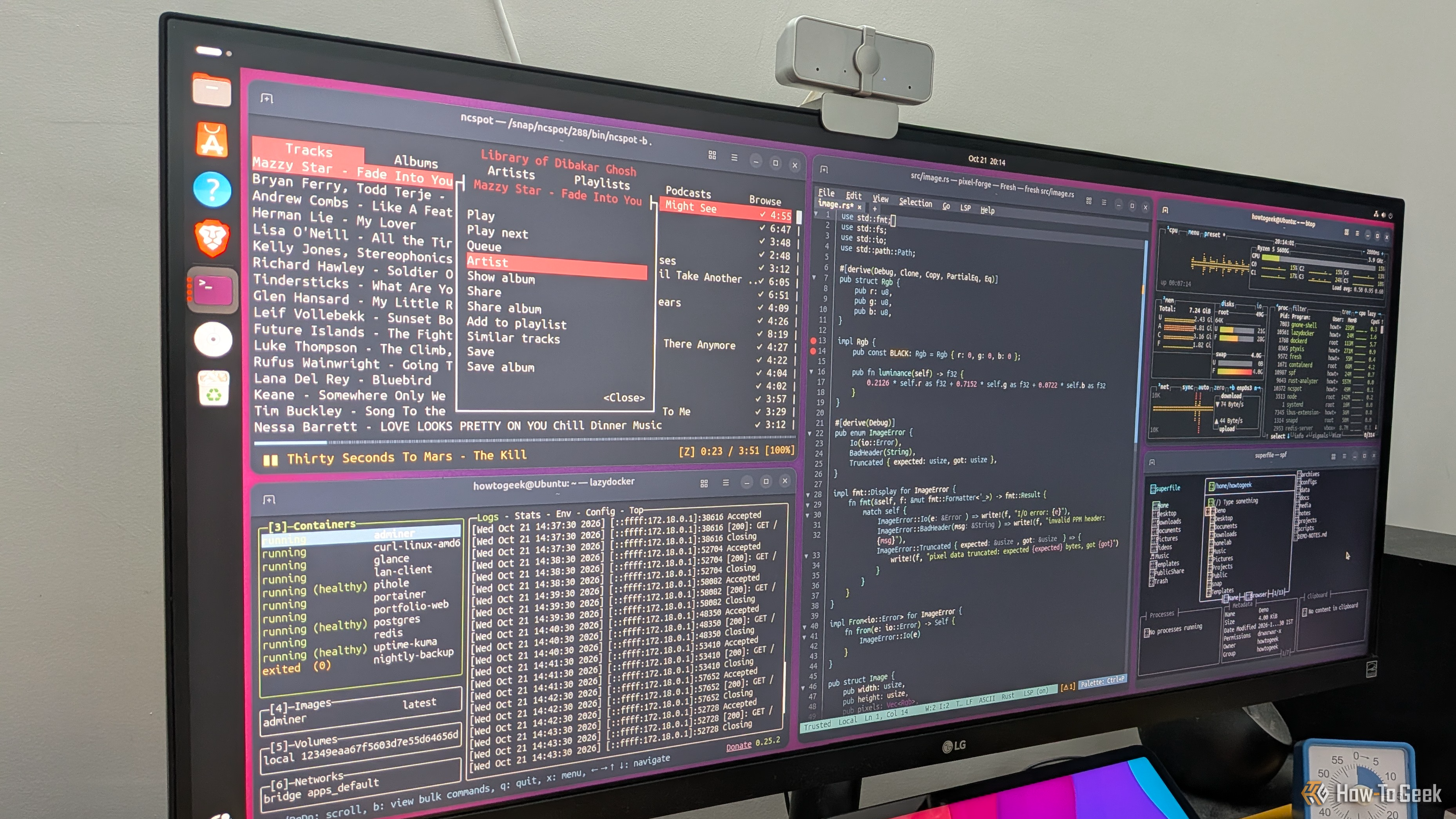
I ditched desktop apps for these 5 Linux terminal apps, and I’m not going back

Terminal apps have a reputation for being too minimal, confusing, and useful only for technical workflows. And while that might have been true a few years ago, modern terminal apps are a lot more intuitive and functional, covering plenty of everyday computing use cases. This makes them excellent lightweight alternatives to typical desktop apps. In fact, here are five TUI (terminal user interface) apps that have completely replaced GUI (graphical user interface) apps in my workflow.

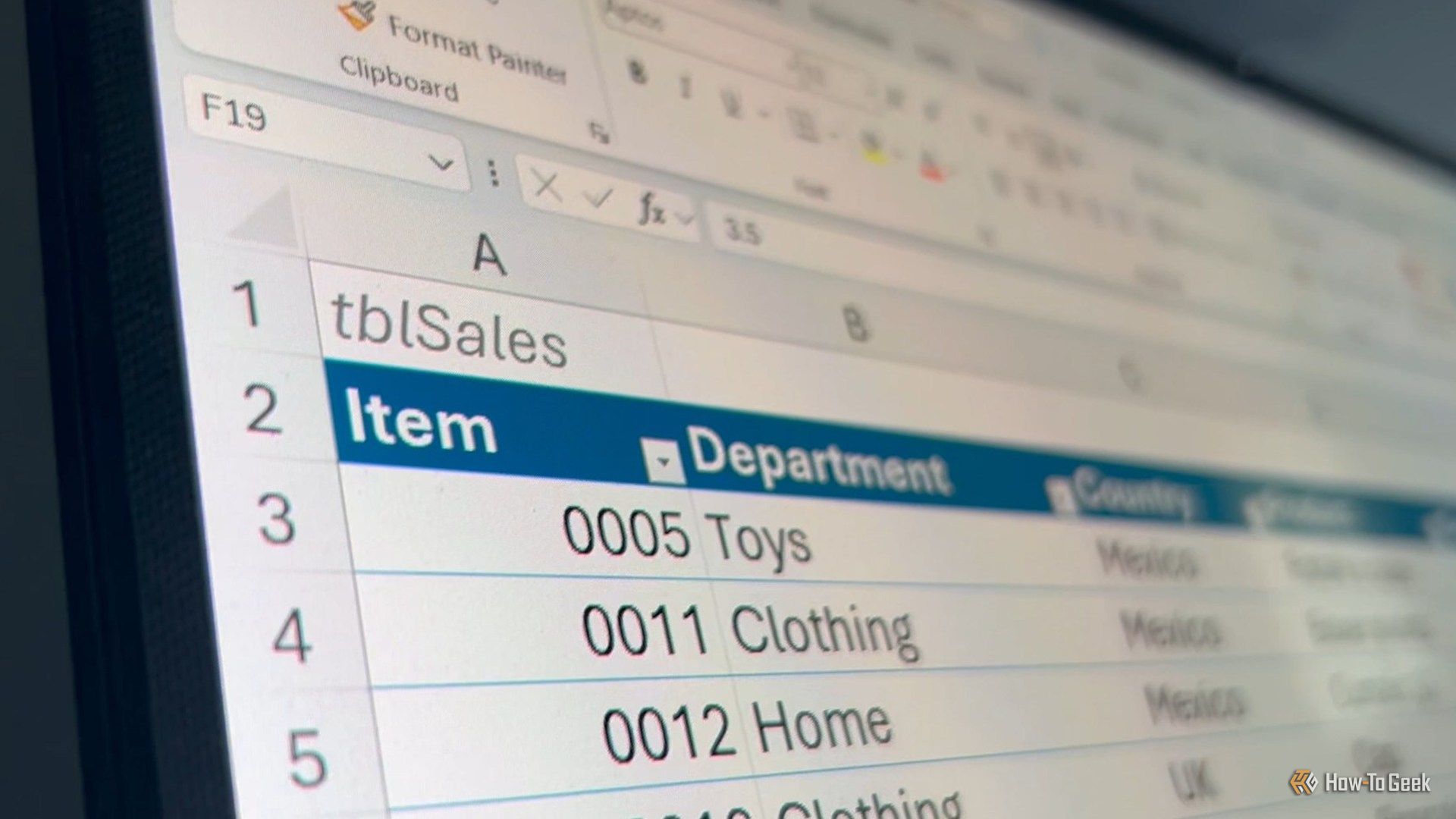
I've always recommended naming Excel tables, and Microsoft just removed the annoying part

Microsoft has spent what feels like years pushing Copilot updates into Excel, but for me, it's the little usability improvements that make the biggest difference when you use the app every day. A small change to a dialog box can save you a few clicks, remove an annoying extra step, or make a good habit easier to stick to. One recent change to the way Excel creates tables is a good example, and it's something I've wanted for years.

❌