❌

Reading view

There are new articles available, click to refresh the page.

Why Windows 11 still feels chaotic 5 years later

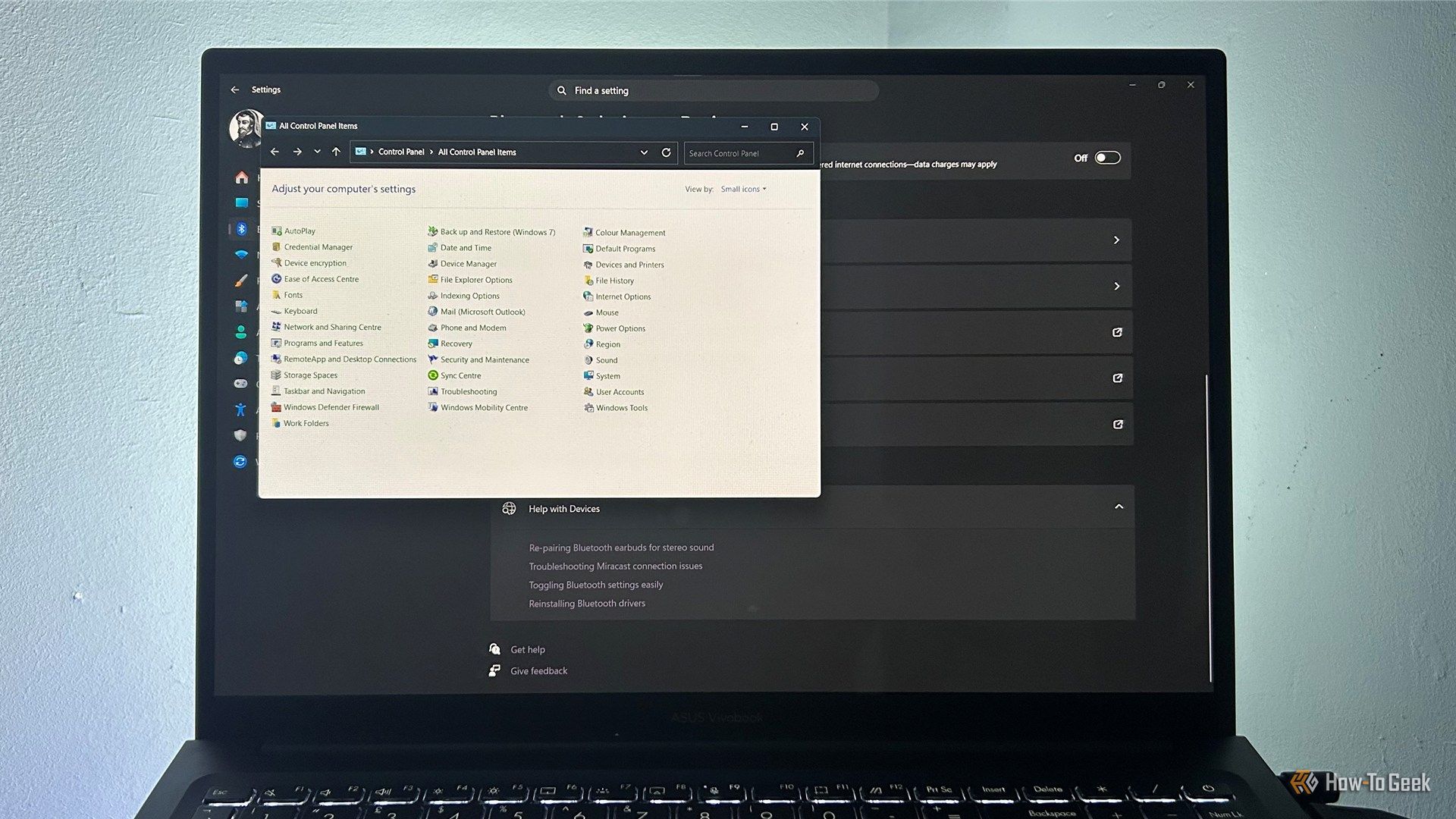
Windows 11 looks considerably more modern than its predecessors, with a redesigned Start menu, rounded corners, and a Settings app that brings many controls together. But spend enough time using it, and the fresh coat of paint starts to give way to familiar bits of older Windows. From legacy Control Panel windows to context menus that feel like they belong to another era, the operating system doesn't always feel like one joined-up experience.

Windows 11 is finally giving you more control over which apps can access your camera and microphone

For years, Windows 11 has handled camera and microphone access for desktop apps like a master keyβ€”flip the switch and every program gets in, or none do. Microsoft is finally working on a solution for the latest Windows 11 Insider build. The new privacy controls allow you to decide which desktop apps get to use your camera and microphone, one at a time. If you use an Android phone, you'll find the per-app permission settings feel familiar. This matters because camera and microphone access can reveal more than you might expect across varied software.

The Oldest Windows App To Still Run On WIndows 11

In the open source world we are used to software being compiled from source for our particular distro, so while in a few cases an ancient release may still be in use, it’s just going to run on the latest distro version. But in the Windows world it’s rare for software to come with the source, so you’re left with a binary that will only run if your Windows version has the right APIs for it. Since the more recent versions of Windows dropped 16-bit support a while back, that means there must be a hard date set on the earliest Windows GUI application that can still run today. [Enlyth] decided to investigate.

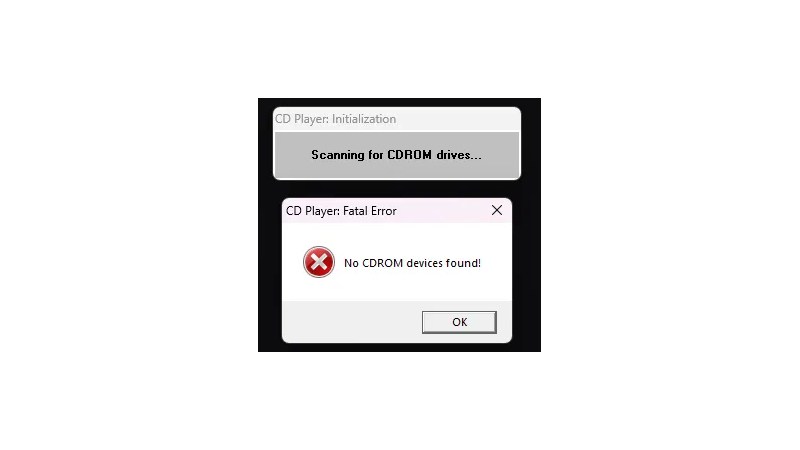
Given that the earliest API supported in WIndows 11 is the 32-bit version, the hunt led straight to either the first Windows NT release and ancestor of Windows 11, or the Win32s extension for WIndows 3.1. Thus a 1993 Win32S version of Freecell runs happily, but that want’s the end of the trail. Somewhere in the pre-release builds of Windows NT 3.1 would be the requisite binary, but there’s a snag. Early Windows NT 3.1 APIs were incompatible with later ones. This led through a lot of crashing binaries to a November 1992 version of the CD player app, that ran because it called a DLL which happens to still be present. The need for another DLL to emulate a CD drive speaks volumes about the progress of the PC world, back then they were the last word in storage but who’s got one now?

That’s the earliest official binary to run, but the story’s not quite over. Windows 11 may not have a VDM to run 16-bit apps, but there’s a WINE VDM for that. Behold, Reversi from Windows 1.01 in November 1985, in Windows 11. Your ancient software may yet be saved.

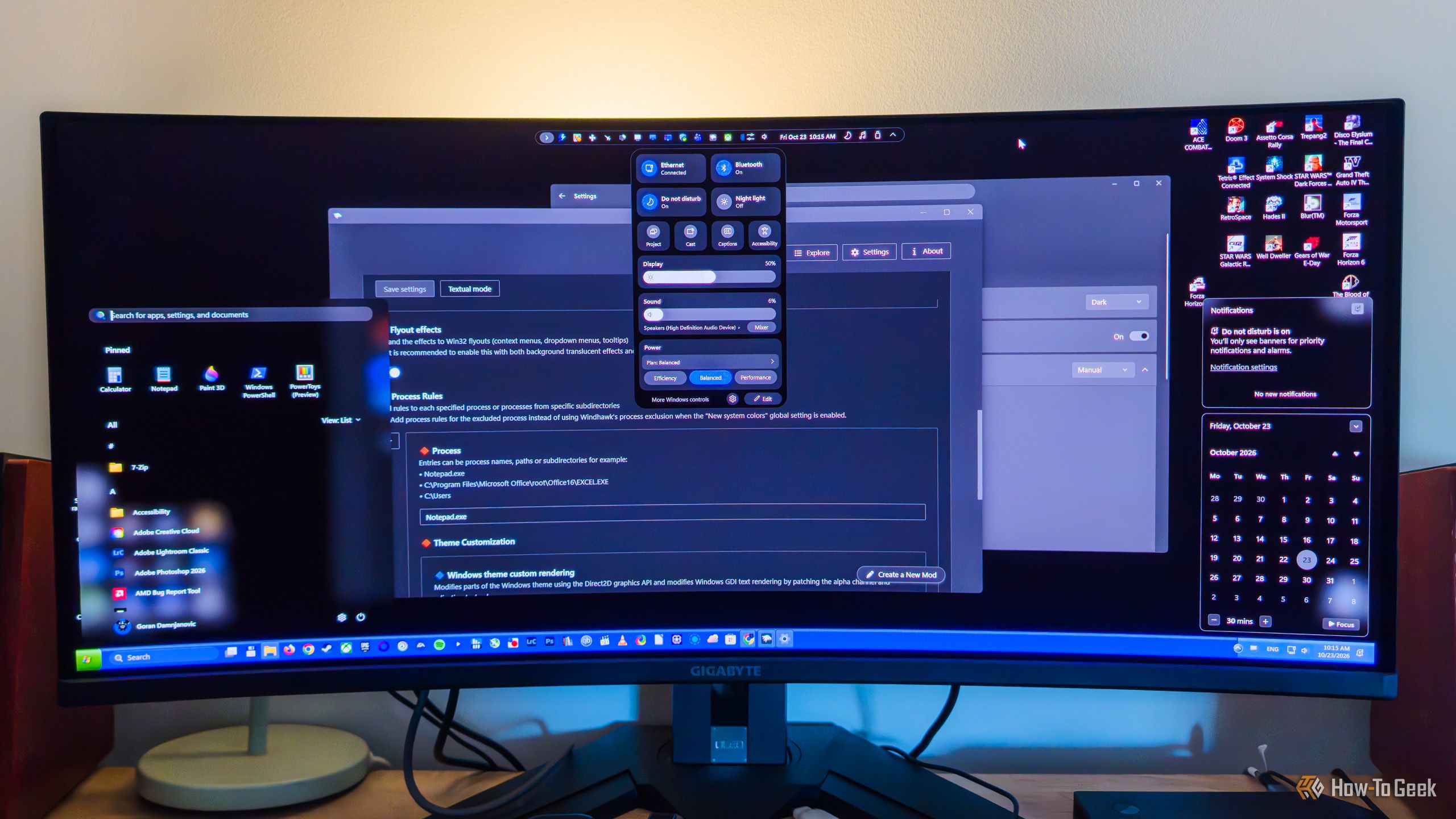
Windows modding is back, and the open-source tools are better than Microsoft's own

While PowerToys is a fantastic open-source tool made by Microsoft, its Windows modding capabilities are fairly limited. When it comes to built-in Windows modding options, you can do stuff like bring back the Windows 10-style right-click menu (via Registry Editor), toggle transparency effects, use a limited selection of custom themes, finally move the taskbar again, and a few other things, which isn’t that bad considering they’re all available right from the get-go.

Windows gets dangerous when you disable these 6 features

Windows has a habit of getting in your way just when you're trying to get something done. Whether it's an update at the wrong time or a driver that refuses to cooperate, you might be tempted to disable a security feature and call it a day. Before you do, though, there are six Windows features you should think twice about switching off.

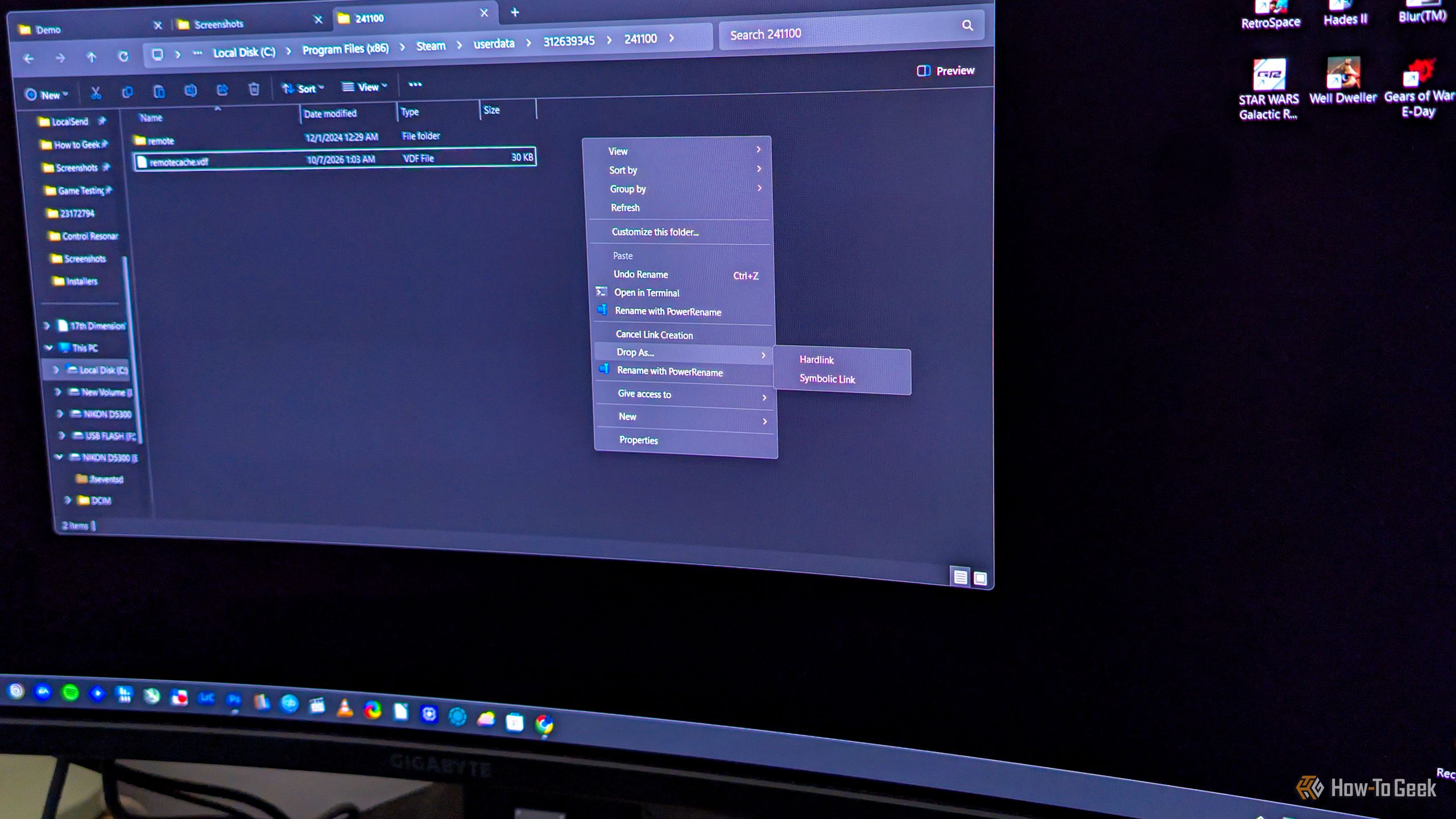
This 30-year old Windows feature lets you duplicate a file without wasting any storage

Say you want to copy a file to another folder on your Windows PC, but not for backup purposes. If you just want to have the same file appear in multiple folders, you don’t have to copy it the usual way, where each copy takes up the full amount of storage space. What you can do instead is hard link it, which makes the same file show up in another folder, indistinguishable from the original, with the benefit of this β€œcopy” not using any extra storage.

I can use these 3 essential apps on any Windows PC without installing anything

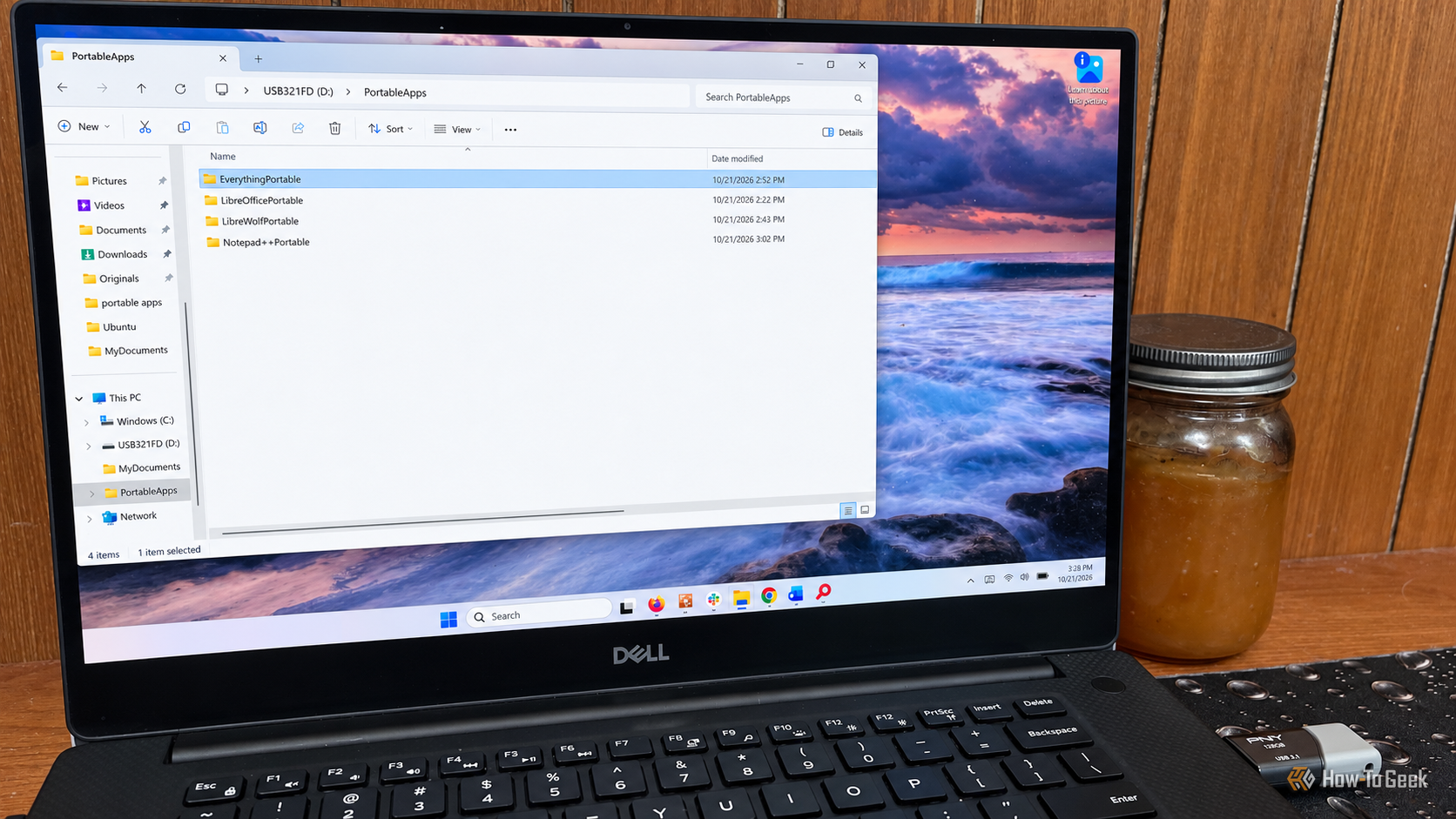
I have a number of Windows computers around my home. Some are media centers, others handle my outdoor cameras and smart home, and some are just for basic office work. I’m also the person in my circle of friends and family who gets the call when there is a technology problem. Basically, this means I’m working on other people’s PCs pretty frequently. I don’t particularly enjoy having to install the same group of apps on every machine I’m working on, especially when the PC isn’t mine. Having portable apps on my thumb drive means I don’t have to.

6 File Explorer settings I always change on a fresh Windows install

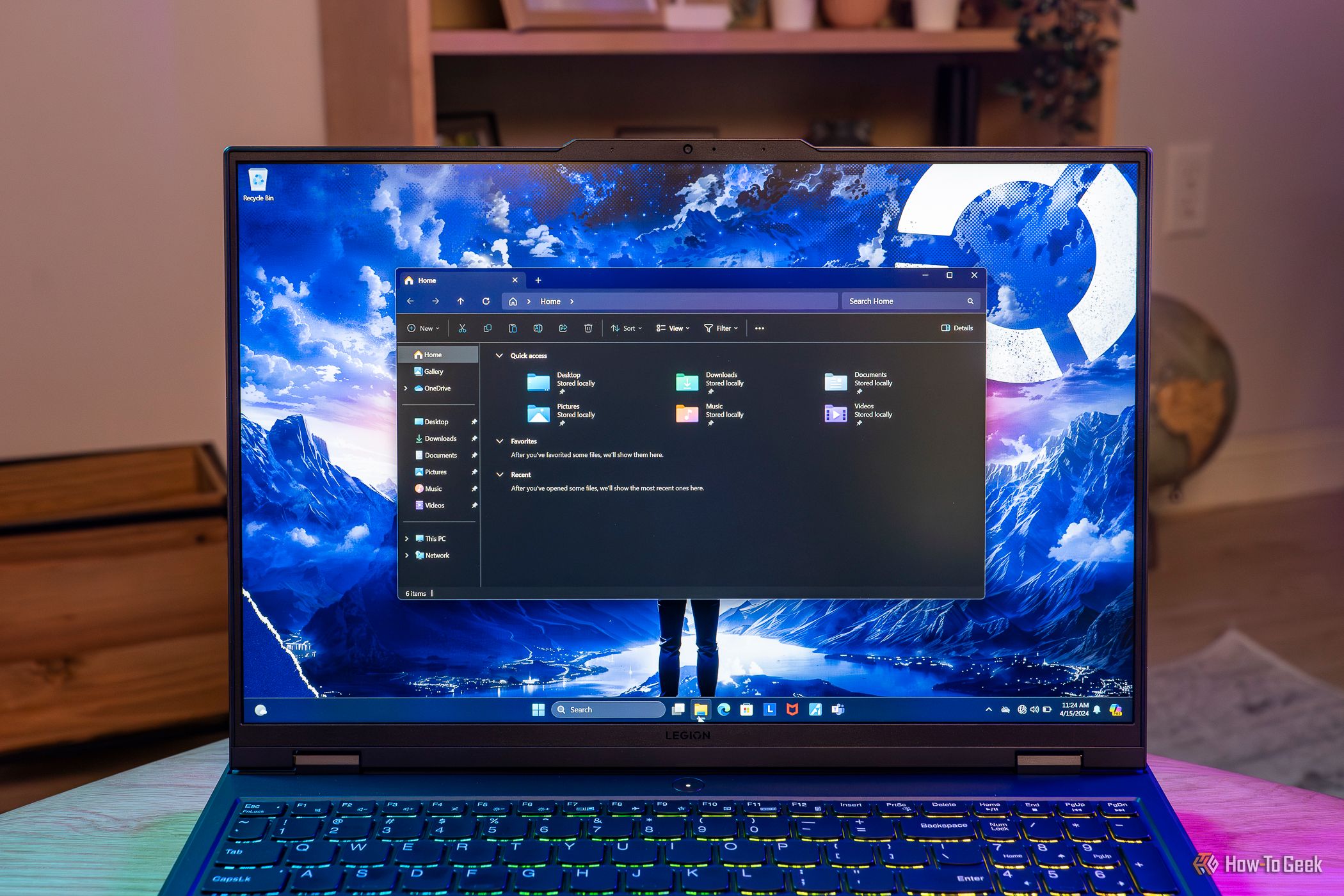
Although its reputation has taken a hit in recent years, File Explorer is still a decent file manager, especially if you use it as an auxiliary option alongside your main one. In my case, Total Commander has been my Windows file manager of choice for more than two decades, but I’ve been using File Explorer more and more lately since it’s generally better suited for working with images, and I juggle tons of them every day.

❌