Reading view

There are new articles available, click to refresh the page.

4 reasons my cheap Android TV box will outlast your Fire TV Stick

Years ago, I bought an Android TV box so I wouldn't have to replace the TV in my bedroom with a smart TV. At the time, it seemed like a cheap and simple solution. All I had to do was plug the box into the TV, connect it to Wi-Fi, and I had access to all the streaming apps I needed. What I didn't expect was that I'd still be using the same box years later, even while newer streaming devices have come and gone.

Purely Random TV In Your Browser

One of the things we used to appreciate about broadcast television is that… you kinda just got what you got. You didn’t have to choose beyond picking a channel, and then you settled in to imbibe whatever media the CRT was spraying at you. A vague recreation of part of this experience is now available, in the form of [Sergei’s] RND.TV.

The concept is simple enough—it’s a webpage that plays random videos from The Internet Archive. Each session draws videos from a random sequence, with no algorithm or fancy social media nonsense to push some videos over others. As you might expect, you’re in for lots of random and weird stuff, from old Army videos to middle-school basketball games. You can swipe to flick to a different “channel” if you don’t like what’s playing, or you can mark videos you like if you fancied what came up in the random feed. You can also use your phone as a remote if you want to sit back and flick channels like it’s the 90s again or something.

We’ve featured other projects in a similar vein before—like little TVs from The Simpsons that play episodes on repeat. Sometimes, it’s fun to just avoid the paralysis of choice, and a random stream of content can provide that relief. Or, alternatively, you could always hook up your TV to an antenna and watch free-to-air… it’s still out there, for those that wish to view it!

You already own a Blu-ray player, so start building a physical media collection today

Streaming may have made physical media feel obsolete, but that doesn't mean there's no reason to start collecting Blu-rays. In fact, owning your favorite movies and shows on disc can still offer some major advantages, from better picture quality and reliable playback to the simple peace of mind that comes with actually owning what you want to watch. You also don't necessarily need to spend hundreds of dollars on a dedicated Blu-ray player to get started.

I spent hours troubleshooting my TV until I found an outdated cable hiding behind it

I recently hooked up an old PC to my TV, expecting it to be the perfect way to turn my living room into a makeshift gaming setup. The hardware was more than capable, and both the PC and TV supported the refresh rates I wanted, so I assumed everything would work without a hitch. Instead, I was greeted by constant stuttering, flickering, and occasional black screens that made the whole setup feel broken.

Roku is destroying the clean home screen that convinced me to buy it in the first place

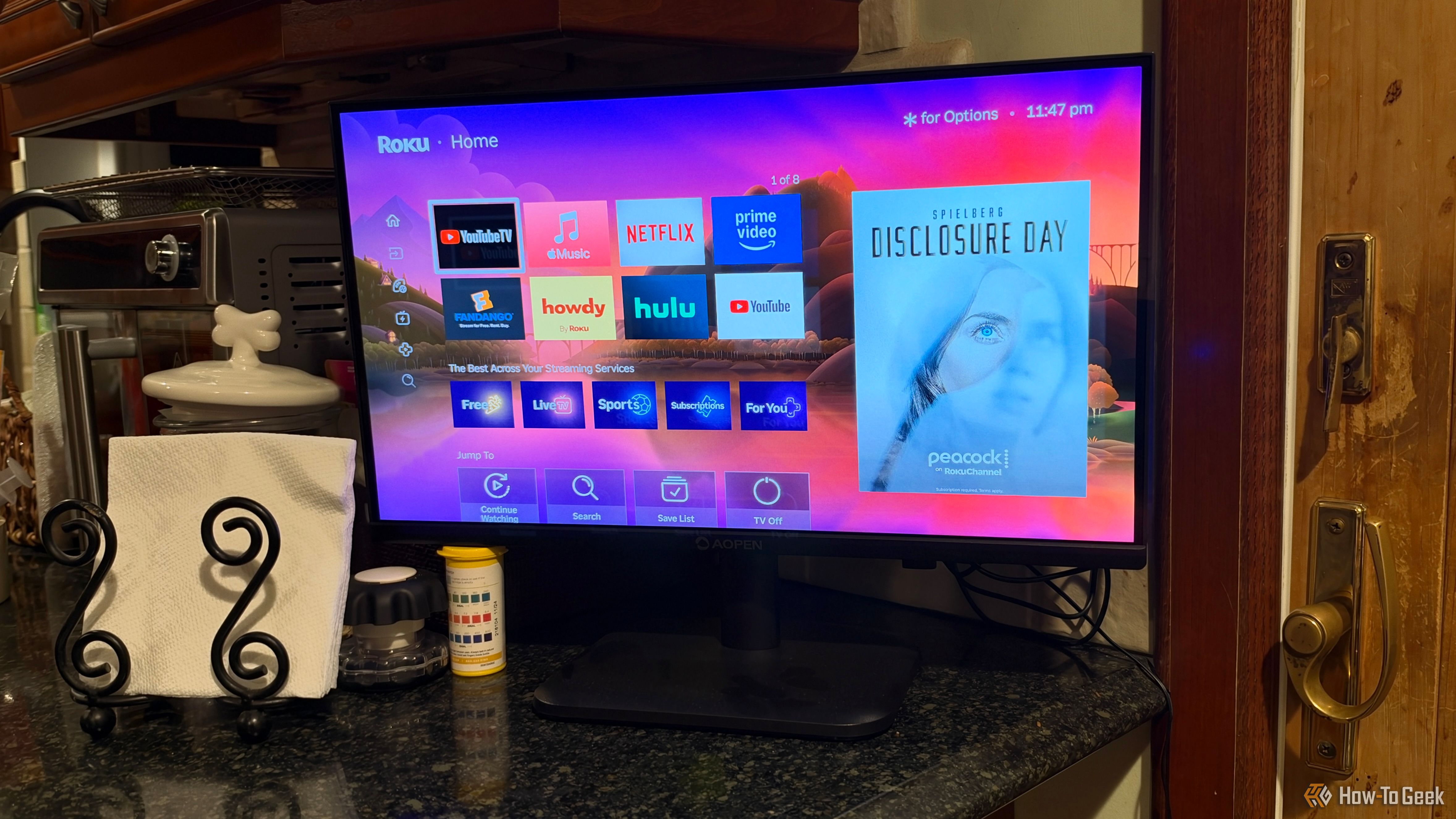
For a while, Roku felt like the one streaming platform that hadn't sold out. Ads were not invasive a few years ago, and the OS mostly stayed out of your way. If you've been a Roku user long enough to remember what that felt like, then you're probably disappointed with where the company is going. Roku is more than a way to start streaming, so it makes sense that the company wants more money. Unfortunately, it feels like we're just at the beginning.

Pangram’s Max Spero on why AI detection is harder than ‘Real or Fake’

The internet has a trust problem, and it’s not just because social media feeds are filling up with AI slop. AI-generated text and images are now making their way into job applications, product reviews, and even insurance claims, leaving platforms and users alike scrambling to figure out what’s real.  A handful of startups have cropped up in the past couple of […]

Get Your Monitor Transmitting VHF with a Browser Tool

If you’re intending to transmit on the VHF band, you’re probably going to reach for a handheld or some kind of rackmount rig in your ham shack. But you needn’t bother with all that complexity, when you can use the computer on your desk to spit out such signals using a simple browser tool from [Efe].

The concept is straightforward—[Efe]’s tool manipulates pixel clocks in order to create spurious transmissions from your computer’s graphics hardware. The math pencils out pretty easily—multiply the horizontal resolution by the vertical resolution by the refresh rate, while paying attention to the precise timing of the video standard your monitor is using, and you’ve got your transmission frequency. For example, for a screen displaying 1080p at 60 Hz, with the CEA-861 timing standard, your horizontal and vertical resolutions are 2200 and 1125 respectively when paying attention to the requisite blanking intervals. Multiply those by 60 hz, and you’ll find you’re creating a signal at 148.500 MHz. Leverage this by displaying the right pattern of black and white pixels to maximise changes in voltage state on the HDMI or DisplayPort lines, and you might create a strong enough signal that you can actually pick something up. [Efe] created a tool to display these patterns to send simple Morse code messages over VHF just by flickering your screen just right.

You can test the transmitter tool for yourself here, right in your browser. You’ll want to hold your radio’s antenna nice and close to the monitor to see if you can pick up much of a signal. After all, the monitor, connectors, and cable are all built to optimize for clear signal transmission to the display, while preventing signal from leaking out to interfere with surrounding equipment.

Of course, a fair warning—you’re not supposed to intentionally transmit on bands you’re not licensed for, even if it’s incredibly weak and unlikely for anyone else to notice in a scenario like this. Still, it’s an interesting project that shows you just how electromagnetic interference can leak out of just about anything under the right conditions.

❌