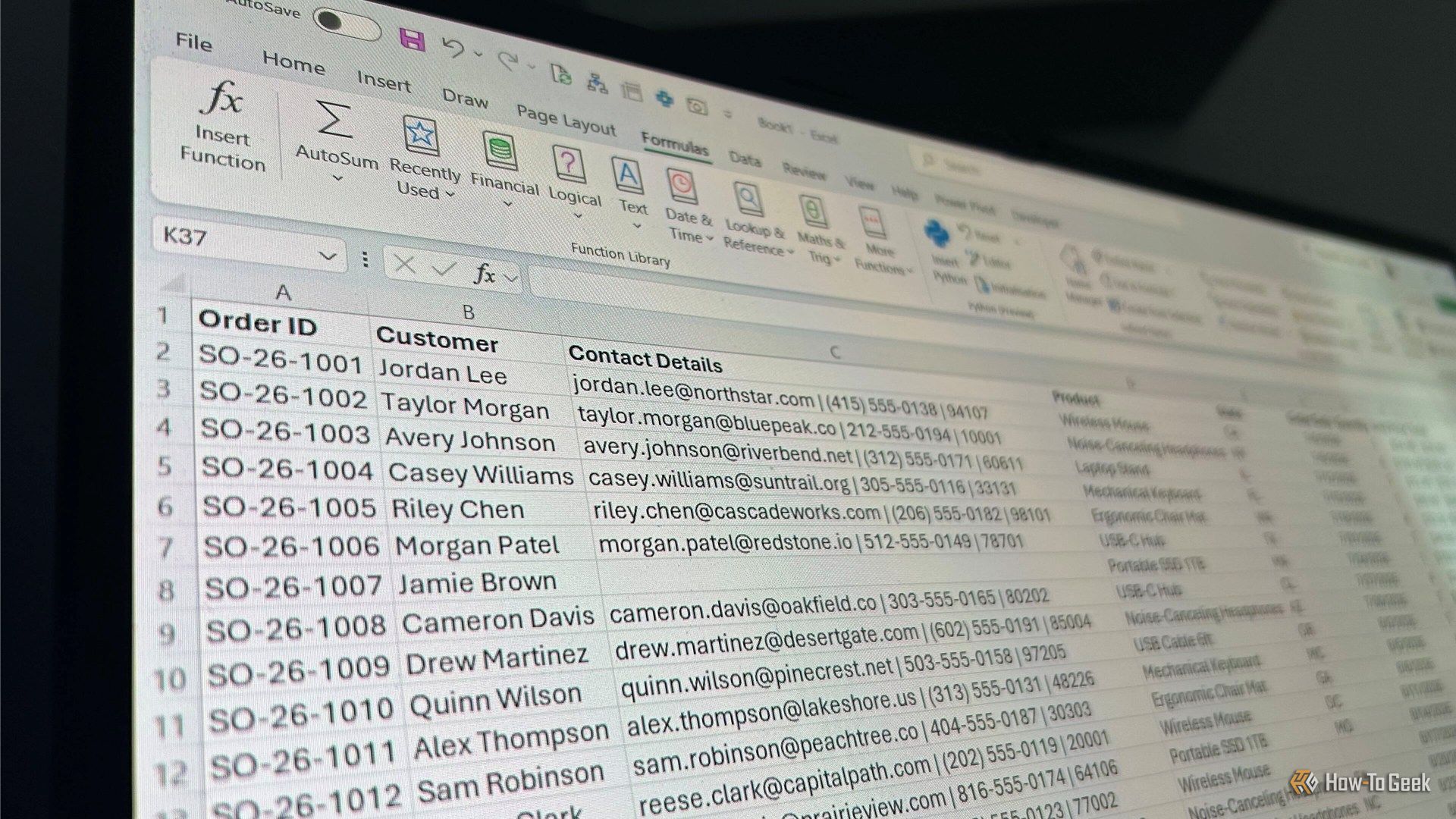
Whether you're looking to boost your spreadsheet efficiency, elevate your data analysis capabilities, or improve your career prospects, learning new tricks in Microsoft Excel is sure to help you along the way. So, add these six Excel hacks to your toolkit today.
For longer than I care to remember, I've written Excel formulas, dragged them down hundreds of rows, copied calculations across columns, and built running totals one cell at a time. This works, but I always find I'm doing too much work, especially when some of those jobs can be handled by a single formula sitting in a single cell.
I've spent a frankly unreasonable amount of time in Excel, so I've had plenty of opportunities to find out which habits make my life easier—and which ones come back to haunt me later. Over the years, I've gradually ditched a handful of things that seemed harmless at the time but made my spreadsheets harder to sort, filter, update, or understand. Here are five things I stopped doing in Excel, and why my spreadsheets have become much more reliable as a result.
Sometimes the best Excel projects start with something the program can't do out of the box. Surprisingly, Excel doesn't have a built-in timeline chart. So I experimented with a regular line chart, and 10 minutes later, I had a series of events mapped out in a dynamic timeline. Want to give it a try this weekend? Here's what I did.
I'm probably guilty of making Excel spreadsheets more complicated than they need to be, but I have one rule I keep coming back to: if I'm going to build a PivotTable, I want to actually enjoy using it. The basic summary is useful, but a few small additions can make a surprisingly big difference.
I have an annoying habit in Excel. Whenever I want to switch to another worksheet, I instinctively press Alt+Tab. I know that's not what the shortcut does, but years of using it to jump between apps have made the habit almost impossible to break. So I found a way to make it work.
I often open an Excel spreadsheet and wonder what has changed since the last time I used it. Sometimes I've made the changes myself and simply forgotten what I did, and other times, someone else has edited the workbook. Either way, figuring out what happened can mean digging through the spreadsheet's history.
Excel has more than 500 built-in functions, but if you asked me which ones I use most often, I wouldn't need very long to answer. After nearly two decades of using Excel professionally, there's a small group I keep reaching for whenever I'm building or fixing a spreadsheet. Some have been around for years, while others are relatively new to modern Excel.
The merger of Microsoft’s consumer and business Copilot apps lays the groundwork for the upcoming Copilot “Super App” that Microsoft CEO Satya Nadella has touted to developers and investors. (GeekWire File Photo / Kevin Lisota)
Microsoft is starting the process of combining its consumer and business Copilot apps into one, laying the structural foundation for an upcoming “Super App,” and trying to turn the company’s sprawling artificial intelligence brand into a unified product that people actually use.
The move is part of the company’s effort to better compete with ChatGPT, Gemini and Claude, attempting to turn its legacy in workplace technology and cloud infrastructure into a stronger position in AI apps and agents.
It also recognizes the blending of business and personal lives, and the reality that many people use the same AI assistants for both home and work.
The Copilot unification, detailed Thursday in support documents from the company, will take place gradually over the next several weeks, bringing major changes for some existing users.
Several features of the consumer app are going away starting on Aug. 18, including Copilot Podcasts, Group Chat and Deep Research. Also disappearing is Mico, the expressive blob introduced less than a year ago to accompany the consumer Copilot’s voice mode, although Microsoft expects it to live on in some of Copilot’s education features.
Commercial users will see far less change, with Microsoft calling them mostly cosmetic. For example, the Microsoft 365 Copilot app will be known simply as Microsoft Copilot, with a new icon and a new web address.
The unified app is a key step for the company, but it is not, on its own, the launch of the Super App. That larger move will bring together Copilot’s chat, AI coding, Cowork and new AutoPilot agents into a single app. Microsoft CEO Satya Nadella told investors on the company’s July 29 earnings call that the Super App will be out this quarter, meaning by the end of September.
The broader initiative is an attempt to remake and unify Copilot under Jacob Andreou, the former Snap executive Nadella put in charge of the product in March. Mustafa Suleyman, the DeepMind and Inflection co-founder who had run Microsoft’s consumer AI efforts since 2024, shifted to a narrower role at the time, focused on developing new AI models.
Andreou detailed the move in a memo to his 11,000-person organization in early July, as reported by The Information, citing the need to move on from features that weren’t gaining traction, and “earn and respect the right to exist in our customers’ lives.”
Microsoft said last month that Microsoft 365 Copilot surpassed 30 million paid seats, up from 20 million in April, with net seat additions more than doubling quarter over quarter. That amounts to just about 7% of the more than 450 million commercial Microsoft 365 paid seats the company reported in January.
Microsoft doesn’t disclose how many people use the consumer Copilot app, but Sensor Tower estimated 38.5 million monthly users in July, a fraction of ChatGPT’s 1 billion monthly users.
Here is more on what Copilot users can expect:
Gradual rollout: Migration will begin this week with a small group of Windows Insiders and will expand more broadly next week. Worldwide rollout will start with mobile and web in mid-August; Windows and Mac apps will follow in mid-September. Users will see the change at different times, and Microsoft says that’s expected. Mobile users will need to download an updated app.
Unified app and name: The consumer and commercial apps will become a single app called Microsoft Copilot, with a refreshed icon. The commercial web address will move from m365.cloud.microsoft to copilot.cloud.microsoft, with automatic redirects beginning in late August.
Work and personal will stay separate: Users will be able to sign in with a personal account, a work or school account, or both, and switch between them in the app.
Microsoft says data won’t flow between the two, employers won’t be able to see personal activity, and enterprise security, compliance and administrative controls will remain unchanged.
Chats and content will persist: Chat history, images and other content created in the consumer app will migrate to the new one. Files shared with or generated by Copilot will move to OneDrive, where additional storage requires a paid plan.
Deep Research will get only a partial replacement: Deep Research generates long, detailed reports by searching the web and pulling sources together. It’s being retired for consumers, and the substitute, a similar tool called Researcher, will be available only to subscribers of Microsoft 365 Premium, a higher tier than the Personal and Family plans.
Personal and Family subscribers will still be able to open their old reports from chat history and save them to Word, but won’t be able to create new ones.
Podcasts and Group Chat will go away: Group chat threads, messages and the images created in them will disappear after Aug. 18. Copilot podcasts — the AI-generated audio discussions the app made from websites and uploaded documents — will need to be downloaded individually from the podcast library before then.
Some features will be temporarily unavailable: Copilot Health may be missing for some consumer users mid-migration. Microsoft says it will return, and that heavy Health users will be migrated later so the feature will be waiting when they arrive.
Free limits may tighten: Microsoft says core Copilot chat will stay free “subject to capacity and limits,” but that some users will hit those limits sooner than they do today. Those who do can buy a paid Microsoft 365 plan, such as Personal or Family, which come with higher usage limits.
Implications for IT departments: Recall, the Windows feature that periodically captures screenshots of a user’s activity for subsequent AI searching, can be configured to leave certain apps out of those screenshots. Organizations that excluded the old Copilot app will need to apply that setting again to the new one. The exclusion won’t carry over automatically.
Editor’s Note: This story has been updated since publication to clarify which features may be temporarily missing during the transition, after Microsoft revised the information it provided.
Charles Lamanna, EVP of Copilot, Agents and Platform at Microsoft, at a GeekWire event in March 2026. (GeekWire Photo / Kevin Lisota)
GeekWire is profiling over the next few weeks some of the people and teams that are shaping the evolution of Microsoft in what we’re calling its “Microsoft 2.5” era.
The Copilot Super App cat is only partially out of the bag. Sometime in the coming weeks, Microsoft will launch its entry into the AI “super app” space, company officials have said. But Microsoft hasn’t talked much about what the coming Copilot Super App will include beyond a few of the top-level experiences that are meant to unify and organize consumer and business users’ access to key Microsoft AI properties.
Executive Vice President Charles Lamanna is part of the inner circle known as the Copilot Leadership Team that is spearheading the Super App effort. He also oversees building out and securing the back-end services that will power the Copilot Super App.
As head of Copilot, Agents, and Platform, Lamanna has a lot of responsibility for someone who has been with Microsoft for “only” 13.5 years. He has actually been with the company a bit longer than that, as he has done three tours at Microsoft: He first interned for Windows Live OneCare, then returned in 2009 to work on message-filtering services. He rejoined Microsoft when it bought his cloud performance-management startup MetricsHub Inc. in 2013. He worked as an engineering manager on Azure, then ran the Power Platform and Dynamics 365 teams, before assuming his current role in March 2026.
Lamanna says he emphasizes three things with his team: Be customer-obsessed; get things done by having a “total ownership mindset”; and be kind, not jerks.
Every six months, he writes a “State of the Business” paper for the team, in which he outlines their priorities. In addition to focusing on changing how people work — from tooling, technology, budgeting and organization perspectives — he emphasizes the importance of keeping “the crown jewels” of Office and Microsoft 365 up, reliable and secure.
“There’s going to be a massive surge of demand on the back end (Microsoft 365) because of agents. They’re nonstop,” said Lamanna during GeekWire‘s interview with him this week.
While the Super App itself will likely be free (like the Copilot App today), the services it exposes will likely not. The company has been moving toward usage-based pricing with its AI products, the way it already has with GitHub Copilot and Microsoft 365 Cowork. That kind of model makes sense for the company in a world where always-on agents, not the number of users, drive a lot of the demand.
He also said his team needs to be at the frontier for AI products. “We need to have AI startup and lab characteristics but with Microsoft sensibilities,” he said.
Reining in the Copilot-Palooza. Despite the rise of agents and all things “agentic,” Copilot is still Microsoft’s top priority, Lamanna said. Microsoft’s goal is for Copilot to be a truly personal AI assistant that will know how you work, the apps you use, the processes and workflows that matter to you, and more.
“We had some missteps because we fragmented,” he acknowledged. “It’s like we had a consumer Copilot and we have like a commercial Copilot and we have GitHub Copilot and yeah — ‘Copilot Palooza’ is what I call it internally.”
This is where the coming Copilot Super App fits in. Microsoft wants it to be a single destination that brings the key Copilots together on the work and home fronts.
He said to think of the Super App “almost like a browser or an operating system.” In the same way a browser might have a bunch of different tabs, or Windows a bunch of different apps, the Super App will be the home for Code, Chat, Cowork and Autopilots, or always-on agents. Microsoft is expecting that users still will go directly to apps when needed, but it’s working to make Copilot the first app people boot into and live in, similar to the way many do today with Outlook or Teams, he said.
Microsoft’s goal is to wire into the Super App even more of its core franchises over time. Dynamics 365, its CRM and ERP offerings, are morphing into a set of agents that connect to Dynamics Model Context Protocol (MCP) servers, which connect AI models to back-end data. The plan is to integrate those Dynamics agents into the Super App.
The company also is in the midst of integrating the Dataverse storage and management platform that underlies its Power Platform and Dynamics directly with Copilot. That capability, in testing now, would give users a more streamlined way to query data stored in their ERP and CRM systems from inside Copilot.
Rethinking the ‘headless’ approach. With Microsoft looking to make the Super App its new front-end user experience, what happens to Office? Its competitors like Salesforce and SAP are moving toward the idea of a “headless” approach, meaning customers would access the backend CRM or Commerce data via agents, rather than traditional desktop apps.
Lamanna said he’s not a fan of the “headless” term, as it implies “it’s dumb.” He also said you can’t simply connect an AI model to a programming interface built 10 years ago without working through how to optimize for cost, performance, and retrieval.
He said the Microsoft IQ suite of intelligence layers is the key here. Work IQ analyzes emails, chats, meetings and usage patterns and preferences so Copilot and agents can make context-aware suggestions. Fabric IQ is a similar layer for Microsoft’s data platform.
Work IQ is becoming like the headless version of Microsoft 365, Lamanna said. That means users can get to their email, docs, and files without having to use applications like SharePoint or Outlook in between. Work IQ becomes a kind of in-the-background version of Microsoft 365, and the Super App automatically invokes whichever IQ/service/backend is needed.
“Copilot can navigate to these IQs as needed. For email, go to Work IQ. Info inside Dynamics 365, go to the MCP servers that it publishes. Data from Salesforce or ServiceNow, we have connectors. But you stay in the Super App,” Lamanna explained.
If Microsoft is no longer the Windows company or the Office company, what is it going to be when it grows up?
“We want to be the Copilot company,” said Lamanna without hesitation. “Copilot with the Super App is the front door to basically everything, from Dynamics, to GitHub, to Exchange, to SharePoint, to OneDrive, to other services I don’t even remember.”
Alongside that, Microsoft will continue to be an infrastructure company, he added, focusing on tokens, compute and storage.
“Those are probably the two most interesting businesses in technology for the next 10 years.”
Compromised hotel Wi-Fi gateways redirect business travelers to fake Microsoft 365 login pages allowing attackers to steal credentials and authorization tokens.