❌

Reading view

There are new articles available, click to refresh the page.

I turned my favorite Linux terminal apps into desktop apps so I could launch them with one click

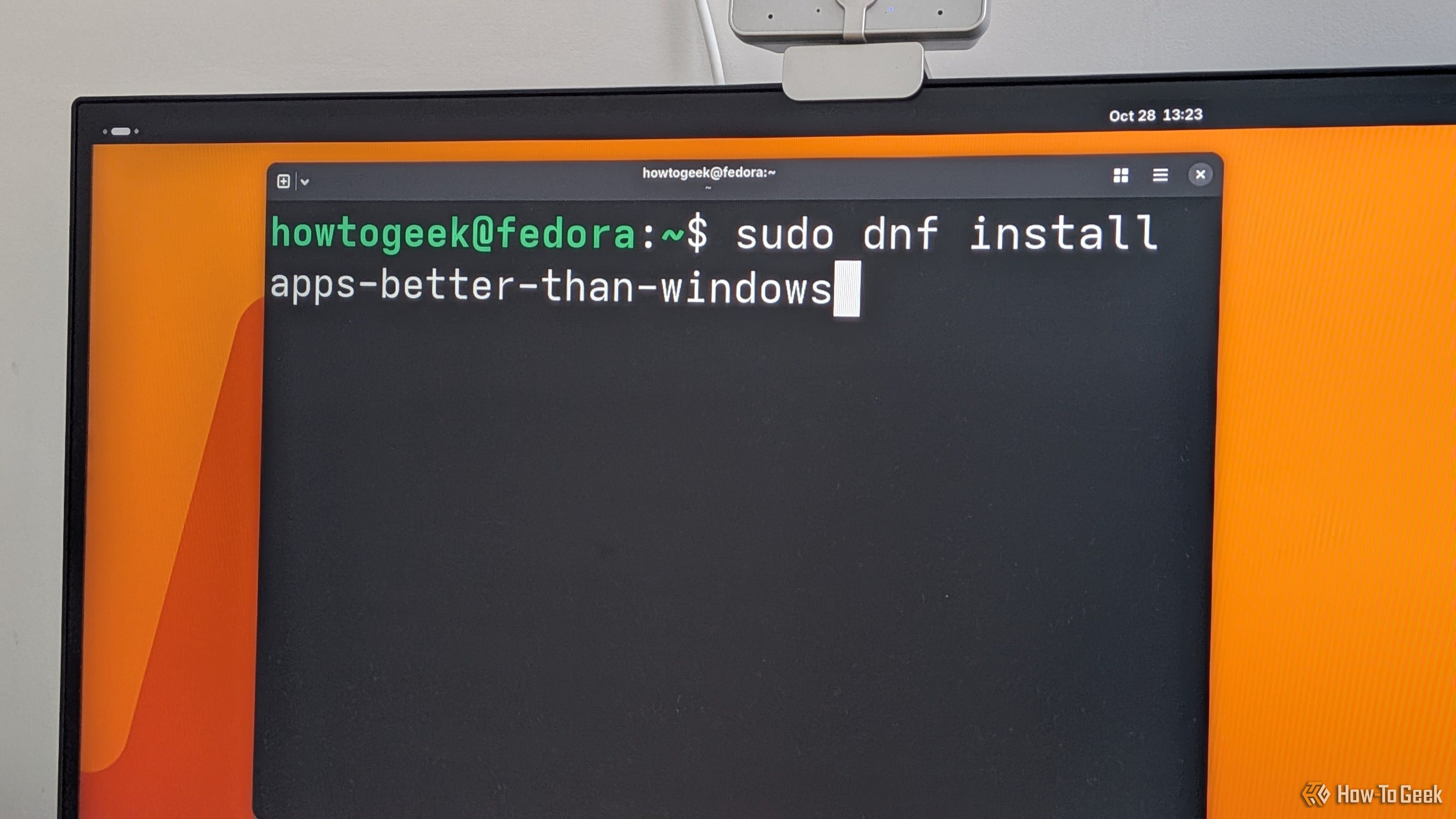
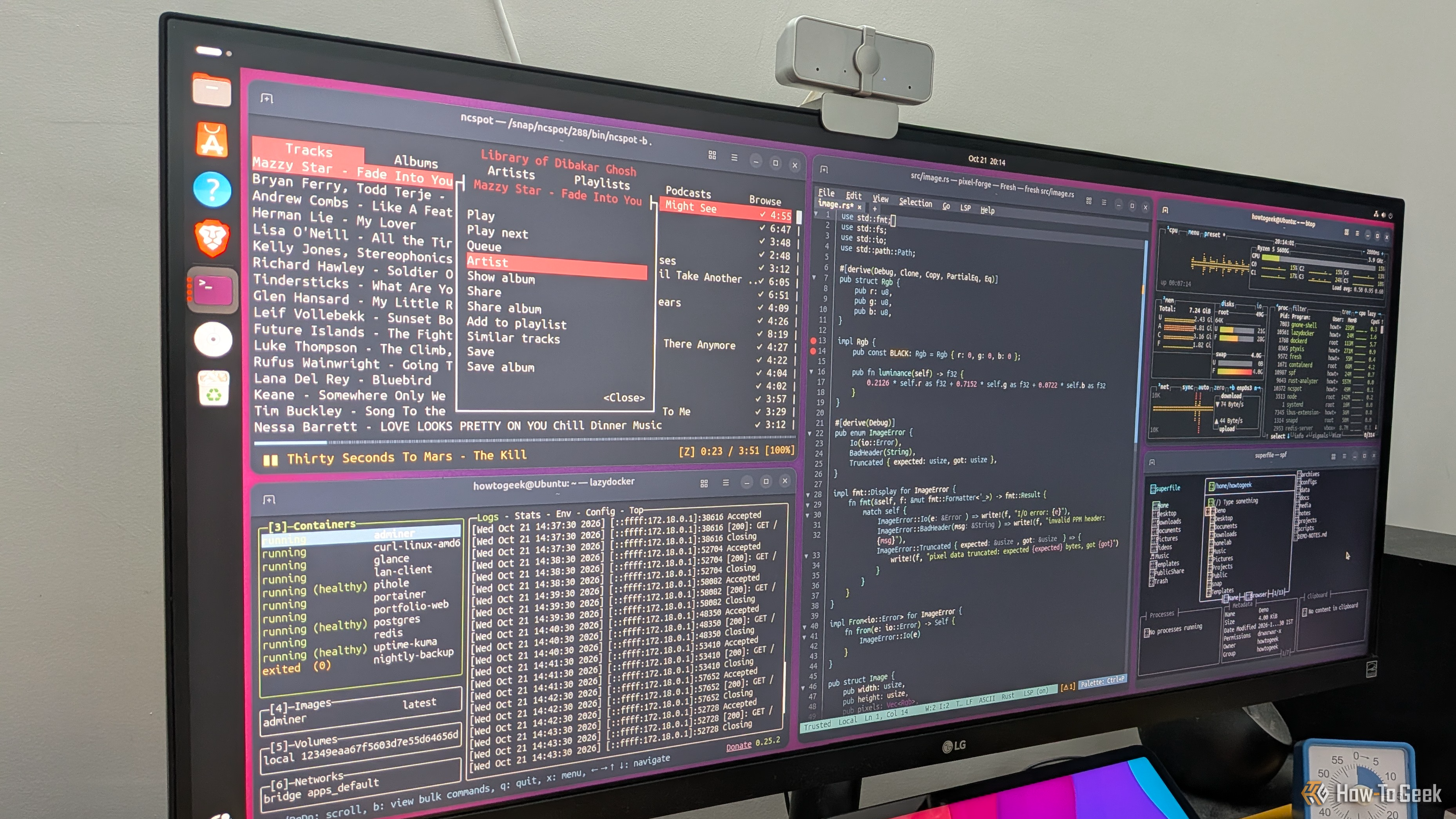
Terminal-based apps are awesome, but if you’ve ever tried to use them, you’re probably already aware of their biggest annoyance: you have to open a terminal and type a command every time. They don’t show up in your dock or app launcher the way regular desktop apps do. Thankfully, there’s a quick and easy fix for that. It’ll hardly take a few minutes, and you’ll be able to give your terminal apps their own icons and entries in your application launcher.

I finally tried the best Linux web browser, and it’s my new default

Almost everything I do on my PC happens inside the browser, to the point that I feel like my operating system is basically a bootloader for my browser. Now, when you have an app that’s so central to your workflow, it’s natural to get a bit picky about it. Thankfully, Firefox has been more than enough as my daily driver for over a decade. Sure, I occasionally experiment with other browsers to see what’s out there, but I’ve always returned to Firefox β€” that is, until now.

Windows modding is back, and the open-source tools are better than Microsoft's own

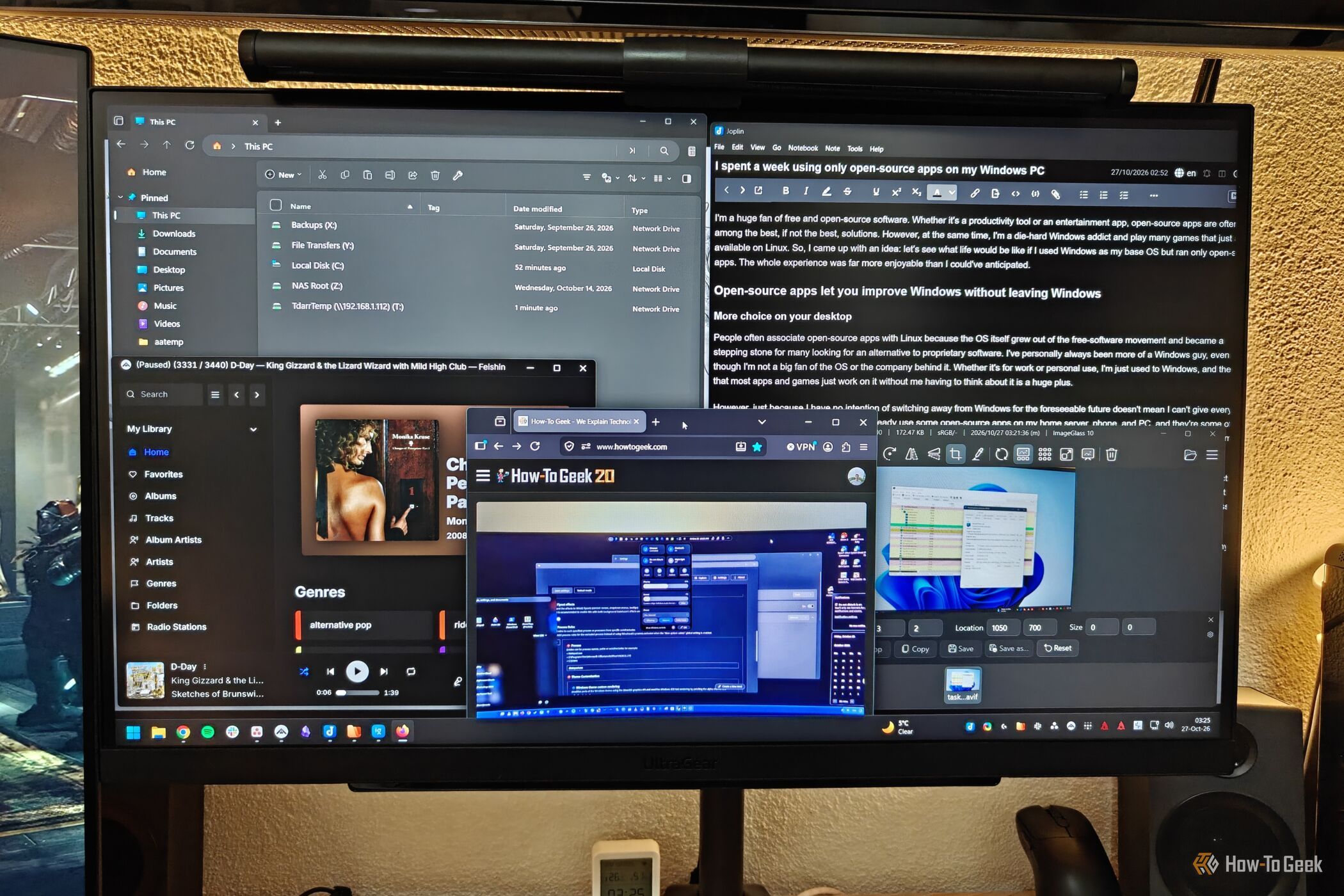
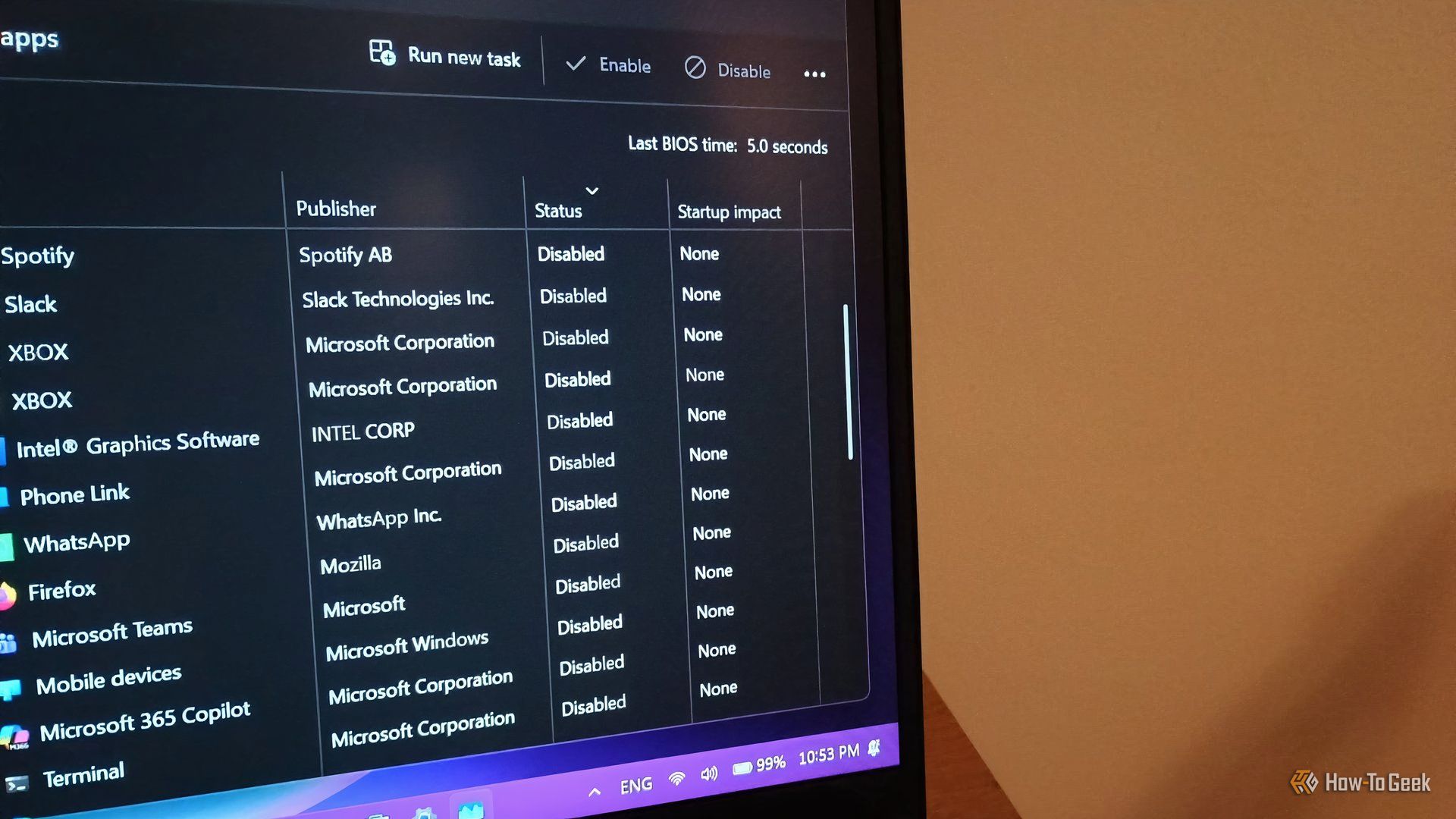
While PowerToys is a fantastic open-source tool made by Microsoft, its Windows modding capabilities are fairly limited. When it comes to built-in Windows modding options, you can do stuff like bring back the Windows 10-style right-click menu (via Registry Editor), toggle transparency effects, use a limited selection of custom themes, finally move the taskbar again, and a few other things, which isn’t that bad considering they’re all available right from the get-go.

I stopped paying for YouTube Premium after discovering Brave’s secret filters

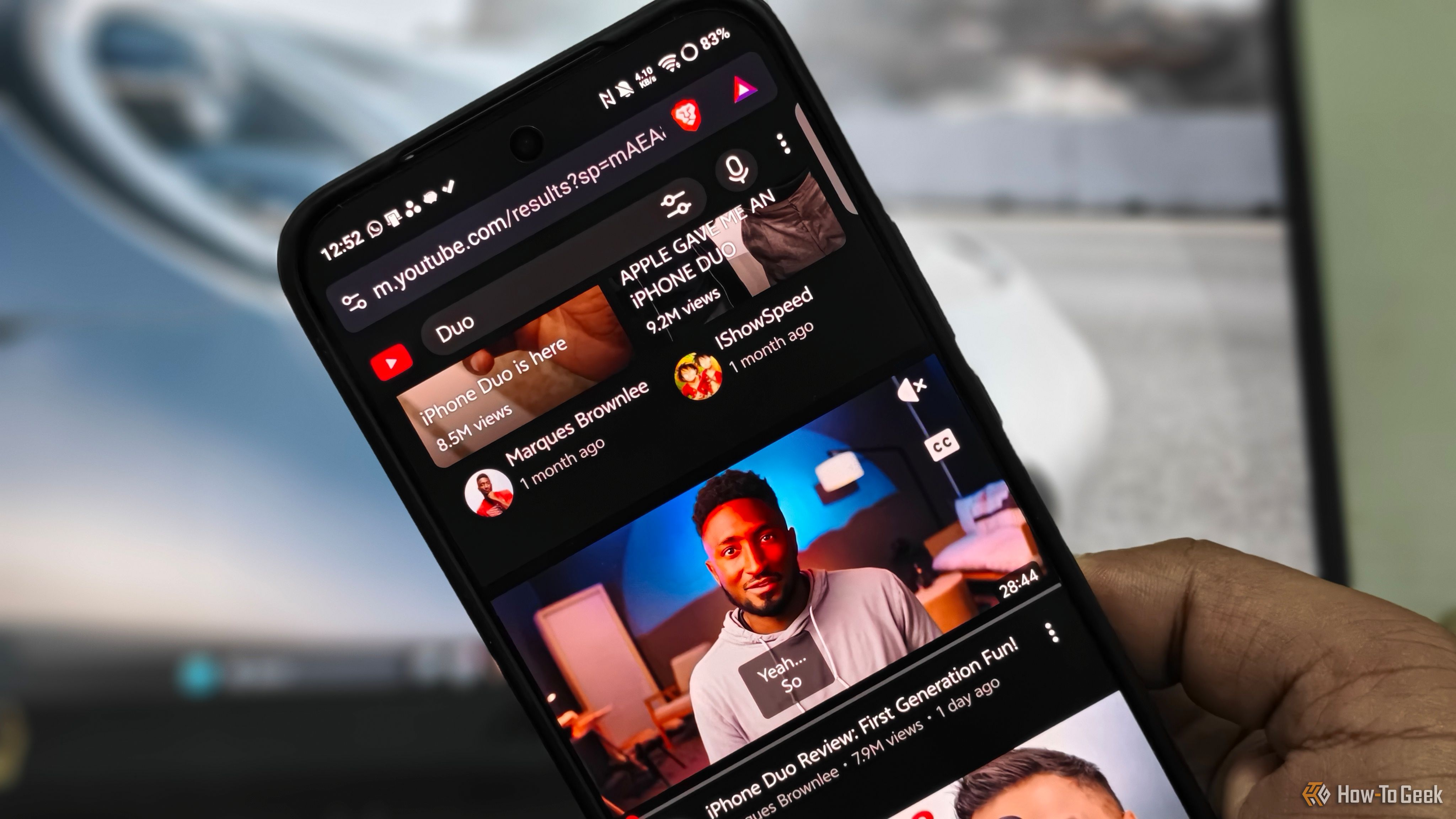
Ads on content and streaming platforms are increasing daily, and YouTube is no exception. I've paid for YouTube Premium for years, mostly to avoid mid-roll ads and for background playback. But recently, the official YouTube app crossed a line. Between the endless grid of distracting Shorts, community polls, and autoplaying recommended feeds, the interface has become a mess.

These 3 Linux apps replaced all my favorite dead Windows apps

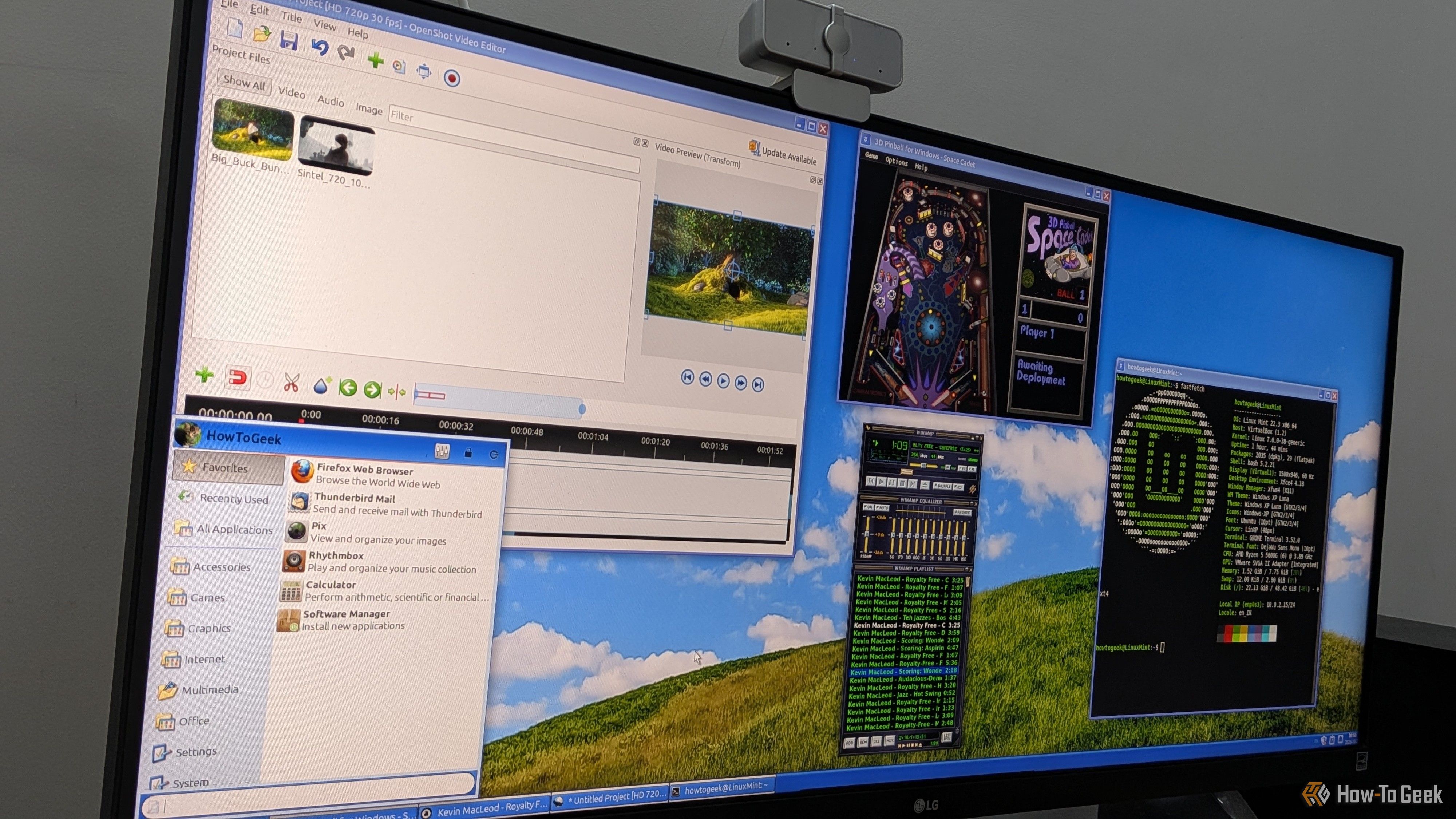
I’ve been using Windows since Windows 95, and over the years, I’ve watched a lot of my favorite apps die or get replaced with more β€œmodern” alternatives. While these newer versions are probably better, I still miss the old ones. I really liked their overall layout and aesthetics, and maybe it’s nostalgia talking, but I also think those apps just worked better and were less buggy than their modern counterparts. As such, I’ve always been on the lookout for apps that try to recreate that retro look and feel, but I never expected to find them on Linux, of all places.

I ditched desktop apps for these 5 Linux terminal apps, and I’m not going back

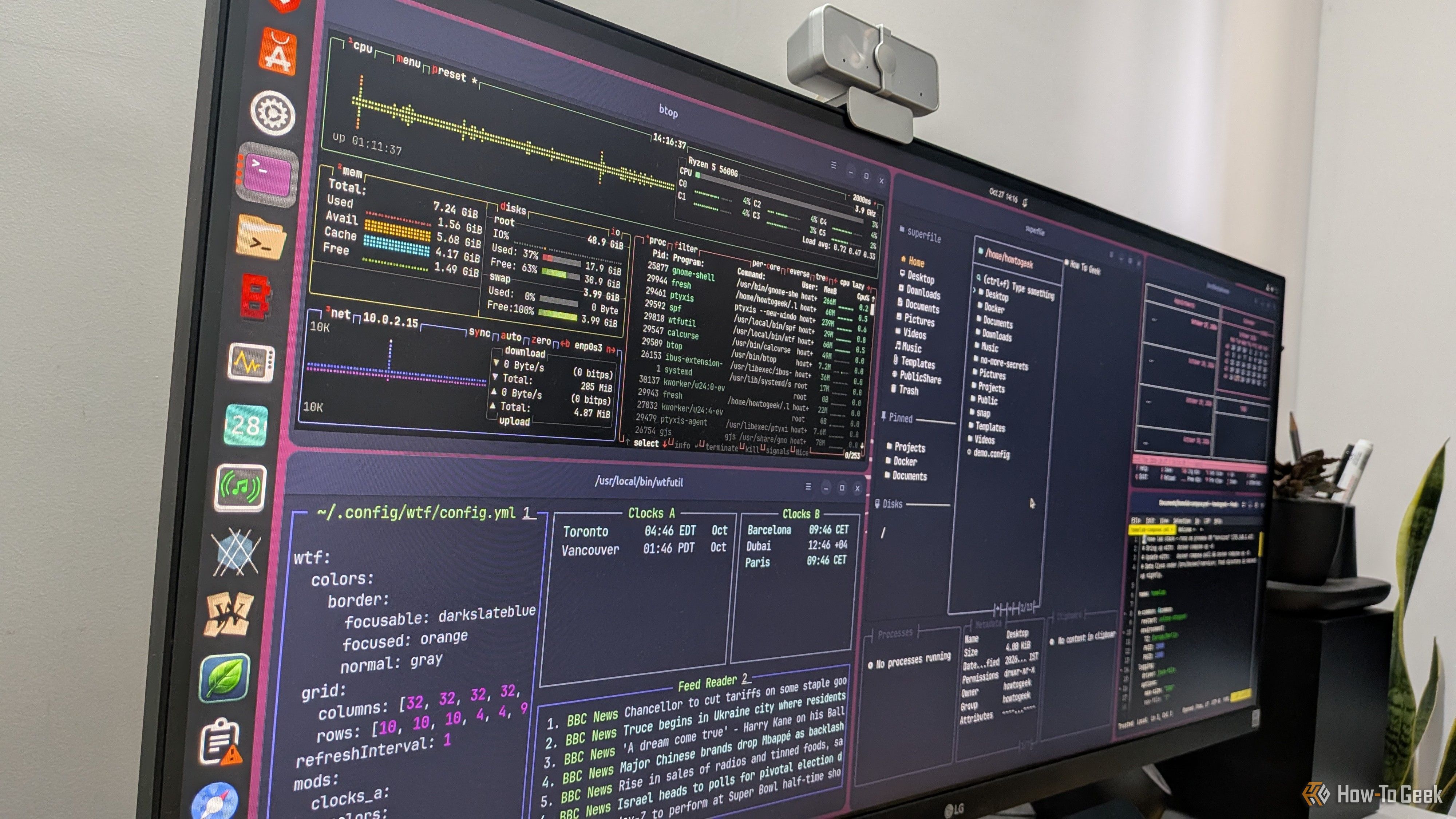
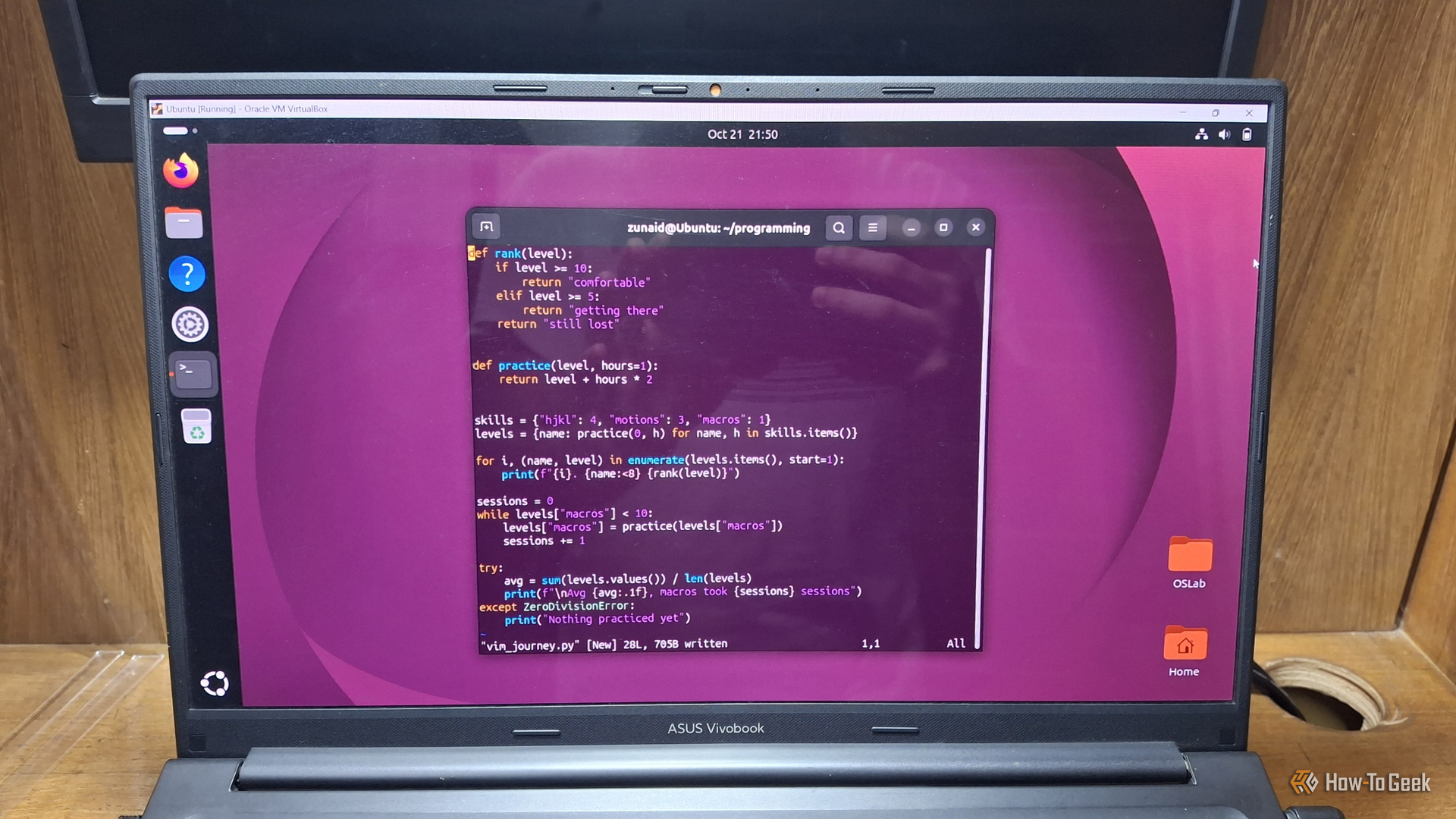
Terminal apps have a reputation for being too minimal, confusing, and useful only for technical workflows. And while that might have been true a few years ago, modern terminal apps are a lot more intuitive and functional, covering plenty of everyday computing use cases. This makes them excellent lightweight alternatives to typical desktop apps. In fact, here are five TUI (terminal user interface) apps that have completely replaced GUI (graphical user interface) apps in my workflow.

I can use these 3 essential apps on any Windows PC without installing anything

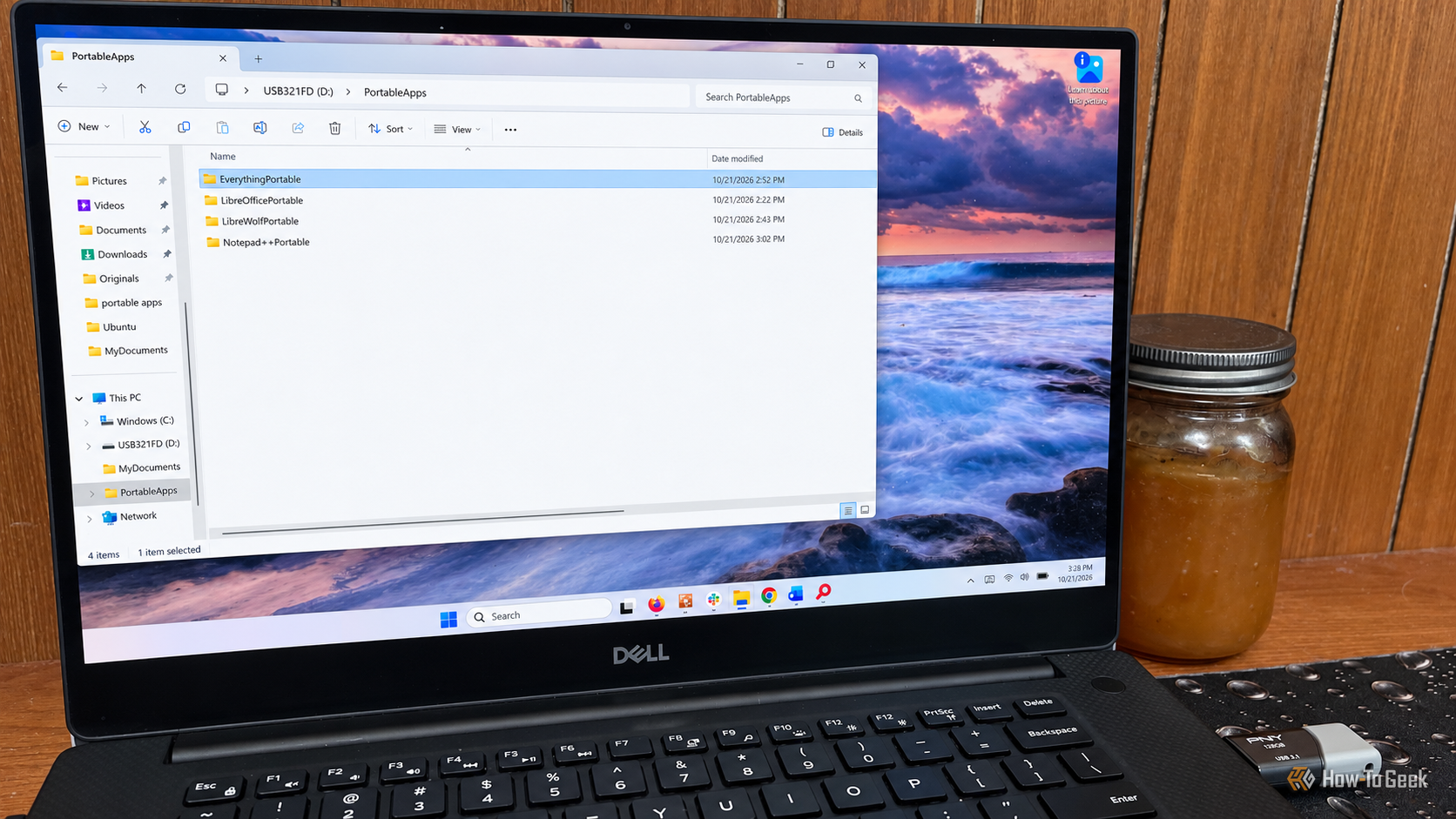
I have a number of Windows computers around my home. Some are media centers, others handle my outdoor cameras and smart home, and some are just for basic office work. I’m also the person in my circle of friends and family who gets the call when there is a technology problem. Basically, this means I’m working on other people’s PCs pretty frequently. I don’t particularly enjoy having to install the same group of apps on every machine I’m working on, especially when the PC isn’t mine. Having portable apps on my thumb drive means I don’t have to.

Web apps are still better than Android apps on Googlebooks

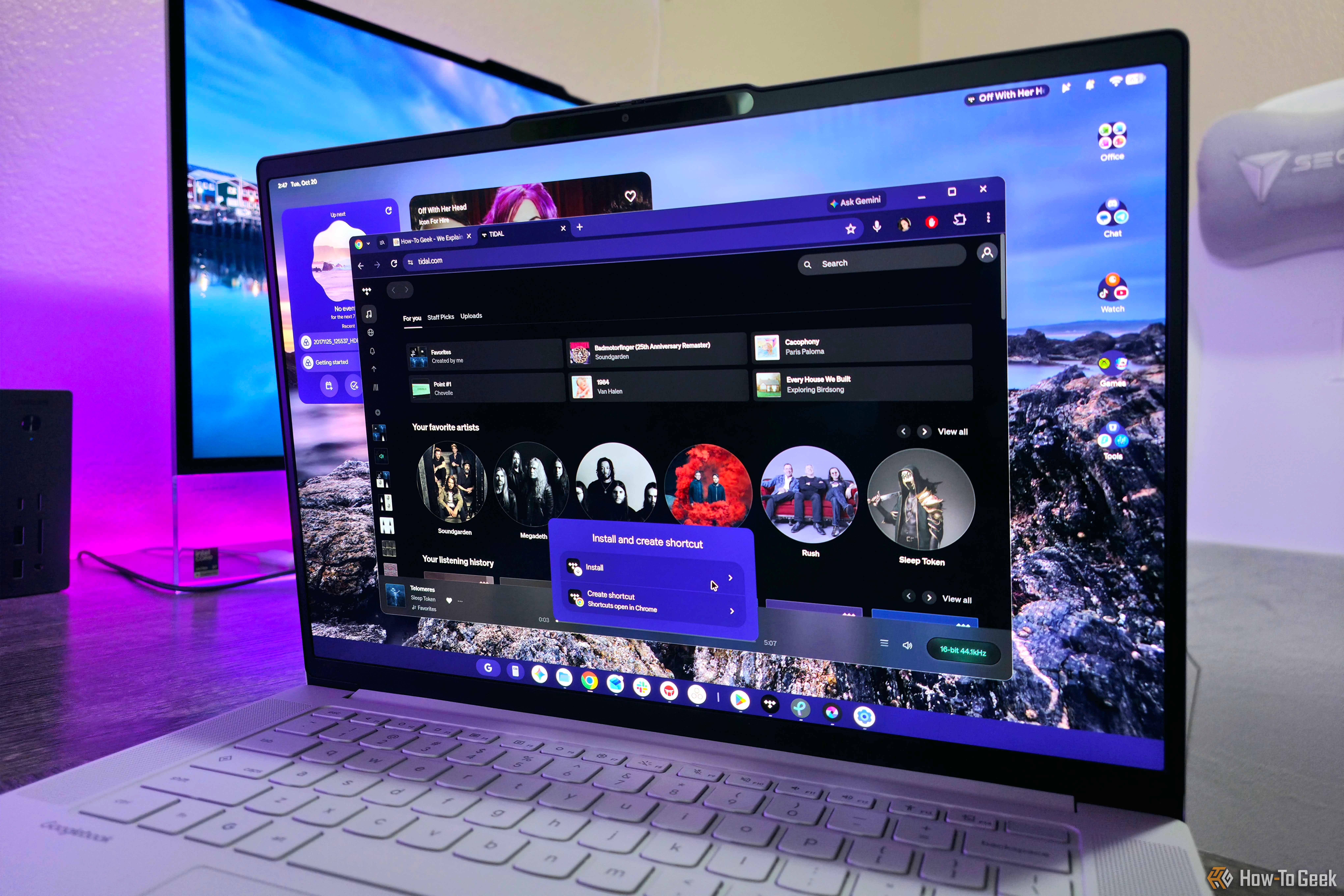
Google is taking another crack at convincing consumers that it can make compelling laptops for the masses, and the name of this latest attempt is "Googlebook." Chromebooks have officially begun their long decline into obscurity, leaving Googlebooks to bridge the gaps between ChromeOS, Android, Linux, and all the AI features Google wants you to use. At the core of Googlebook OS is the full Google Play Store and its millions of apps, but my time with Android apps on the first-generation Lenovo Googlebook 15 has laid out an undeniable truth: Progressive Web Apps are still superior, and it's not a close fight.

❌