❌

Reading view

There are new articles available, click to refresh the page.

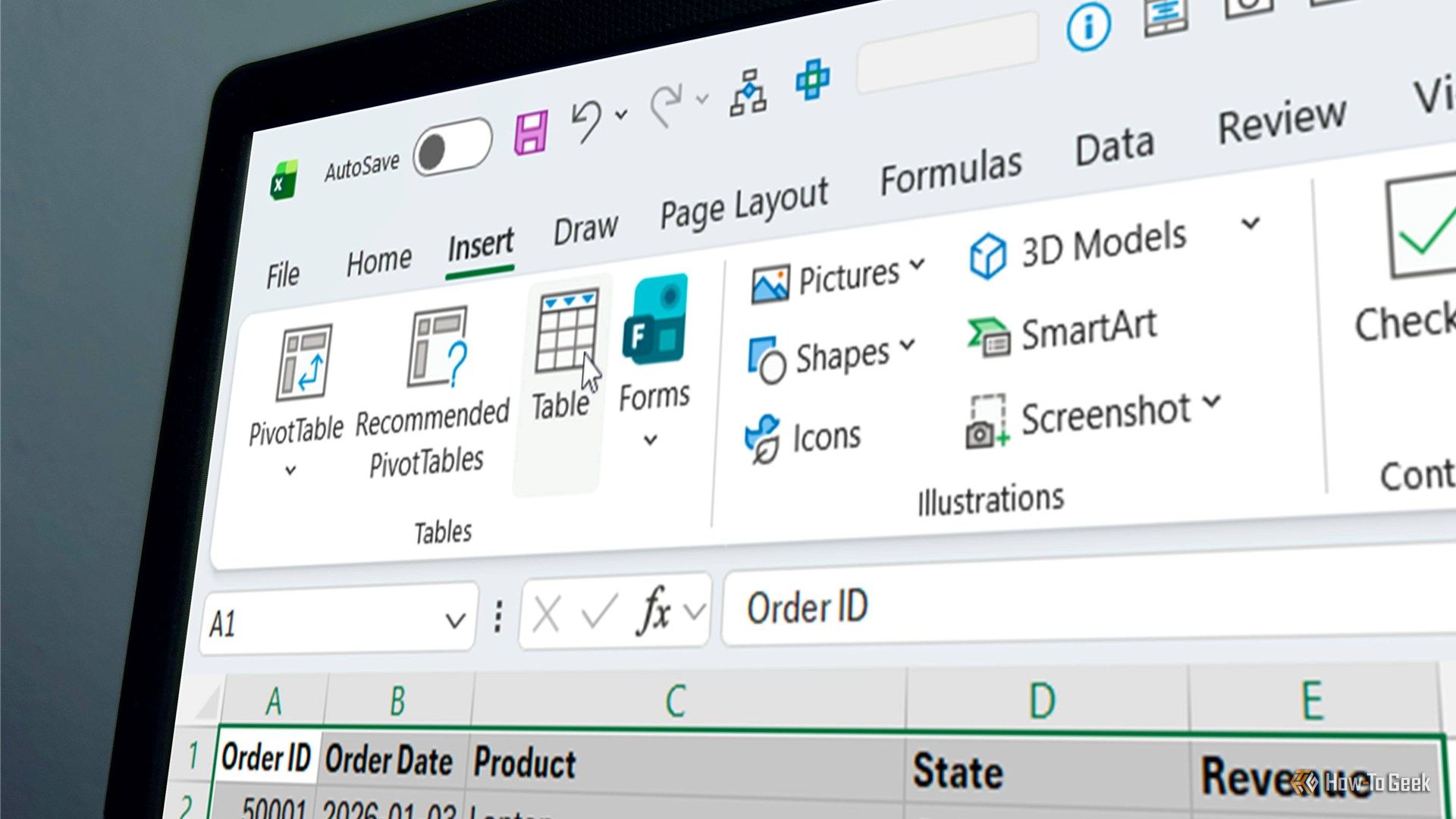
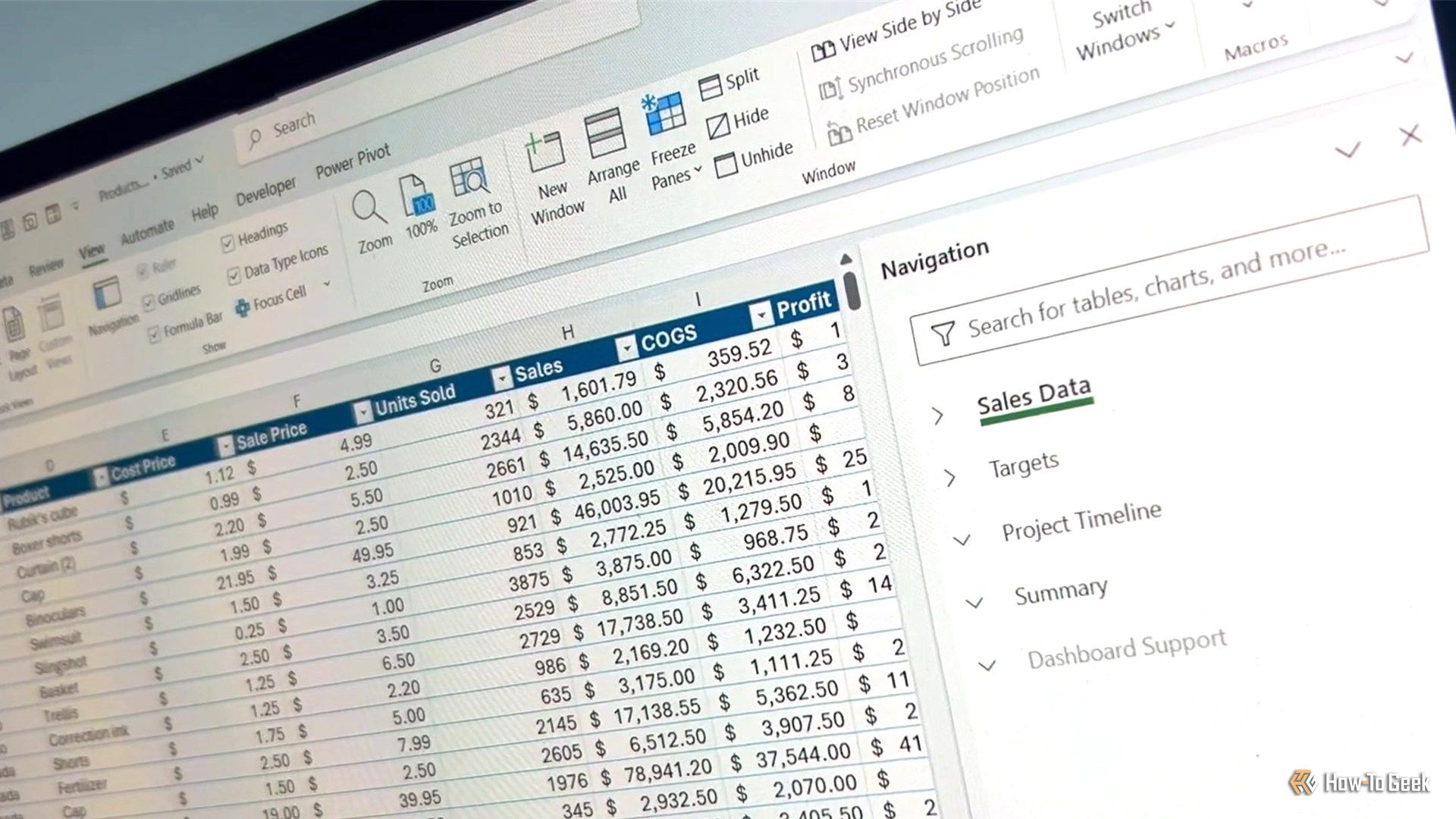
6 Excel hacks to elevate your spreadsheet game

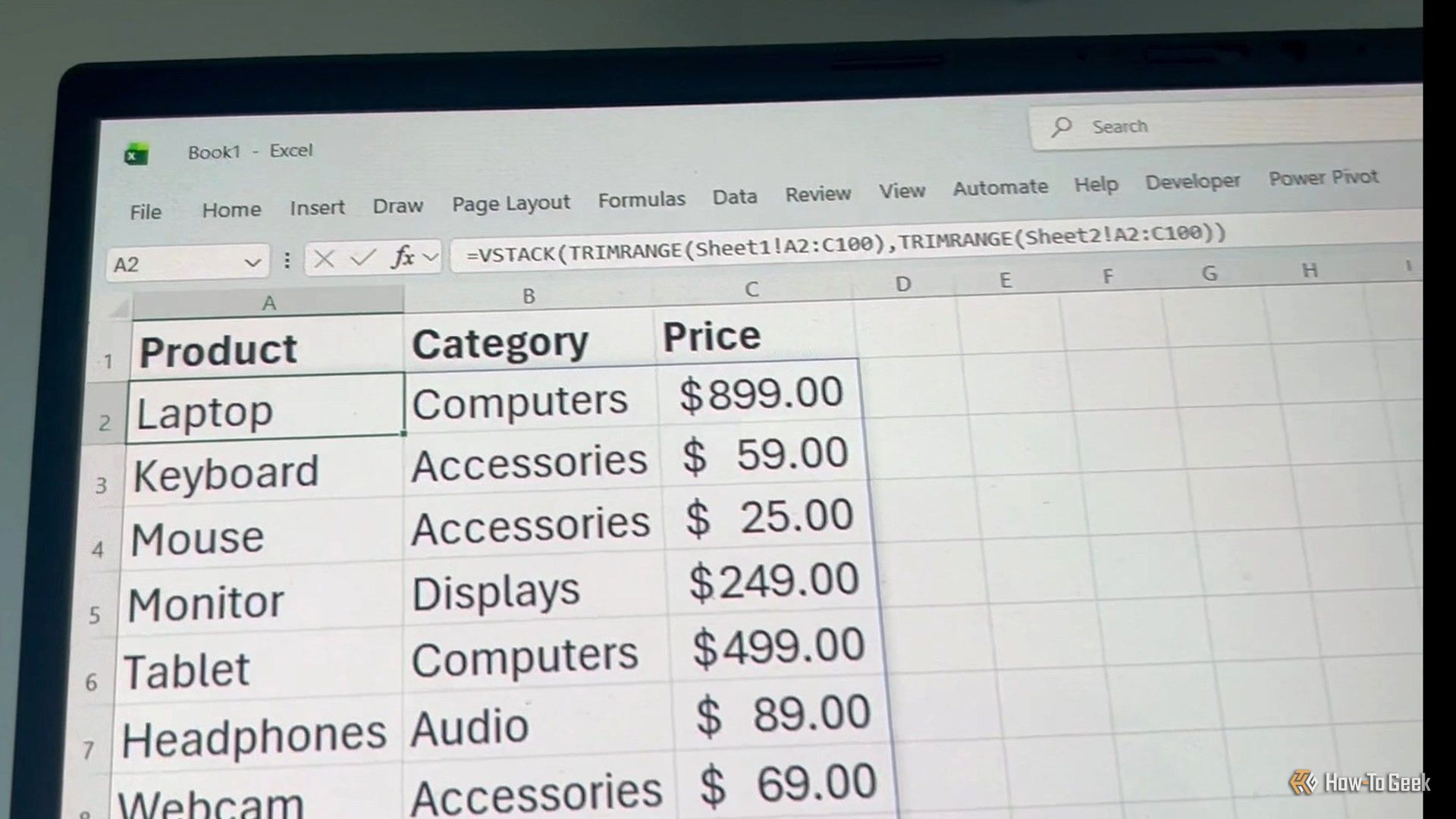
Whether you're looking to boost your spreadsheet efficiency, elevate your data analysis capabilities, or improve your career prospects, learning new tricks in Microsoft Excel is sure to help you along the way. So, add these six Excel hacks to your toolkit today.

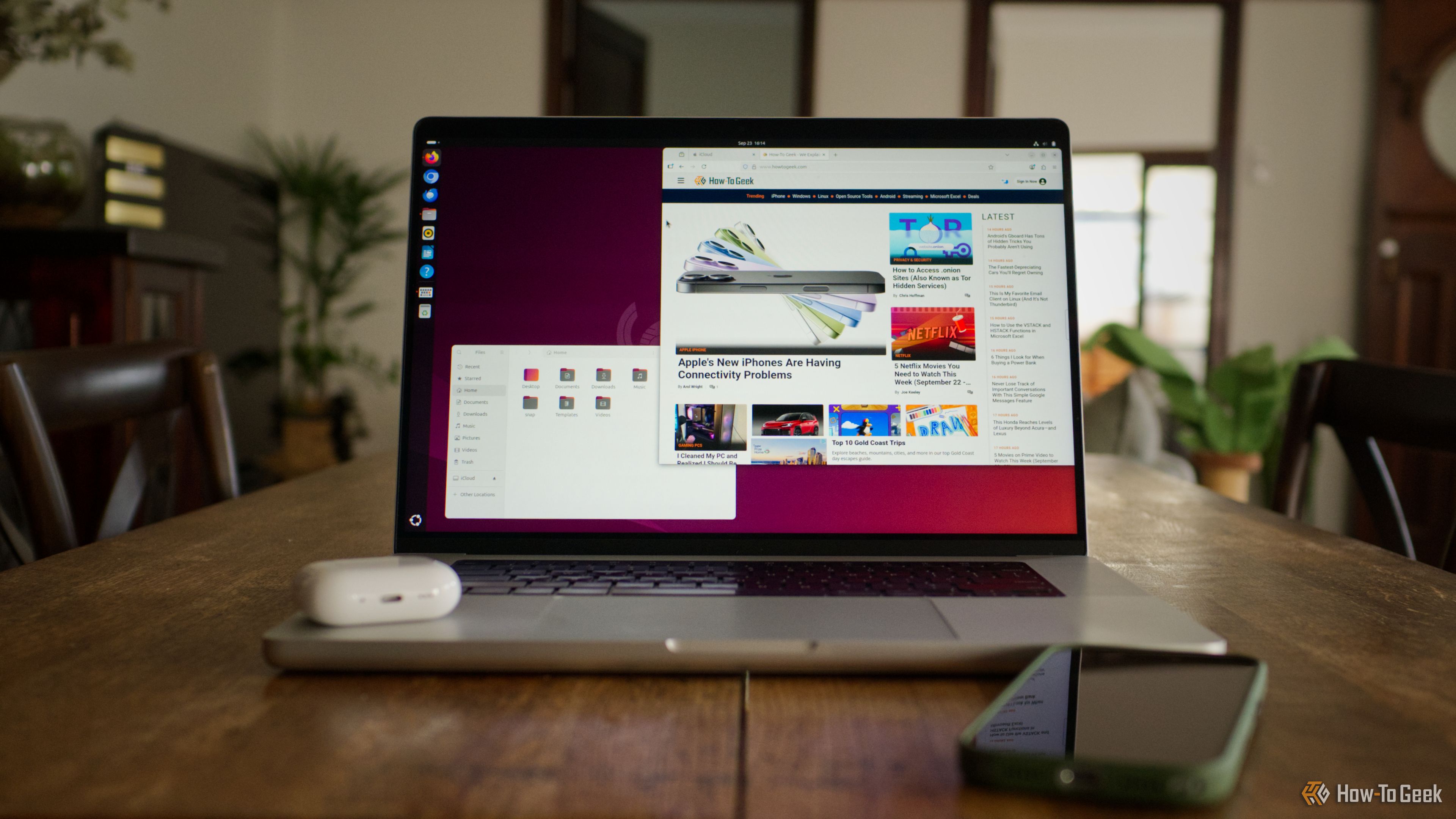
These 3 Windows apps deserve to be called the greatest of all time

An operating system is only as good as the apps you can run on it, but some apps go beyond that and end up defining the operating system. You seek them out, usually on day one of setting up a new PC, because Windows just feels incomplete without them. Here are three such apps that are so good that they define their entire categories β€” earning them the title of β€œgreatest of all time.”

3 ways to build an Obsidian knowledge base without actually writing notes

Having a second brain is awesome. I've been using Obsidian a lot lately for just that. I built a knowledge base without even touching the Obsidian editor. Instead, I use photos and the Obsidian web clipper plug-in to store information. But I've started expanding my process a bit and came up with a few more ways to keep building that knowledge base using different techniques.

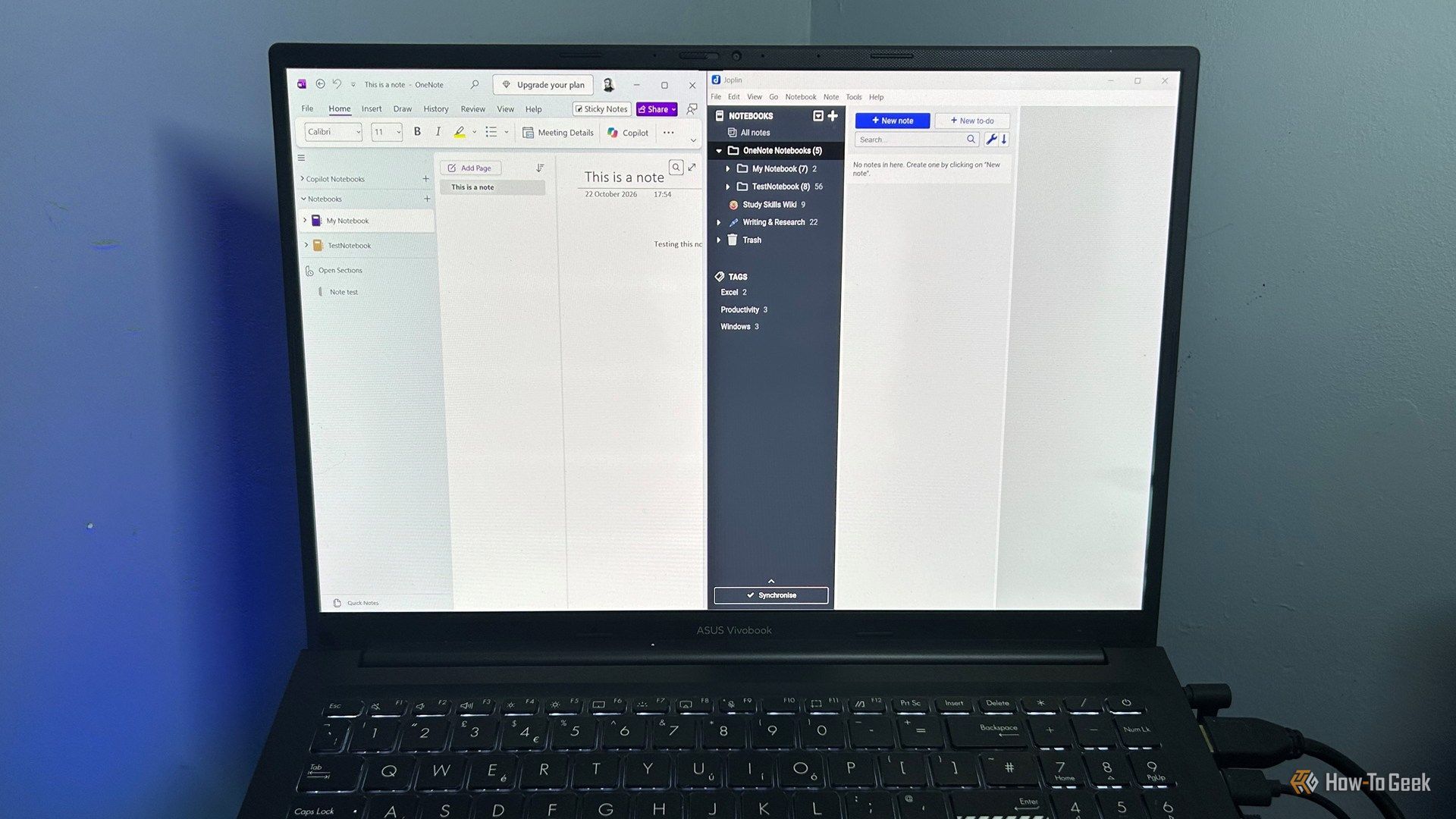
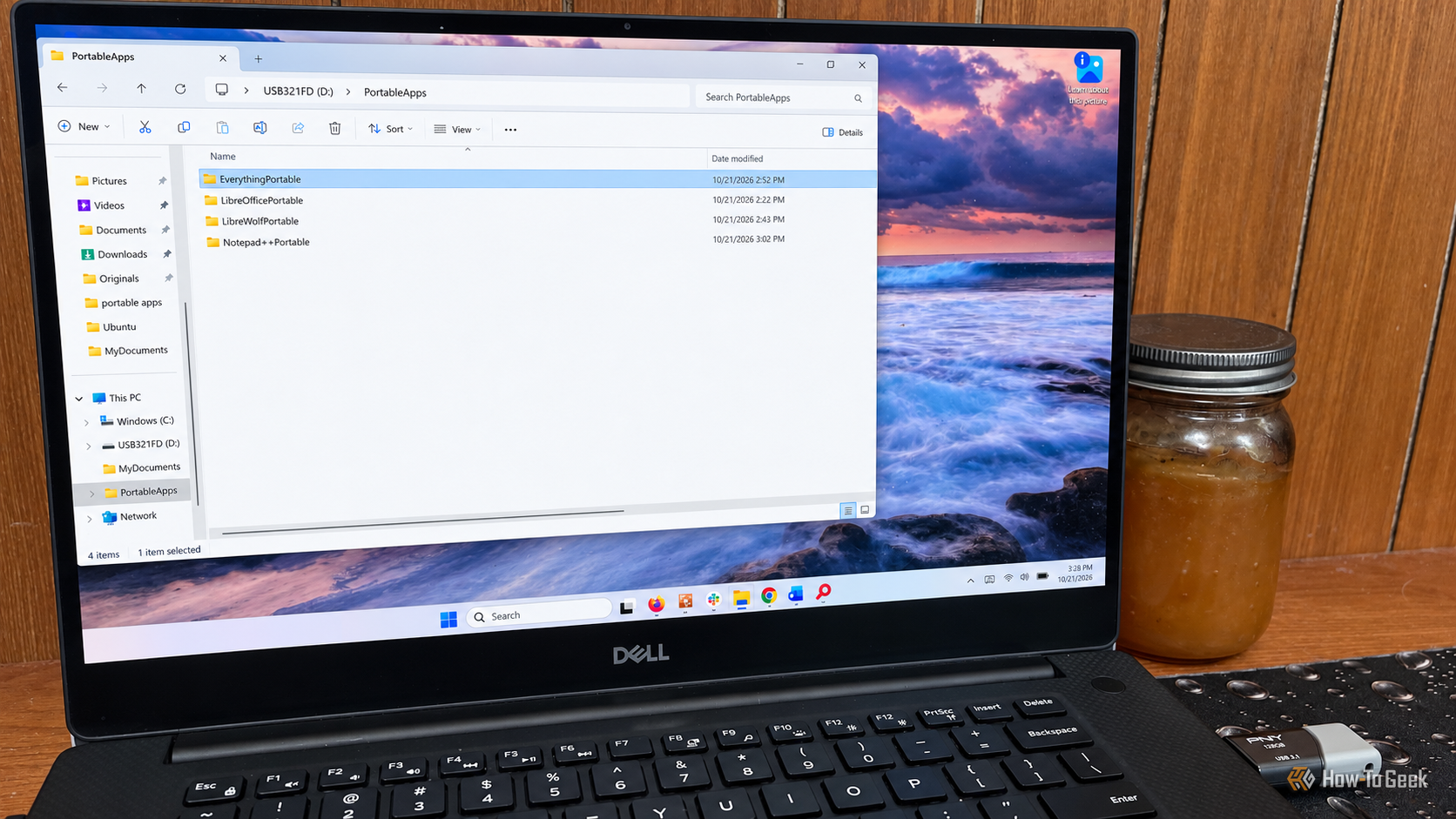
3 free and open-source (FOSS) apps that embarrass Windows' built-in defaults

Most of us put a lot of thought into the big applications we base our workflows around β€” the video editors, the note-taking apps, the image editors β€” and almost none into the system-facing apps we use every day. However, those applications make up a huge chunk of our day-to-day experience and deserve more thought than they get. This is especially true right now, as tons of high-quality free and open-source apps have emerged that easily offer a better experience than most of your system defaults. Here are three such FOSS apps to replace your Windows defaults.

I stopped doing these 5 things in Excelβ€”and my spreadsheets became more reliable

I've spent a frankly unreasonable amount of time in Excel, so I've had plenty of opportunities to find out which habits make my life easierβ€”and which ones come back to haunt me later. Over the years, I've gradually ditched a handful of things that seemed harmless at the time but made my spreadsheets harder to sort, filter, update, or understand. Here are five things I stopped doing in Excel, and why my spreadsheets have become much more reliable as a result.

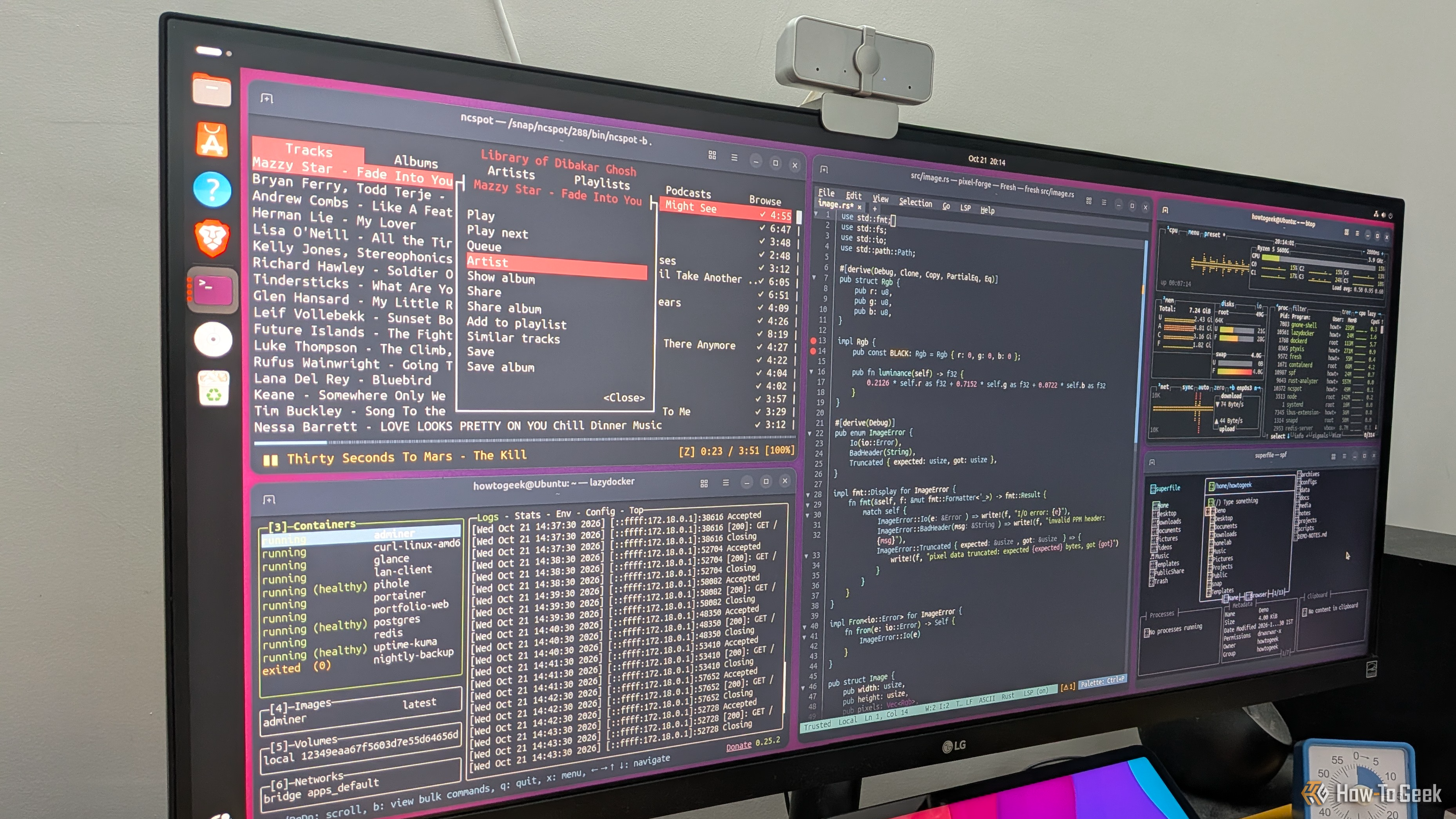
These 5 legendary free, open-source apps are better than their expensive paid alternatives

Conventional wisdom says that if something costs money, it's probably better than a free alternative. However, that logic completely falls apart when it comes to software β€” especially with free and open-source software (FOSS). The space has matured to the point where many free apps don't just compete with their paid counterparts β€” they beat them outright. Here are my top five picks for legendary open-source software that give their expensive paid alternatives a run for their money.

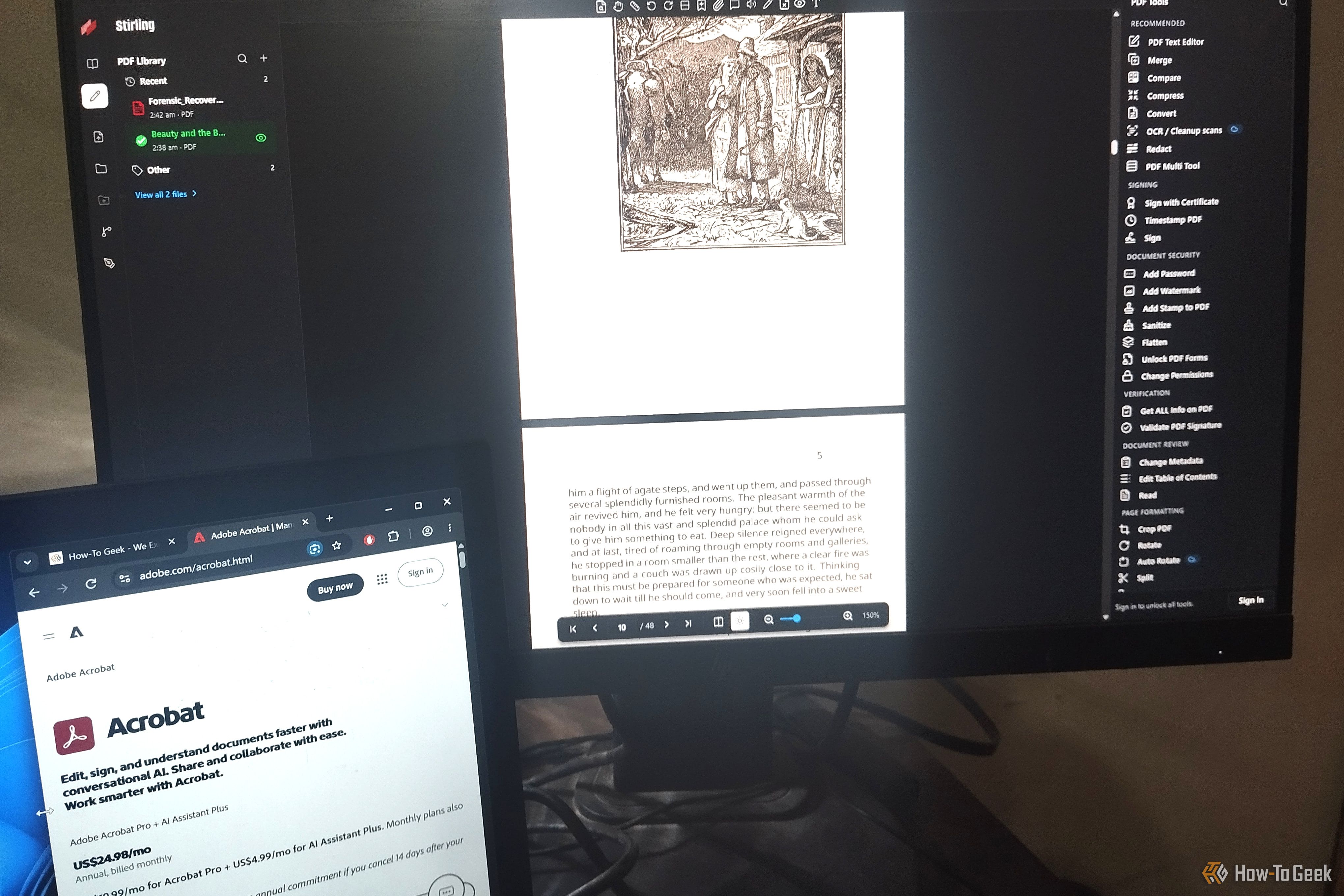
I canceled 3 paid subscriptions with these free, open-source apps β€” and don’t miss a thing

I know I can’t be the only one who hates how almost everything has become a subscription now. Fortunately, the issue is primarily isolated to popular mainstream software β€” there’s still a lot of niche software that’s just as good, if not better, that hasn’t moved to the subscription model. This is particularly true in the open-source space, which is filled with genuinely excellent apps that can help you ditch many of your paid subscriptions without losing most of the benefits. Here are three such FOSS apps that I personally used to replace some of my paid subscriptions.

Why are you still using WinRAR when this open-source alternative is so much better?

WinRAR is probably one of the most common third-party apps found on countless Windows PCs around the world, and for good reason. While it's technically paid software, you can use it for as long as you like without paying a dime, it handles a wide selection of archive formats, and it resides in the Windows context menu, so you don't even have to open it to use it.

I ditched Claude for a local AI that writes Excel formulas and automations for me

Spreadsheets are difficult to avoid, and a lot of what you have to do with them is pretty tedious: endless formatting, cleaning up data, and other repetitive tasks. And, worse yet, you often can't just throw AI at the problemβ€”spreadsheets can contain information that you can't upload to Claude or ChatGPT because it is confidential, or even legally privileged.

❌