❌

Reading view

There are new articles available, click to refresh the page.

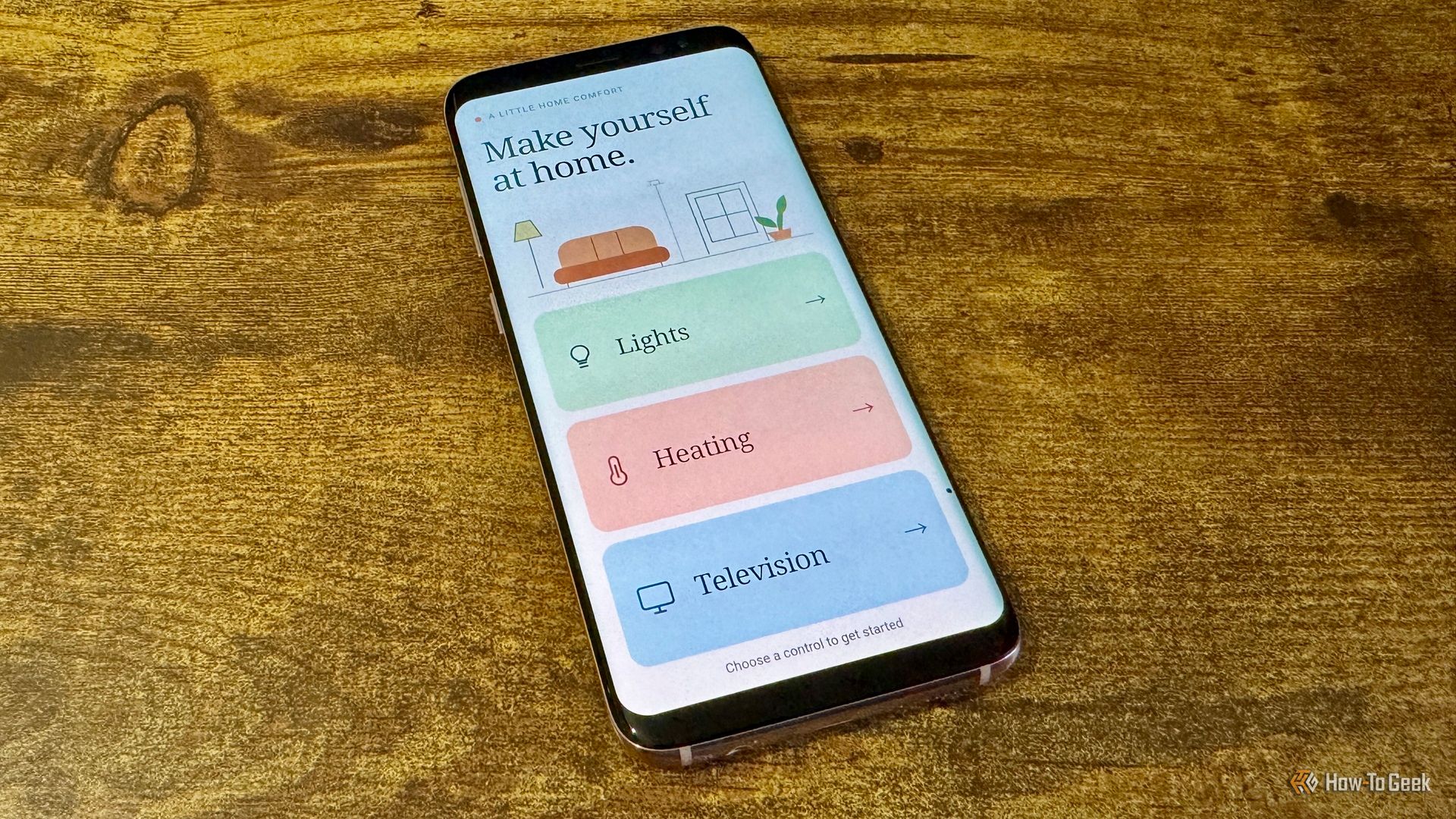
I built a one-tap "I'm driving" mode that makes Android Auto even better

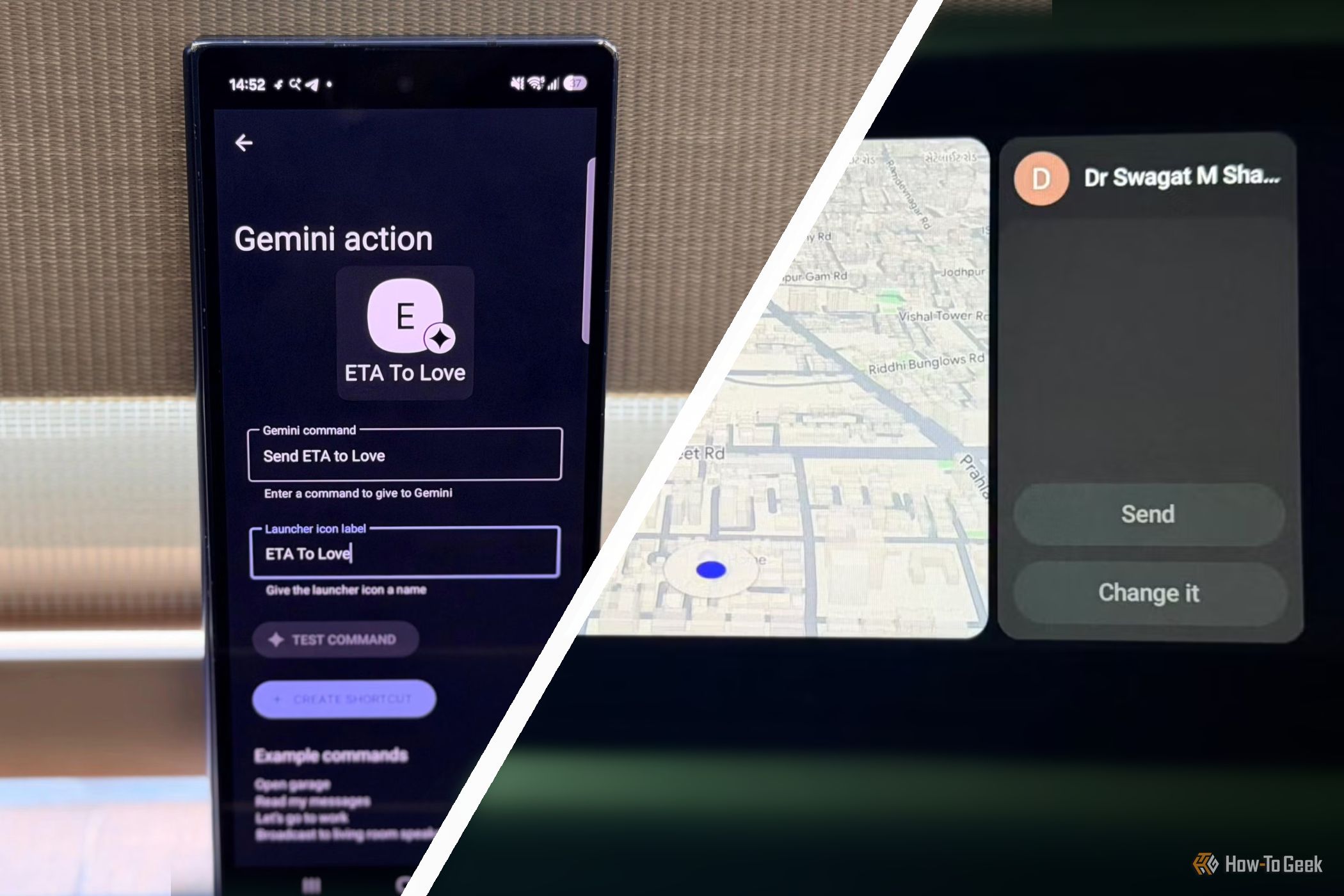
Android Auto is great and easy to use, especially in wireless mode. You hop in the car, the phone connects, and you're good to go. However, that doesn't help with all the settings, controls, playlist selection, and other things that distract you on the road or make you sit in the driveway for a few minutes before leaving. That's why I built a one-tap shortcut that changes everything at once.

I changed one Samsung Galaxy setting, and notifications make sense again

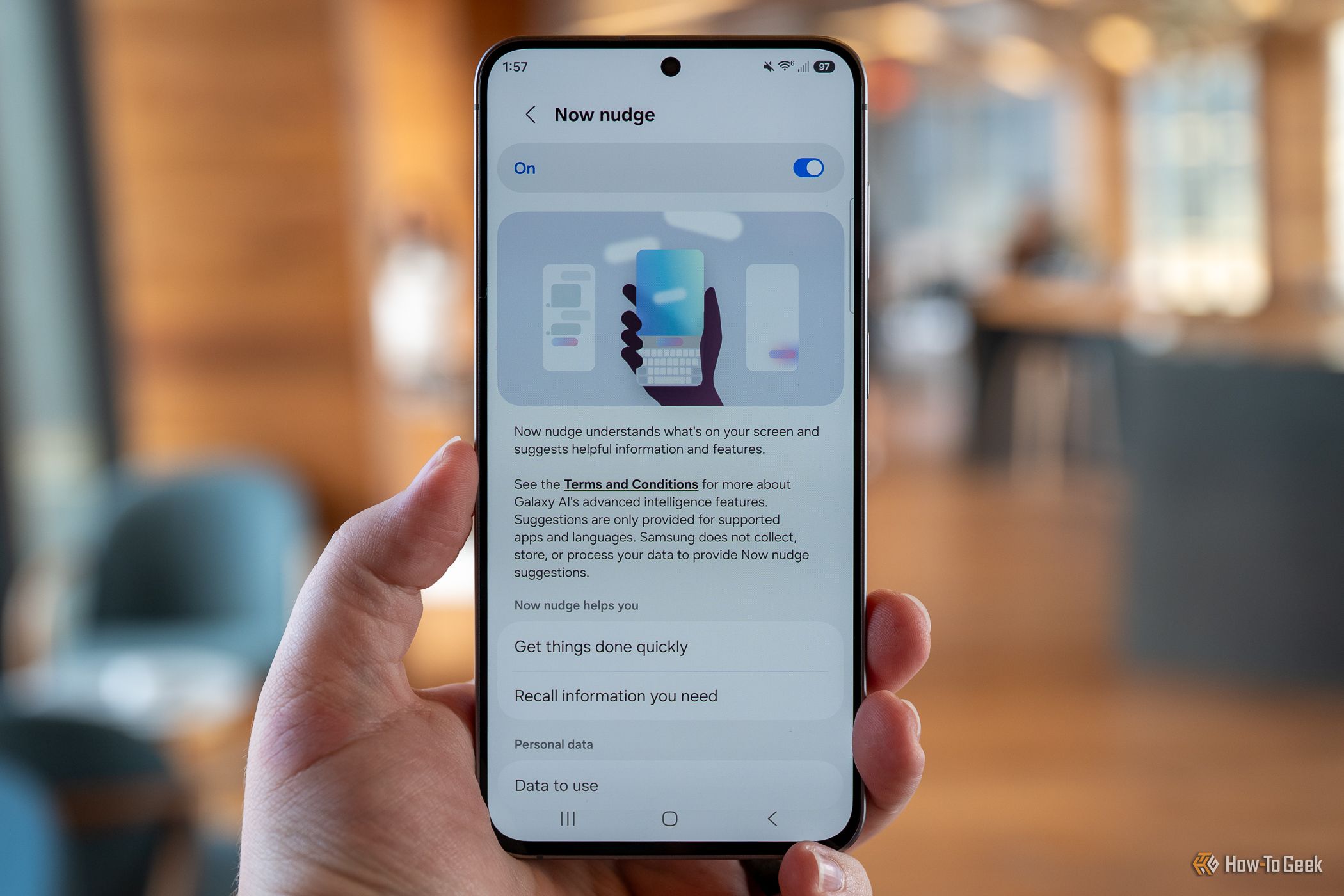
The notification pull-down bar on Samsung Galaxy phones has changed quite a bit over the last few years, and not for the better. If you feel like your notifications aren't the same, out of order, and just seem a bit weird lately, you're not alone. The last two One UI updates changed the look and order of alerts, but one quick change in settings can fix it.

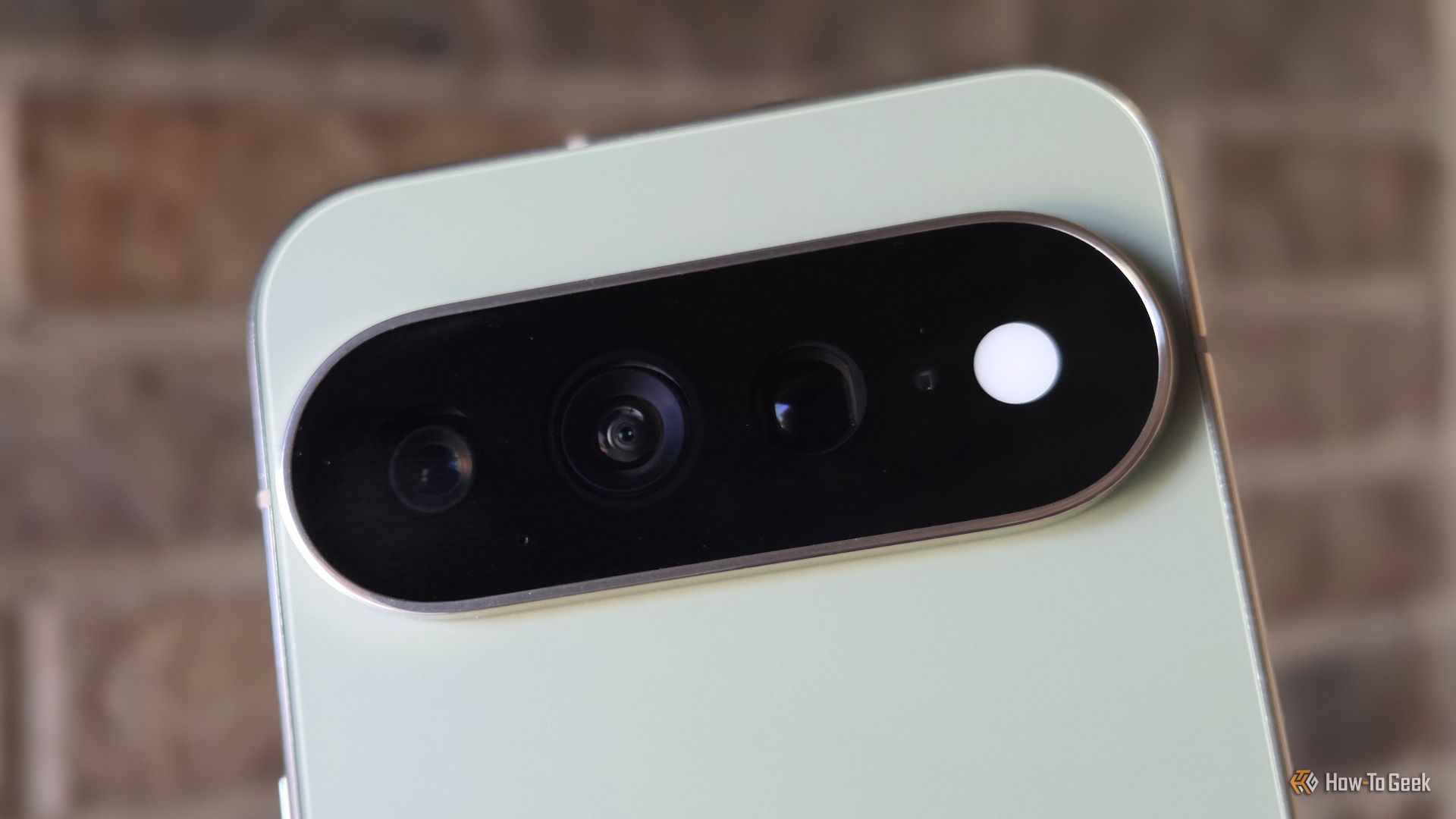
After a month with the Pixel 11β€”these are the 4 things not enough people are talking about

The first 24 hours with a new device are always exciting as you set things up and check out new features. But it's after using it for several weeks that you start to find the hidden gems. And while the Pixel 11 series is getting a lot of negative attention for being so similar to the outgoing model, there's a lot that's new. Here are four features I haven't seen mentioned enough.

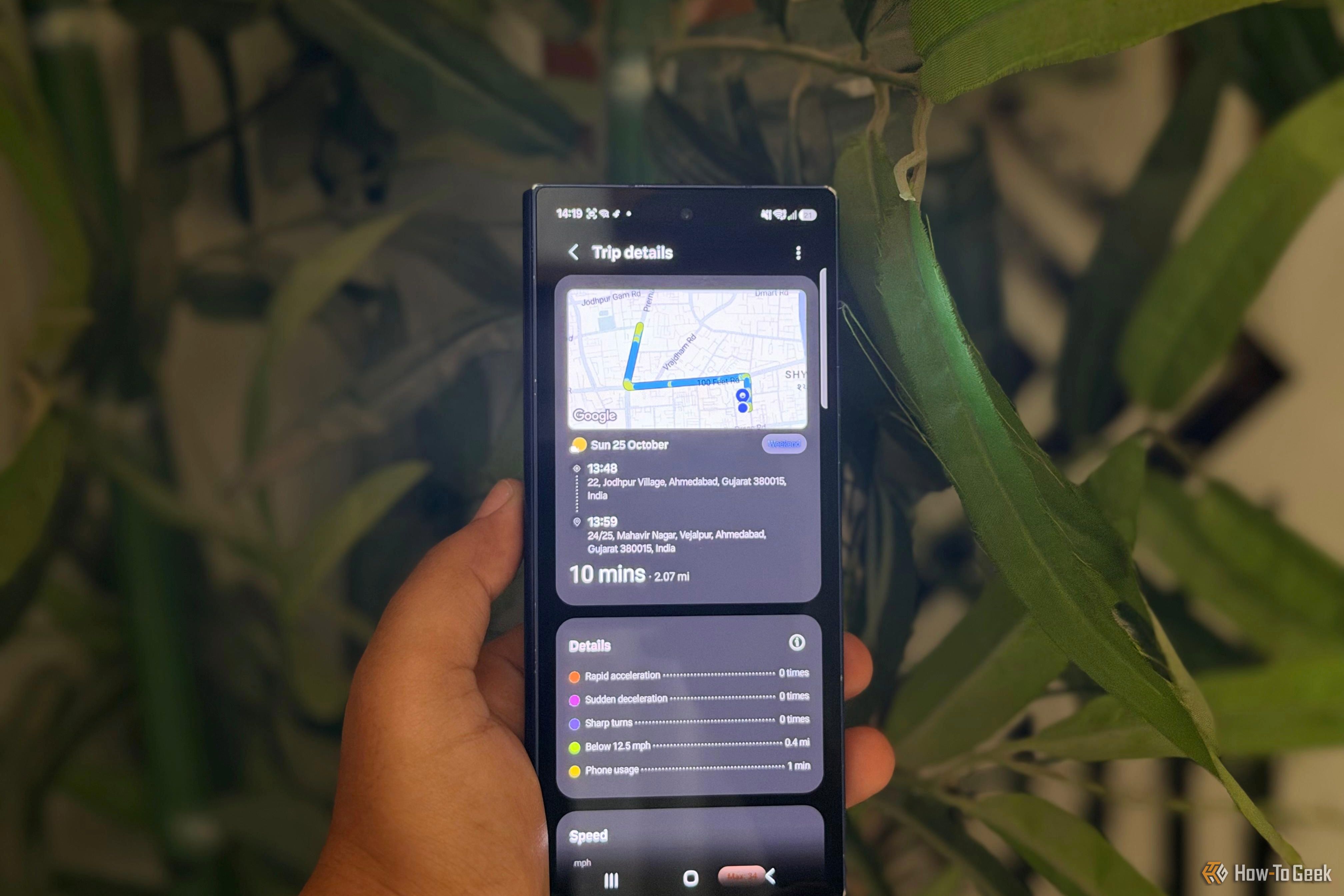
You’re using Google Maps wrong if you haven’t changed these 4 settings

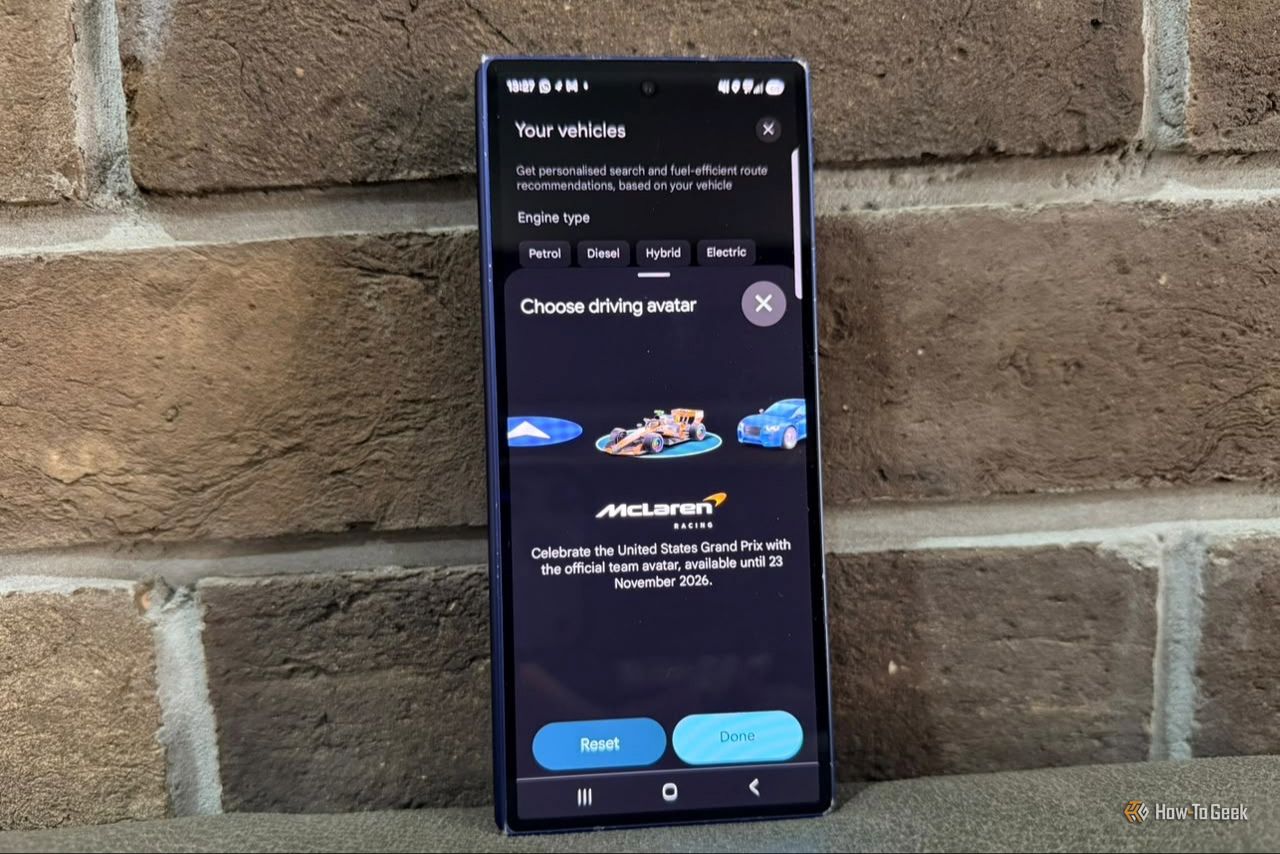
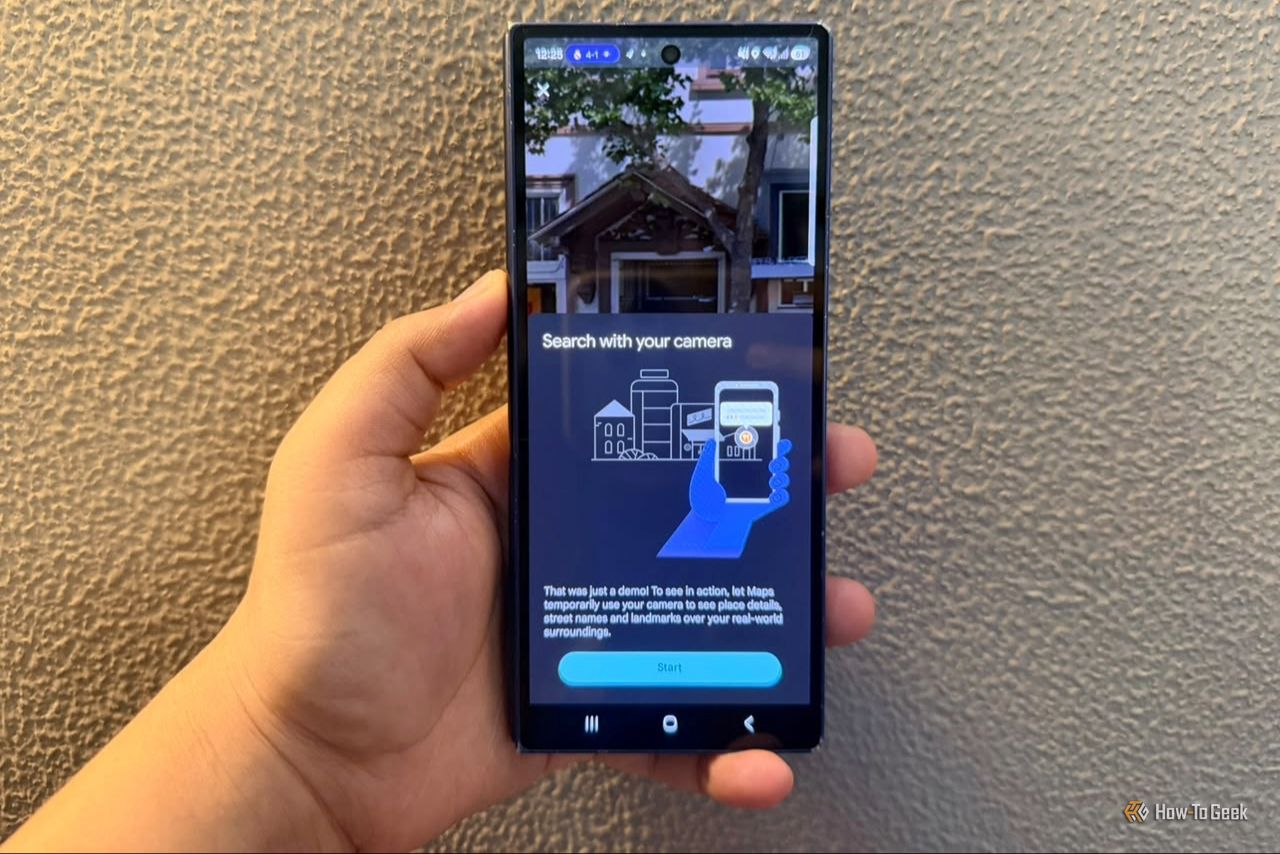
I’ve lost count of how many times I’ve opened Google Maps, typed in my destination, and blindly followed the blue arrow as if it knows my life inside out. Whether I’m rushing to pick my daughter up from her drawing class or trying to find a new restaurant, I usually let Maps take over. But recently, I realized I’ve been using Google Maps the same way I did when I first installed it. It turns out I was leaving several underused features untouched. If you want more from Google Maps, go through the settings below. They might make you realize how much more Maps can do beyond basic navigation.

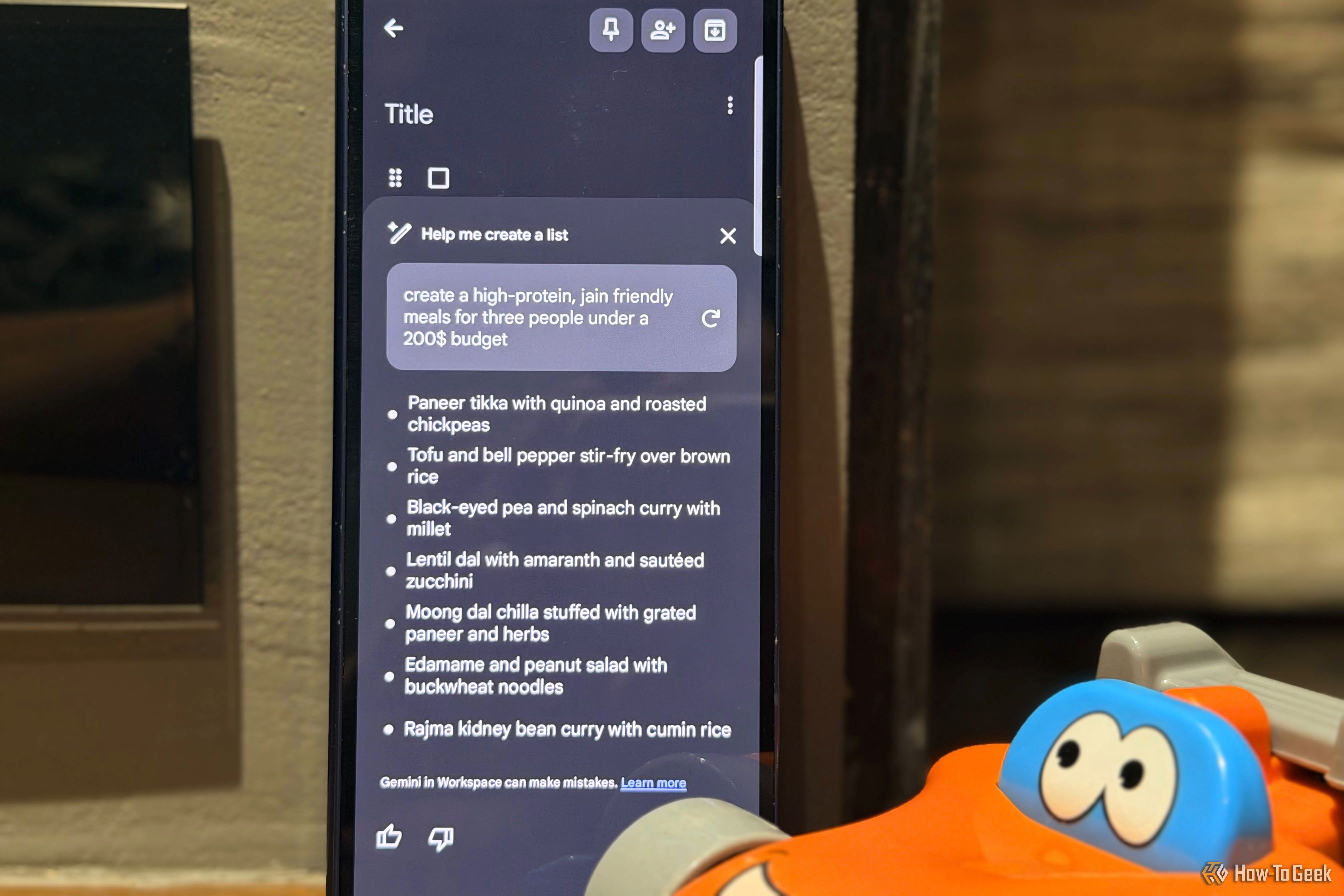
These are the first 4 Android settings I change after a factory reset

Have you ever noticed that the factory reset on any phone does only half the job? Yes, it’s true. So, I never immediately start downloading my apps or restoring everything from my backup once it boots up. Instead, I take a few minutes to go through the settings and make my phone feel like mine again. After all, a factory reset is supposed to give you a fresh phone; why bring back all the clutter and defaults you were trying to get rid of in the first place?

❌