❌

Reading view

There are new articles available, click to refresh the page.

Bad Apple on a Karaoke Machine

CD+Graphics was a format that never really caught on. It let music discs pack some graphics, maybe liner notes, and mostly song lyrics into the otherwise empty space on a CD. It was never intended for displaying full-motion video, but that didn’t stop [Adam Gashlin] from getting a Bad Apple, with lyrics, running on any device that will play CD+G.

The main challenge is that CD+GΒ gives you 300 screen commands per second, which is plenty for updating text on the 48Γ—16 blocks as the lyrics scroll by. But if you want to send custom blocks and draw images, that’s 2.5 seconds per screen: a lousy framerate.

[Adam]’s first trick is to drop the resolution way down, which gets him into the 8 FPS range. Only update the blocks that change pushes this up to a respectable 17-20 FPS. But you can see the updates, and that’s distracting. It really needed buffering.

If you don’t know Bad Apple, it’s in black and white. And like many old graphics engines of the day, CD+G uses a dynamic palette of colors. [Adam] uses this to pack four frames into one, switching between them using palette swapping. (Absolutely check out his β€œrainbow” version of the video to see how the palette-swapping trick works.)

In the end, his demo has audio, triple-buffered video, and lyrics at 16.3 FPS. It’s slower than the fastest video-only version, but it looks so good, and [Adam]’s explanation of all of the graphics tricks he uses to get there is the real star of the show.

If you want to see Bad Apple running on yet more minimal hardware, how about a 16Γ—2 LCD? Or a much more ridiculous implementation? How’s regexes in Vim for absurd? Got any Bad Apple hacks of your own? Let us know in the comments or the tips line. You can never have too many.

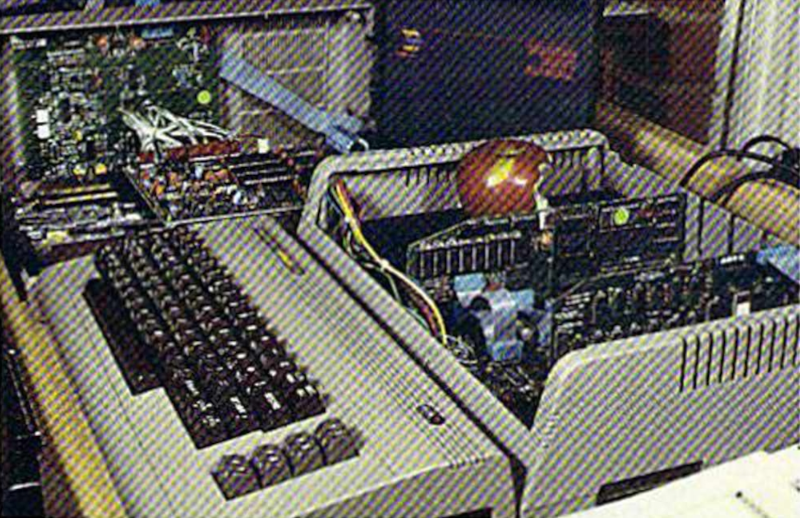
SB Mini II is a Homebrew Apple II Clone

On the one hand, the original Apple II has been copied over and over again since at least the early 80s, so maybe this hack is old hat to the greybeards around here. On the other hand, this is the year 2026. When Apple released it back in 1977, who could have predicted people would still be building these things nearly five decades later?

In that sense, a homebrew Apple II in the current year is pretty remarkable. It’s a really well done project by [simonboak], nicely open sourced with a case to match, so is worth looking at on its own merits.

It doesn’t run DOOM, but neither did the original. Oregon Trail is more this unit’s speed.

Unlike the later models, the original Apple II only used commercially available ICs, making it an easy target for recreation. No FPGAs required, just good old-fashioned DIPs. OK, these are modern CMOS versions of the chips, but other than that, the biggest concession to modernity is space on the board for a Raspberry Pi Pico to allow for connecting a USB keyboard.

The accompanying blog post lists some other differences from 1977’s favorite home computer: SRAM vs DRAM β€” because you know the Woz would have used it if he could β€” and omitting the composite video circuitry in favor a late-model VGA card. There’s no need for the composite output since he’s eschewing the period-appropriate CRT for a retro-styled LCD monitor, which is also 3D printed and available on Printables. It’s crazy to think that the Apple II family lived long enough not only to see the dawn of VGA but also well into its sunset.

If a homebuilt Apple ][ doesn’t impress, what about a PC-compatible circa 1995?

❌