❌

Reading view

There are new articles available, click to refresh the page.

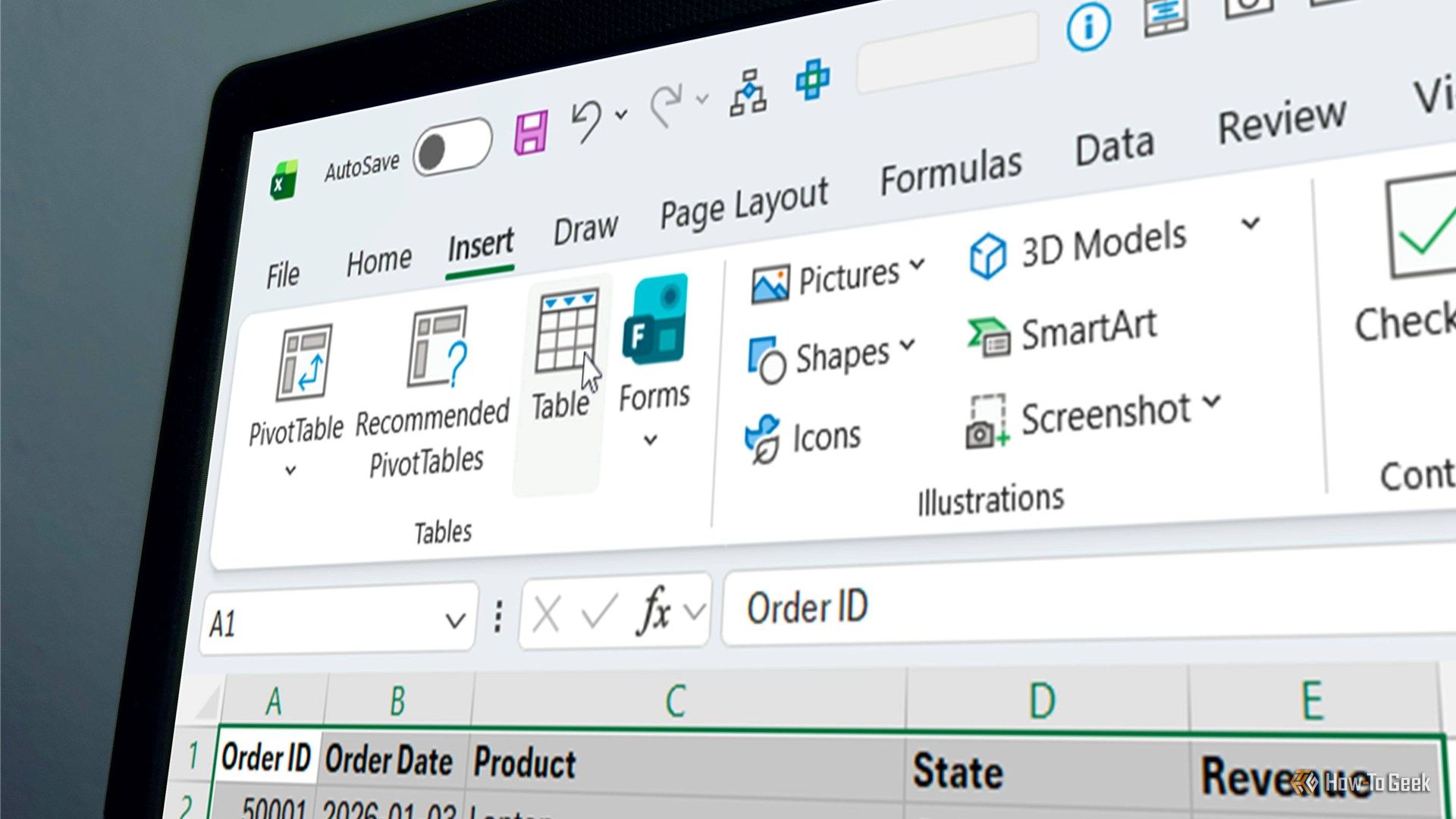
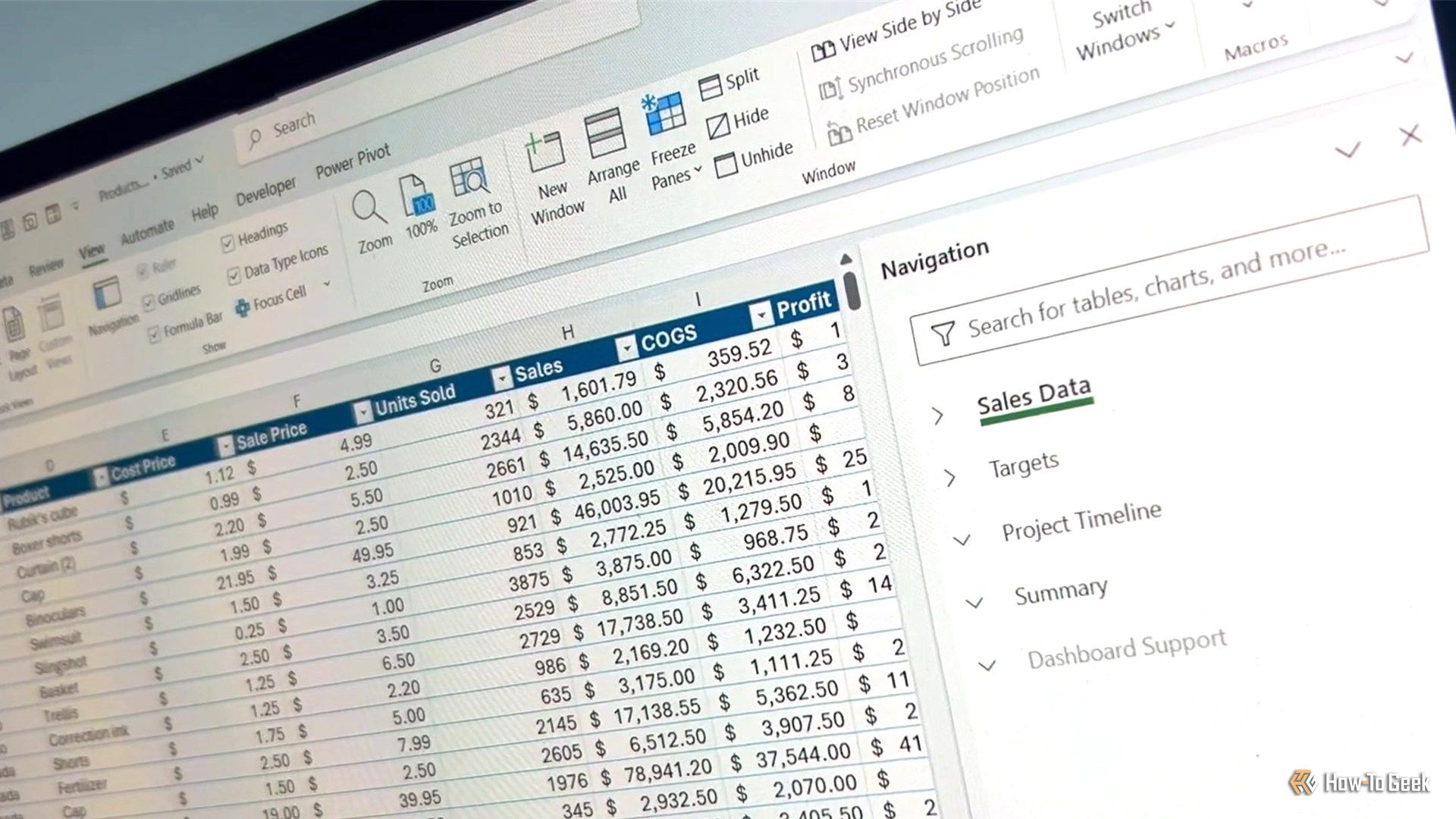
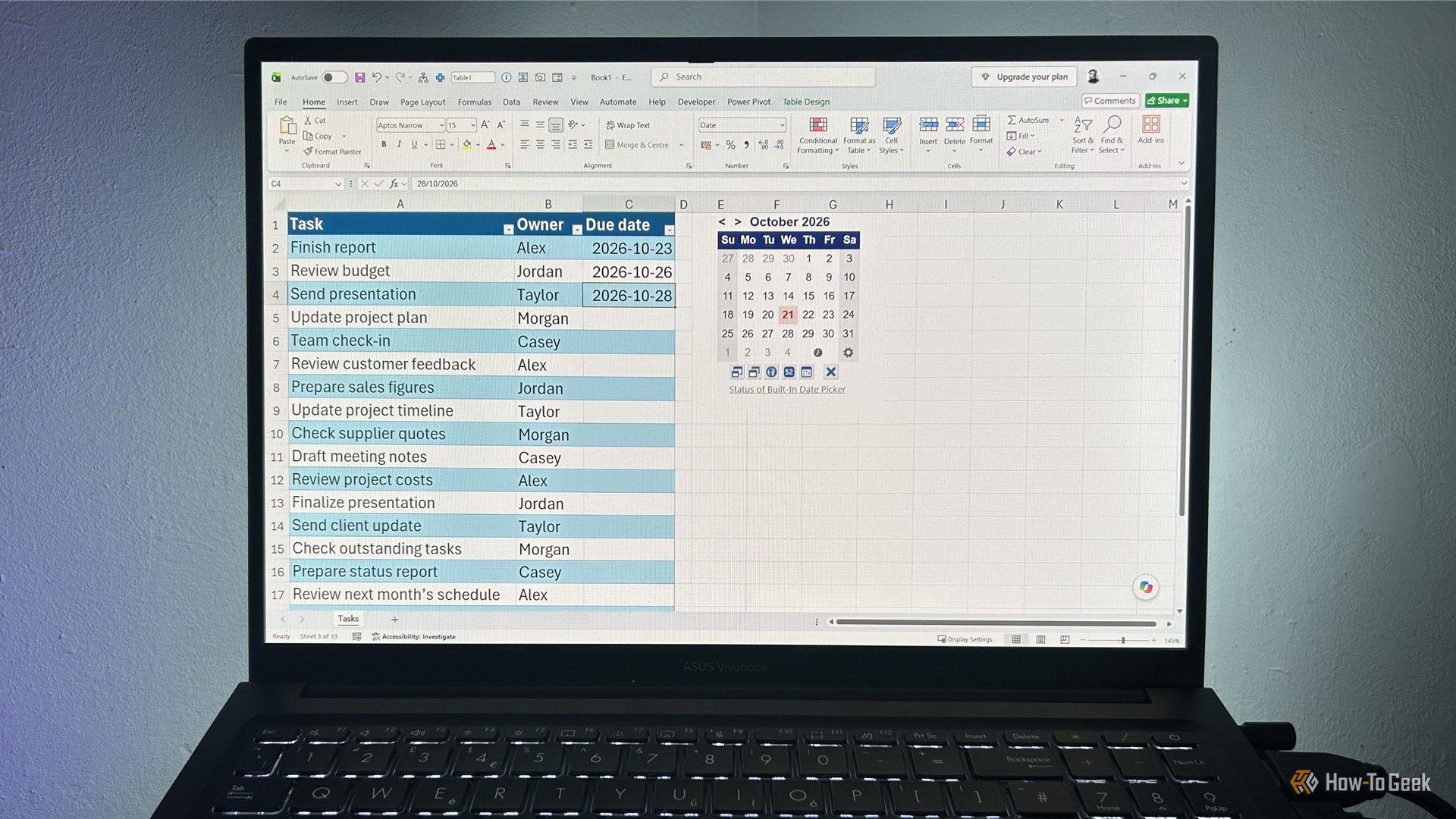
6 Excel hacks to elevate your spreadsheet game

Whether you're looking to boost your spreadsheet efficiency, elevate your data analysis capabilities, or improve your career prospects, learning new tricks in Microsoft Excel is sure to help you along the way. So, add these six Excel hacks to your toolkit today.

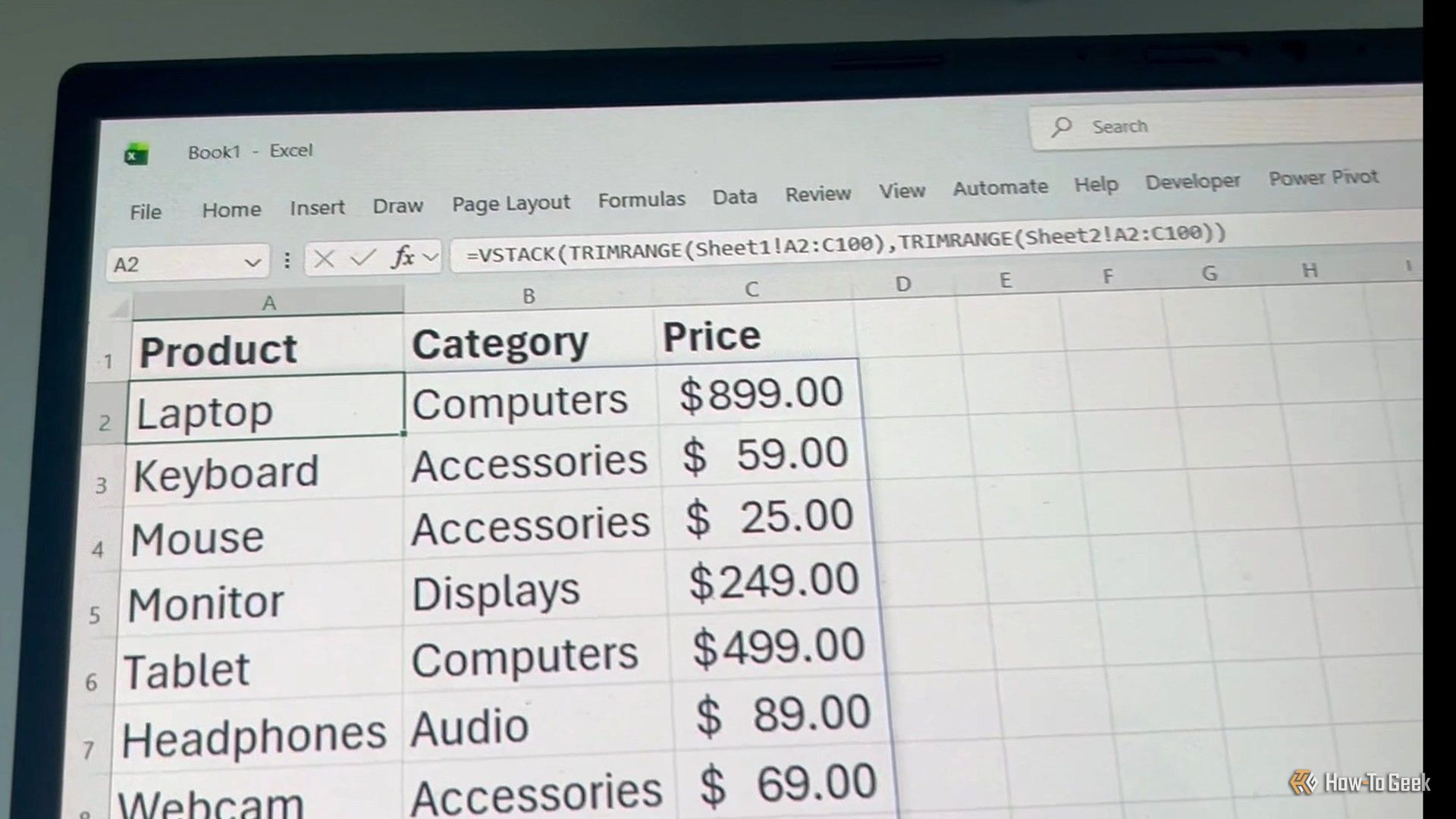
I stopped doing these 5 things in Excelβ€”and my spreadsheets became more reliable

I've spent a frankly unreasonable amount of time in Excel, so I've had plenty of opportunities to find out which habits make my life easierβ€”and which ones come back to haunt me later. Over the years, I've gradually ditched a handful of things that seemed harmless at the time but made my spreadsheets harder to sort, filter, update, or understand. Here are five things I stopped doing in Excel, and why my spreadsheets have become much more reliable as a result.

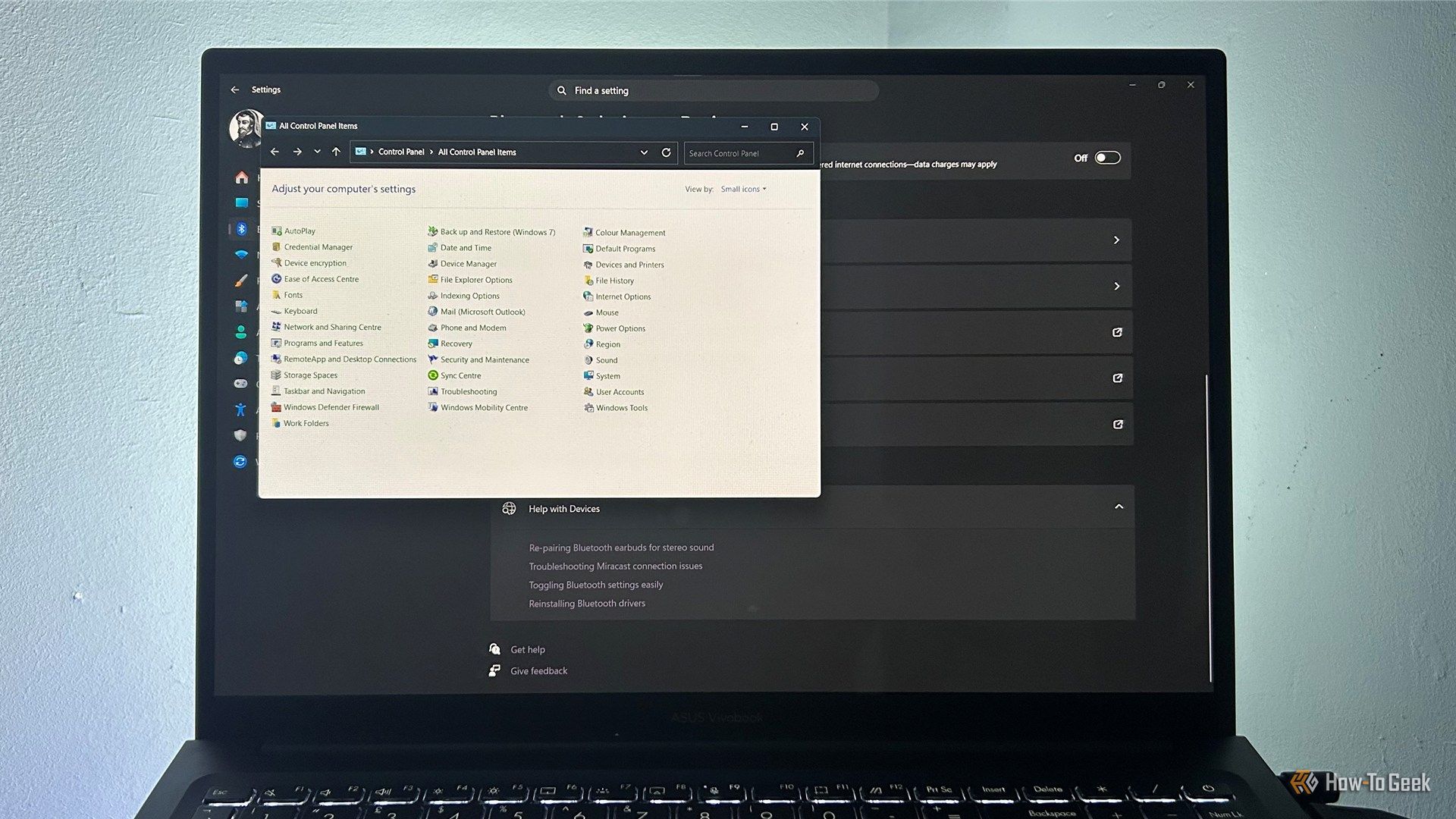
I finally found a better way to use Alt+Tab in Windows 11

I'm one of those people who presses Alt+Tab hundreds of times a day to bounce between the many windows I have open. The problem is that Windows' built-in switcher starts to get awkward when I have lots of windows open, and aside from choosing how many thumbnails to display, there's not much room for customization.

I've used Excel professionally for over 15 years. These are the functions I use most often

Excel has more than 500 built-in functions, but if you asked me which ones I use most often, I wouldn't need very long to answer. After nearly two decades of using Excel professionally, there's a small group I keep reaching for whenever I'm building or fixing a spreadsheet. Some have been around for years, while others are relatively new to modern Excel.

❌