❌

Reading view

There are new articles available, click to refresh the page.

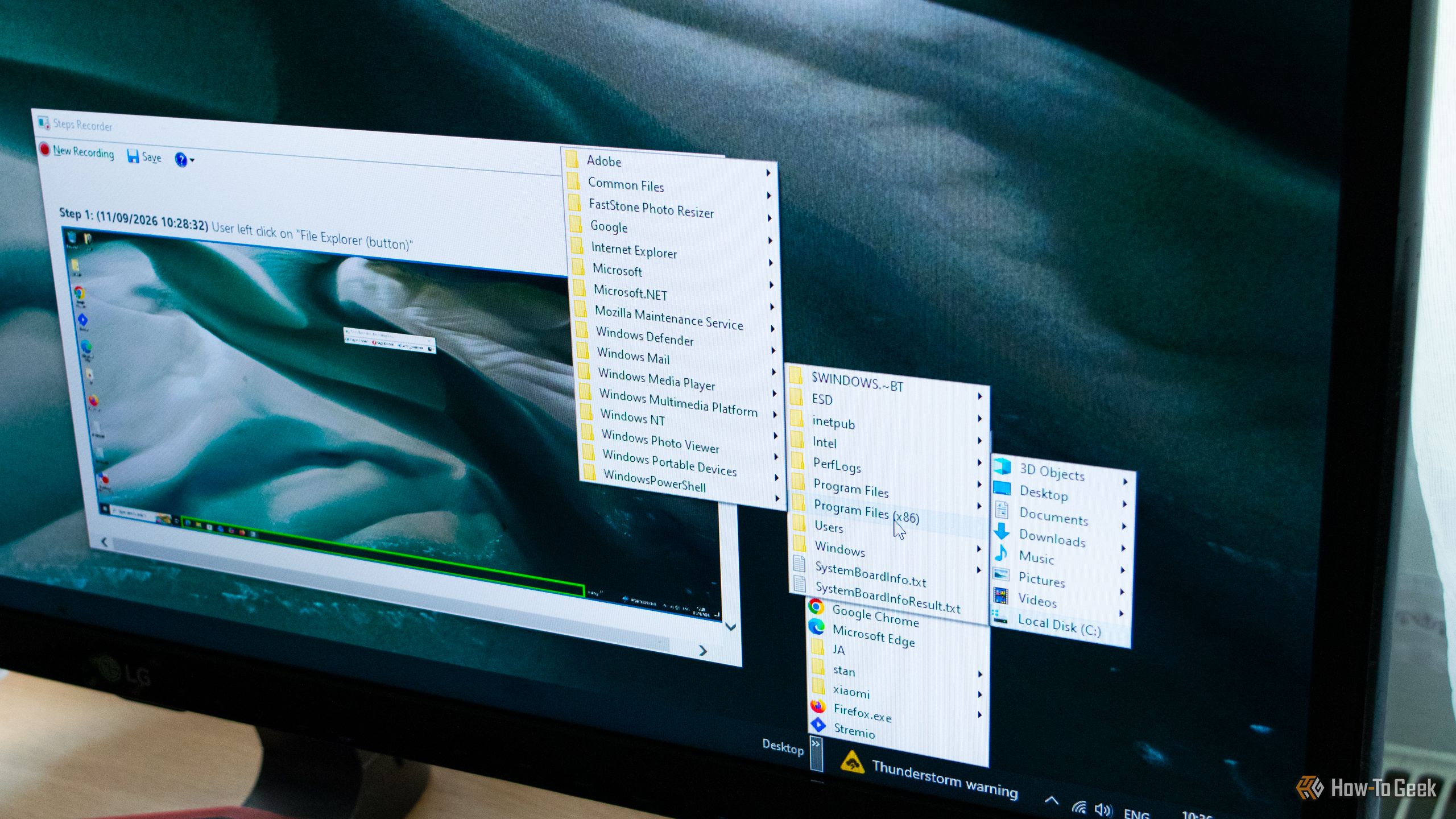
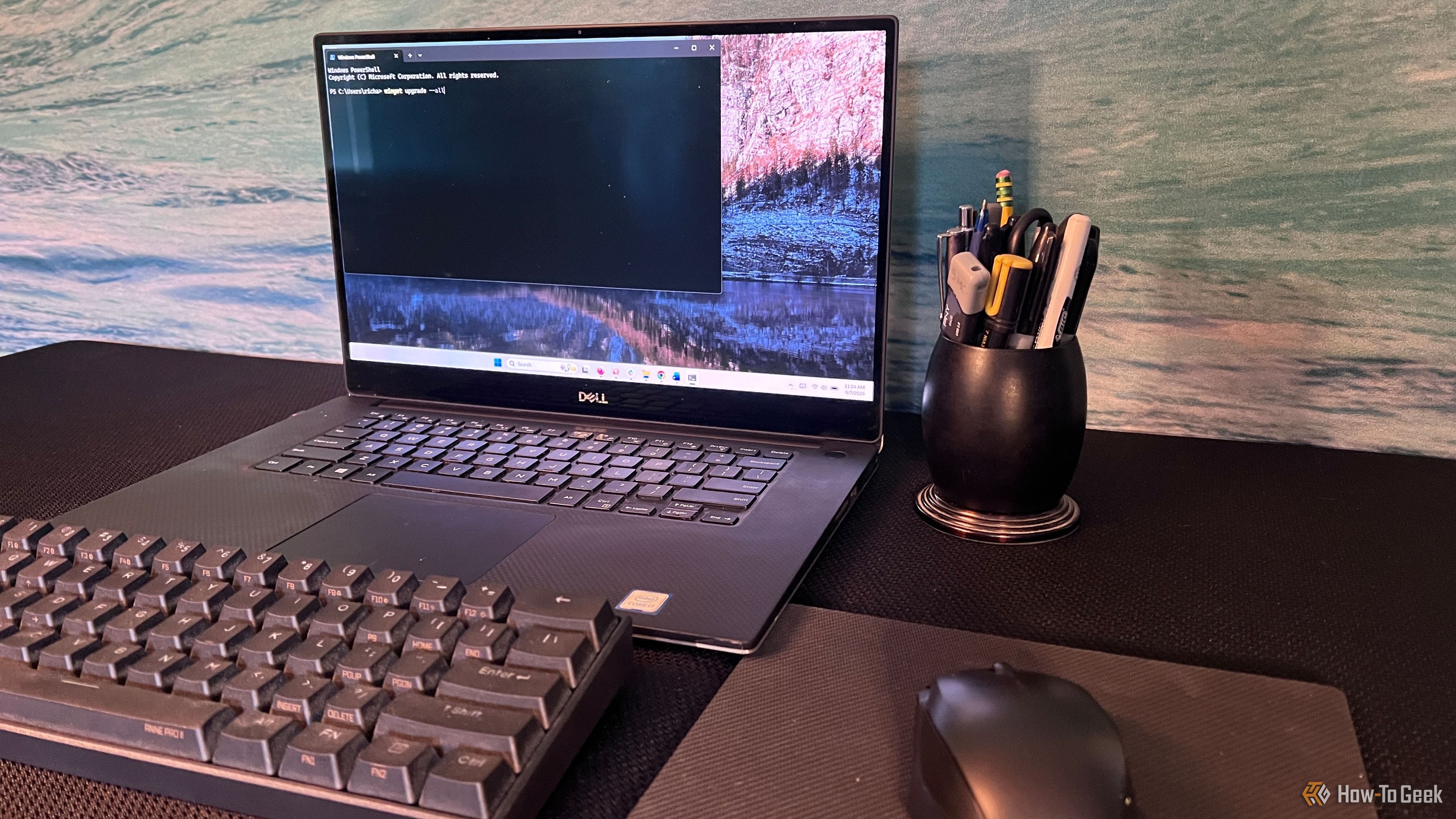
Windows 11 is running hidden tasks that drain your laptop batteryβ€”here's how to stop them

Your laptop had a full charge at the start of the day, but by noon, you're reaching for the outlet to refill the battery. The battery percentage kept dropping even though you didn’t stream anything or run a demanding task. That’s because Windows 11 isn’t sitting idle while you work. In the background, a quiet parade of apps, services, and sync routines run constantly in the background β€” none of which you ever asked for. The good news is that you can stop most of them.
You gave Microsoft permission to collect your typing data when you set up Windowsβ€”here's how to reverse it

When you set up a brand-new Windows PC, you probably want to get through the setup screens as quickly as possible so you can start using your shiny new computer. That makes it easy to click through Microsoft's privacy options without paying much attention to what you've actually enabled. One of those settings allows Microsoft to collect samples of what you type or write.

Your old media files deserve better than Windows Media Player

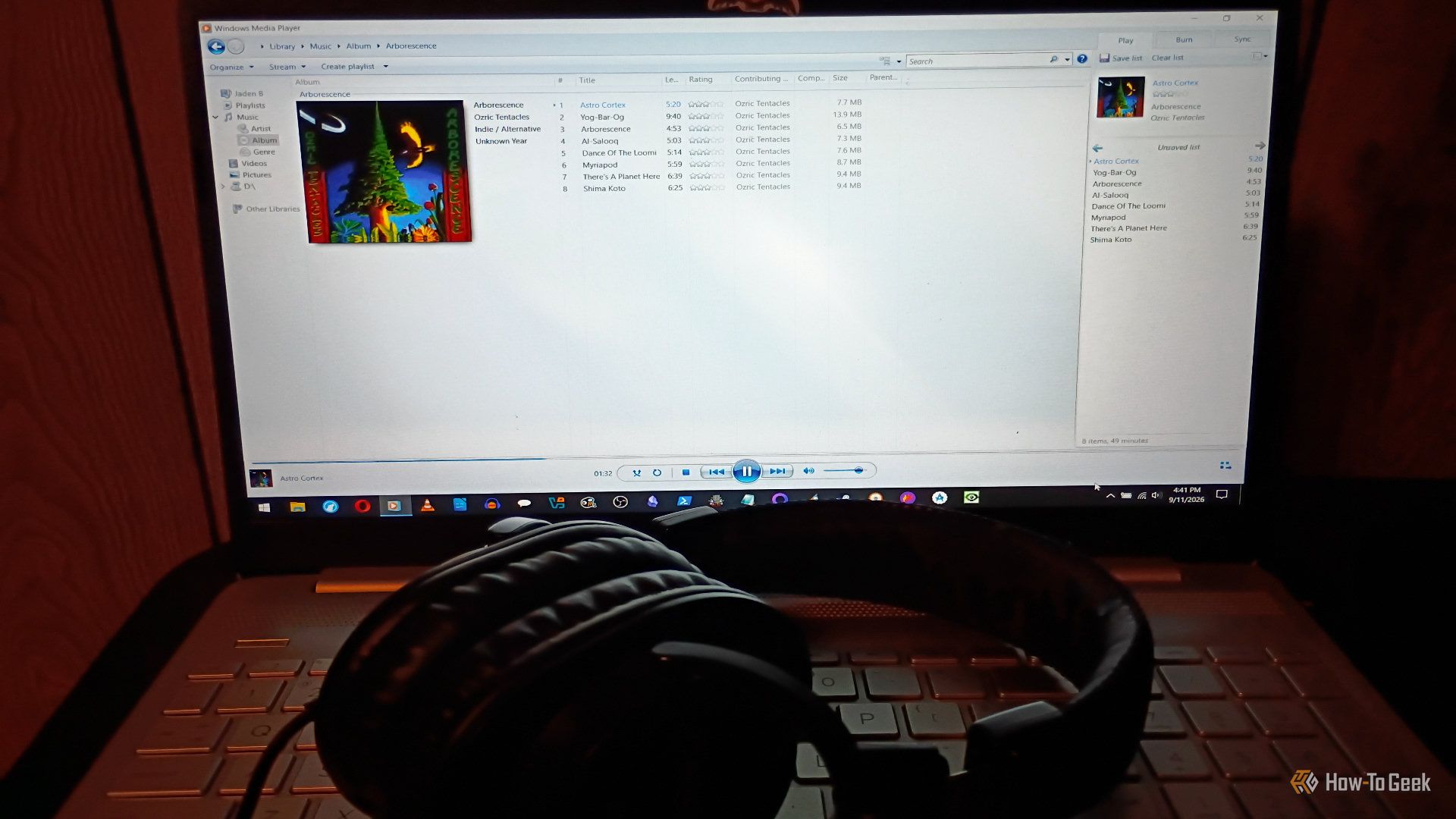
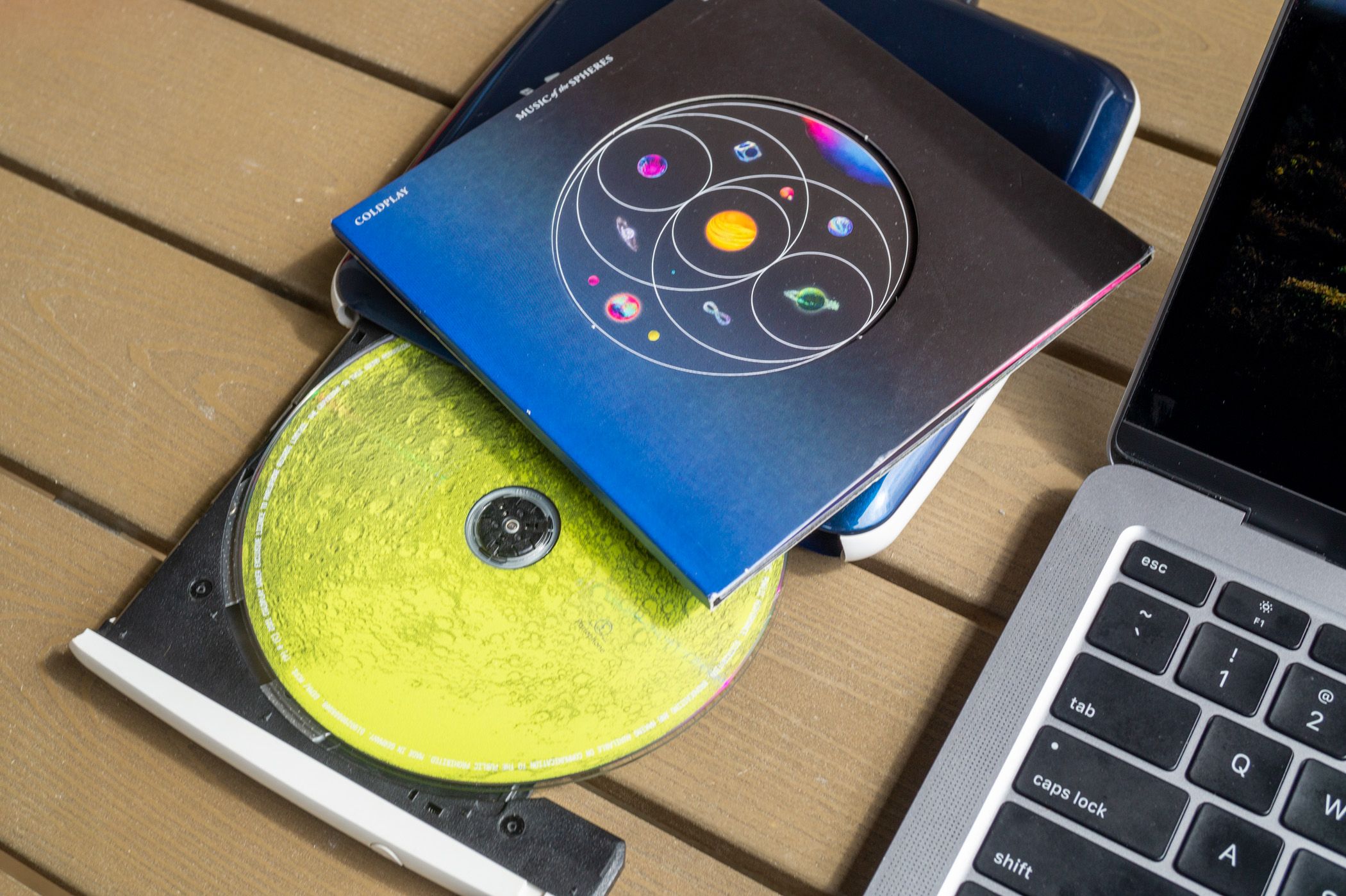
Windows Media Player (WMP) used to be the best. It didn't quite whip the Llama's behind, but I remember a time when it was fantastic. But, as these things tend to do, it got worse over time. Streaming came along, people shifted away from local media players, and Microsoft just shifted its focus elsewhere. Windows 11 replaced it with Media Player, but you can still access the legacy version of WMP. Better media players that could handle more formats appeared, and Microsoft kept breaking WMP features. WMP lost me completely last yearwhen I tried to rip a brand-new CD I bought and discovered the database that used to pull metadata no longer worked (the CD in question was Richard Thompson’s The Old Kit Bag, if you're curious). Fortunately, there are a bunch of fantastic open-source alternatives. Here are some of my favorites.

This open-source Windows launcher does what Microsoft’s new Start menu should have done

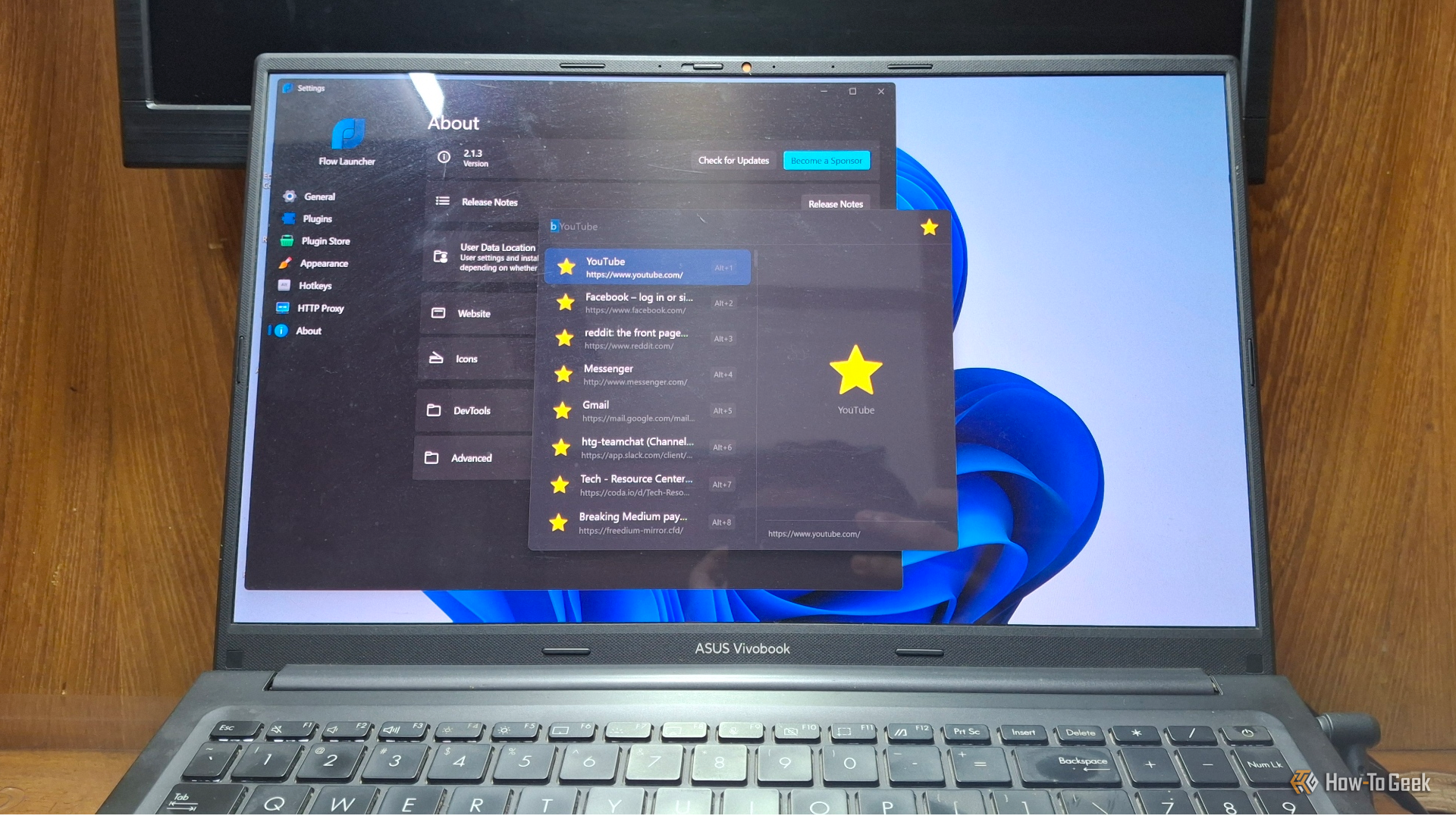
After years of complaints about how little you could customize the Windows Start menu, Microsoft is finally overhauling it in the 26H2 update. In reality, though, they are only catching up to something an open-source app figured out years ago. Meet Flow Launcher, a keyboard-first app launcher that is superior to the current Start menu from all directions.

These 3 Windows apps deserve to be called the greatest of all time

An operating system is only as good as the apps you can run on it, but some apps go beyond that and end up defining the operating system. You seek them out, usually on day one of setting up a new PC, because Windows just feels incomplete without them. Here are three such apps that are so good that they define their entire categories β€” earning them the title of β€œgreatest of all time.”

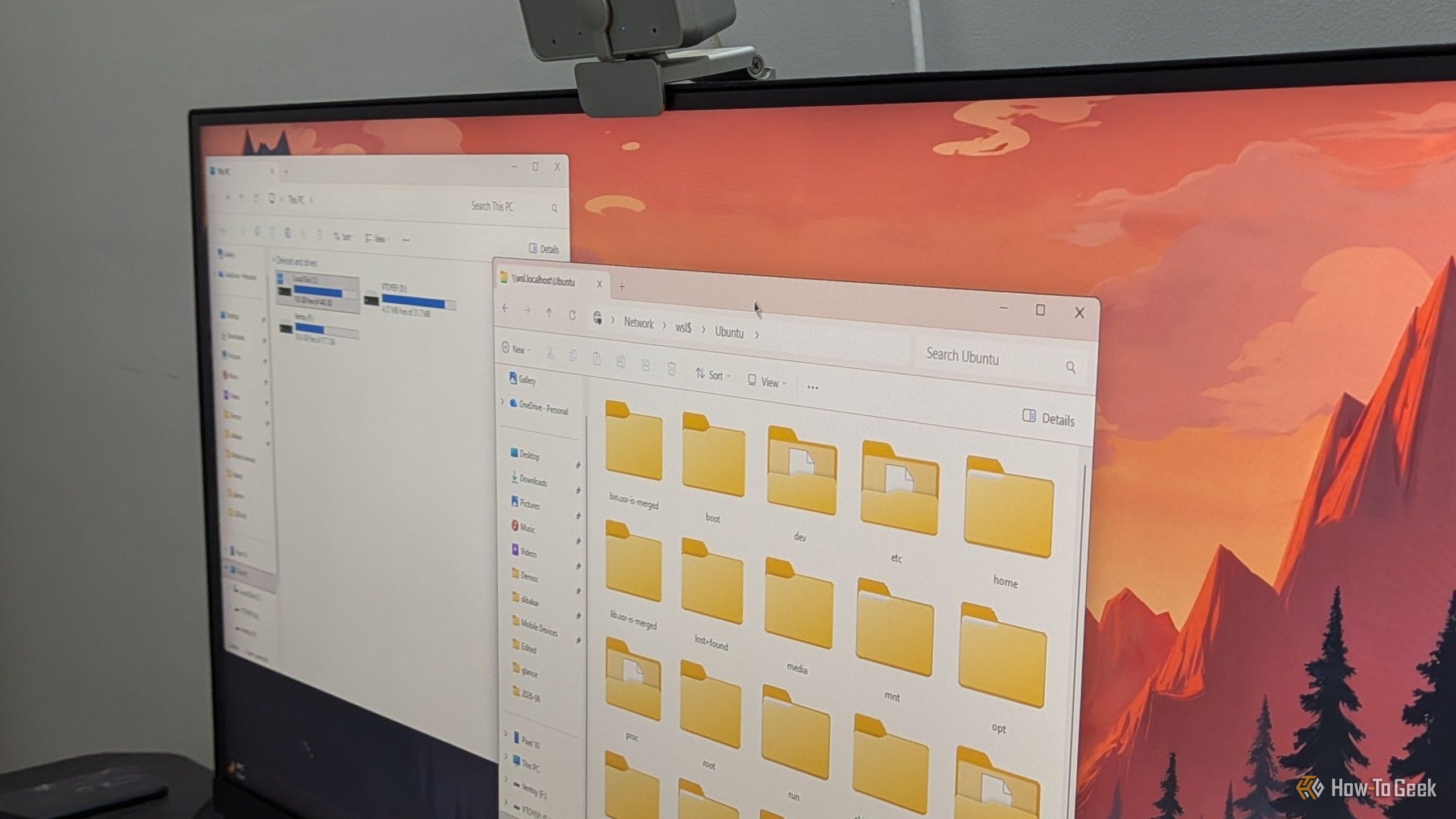
4 classic Windows tools that did things Windows 11 still can't

Microsoft included a number of really helpful features and tools in past versions of Windows that many users came to love. While some of these utilities have survived the transition to Windows 11, others were left by the wayside. Some even made it to Windows 11, only to be retired in one of its subsequent updates. Here are some of my favorite classic Windows tools that are missing from Windows 11, with the latest version of Windows still lacking equivalent features.

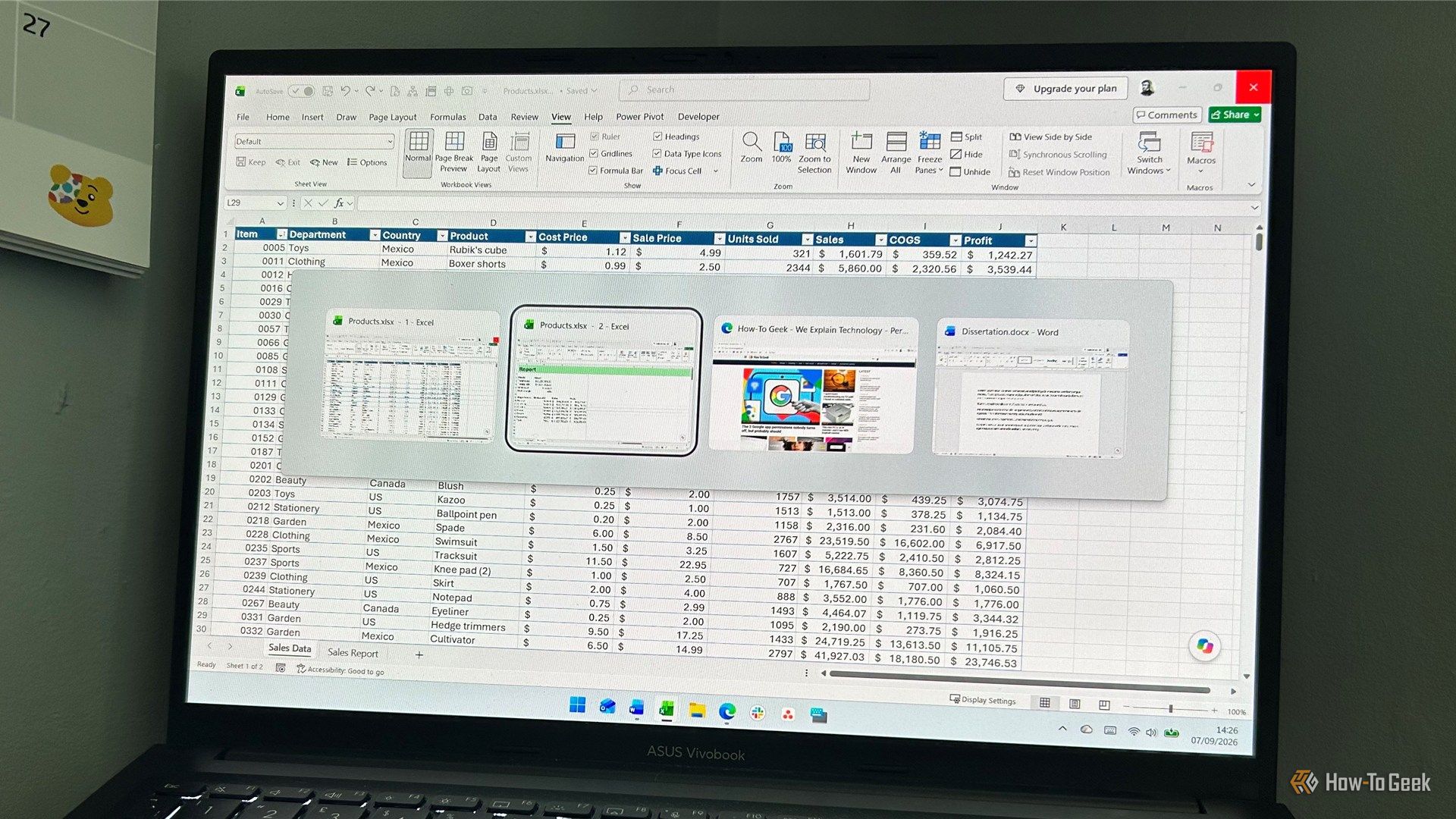
I finally found a better way to use Alt+Tab in Windows 11

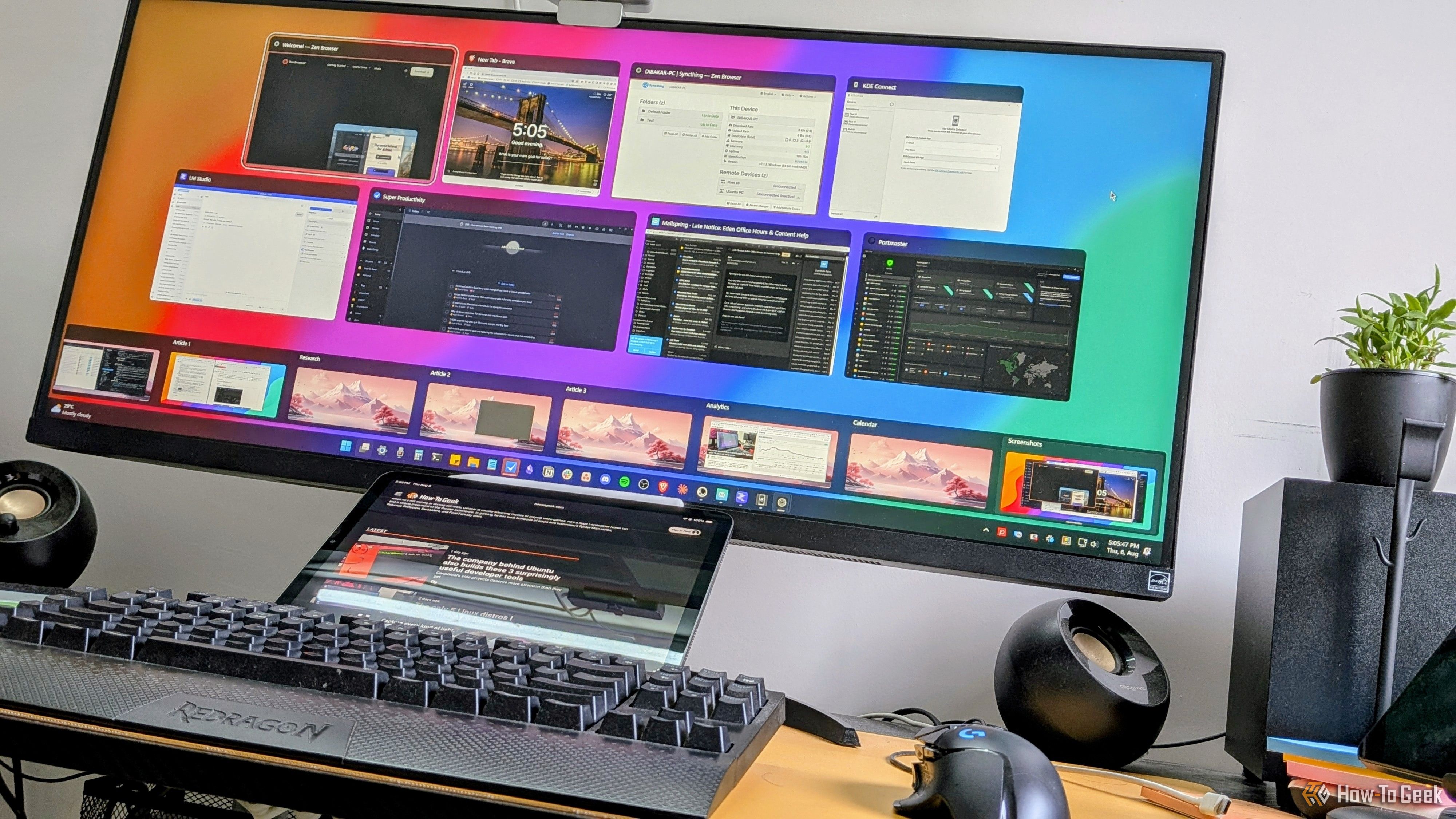
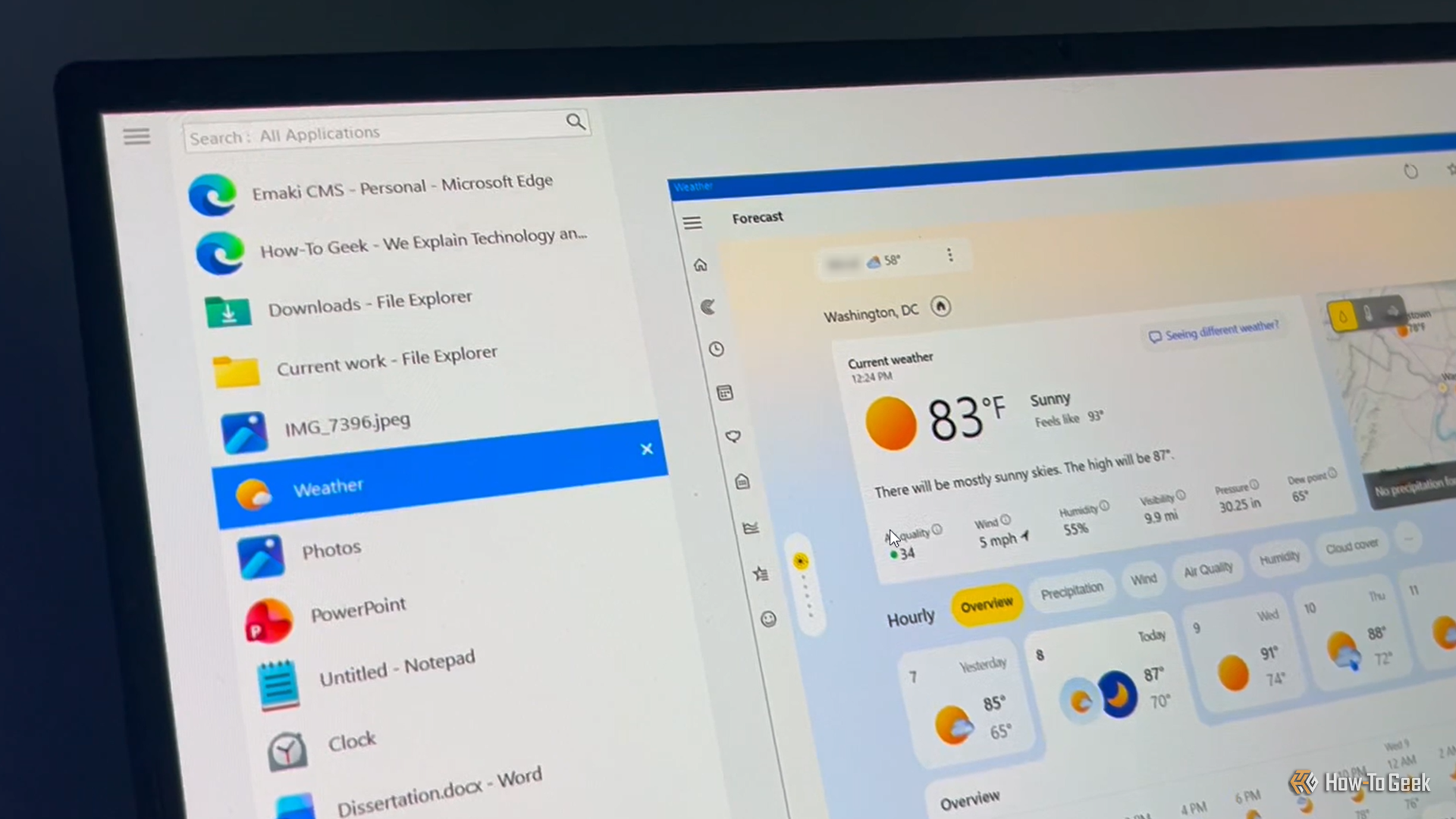
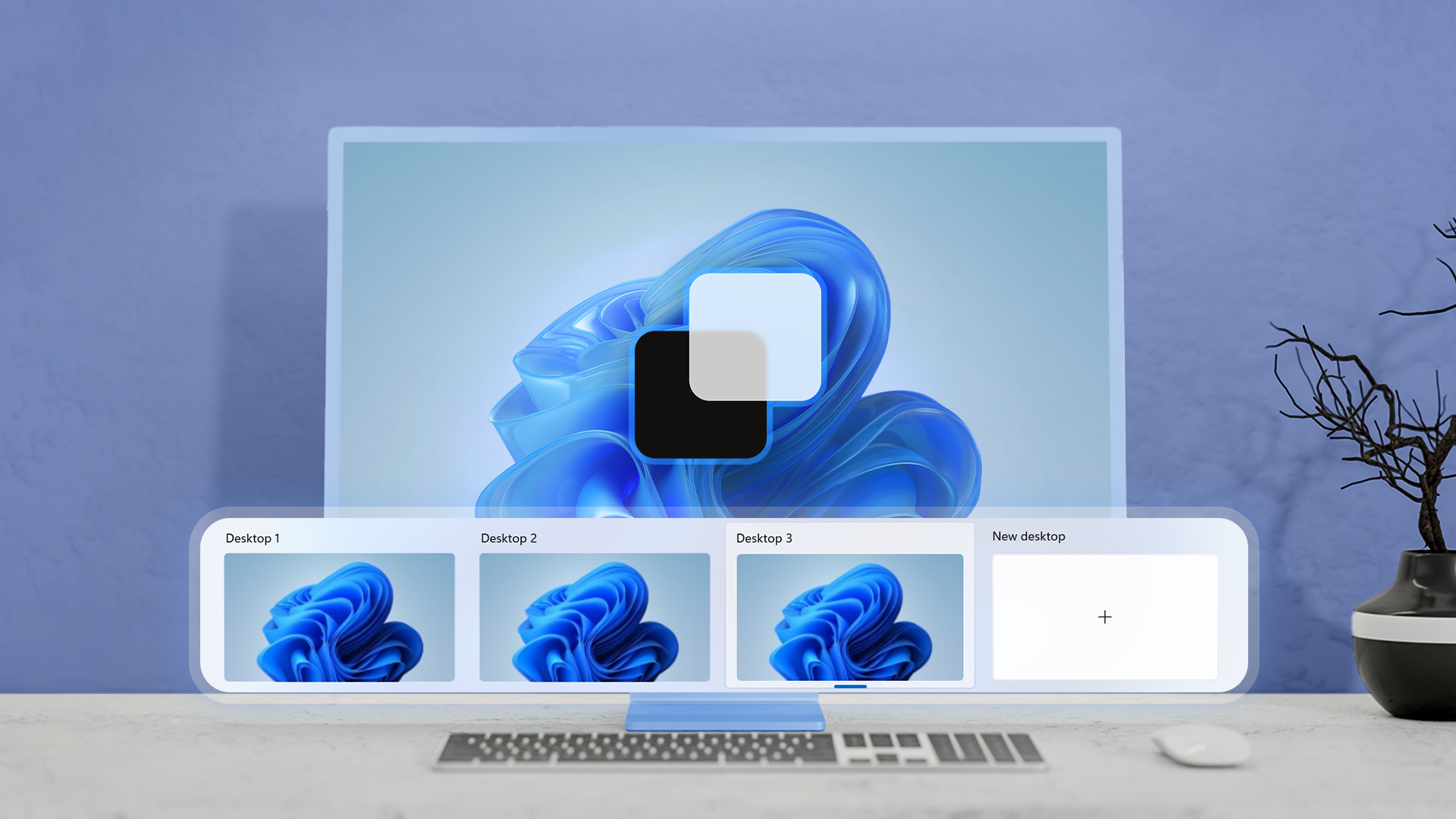
I'm one of those people who presses Alt+Tab hundreds of times a day to bounce between the many windows I have open. The problem is that Windows' built-in switcher starts to get awkward when I have lots of windows open, and aside from choosing how many thumbnails to display, there's not much room for customization.

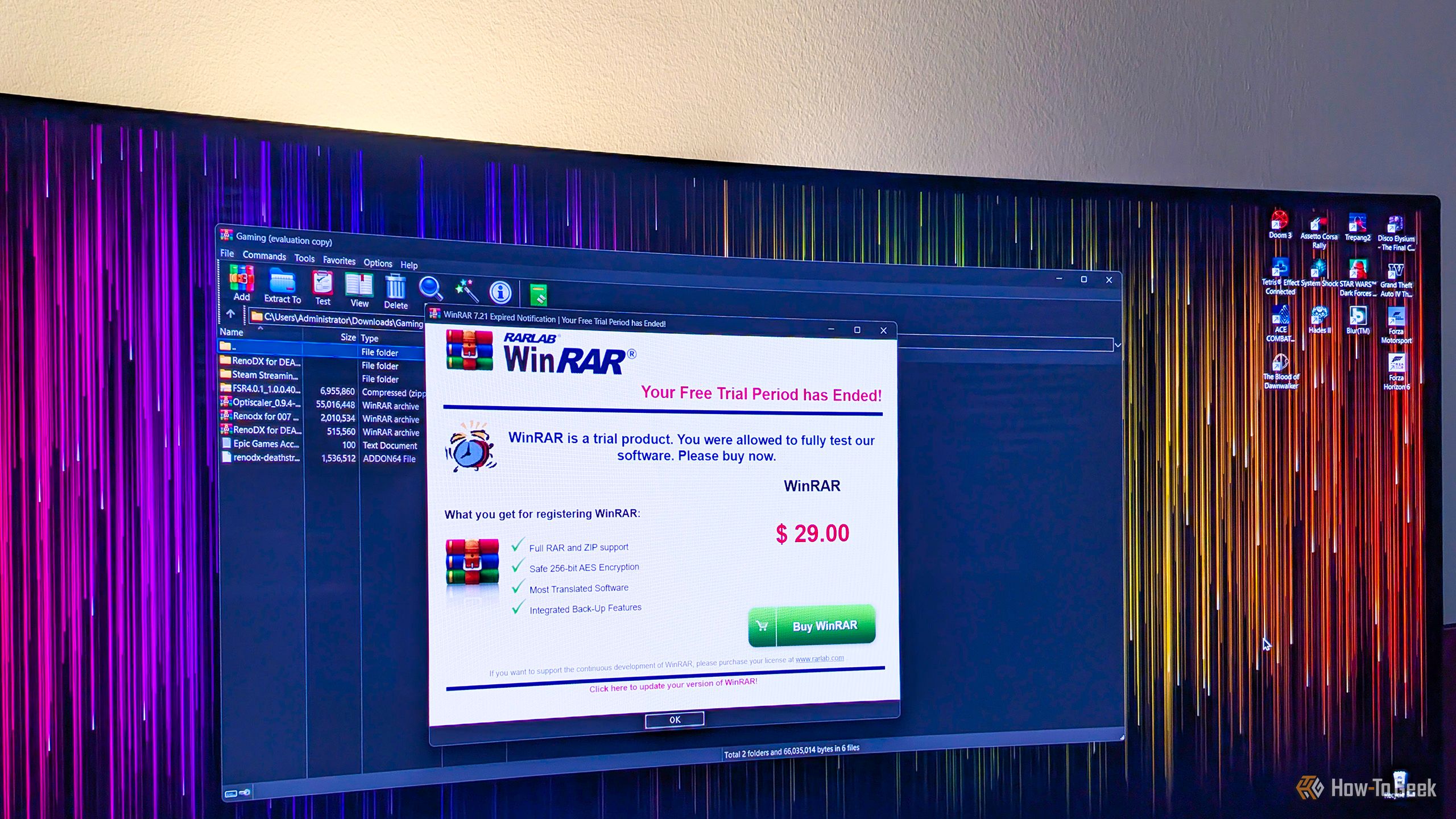
Why are you still using WinRAR when this open-source alternative is so much better?

WinRAR is probably one of the most common third-party apps found on countless Windows PCs around the world, and for good reason. While it's technically paid software, you can use it for as long as you like without paying a dime, it handles a wide selection of archive formats, and it resides in the Windows context menu, so you don't even have to open it to use it.

How to play old CD-ROM games on your modern Windows PC

You have it way easier these days, but back in the day, when you wanted to play a game on your PC, you had to take a similar approach to consoles. Go to a physical store, get a disc, then pop it into your PC. Chances are, though, that nowadays your PC doesn't have a CD drive. So what do you do when you want to play your old games on your new PC?

❌