Login
Login
7 SSD health numbers you should be checking every month
Did you know that your SSD can fail even at 100% health? Cheerful, isn't it? HDDs are unpredictable too; a study shows that half of the ones that fail do so within their first year. Amazing.
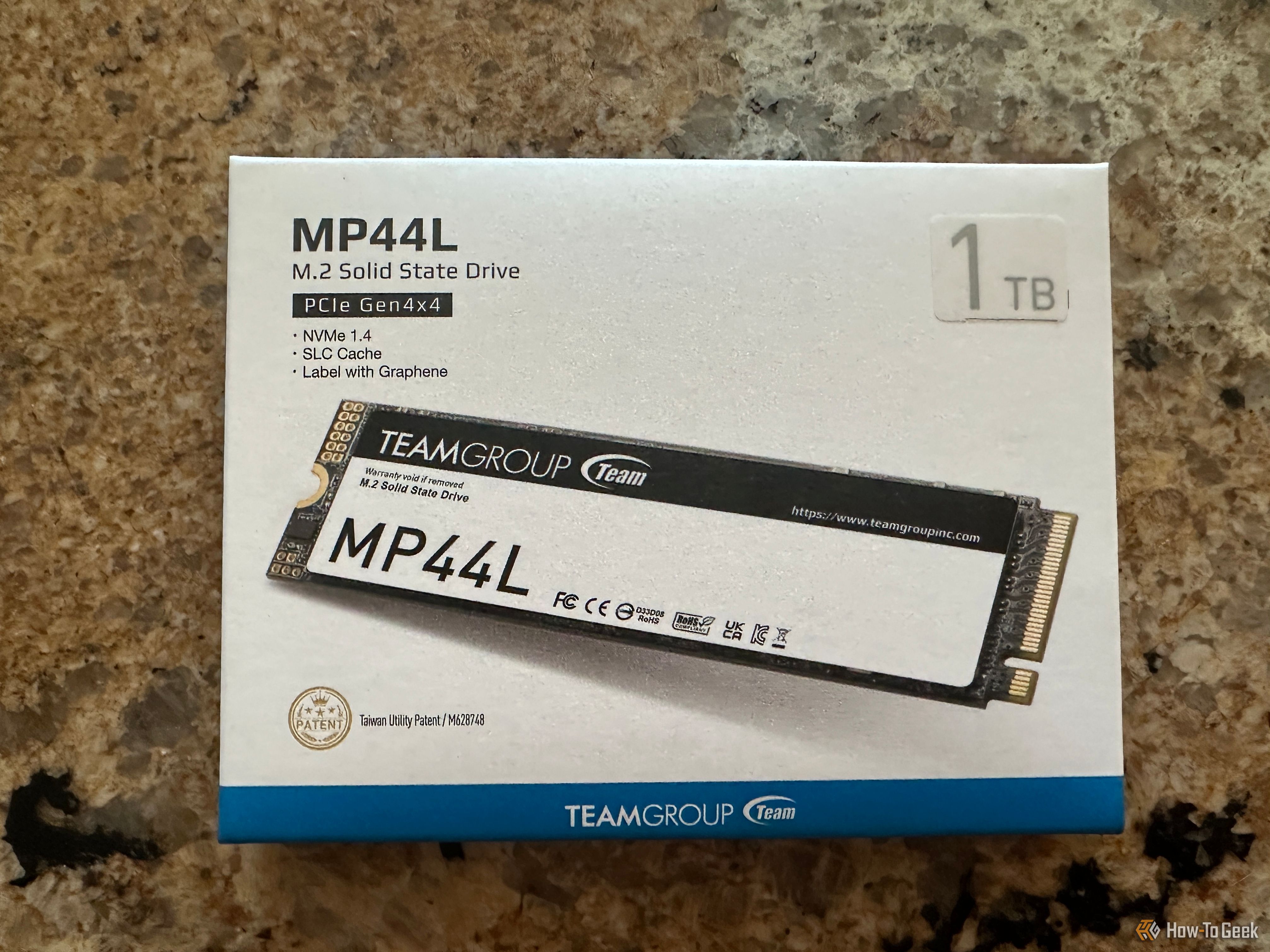

Did you know that your SSD can fail even at 100% health? Cheerful, isn't it? HDDs are unpredictable too; a study shows that half of the ones that fail do so within their first year. Amazing.
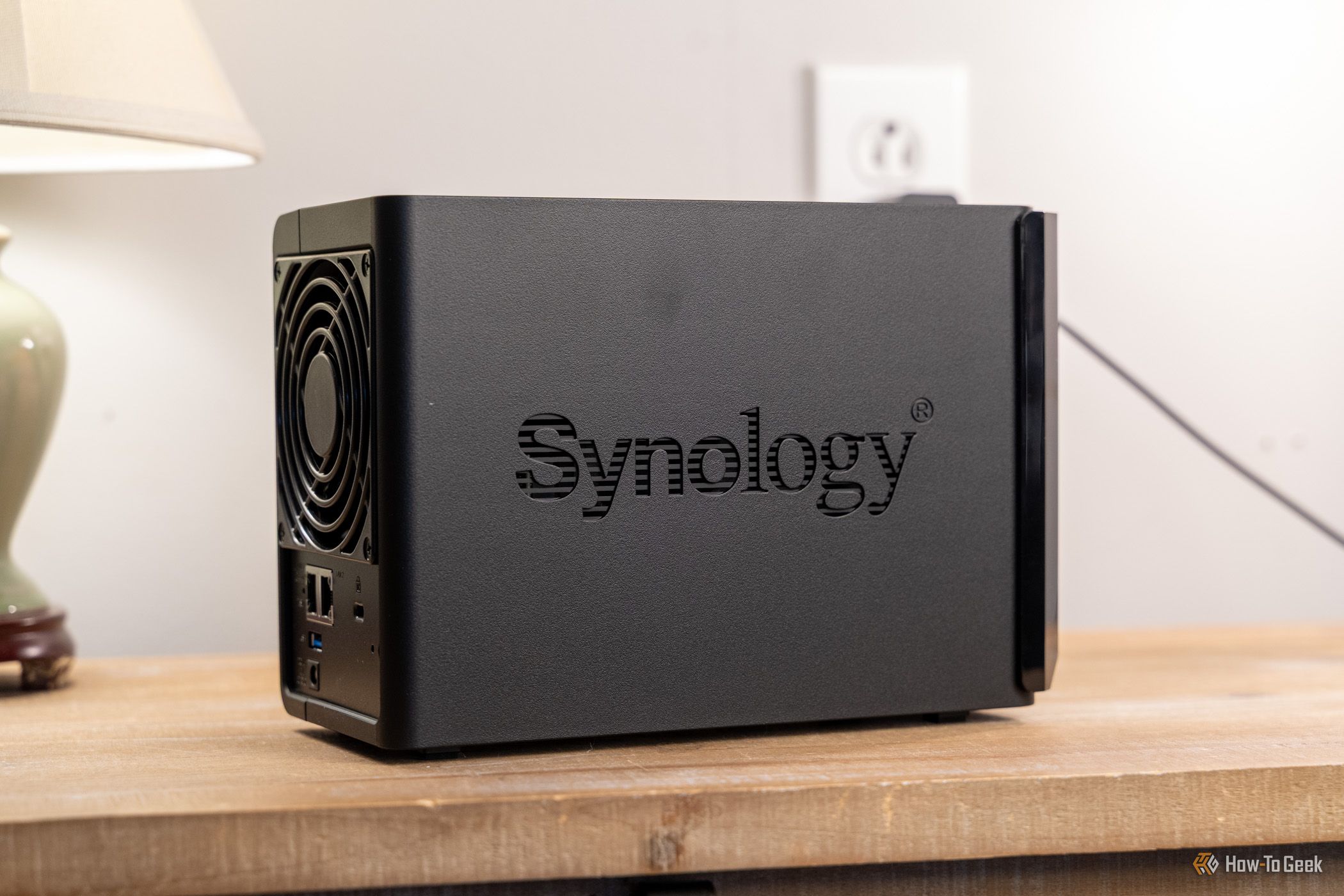
Synology has been scrambling to fix the PHP2Shell vulnerabilities since the PHP developers released emergency security patches on October 21, and the company confirmed that a number of its NAS packages were affected. Now the story has taken a twist, as Synology reports that attackers are exploiting the flaws, and the US cybersecurity agency CISA has added them to its Known Exploited Vulnerabilities catalog. Synology is now extending security fixes to older DiskStation Manager (DSM) versions, following the discovery of a separate ransomware campaign targeting outdated NAS systems.
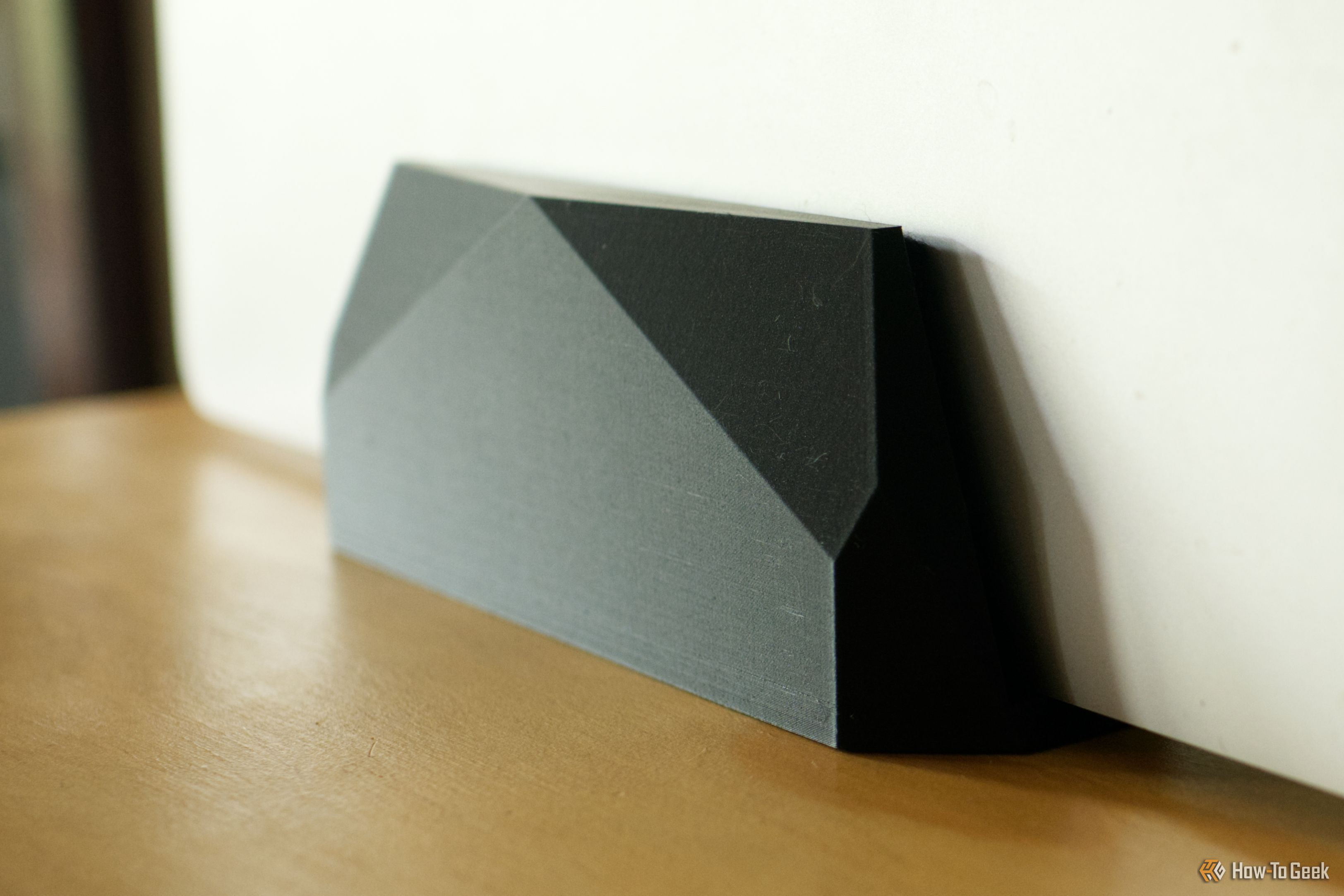
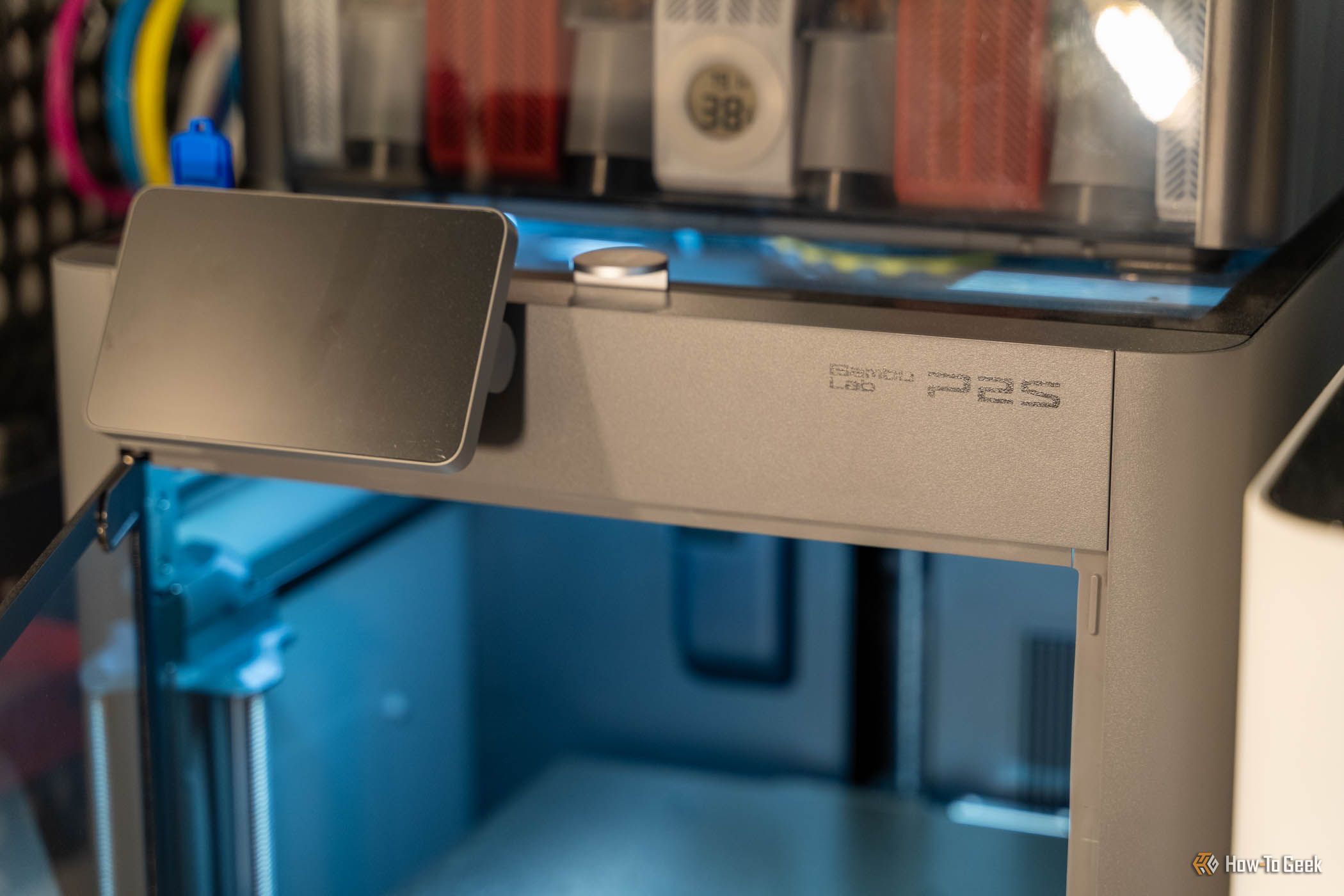
I’m always on the lookout for ways I can use my 3D printing to make life a little easier, usually for minimal filament cost. I’ve been taking more chances and printing more models recently, but one recent print has proved its worth more than others.
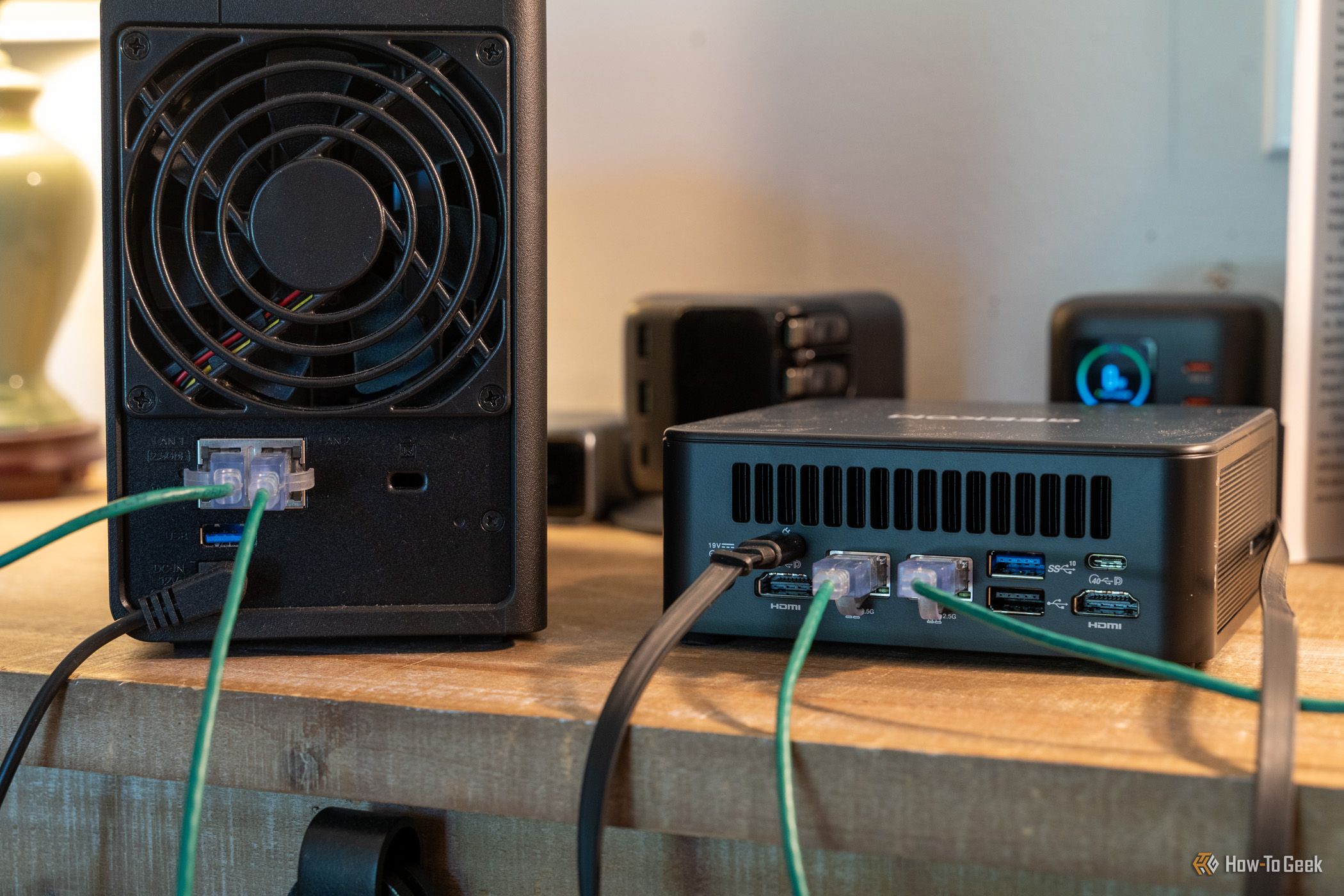
A 4-bay NAS isn't cheap—they'll often cost you around $500 before you start including hard drives, which are now quite pricy. Even budget 2-bay NASes come in at around $200.
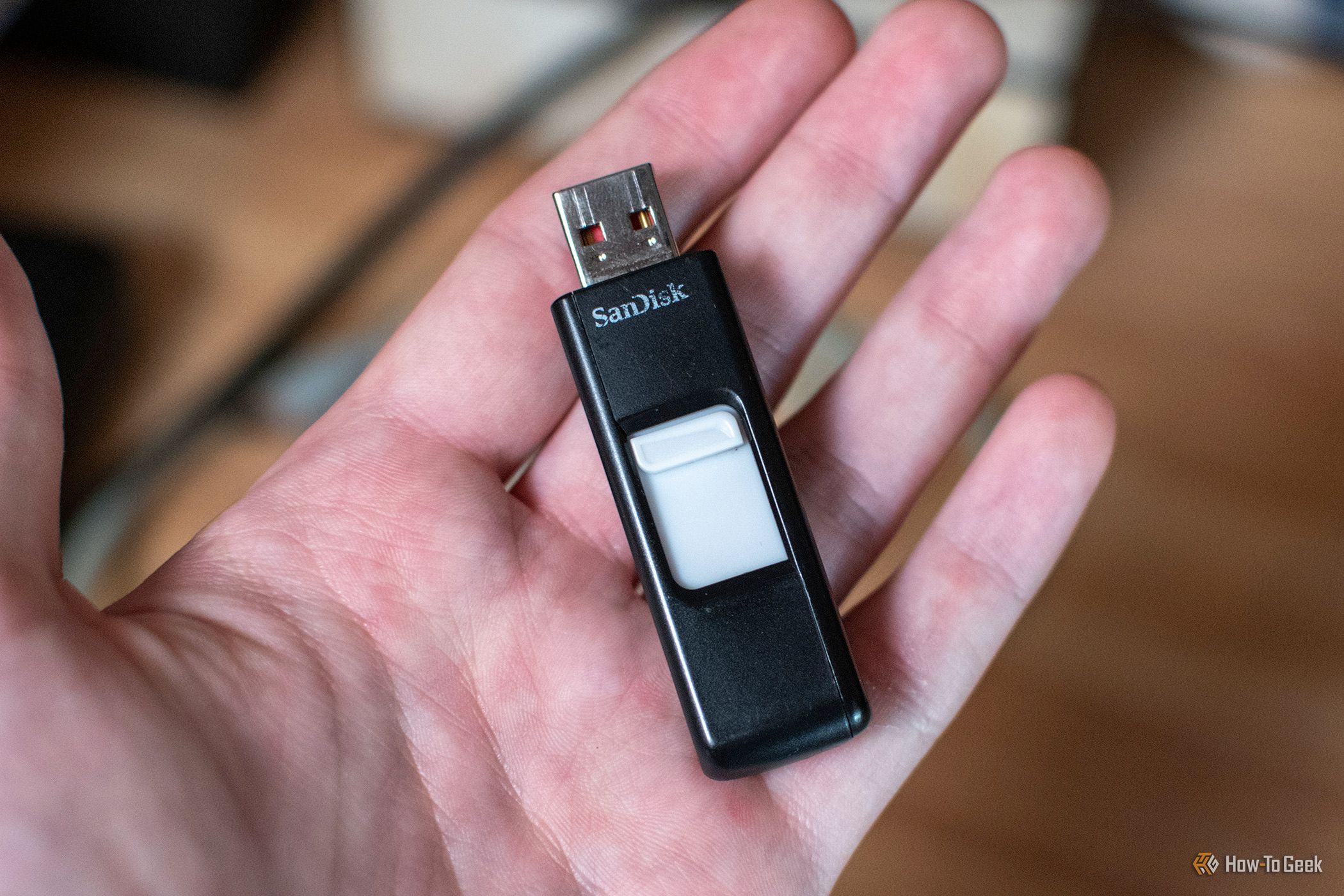
At one point in time, USB drives were all the rage for file transfers. I kept one in my pocket at almost all times and I had several around the house for various purposes. Over time, USB drives quietly stopped being so popular. But I still have uses for them in my homelab, so here are the main reasons why I’ll never throw away old USB drives.
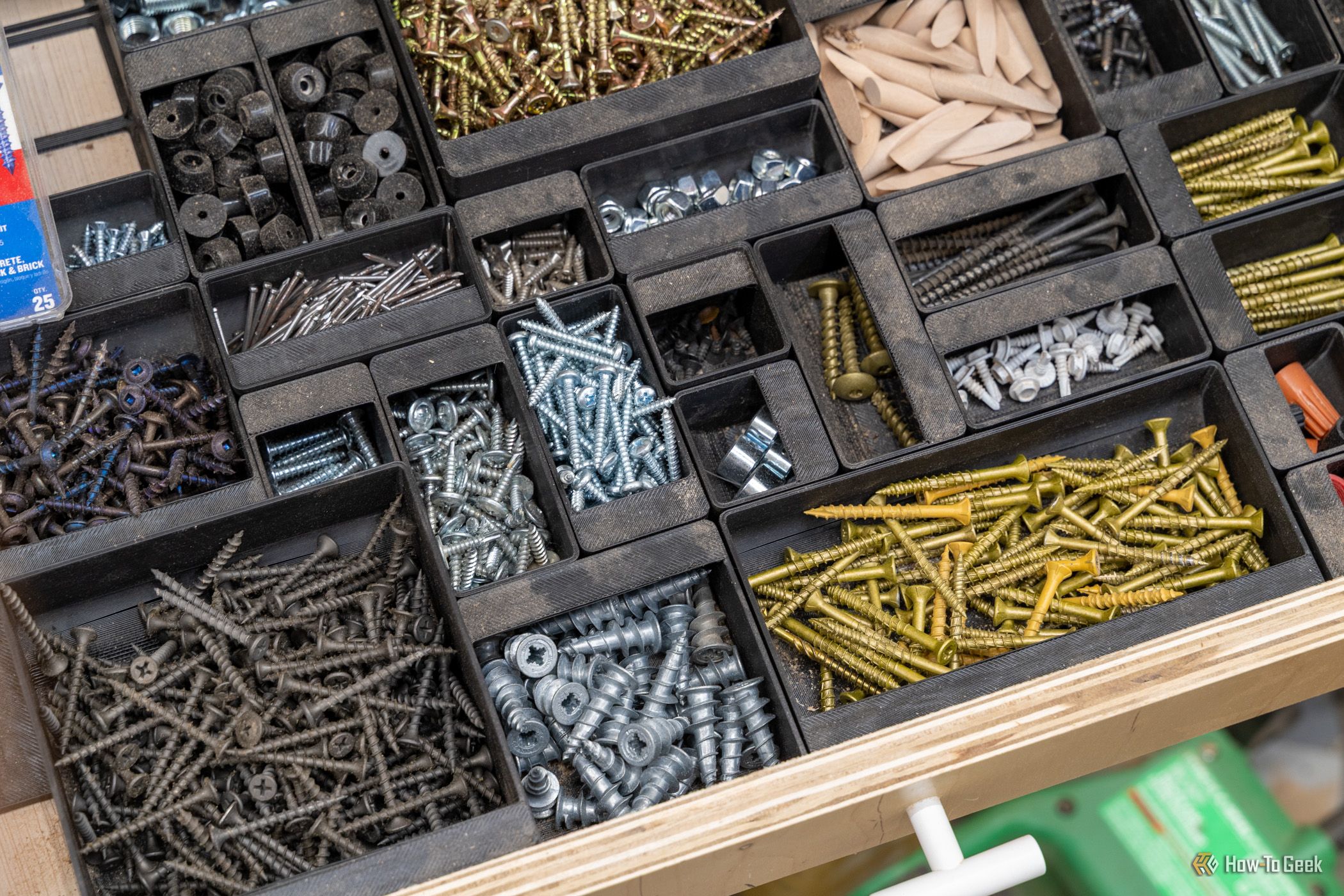
A rainy weekend stuck indoors is the perfect excuse to put your 3D printer to work on the house itself. While it hums along, you can line up new cabinet pulls without eyeballing them, replace that broken clip nobody sells anymore, and finally get the junk drawer under control. None of these projects need a garage full of tools, and by Sunday night something in your home will actually work better than it did on Friday.
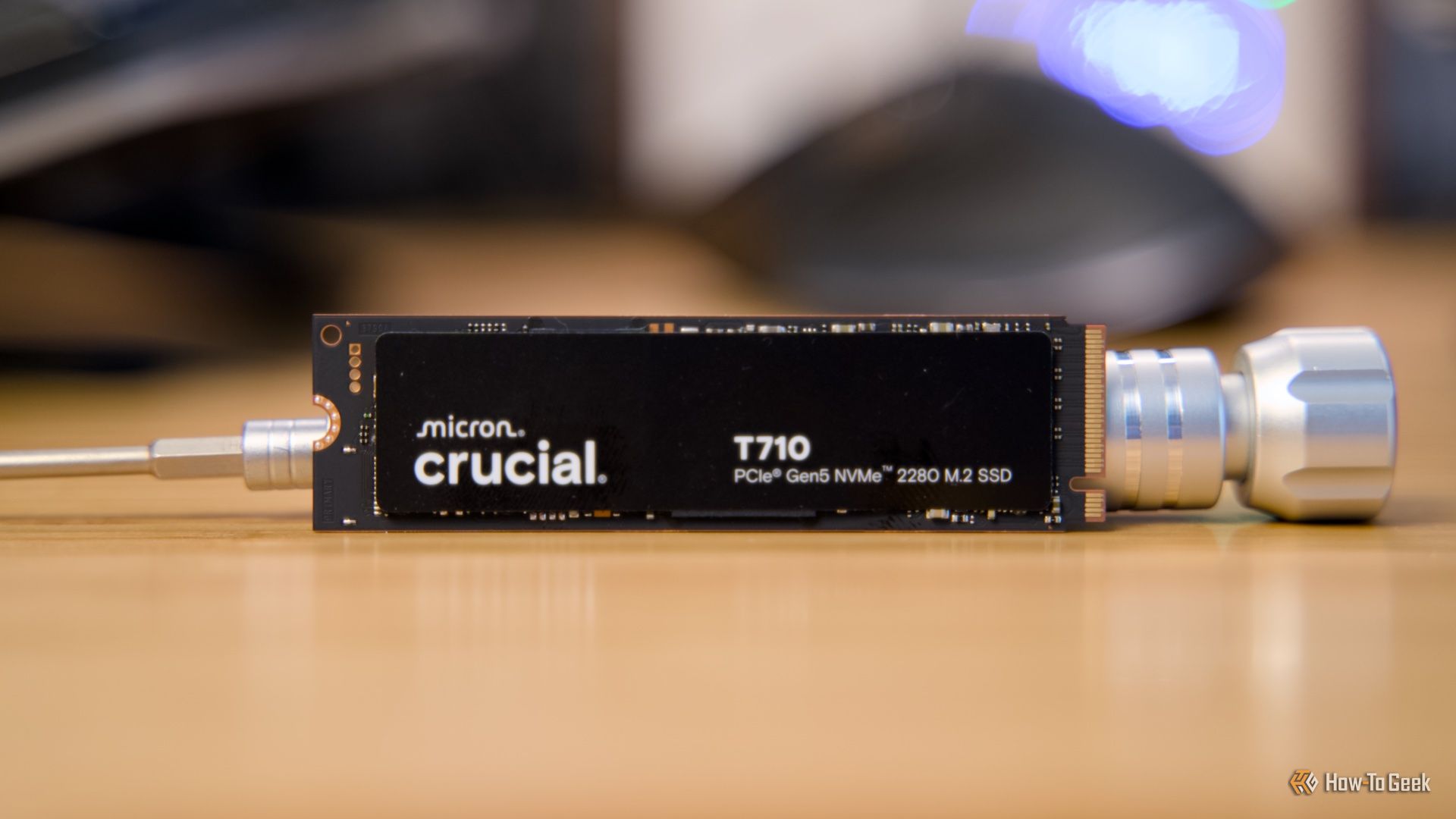
One of the most commonly repeated SSD tips is not to fill your drive all the way up to full. It makes perfect sense, and even manufacturers will tell you to leave 10-20% empty, so you should probably listen to them.
3D printers are a fantastic tool for making basically anything you could want. This weekend, I wanted to make my house a little less annoying. So, I set out to find three things I could fix that would make my everyday life a little better, and it took me under an hour to complete.
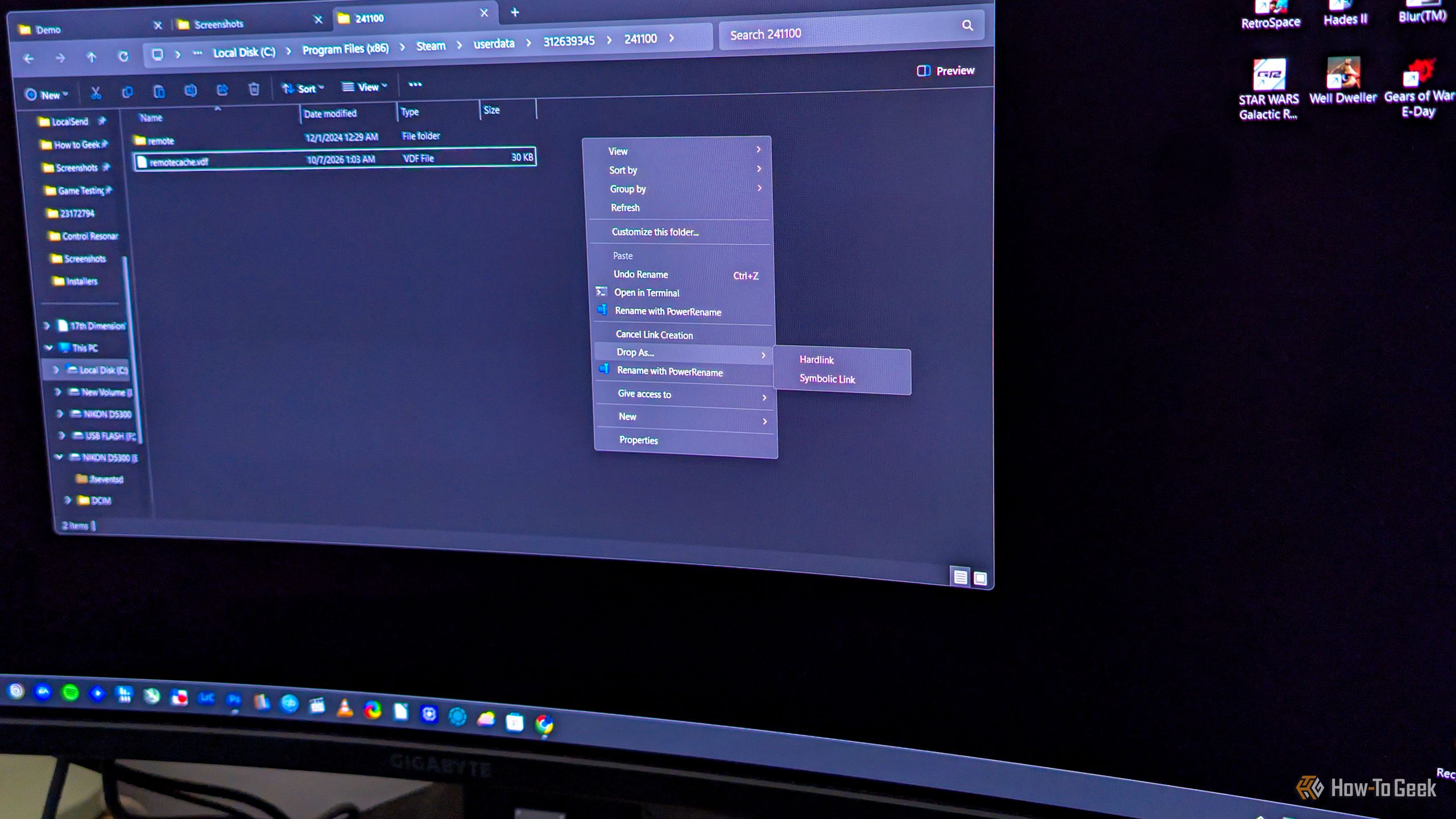
Say you want to copy a file to another folder on your Windows PC, but not for backup purposes. If you just want to have the same file appear in multiple folders, you don’t have to copy it the usual way, where each copy takes up the full amount of storage space. What you can do instead is hard link it, which makes the same file show up in another folder, indistinguishable from the original, with the benefit of this “copy” not using any extra storage.
I'm no stranger to finding weird things for my USB drives to do, such as repurposing them as "rescue drives." But this year, with the RAM shortage spilling over to every area of the PC market, I've found new ways to make good use of just about every piece of tech that I own. From a tiny file server to a retro gaming console, here's what I used my USB flash drives for in 2026.
A custom-built home is all about designing elements that feel perfectly adapted to your space and routine. With a 3D printer, you can retroactively apply this concept to the objects inside your home, to great effect.