❌

Reading view

There are new articles available, click to refresh the page.

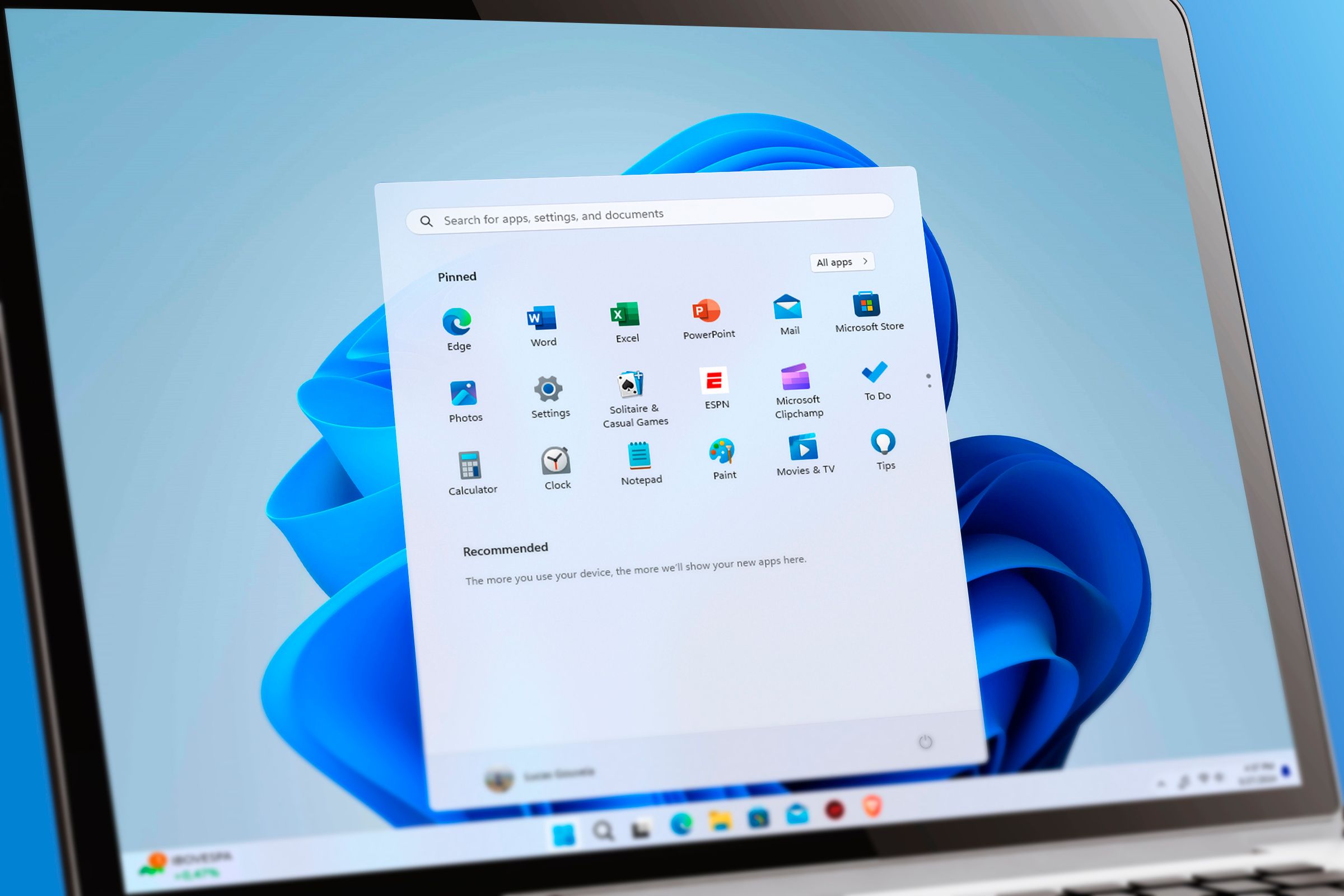
I tried 5 Notepad alternatives to escape AI bloat, and this 3KB app won

Windows notepad has been a staple of the Windows operating system literally for decades. It is lightweight, simple, easy to use, and it won't mess with your files, which makes it a great option if you need to quickly edit a configuration file. However, recent additions to the program are a pretty significant departure from what originally made notepad appealing to me.

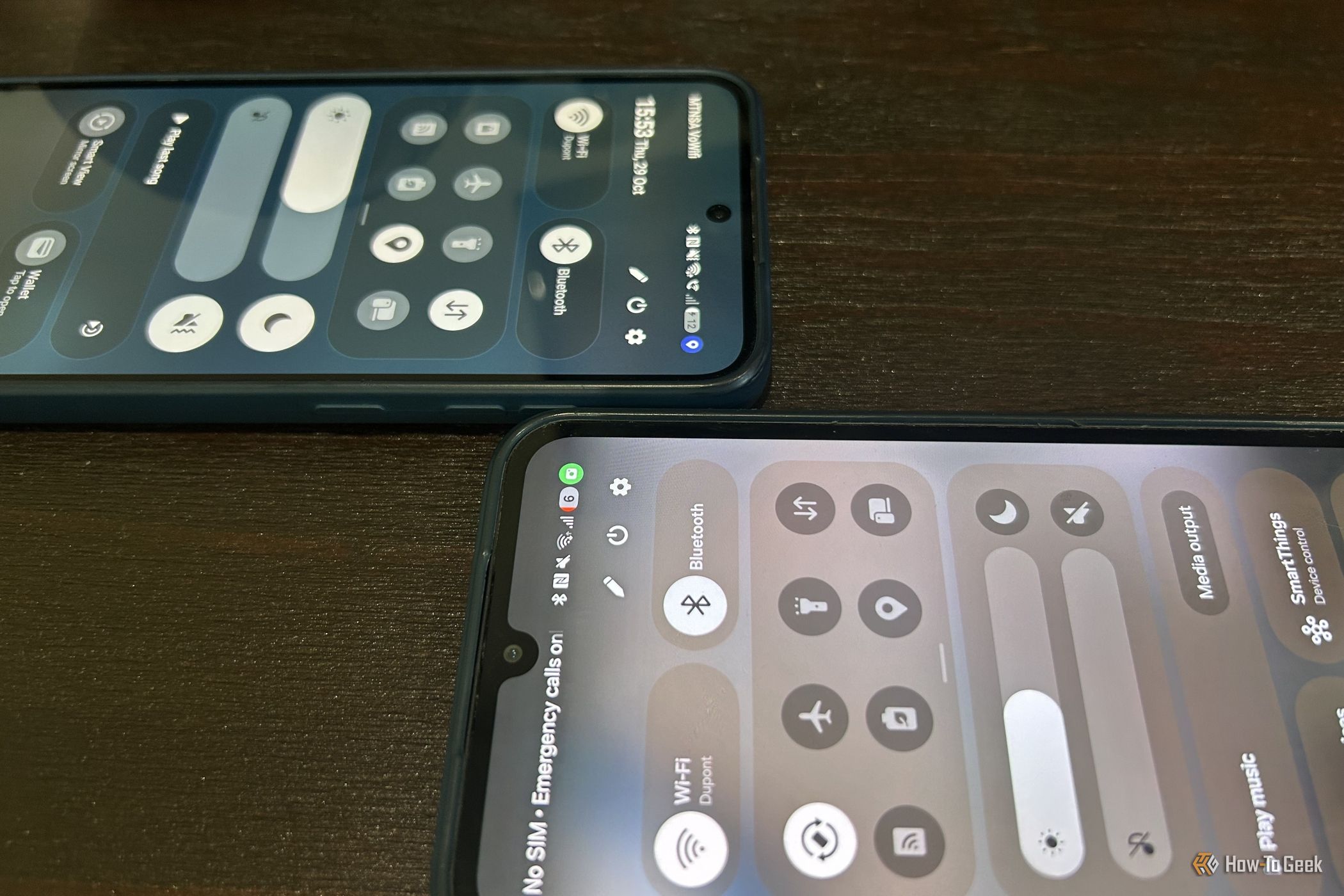
I de-Googled my life with these 4 free privacy tools, and I'm not looking back

Google offers some very convenient and highly advanced softwareβ€”there's no doubt about thatβ€”but it comes at the cost of pervasive user tracking. Not everyone is comfortable with that, and some of those who have yet to ditch Google surely have a nagging sense of unease, knowing their private lives are logged, monitored, tracked, and profiled. You can do something about it, and learning about great alternatives is a start.

Passkeys were supposed to replace passwords, but they're failing for the most predictable reason

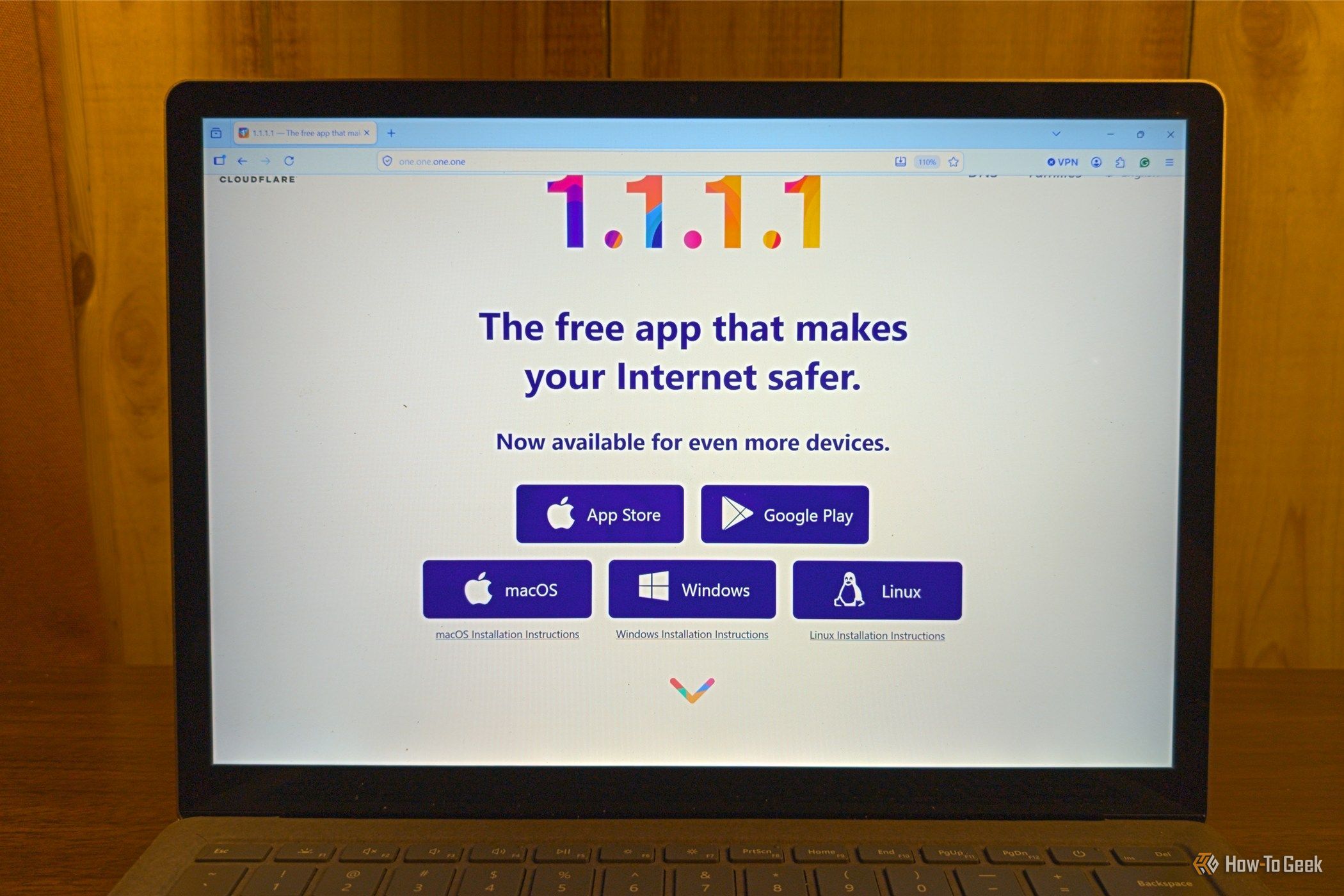
Passwords are a problem. Not only have they reached a point where a "strong" password is one no human can remember (much less remember dozens of them), but they simply aren't as secure as they need to be. Passkeys combine a public and private cryptographic key pair with local authentication such as a fingerprint or facial scan. The device can prove its identity beyond doubt, and the assumption is that only you can unlock it.

I ditched 4 subscription services with the Raspberry Pi gathering dust in my drawer

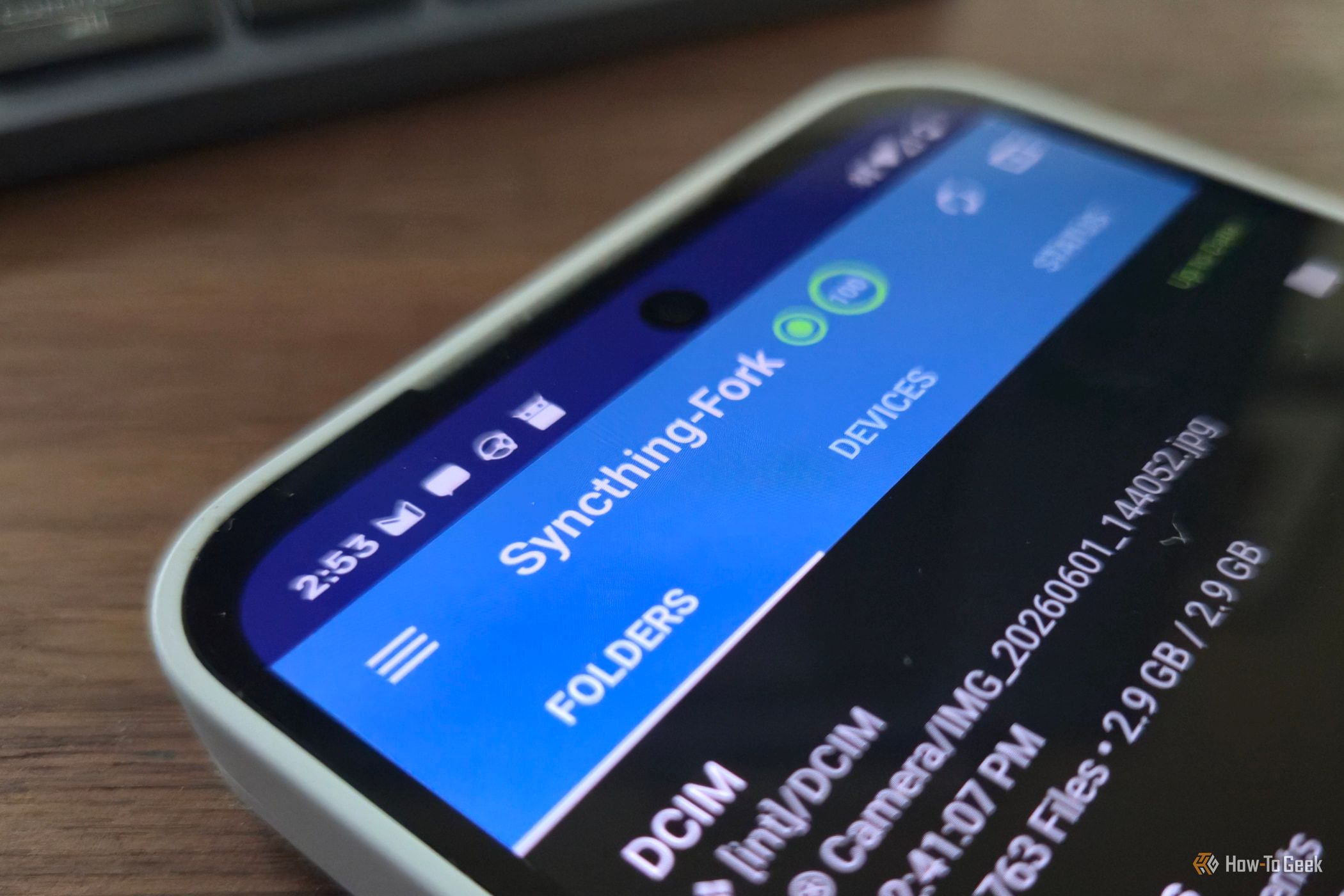
Subscription creep is a real problem. It is one thing for $20 a month, and then another for $5, and before you know it, you're forking over hundreds monthly for services you might not even use. If you have a Raspberry Pi sitting around waiting for a project, you can turn it into a small self-hosting hub that can replace several subscription services as long as you take the right precautions.

Your PDF reader is tracking more than you realize

Opening a PDF, reading its contents, and closing the window is one of the most basic tasks you can perform on a computer. It seems as passive as reading a physical piece of paper. In reality, two things are happening behind the scenes that you don't see: your reader is communicating with the software developer, and the document itself may be sending information to whoever drafted it.

❌