❌

Reading view

There are new articles available, click to refresh the page.

The must-use clipboard shortcut most Windows users have never pressed

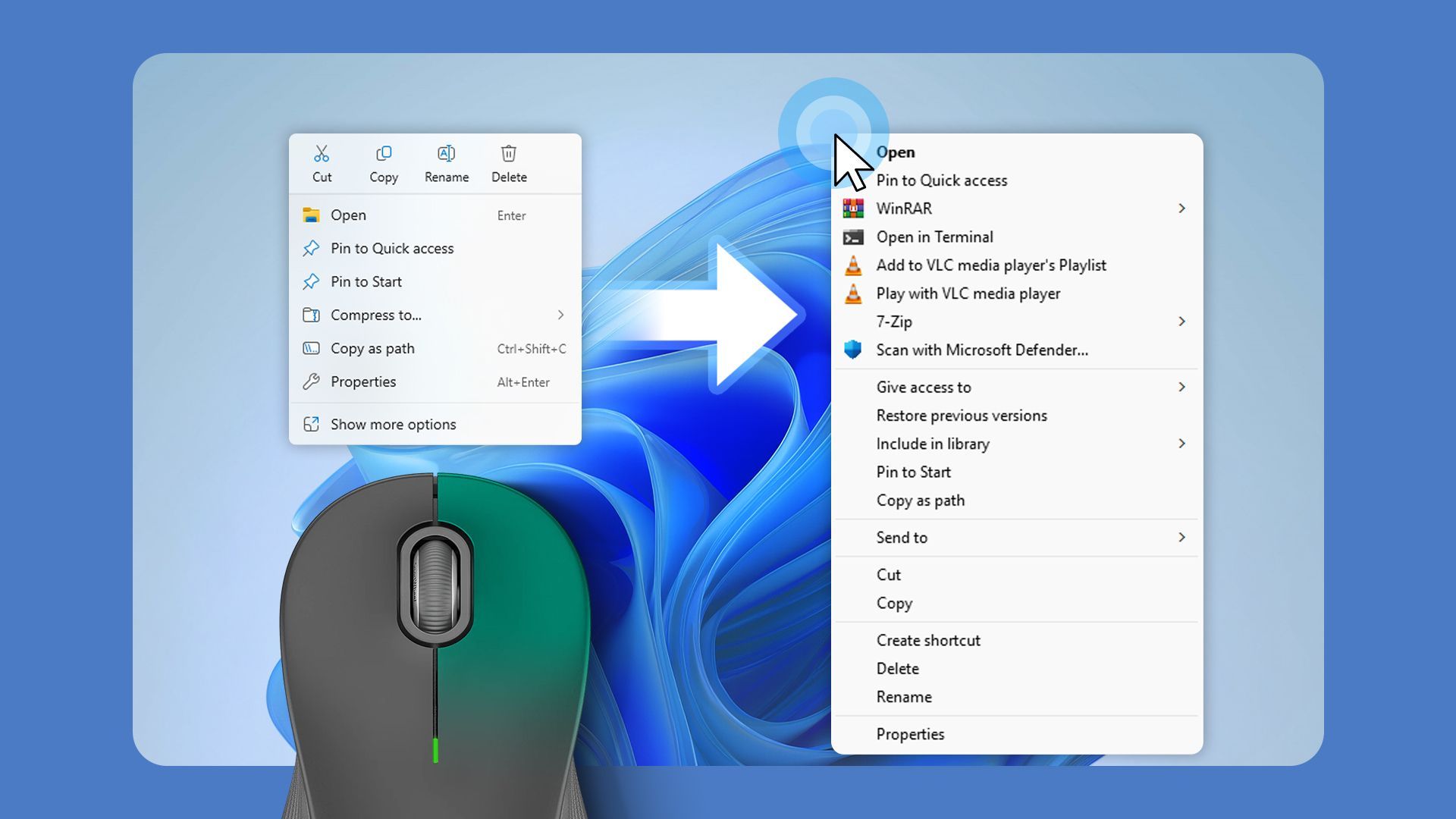
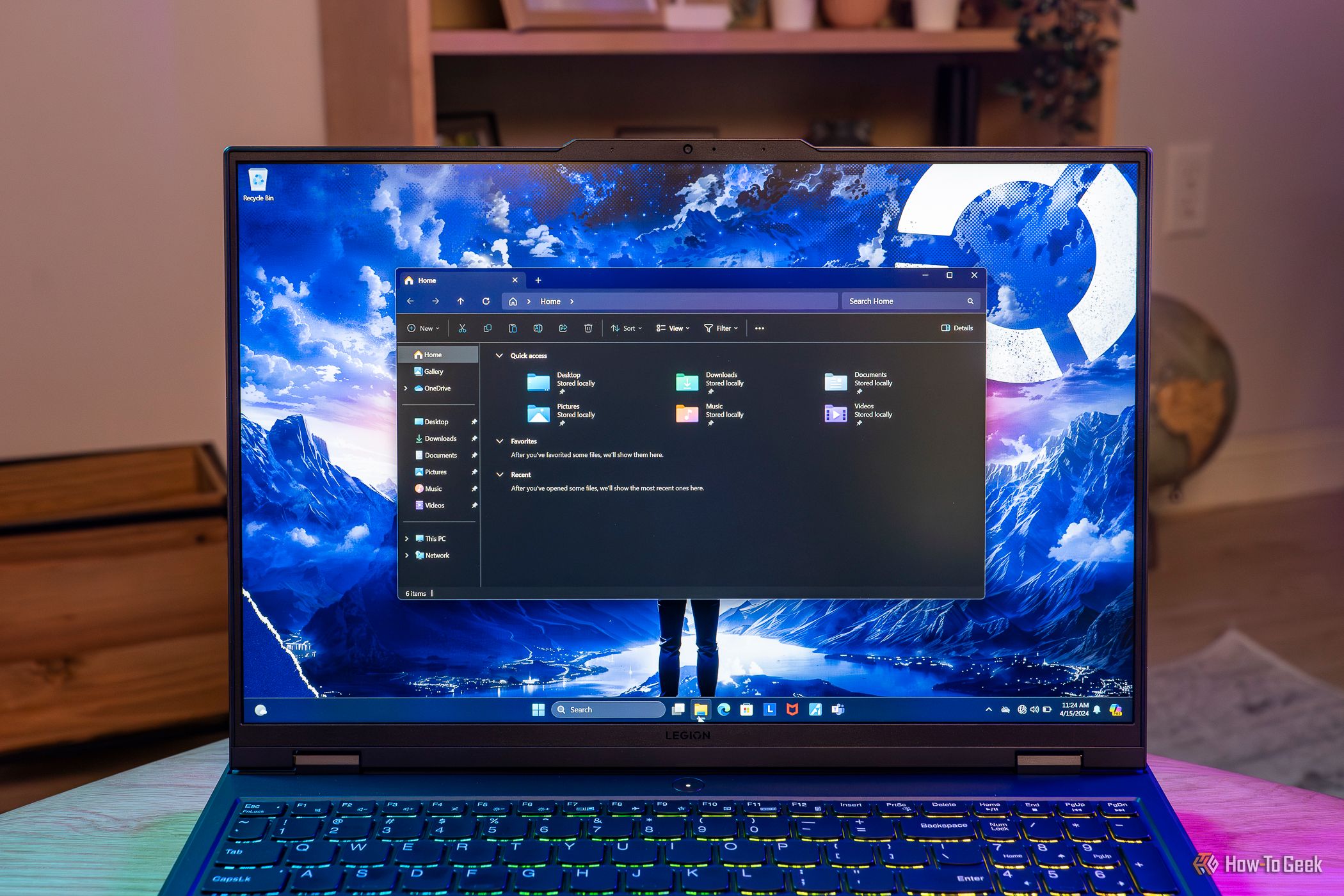
If you've ever used Win+Shift+S for quick screenshots, you'll know how handy it can be and how much time it can save. But there's another shortcut that's even more useful. On recent versions of Windows 11, Win+Shift+T extracts editable text directly from your screen, turning information trapped in images, PDFs, and presentation slides into text you can immediately reuse.

The 200GB catch hiding in Windows 11's new recovery feature

Microsoft has been on a roll recently, bringing new Windows 11 features left and right. The latest one to reach general availability (meaning it's available to every Windows 11 user, not just Windows Insiders) is called point-in-time restore, and from what I've seen, it's essentially a modern take on System Restore, which has been around for more than a quarter of a century, first debuting with Windows ME back in 2000.

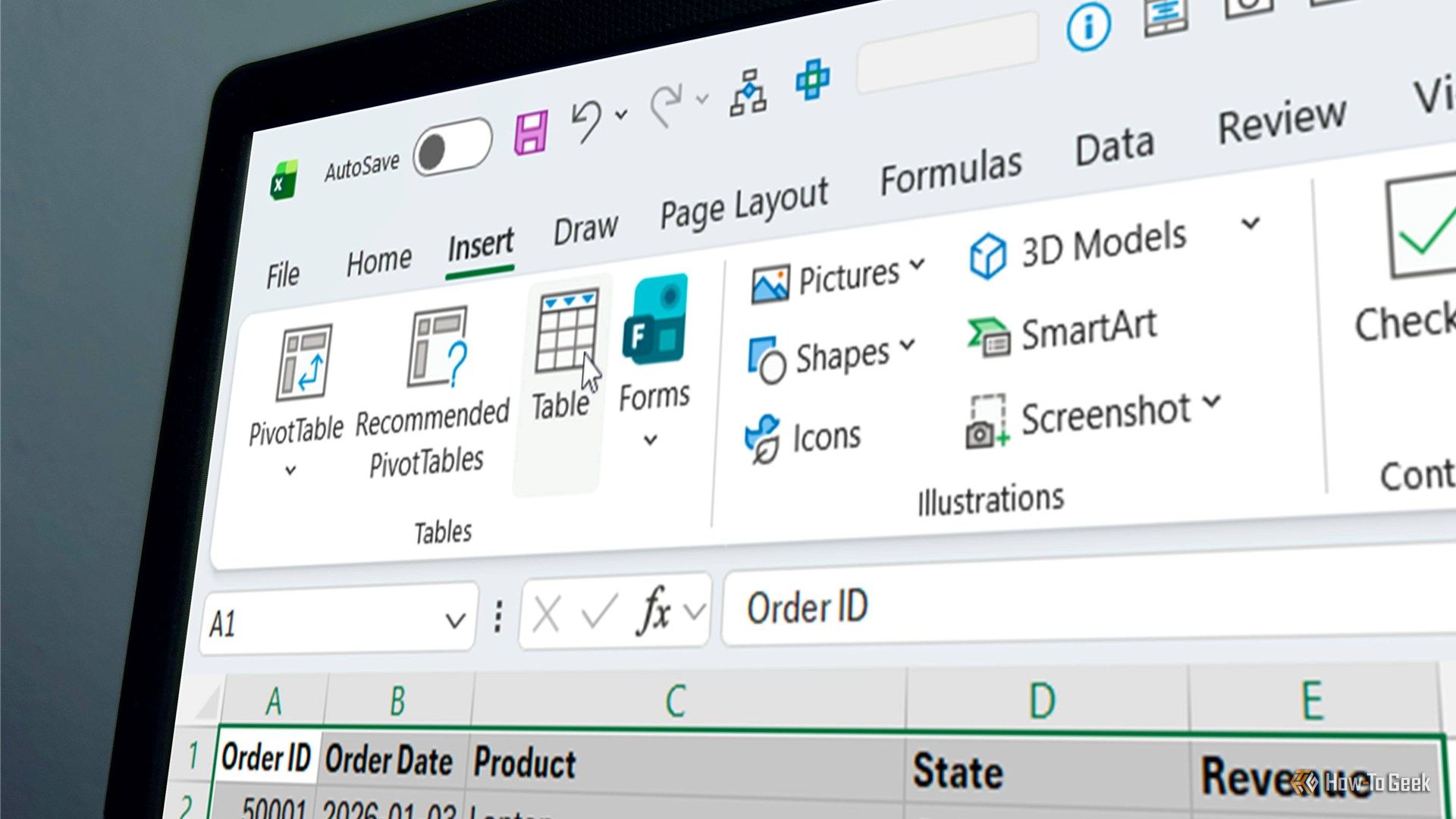
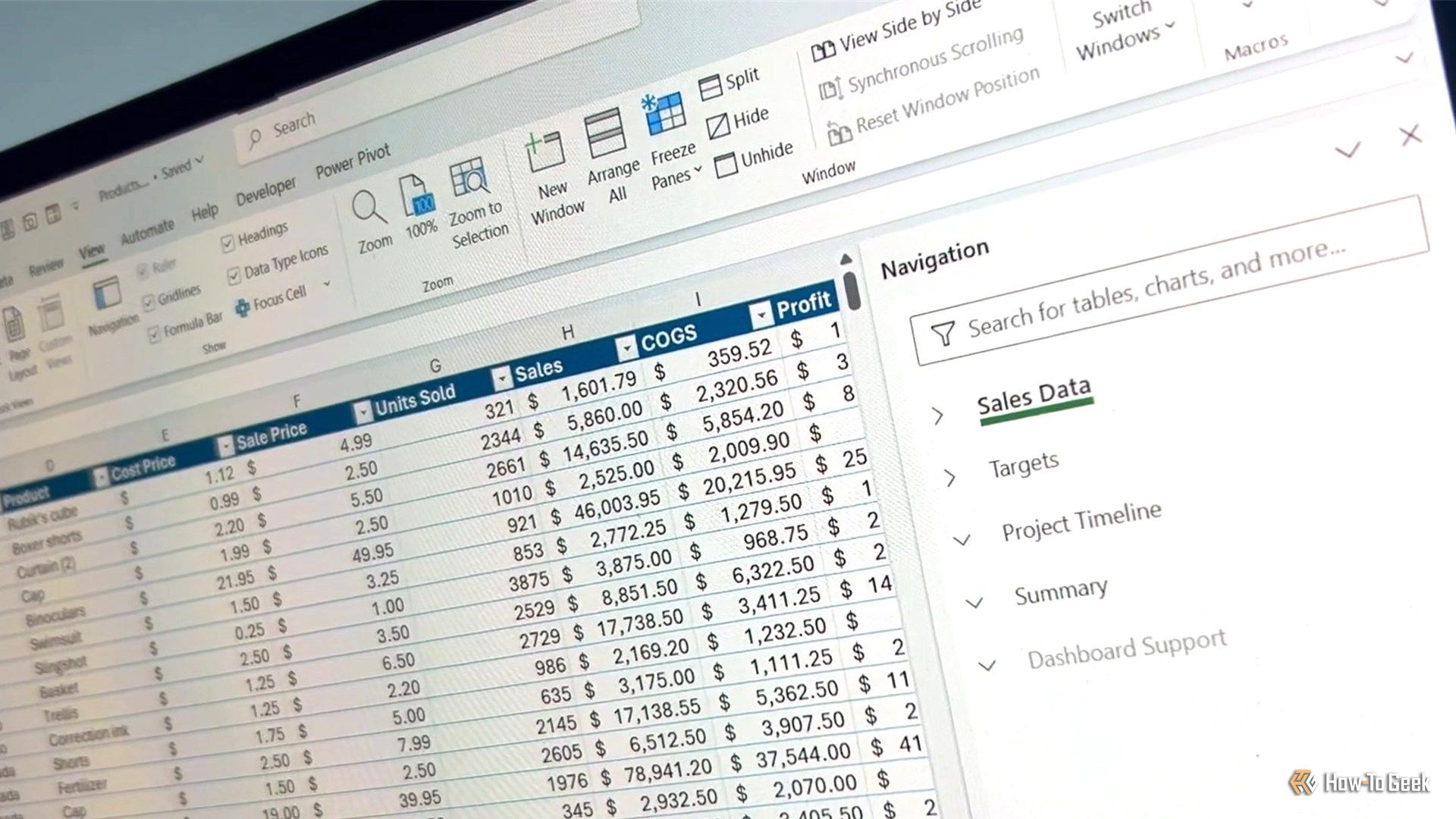
5 Excel settings I changed too late

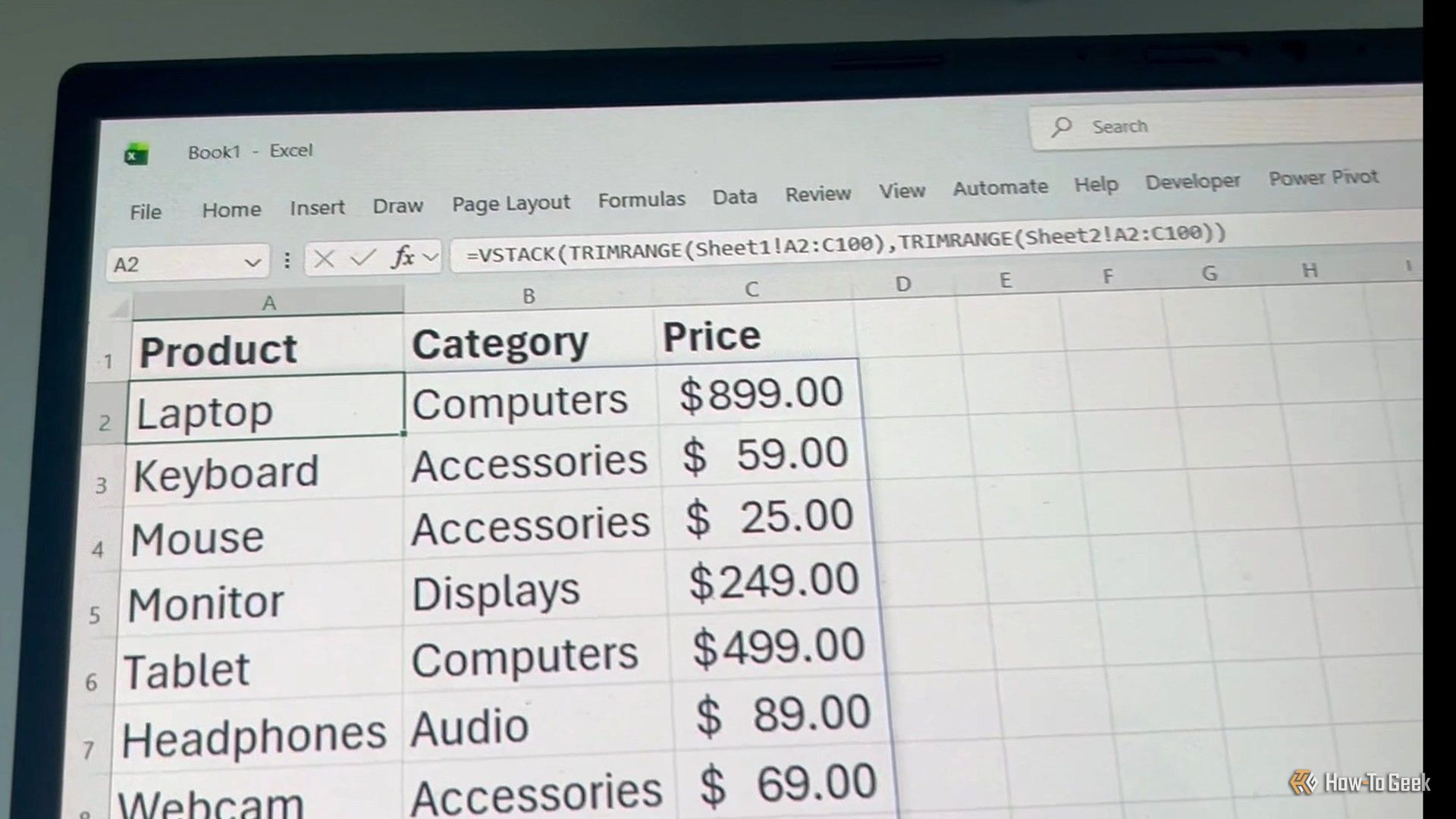
I spent years fighting Excel's default behavior before realizing many of its biggest annoyances could be fixed in minutes. These buried settings changed the way I work and let me customize Excel to behave exactly how I want. Best of all, I only had to change them once, and Excel remembers my preferences every time I open the program.

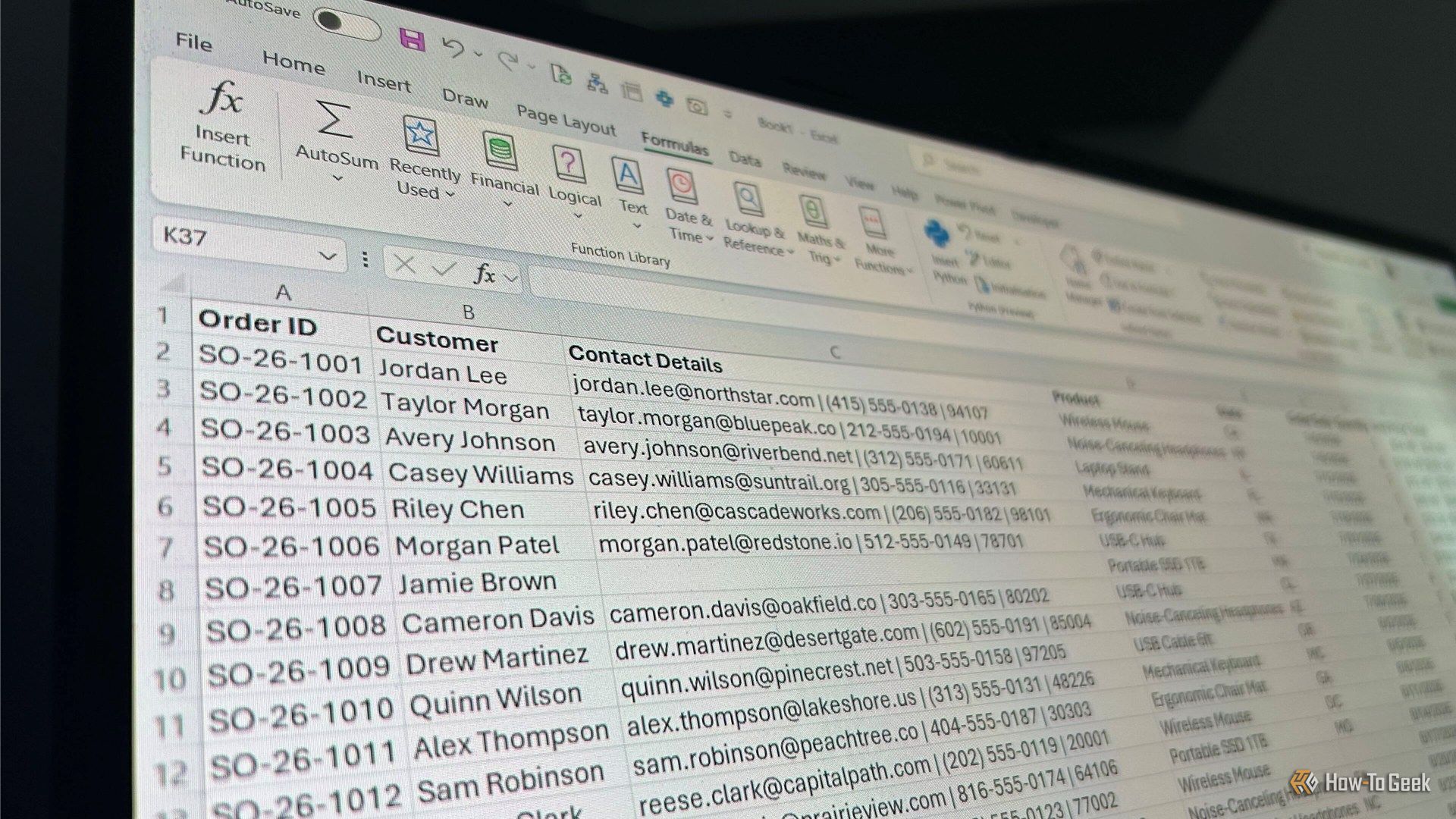
I asked Claude to build 3 Excel automationsβ€”and it saved me hours of manual work

AI promises to make tedious work easier, but I wanted to know whether it could deliver in real Excel projects. Rather than asking Claude for formulas or snippets of code, I tested whether it could handle three types of automation: creating a workbook from scratch, building a reusable reporting system, and developing a tool that analyzes existing spreadsheets. The goal was to see how much of the work Claude could handle and where I would still need to step in.

❌