❌

Reading view

There are new articles available, click to refresh the page.

Kubuntu is the Linux distro for people who never want to open a terminal

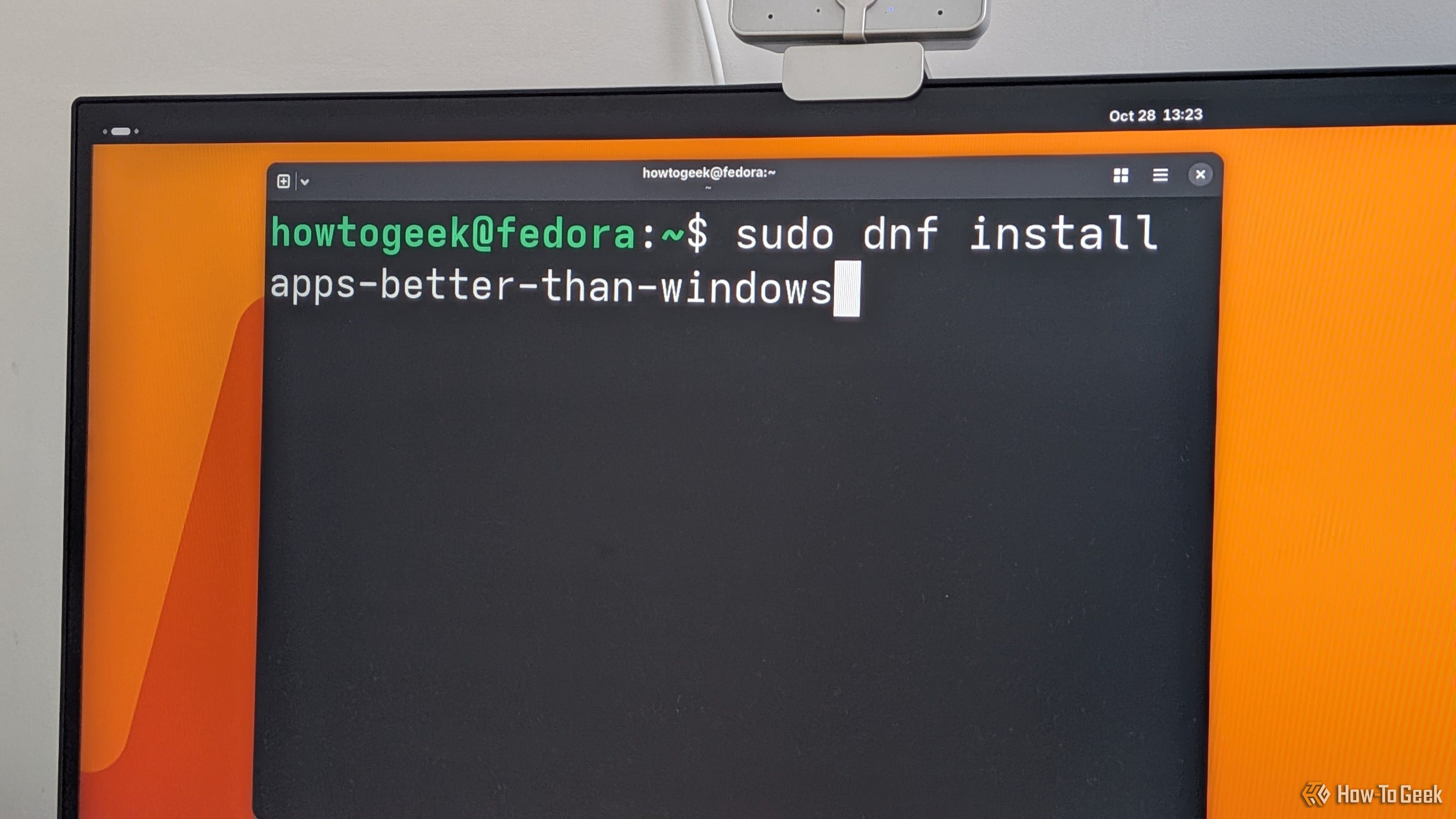
Linux has a reputation for being difficult or tedious to work with because it involves using a command-line interface all the time. Today, that reputation doesn't hold up. While some modern Linux distros are still very terminal heavy, many are every bit as approachable as Windows or macOSβ€”you only really use the terminal when you want to use it.
Here's how I replicated 3 of the Googlebook's best features on a $60 Linux laptop

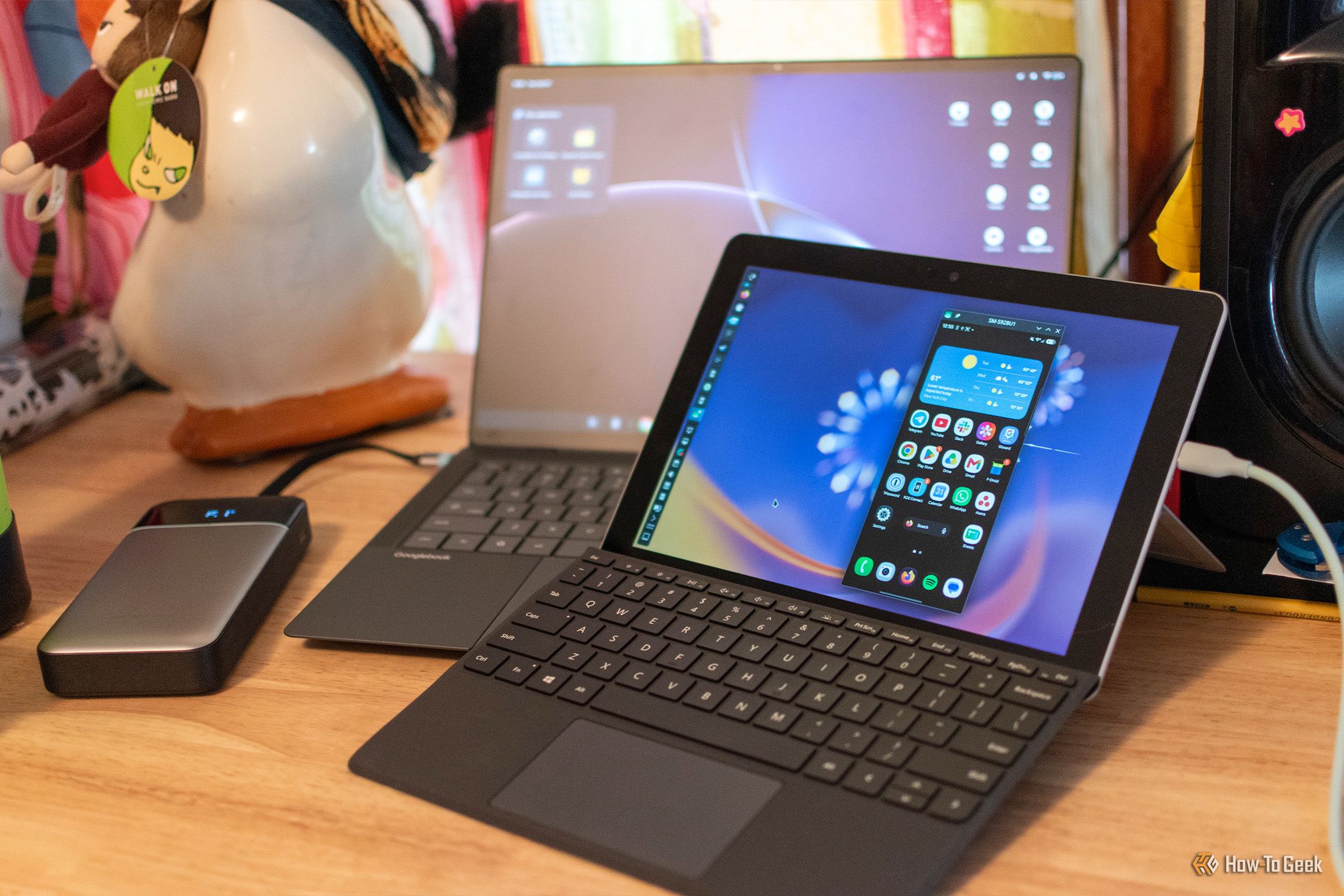
Googlebook's clumsy launch made me wish that I wasn't a product reviewer. I had to spend two weeks using a laptop with what felt like an unfinished operating system (cue the world's smallest violin), and throughout the entire process, I just kept thinking how nice it would be if Google had taken all of its biggest Googlebook features and slapped them on a mainline Linux distro instead of trying to reinvent the wheel.

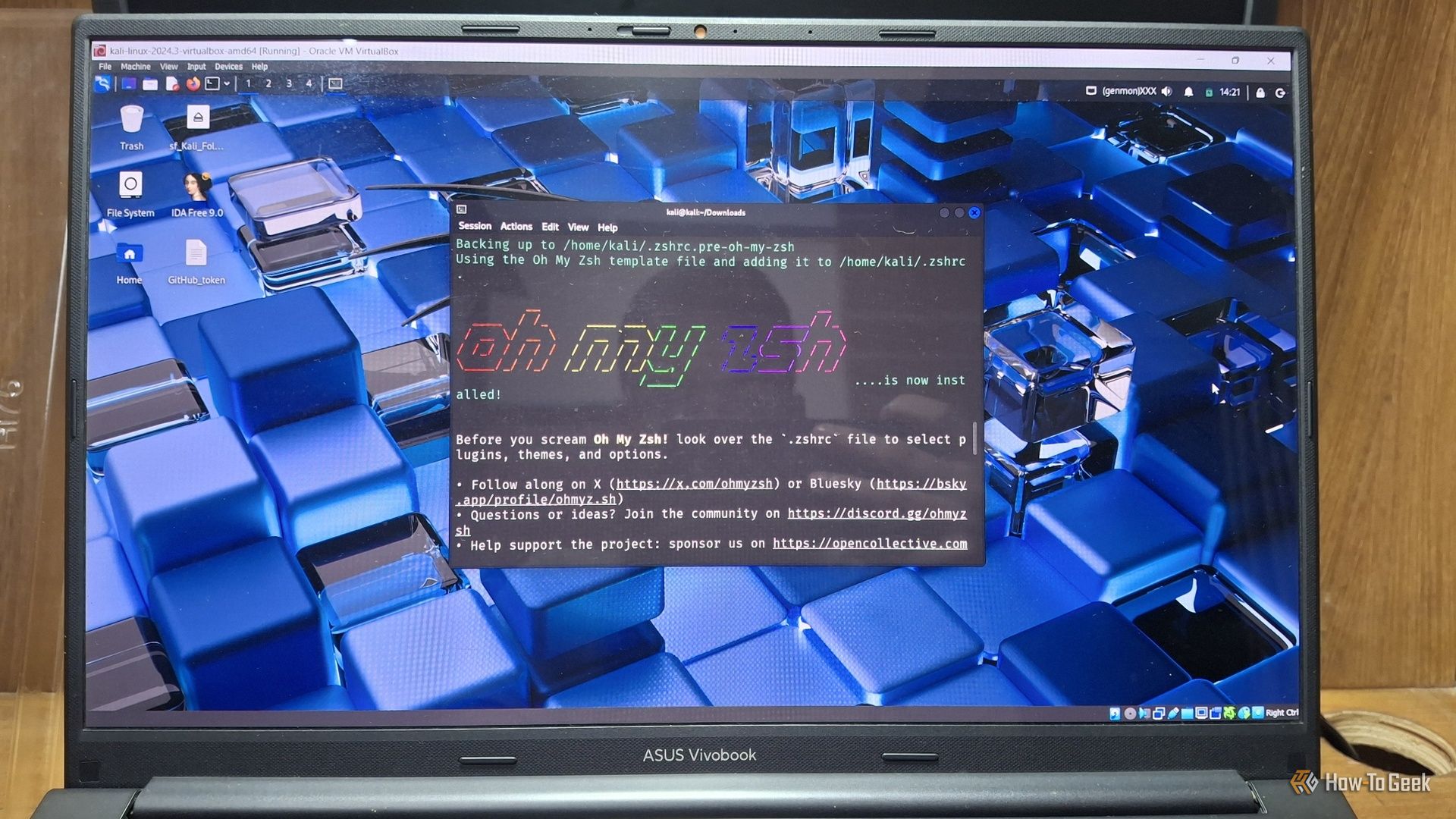
I turned my favorite Linux terminal apps into desktop apps so I could launch them with one click

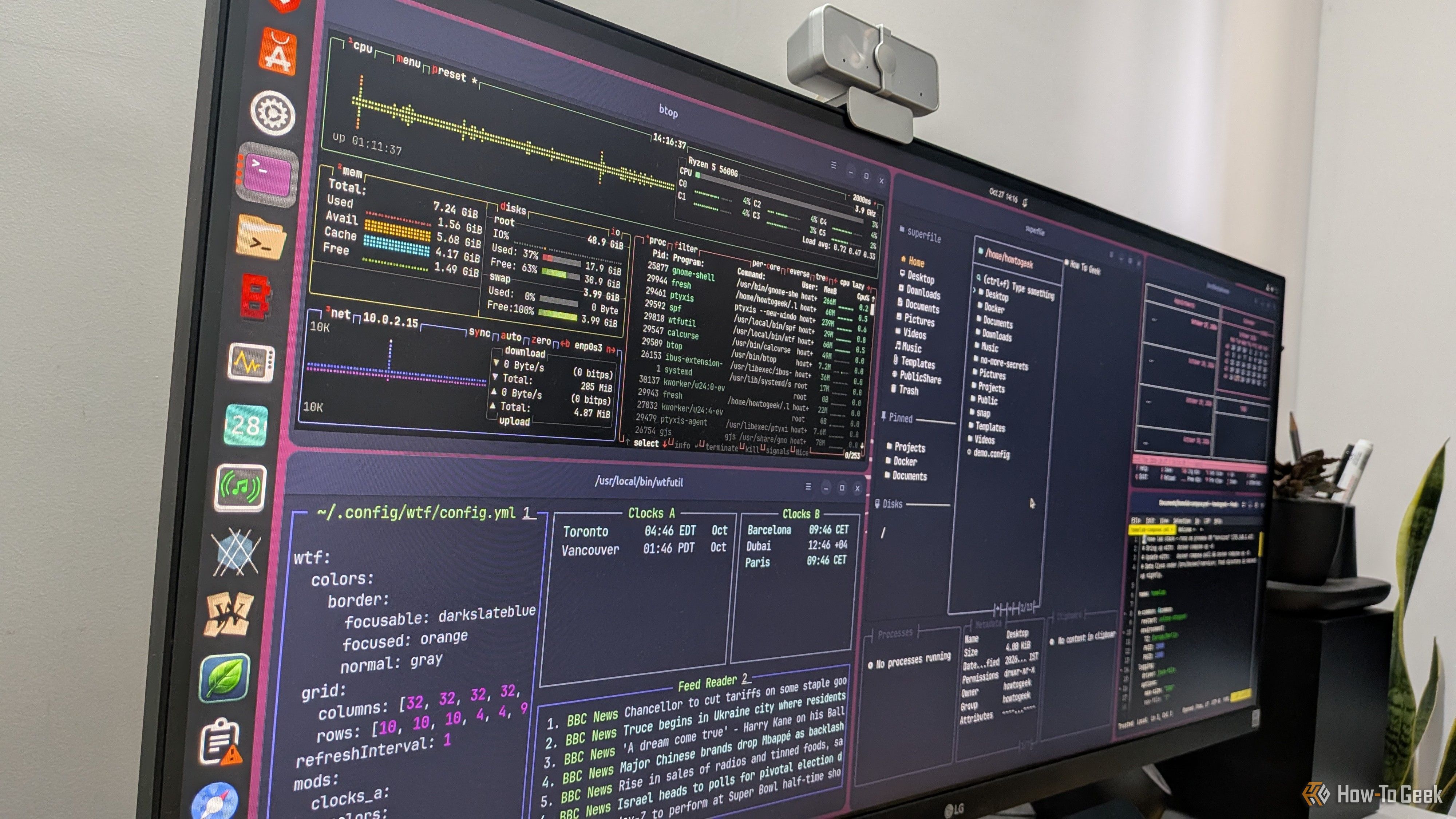
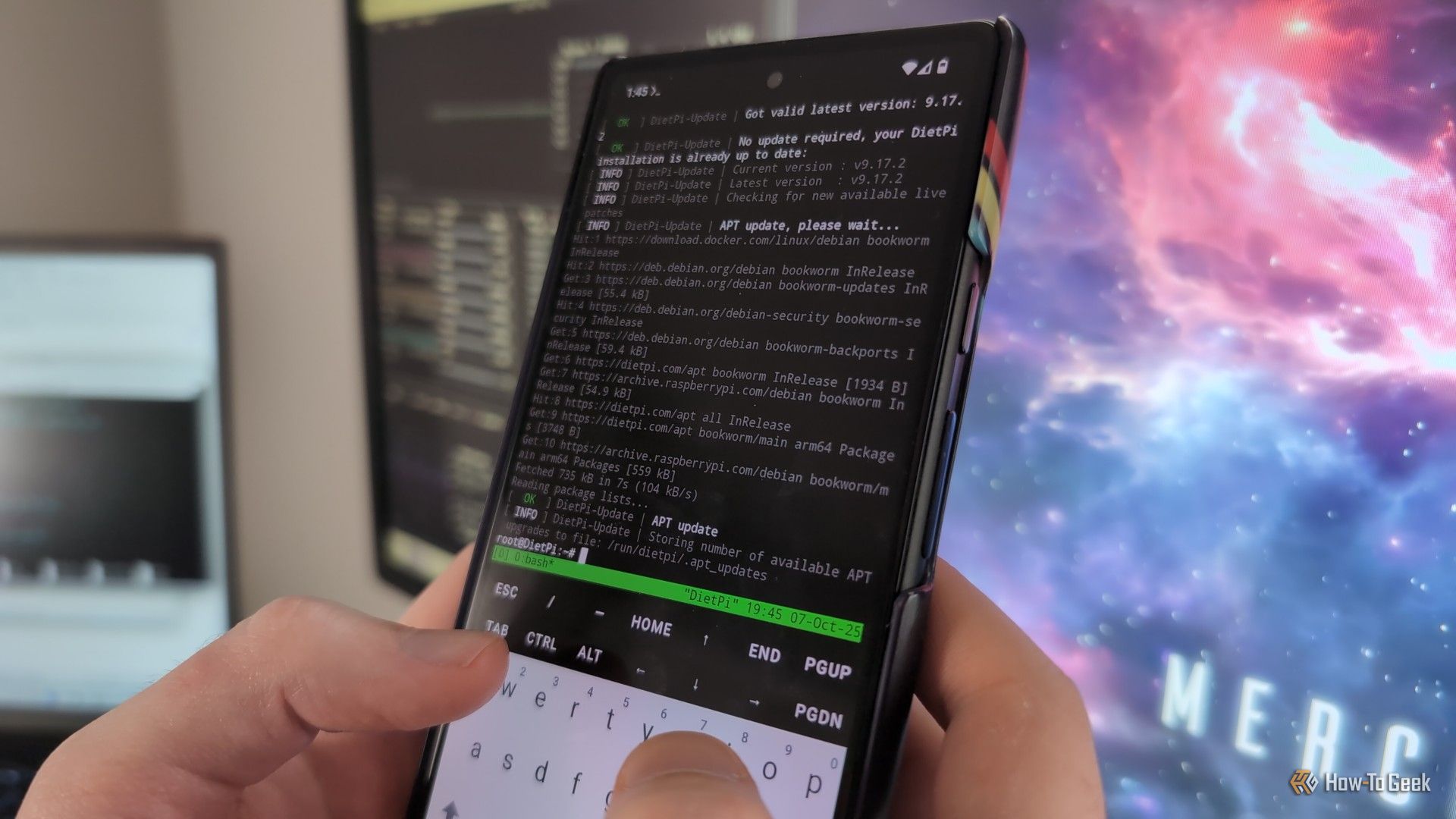
Terminal-based apps are awesome, but if you’ve ever tried to use them, you’re probably already aware of their biggest annoyance: you have to open a terminal and type a command every time. They don’t show up in your dock or app launcher the way regular desktop apps do. Thankfully, there’s a quick and easy fix for that. It’ll hardly take a few minutes, and you’ll be able to give your terminal apps their own icons and entries in your application launcher.

3 dual-booting mistakes that can ruin your Linux and Windows PC

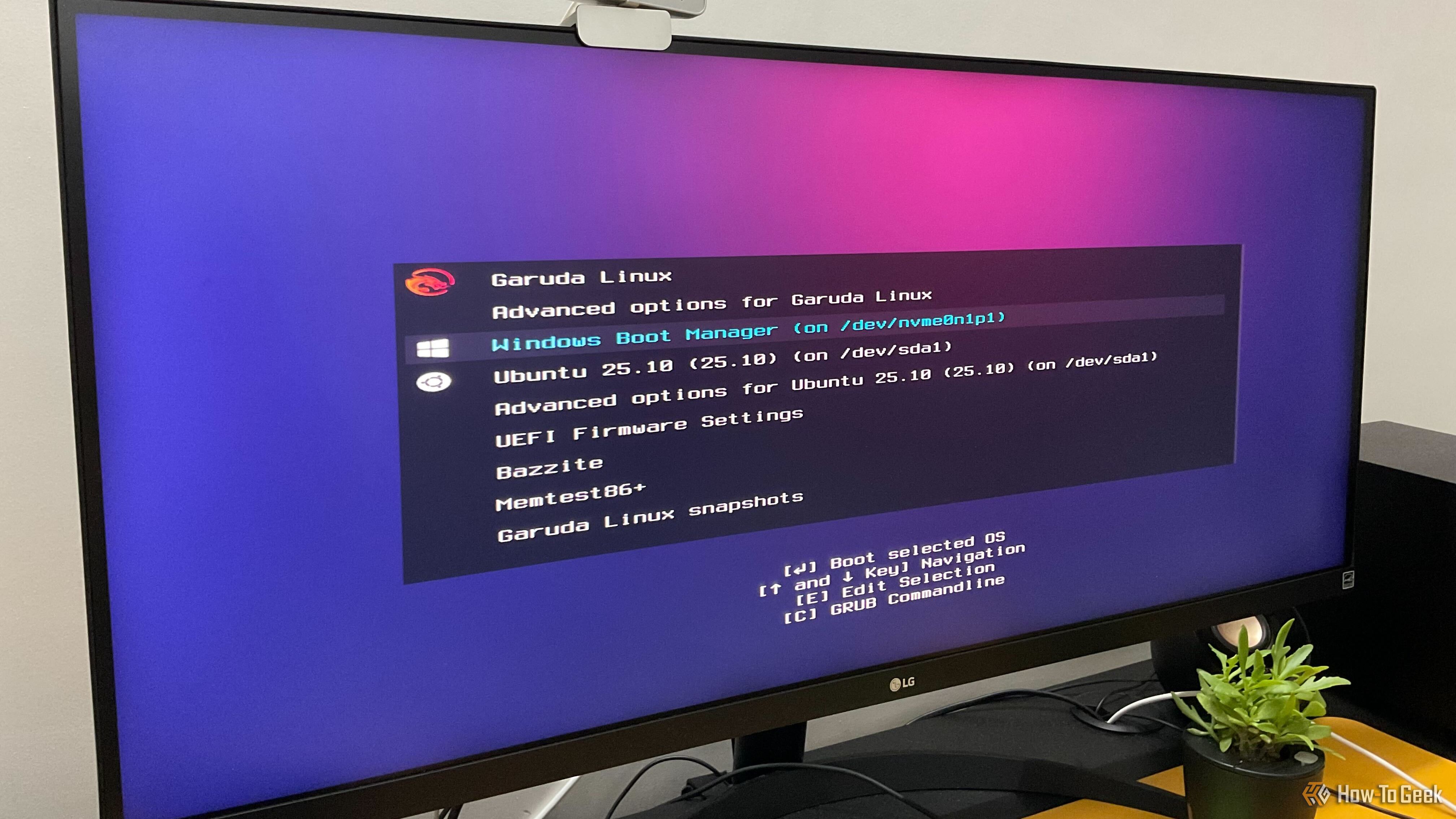
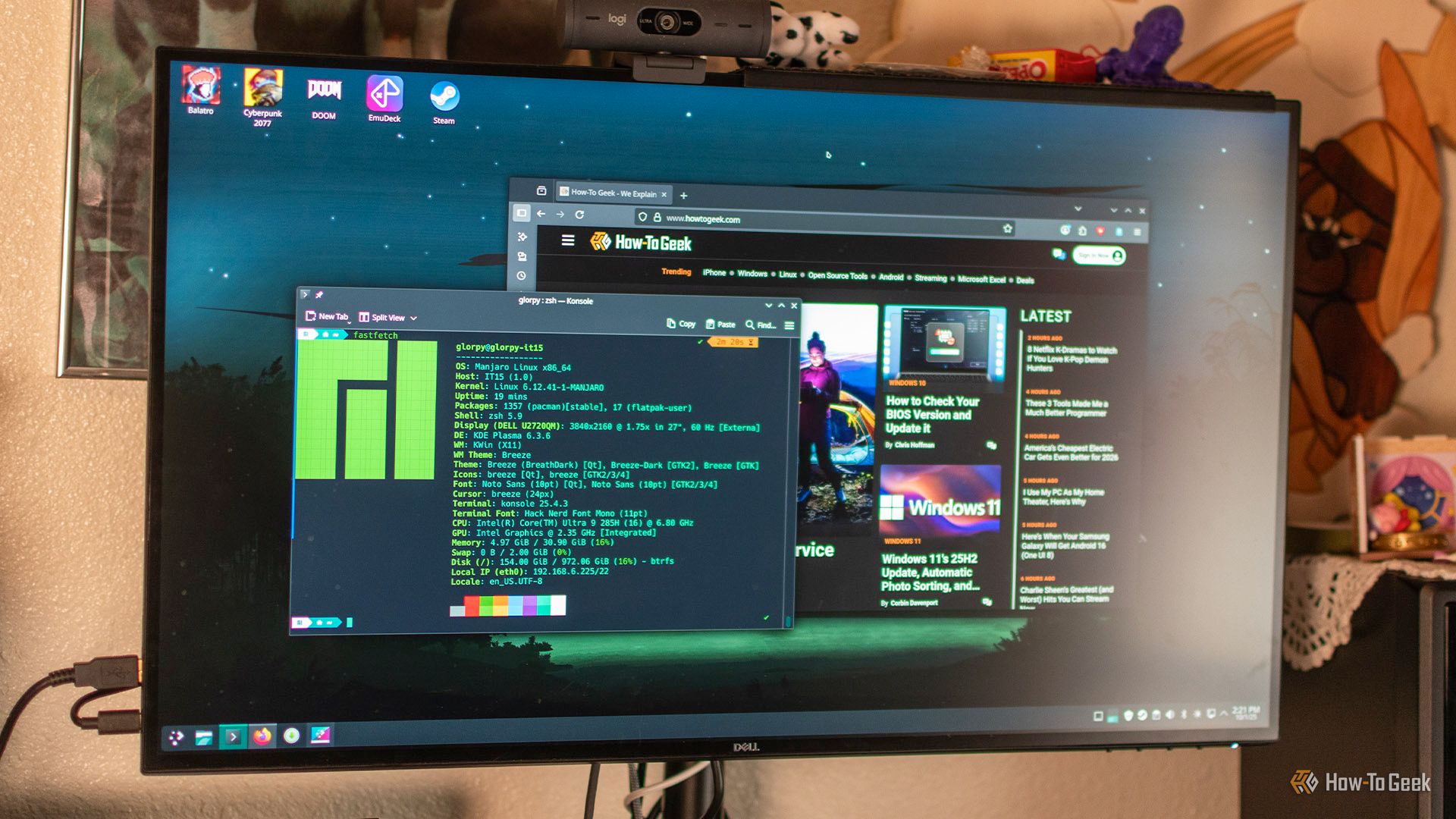
I’ve been dual-booting Linux and Windows for more than 10 years, and my current machine runs four different operating systems side by side. Over the years, I’ve made plenty of mistakes and seen newcomers and enthusiasts make many of the same ones. As such, to help you avoid these common pitfalls, here are three of the most common mistakes people make when setting up a Linux-Windows dual-boot PC.

These 5 Linux apps make me feel like a '90s Hollywood hacker (also works on Windows)

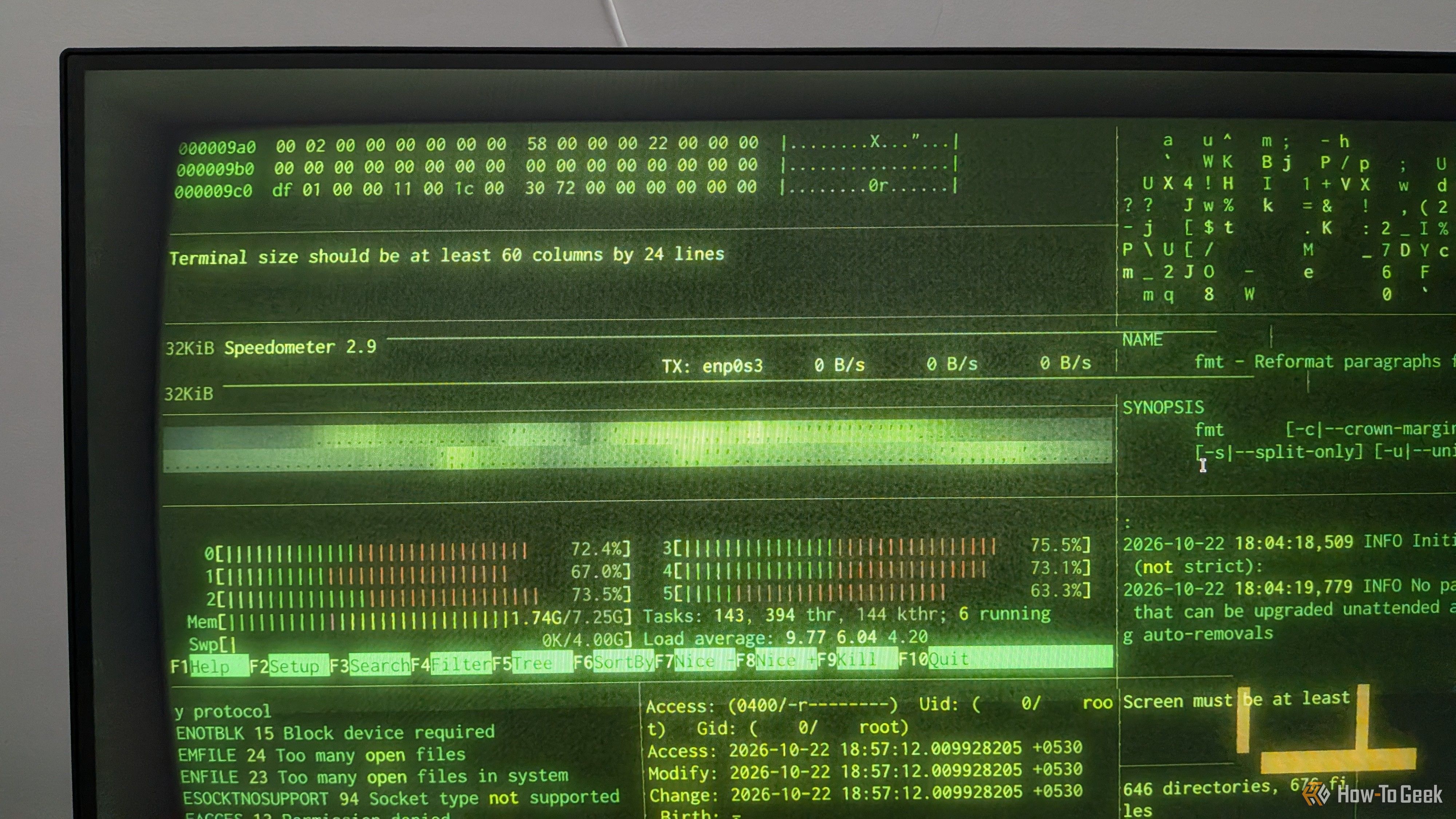
There’s something undeniably cool about the way Hollywood portrays hackers at work. In fact, it’s actually one of the reasons I gravitated toward Linux in the first place. Of course, real-world hacking rarely looks anything like the movies, and Linux doesn’t magically turn your PC into a cybercrime command center. That said, if you want to recreate that cinematic techno vibe on your desktop, there are a few tools that can help. Here are five of my favorites.

These 3 Linux apps replaced all my favorite dead Windows apps

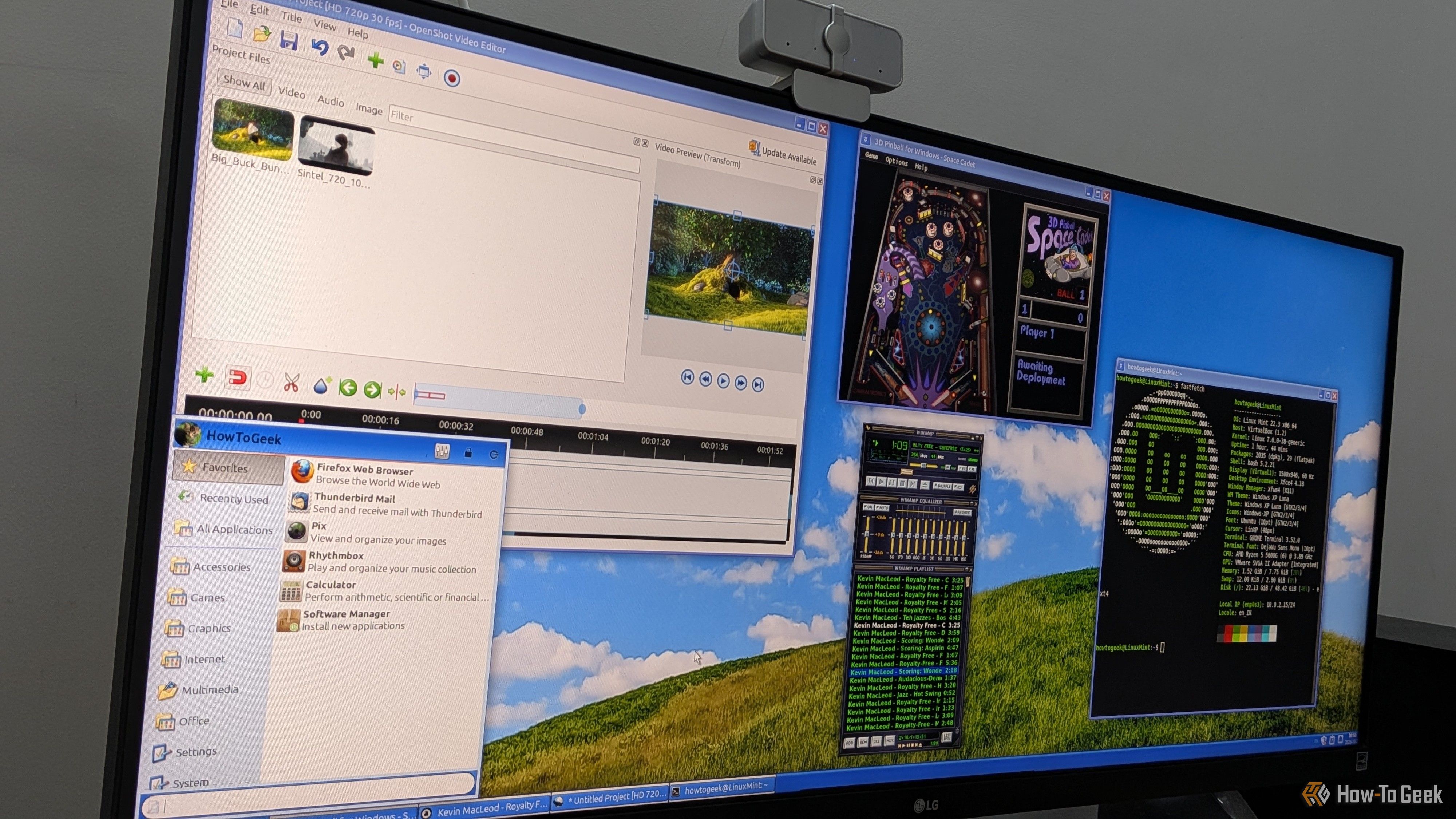
I’ve been using Windows since Windows 95, and over the years, I’ve watched a lot of my favorite apps die or get replaced with more β€œmodern” alternatives. While these newer versions are probably better, I still miss the old ones. I really liked their overall layout and aesthetics, and maybe it’s nostalgia talking, but I also think those apps just worked better and were less buggy than their modern counterparts. As such, I’ve always been on the lookout for apps that try to recreate that retro look and feel, but I never expected to find them on Linux, of all places.

This 5-minute setup lets me permanently share a Linux folder with my Android phone

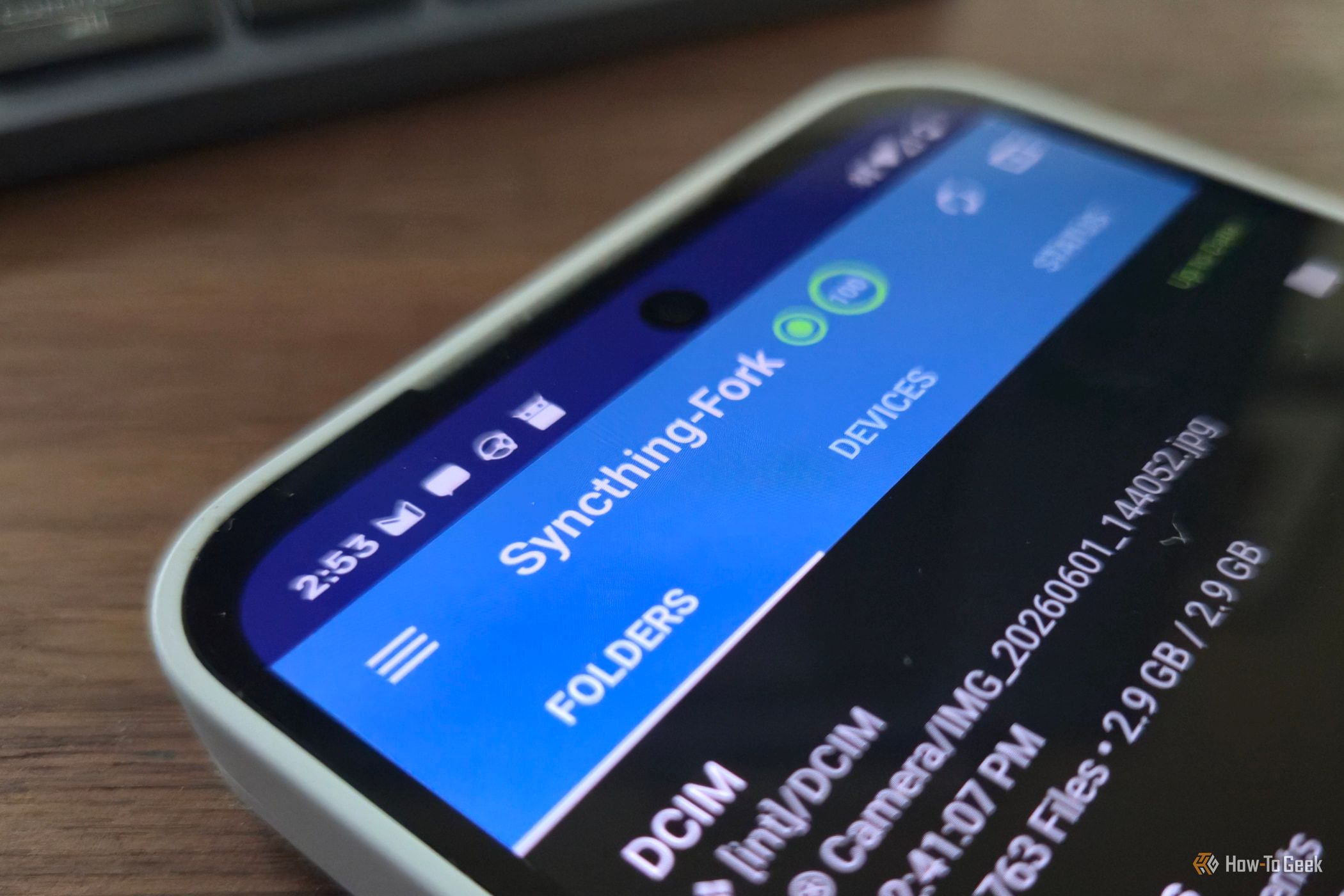
I regularly need to move files between my Linux PC and my Android phone, but there are surprisingly few good options. You can manually attach your phone to the PC, email the files to yourself, or use a cloud storage service, but those options are either clunky or involve more steps than I'd like. KDE Connect is great for transferring a few files now and then, but it isn't designed as a sync program.

15 historic moments that shaped the Linux desktop we use today

Linux has come a long way from the days when getting a graphical desktop running could feel like a project of its own. Today, you can install a modern Linux distro, open a browser, connect your Bluetooth headphones, and get on with your work. That experience is the result of decades of development, arguments, ambitious redesigns, and a few spectacular failures.

Ubuntu is beating Fedora at it's own game, and I can't defend Fedora anymore

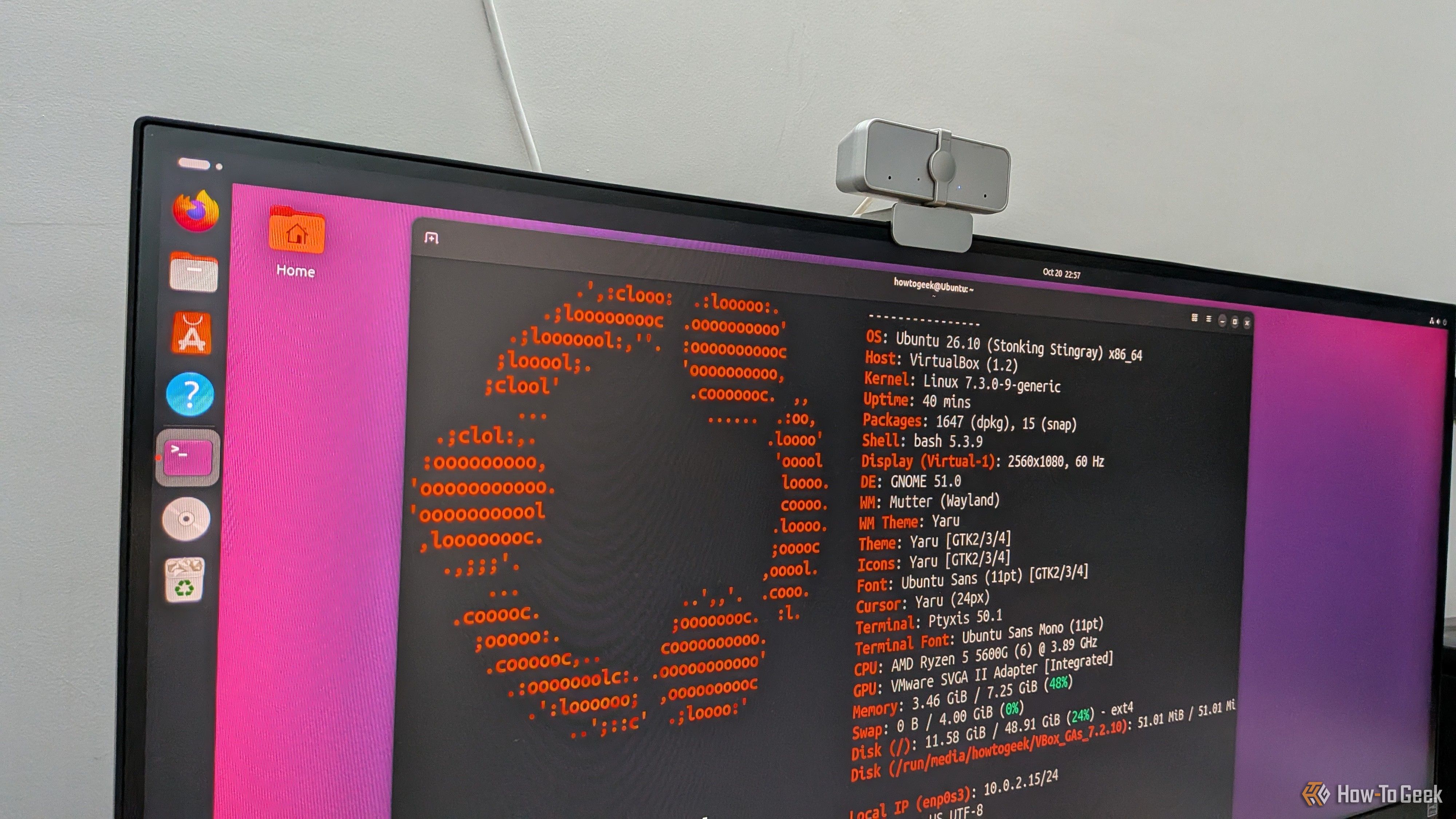
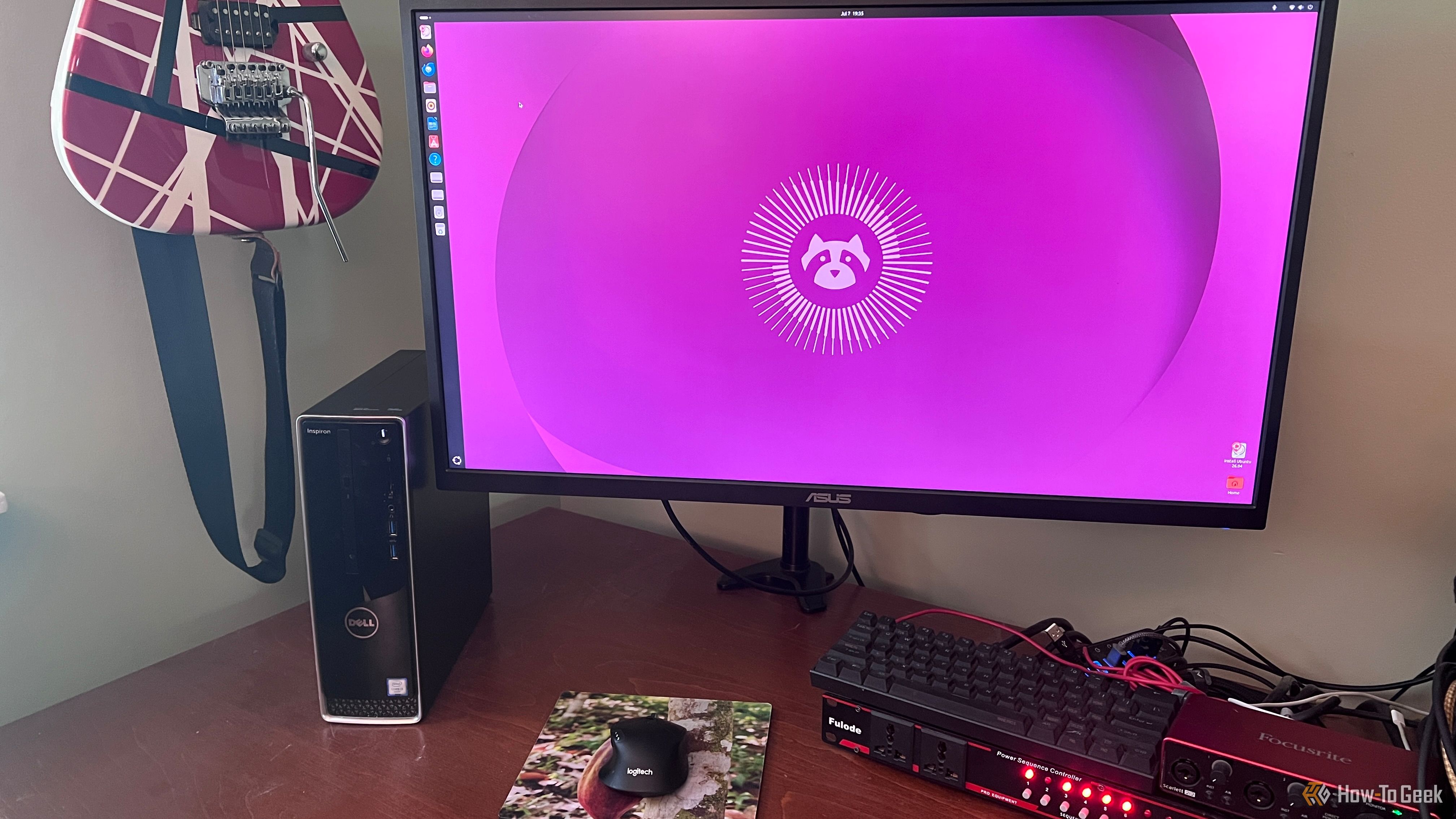
Fedora is known as the leading-edge Linux distro, offering an excellent balance between stability and access to the latest Linux features. Ubuntu, on the other hand, has traditionally offered a stable and reliable experience but has often lagged behind Fedora. It’s actually one of the main reasons I decided to ditch Ubuntu, even though it was my first Linux distro.

Your Windows PC is always reporting to Microsoft. Here’s the only way to stop it

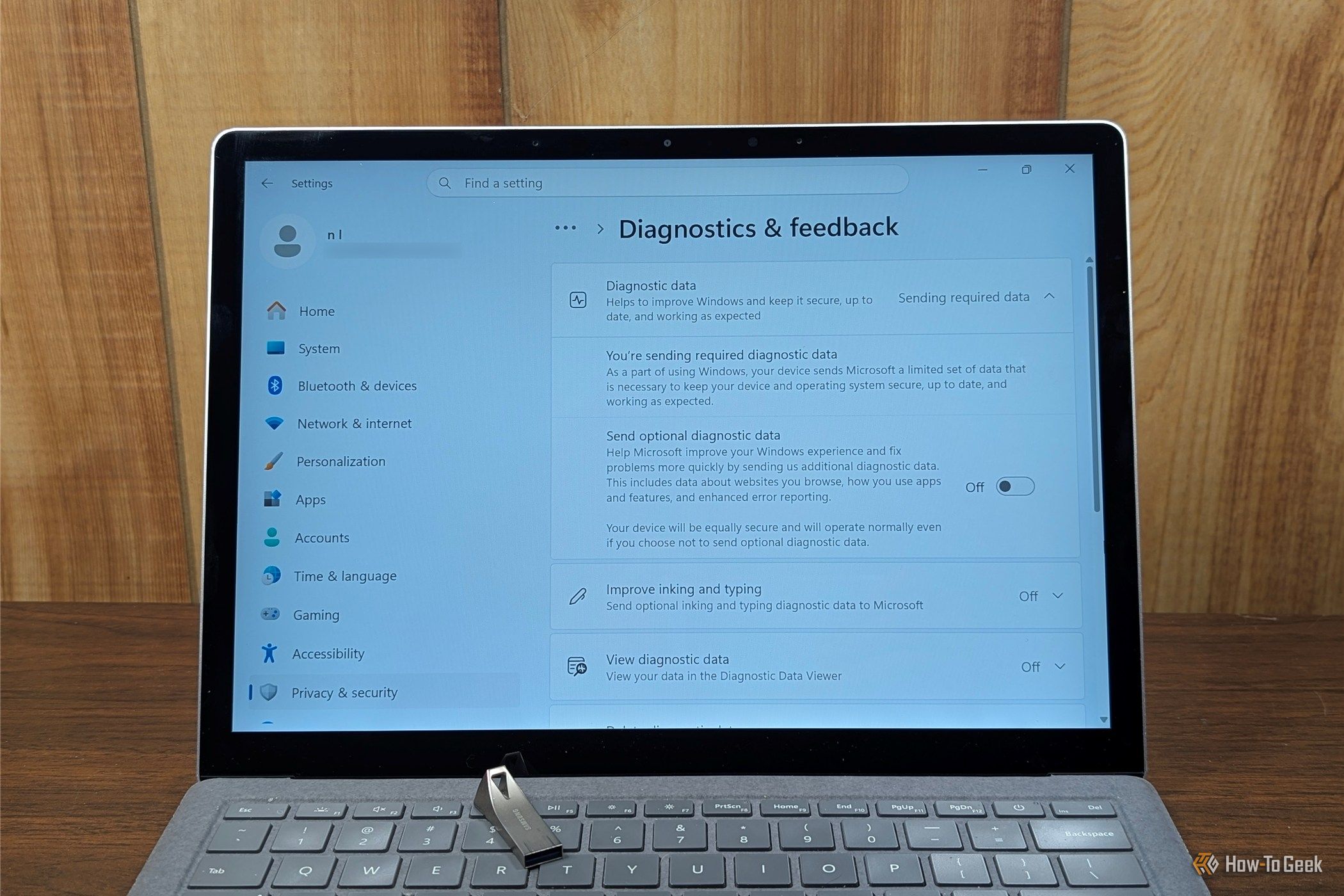
Windows 11 sends a surprising amount of information about your PC to Microsoft every single day. If you dig through the Settings app, you'll find that there isn't even a single place where you can shut it all offβ€”at best, it is a patchwork of toggles you can disable. In many cases, the telemetry, account requirements, and, increasingly, the AI features, aren't things you can uninstall or even disable. They're integral parts of the operating system.

❌