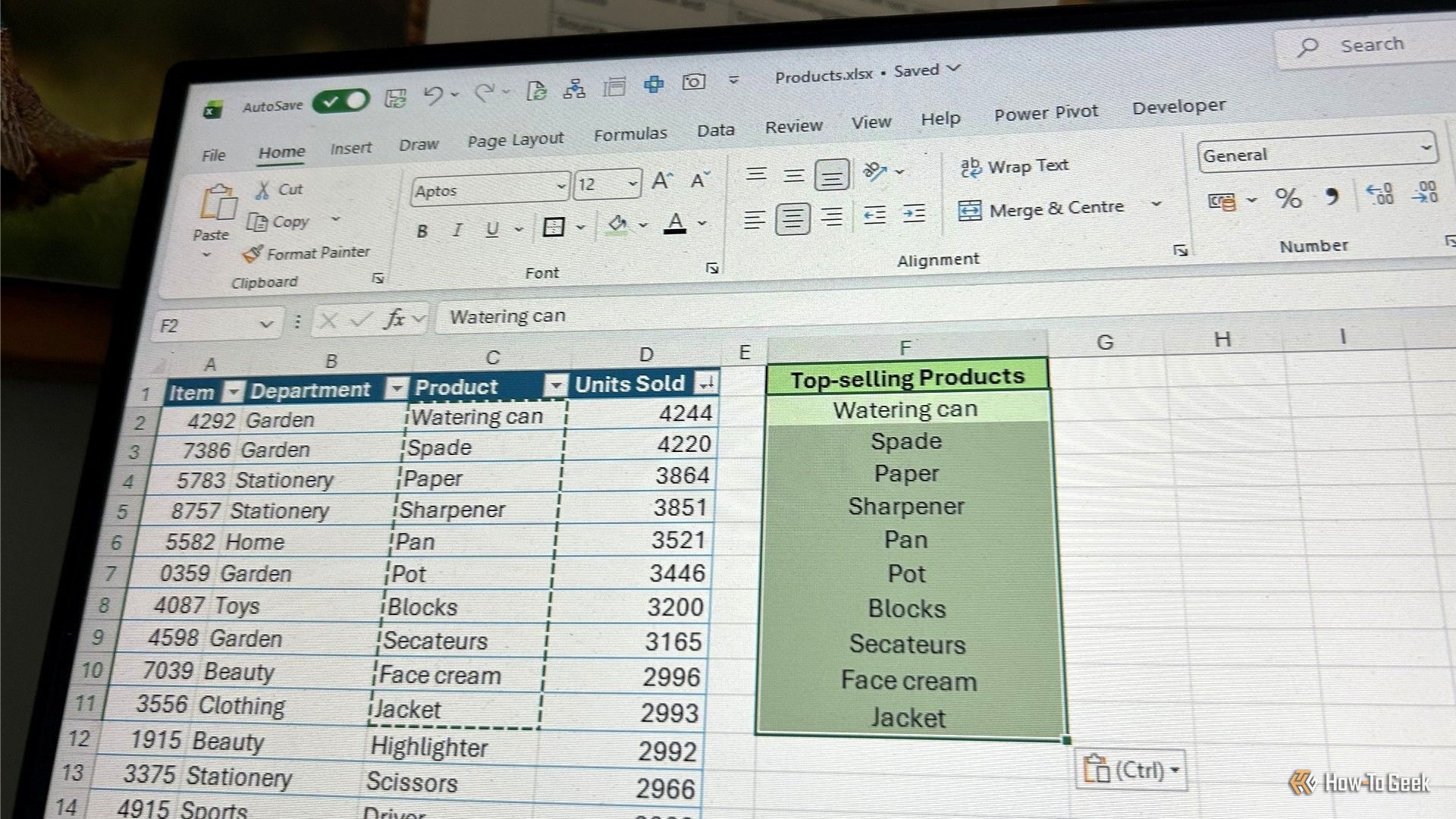
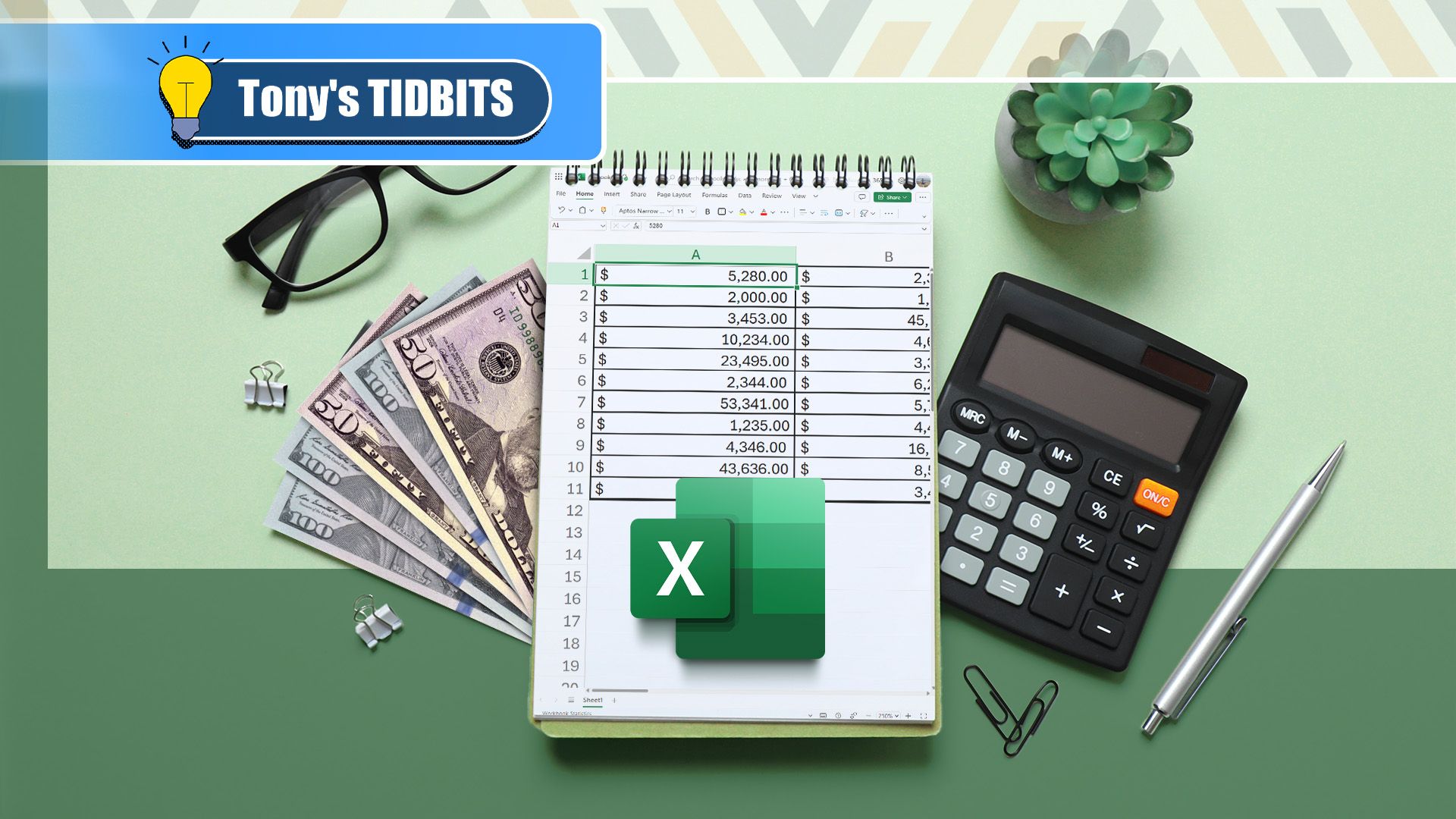
I write about Excel shortcuts a lot, and I've picked up plenty over the years. Some are useful only in very specific situations. Others become so familiar that I don't even think about pressing them anymore. Since Microsoft introduced Ctrl+Shift+V to Excel in 2022, it's become one of those shortcuts for me.
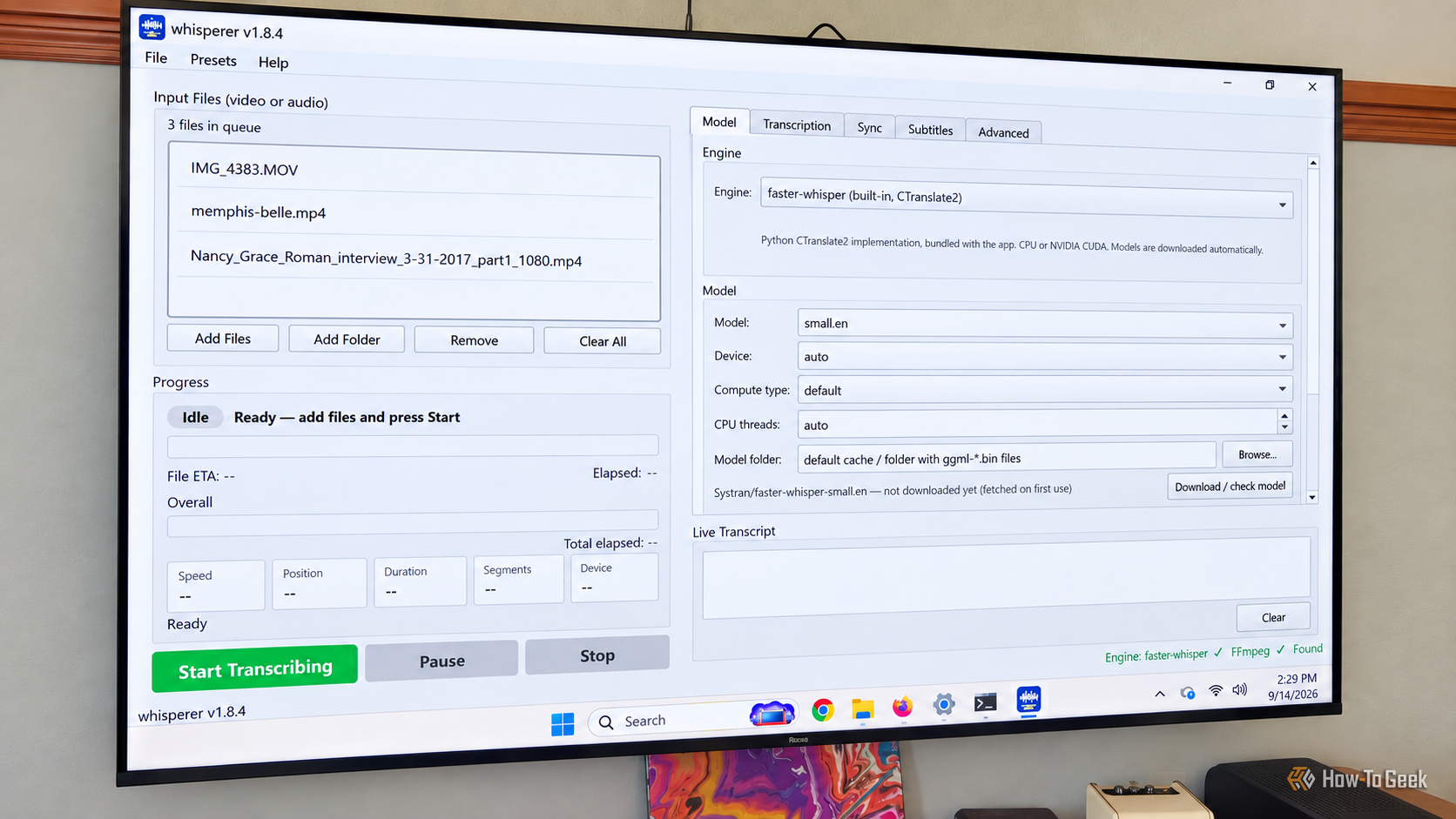
I have a lot of video files scattered between my Plex library and shared folders full of family videos. Some have subtitles, plenty don't, and I wanted an easy way to transcribe them without uploading personal footage to a third-party cloud service. While looking for something that could handle the job locally, I came across Whisperer on GitHub.
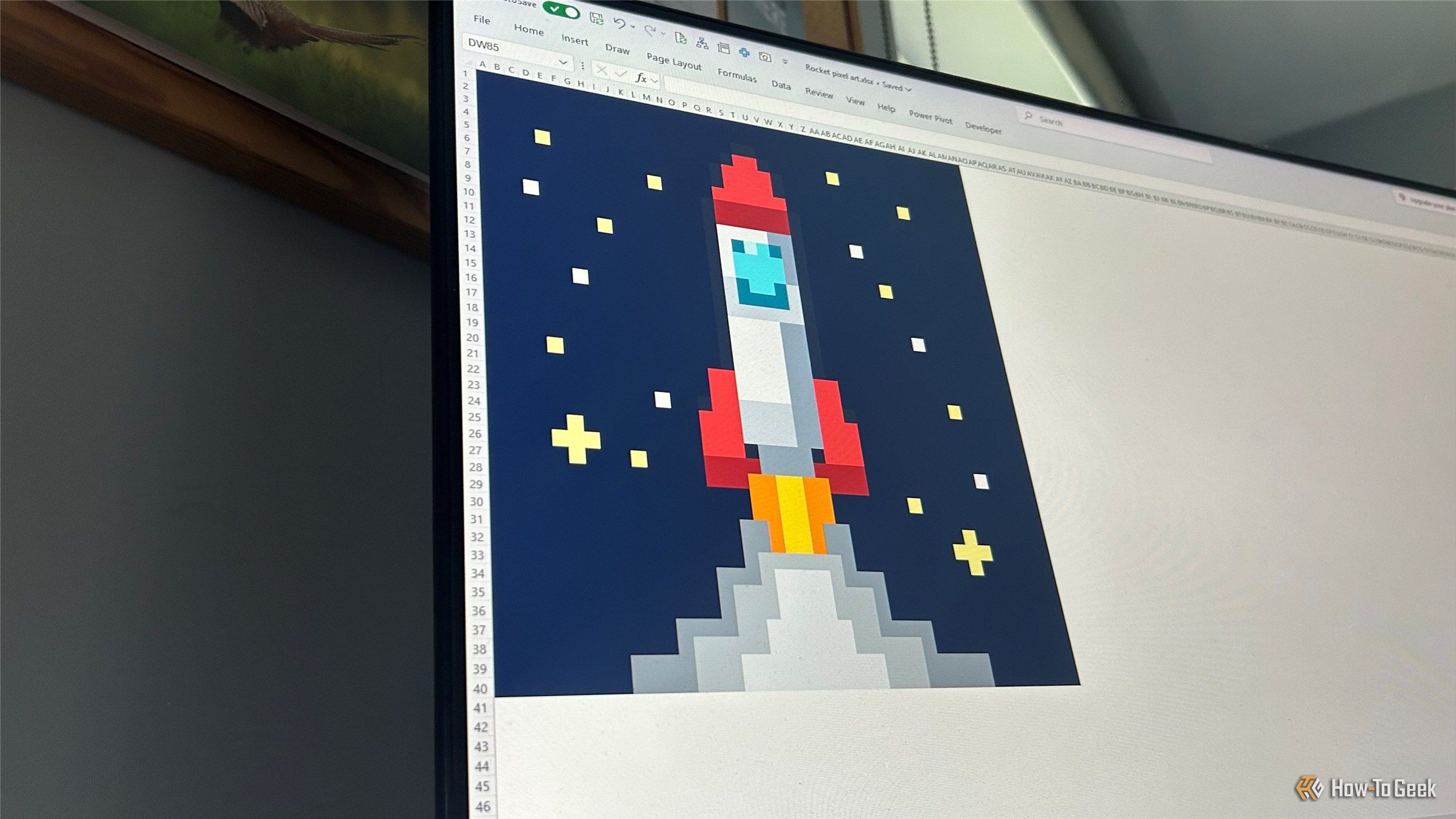
I've used Excel for long enough to know that it isn't the first tool I'd reach for when I want to draw a picture, plan a room, or design a craft project. But a blank worksheet has helped me get creative, have a bit of fun, and sometimes even solve a problem faster than I could with a piece of paper or a dedicated app. Once you stop thinking of Excel as just somewhere to enter data, its grid becomes a surprisingly useful playground.
Linux has changed dramatically since the early days of the kernel. Desktops have gone from X11 environments with primitive window managers to polished graphical shells. Containers, cloud computing, virtualization, and immutable operating systems have transformed how people deploy Linux. Even the hardware running Linux today would have seemed extraordinary to many of its earliest users.
There's a saying that "the internet never forgets, "which is a nice soundbite, but in truth some things are lost forever on the net. Once a server goes down and the last copy of that data is disconnected, that's it.
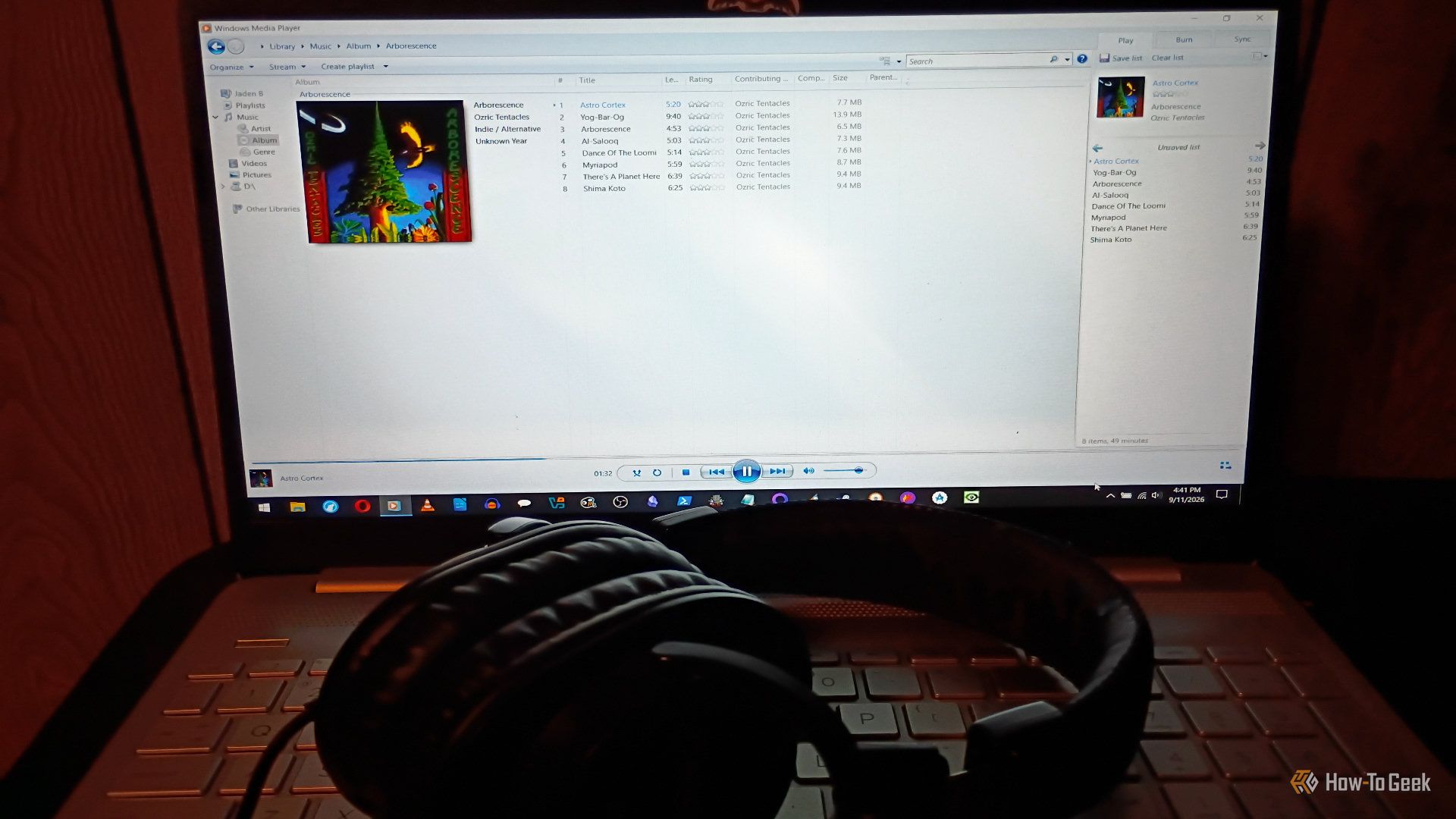
Windows Media Player (WMP) used to be the best. It didn't quite whip the Llama's behind, but I remember a time when it was fantastic. But, as these things tend to do, it got worse over time. Streaming came along, people shifted away from local media players, and Microsoft just shifted its focus elsewhere. Windows 11 replaced it with Media Player, but you can still access the legacy version of WMP. Better media players that could handle more formats appeared, and Microsoft kept breaking WMP features. WMP lost me completely last yearwhen I tried to rip a brand-new CD I bought and discovered the database that used to pull metadata no longer worked (the CD in question was Richard Thompson’s The Old Kit Bag, if you're curious). Fortunately, there are a bunch of fantastic open-source alternatives. Here are some of my favorites.
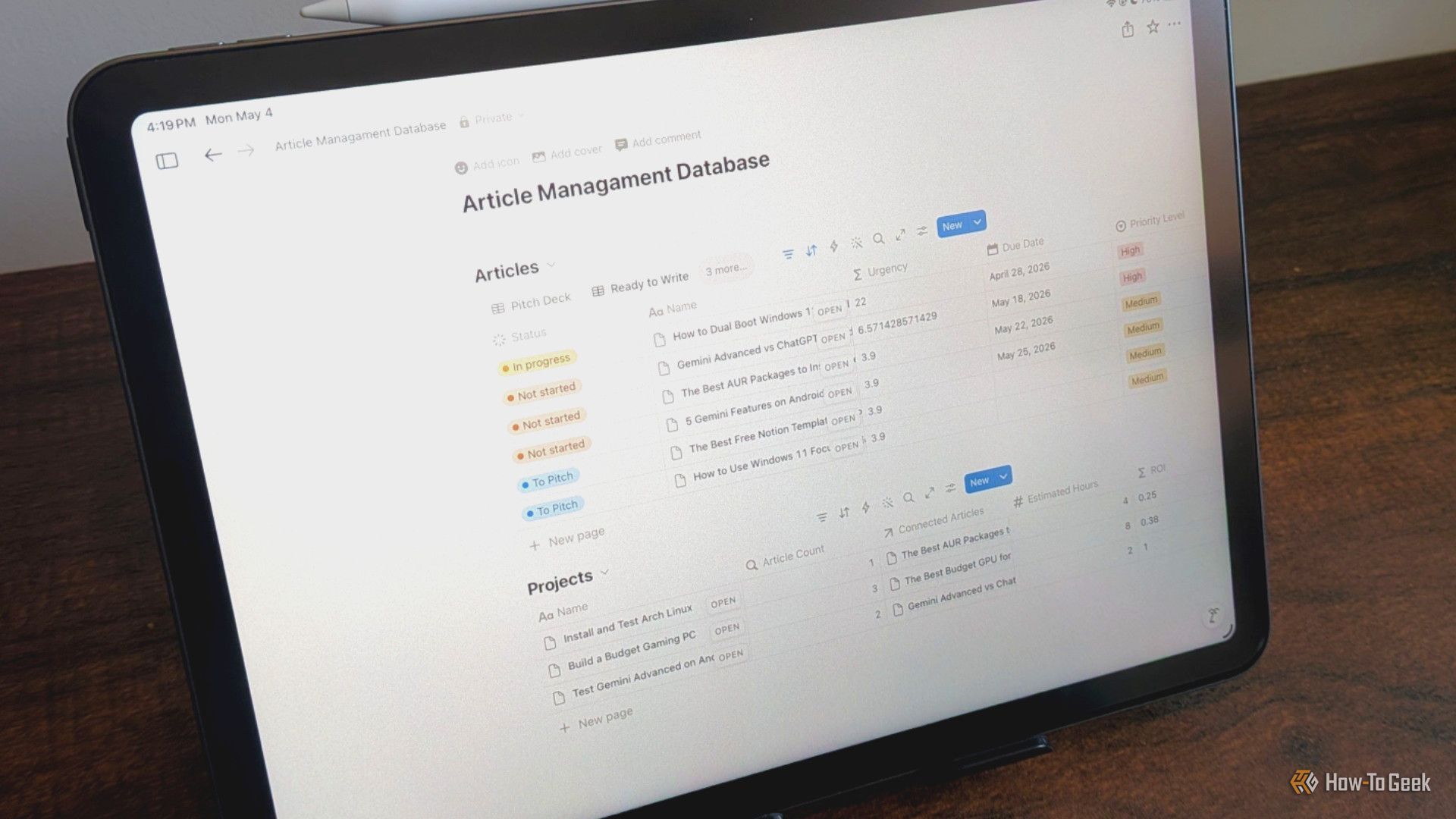
Most of us learned Microsoft Word while growing up and never really questioned it. It was on most computers, so it became the default for everything, including notes that had no business being formatted like a printed document. You don't need an entire document to take a few notes; you should use an app built to manage them like databases.
Whether you're looking to boost your spreadsheet efficiency, elevate your data analysis capabilities, or improve your career prospects, learning new tricks in Microsoft Excel is sure to help you along the way. So, add these six Excel hacks to your toolkit today.
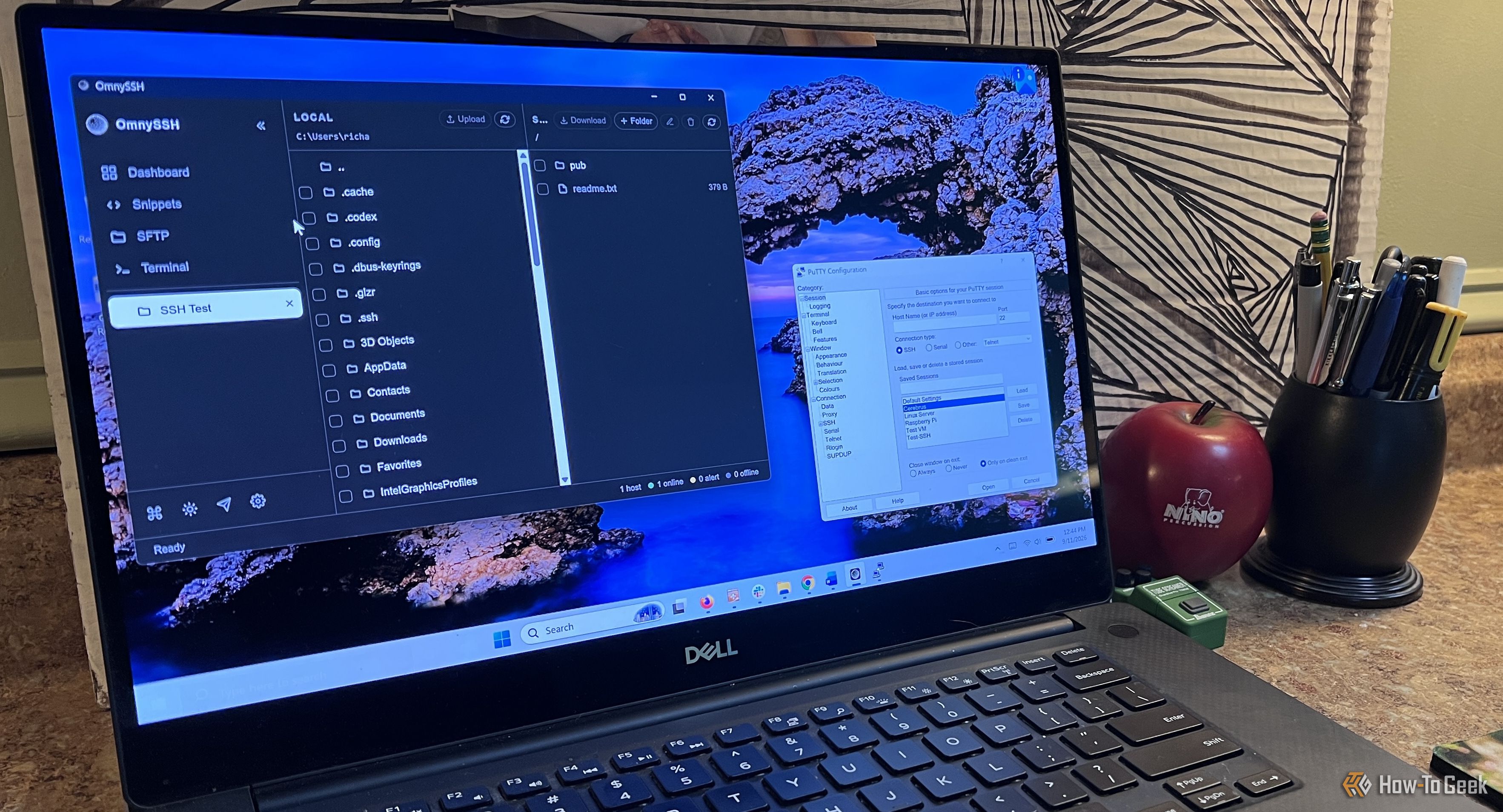
I've used PuTTY for years. It's a great program that has lasted this long because it does one thing really well. When I need to connect to another computer over SSH, PuTTY gets the job done without a lot of extra stuff getting in the way. I know how it works, I trust it, and I've never had much reason to replace it.
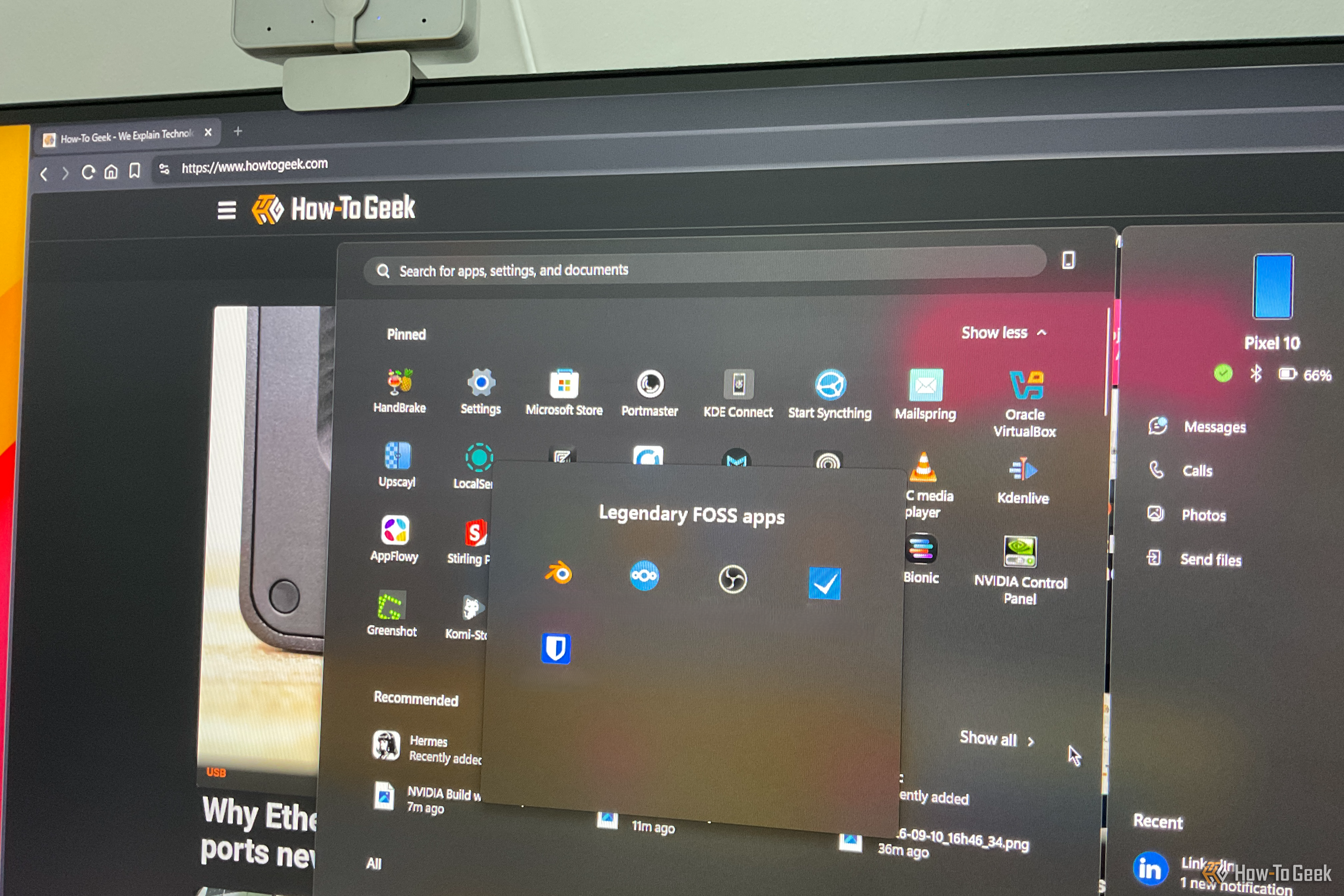
An operating system is only as good as the apps you can run on it, but some apps go beyond that and end up defining the operating system. You seek them out, usually on day one of setting up a new PC, because Windows just feels incomplete without them. Here are three such apps that are so good that they define their entire categories — earning them the title of “greatest of all time.”
VLC will always have a place on any Windows, macOS, or Linux PC I own. It's been the Swiss Army knife of media players for decades at this point, and you'd be forgiven if you simply stopped looking once you found the one media player to rule them all.
Having a second brain is awesome. I've been using Obsidian a lot lately for just that. I built a knowledge base without even touching the Obsidian editor. Instead, I use photos and the Obsidian web clipper plug-in to store information. But I've started expanding my process a bit and came up with a few more ways to keep building that knowledge base using different techniques.
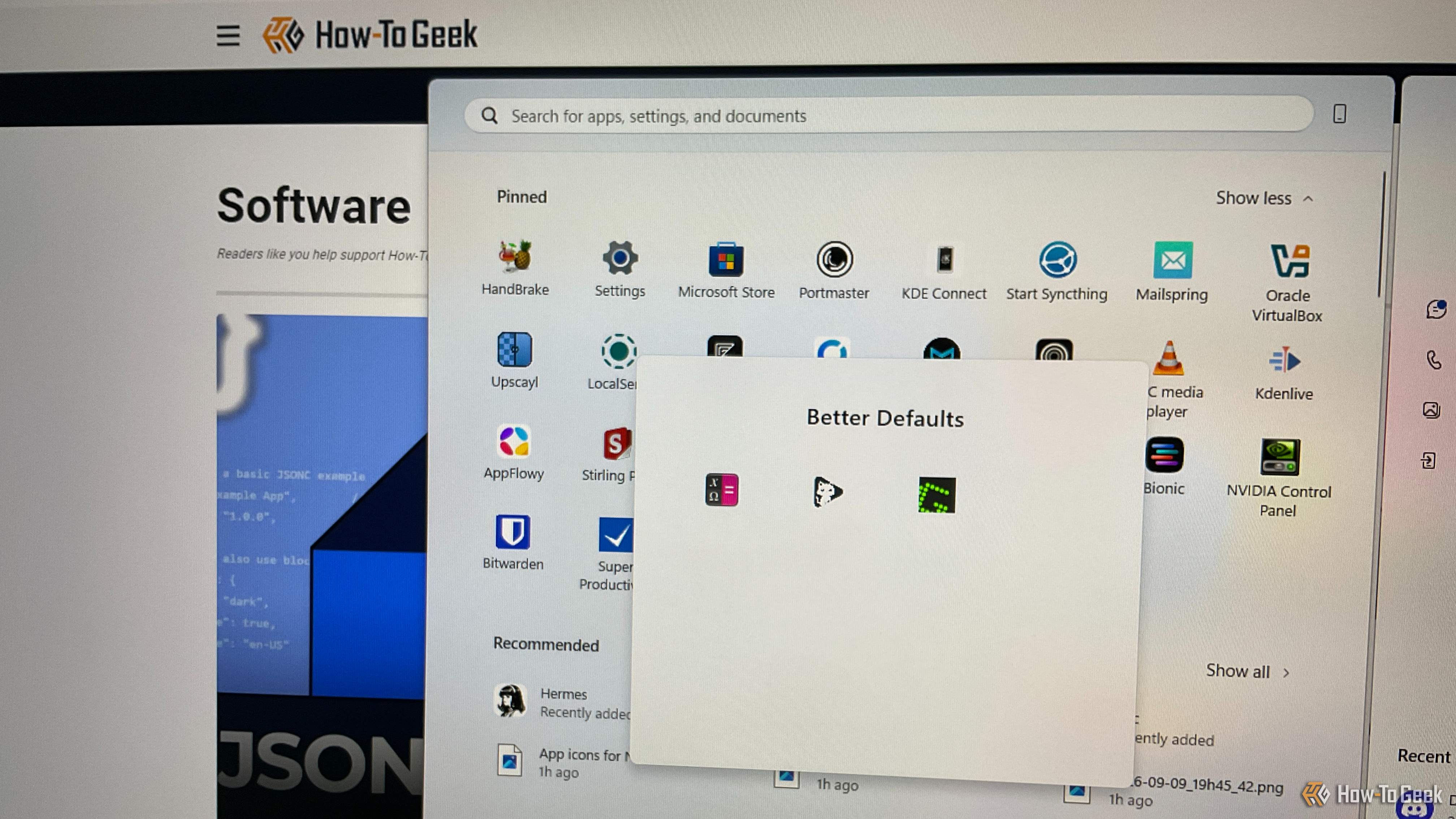
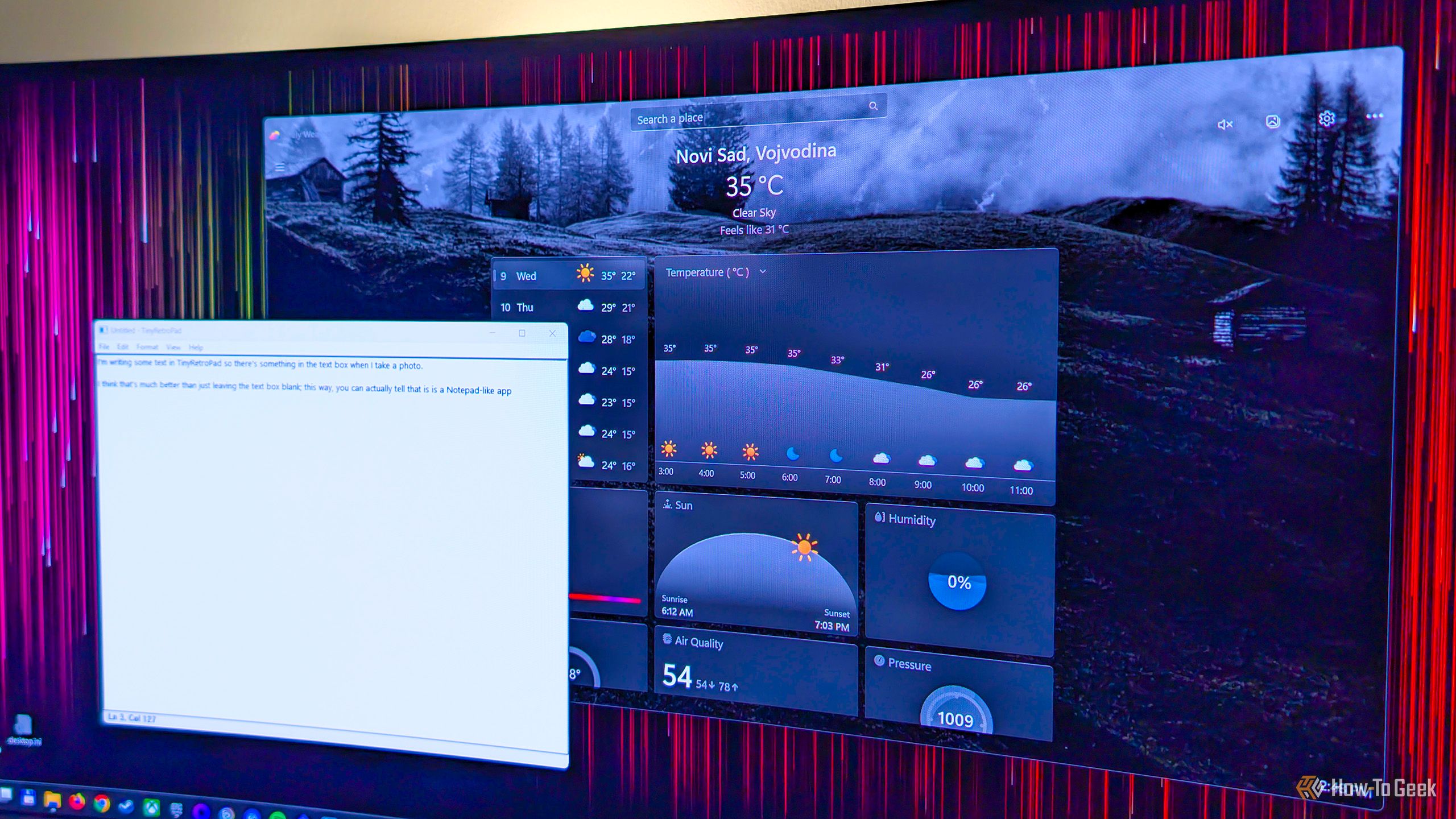
Most of us put a lot of thought into the big applications we base our workflows around — the video editors, the note-taking apps, the image editors — and almost none into the system-facing apps we use every day. However, those applications make up a huge chunk of our day-to-day experience and deserve more thought than they get. This is especially true right now, as tons of high-quality free and open-source apps have emerged that easily offer a better experience than most of your system defaults. Here are three such FOSS apps to replace your Windows defaults.
For longer than I care to remember, I've written Excel formulas, dragged them down hundreds of rows, copied calculations across columns, and built running totals one cell at a time. This works, but I always find I'm doing too much work, especially when some of those jobs can be handled by a single formula sitting in a single cell.
Any time I recommend software to a friend, there is always an inevitable question: How much does it cost? The quality isn't necessarily the discerning factor—no one wants to pay for something if it isn't necessary. That makes free, open-source tools very easy to recommend to most people without a moment's hesitation.
I've spent a frankly unreasonable amount of time in Excel, so I've had plenty of opportunities to find out which habits make my life easier—and which ones come back to haunt me later. Over the years, I've gradually ditched a handful of things that seemed harmless at the time but made my spreadsheets harder to sort, filter, update, or understand. Here are five things I stopped doing in Excel, and why my spreadsheets have become much more reliable as a result.
Sometimes the best Excel projects start with something the program can't do out of the box. Surprisingly, Excel doesn't have a built-in timeline chart. So I experimented with a regular line chart, and 10 minutes later, I had a series of events mapped out in a dynamic timeline. Want to give it a try this weekend? Here's what I did.
Conventional wisdom says that if something costs money, it's probably better than a free alternative. However, that logic completely falls apart when it comes to software — especially with free and open-source software (FOSS). The space has matured to the point where many free apps don't just compete with their paid counterparts — they beat them outright. Here are my top five picks for legendary open-source software that give their expensive paid alternatives a run for their money.
There's no denying that Microsoft has been stuffing many of Windows' default apps with superfluous features, turning them into bloated pieces of software filled with (mostly) AI features no one needs, with the Copilot-infested Notepad being a prime example.
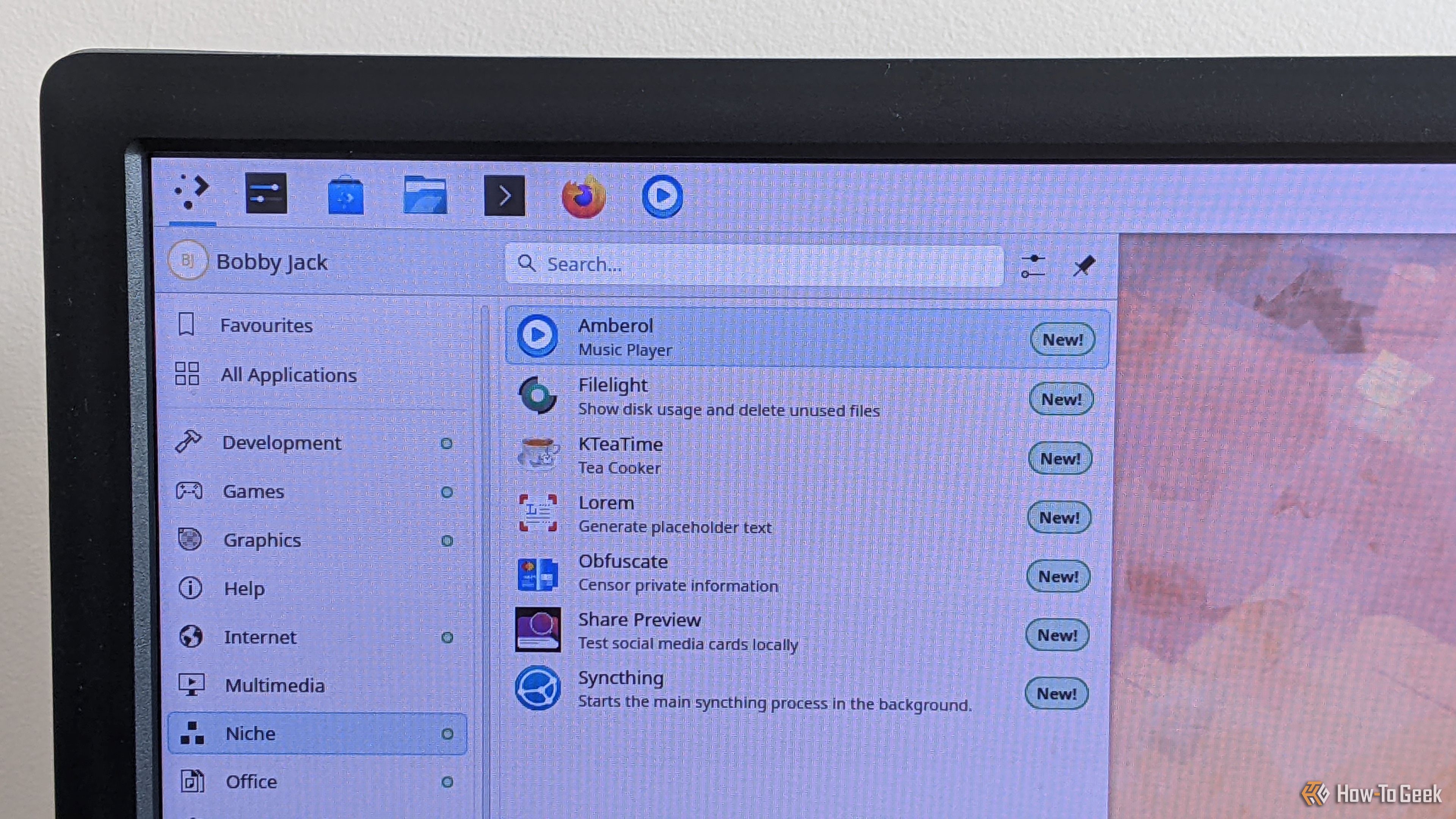
Firefox, GIMP, and LibreOffice are the obvious, popular apps that you'll see everyone recommend for your Linux system. But there are many more apps beyond those.

 Login
Login