❌

Reading view

There are new articles available, click to refresh the page.

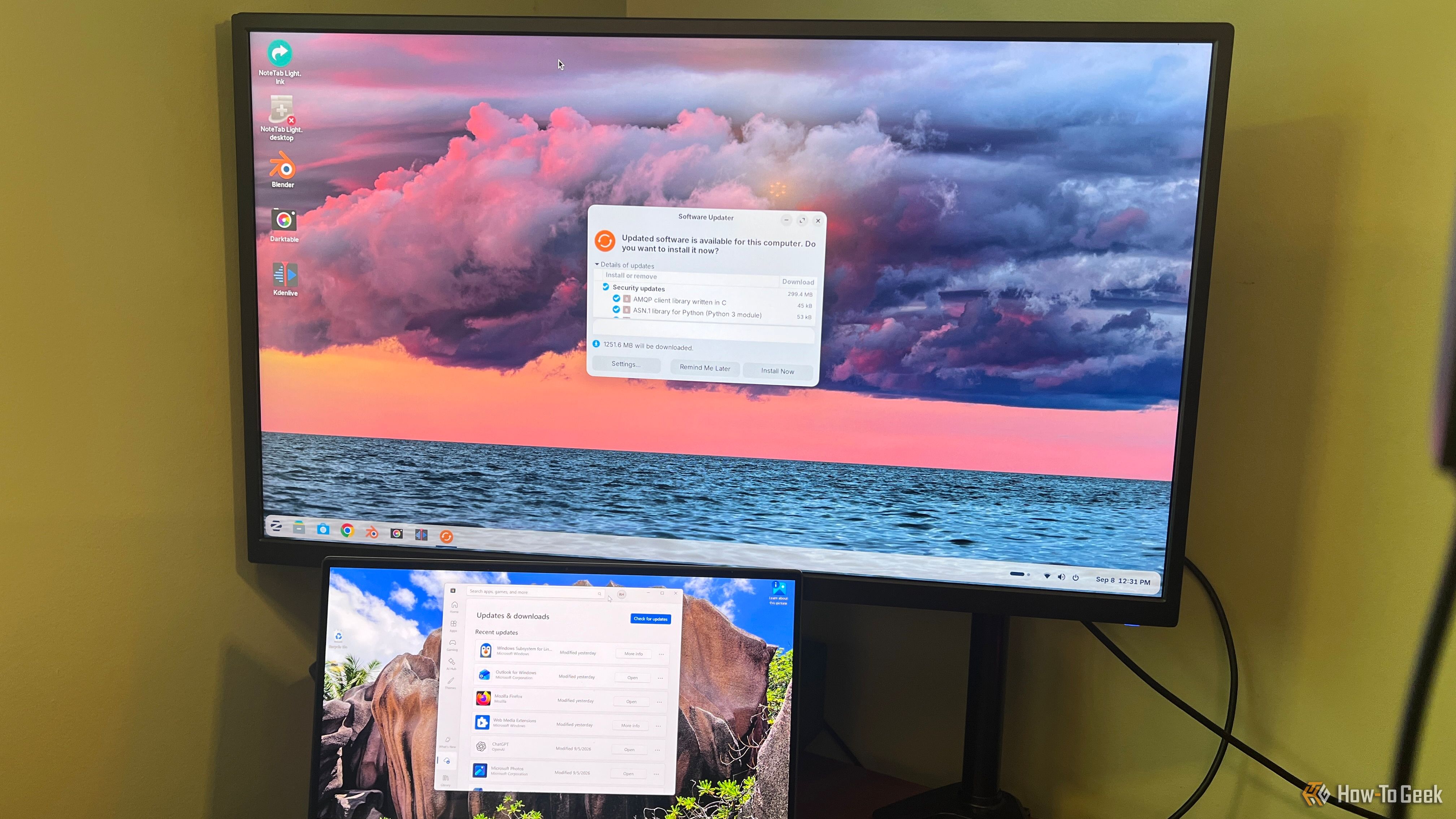
You gave Microsoft permission to collect your typing data when you set up Windowsβ€”here's how to reverse it

When you set up a brand-new Windows PC, you probably want to get through the setup screens as quickly as possible so you can start using your shiny new computer. That makes it easy to click through Microsoft's privacy options without paying much attention to what you've actually enabled. One of those settings allows Microsoft to collect samples of what you type or write.
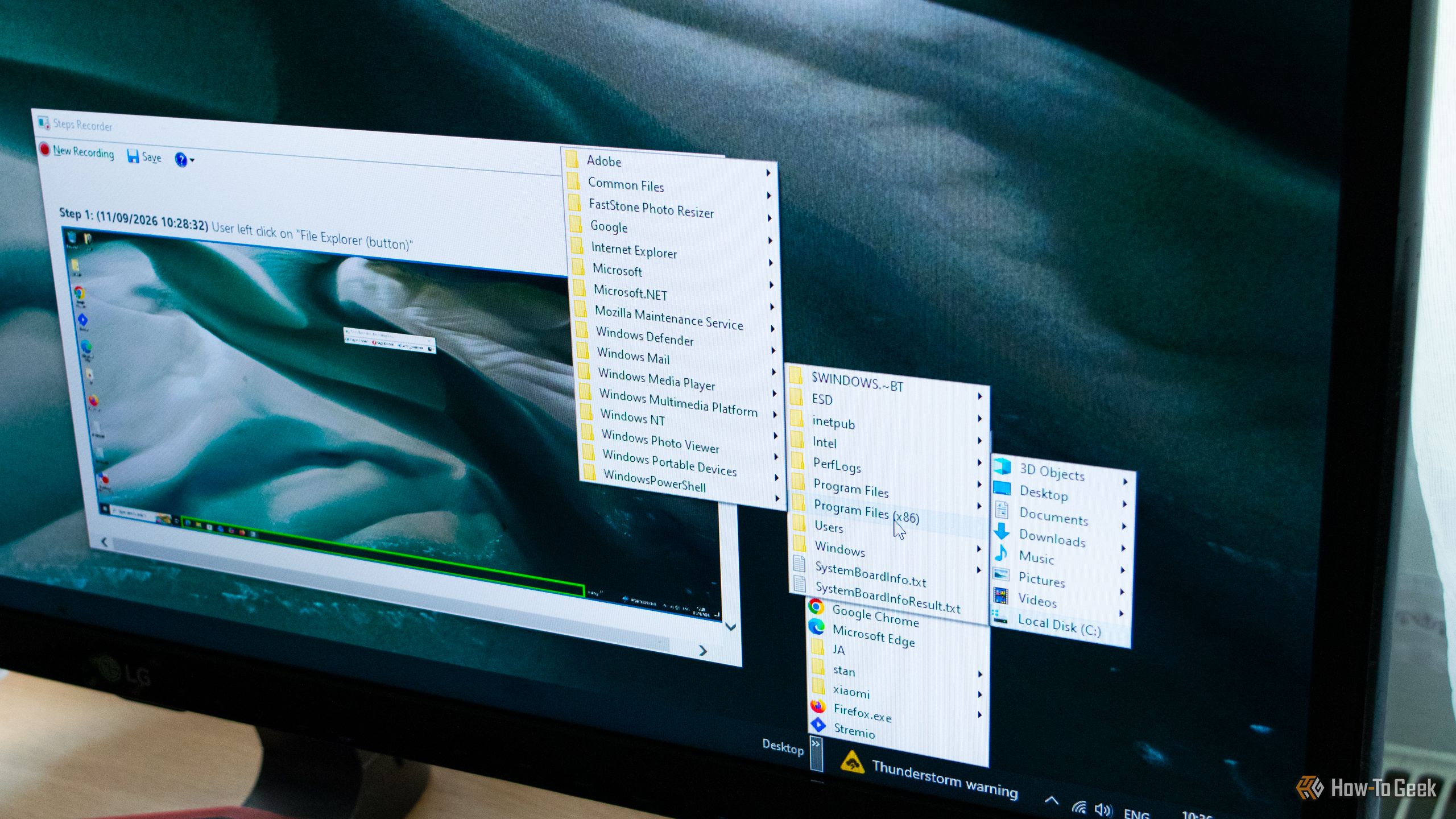
4 classic Windows tools that did things Windows 11 still can't

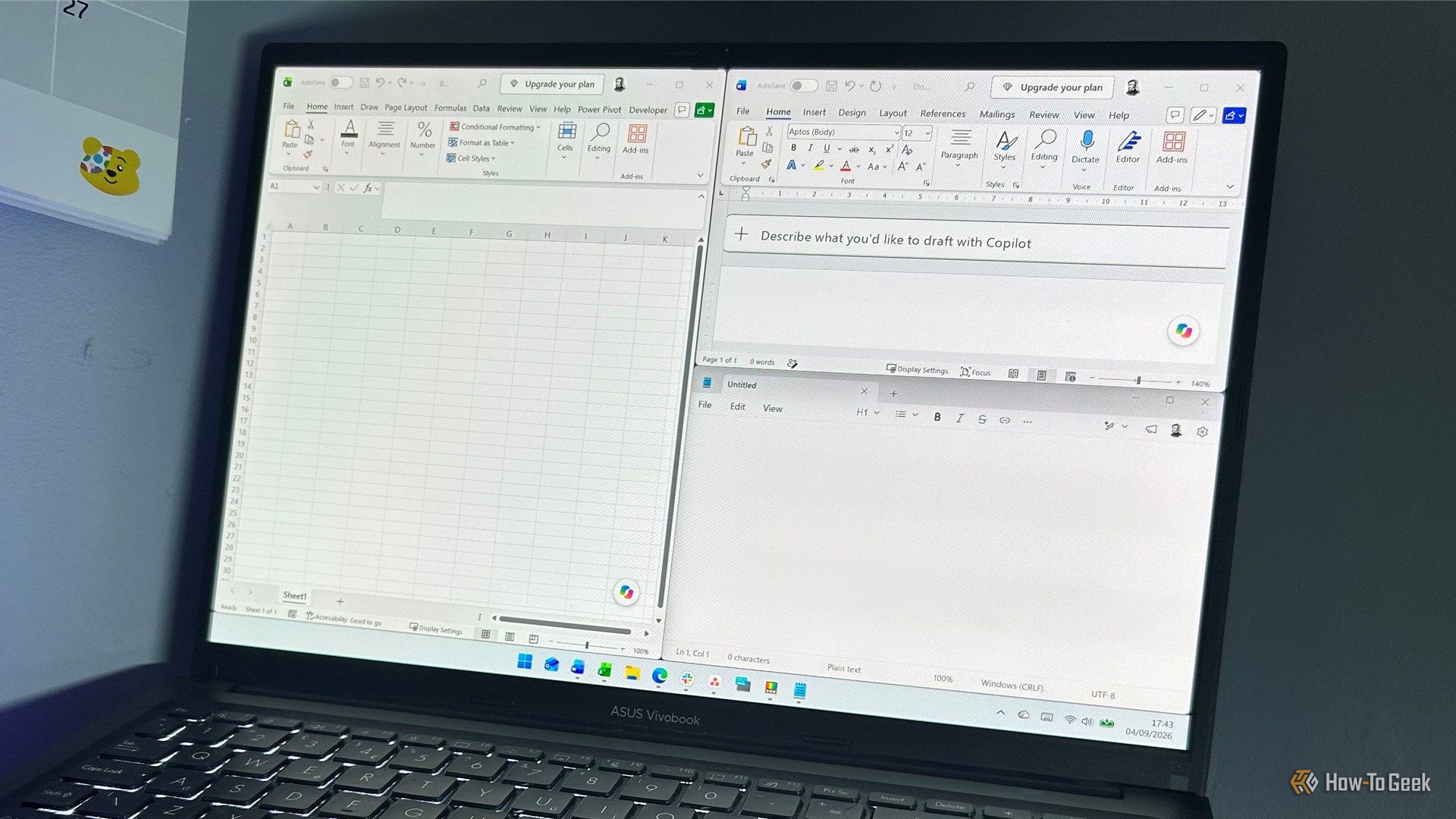
Microsoft included a number of really helpful features and tools in past versions of Windows that many users came to love. While some of these utilities have survived the transition to Windows 11, others were left by the wayside. Some even made it to Windows 11, only to be retired in one of its subsequent updates. Here are some of my favorite classic Windows tools that are missing from Windows 11, with the latest version of Windows still lacking equivalent features.

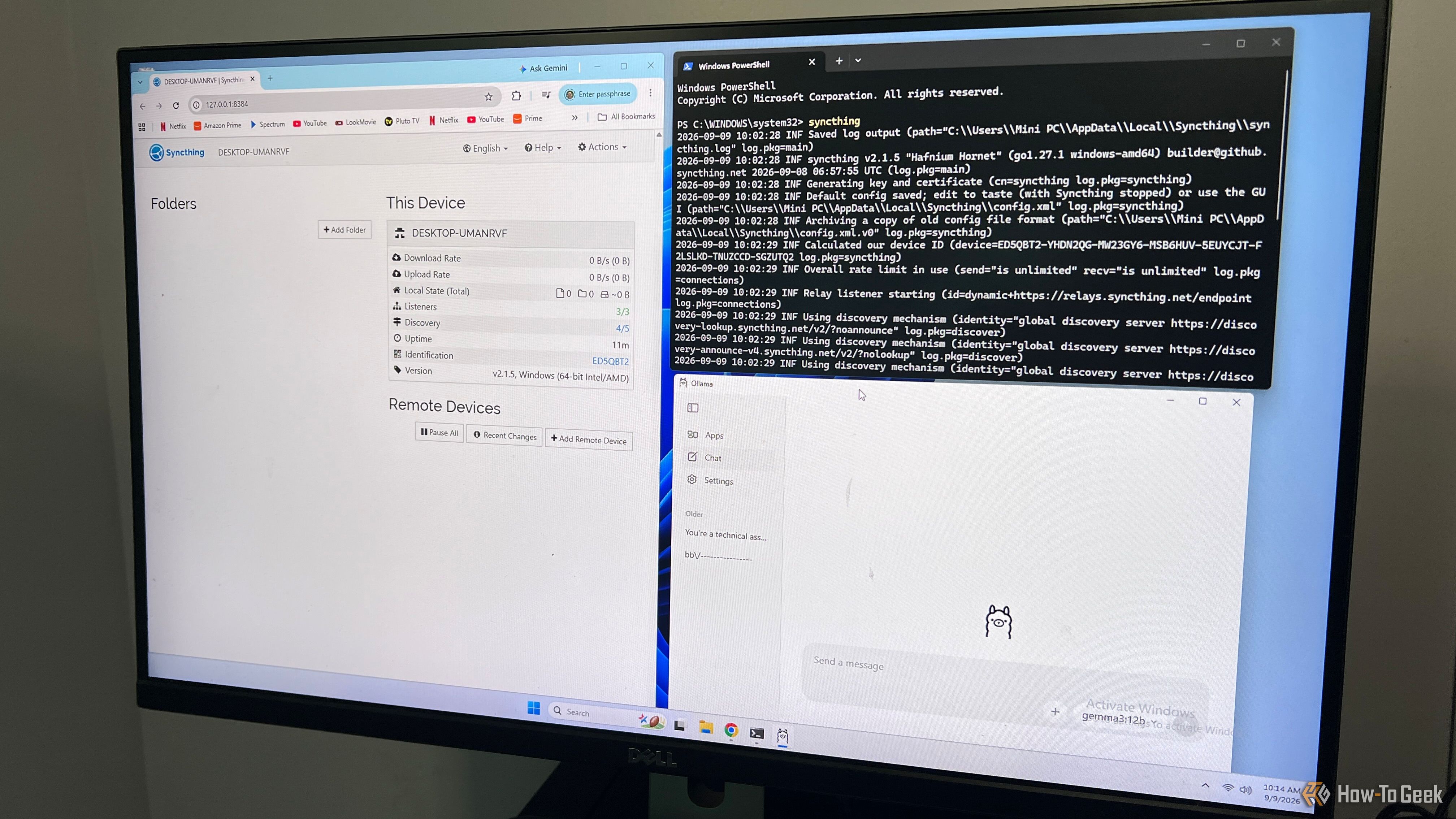
I built a private AI document search engine my wife and I can use from any device at home

Paperwork used to be annoying, but at least there was an obvious place to put it. You bought a filing cabinet, labeled a few folders, and hoped you could remember where you filed something when you needed it. Today, most of that paperwork is digital. My wife and I have bills, receipts, records, manuals, and other documents scattered across our PCs, and finding a specific file isn't always as easy as it should be.

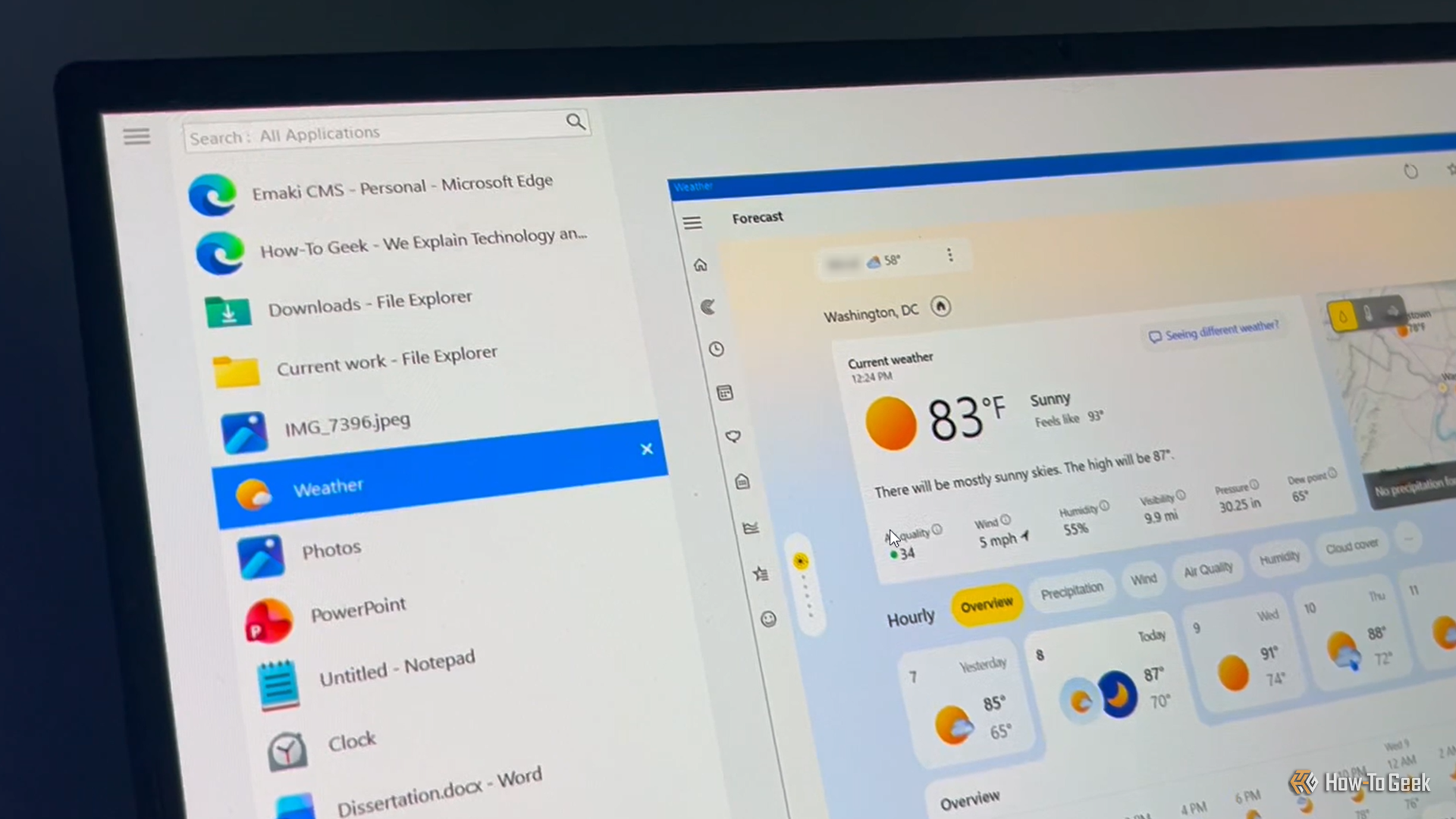
I finally found a better way to use Alt+Tab in Windows 11

I'm one of those people who presses Alt+Tab hundreds of times a day to bounce between the many windows I have open. The problem is that Windows' built-in switcher starts to get awkward when I have lots of windows open, and aside from choosing how many thumbnails to display, there's not much room for customization.

I stopped reaching for my phone during work thanks to this Windows 11 feature

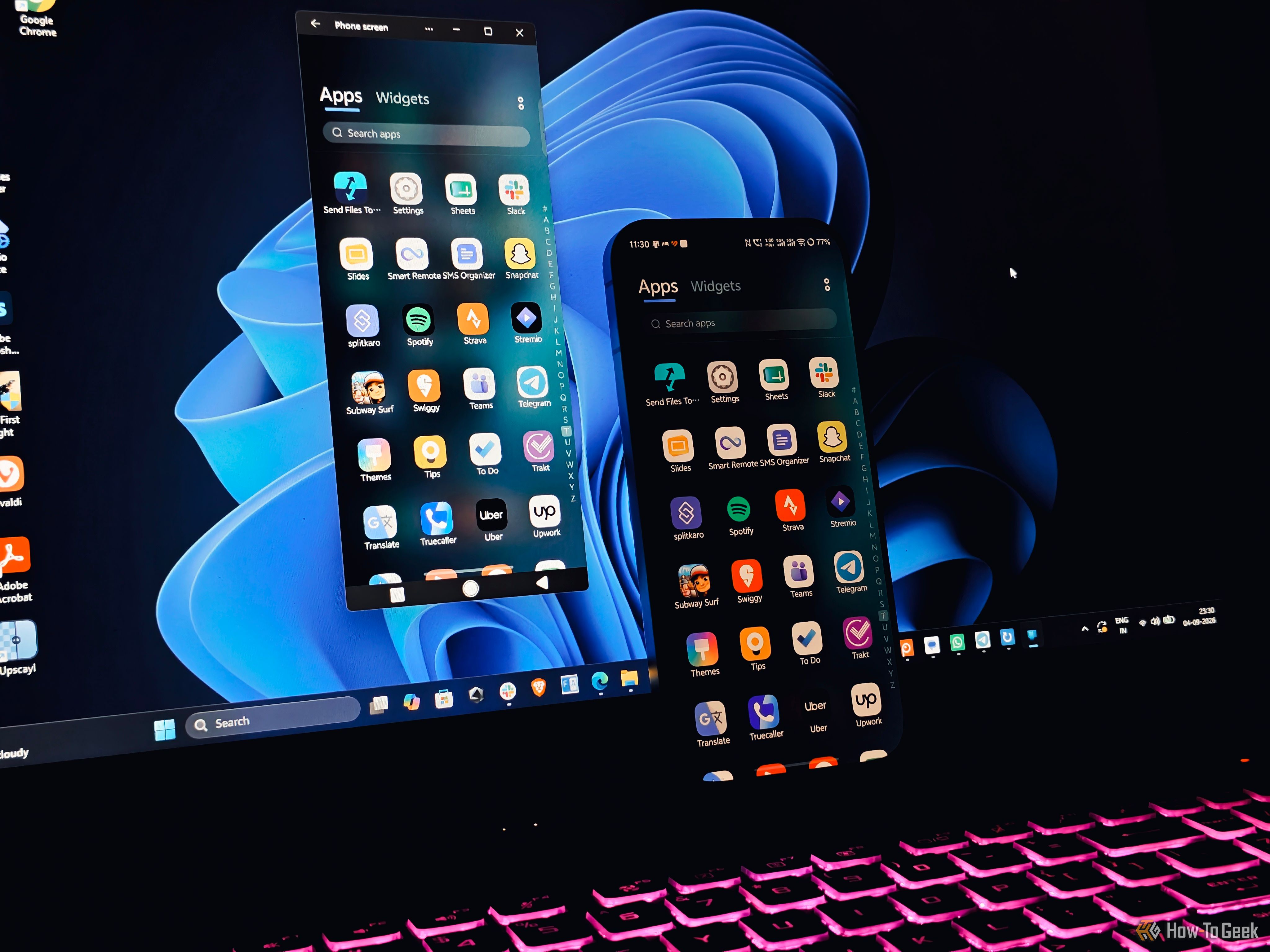
Microsoft’s Phone Link is arguably the best cross-OS integration tool that closes the gap between your smartphone and Windows PC. For Android in particular, Microsoft has built some strong partnerships with major OEMs like Samsung, OnePlus, ASUS to integrate deeply with the OS, unlocking powerful features such as screen mirroring, app streaming, and cross-device clipboard.

How to control your Google TV wirelessly with Windows 11

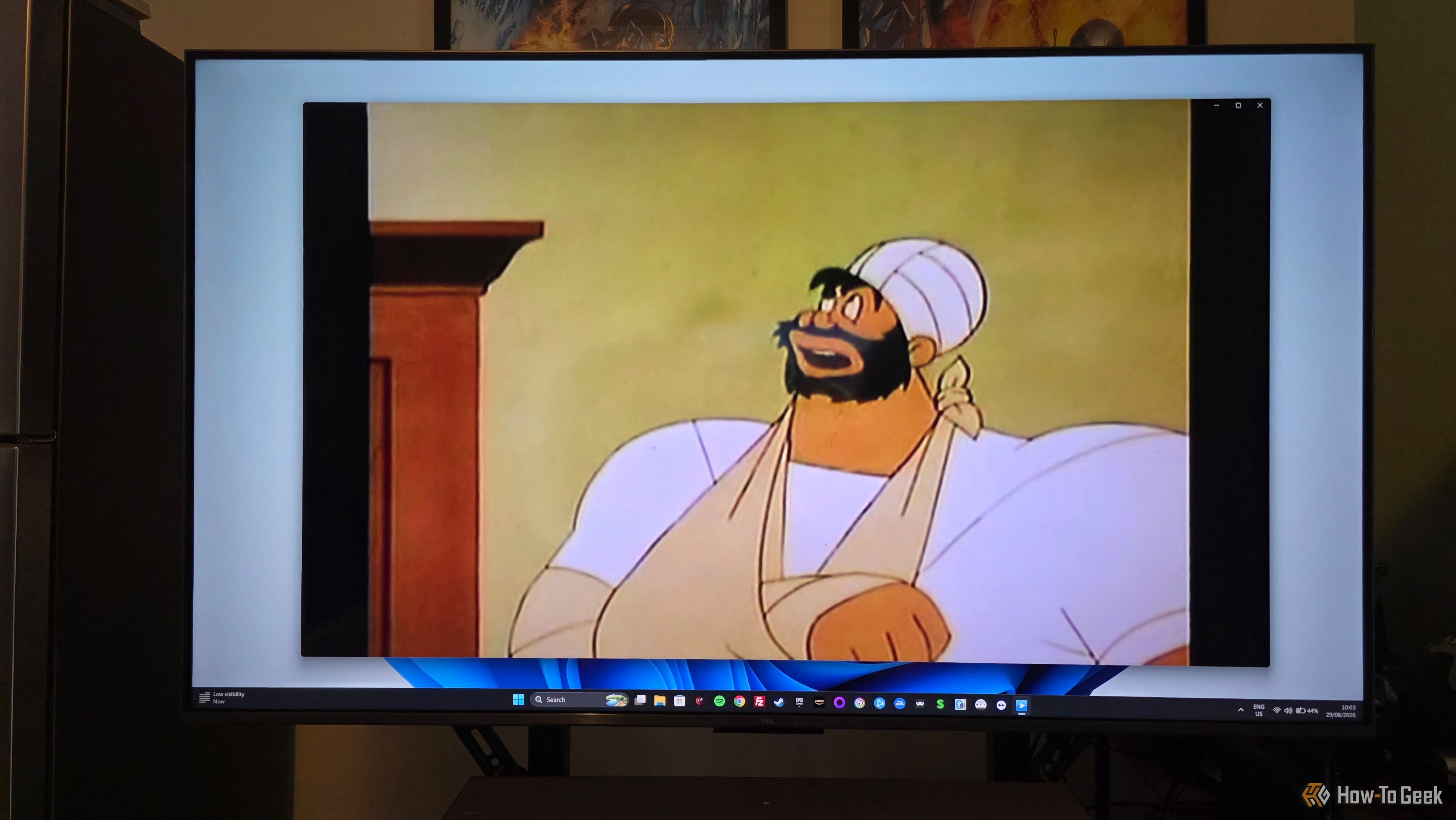
Owning an Android or Google TV gives you a lot of freedom, but navigating its interface with a standard remote can sometimes be frustrating. You likely already use your smartphone as a remote to control your TV wirelessly β€” for tasks like typing long search queries or as a backup remote. While there are plenty of Android and iOS options to control your Google TV, controlling it through Windows 11 is often a less explored territory.

❌