Login
Login
Switching to Cloudflare doesn’t hide your DNS lookups from your ISP. One router setting does
Switching your DNS server to 1.1.1.1 is common advice, and for good reason: it is reliable, fast, and theoretically, better for your privacy.

Switching your DNS server to 1.1.1.1 is common advice, and for good reason: it is reliable, fast, and theoretically, better for your privacy.
For years, Windows 11 has handled camera and microphone access for desktop apps like a master key—flip the switch and every program gets in, or none do. Microsoft is finally working on a solution for the latest Windows 11 Insider build. The new privacy controls allow you to decide which desktop apps get to use your camera and microphone, one at a time. If you use an Android phone, you'll find the per-app permission settings feel familiar. This matters because camera and microphone access can reveal more than you might expect across varied software.
Windows has a habit of getting in your way just when you're trying to get something done. Whether it's an update at the wrong time or a driver that refuses to cooperate, you might be tempted to disable a security feature and call it a day. Before you do, though, there are six Windows features you should think twice about switching off.
I regularly need to move files between my Linux PC and my Android phone, but there are surprisingly few good options. You can manually attach your phone to the PC, email the files to yourself, or use a cloud storage service, but those options are either clunky or involve more steps than I'd like. KDE Connect is great for transferring a few files now and then, but it isn't designed as a sync program.
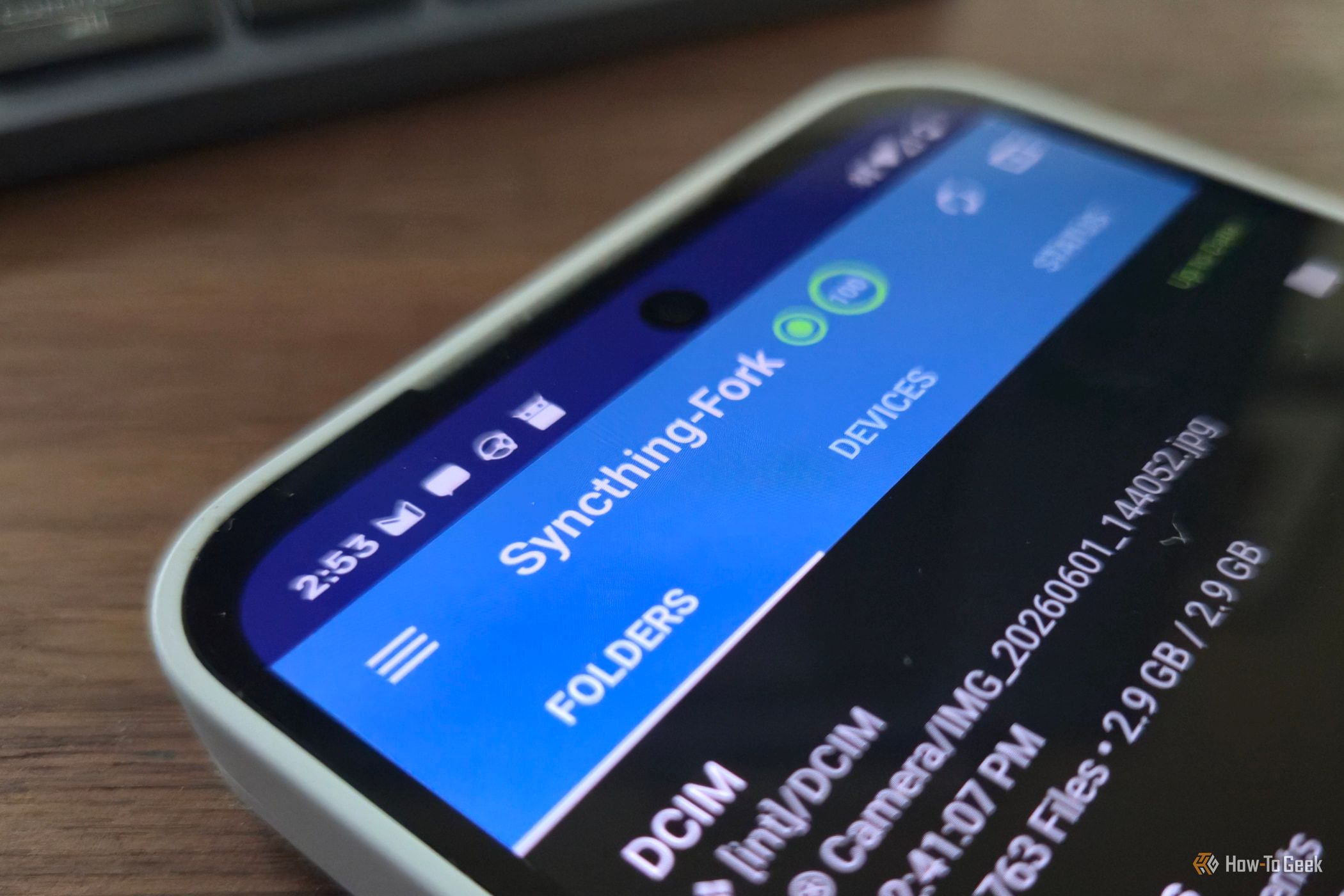
Google wants Android phones to connect seamlessly to Googlebooks. Meanwhile, Samsung and Motorola both offer apps that pair phones with Windows PCs. What about Linux? The tech giants won’t help you make your phone and Linux PC work together smoothly, but other app developers have stepped in to fill the gap.
Once, putting Windows on the Internet without installing antivirus was practically inviting disaster.
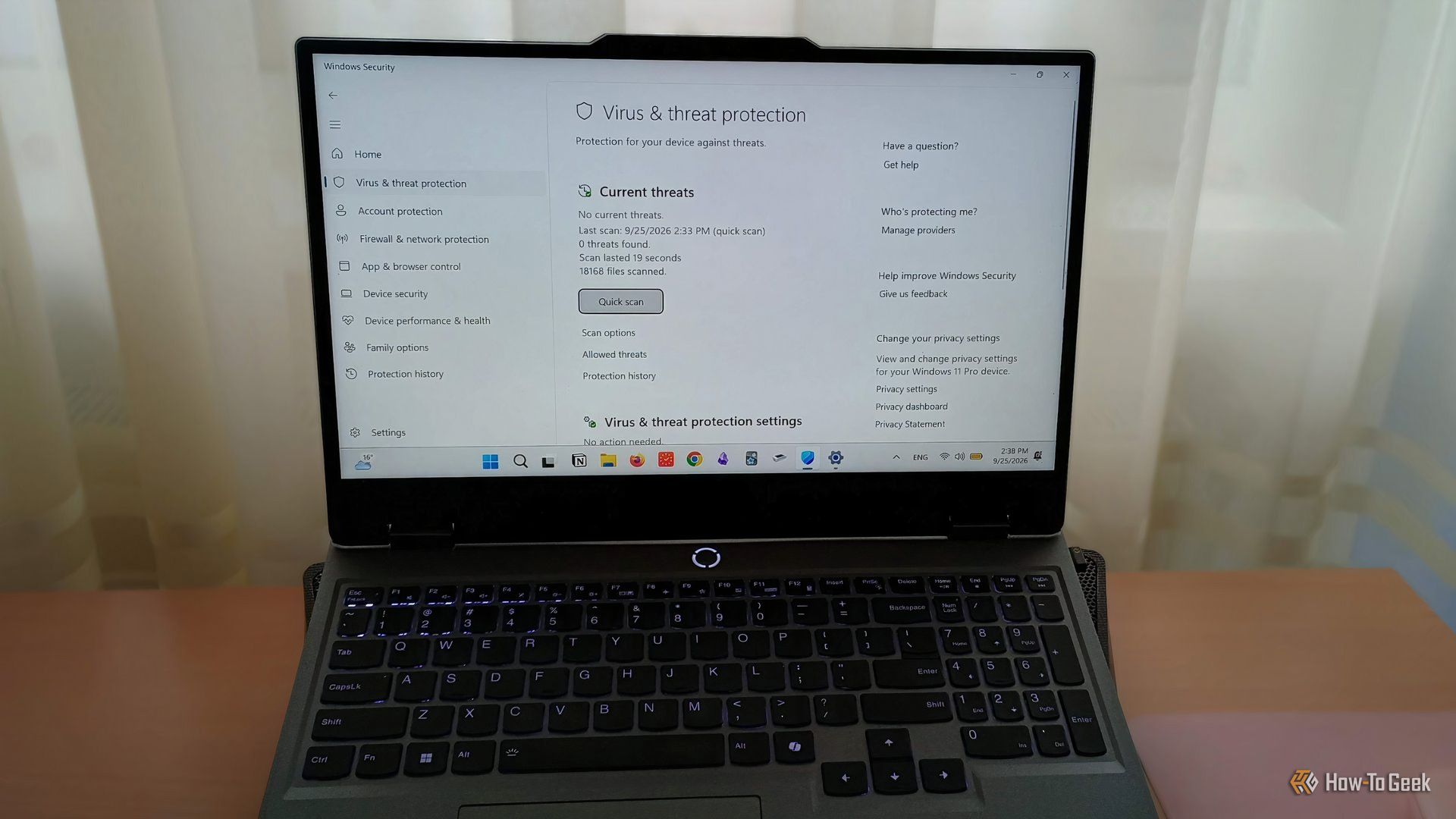
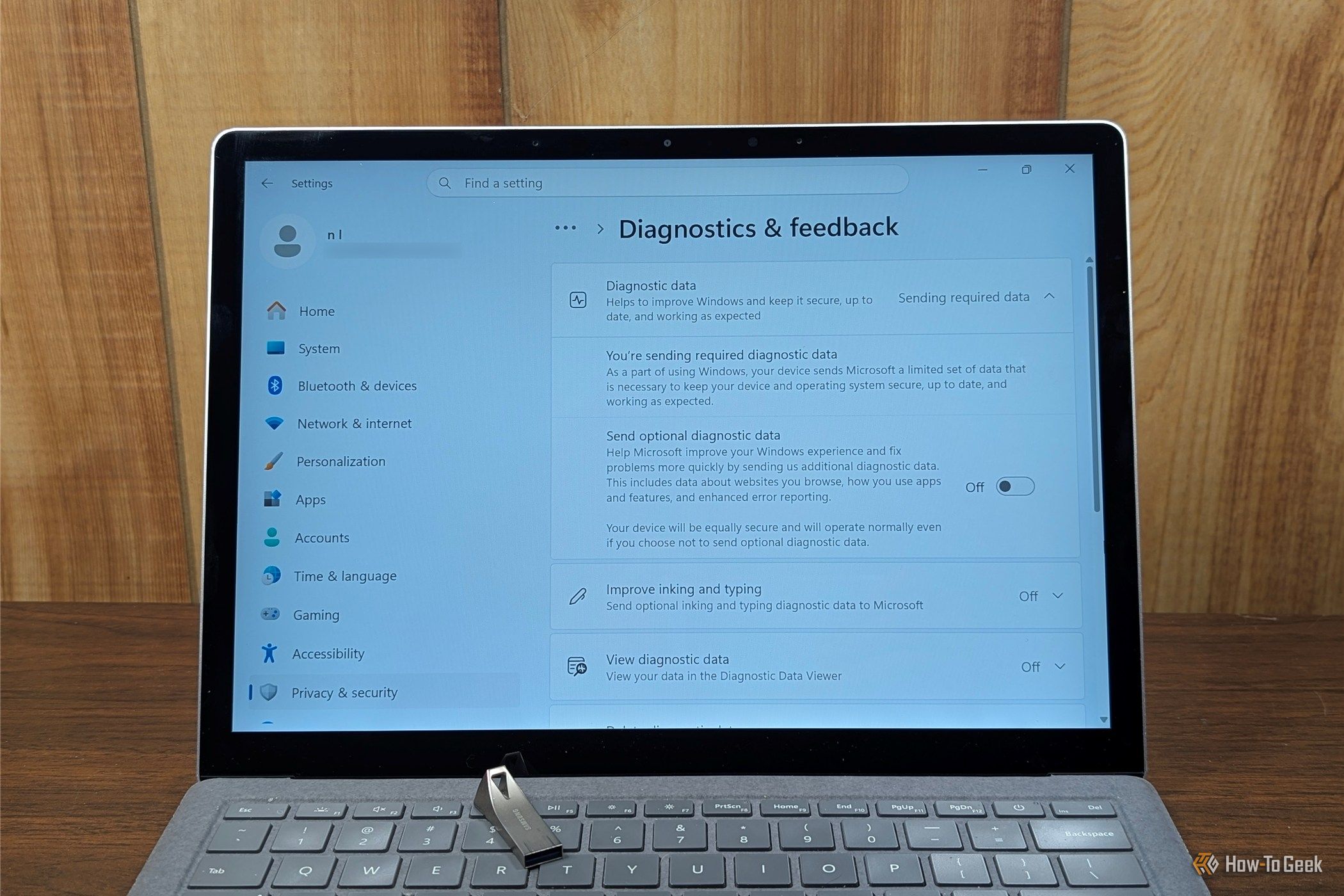
Windows 11 sends a surprising amount of information about your PC to Microsoft every single day. If you dig through the Settings app, you'll find that there isn't even a single place where you can shut it all off—at best, it is a patchwork of toggles you can disable. In many cases, the telemetry, account requirements, and, increasingly, the AI features, aren't things you can uninstall or even disable. They're integral parts of the operating system.