Login
Login
I tested my network 4 different ways, and finally found what was slowing it down
Those of us who complain about slow Wi-Fi are often left scrambling for answers. And scramble, I have.


Those of us who complain about slow Wi-Fi are often left scrambling for answers. And scramble, I have.
Most Linux advice targeted at newcomers starts and ends with “just pick Ubuntu or Linux Mint,” but I find that to be an oversimplification. However, at the same time, I do understand that it’s not helpful to overwhelm someone with the hundreds of distros out there. So, we’ve developed a quick cheat sheet that walks you through a dozen beginner-friendly distros and shows how they compare across the four key areas that matter for a Linux newcomer. This should help you decide for yourself instead of simply listening to someone else’s opinions.
Your laptop had a full charge at the start of the day, but by noon, you're reaching for the outlet to refill the battery. The battery percentage kept dropping even though you didn’t stream anything or run a demanding task. That’s because Windows 11 isn’t sitting idle while you work. In the background, a quiet parade of apps, services, and sync routines run constantly in the background — none of which you ever asked for. The good news is that you can stop most of them.

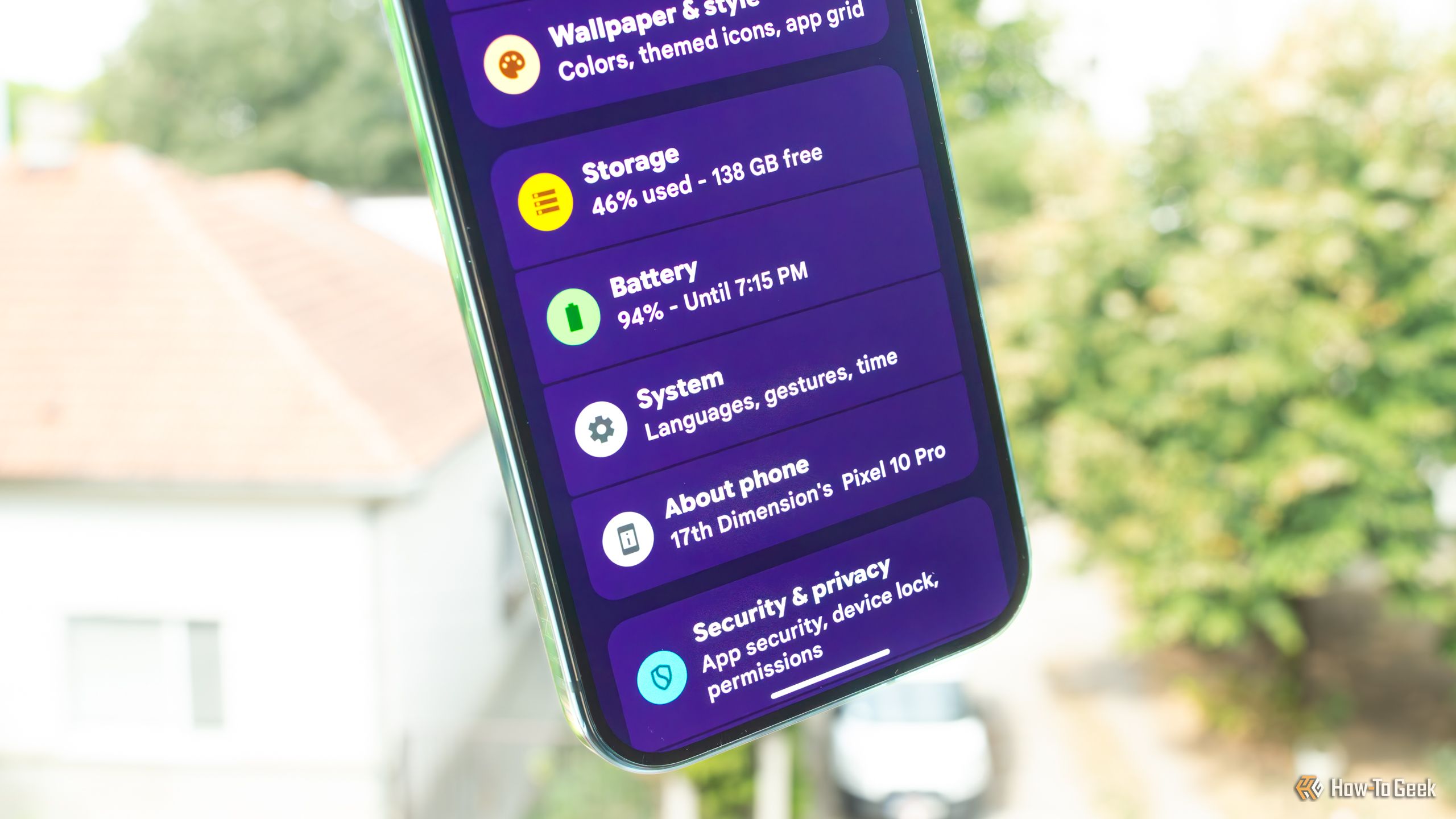
My current phone, a Pixel 10 Pro, is the first phone I've ever owned that packs 256GB of storage space. Almost six months into owning it, I've still got plenty of storage left, and I'm in no hurry to free up space. But when I recently looked up how much storage I could free up on it for a piece I was writing, I discovered that Spotify took up almost 15GB of space. This wasn't new, but I completely forgot about it after upgrading to the Pixel.
Microsoft's PowerToys suite of Windows utilities, which you can download from GitHub or install through the Microsoft Store, has earned a reputation as a tool designed for — and used exclusively by — Windows power users. But the reality is more nuanced.

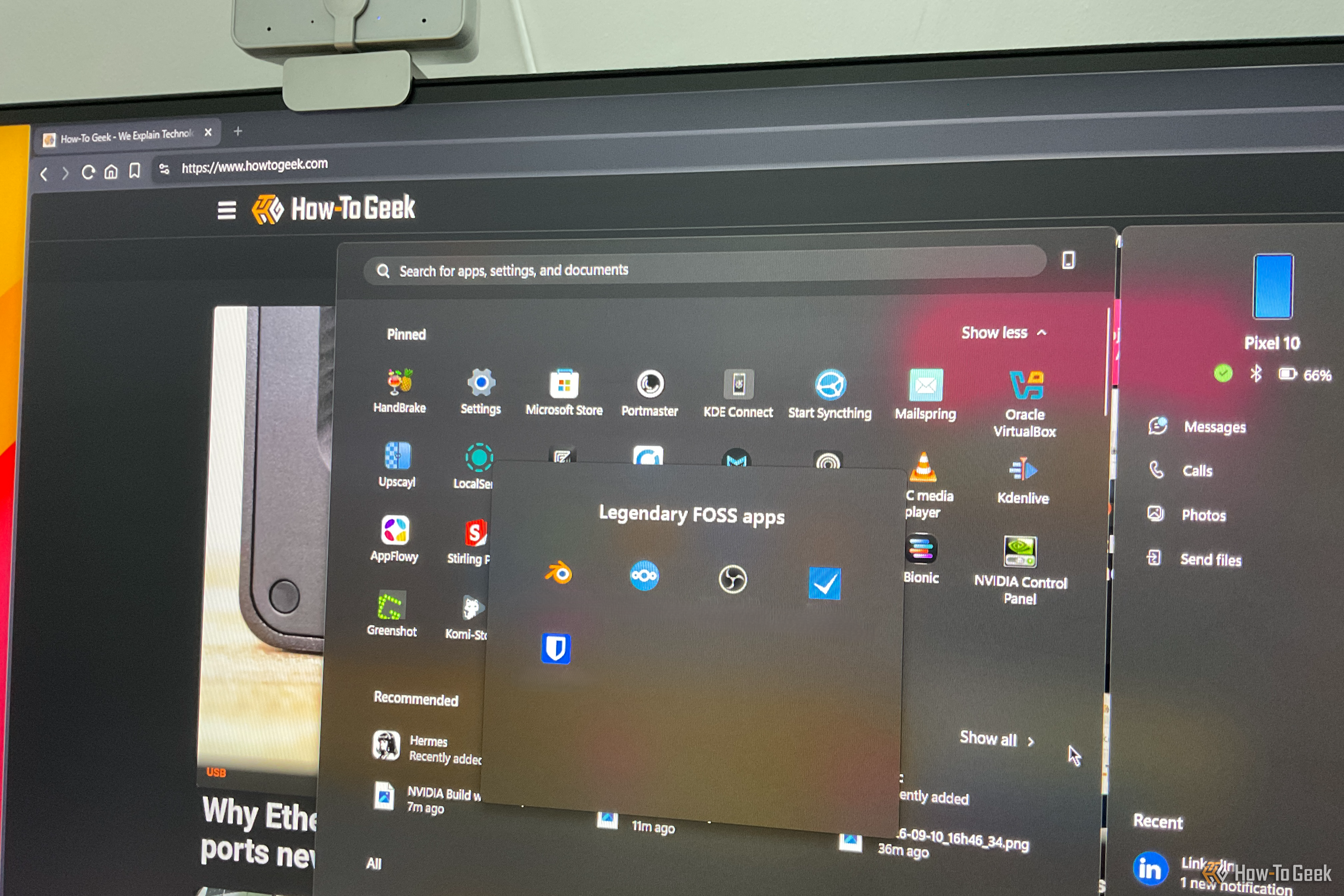
Conventional wisdom says that if something costs money, it's probably better than a free alternative. However, that logic completely falls apart when it comes to software — especially with free and open-source software (FOSS). The space has matured to the point where many free apps don't just compete with their paid counterparts — they beat them outright. Here are my top five picks for legendary open-source software that give their expensive paid alternatives a run for their money.
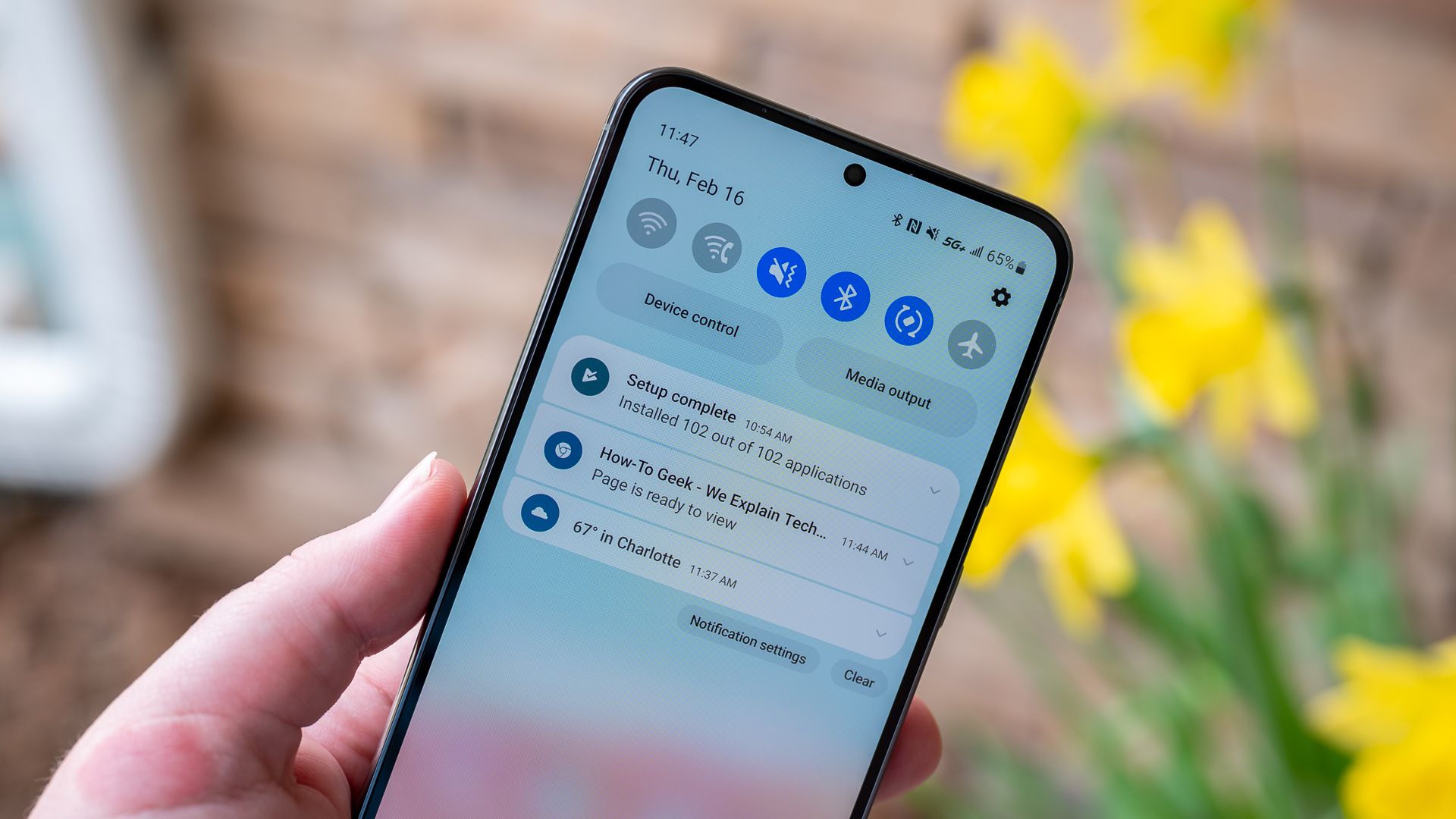
I've had problems with Android notifications arriving late for years. Usually, it's not a huge deal—if someone needs me urgently, they'll just call instead of texting me.
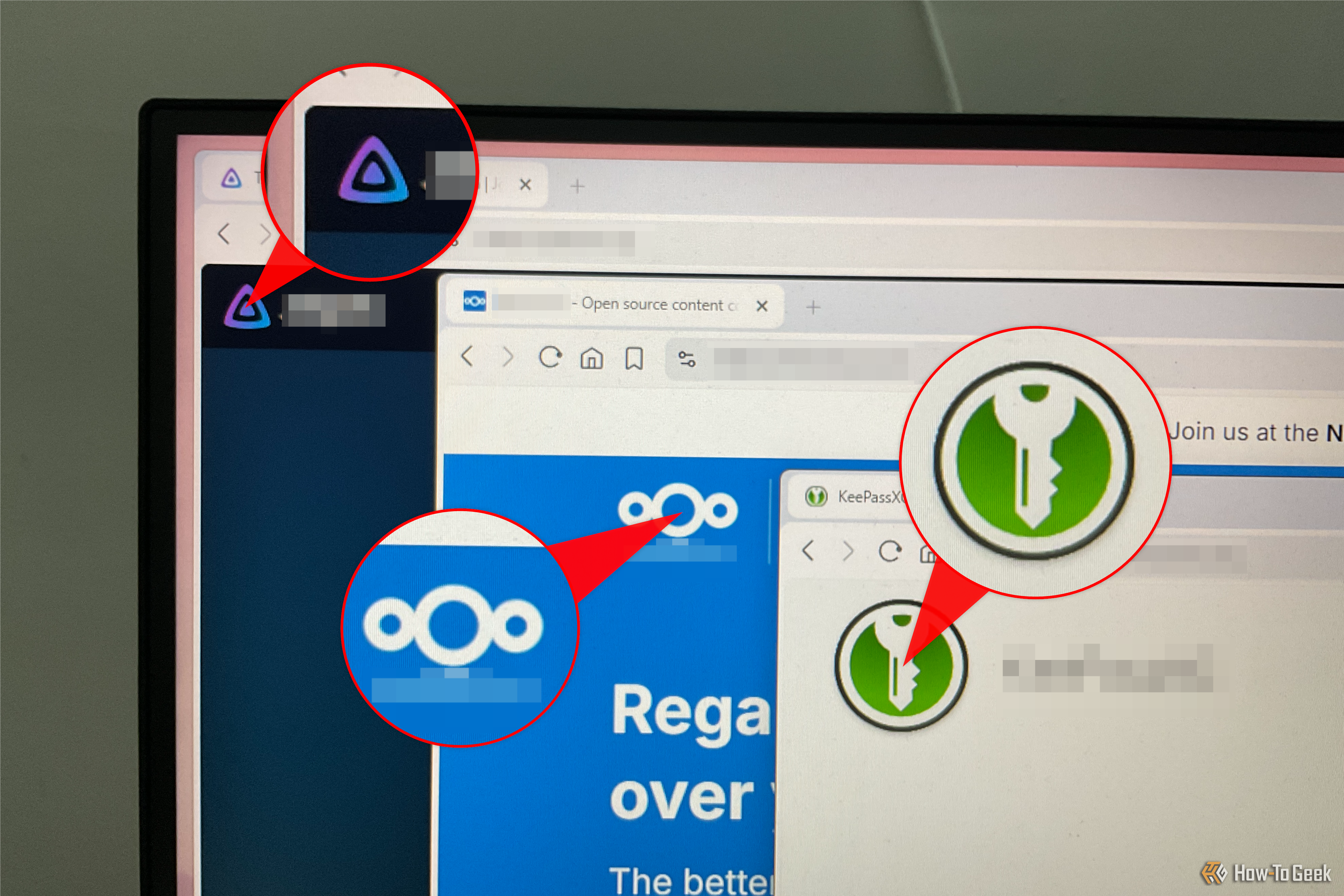
I've been in the Windows camp for decades, and for years I thought Linux was simply harder to use. That was a pretty common view among Windows and Mac users, and for a long time, it was fair.
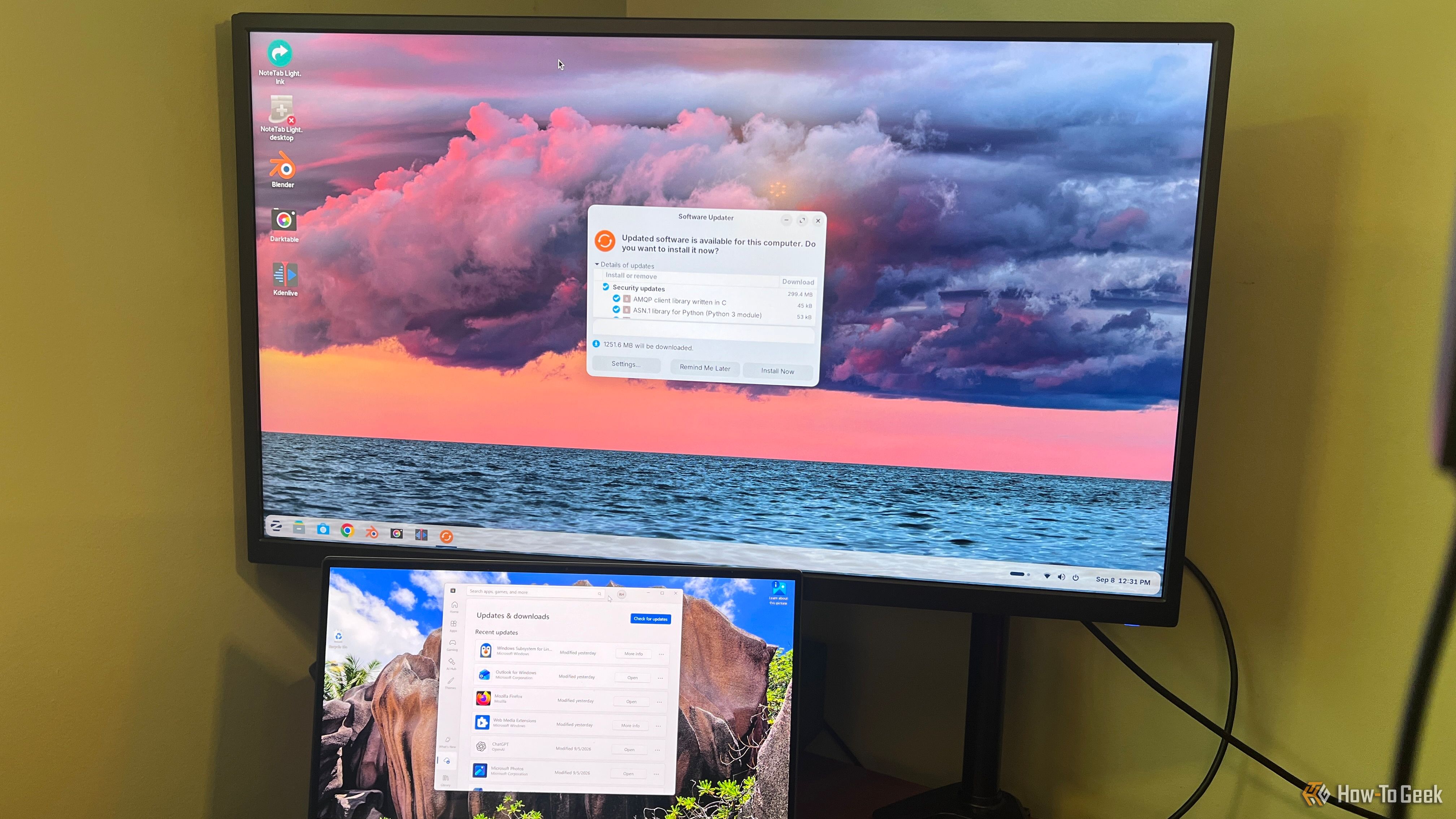
I know I can’t be the only one who hates how almost everything has become a subscription now. Fortunately, the issue is primarily isolated to popular mainstream software — there’s still a lot of niche software that’s just as good, if not better, that hasn’t moved to the subscription model. This is particularly true in the open-source space, which is filled with genuinely excellent apps that can help you ditch many of your paid subscriptions without losing most of the benefits. Here are three such FOSS apps that I personally used to replace some of my paid subscriptions.
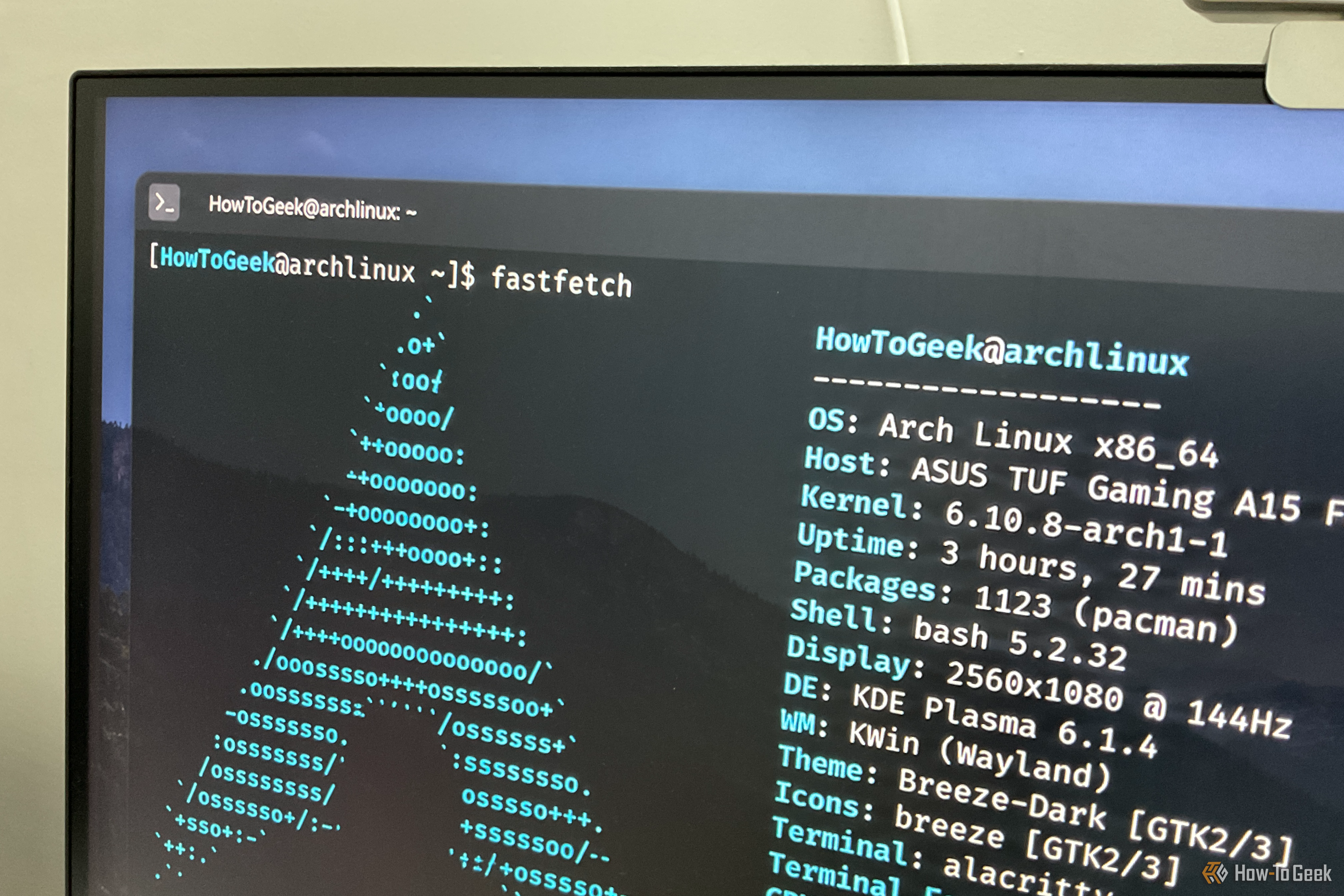
Have you ever wondered why Arch Linux users can’t stop mentioning that they use Arch, by the way? Did you want to try Arch Linux yourself, but then saw the technically demanding installation process and told yourself, “Oh, that’s why”? Well, I’m happy to tell you that Arch Linux is no longer as hard to install as it used to be — and hasn’t been for some time now. Even if you don’t come from a technical background, you can install and set up Arch in an afternoon.
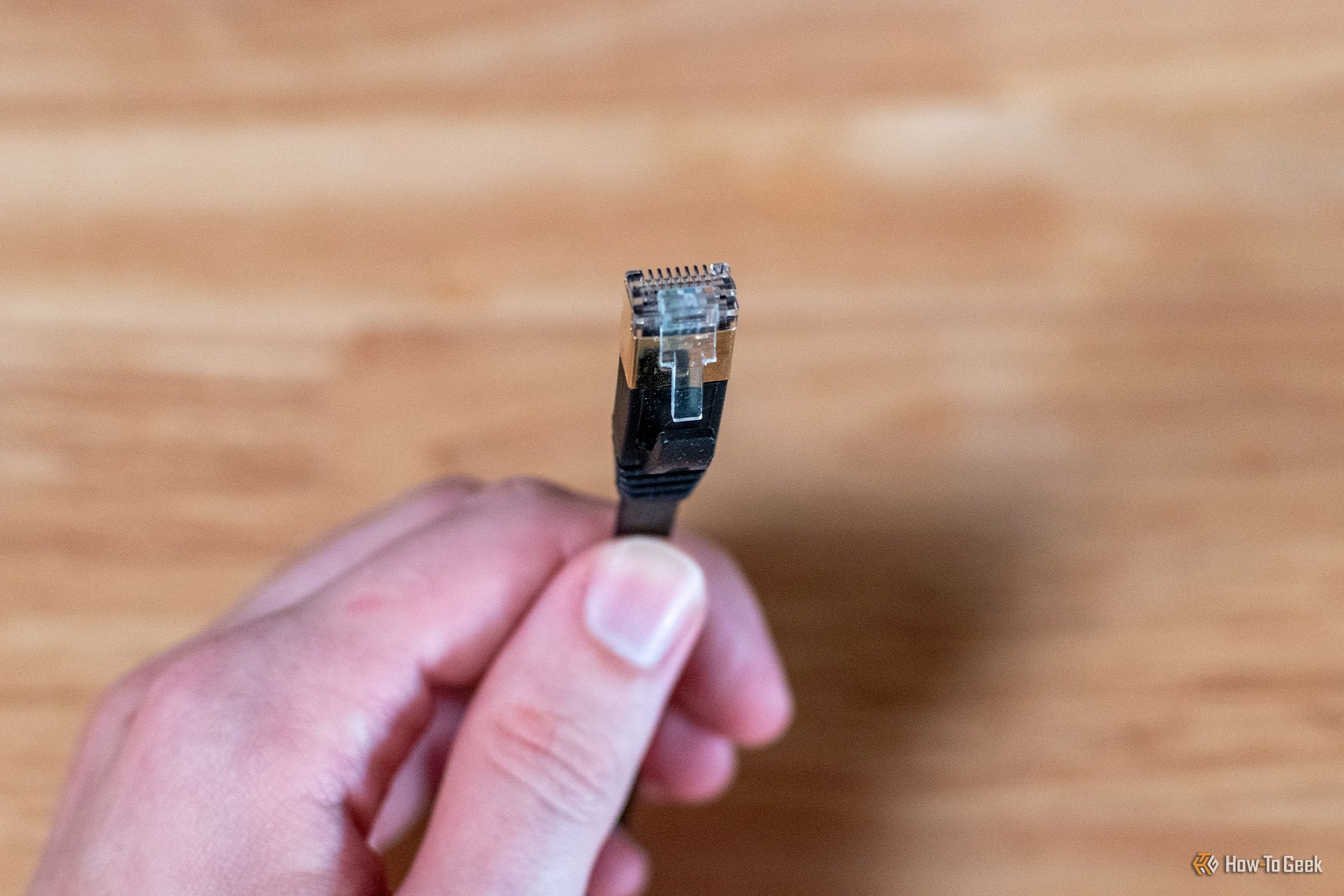
If you want a fast, stable connection, and you want to do it properly, you go wired. We all know this, but just because wired is the right answer doesn't mean there's no wrong way to do it. If you traipse one long cable all around the house and out to the annex, you may hit a wall you didn't know existed. Ethernet has a hard distance ceiling, and once you pass it, things will start going wonky.
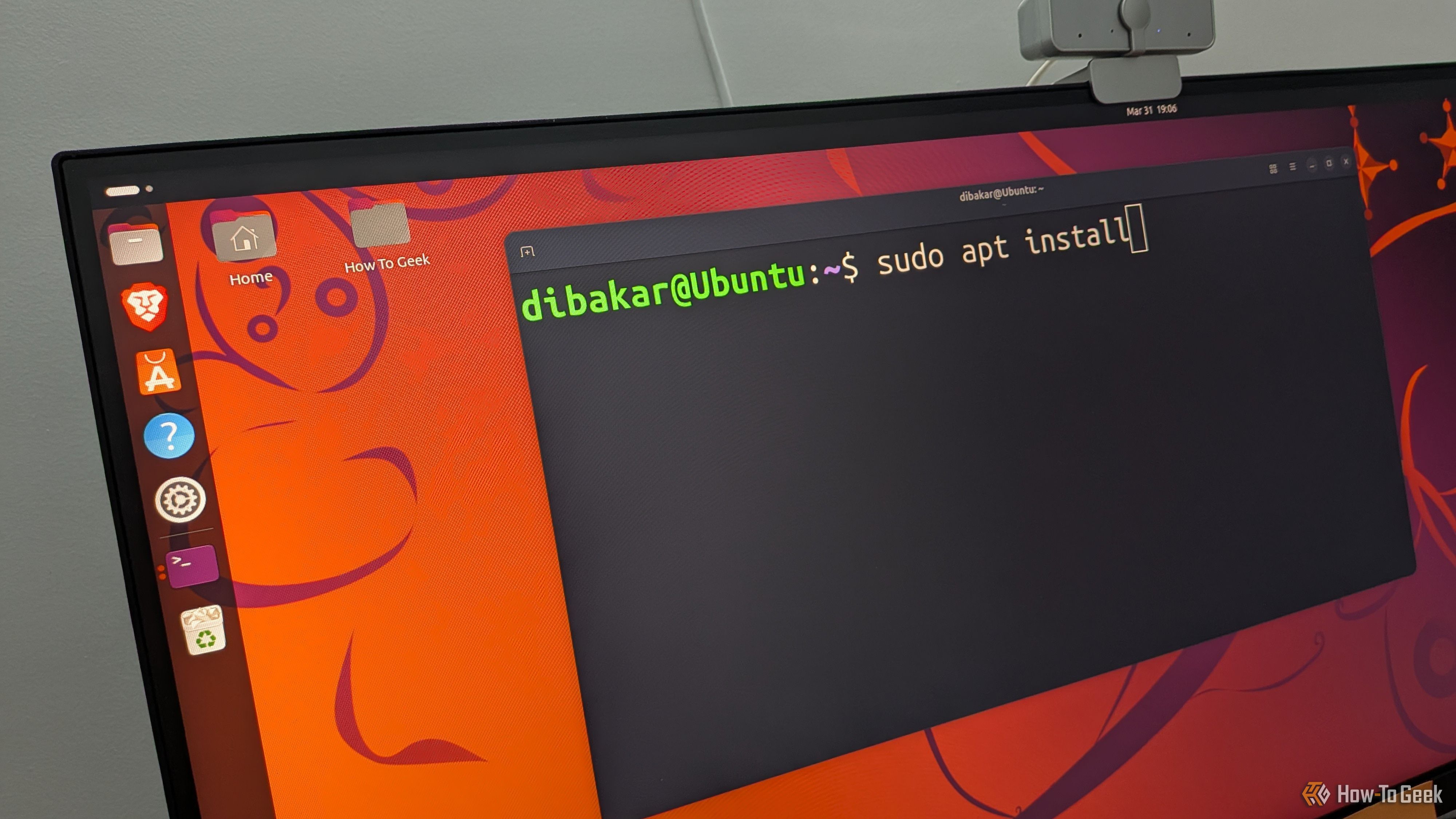
Arch Linux has a reputation for being an operating system you build for yourself rather than one that comes built for you. That’s genuinely its biggest strength, since you get to build a hyper-personalized system where every component is there because you chose it. At the same time, it’s also its biggest weakness, because you need to know how to build and manage the thing. That said, not all Arch distros are the same, and some require more babysitting than others. As such, here’s my list of the top 5 Arch options and Arch-based distros, ranked from the neediest to the least needy.

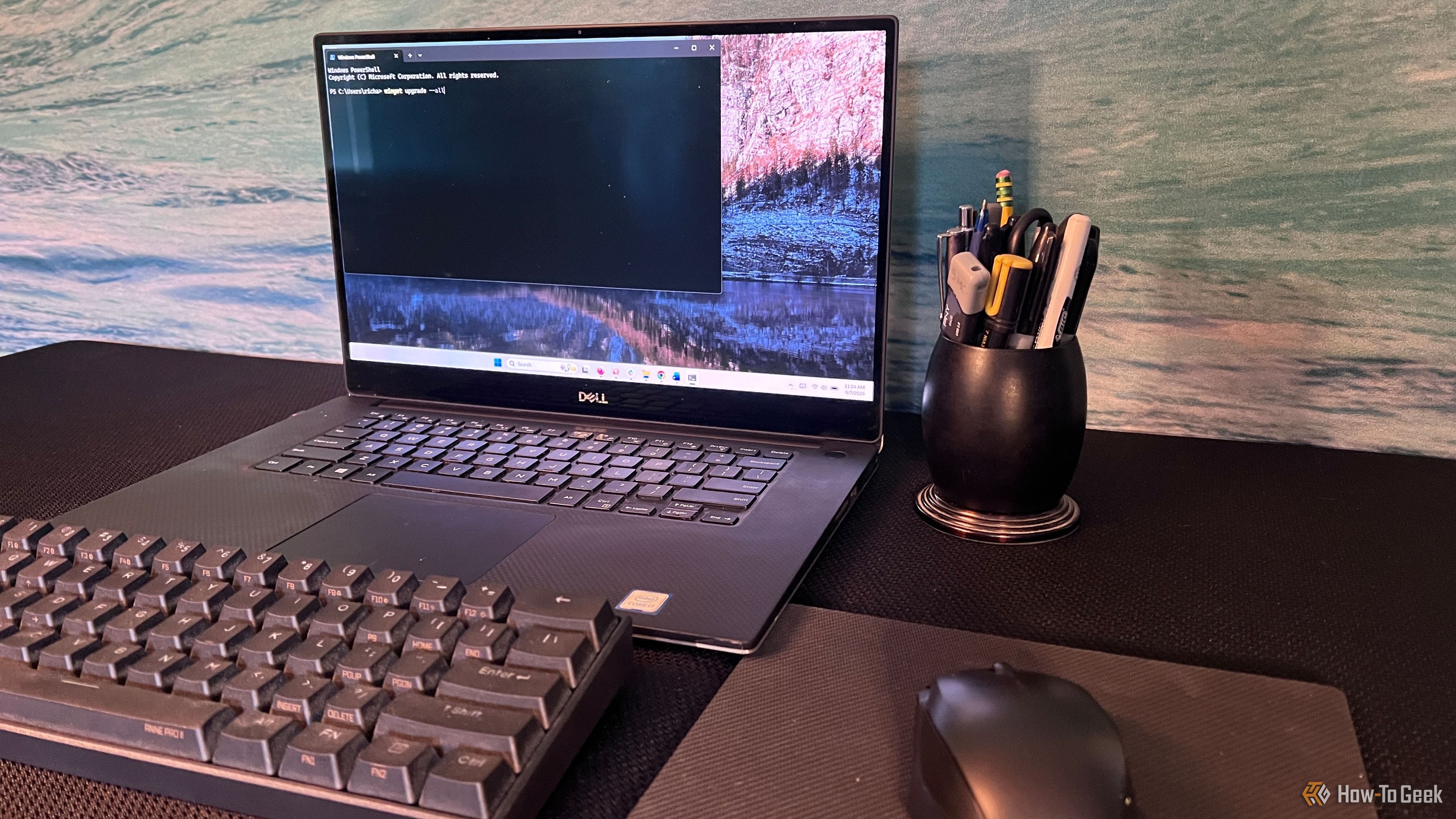
I consider myself a Windows power user these days, but I wasn't always. I can remember when the command line seemed like something programmers used, and I stayed out of it unless I absolutely had to. Even now, opening Windows Terminal and seeing a blinking cursor can make what you're about to do feel more complicated than it really is.
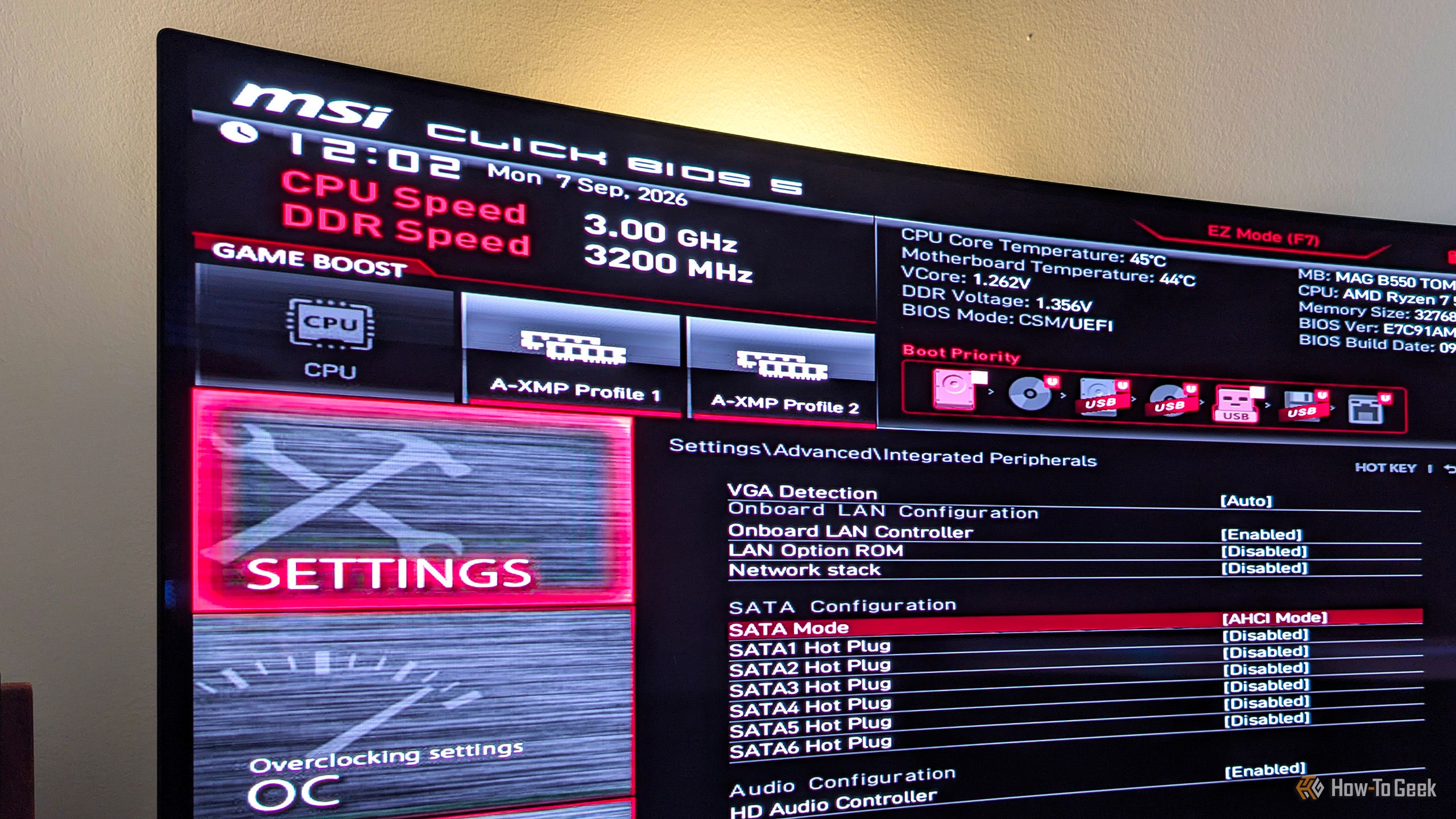
Most people shouldn't worry about the majority of BIOS settings, since leaving them at their default values makes the most sense. This applies to most SSD-related BIOS settings as well. That said, there's a chance the previous owner messed with them if you bought a used PC, or that one friend who likes to tinker with PCs tweaked your motherboard's BIOS settings without your knowledge.
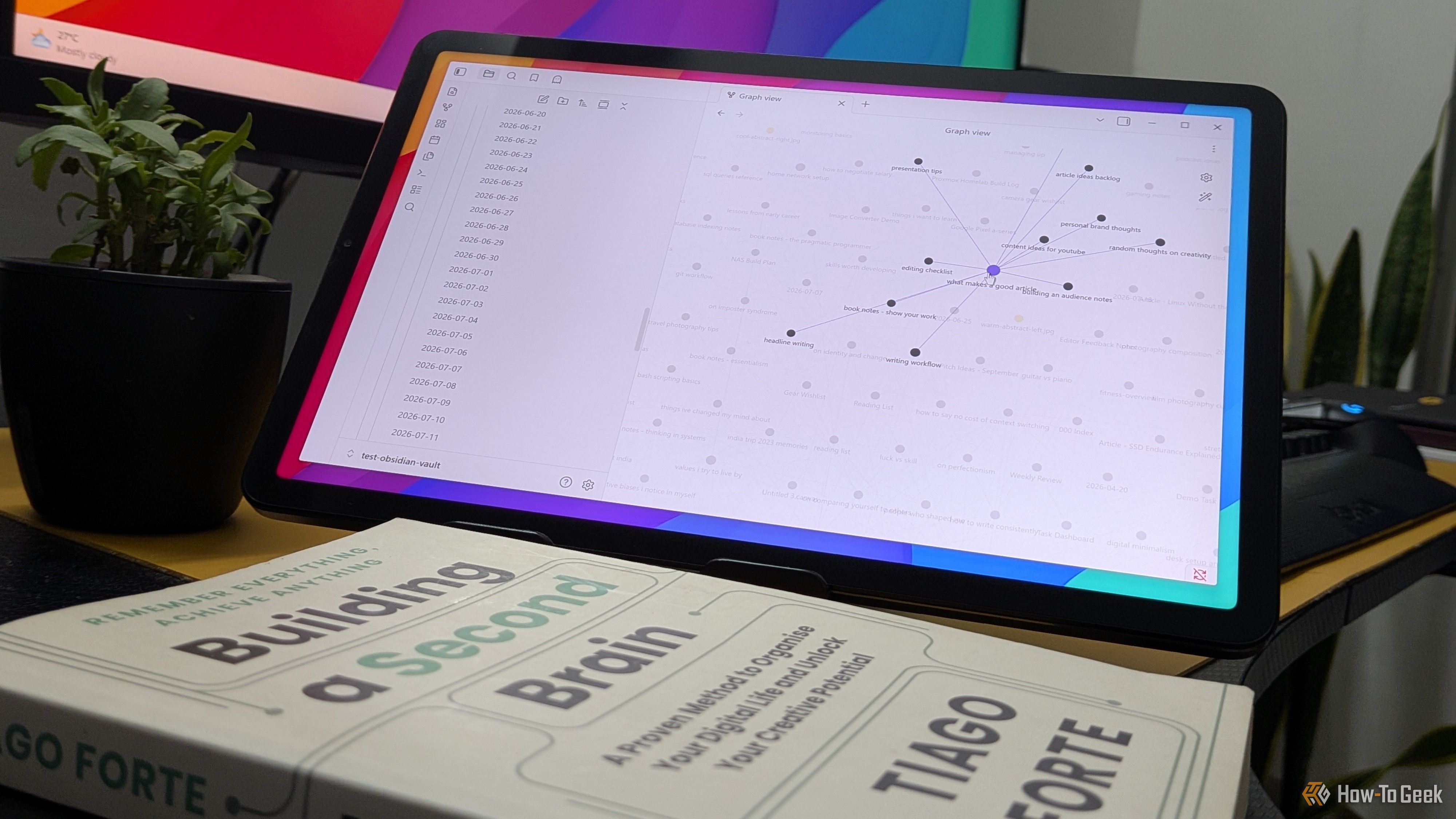
If you’ve tried to build a second brain — one place to store all your ideas and retrieve them when necessary — you probably already know that it’s easier said than done. I’ve made multiple attempts at building a second brain myself, but ultimately failed because of all the effort required to maintain it. What finally made it stick was Obsidian, its Daily Notes feature, and a handful of free community plugins.