Login
Login
Switching to Cloudflare doesn’t hide your DNS lookups from your ISP. One router setting does
Switching your DNS server to 1.1.1.1 is common advice, and for good reason: it is reliable, fast, and theoretically, better for your privacy.

Switching your DNS server to 1.1.1.1 is common advice, and for good reason: it is reliable, fast, and theoretically, better for your privacy.
Most of us download and install new apps and self-hosted services without a second thought, but if you do anything important on your PC, it can be a significant security risk.
Windows has a habit of getting in your way just when you're trying to get something done. Whether it's an update at the wrong time or a driver that refuses to cooperate, you might be tempted to disable a security feature and call it a day. Before you do, though, there are six Windows features you should think twice about switching off.

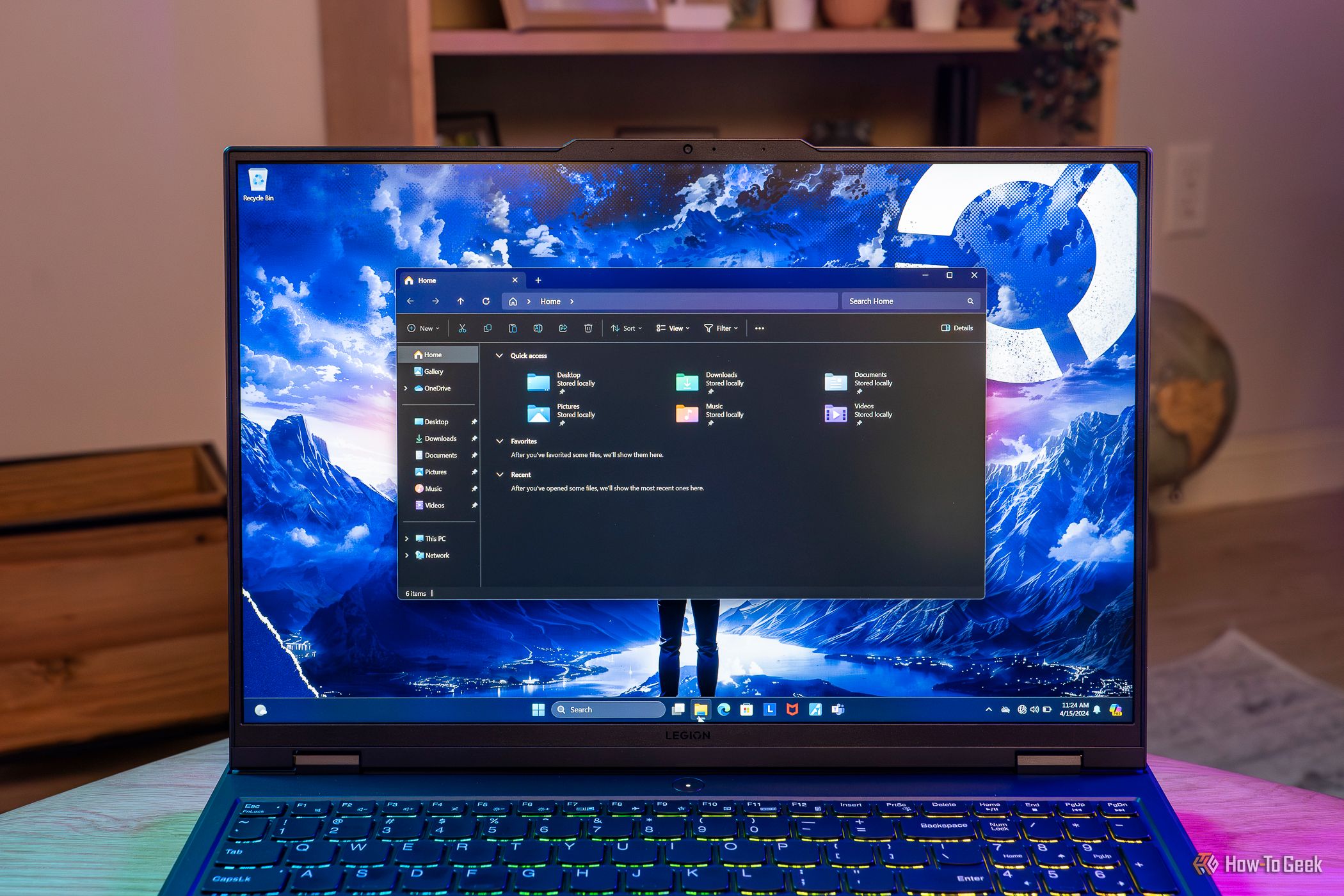
Although its reputation has taken a hit in recent years, File Explorer is still a decent file manager, especially if you use it as an auxiliary option alongside your main one. In my case, Total Commander has been my Windows file manager of choice for more than two decades, but I’ve been using File Explorer more and more lately since it’s generally better suited for working with images, and I juggle tons of them every day.
Sometimes, cybersecurity threats don't just spoil a person's day — they spoil a sports team's greatest moment. Some New York Knicks and Madison Square Garden (MSG) employees were fooled into clicking through a phishing email test that promised 2026 championship rings.

Once, putting Windows on the Internet without installing antivirus was practically inviting disaster.
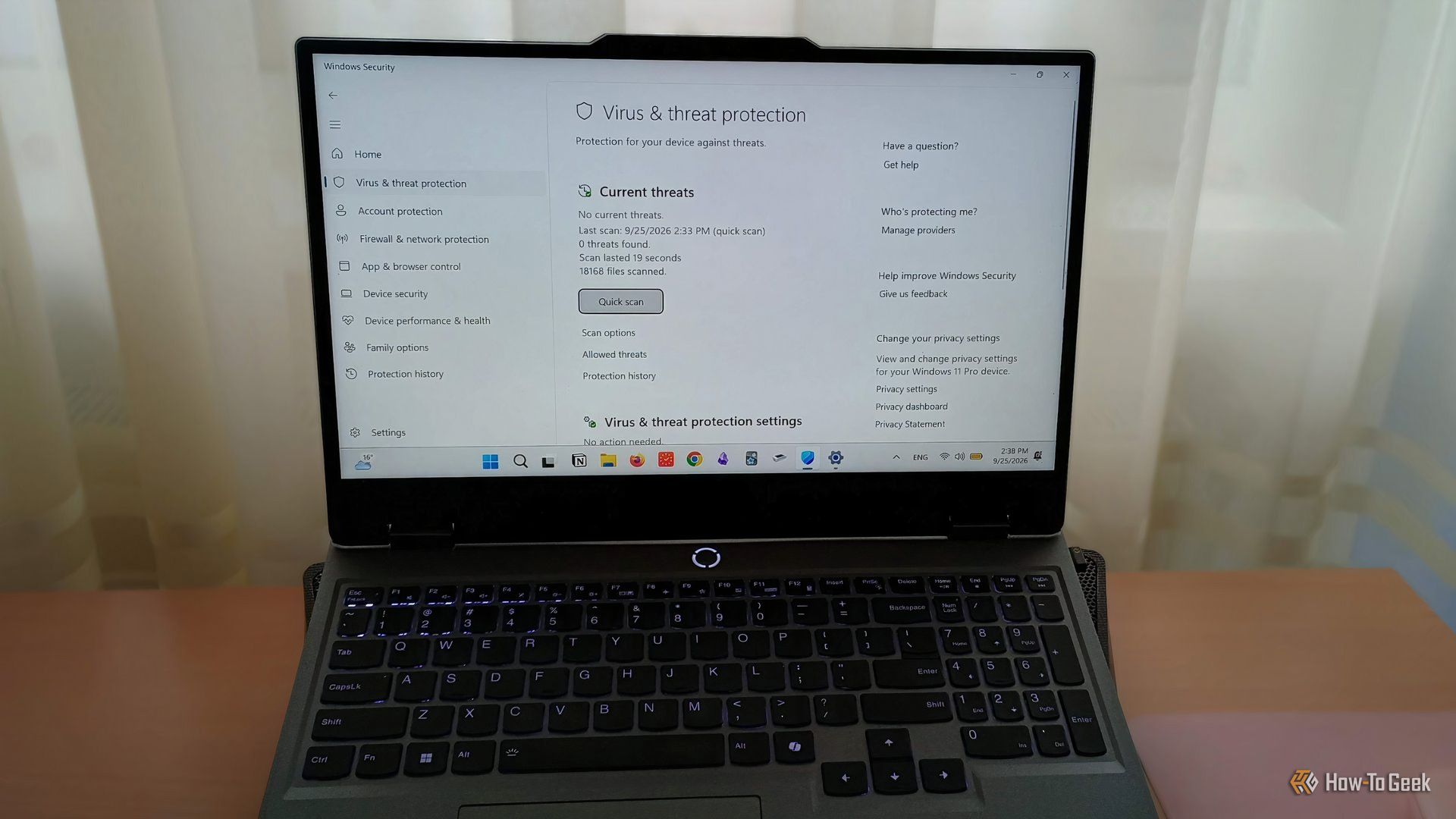
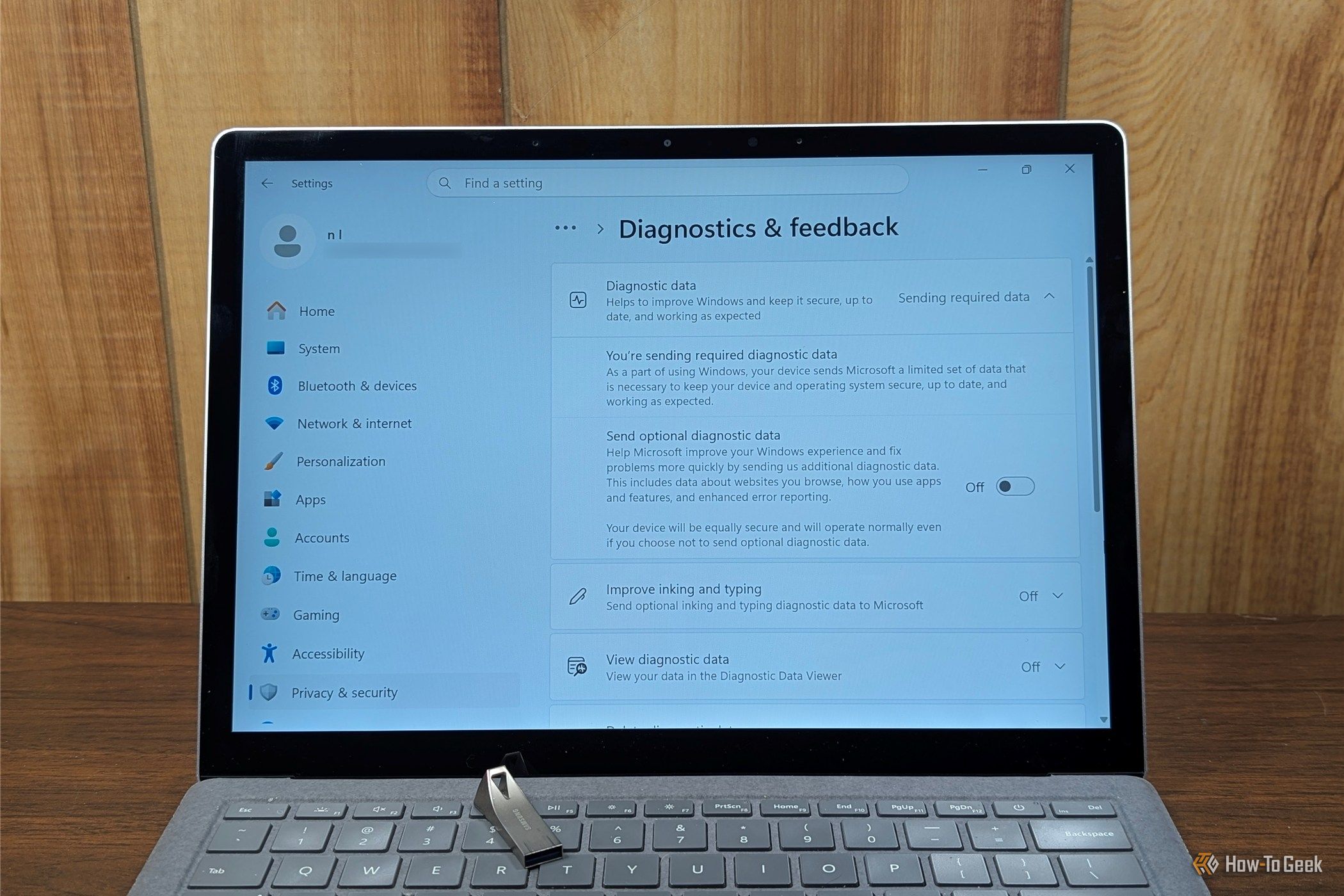
Windows 11 sends a surprising amount of information about your PC to Microsoft every single day. If you dig through the Settings app, you'll find that there isn't even a single place where you can shut it all off—at best, it is a patchwork of toggles you can disable. In many cases, the telemetry, account requirements, and, increasingly, the AI features, aren't things you can uninstall or even disable. They're integral parts of the operating system.