❌

Reading view

There are new articles available, click to refresh the page.

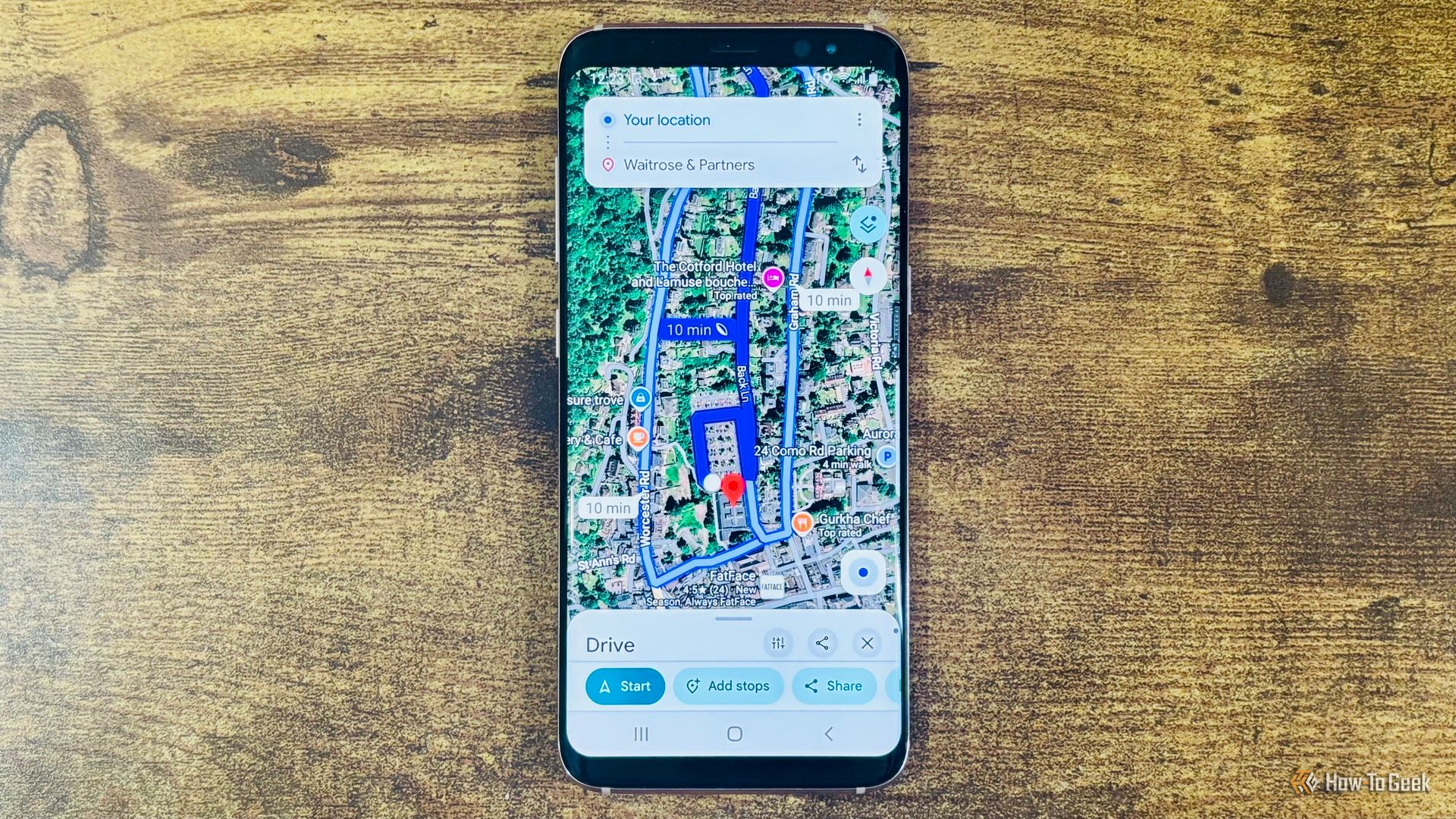
Before you give away your old phone, remove these 4 things or regret it later

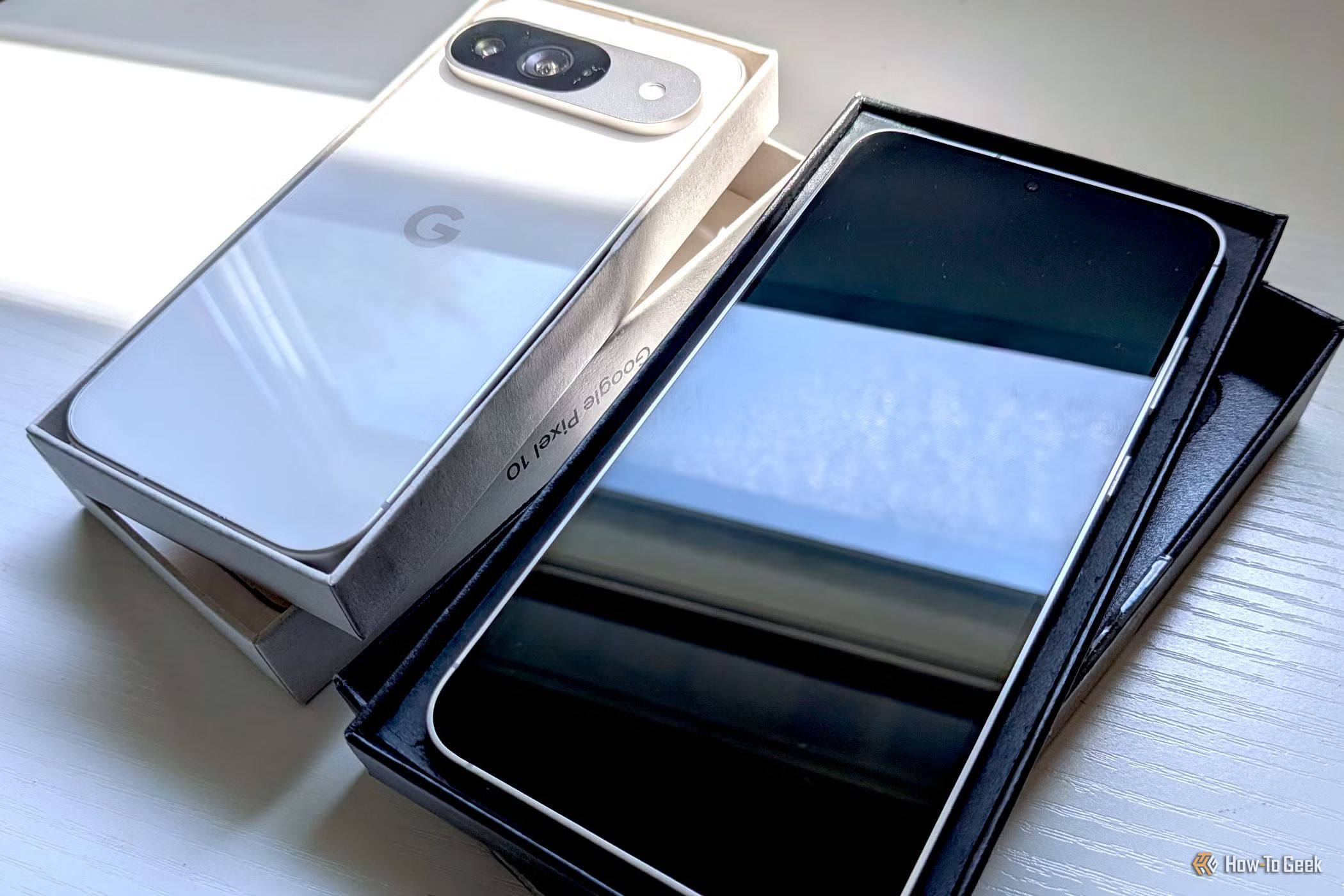
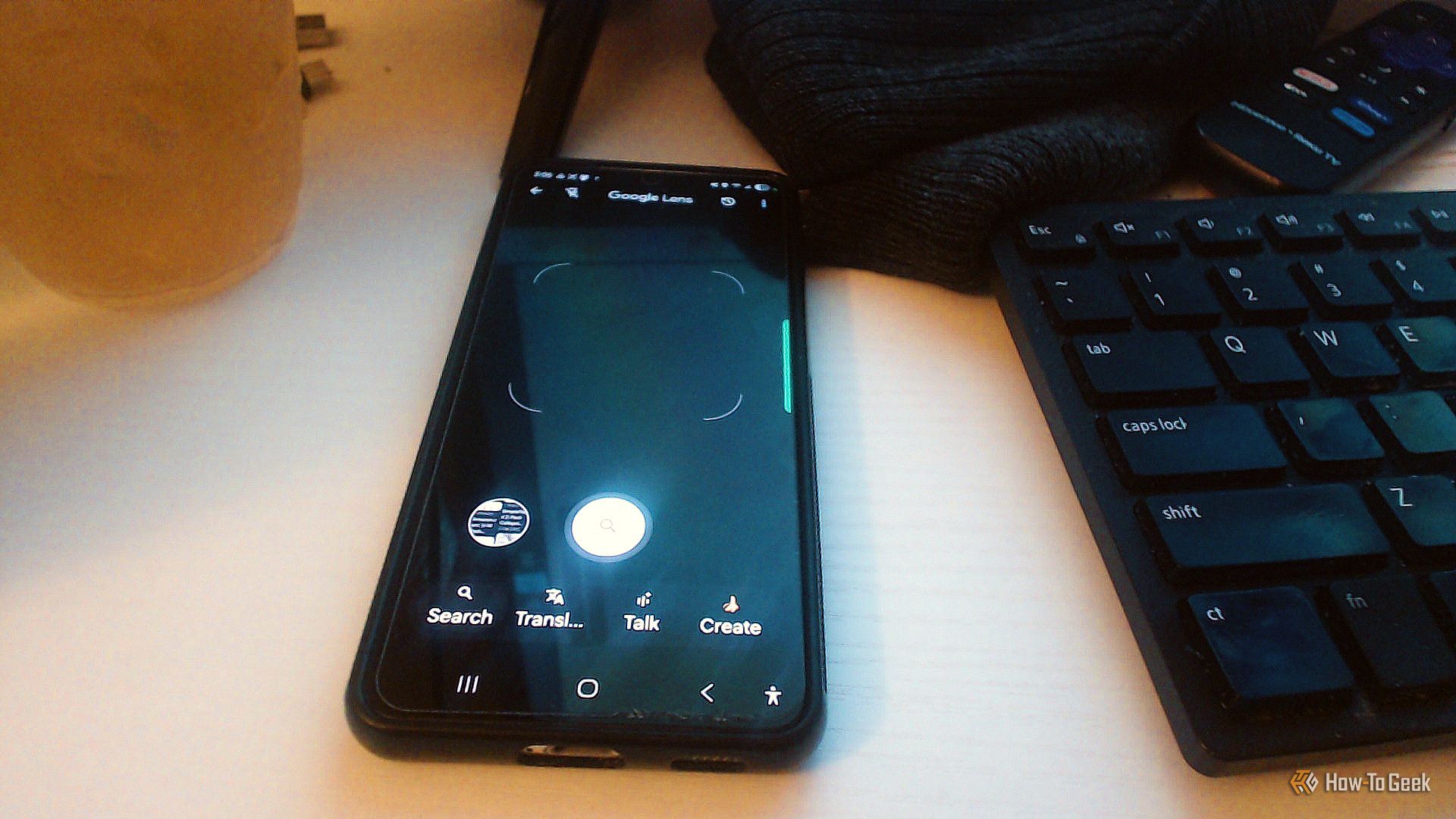
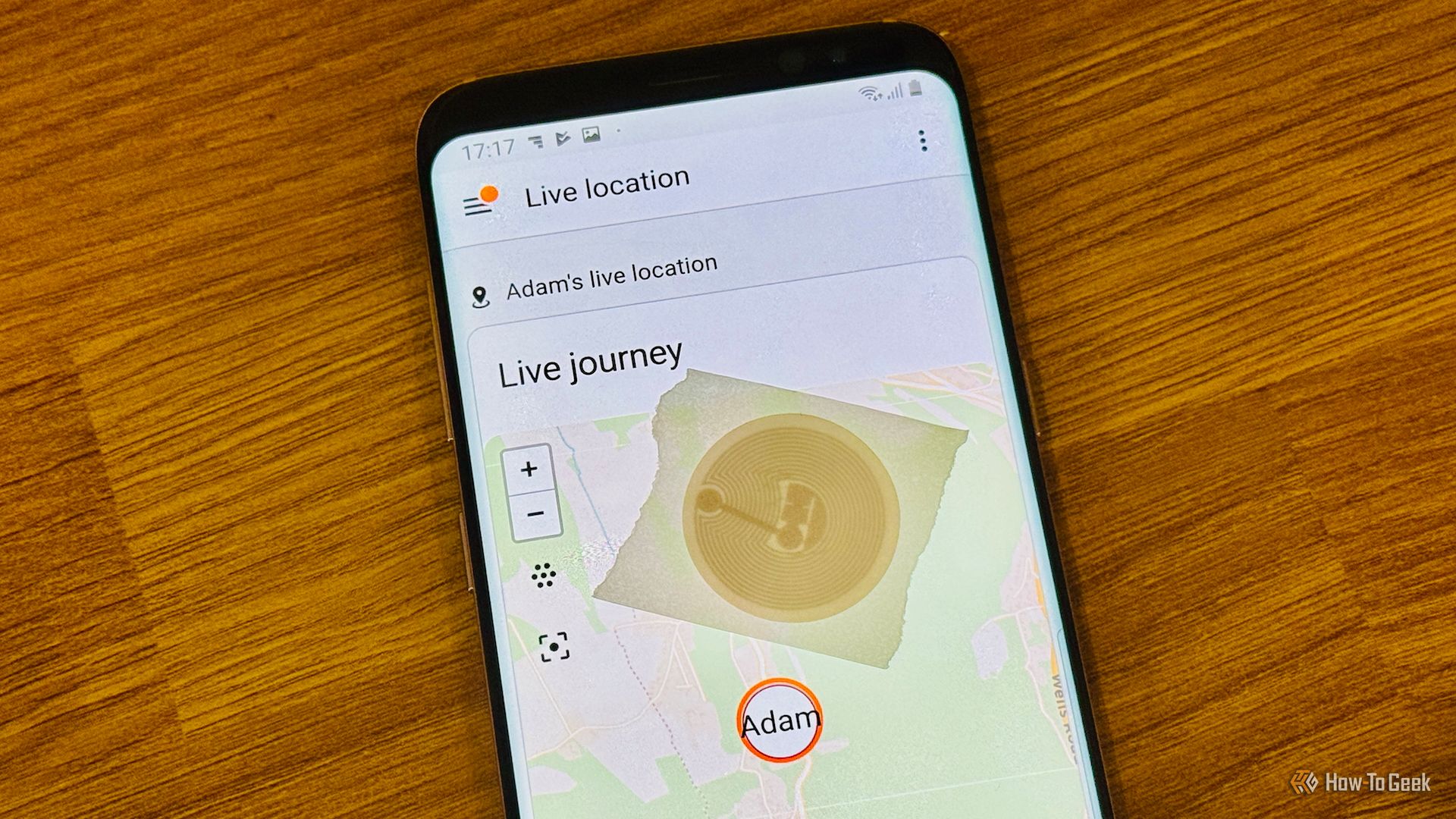
Giving your old phone to a friend or family member is a great way to get some extra life out of a device you no longer need. But before you hand it over, consider more than deleting your photos and removing a few apps. Your phone may still contain personal information, remain connected to your accounts, or have hardware inside it that you don't want to accidentally give away.

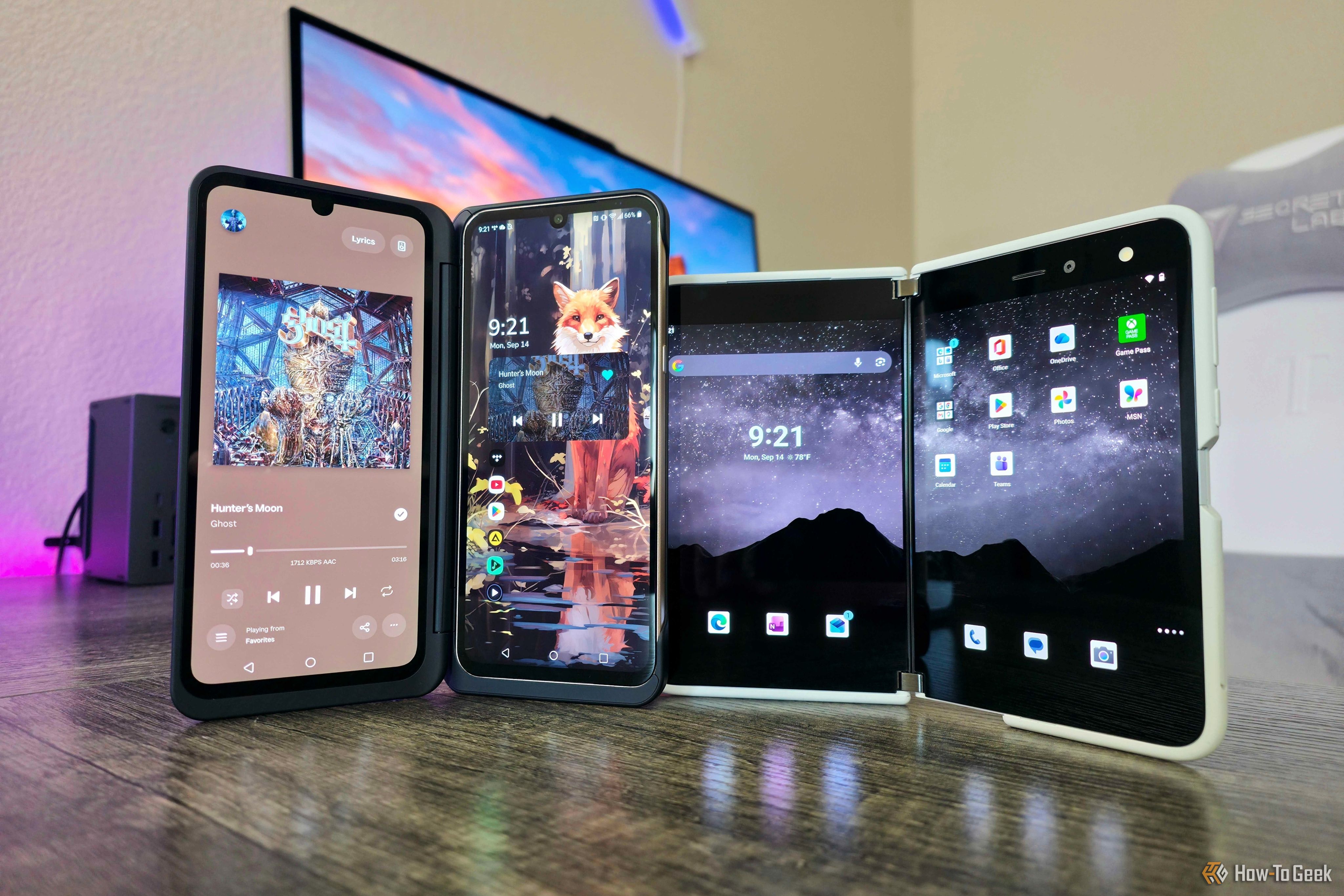
4 ways to make an aging Motorola phone feel much more expensive

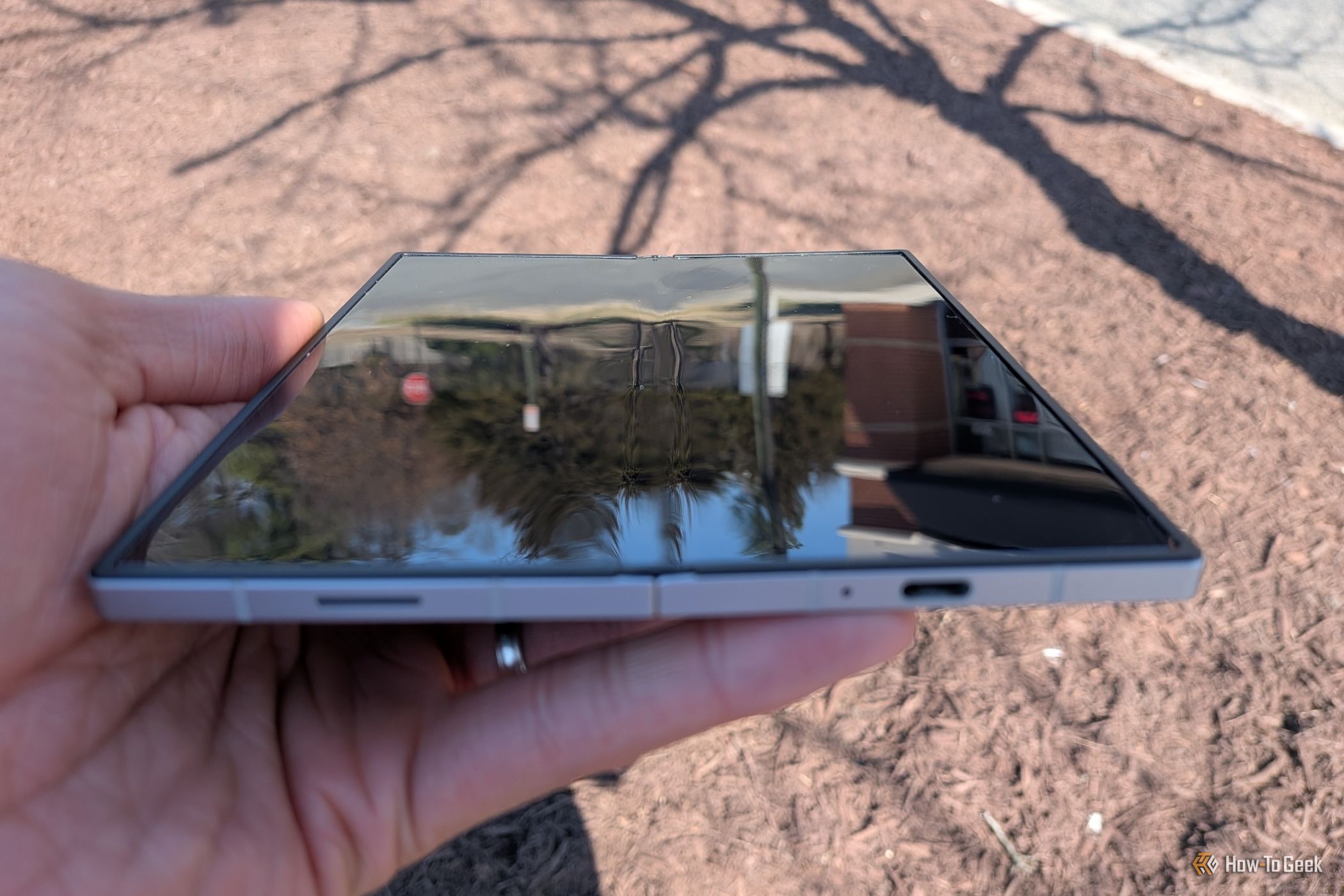
My current phone is the most expensive one Motorola sells β€” the Razr Fold. But I've fallen in love with many more adorable Moto phones over the years: a Moto E, a Moto G, a Moto G Stylus, and a Moto Edge. Some of these were very cheap, but they punched above their weight, and it's possible to jazz them up even further still.

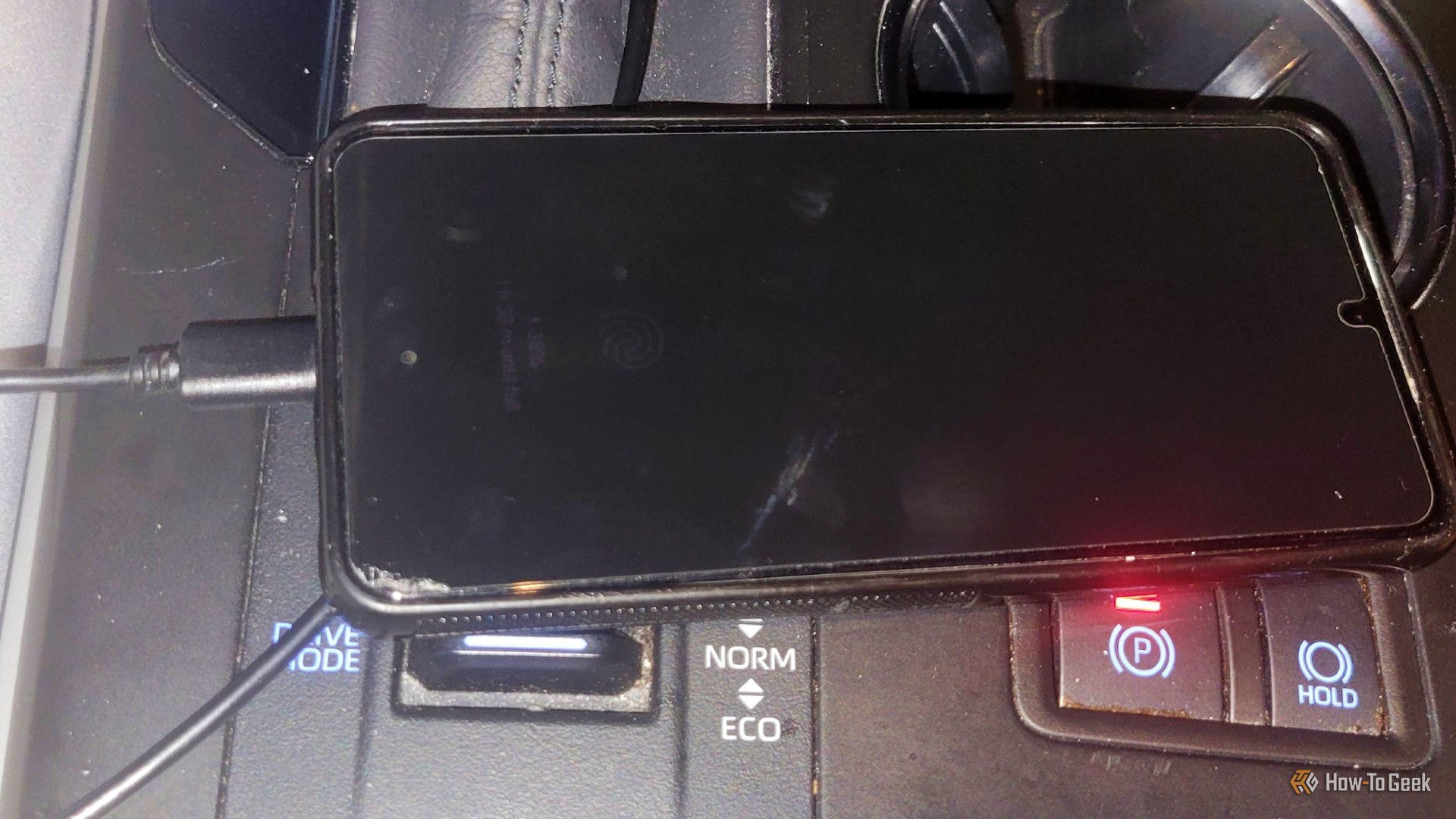
I built a one-tap "I'm driving" mode that makes Android Auto even better

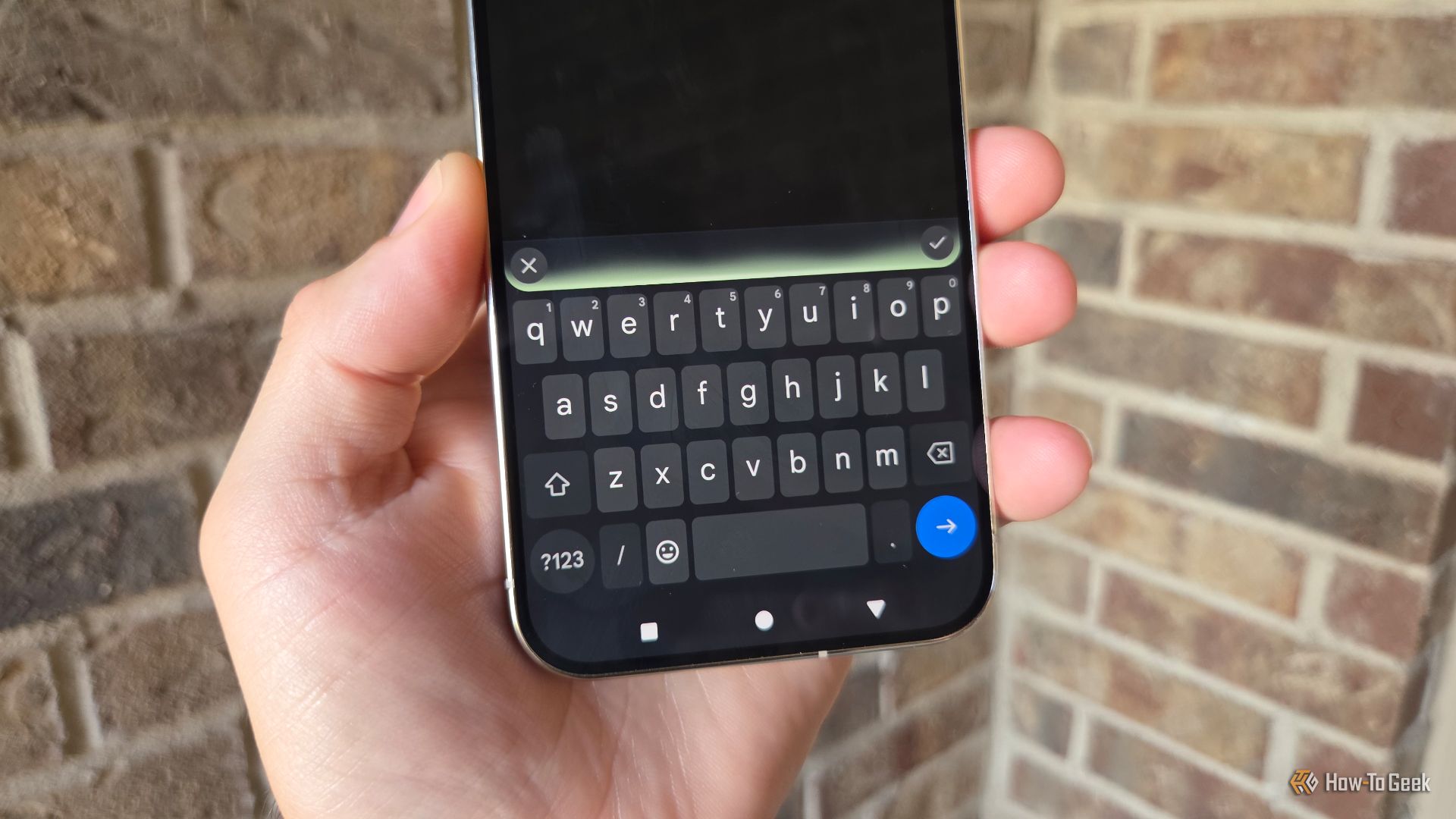
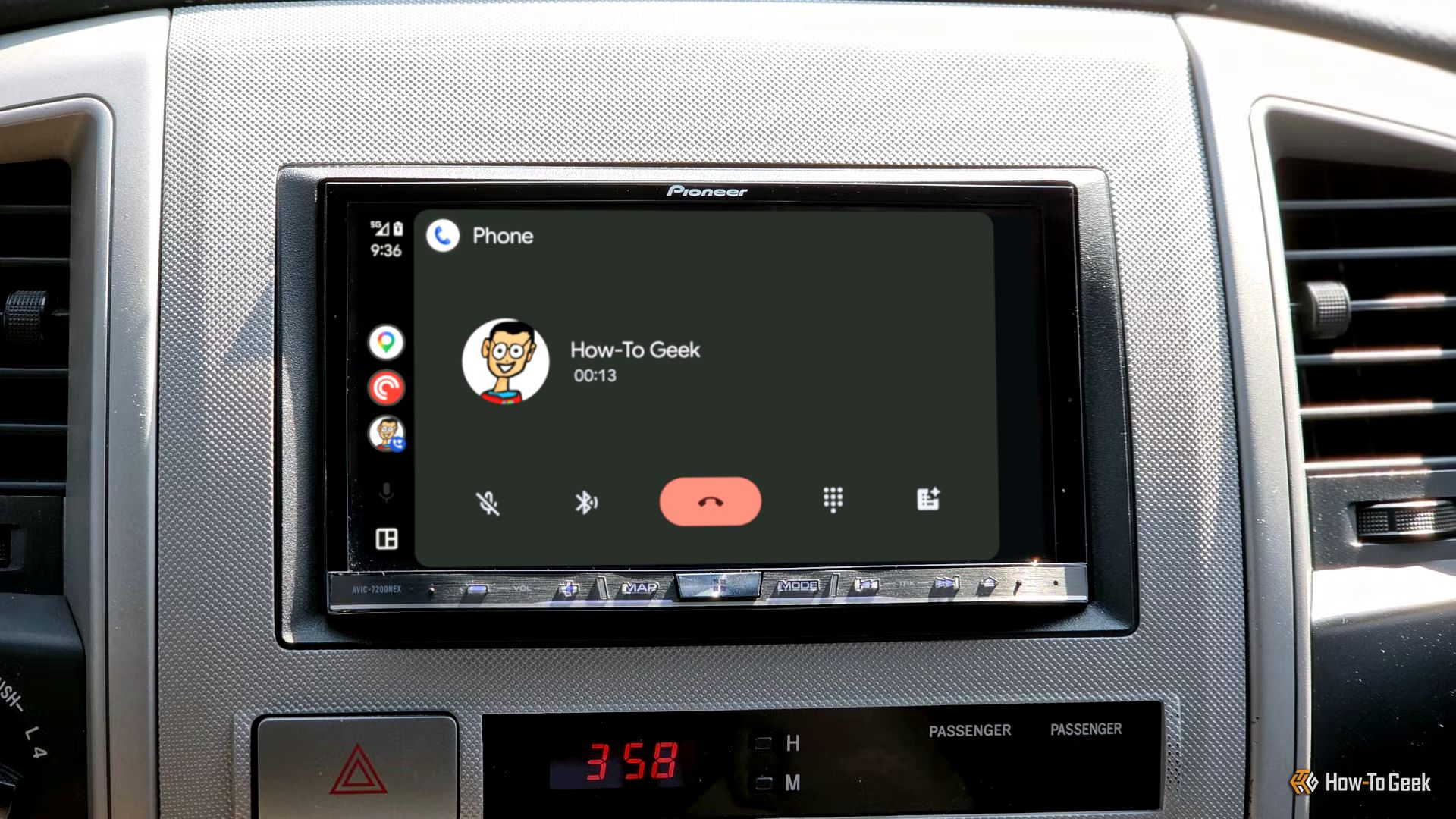
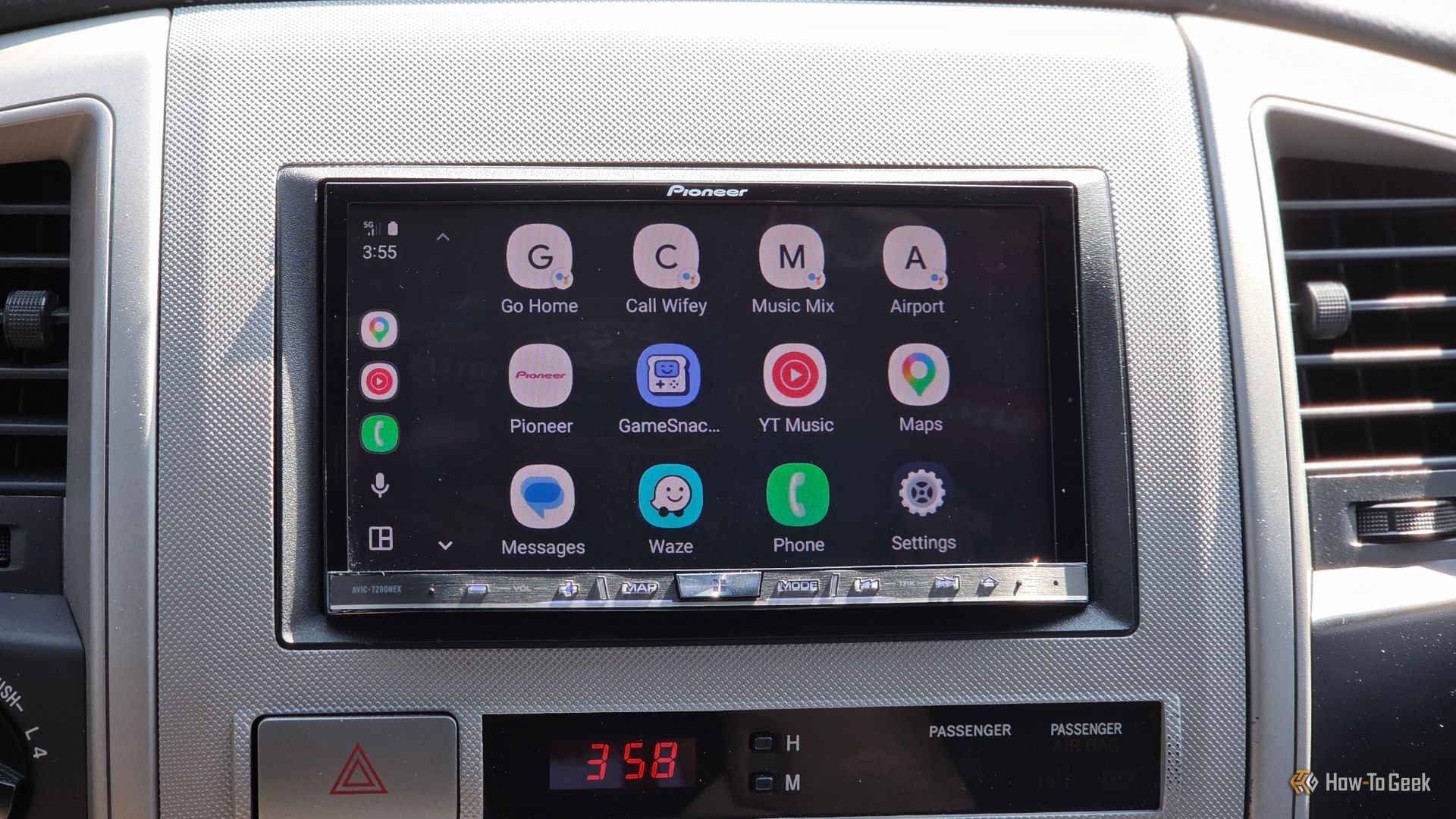
Android Auto is great and easy to use, especially in wireless mode. You hop in the car, the phone connects, and you're good to go. However, that doesn't help with all the settings, controls, playlist selection, and other things that distract you on the road or make you sit in the driveway for a few minutes before leaving. That's why I built a one-tap shortcut that changes everything at once.

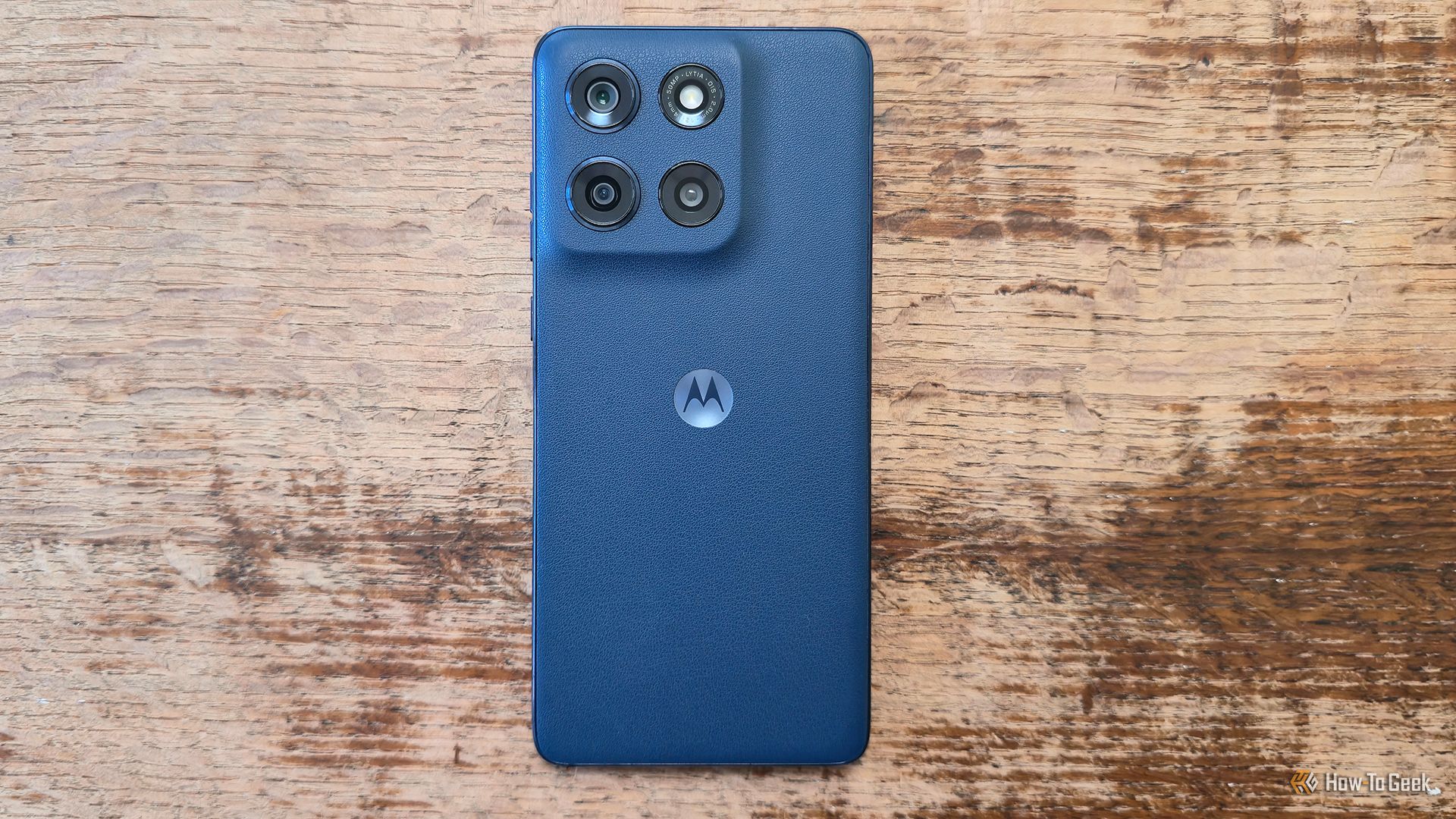
I changed one Samsung Galaxy setting, and notifications make sense again

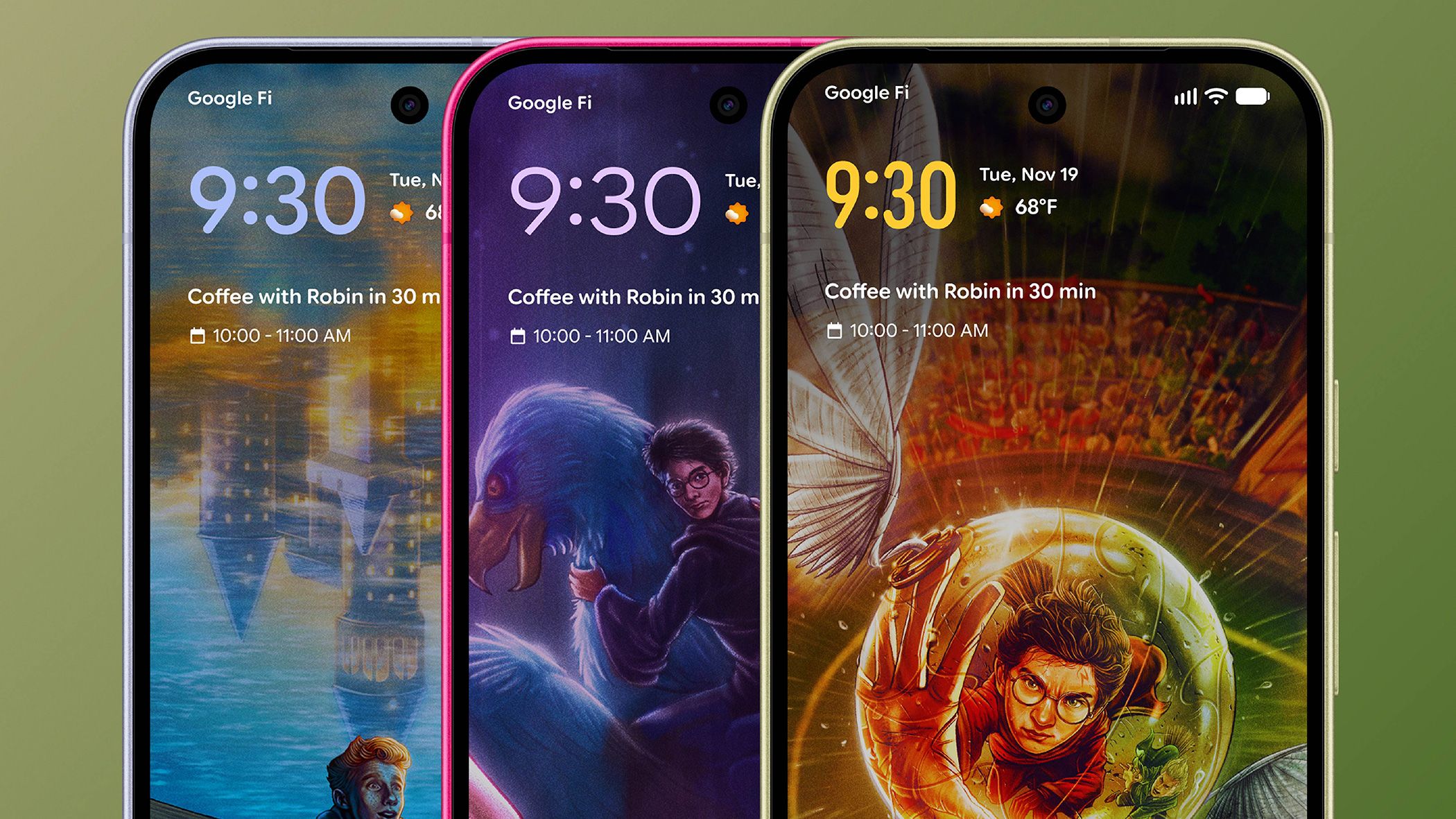
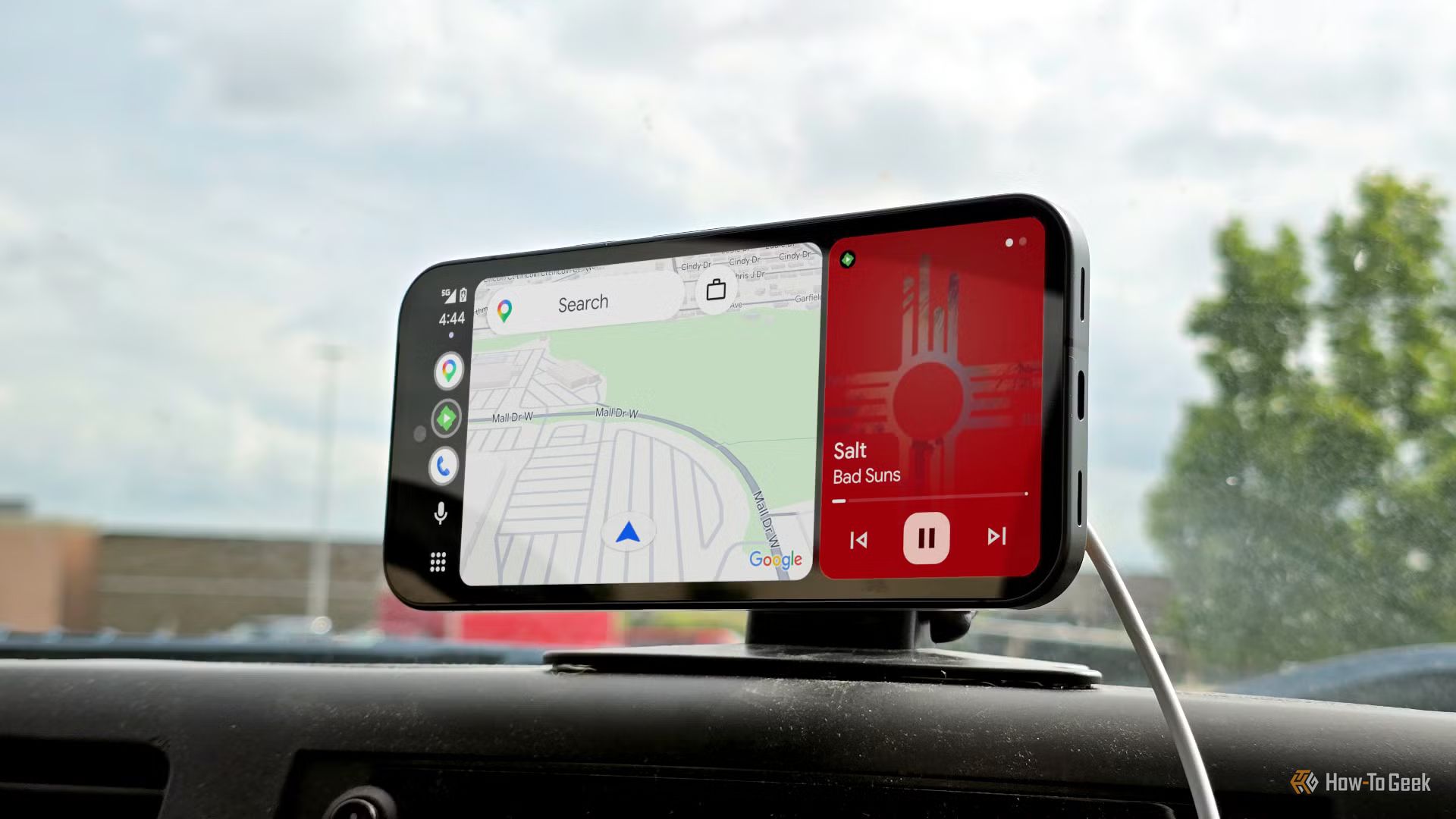
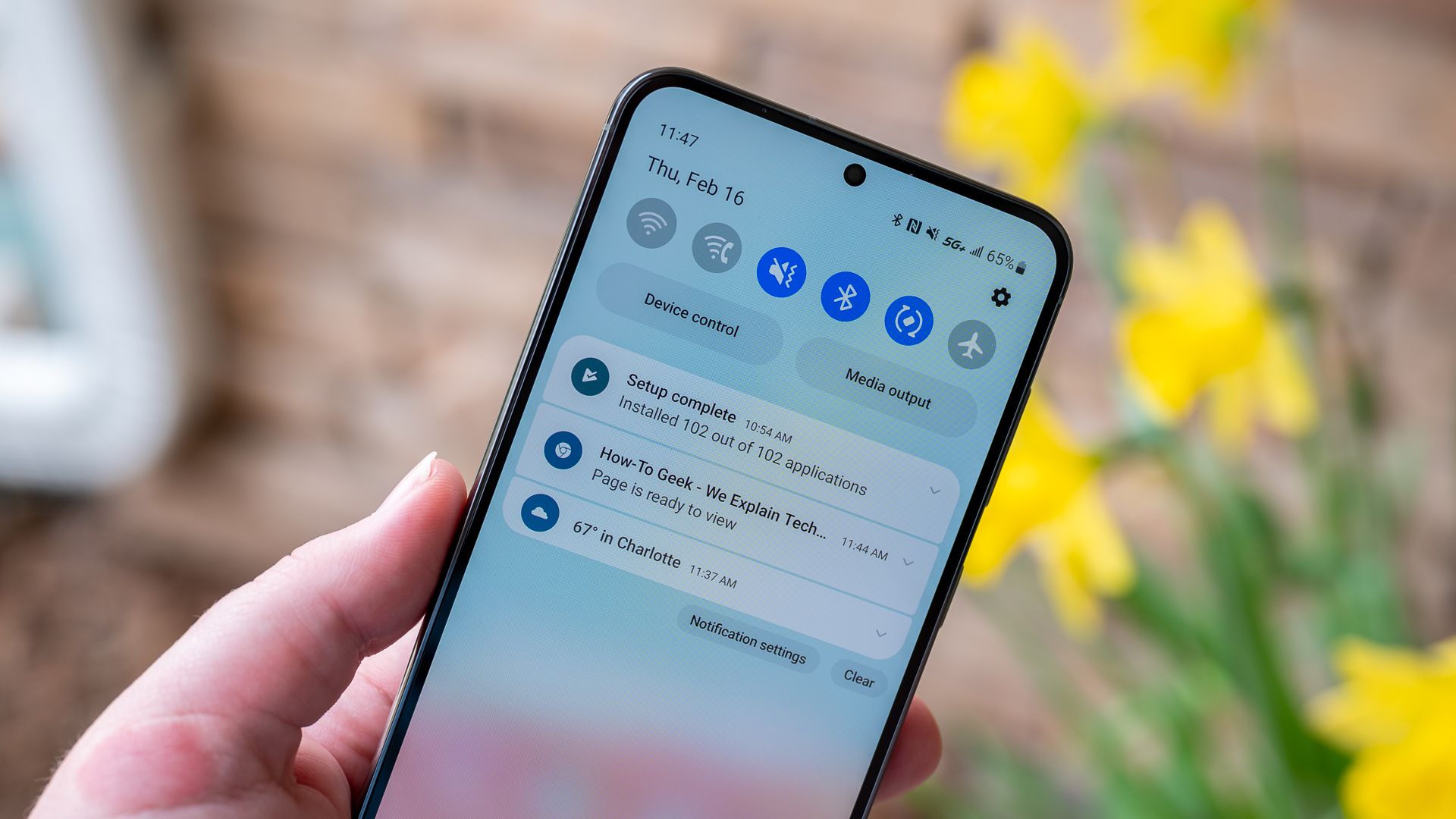
The notification pull-down bar on Samsung Galaxy phones has changed quite a bit over the last few years, and not for the better. If you feel like your notifications aren't the same, out of order, and just seem a bit weird lately, you're not alone. The last two One UI updates changed the look and order of alerts, but one quick change in settings can fix it.

❌