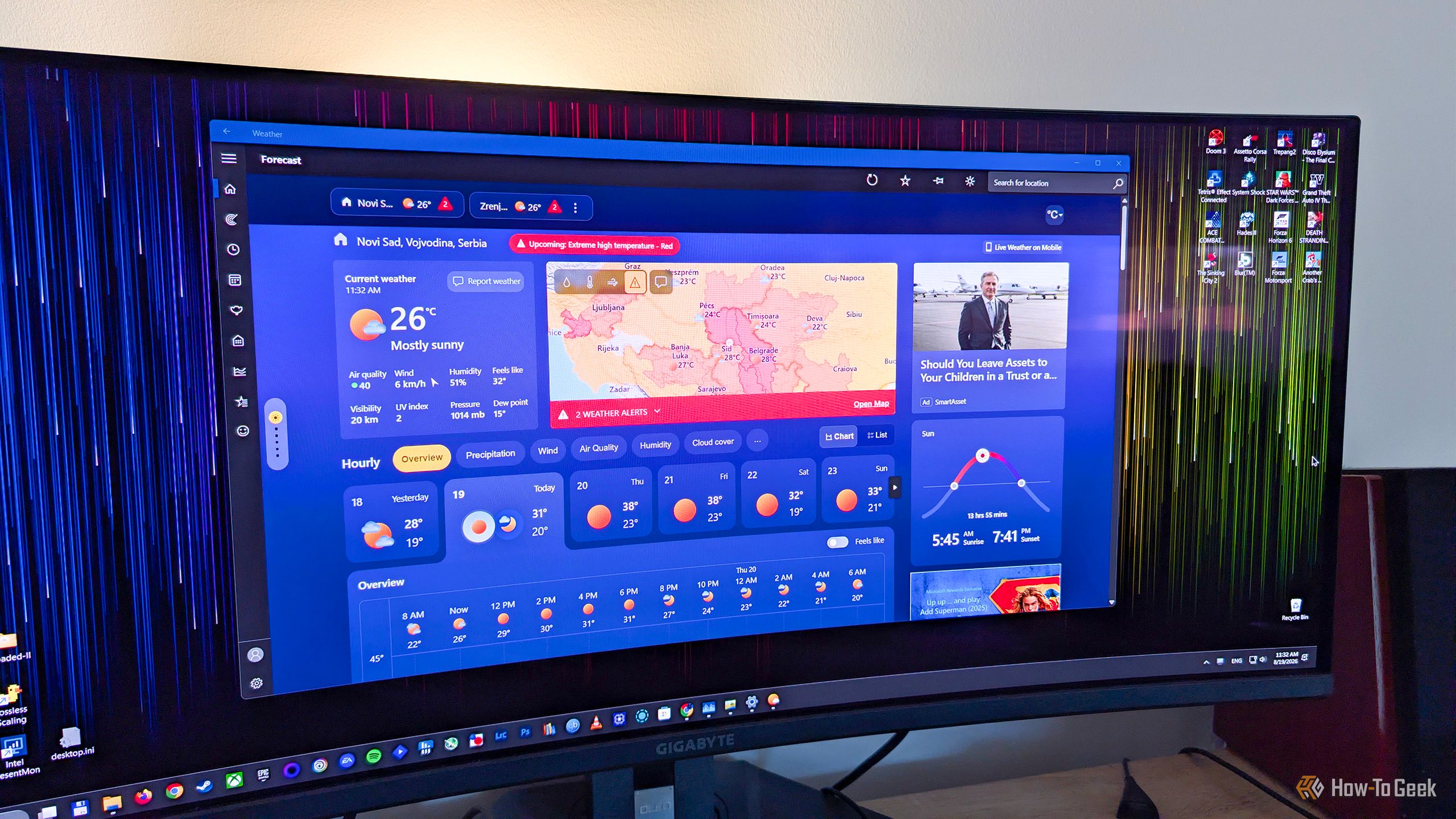
When you set up a brand-new Windows PC, you probably want to get through the setup screens as quickly as possible so you can start using your shiny new computer. That makes it easy to click through Microsoft's privacy options without paying much attention to what you've actually enabled. One of those settings allows Microsoft to collect samples of what you type or write.
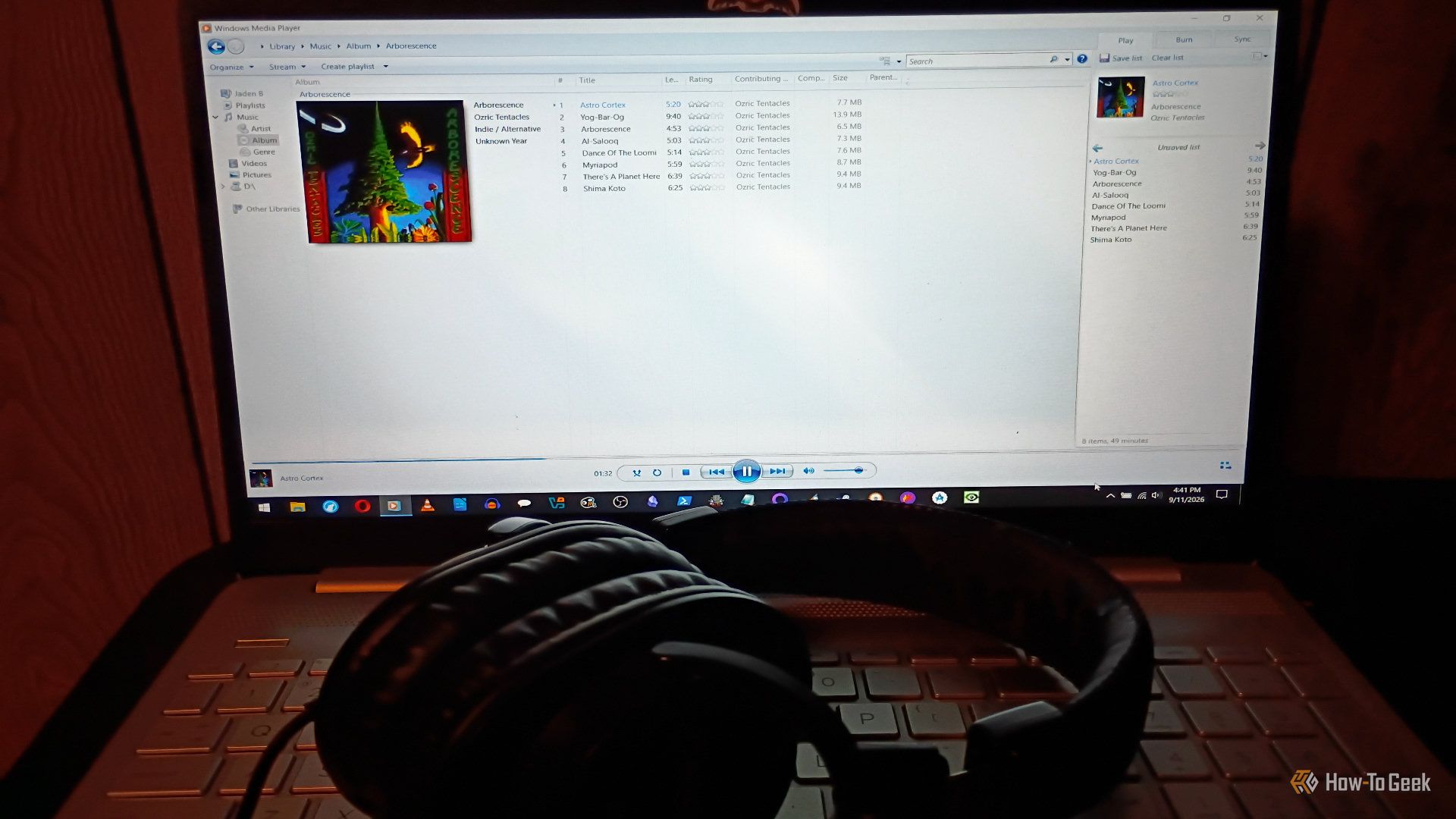
Windows Media Player (WMP) used to be the best. It didn't quite whip the Llama's behind, but I remember a time when it was fantastic. But, as these things tend to do, it got worse over time. Streaming came along, people shifted away from local media players, and Microsoft just shifted its focus elsewhere. Windows 11 replaced it with Media Player, but you can still access the legacy version of WMP. Better media players that could handle more formats appeared, and Microsoft kept breaking WMP features. WMP lost me completely last yearwhen I tried to rip a brand-new CD I bought and discovered the database that used to pull metadata no longer worked (the CD in question was Richard Thompson’s The Old Kit Bag, if you're curious). Fortunately, there are a bunch of fantastic open-source alternatives. Here are some of my favorites.
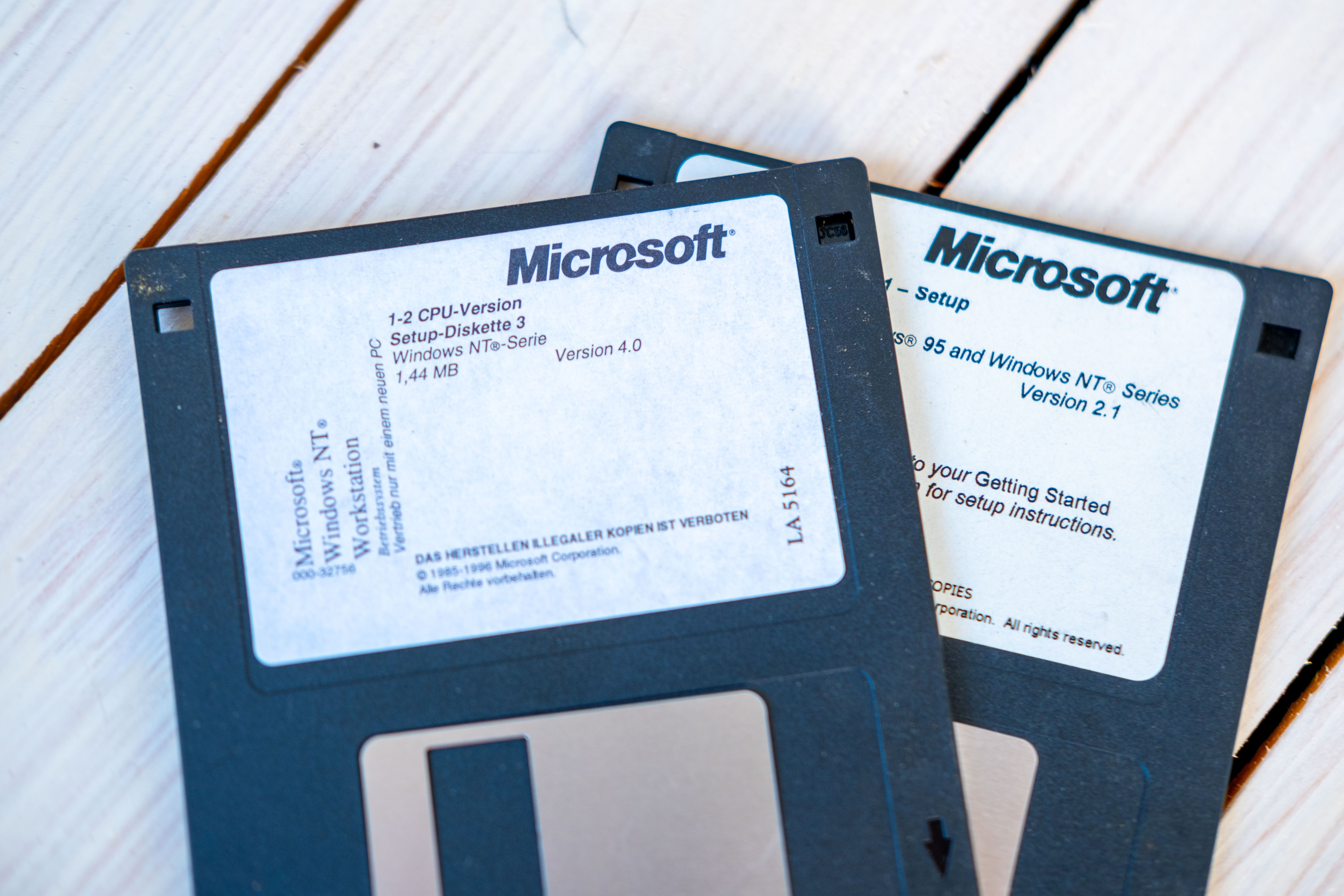
For most of my Windows-using life, there was an annual ritual we all got to know very well. When your computer started getting slow and creaky, you'd back up all your files to a separate medium, format your system disk, and reinstall Windows.
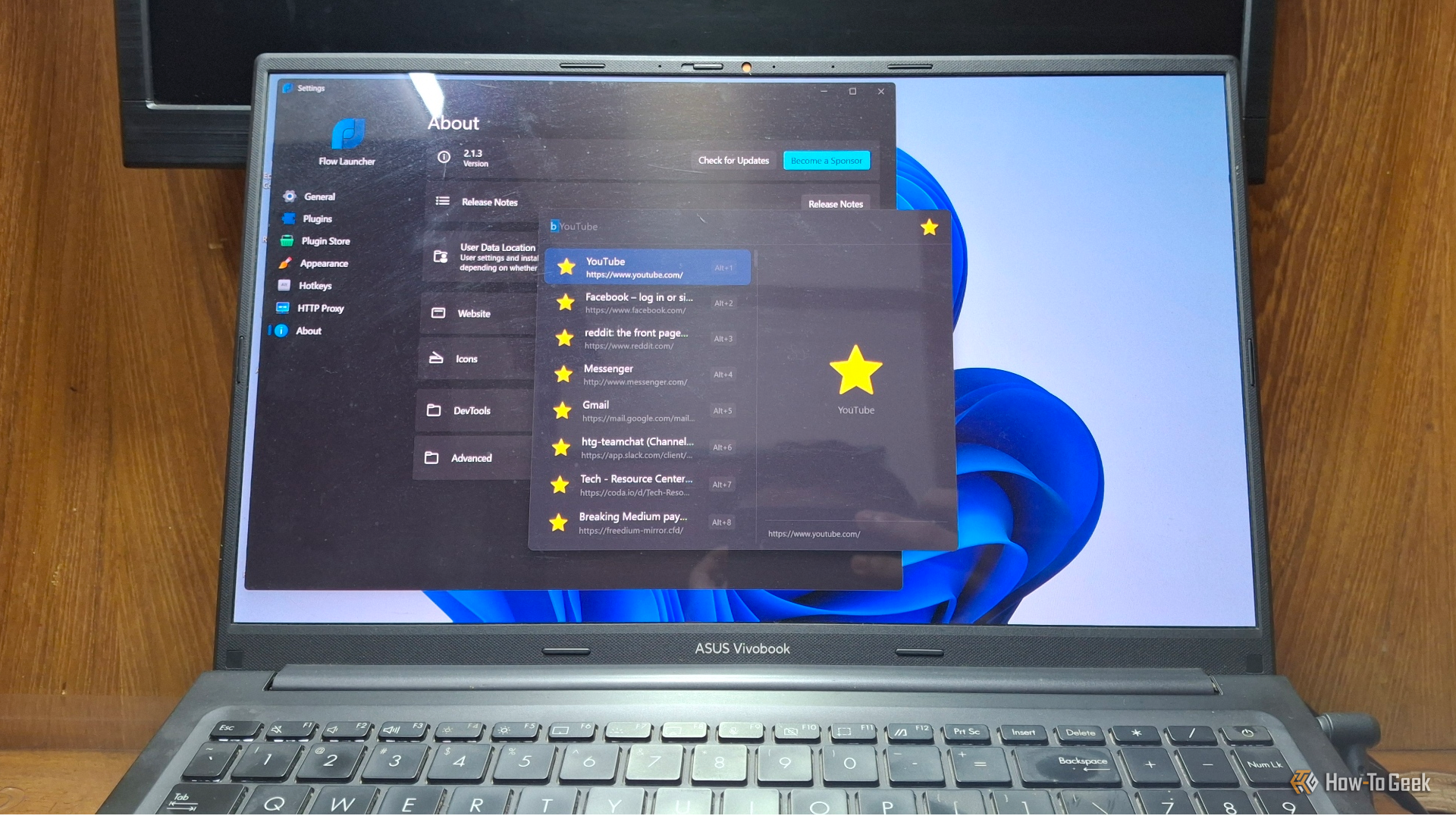
After years of complaints about how little you could customize the Windows Start menu, Microsoft is finally overhauling it in the 26H2 update. In reality, though, they are only catching up to something an open-source app figured out years ago. Meet Flow Launcher, a keyboard-first app launcher that is superior to the current Start menu from all directions.
Windows 11 and its native apps don't have the best reputation. Microsoft has packed the system with all kinds of features, making it feel increasingly bloated.
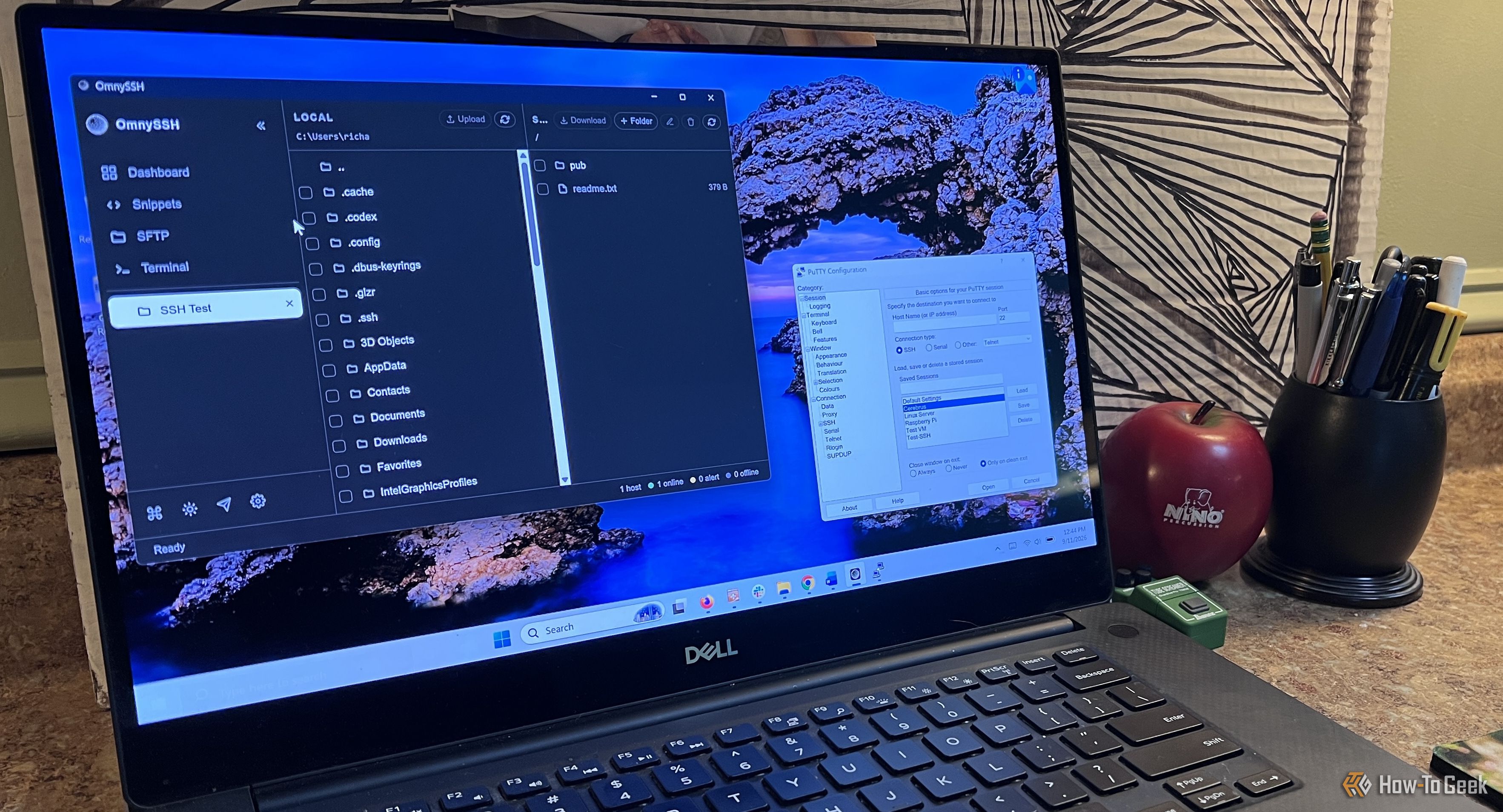
I've used PuTTY for years. It's a great program that has lasted this long because it does one thing really well. When I need to connect to another computer over SSH, PuTTY gets the job done without a lot of extra stuff getting in the way. I know how it works, I trust it, and I've never had much reason to replace it.
An operating system is only as good as the apps you can run on it, but some apps go beyond that and end up defining the operating system. You seek them out, usually on day one of setting up a new PC, because Windows just feels incomplete without them. Here are three such apps that are so good that they define their entire categories — earning them the title of “greatest of all time.”
If you're new to Linux and switching from Windows to Linux, there are some mistakes you want to avoid. Avoiding common beginner mistakes in Linux will put you ahead of the other Linux newbies.
Microsoft included a number of really helpful features and tools in past versions of Windows that many users came to love. While some of these utilities have survived the transition to Windows 11, others were left by the wayside. Some even made it to Windows 11, only to be retired in one of its subsequent updates. Here are some of my favorite classic Windows tools that are missing from Windows 11, with the latest version of Windows still lacking equivalent features.
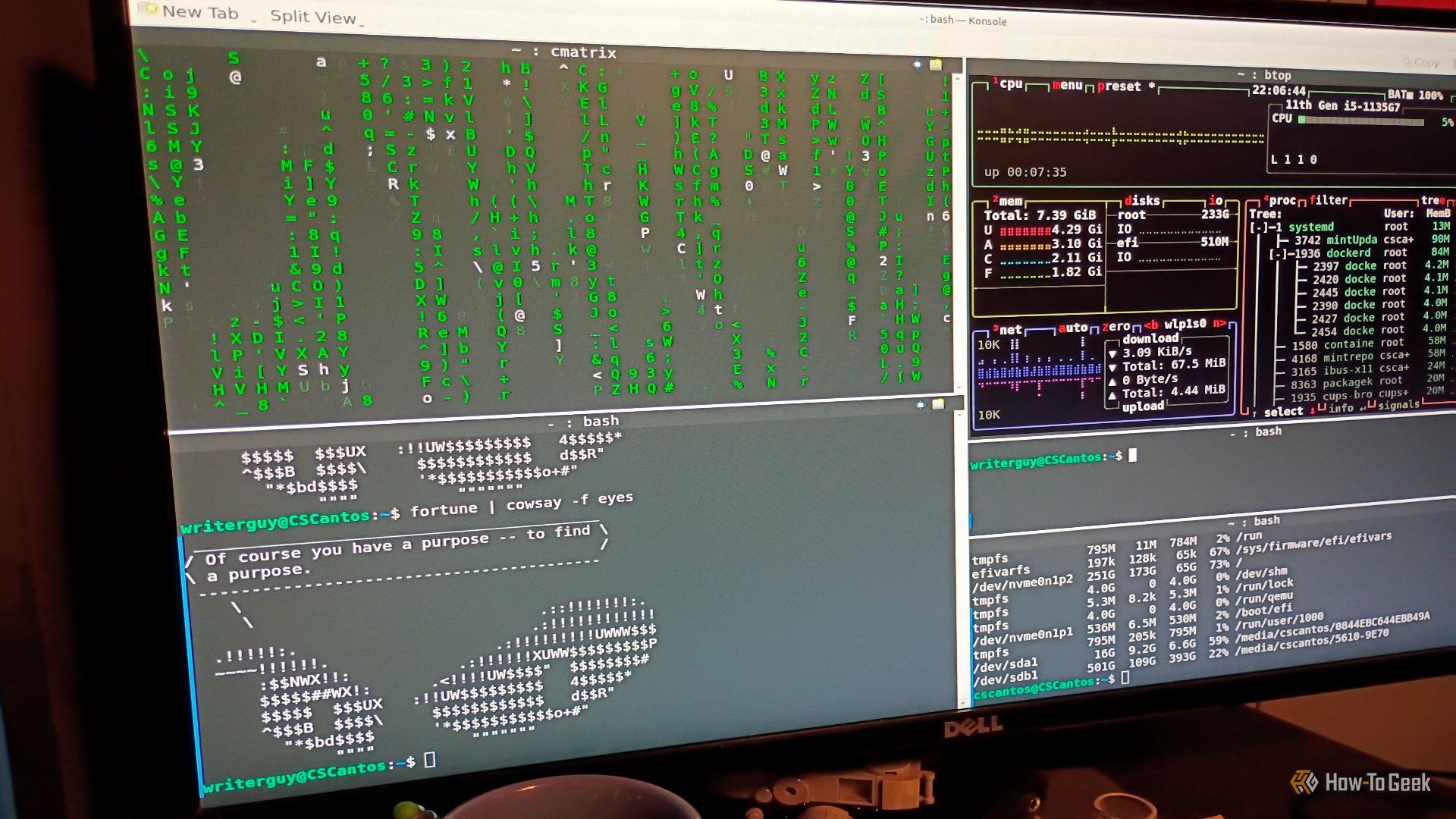
Like a lot of Windows users, I resisted Linux for years for two main reasons. I expected a steep learning curve, and I assumed I'd have to give up some of the Windows apps I rely on every day. Either one is enough to make switching feel like more trouble than it's worth.
Microsoft's PowerToys suite of Windows utilities, which you can download from GitHub or install through the Microsoft Store, has earned a reputation as a tool designed for — and used exclusively by — Windows power users. But the reality is more nuanced.
It wasn’t that long ago that ClickFix attacks were exotic. Now the technique has become mainstream as attackers reap its simplicity and effectiveness in infecting users of PCs and Macs alike. All that’s required is a compromised website—a painless enough task—a fake CAPTCHA overlay, and the inclusion of a single terminal command. So many visitors get suckered into pasting and running the command that just about every malware pusher has adopted the technique. Even Kremlin-backed hacking groups are joining in.
“Reddit is becoming post after post after post of people getting their computer infected via ClickFix,” independent researcher Kevin Beaumont observed Thursday. “Legit websites everywhere [are] getting hacked to serve the fake captcha prompts.”
How many of us make things worse
More seasoned Internet users—a fair number who read this site—are quick to dismiss the attack. They typically blame the people who fall for the scams and marvel at their gullibility and lack of attention. The reality is that for more casual users, using computers and the Internet has become so difficult—think impossible-to-close interstitials, CAPTCHAs with an endless series of pictures to analyze, and constantly changing interfaces that bury the features they’re looking for—that they have grown desensitized to instructions that seem ridiculous and burdensome.
Pavan Davuluri says Windows will keep serving human users while adding agentic workloads. (Microsoft Photo)
GeekWire is profiling over the next few weeks some of the people and teams that are shaping the evolution of Microsoft in what we’re calling its “Microsoft 2.5” era.
Just Don’t Call It an ‘Agentic OS.’ Given Microsoft’s one-pointed AI focus these days, it’s not surprising that the Windows organization is on the agentic train.
But Executive Vice President of Windows + Devices Pavan Davuluri has learned the hard way not to call Windows an agentic OS. He did so back in November 2025, via a tweet and blog post, and the customer backlash was quick and biting.
But Davuluri has not done a complete U-turn because of the criticism. Instead, he has changed how he talks about where Windows is going — which is still in an agentic direction.
“The user of Windows going forward will continue to be users … but it’s also going to add these agentic workloads,” the nearly 26-year Microsoft veteran Davuluri told GeekWire in a recent interview.
During his time at Microsoft, he’s held a variety of roles, from intern to General Manager of Surface, to Corporate Vice President of Windows Silicon & Systems Integration. He was appointed Executive Vice President of Windows + Devices in March 2026, reporting directly to CEO Satya Nadella.
Windows needs to evolve to support agentic workloads through new platform capabilities that the team is building under the covers, Davuluri said. These low-level capabilities, or “primitives,” affect how Windows handles security, identity, governance, observability, and performance when it comes to building and running agents natively.
These coming changes likely will affect the Windows file system, security model, PowerShell, and other foundational components.
Microsoft already is working on Windows identity and manageability to make them better able to service agents. Windows can assign agents a local ID, or a cloud-provisioned identity backed by Entra.
And it also has an early preview of technology known as Microsoft Execution Containers, meant to help secure agents by running untrusted code in sandboxes or virtual machines. It’s these system-level areas where the team is focusing first in preparation for a human+agent future, Davuluri said, rather than the UX/UI level.
Going Back to Basics. Windows has had a lot of very different leaders over the years, with very different management styles and priorities.
For his part, Davuluri said he plans to run the Windows and Surface teams with four principles in mind: Maintaining customer obsession; treating Windows as a complete end-to-end system (“full stack”); focusing on complete user experiences and workflows rather than individual features; and building Windows openly and transparently, with clearer communication about plans and priorities.
On the heels of his promotion to EVP, Davuluri committed publicly to the much-needed goals of improving Windows quality and reliability. In a blog post, he outlined some of the requested changes that his team would be making to Windows, ranging from fixing the way the Insider test program works, to more granular improvements like allowing users to reposition the Windows task bar.
And since then, the team largely has been delivering to the surprise and delight of many long-time Windows users.
Davuluri has also been working to shift the conversation from which new features are coming to a specific build to what are the outcomes Microsoft wants to enable for specific groups of Windows users.
“There is no one single sort of ring for a billion-plus users on the platform,” Davuluri said. Windows users encompass people who use the product in a variety of different ways, so “we need to get clarity in our minds on the things that we do that lift all boats that raise the entire platform — and things that we have to go do that are specific and unique to each of our sets of users based on how they primarily or typically use the device.”
Full-Stack Thinking. Is there still a role for Microsoft as a PC maker in the coming agentic future? Not surprisingly, given his heavily hardware-focused background, Davuluri insisted there is.
When Microsoft debuted its first Surface devices in 2012, officials said the company needed to build its own hardware to create reference designs and innovative form-factor examples for other Windows PC makers.
These days, most Surfaces that ship arguably are not better, spec- or design-wise, than other PCs. But Microsoft still needs to keep a hand in hardware design to understand the full stack, Davuluri claimed.
Surface plays a key role in how Microsoft develops platform abstractions, incubates support for technologies like pen, facial-recognition, and neural-processing units that later spread across Windows, and optimizes for silicon-to-cloud, he said.
While the company’s attempt to create a distinct category of “Copilot+” AI PCs fizzled, Microsoft continues to try to find AI-centric reasons to convince customers to choose Windows devices. Davuluri and others have referred to the idea of “unmetered intelligence” to attempt to make the case for running AI models locally on PCs.
This fall, Microsoft (and other Windows PC makers) plan to roll out new PCs built on the Nvidia RTX Spark platform. The coming Surface Laptop Ultra, which will be optimized for RTX Spark, is aimed at creators, developers and AI builders, all of whom — Microsoft is hoping — will be fueling the growth of its next target user category: Agents.
A nearly identical exploit kit that targets critical vulnerabilities in both Chromium-based browsers and older versions of Windows is being actively used by at least four hacking groups, some of which have ties to the Chinese government.
Researchers from security firm Proofpoint said Wednesday that BlueMoon, the name they gave to the kit, chains three vulnerabilities together so the attackers using it can install malware of their choice. BlueMoon exploits two Chromium vulnerabilities and one in the kernel of Windows 10 (Oct. 2018 Update), Windows Server 2019, Windows 10 2004, Windows Server 2022, and the initial release of Windows 11. All three vulnerabilities have received patches in the past 24 hours.
Deployed rapidly, widely shared
The attacks lacked the stealth found in many campaigns. More often, hackers want to exploit newly discovered vulnerabilities sparingly to lengthen their longevity. Proofpoint hypothesized that one reason for the widely used and visible exploit chain was to take advantage of a “patch gap” in the Chromium supply chain, which spans the time a patch is available from developers and the time that patch is incorporated into browsers such as Chrome and Edge. Another likely contributor was the use of AI, which can often spot vulnerabilities faster than discovery performed solely by humans.
There's no denying that Microsoft has been stuffing many of Windows' default apps with superfluous features, turning them into bloated pieces of software filled with (mostly) AI features no one needs, with the Copilot-infested Notepad being a prime example.
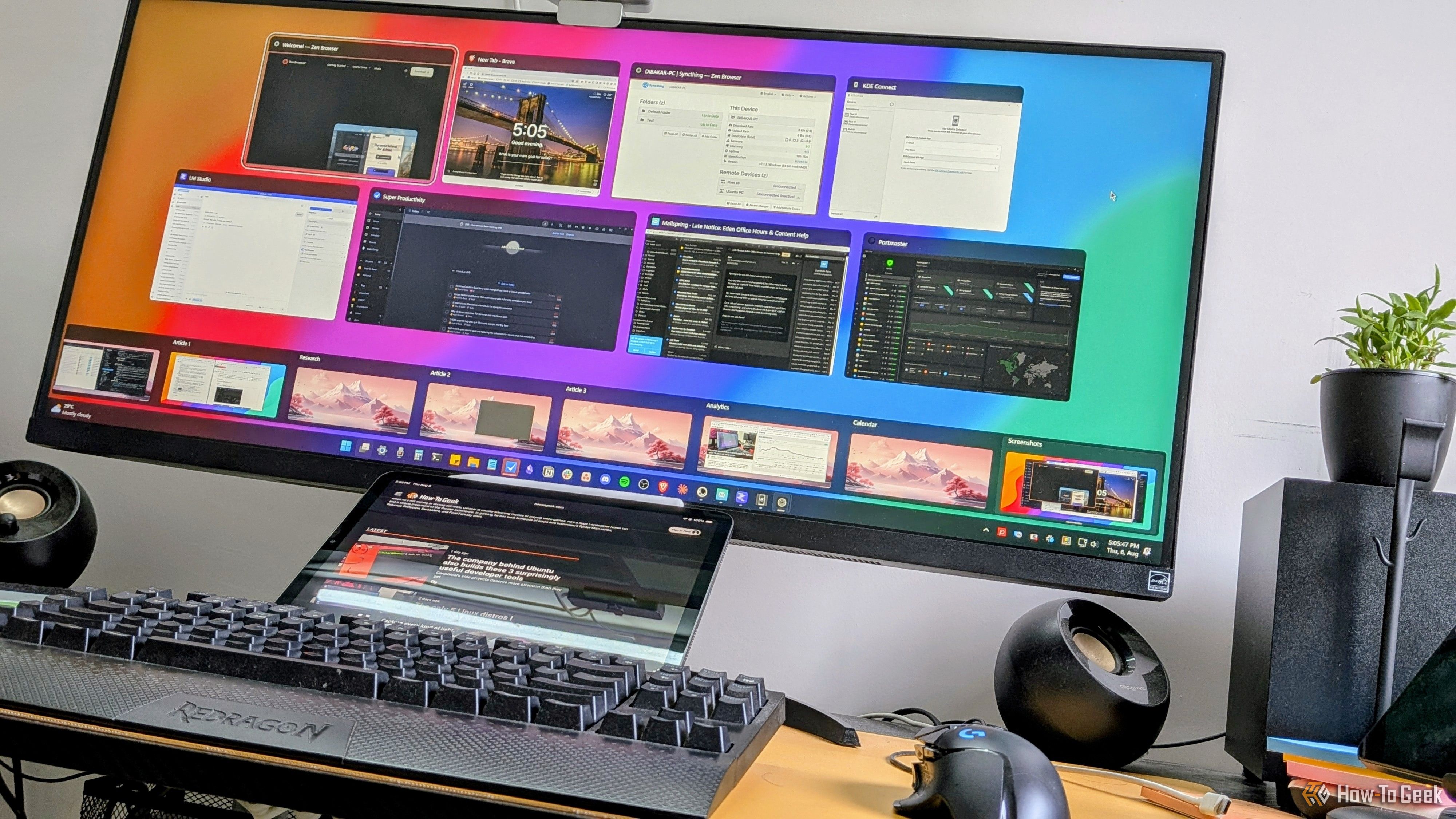
I'm one of those people who presses Alt+Tab hundreds of times a day to bounce between the many windows I have open. The problem is that Windows' built-in switcher starts to get awkward when I have lots of windows open, and aside from choosing how many thumbnails to display, there's not much room for customization.
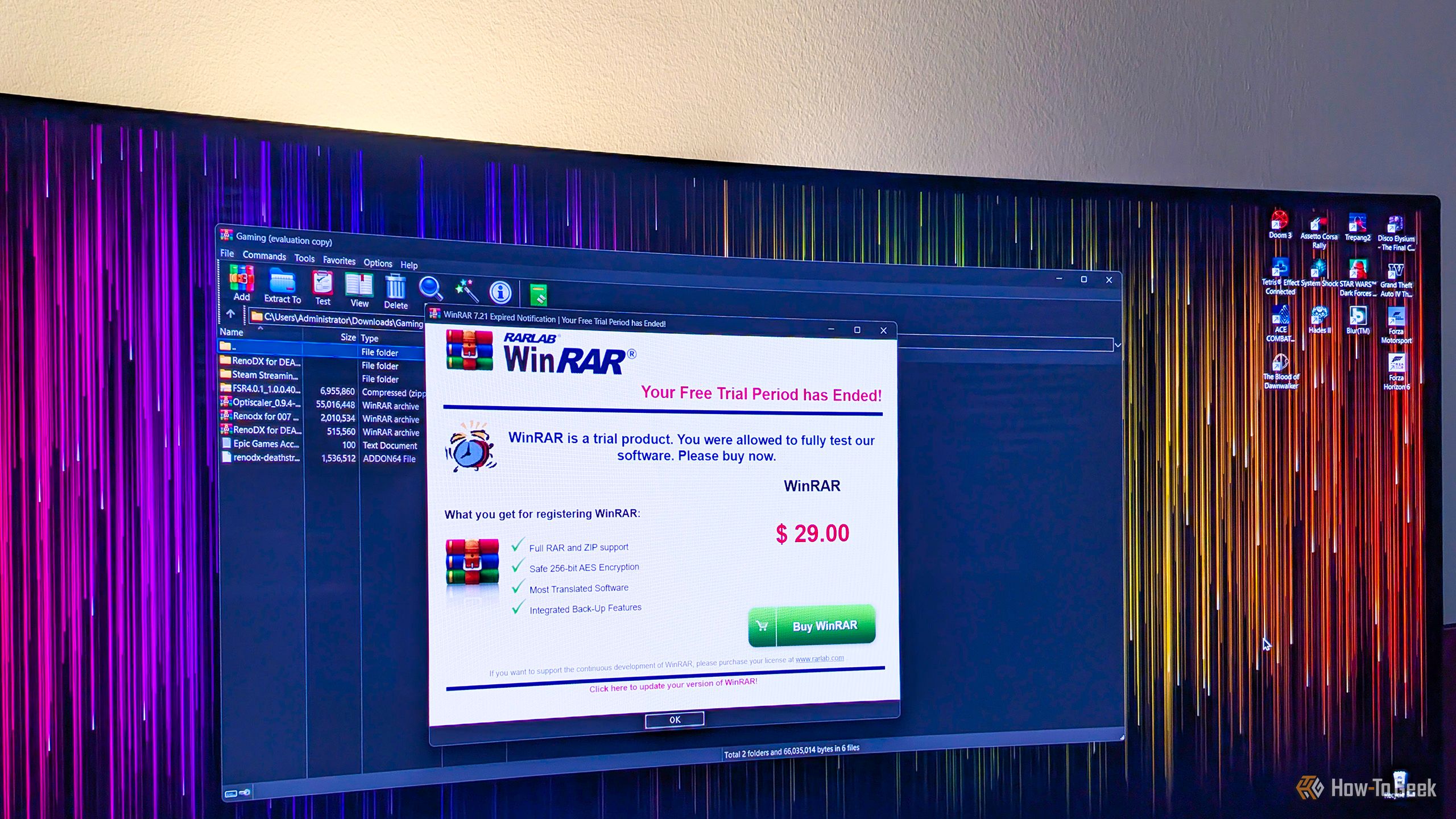
WinRAR is probably one of the most common third-party apps found on countless Windows PCs around the world, and for good reason. While it's technically paid software, you can use it for as long as you like without paying a dime, it handles a wide selection of archive formats, and it resides in the Windows context menu, so you don't even have to open it to use it.

 Login
Login