Login
Login
7 SSD health numbers you should be checking every month
Did you know that your SSD can fail even at 100% health? Cheerful, isn't it? HDDs are unpredictable too; a study shows that half of the ones that fail do so within their first year. Amazing.

Did you know that your SSD can fail even at 100% health? Cheerful, isn't it? HDDs are unpredictable too; a study shows that half of the ones that fail do so within their first year. Amazing.
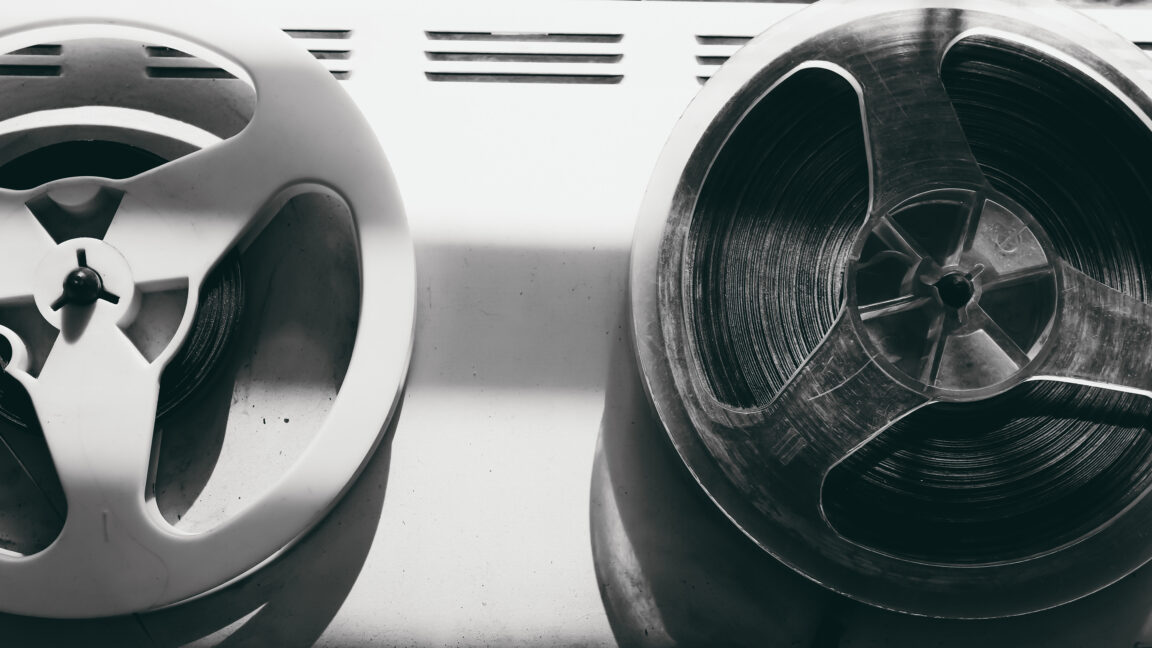
In an announcement released Thursday, Fujifilm said it will invest roughly 10 billion yen (about $63 million) to increase its production capacity fivefold for an unlikely beneficiary of the AI era: magnetic tape.
Fujifilm attributes the surge in archiving demand to the spread of generative AI, which the company remarked is producing "exponential growth" in data needs worldwide. The 5x increase in production capacity will be measured against fiscal year 2025 production levels.
The investment in Fujifilm's Kanagawa Factory, Odawara site will make it "the largest investment Fujifilm has made to date in dedicated LTO tape facilities." The project will run from fiscal years 2026 through 2028 to fund manufacturing expansion and additional personnel, primarily to produce the latest-generation "FUJIFILM LTO Ultrium10" tape.
© iStock / Getty Images Plus
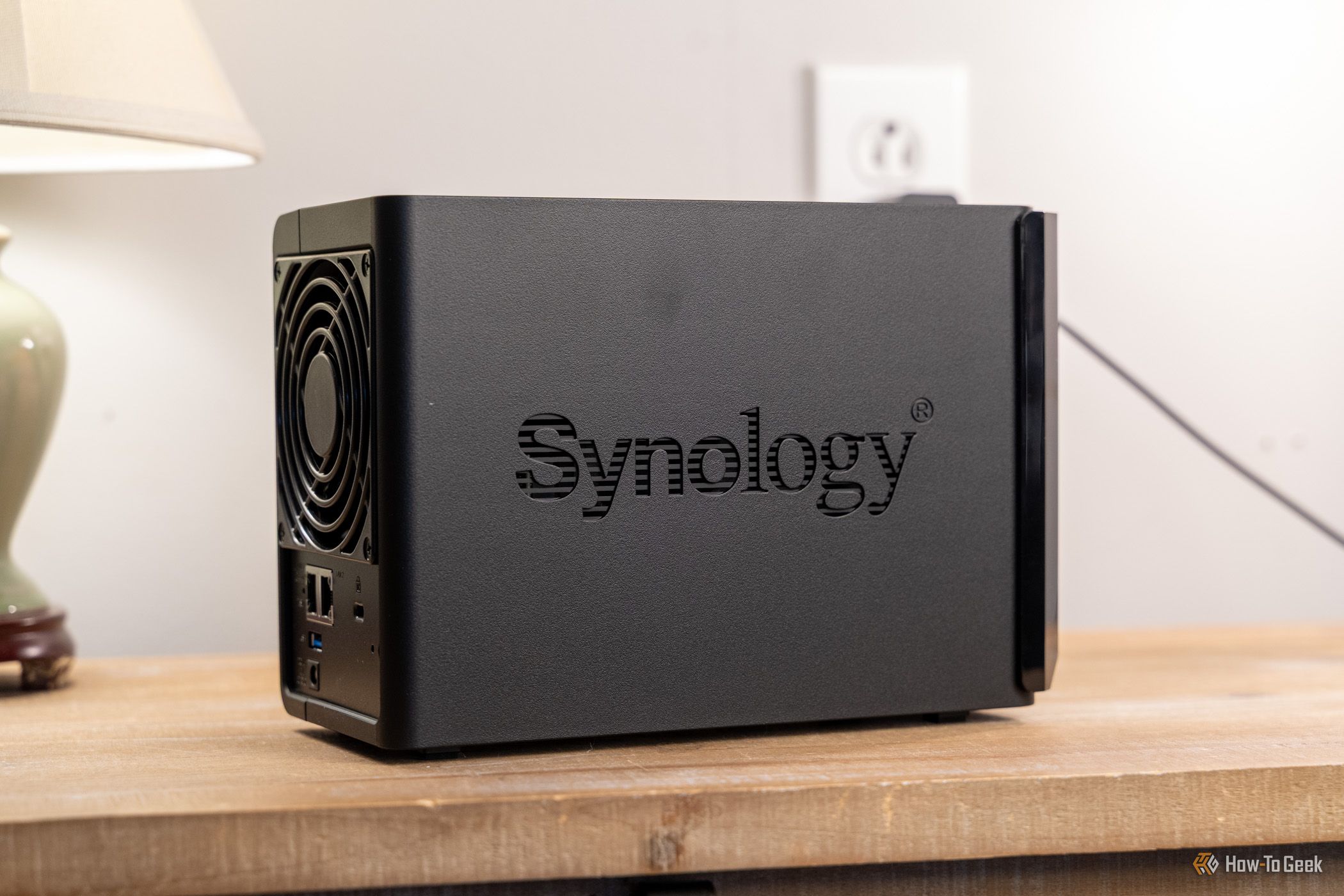
Synology has been scrambling to fix the PHP2Shell vulnerabilities since the PHP developers released emergency security patches on October 21, and the company confirmed that a number of its NAS packages were affected. Now the story has taken a twist, as Synology reports that attackers are exploiting the flaws, and the US cybersecurity agency CISA has added them to its Known Exploited Vulnerabilities catalog. Synology is now extending security fixes to older DiskStation Manager (DSM) versions, following the discovery of a separate ransomware campaign targeting outdated NAS systems.
I’m always on the lookout for ways I can use my 3D printing to make life a little easier, usually for minimal filament cost. I’ve been taking more chances and printing more models recently, but one recent print has proved its worth more than others.
A 4-bay NAS isn't cheap—they'll often cost you around $500 before you start including hard drives, which are now quite pricy. Even budget 2-bay NASes come in at around $200.
Instead of paying iCloud or Dropbox more every month, get a 20TB cloud storage that stays with you for life.
The post This 20TB Cloud Storage Lifetime Subscription is on Sale for $350 appeared first on TechRepublic.
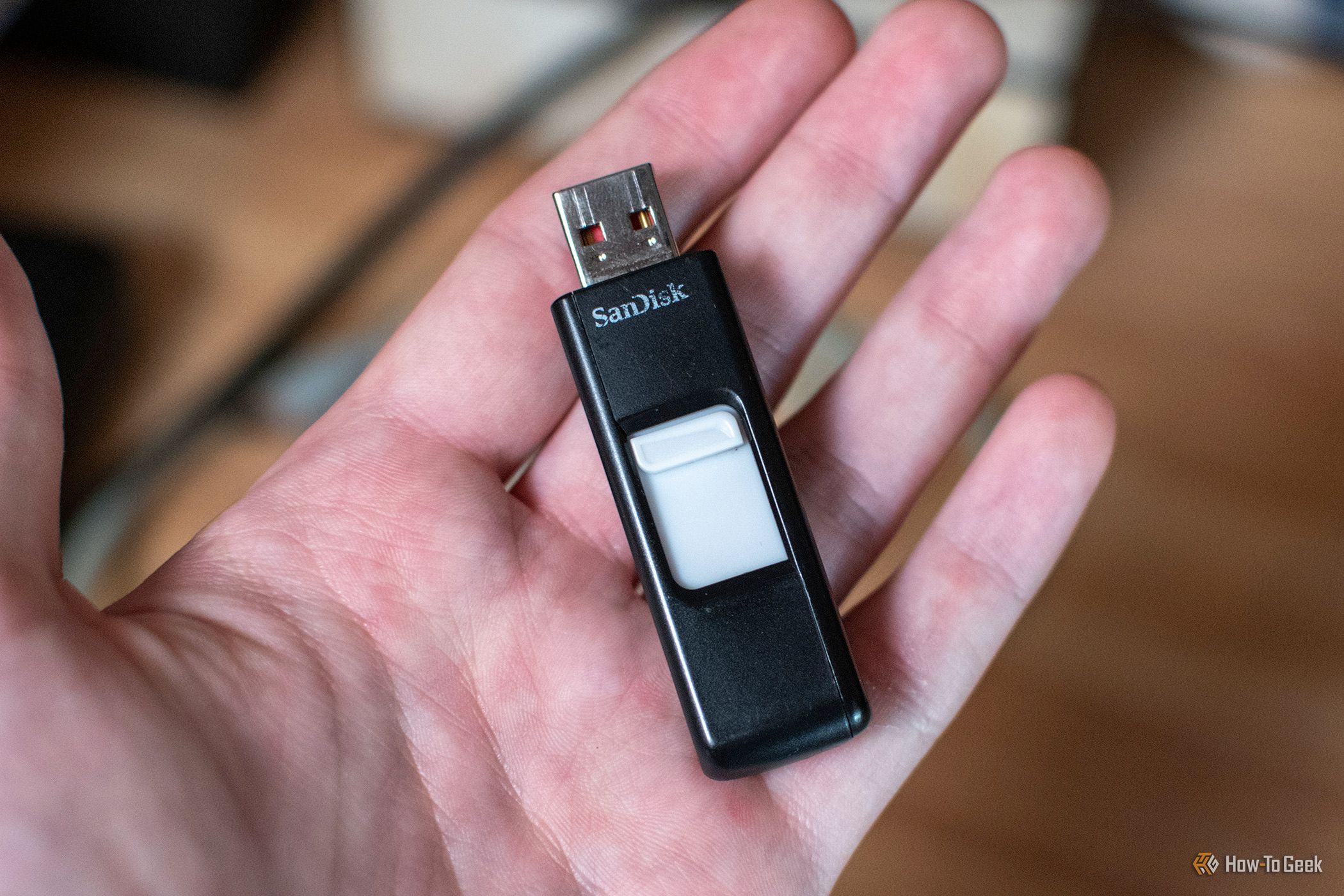
At one point in time, USB drives were all the rage for file transfers. I kept one in my pocket at almost all times and I had several around the house for various purposes. Over time, USB drives quietly stopped being so popular. But I still have uses for them in my homelab, so here are the main reasons why I’ll never throw away old USB drives.
AI data centers are creating new challenges for power grids. Learn how emerging reliability standards and power technologies could reshape their operations.
The post AI Data Centers Are Straining Power Grids. New Rules Aim to Reduce the Risk appeared first on TechRepublic.
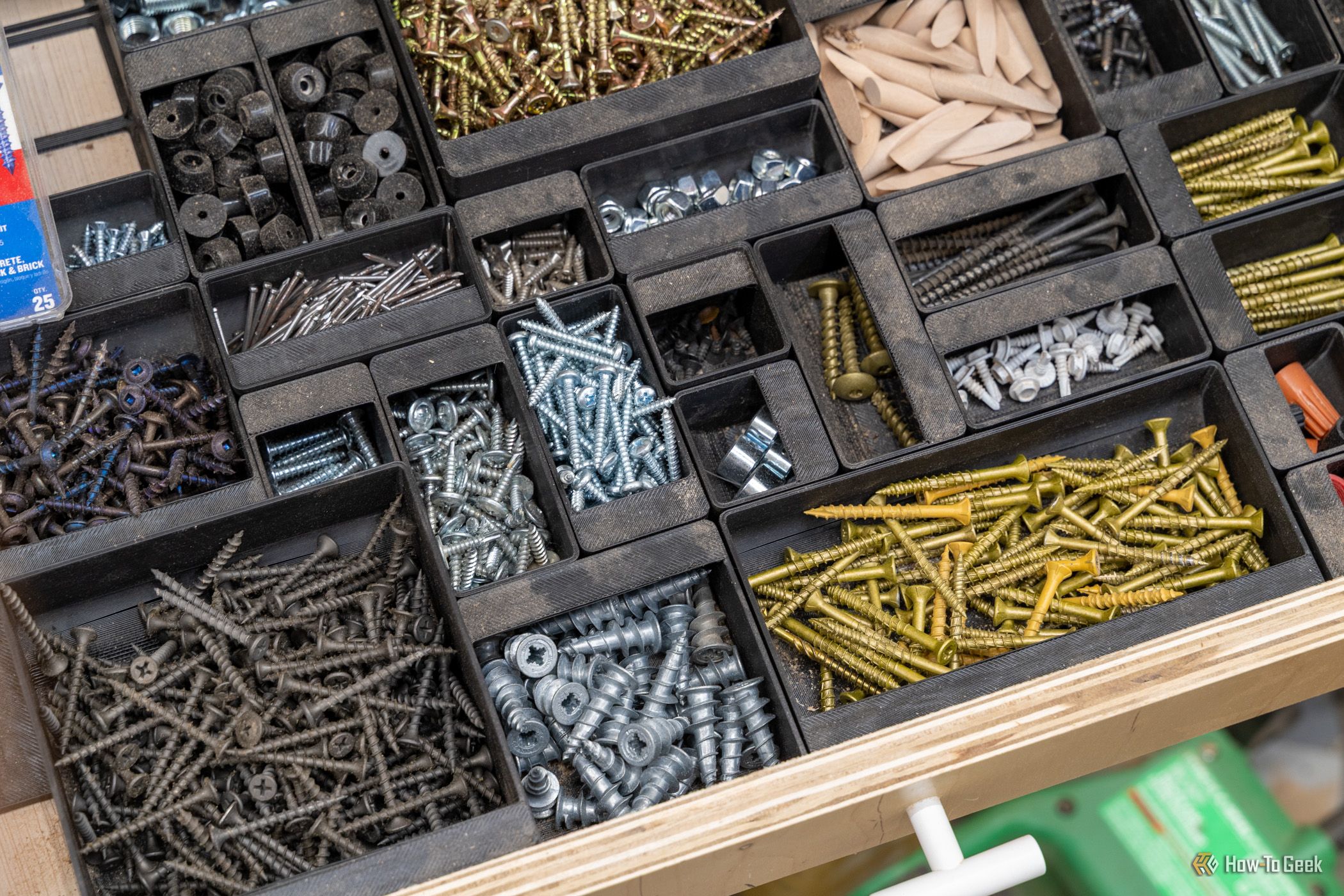
A rainy weekend stuck indoors is the perfect excuse to put your 3D printer to work on the house itself. While it hums along, you can line up new cabinet pulls without eyeballing them, replace that broken clip nobody sells anymore, and finally get the junk drawer under control. None of these projects need a garage full of tools, and by Sunday night something in your home will actually work better than it did on Friday.
Drime cloud storage and Transfr Pro file delivery pair up for lifetime access with one payment, no renewals.
The post Own 1TB of Encrypted Storage and Pro File Transfers for $90 appeared first on TechRepublic.
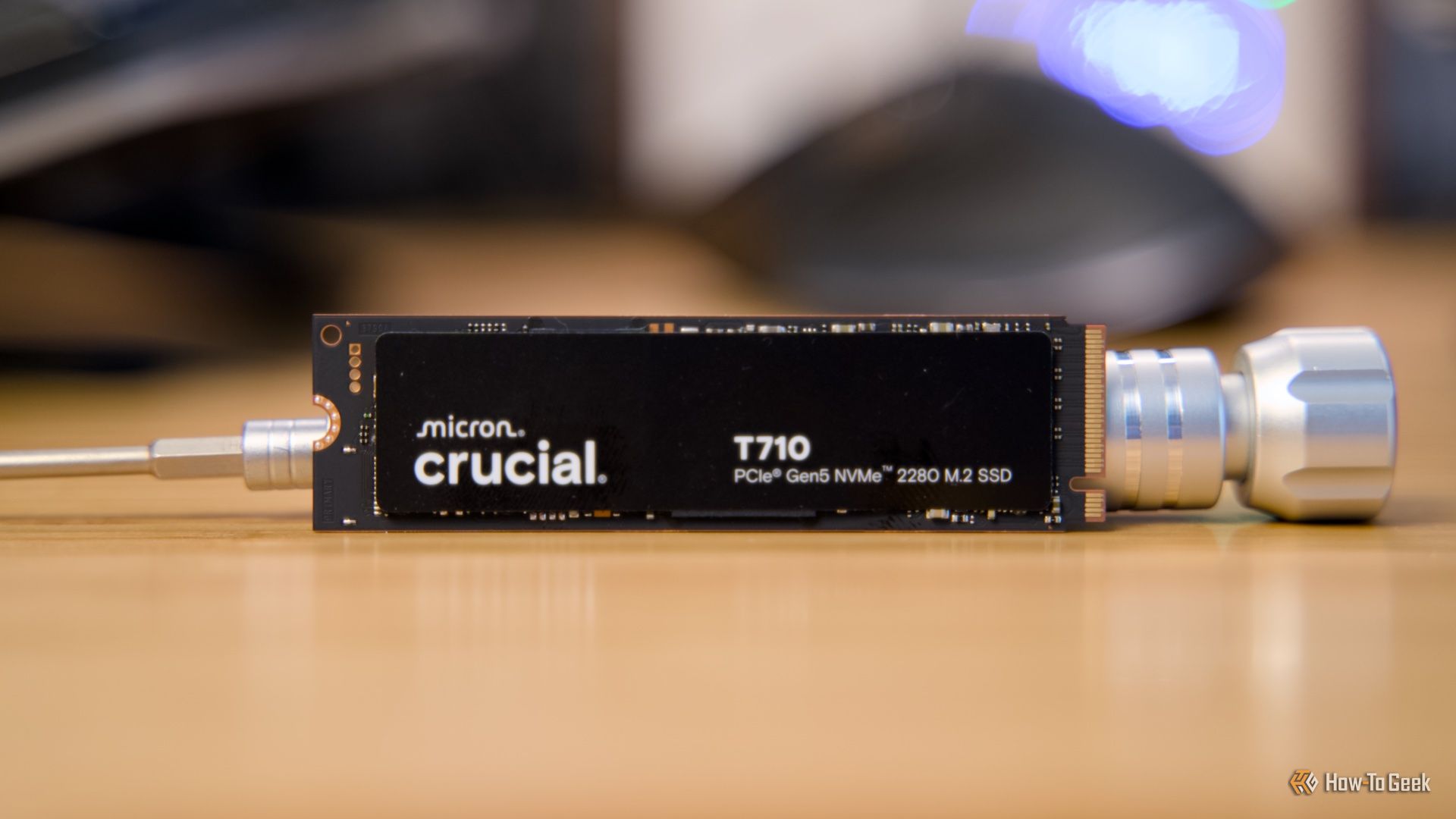
One of the most commonly repeated SSD tips is not to fill your drive all the way up to full. It makes perfect sense, and even manufacturers will tell you to leave 10-20% empty, so you should probably listen to them.
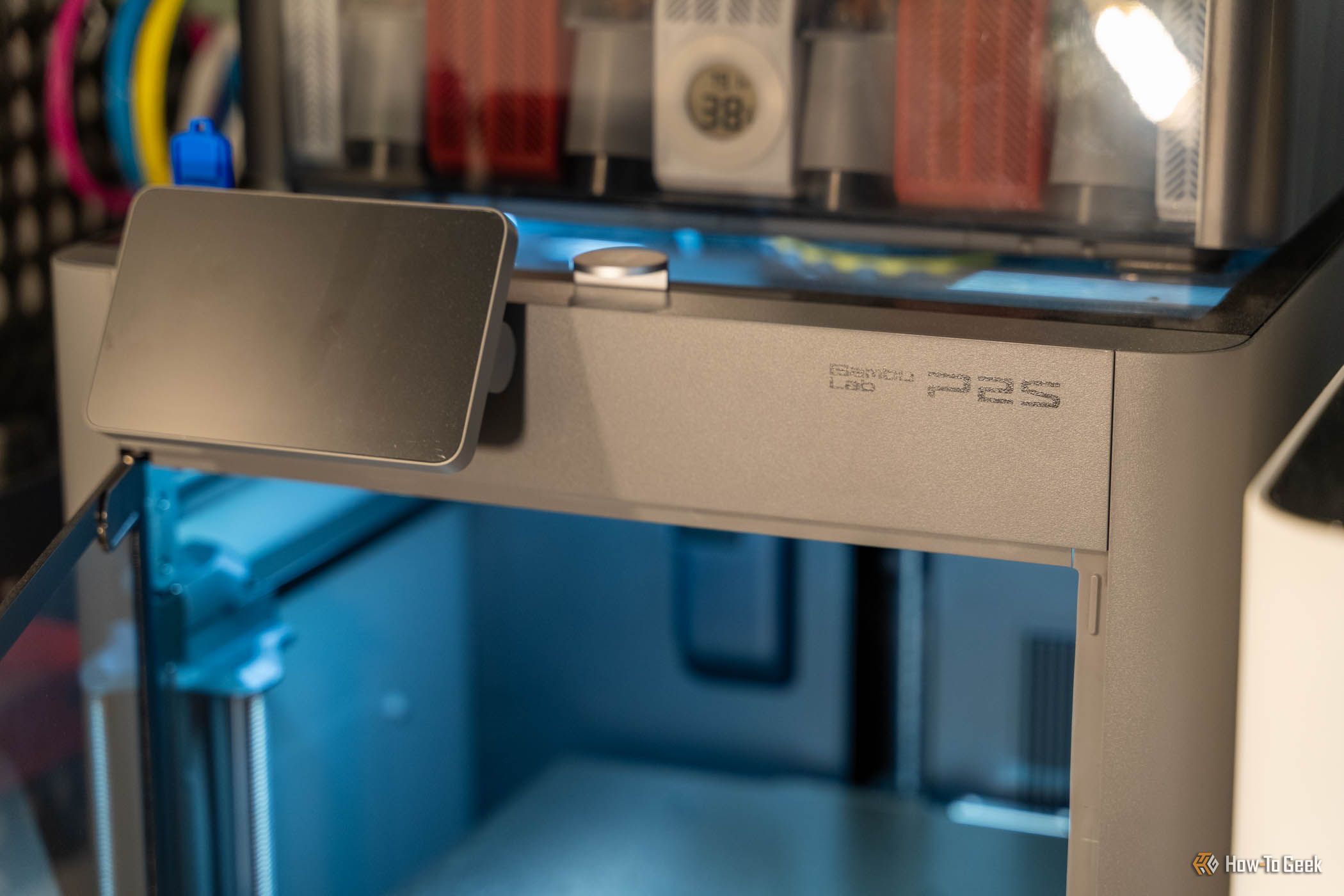
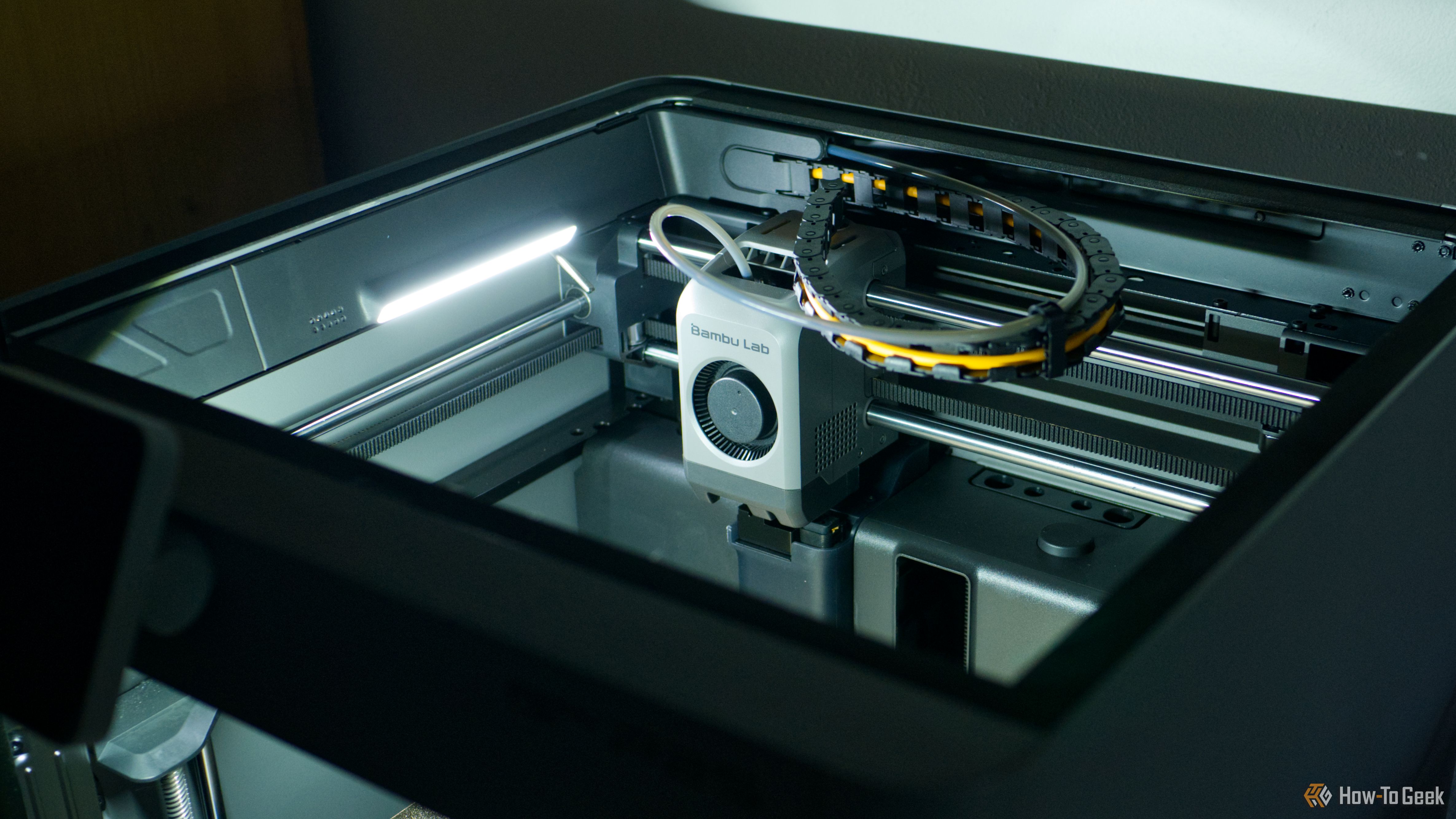
3D printers are a fantastic tool for making basically anything you could want. This weekend, I wanted to make my house a little less annoying. So, I set out to find three things I could fix that would make my everyday life a little better, and it took me under an hour to complete.


Read more of this story at Slashdot.
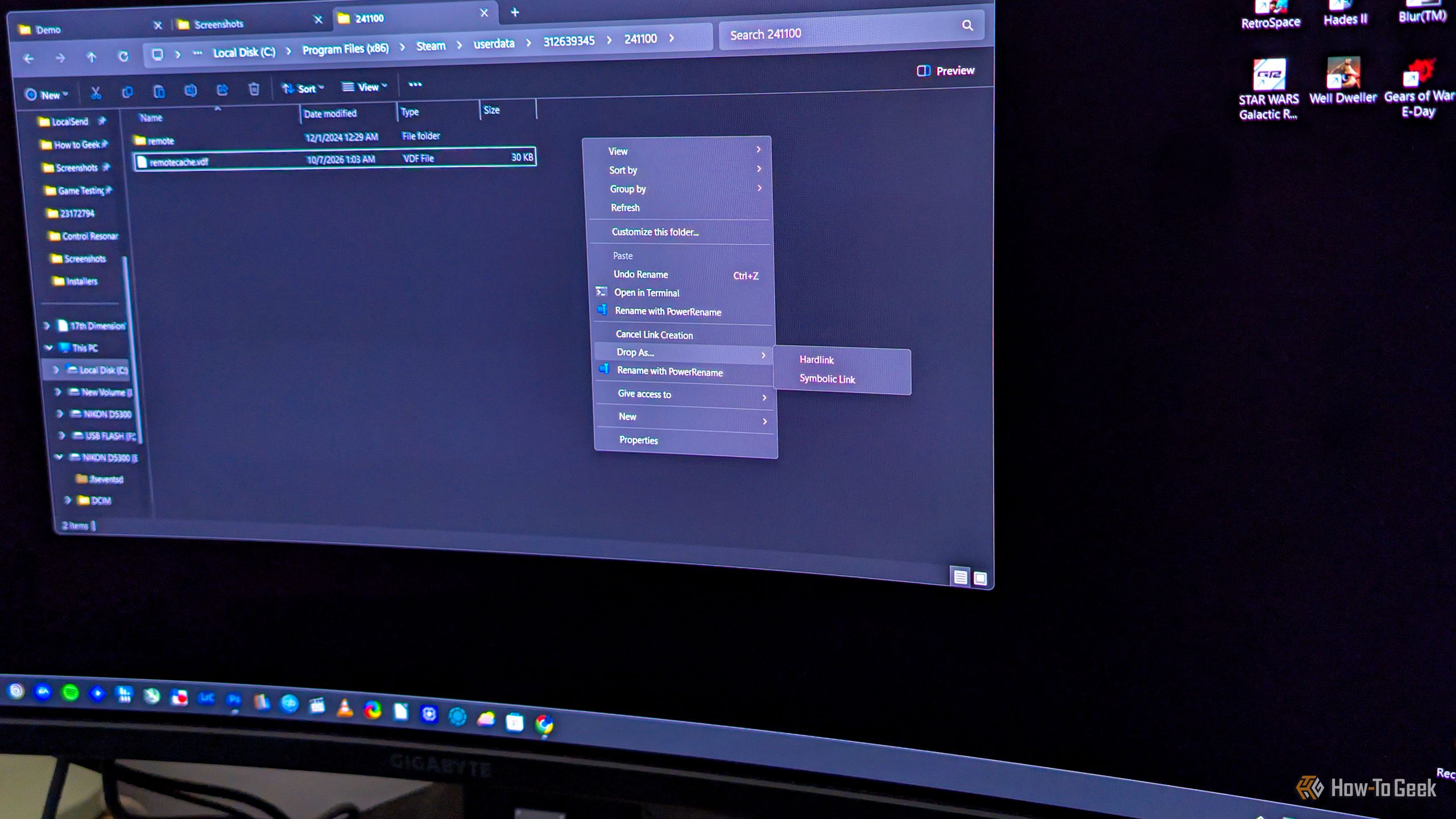
Say you want to copy a file to another folder on your Windows PC, but not for backup purposes. If you just want to have the same file appear in multiple folders, you don’t have to copy it the usual way, where each copy takes up the full amount of storage space. What you can do instead is hard link it, which makes the same file show up in another folder, indistinguishable from the original, with the benefit of this “copy” not using any extra storage.
I'm no stranger to finding weird things for my USB drives to do, such as repurposing them as "rescue drives." But this year, with the RAM shortage spilling over to every area of the PC market, I've found new ways to make good use of just about every piece of tech that I own. From a tiny file server to a retro gaming console, here's what I used my USB flash drives for in 2026.
A custom-built home is all about designing elements that feel perfectly adapted to your space and routine. With a 3D printer, you can retroactively apply this concept to the objects inside your home, to great effect.
Send unlimited files with real-time tracking, custom branding, and GDPR-compliant infrastructure — no fees.
The post Transfr Pro Replaces WeTransfer With a Single $79.99 Payment appeared first on TechRepublic.
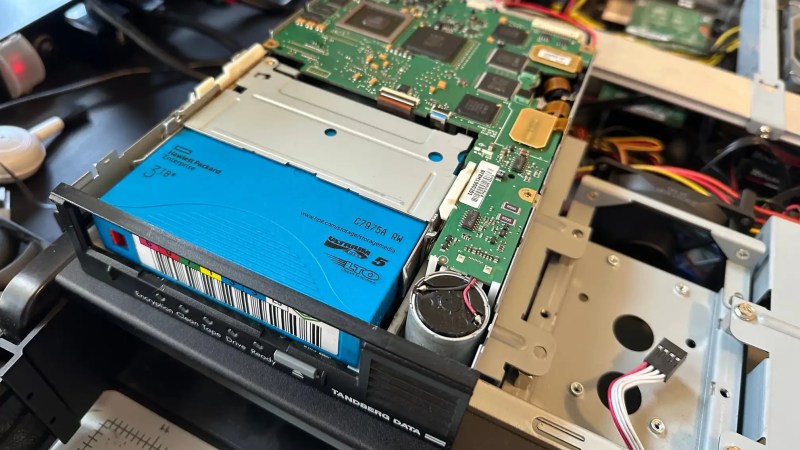
It’s one of the great mysteries of computing, how somehow in the Year Of OLlama 2026, tape remains the god of cheap storage. A while back [Ben Pettis] recounted his experience setting up an LTO-5 tape drive in his homelab, an experience which only becomes more relevant as hard drive prices stay high.
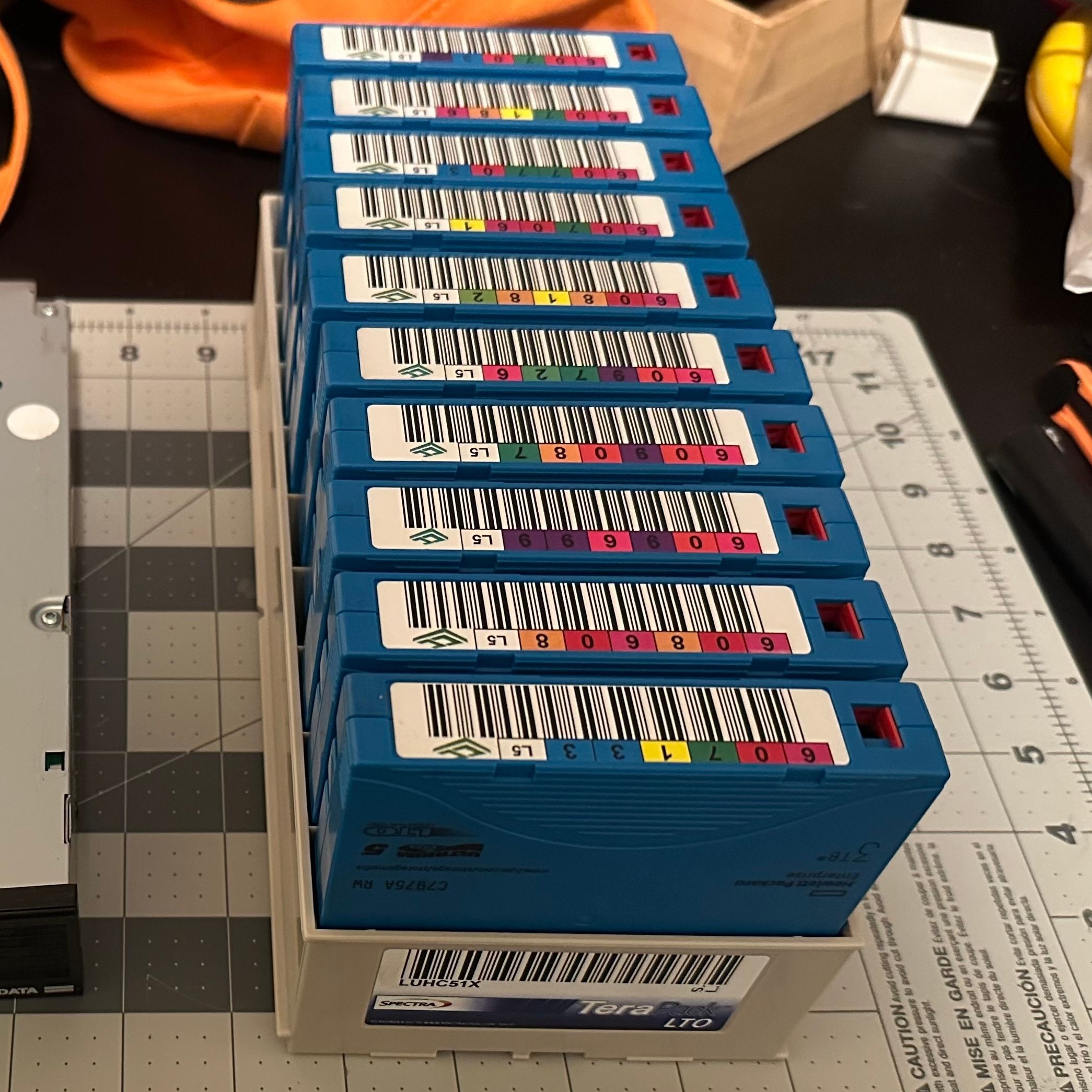
LTO-5 is already well out of date in the professional world, after all– a new server install would be debating the merits of LTO-9 versus LTO-10, but for the homelab it’s a matter of what’s affordable on the used market with decently-sized cartridges. If you can live with 1.5 TB of uncompressed data on a roughly palm-sized Linear Tape, Open cartridge then LTO-5 could be good enough. Yes, the tapes are advertized as 3TB, but that’s assuming a 2:1 compression ratio on the data, which you’re not likely to get on the photos and video that make up much of a data horder’s storage. That’s one thing [Ben] was quick to clear up for us. He also detailed his adventures with the cheaper-to-buy fiber channel model of drive.
Tape drives usually come with an SAS or fiber channel interface– fiber channel being, you guessed it, an optical solution unlike the SCSI-like SAS connection you may be familiar with for block storage devices. With a PCIe adapter it’s not hard to set up, provided you get the cables the right way around! That’s another detail we’re glad [Ben] shared so we can find it again if we have the same problem: with no switch in the circuit, you need a crossover cable to bring TX to RX. Which is obvious in retrospect, but obscure to those of us just learning about the standard.
The advantage, as [Ben] makes clear and everyone has always known is simply price. As of this writing, diskprices.com has 16$/TB as the lowest cost, while [Ben] was able to pick up lightly-used tapes on eBay for only 2$/TB. If you have a lot of data, those savings amortize the drive costs relatively quickly, since a used drive like [Ben]’s can be had for a few hundred bucks.
Is it the ultimate solution for our data storage woes? That depends on your needs, but perhaps not considering we get as many tips on storing data on reel-to-reel as we do on LTO. We even saw a tape-loading robot repurposed to serve bar one time.