Harkβs free AI assistant arrives on Mac to tackle the errands youβve been putting off


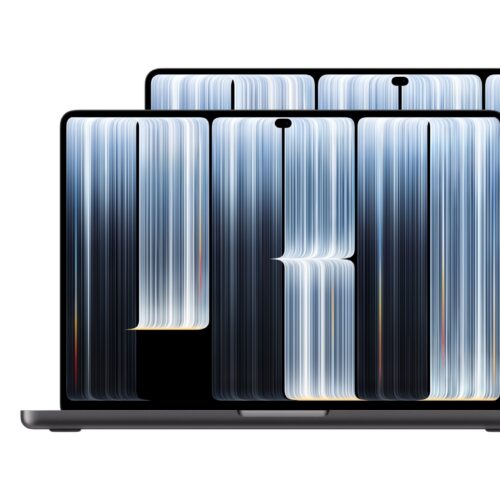
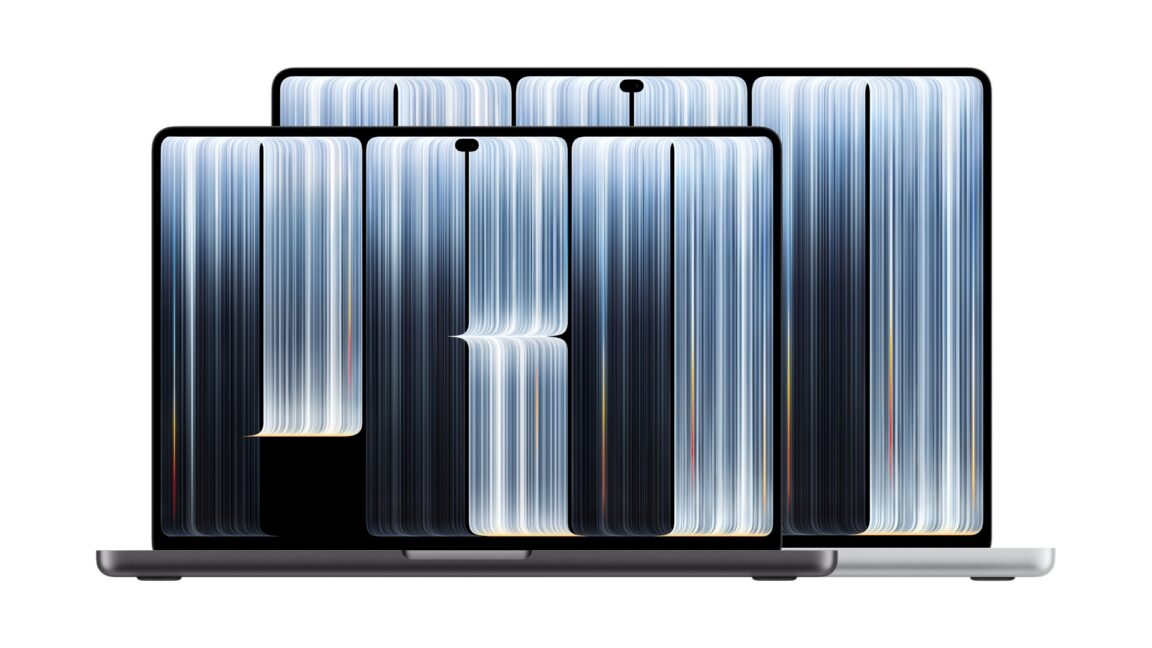
LOS ANGELESβApple today announced and gave a first glimpse of its first major MacBook Pro redesign in more than five years. As rumored, it includes an OLED display and, for the first time on macOS, a touchscreenβa change Apple has long debated. (Former CEO Steve Jobs famously was opposed.)
Apple's demonstration video showed users interacting with applications by reaching up to touch the screen, including file dragging and multi-touch gestures like pinch-to-zoom. It does not appear to be a 2-in-1 convertible design, though; all the footage was of people reaching up to touch the screen in a normal laptop configuration.
The OLED display (which Apple is, of course, calling the PROLED XDR) seems to be the real highlight here, compared to earlier models: It can achieve 2,000 nits in terms of maximum brightness, and Apple says it has a 10,000,000:1 contrast ratio. References were made to burn-in protection, but details on which approach it's taking for that weren't yet shared. The display retains the 120 Hz variable refresh rate of its predecessors.


Β© Apple
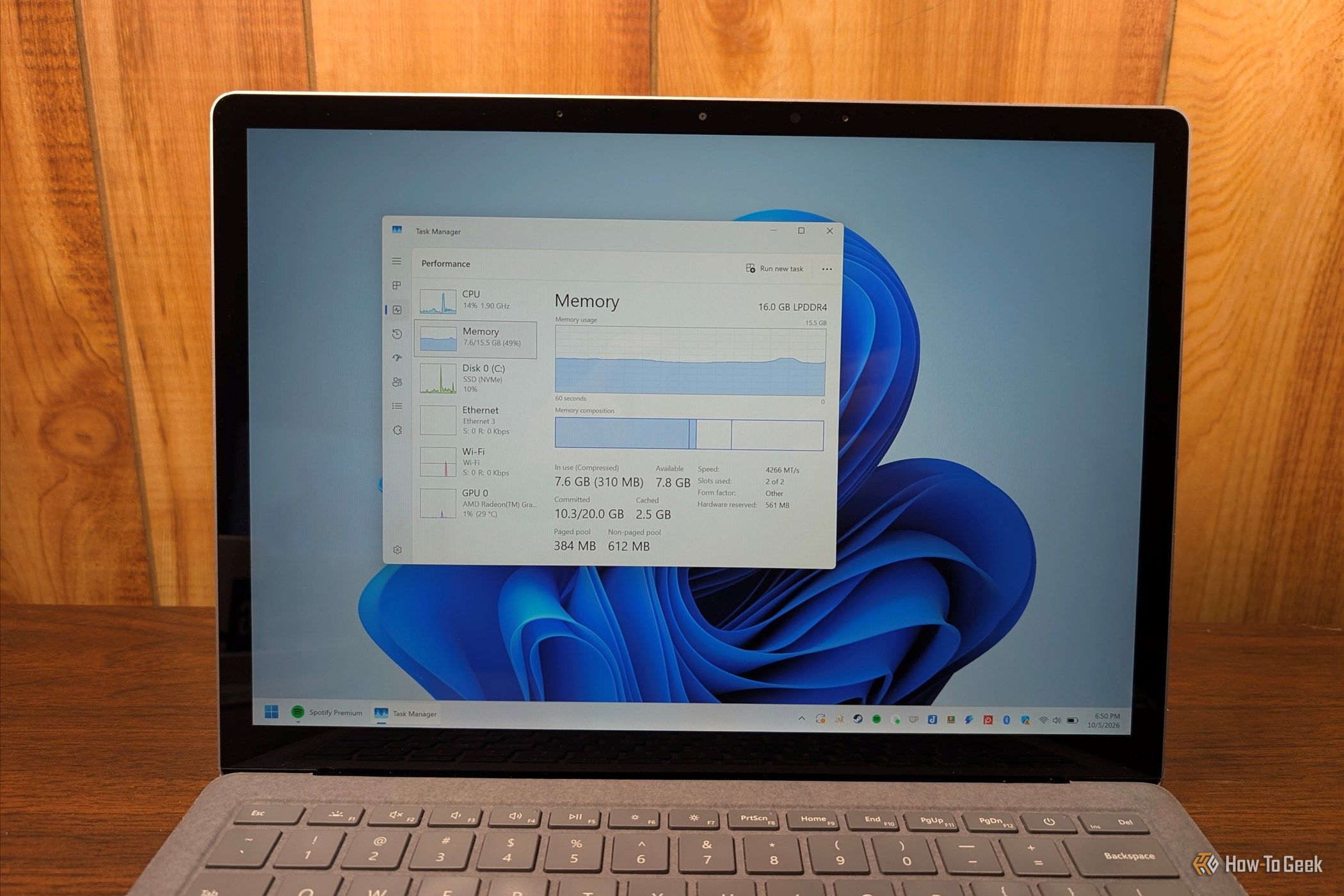
I'm the last person to defend Windows. There's no doubt in my mind that it's a bloated, slow, and unreliable mess of an operating system. The only thing I use Windows for anymore is as a dedicated gaming PC that never has a single mission-critical job.

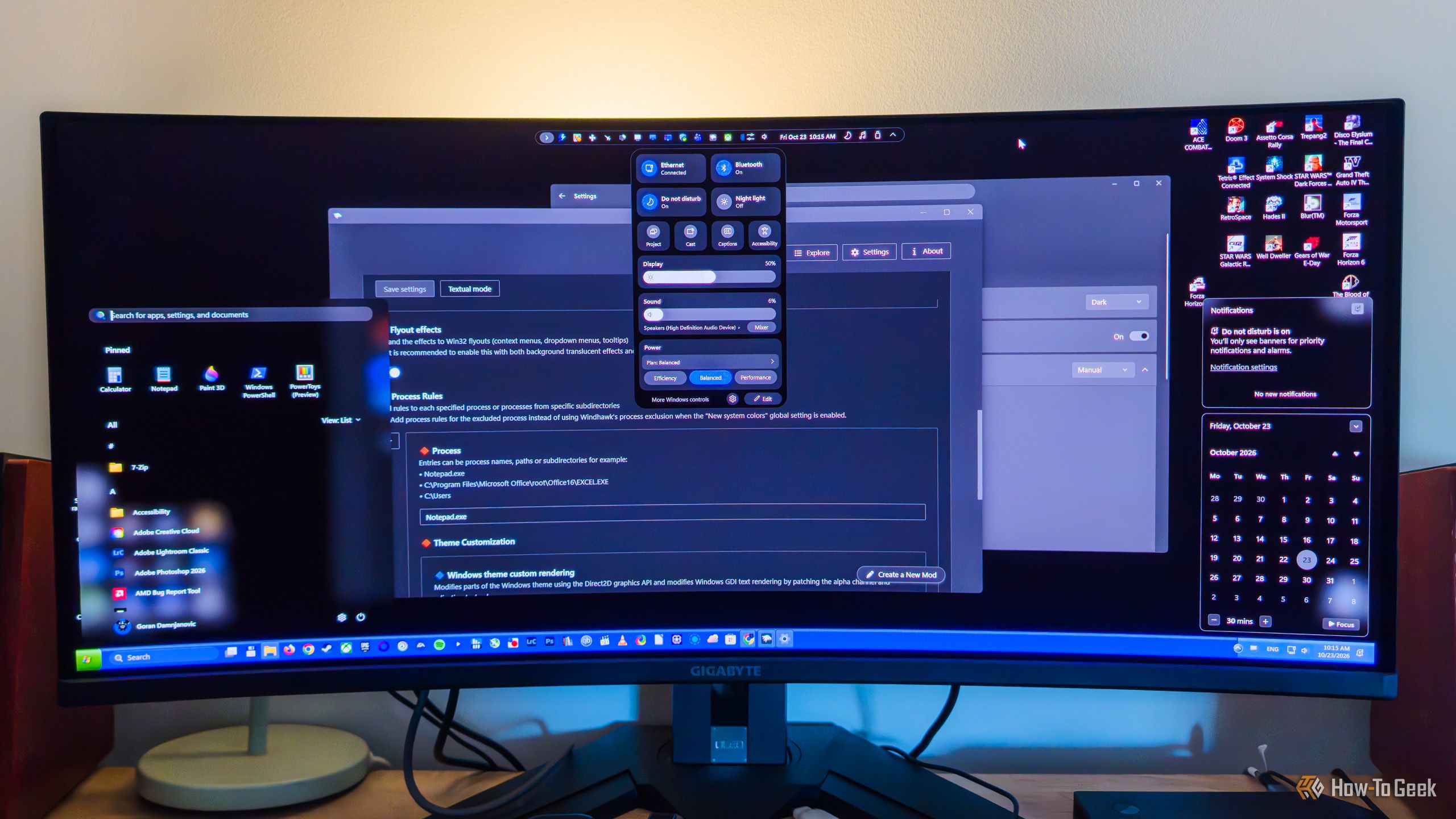
While PowerToys is a fantastic open-source tool made by Microsoft, its Windows modding capabilities are fairly limited. When it comes to built-in Windows modding options, you can do stuff like bring back the Windows 10-style right-click menu (via Registry Editor), toggle transparency effects, use a limited selection of custom themes, finally move the taskbar again, and a few other things, which isnβt that bad considering theyβre all available right from the get-go.

Today, Apple rolled out the 27.2 updates for its operating systems, including iOS, macOS, watchOS, tvOS, visionOS, and so on.
Let's start with iOS 27.2. This update is heavily focused on Siri AI. It adds a memory feature to Siri, so it can "recall your past conversations" and reference them when chatting with you. It also expands what data sources Siri can access when giving responses to include voicemails, Messages attachments, and more.


Β© Apple
Some of the best software in the world is produced entirely by volunteers and released for free. Over the years, Iβve come to rely on many of these tools to stay productive and in control of my Mac.

One of the major Chrome alternatives is close to going away. The Browser Company has confirmed that the Arc browser will shut down on December 22, 2026 as its successor Dia nears.


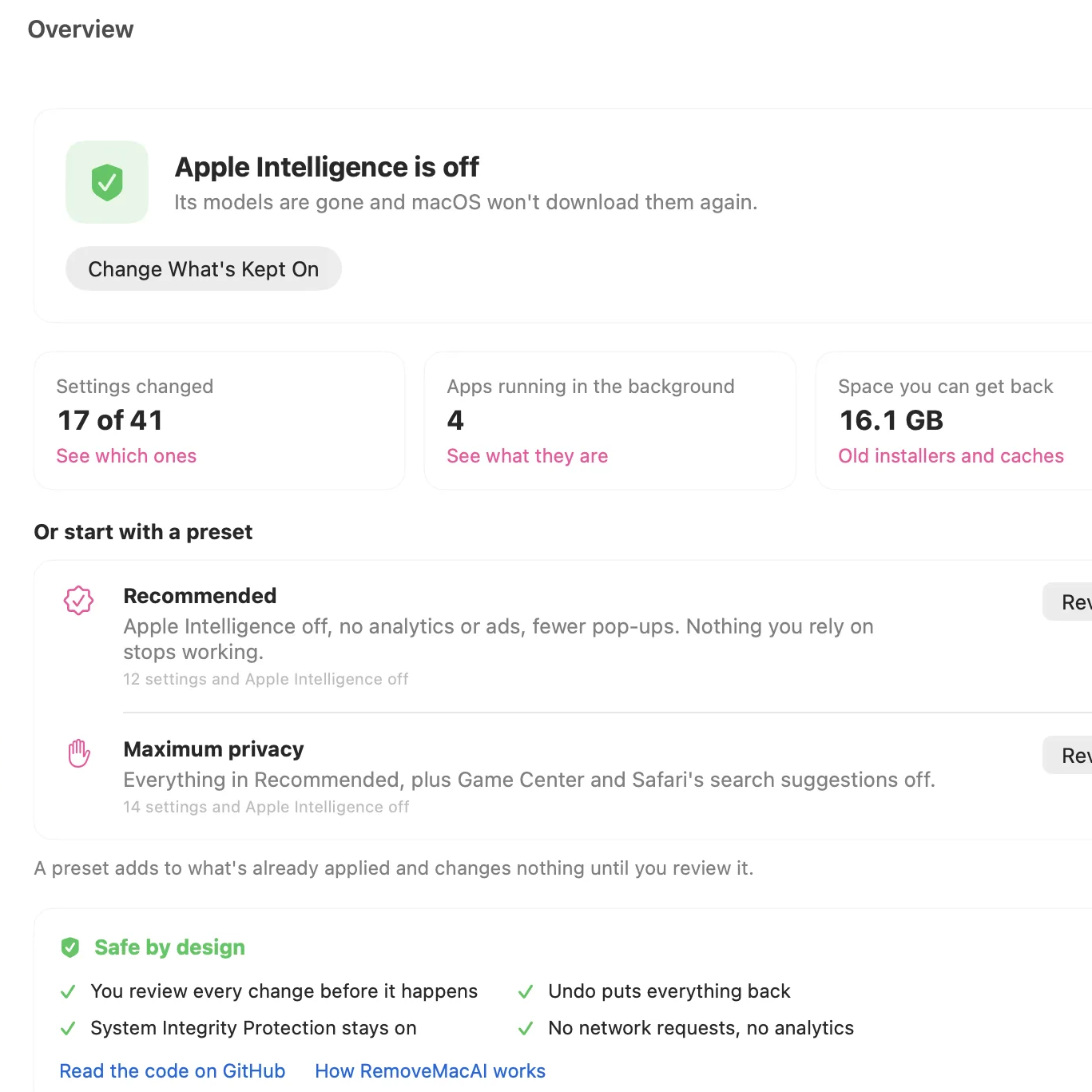
Donβt want AI features on your Mac? Tough luck, unless one wants to imperfectly do it by hunting down settings in about a dozen different places. Even then, the multi-gigabyte models stay on disk. Unsatisfied by this state of affairs, [omlahore] created RemoveMacAI, a one-stop-shop debloater that shows Apple Intelligence the door, reclaiming its disk space on the way out.
With RemoveMacAI one has a single location from which to turn individual AI features off, delete the models behind them, and block MacOS from downloading them again by redirecting attempts to a closed local port.
Whatβs refreshingly nice about the tool is how transparent it is about what each setting or preset will change, and communicates clearly what exactly one loses access to by disabling it. Want it all gone? Easy. Use one or two features, but donβt want the rest? No problem. All changes are shown up-front before the tool changes anything, and all alterations are reversible.
Released only a couple weeks ago, to say the tool is popular would be an understatement. Windows 11 also got a βremove AI featuresβ tool, and it requires constant updating to stay functional. Will a future MacOS update interfere similarly with RemoveMacAI? Probably, but one thing that is clear is that a tool like this resonates deeply with a nontrivial number of users.

Epic Gamesβ redesigned launcher enters preview on Windows, Mac and Linux. Explore speed claims, compatibility limits and what to check before installing.
The post Epic Games Releases Redesigned Launcher for Windows, Mac and Linux appeared first on TechRepublic.