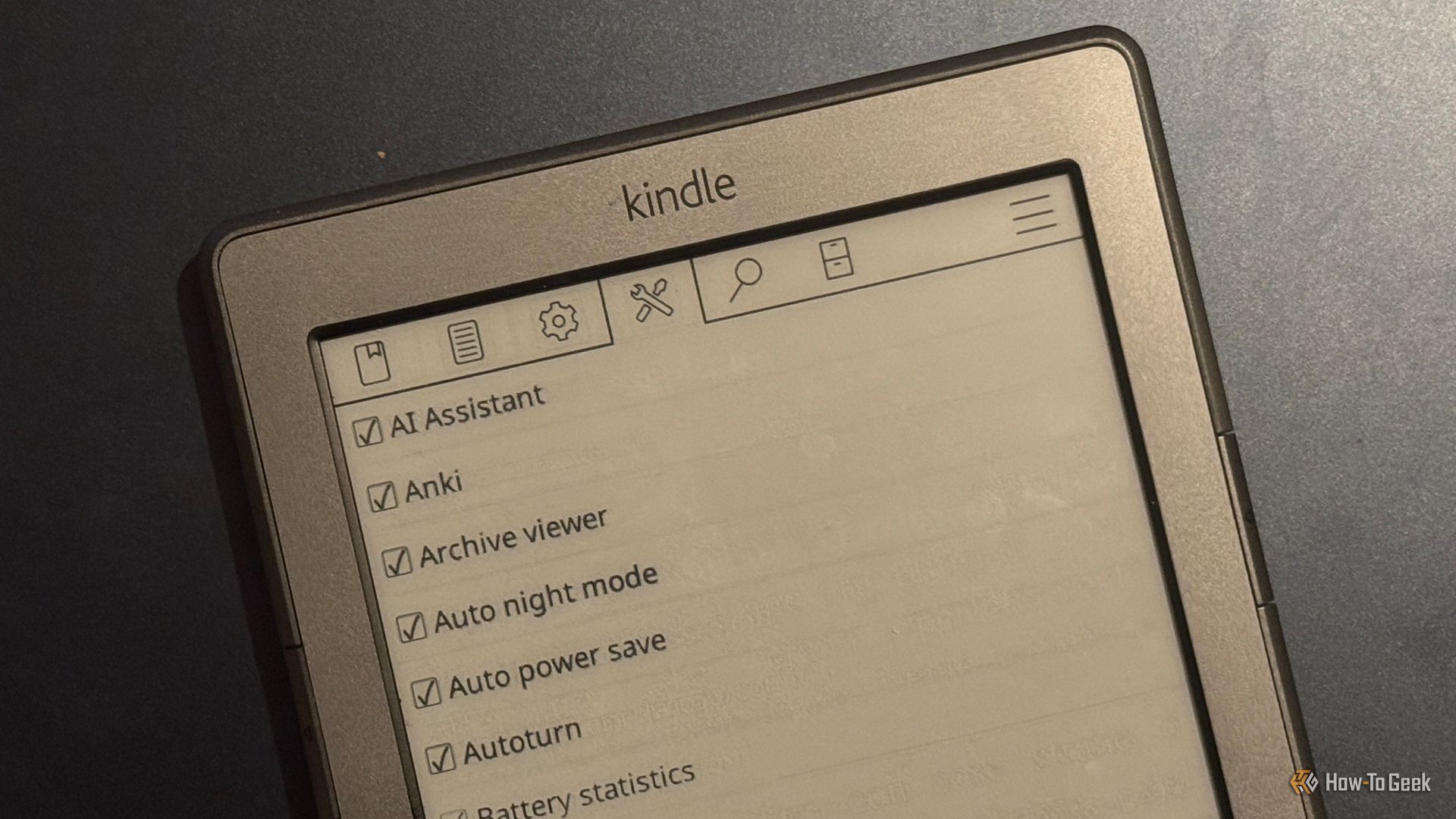
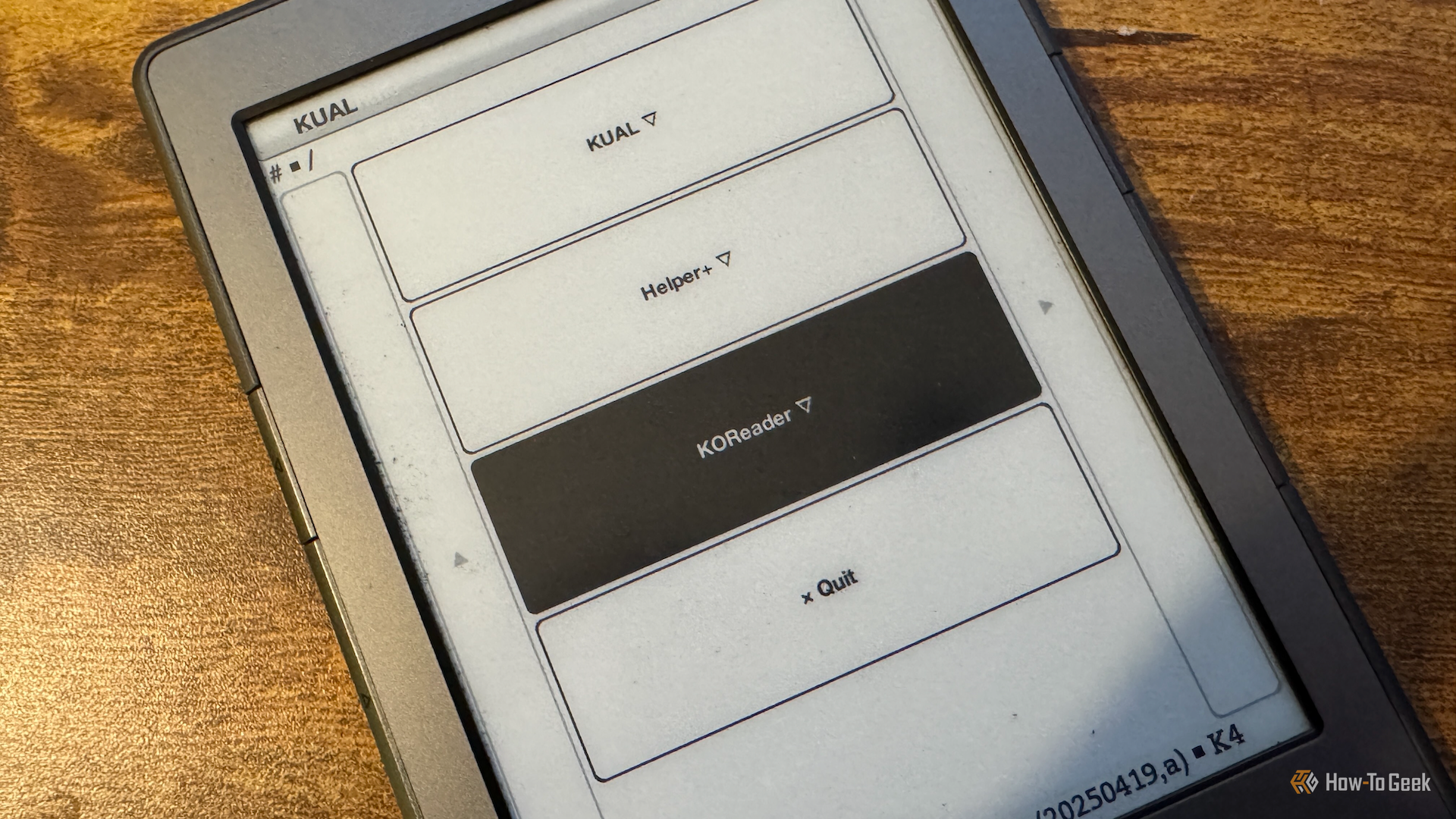
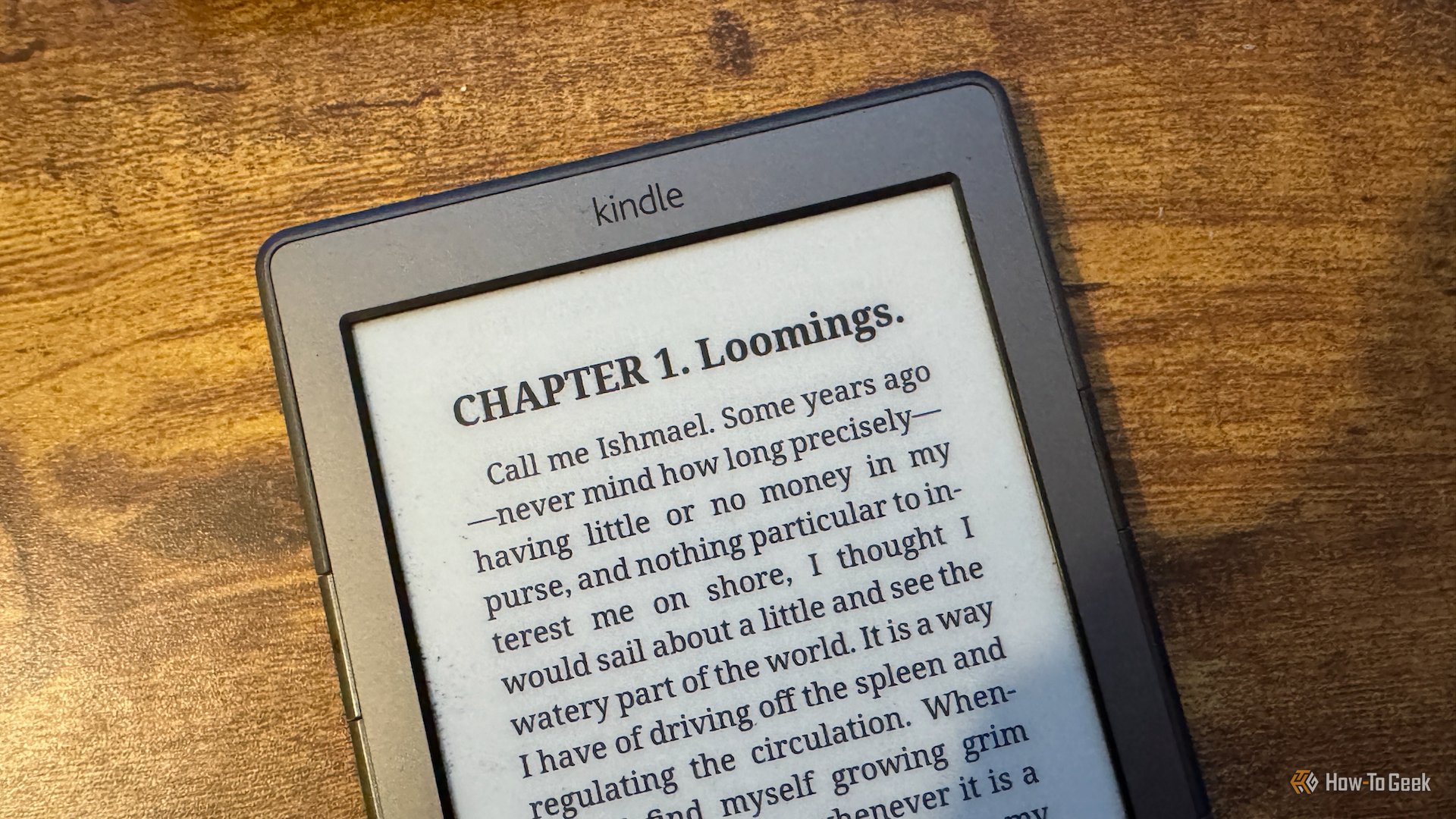
Since jailbreaking my Kindle, I’ve had a lot of fun exploring what I can do with it. At the heart of everything is KOReader, the document viewer app that you can use instead of the stock Kindle reading software. There's a lot to discover in KOReader, including some very useful plugins.
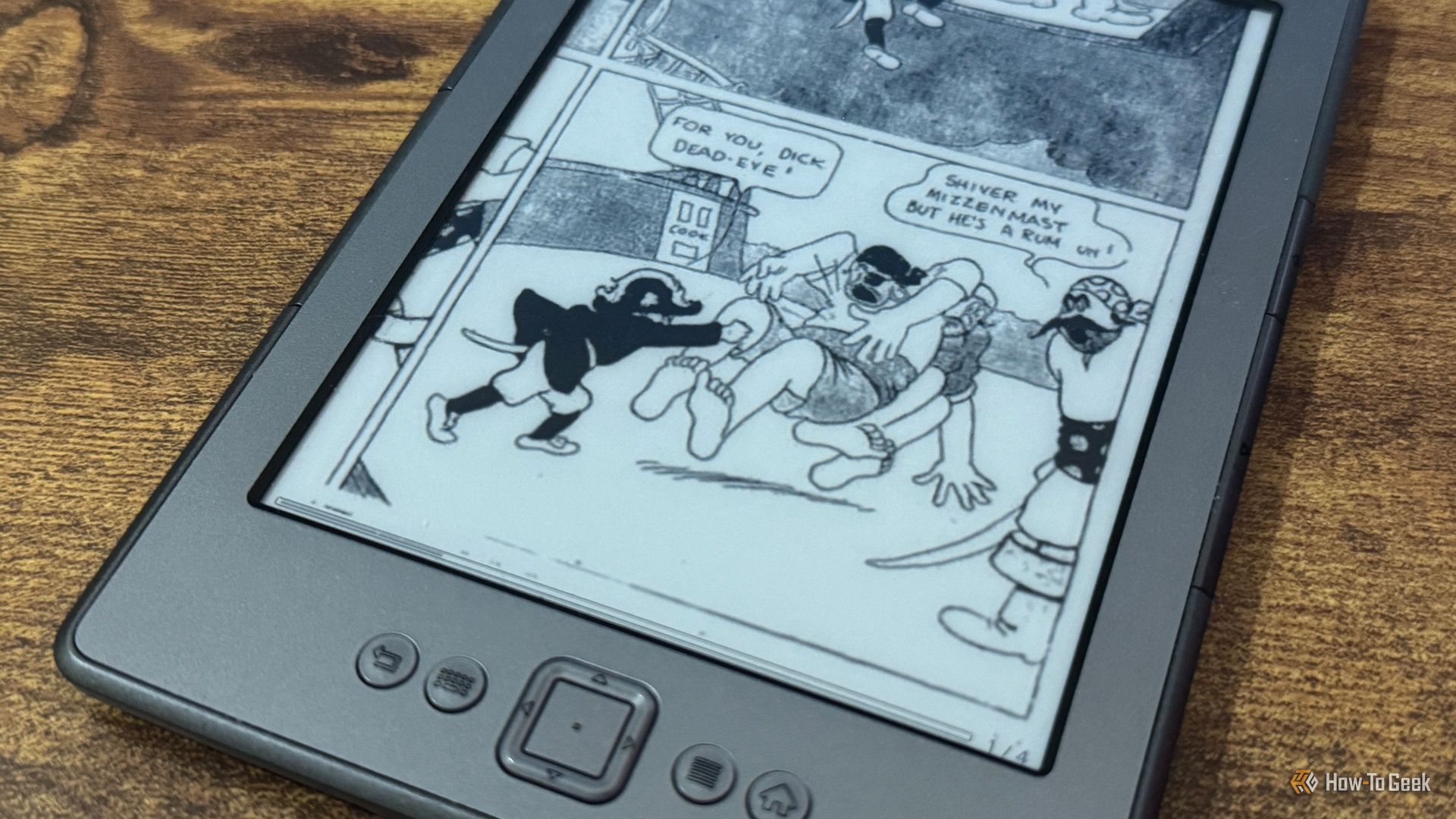
I held off jailbreaking my Kindle for a long time, as I was afraid of bricking a device I was still using. When Amazon dropped support for my Kindle 4, there was no longer anything holding me back, so I performed the jailbreak and installed KOReader. Now I wish I'd done it sooner; KOReader's PDF support is so much better.
I love my Kindle. I've used it for 15 years, and it's served me well throughout that entire time. The problem isn't the hardware; it's the ecosystem that goes with it. That's why I won't ever buy another Kindle; I don't trust Amazon to give it the long life it deserves.
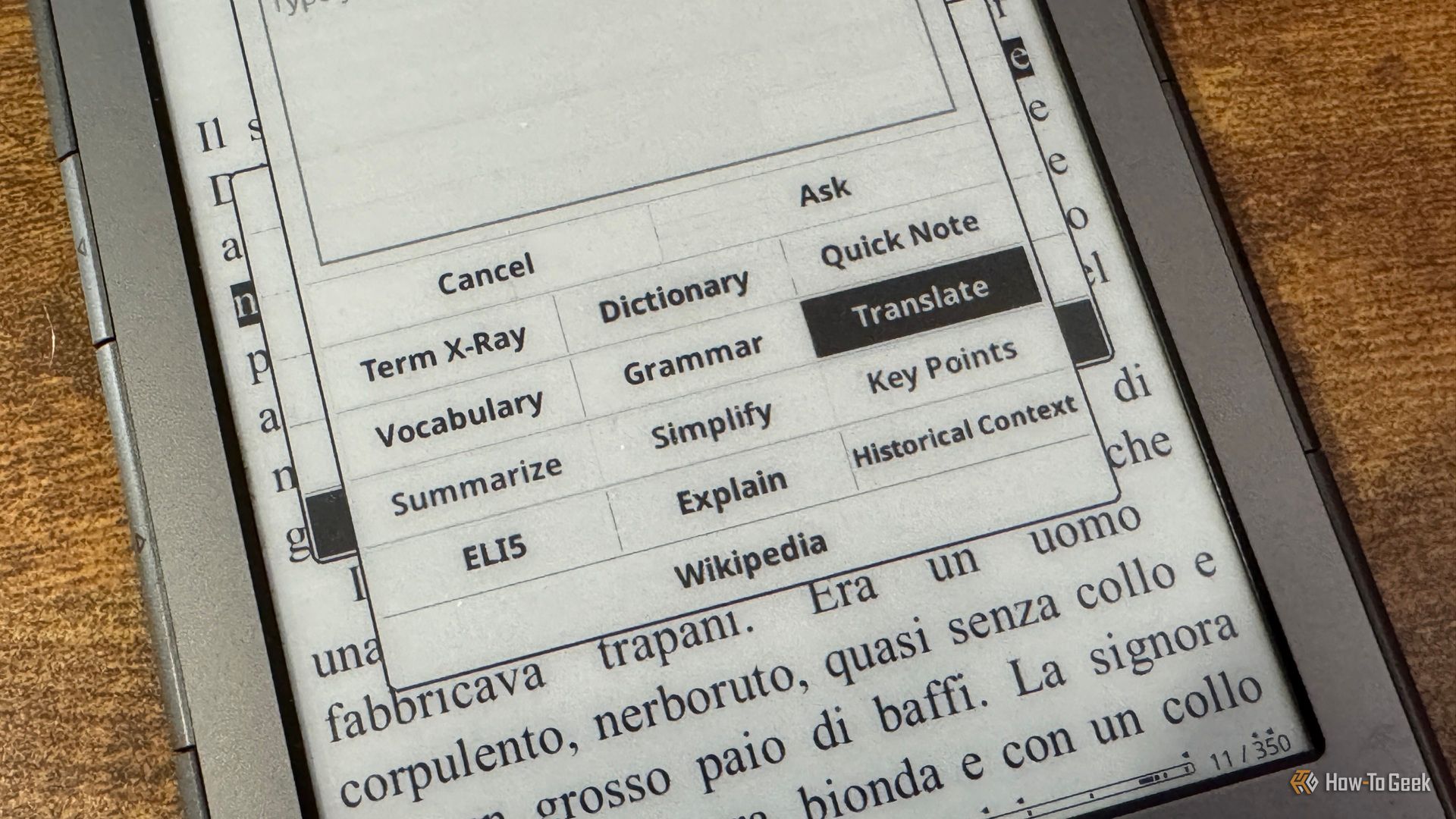
Since I've jailbroken my ancient Kindle 4, I've been amazed by what I've been able to do with it. I've turned it into an E-Ink smart home dashboard, used it as a Pocket replacement, and even made it into a slow-refresh secondary monitor. I'd seen that you could add an LLM to KOReader, but I wondered if this was taking things too far.
Tablets are great. You can use them for anything from browsing the web to watching your favorite shows. They're incredibly versatile, but that versatility can come at a cost. There are plenty of things that a jailbroken Kindle can do better.
If you have even the slightest interest in open hardware e-readers, you’ve certainly heard of [Joey Castillo]’s Open Book project. We’ve covered his efforts to develop an affordable reader that delivers a Kindle-like experience without the Orwellian megacorp trappings for several years now, and watched with great interest as the core hardware has evolved.
So we were particularly excited over the weekend to see the Open Book Touch finally hit Crowd Supply, and judging by the fact that the campaign for the $149 device has already blown past 60% of its funding goal in just a few days, it seems like we weren’t the only ones.
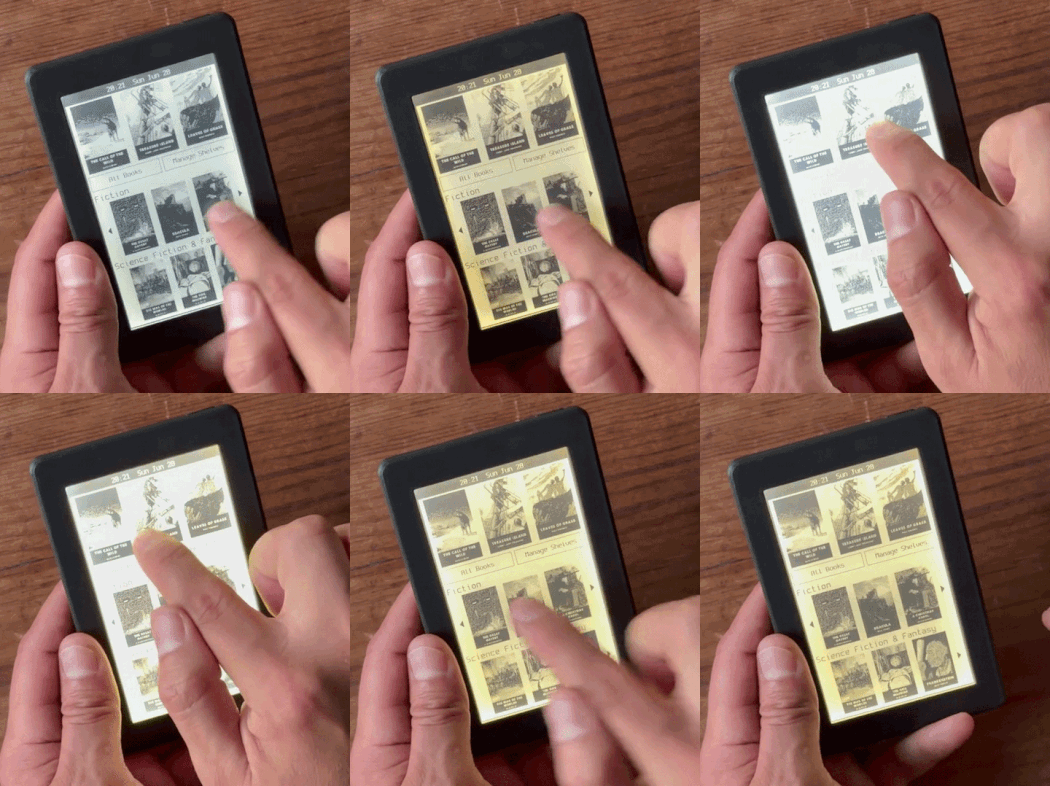
As the name implies, this latest iteration of the e-reader does away with physical navigation buttons and introduces an intuitive touch-based interface. Those who like to enjoy their open source hardware under the covers will be glad to hear that not only does this new version of the Open Book finally include an illuminated display, but it even allows you to adjust the color temperature and brightness of the LEDs with the swipe of a finger.
While the hardware improvements over the previous Open Book are impressive, the software has really come a long way as well. The user interface lets you organize your books on virtual shelves and browse through their covers, providing the sort of slick experience that you’d expect from a modern e-reader. You can also look up the definitions of words, or dog-ear favorite pages so you can return to them later.
But what you won’t get is locked down with DRM — the Open Book Touch uses standard EPUB and TXT files loaded from a micro SD card, and thanks to the WiFi-enabled ESP32 at its heart, it offers up a web interface that lets you manage your collection over the network.
It’s been nearly a decade since the Open Book first graced our pages, and though we’re not in the habit of picking favorites here at Hackaday, this is one project where the stakes are so high that we can’t help but feel invested. Reading shouldn’t require a subscription fee, or depend on a proprietary piece of hardware that can get ejected from its own ecosystem once its maker decides you need a new one. Obviously the Open Book Touch won’t even make a dent in the market share that Amazon’s Kindle enjoys, at least there will be an option available for those who wish to keep reading on their own terms.
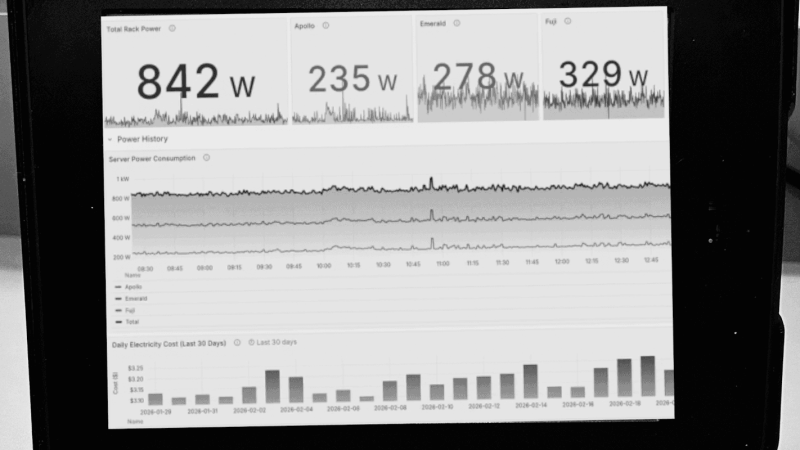
People have been attempting to turn Kindles into more than e-readers since the first devices came out nearly two decades ago. The e-ink displays are low-power and great for displaying information that doesn’t refresh too often, and with Amazon continuing their trend of bricking their older devices there will be more of these devices available. [Hemant] built a weather dashboard with one of his, but since then had requests for other types of e-reader dashboards and has a guide for making more general-purpose use of an old Kindle.
The first approaches outlined here involve the installation of a dashboard client on the Kindle and pointing it at a server that hosts a PNG image of whatever information needs to be displayed. The client simply displays that image and refreshes it at predetermined intervals. There are a number of options for creating that server as well, including using Home Assistant for those who already have a home automation system deployed. The benefit of using Home Assistant is that it’s much more straightforward to gather data for the dashboards from sensors and other peripherals that are already installed.
Installing a client like this might seem straightforward, and it can be, provided that the Kindle involved is jailbroken or capable of being jailbroken. An Amazon update recently broke many modern devices’ ability to execute the jailbreak, so not every Kindle can do this anymore. But [Hemant] goes into detail about this and also outlines some methods for using generic e-ink displays instead, and also dives into the hardware and software behind building a server to host the dashboard images for those without Home Assistant already running. It’s a great overview for those who have always wanted something like this but never knew where to start.

 Login
Login