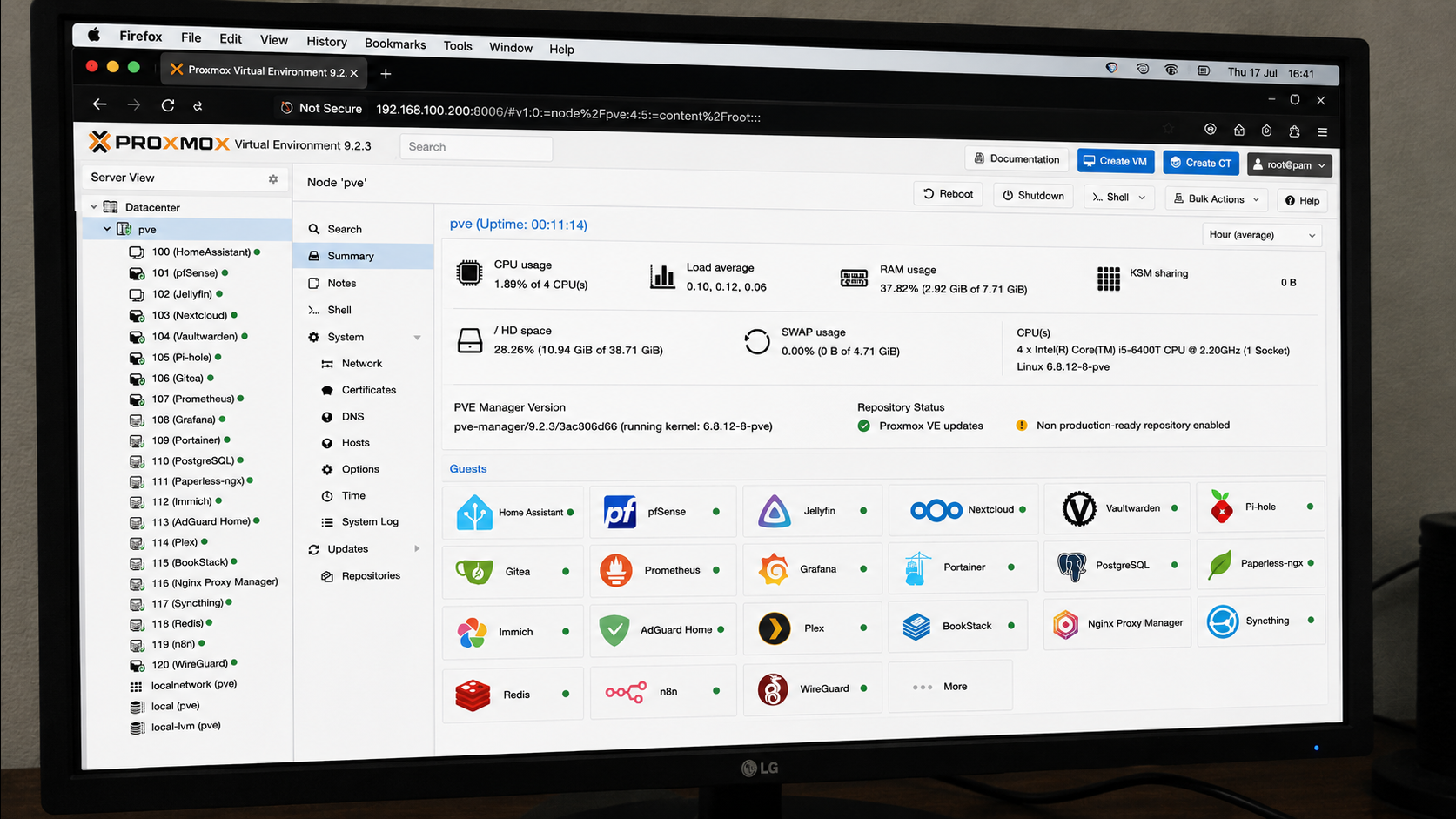
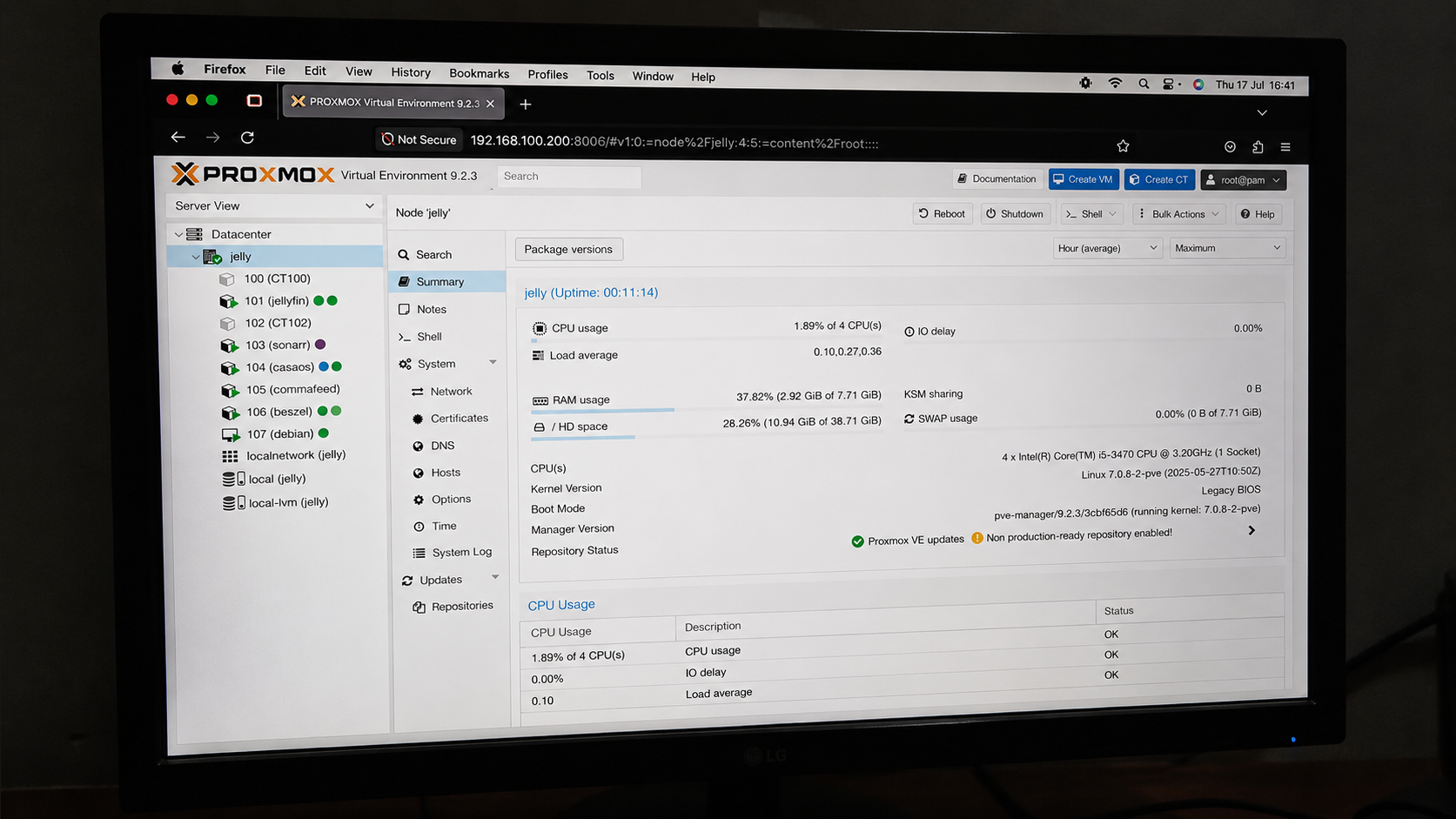
Self-hosting has become easier than ever. Docker Compose, one-click installers, and container-focused operating systems make it possible to deploy dozens of applications in minutes. For many people, that is enough. However, some self-hosted applications benefit from capabilities that containers cannot provide on their own. Features such as snapshots, GPU passthrough, advanced networking, PCI device assignment, kernel customization, and filesystem flexibility often make a virtual machine the better choice. This is where Proxmox stands out.
Anyone building a homelab today has more choices than ever. A few years ago, Unraid was often the first recommendation for anyone who wanted to store files and run Plex. It made home servers approachable, especially for users who did not want to learn enterprise virtualization.
I got into self-hosting earlier this year after building my first NAS, and what started as a fun little hobby quickly turned into an addiction. The more apps I added to my Docker stack, the more value I got from the relatively small amount of money I spent putting everything together.
Are you ready for another batch of fun (and useful) homelab projects to try out this weekend? From building your own speed test server to some media server maintenance, here are three projects for you to finish before Monday rolls around.
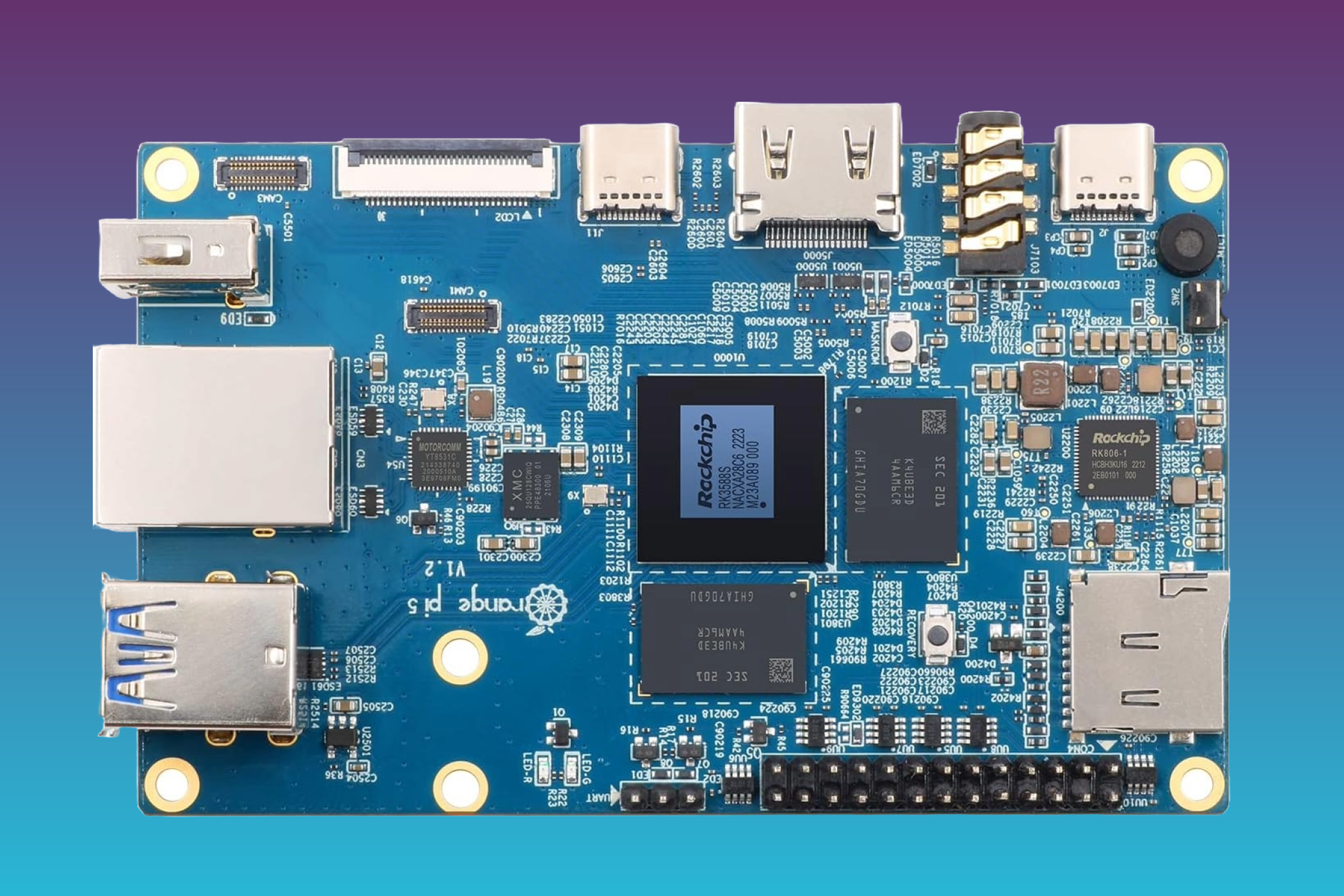
When it comes to single-board computers, you have other flavors of Pi to choose from than just Raspberry these days. The Orange PI series of competing products might lack the vast community support and software library of the Raspberry Pi, but when it comes to one specific use case, the choice is much less clear.
For over a decade, Plex was the undisputed choice for anyone looking to self-host a media server. Unlike its alternatives, Plex was polished, feature-rich, and years ahead of the competition.
If you’re building a homelab rig, you could just use off-the-shelf hardware in standard cases and slap it all in a rack like the normies do. Or, you could follow the example of [Justin Garrison] and build a more oddball setup.
This particular homelab is, at its heart, built from familiar components. There are two Raspberry Pi 5s, two Raspberry Pi 4s, a GMKtec NucBox M6 Mini with an ASUS GeForce RT 2060 GPU, a LattePanda IOTA, an NVidia DGX Spark, and an HP Z4 G4 mini PC. These machines are all laced together with a TP-Link LS108GB PoE switch. [Justin] has the mini PC running the control plane components, with the rig as a whole running Talos and Kubernetes workloads. What makes this build particularly appealing, though, is the aesthetics of the rig. [Justin] documents how he hacked this hardware to fit into a bunch of old Linksys router cases, which provides a pleasant early 2000s look to the build. This included a bit of hackery to get status LEDs flickering as they should be. [Justin] also took the time to make the power buttons accessible.
If you want to stunt on your friends with a rad homelab, you either have to go for maximum power, or maximum style. This build would be the latter. Video after the break.

 Login
Login