❌

Reading view

There are new articles available, click to refresh the page.

BASICally, Its Retro Machine Language

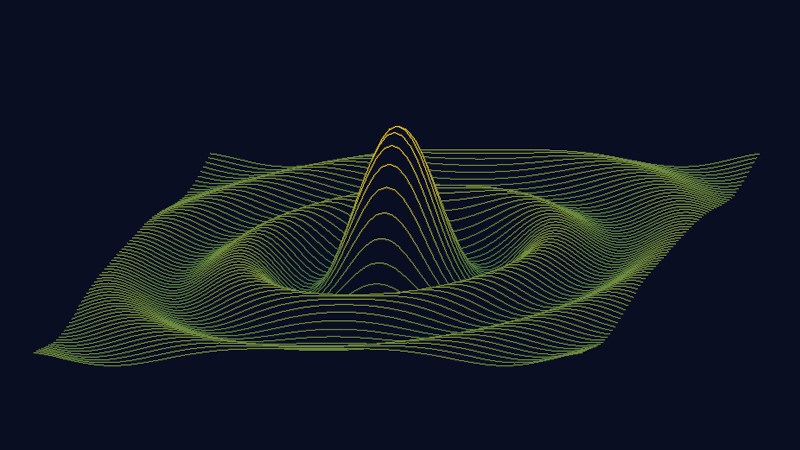
We enjoyed [Beej’s] trip down memory lane looking at a BASIC game, The Wizard’s Castle, written for the Exidy Sorcerer. It appeared in a 1980 magazine that included the title graphic above. It reminded us how, back in those days, we did things with BASIC that you shouldn’t be able to do and it often looks, today, rather cryptic.

In particular, even if you know modern BASIC, these few lines might give you a pause:

10 REM"_(C2SLFF4
40 POKE 260,218: POKE 261,1: T = USR(0): T = PEEK(-2049)
80 Q = RND(-(2*T+1))

Line 10 is a comment, but a strange one. Certainly that doesn’t matter, right? Actually, it is a key part of the action. On line 40, you can see some pokes to write directly to memory and a peek to read some memory value back. The USR function calls some machine language program. You may realize the whole thing is to get some value T to seed the random number generator in line 80.

This leads to a few obvious questions. First, how does USR know what to call? Second, where is the machine language program? The details varied by system, of course, but in this case, the program knows that location 259 has a jump instruction that USR called. So poking an address into 260 and 261 was telling USR where it should go.

But what’s at that address? Keep in mind that an old computer like the Sorcerer didn’t have megabytes of memory being swapped about by an operating system. That means that things tended to be in known places and that BASIC had to be judicious about storing source code.

As was common at the time, a line like β€œ10 PRINT 1+1” would get tokenized. In this case, each line would get a pointer to the next line, a two-byte line number, a single-byte token for β€œPRINT” and then more bytes to represent the rest of the line. In the case of text in a string or a remark, the bytes were just the text with a zero to terminate the string.

The first line entered would always be at address 469. So? If you consider the format of the REM statement, there will be a pointer at 469 and 470, the line number at 471 and 472, and the REM token at 473. That means the other bytes just get poured into address 474 and beyond.

That might seem like an odd number until you look at the pokes in line 40. Keep in mind that POKE works on bytes, not words. So poking 1 into 261 gives you an address of 256 + whatever is in the low byte, in this case 218. Add 256 and 218, and you get… 474! So USR is going to call that odd string in line 10!

There is more to the detective story, but if you want to know exactly what the REM did, you can read the original post.

QT6 brings BASIC to the Web Browser, or Your Computer

In the old days, you either swore by BASIC or you swore at it β€” but just about everybody got their start on the educational language. Nowadays, the kids are learning Python, but there’s a case to be made for BASIC β€” either for education, or just for nostalgic fun. BASIC-256 fills that niche, and now that it’s being ported to the oh-so-portable QT6 by [UglyMike], there’s even a webAssembly version that will let you run BASIC in your browser.

This version of BASIC is based on KidBASIC, which was aimed at the educational market. It’s got some handy-dandy graphics routines, 64-bit variables, and other quality-of-life features you can find in the docs. The new port is multi-platform, though the MacOS version has only been compiled for Apple Silicon β€” less of an issue than it used to be β€” and the web version naturally can’t get access to hardware for, e.g., serial ports, so it is somewhat more limited than a full install. There’s a second ARM build for Raspberry Pi along with the ubiquitous x86, but the project is open source, so if you really want to run this on an UltraSPARC system, you are welcome to compile it there. That said, this is a beta version, and the dev is actively looking for problems β€” so give it a go and let them know.

This isn’t the only open source BASIC out there β€” even Microsoft released their source code, at least for the 6502.

Thanks to [UglyMike] for the tip!

Write 2D and 3D Games in Modern MoonBASIC

One of the major strengths of the BASIC programming languages has always been their no-fuss setup and rich set of commands for operations that would take considerably more work in a bare-bones language like C. MoonBASIC continues this legacy with a BASIC variant optimized for both 2D and 3D game development.

Included in the package are Raylib, Box2D, and Jolt, whose functionality is exposed via over 4,200 commands in their respective namespaces. You can also download a whole IDE package based around VS Code, use it on the command line, or add it to an existing VS Code installation.

A quick glance at the β€˜getting startedβ€˜ guide gives a pretty good idea of what to expect of MoonBASIC, including a range of custom language additions and support for PBR materials, dynamic lighting, and other modern game engine features.

Whether writing a game in BASIC was on your bingo card for this year or not, it might be worth taking a look to see whether it’s your jam. After all, if BASIC was good enough for both AI and game development in the 1980s, surely it can be used for complex games in 2026.

❌