Earlier this month, Samsung unveiled its first clip-on earbuds called the Galaxy Buds On. Initially, it announced pricing and availability details only for Korea, but now the brand has revealed them for the US market as well. As per Samsung, the Galaxy Buds On will cost $229 and will be available to buy in early […]
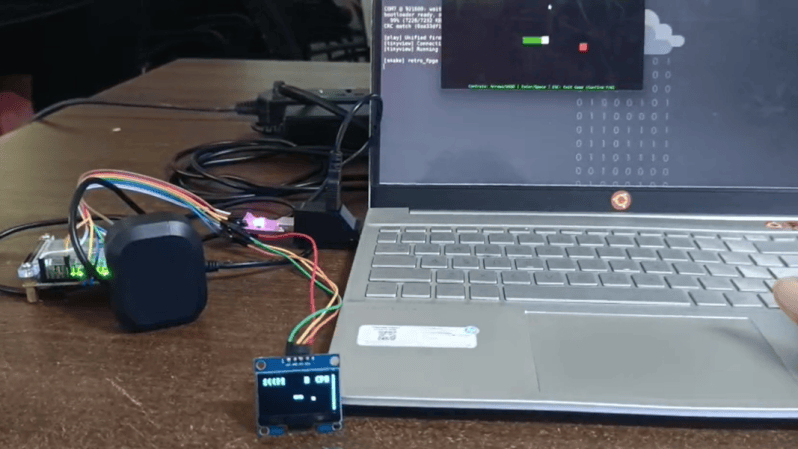
Although once little more than an academic endeavor, the RISC-V architecture is slowly supplanting applications that would have normally gone to ARM. Even a few microcontrollers have chips running this open-source instruction set now, and we expect it to grow in the future since it doesn’t require the licensing of an ARM or x86 chip. [M_Jagadeesh97] is getting ahead of the curve with this retro gaming system built on a custom-designed RISC-V system.
Most of us, presumably including [M_Jagadeesh97], don’t have access to chip fabrication tools, but what we can get is any of various FPGAs. This RISC-V CPU is built on a Terasic DE0-Nano board with 32 MB of RAM available to it, and boots to a launcher with 32 games available. There are a few limitations with this low-power system which was largely solved by limiting the display to 64×32, which lets it maintain the same aspect ratio as the original DOOM as well as the same aspect ratio for many of the older games, while still maintaining 45 FPS.
The project writeup goes deep into the design of a system like this, from the bare metal, the CPU design, the timing of the video signals, and how to implement a Wolfenstein-like raycaster. After adding a small display it looks to be fairly portable as well and is an excellent demonstration of how powerful inexpensive boards like this FPGA can be with the proper amount of effort.
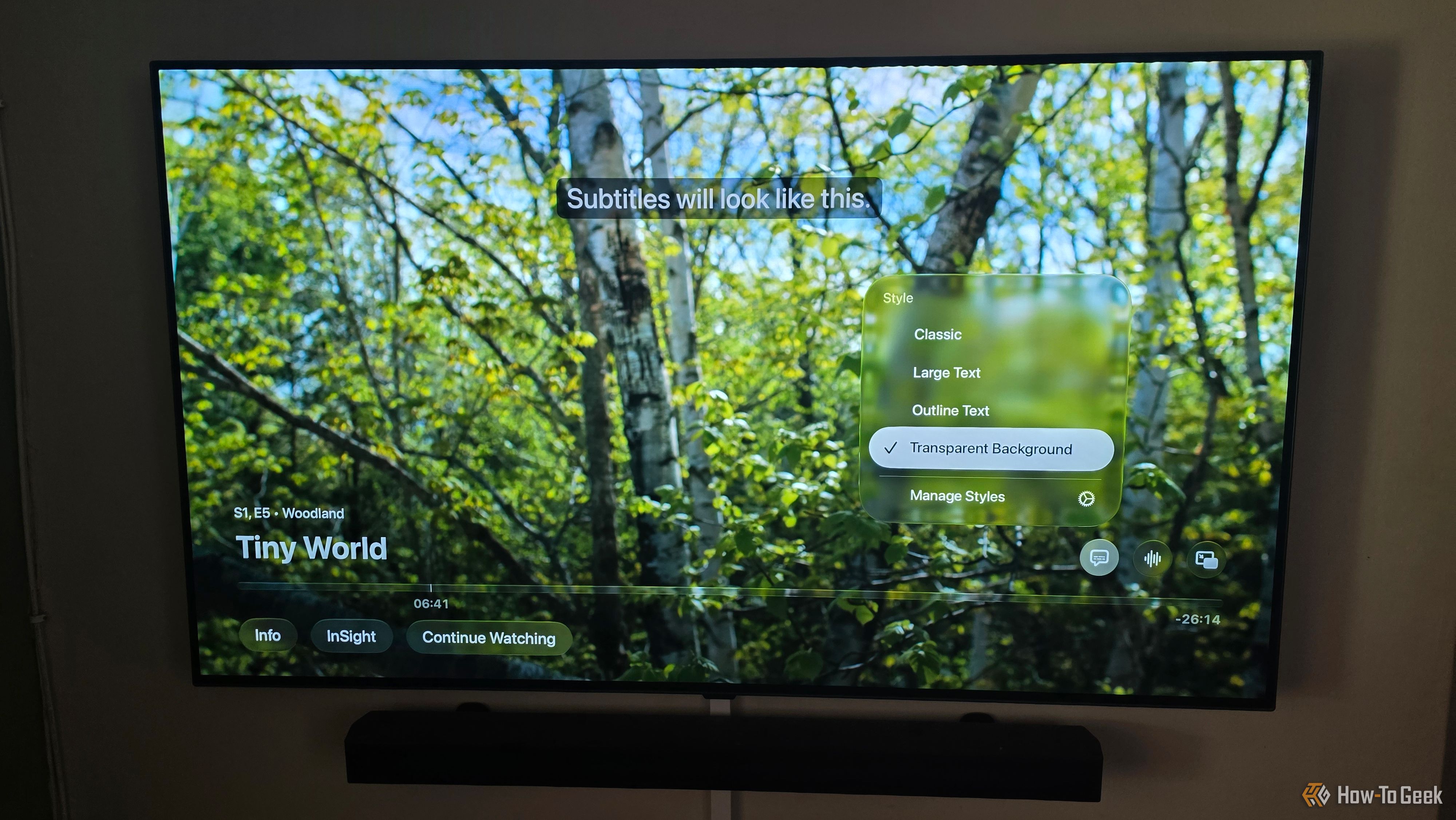
If you're like me, you like to have subtitles on when you're watching movies and shows. One reason is because I watch quite a lot of foreign-language content, like anime, and the other is that no one can hear anything the actors are saying anymore, thanks to modern audio mixing.
The PHP scare may have faded from your feed, but the cleanup is far from over. Last week, two critical bugs in the open source language behind roughly 70% of websites left organizations scrambling to fix their systems, with some taking sites offline until the vulnerabilities could be patched. According to researchers who found the […]
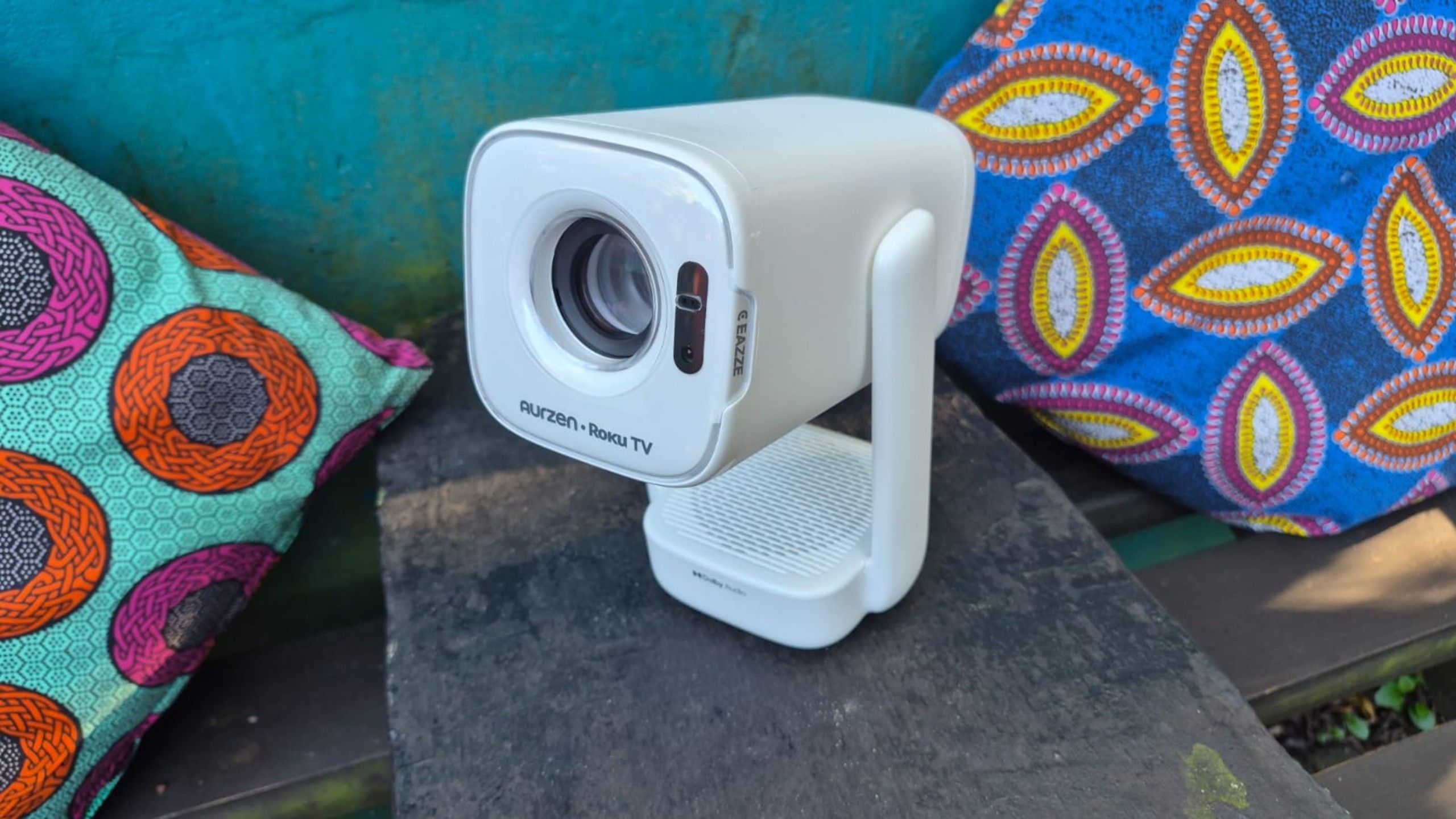
Portable projectors are popular because you can take them camping or for movie nights under the stars. The Aurzen D1R stands out from its rivals with built-in Roku OS and access to countless free streaming channels. Now's a great time to grab it while it's 38% off on a limited-time Amazon deal.
Amazon has unveiled a new Alexa lineup featuring the Echo Show 16, Echo Time smart clock, and Alexa Photo Frame. Two speakers join them: an upgraded Echo Dot with a built-in smart home hub and the Echo Studio with Home Camera, which lets Alexa+ see its surroundings. Both are available now for $99.99 and $249.99, […]
The Apple AirPods Max 2 are probably the best headphones for iPhone users, but they're not cheap. Don't worry, because you can now get them for $100 off with a rare Amazon deal.
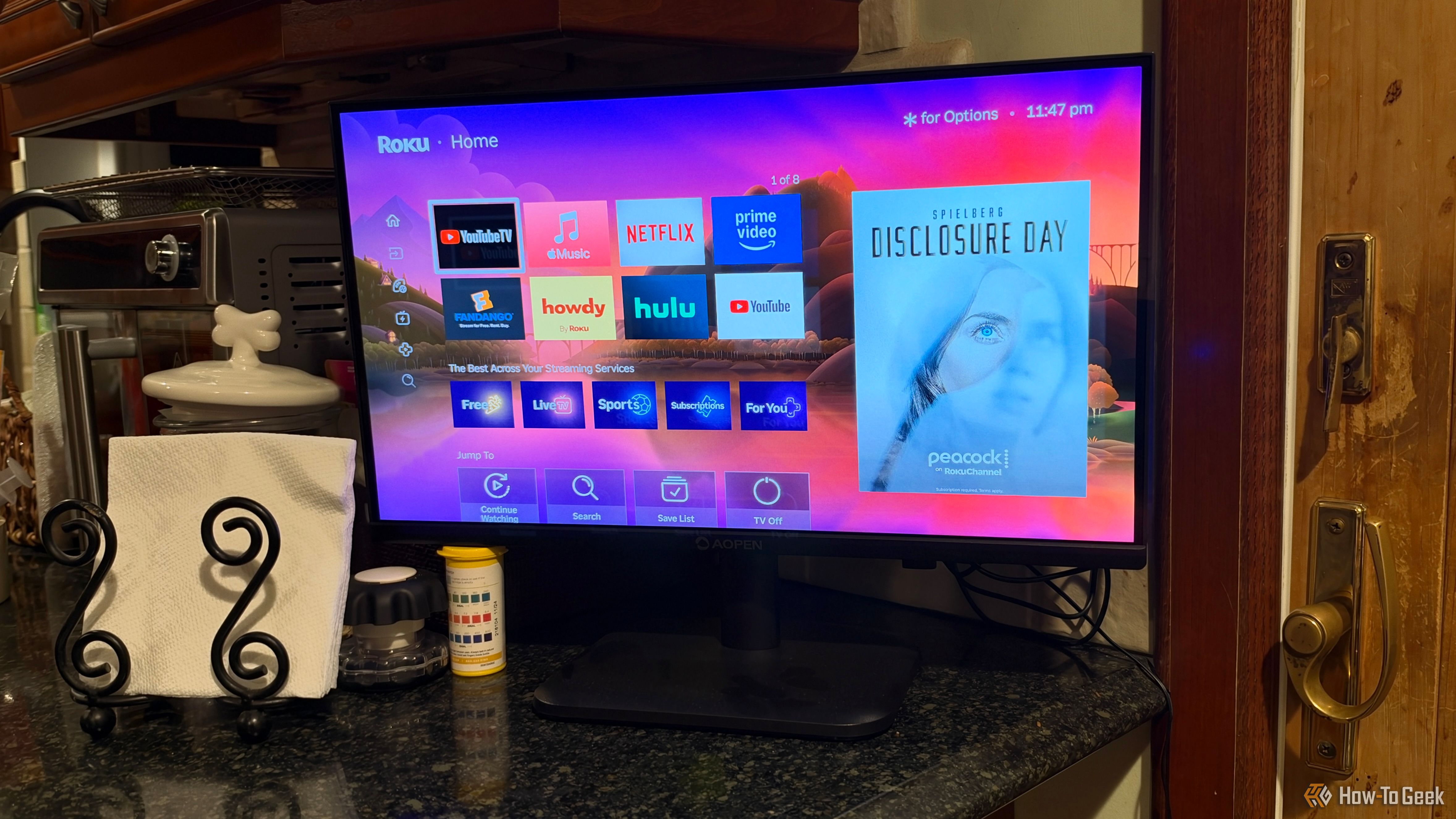
I remember when I was a child, the TV in the kitchen sat on the counter, not on the wall. It was small, portable, and had a charm that made it feel like part of the room rather than an electronic device taking up space on an already too-crowded counter.
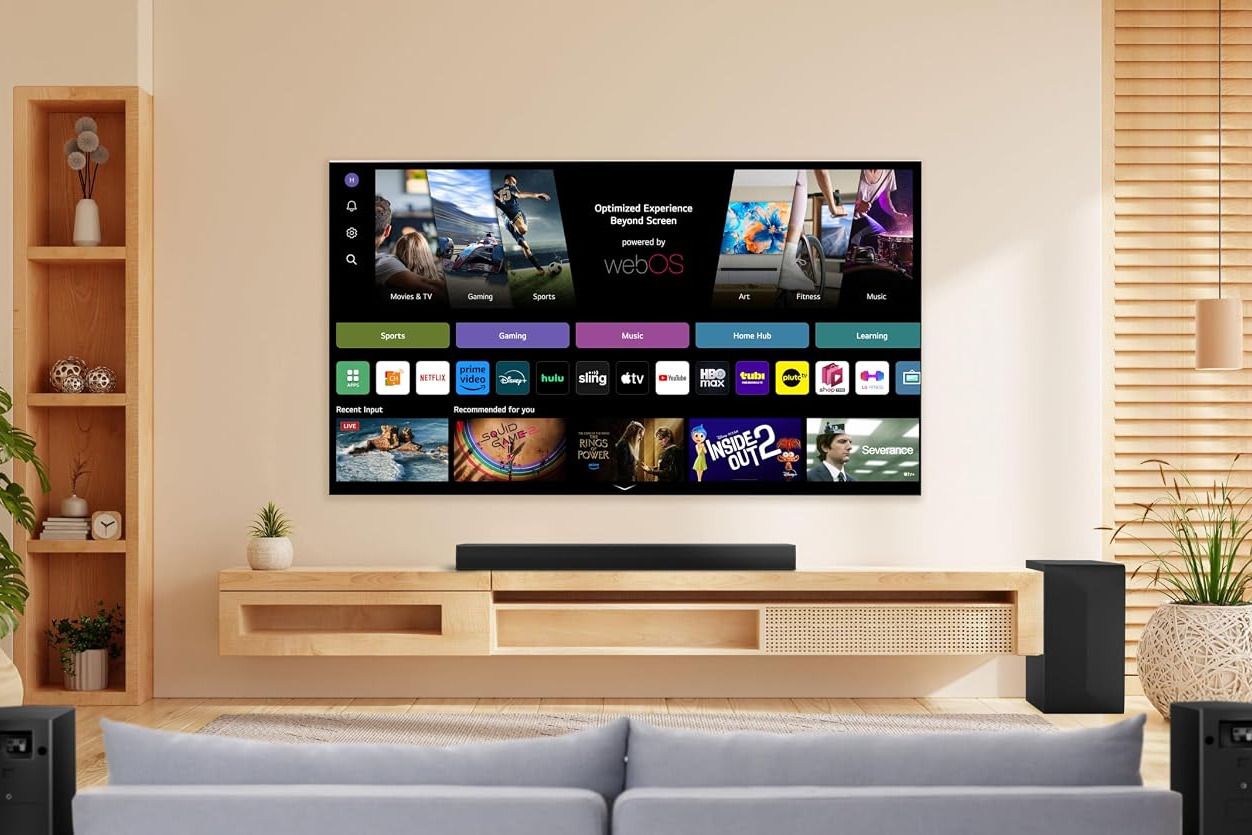
New TVs cost hundreds or thousands of dollars, but you'll often struggle to hear dialogue because of the tiny speakers. That's why it's worth spending a bit more on a 5.1 home theater soundbar system, like the LG S6FTR, which will bring a cinematic experience to your living room.
Instagram is testing Features, a new format for horizontal videos up to 90 minutes. The feature lets creators link short Reels to full-length podcasts, comedy videos, and other content.
Grok Imagine’s first Odyssey episode can conjure ancient landscapes, but its interchangeable faces and robotic performances expose what AI filmmaking still can’t fake.
Audio-Technica, a brand well known for making some of the best studio and professional headphones on the market, has just come out with the ATH-AWX7000, which the company itself claims to be its “finest headphones ever.” The new flagship closed-back headphone has debuted at an eye-watering price of $3,799. It combines hand-finished Japanese woodwork with […]
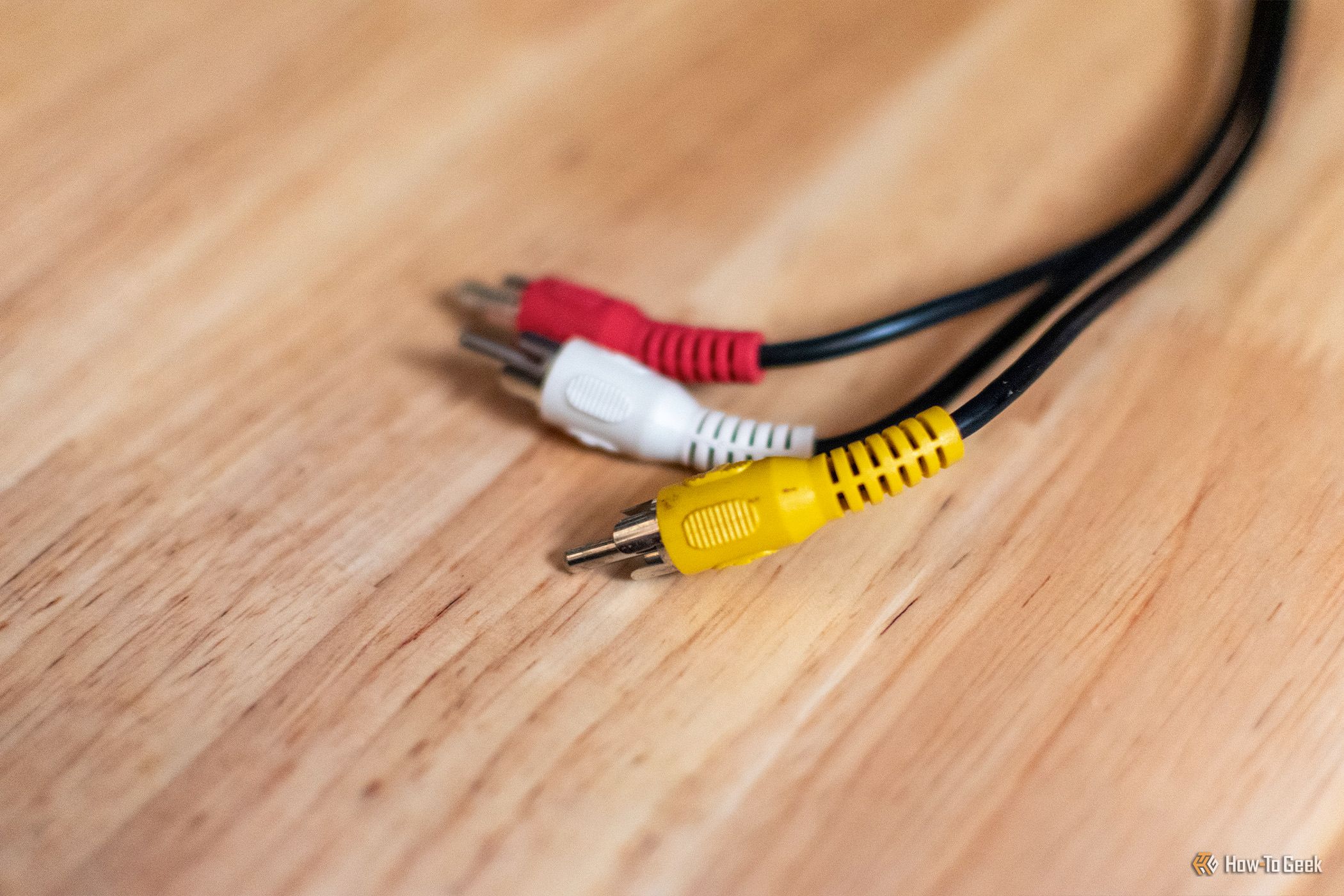
HDMI, DisplayPort, and USB-C are the most popular ports today, but they're not the only ports in use. In fact, if you take a look at the most popular ports today across all electronics, you'll find that a surprising number of them have been around for a very long time.
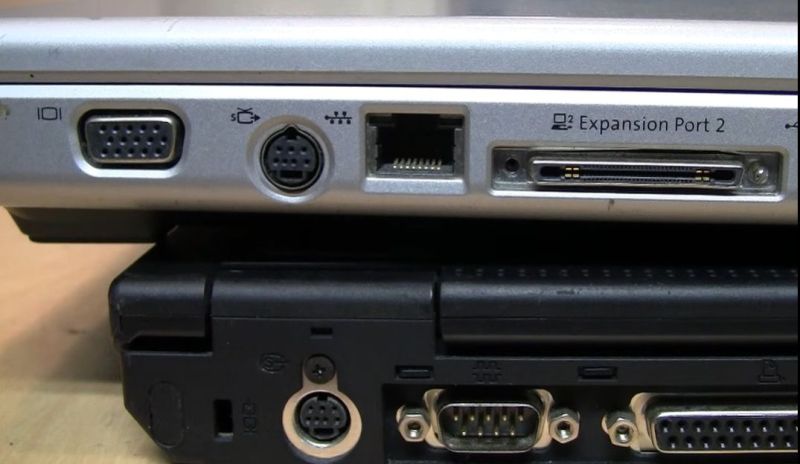
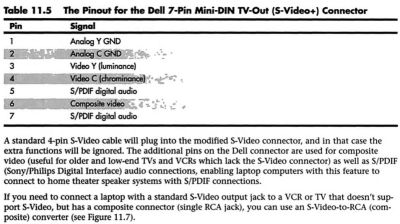
Even though laptops from around the early 2000s came with just about every conceivable port on them, they still would often feature a somewhat unusual combined video output port. While at its core this was just a 4-pin analog S-video output, the three additional pins on the mini-DIN connector provided some more features. Of course, as [VWestlife] found out during his archaeological research, not every manufacturer used the same pinout here.
The naming for this specific port differs, with the name ‘S-video+’ appearing regularly, yet many descriptions glossing over the additional pins and only mentioning that it can be used with a 4-pin S-video connector. As it turns out, most manufacturers used roughly the same pinout, matching the shown Dell one. This adds composite output, along with two S/PDIF digital audio pins that could be routed out with an adapter into their full-sized ports.
Of course, the Apple PowerBook G4 had to be that exception again, with it omitting the audio pins and putting the composite signal on pin 5. This left the last two pins completely unused, but serving to completely confuse anyone who thought that they could get more out of the port with an adapter for those uncouth PC systems.
As to the remark at the end about how the transition to ‘just USB ports’ has made everything better, we’d challenge the average person to look at a random USB-C port and tell based on its appearance which standards it actually supports.
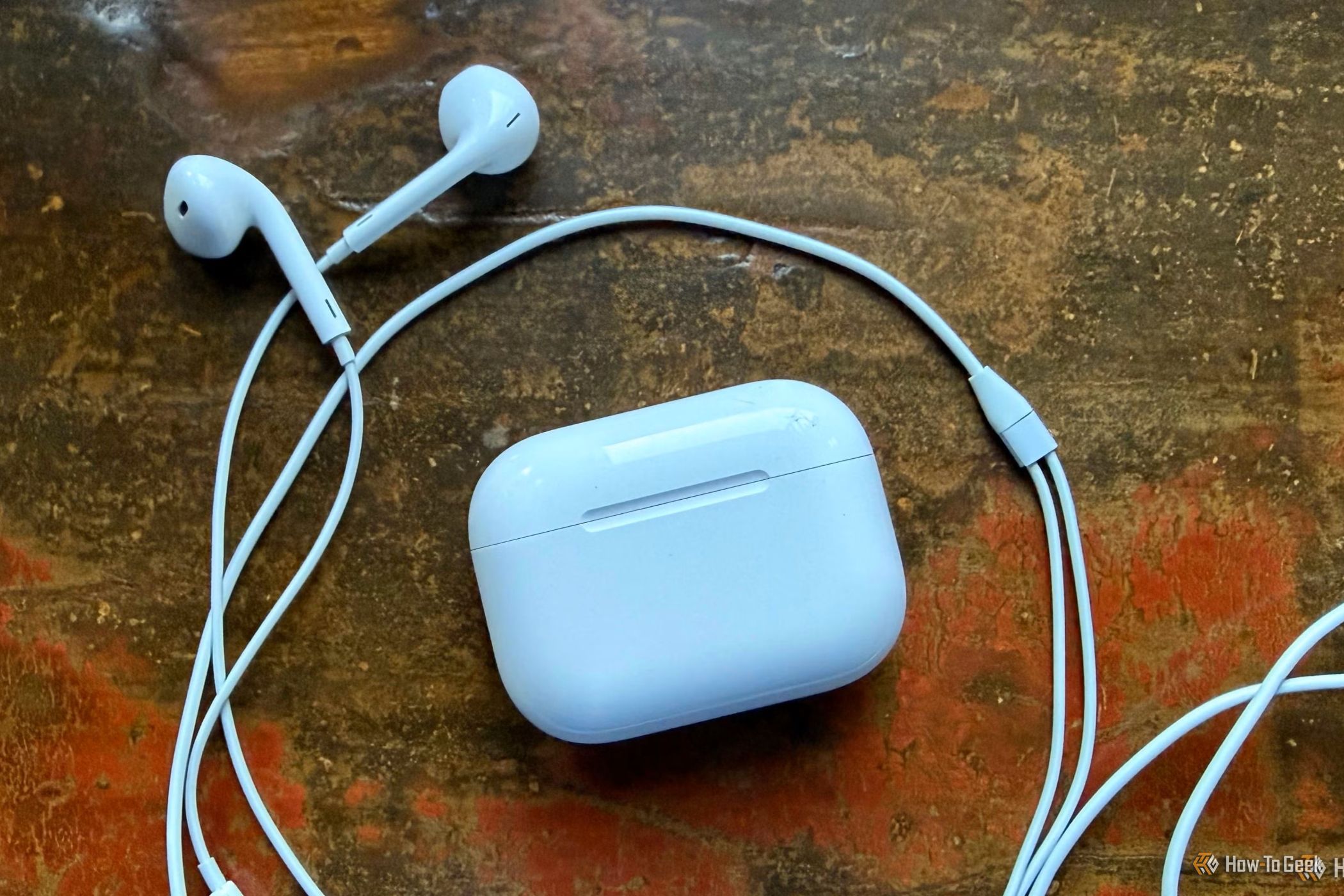
Wired earpods have become quite trendy right now. The shift back to this somewhat retro technology is fueled by celebrities being spotted ditching wireless AirPods for wired earphones. They've become pretty fashionable, with stars like Harry Styles, Zendaya, and Bella Hadid turning them into cool accessories that the masses want to copy.
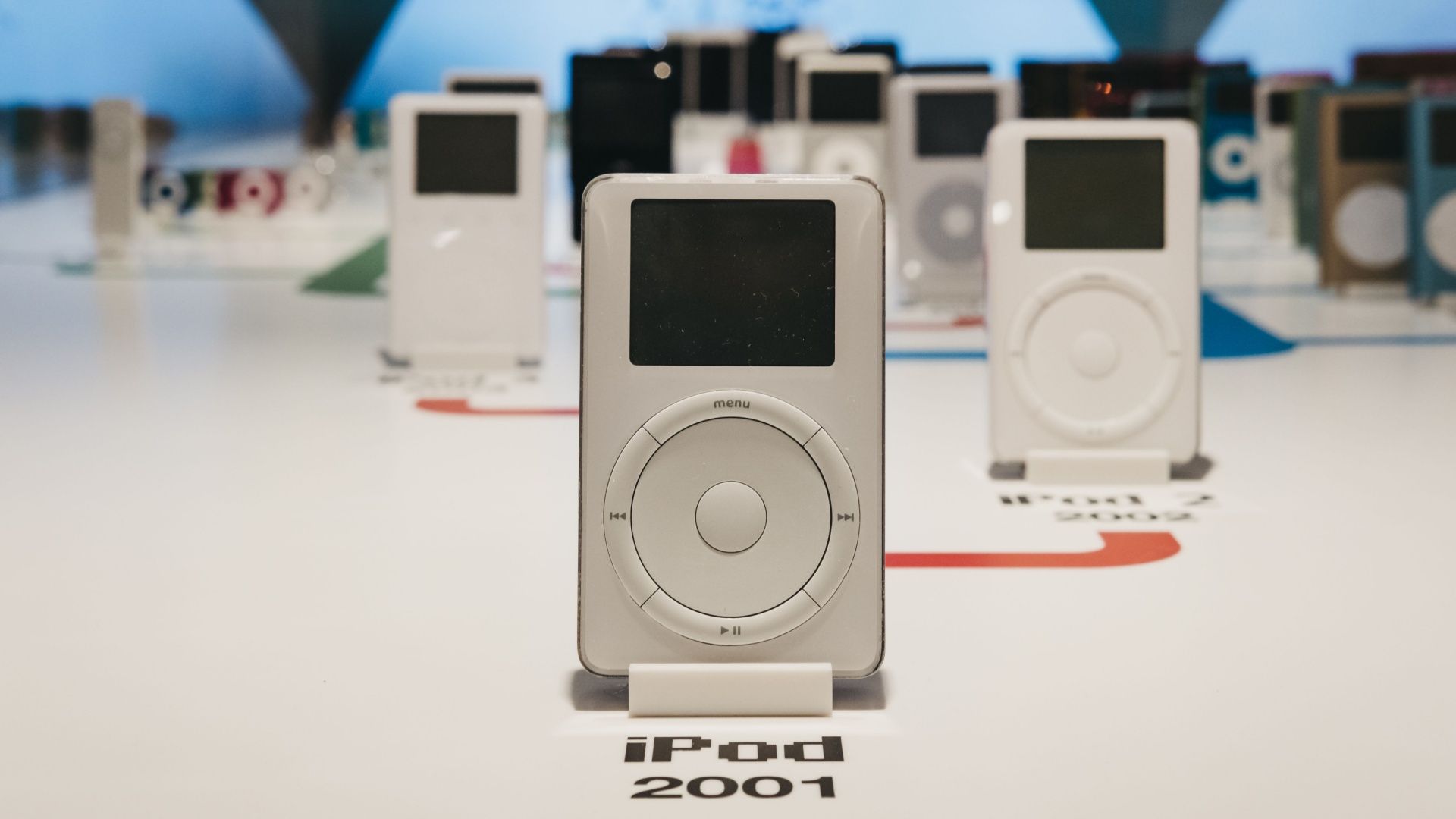
Apple announced the iPod 25 years ago on October 23, 2001, and it's doing something unique to mark the anniversary: a chance to try the original MP3 player. The company has a 404 "page not found" error website on Apple Music that contains a working virtual iPod.
This post is brought to you in paid partnership with Best Buy. Technology evolves every day, transforming how we live and work. Our devices are becoming more than tools we use. They are increasingly capable companions that help streamline day-to-day routines and spark creative ideas. If you have been waiting for the right moment to upgrade […]

 Login
Login