Login
Login
Amazon Prime Video takes on TikTok with short-form news clips
Prime Video is adding on-demand local and national news clips as Amazon joins other streamers experimenting with short-form video to capture younger viewers.

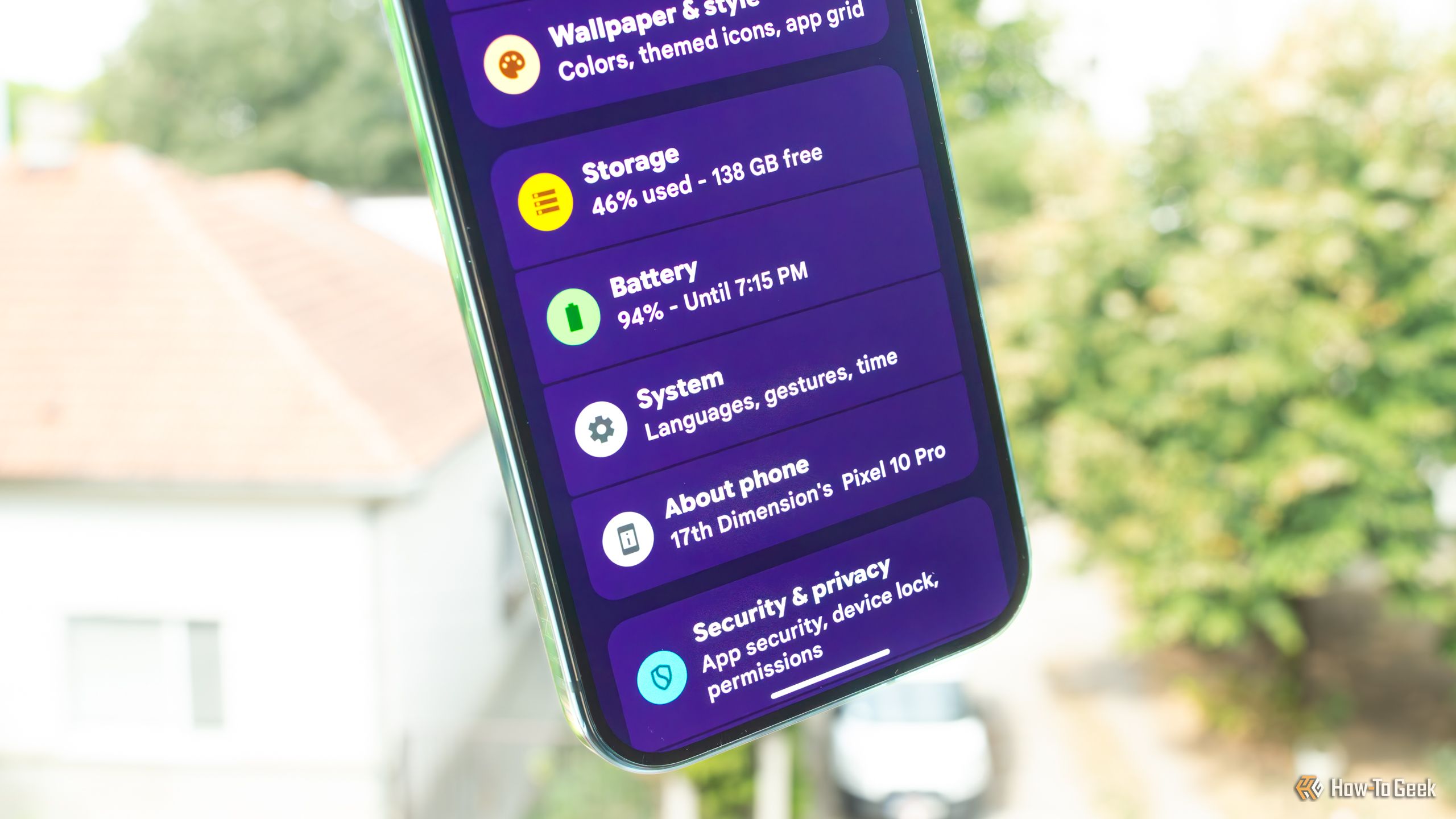
My current phone, a Pixel 10 Pro, is the first phone I've ever owned that packs 256GB of storage space. Almost six months into owning it, I've still got plenty of storage left, and I'm in no hurry to free up space. But when I recently looked up how much storage I could free up on it for a piece I was writing, I discovered that Spotify took up almost 15GB of space. This wasn't new, but I completely forgot about it after upgrading to the Pixel.


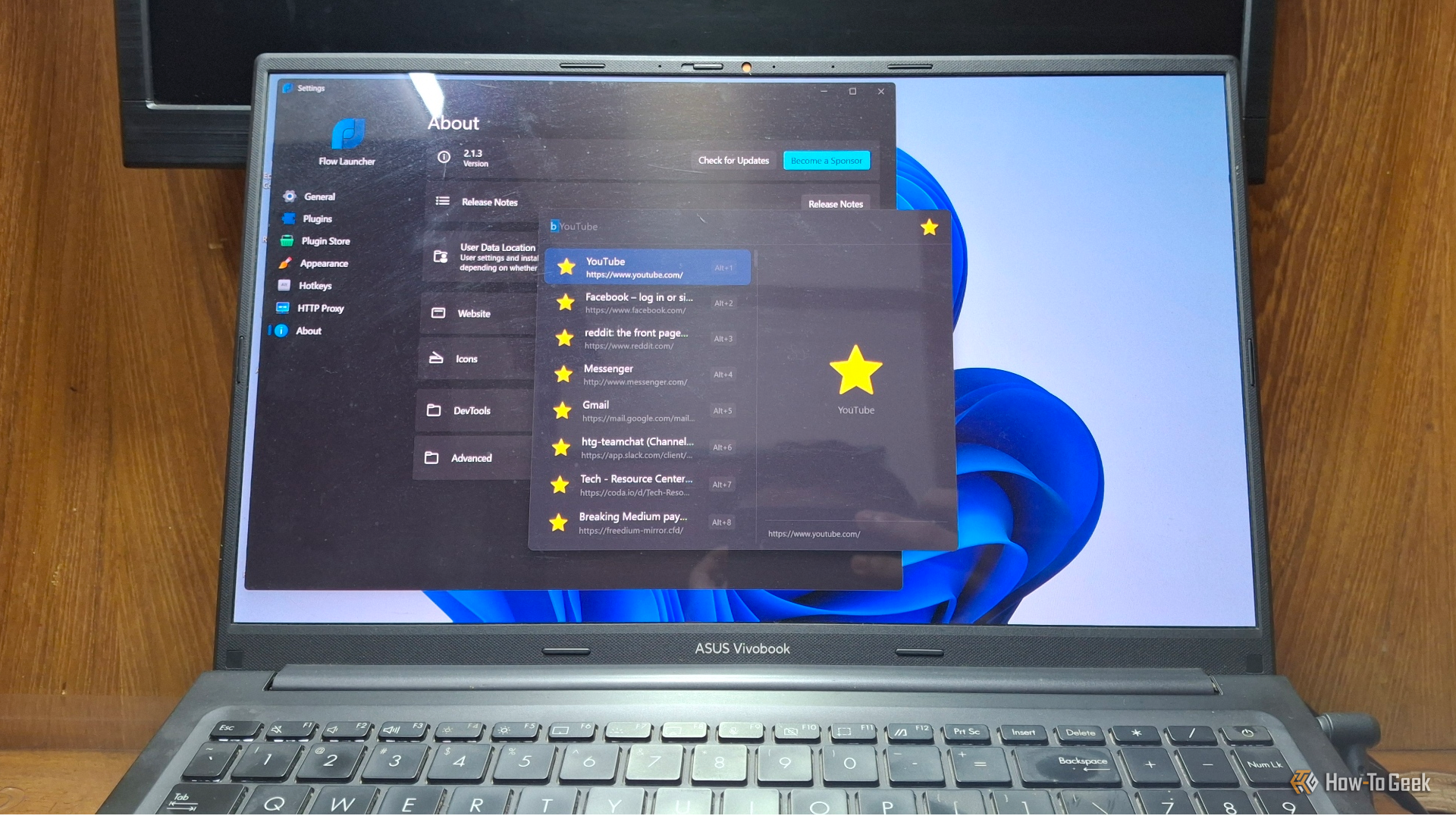
After years of complaints about how little you could customize the Windows Start menu, Microsoft is finally overhauling it in the 26H2 update. In reality, though, they are only catching up to something an open-source app figured out years ago. Meet Flow Launcher, a keyboard-first app launcher that is superior to the current Start menu from all directions.
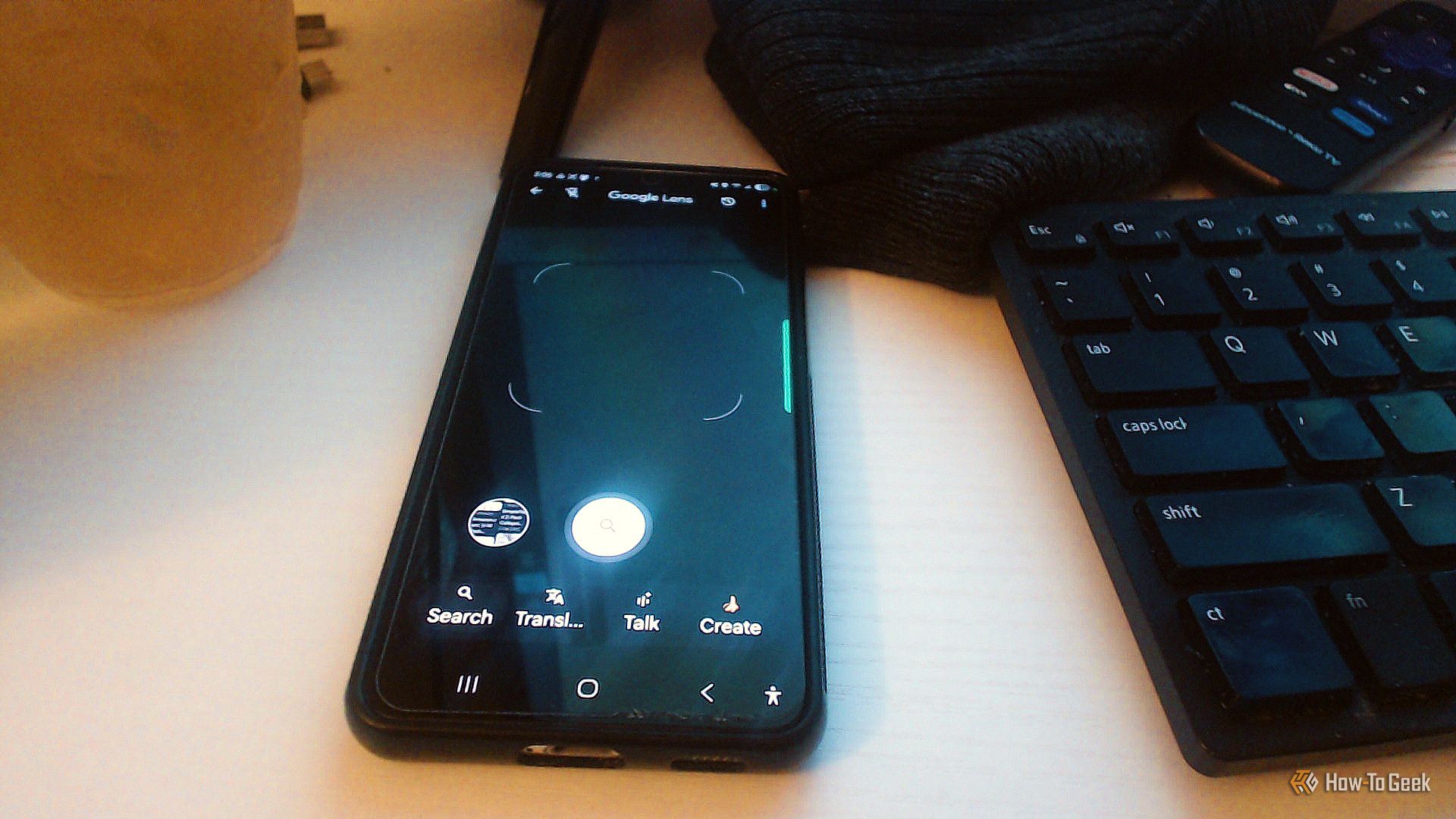
Google Lens tends to get catalogued as a way to figure out how to identify plants or translate a menu while traveling. That's true, but it can do a lot more than that. You don't need to wonder about stuff or run vague Google searches to figure it out; Google Lens is basically Google search on your phone.
I've used PuTTY for years. It's a great program that has lasted this long because it does one thing really well. When I need to connect to another computer over SSH, PuTTY gets the job done without a lot of extra stuff getting in the way. I know how it works, I trust it, and I've never had much reason to replace it.
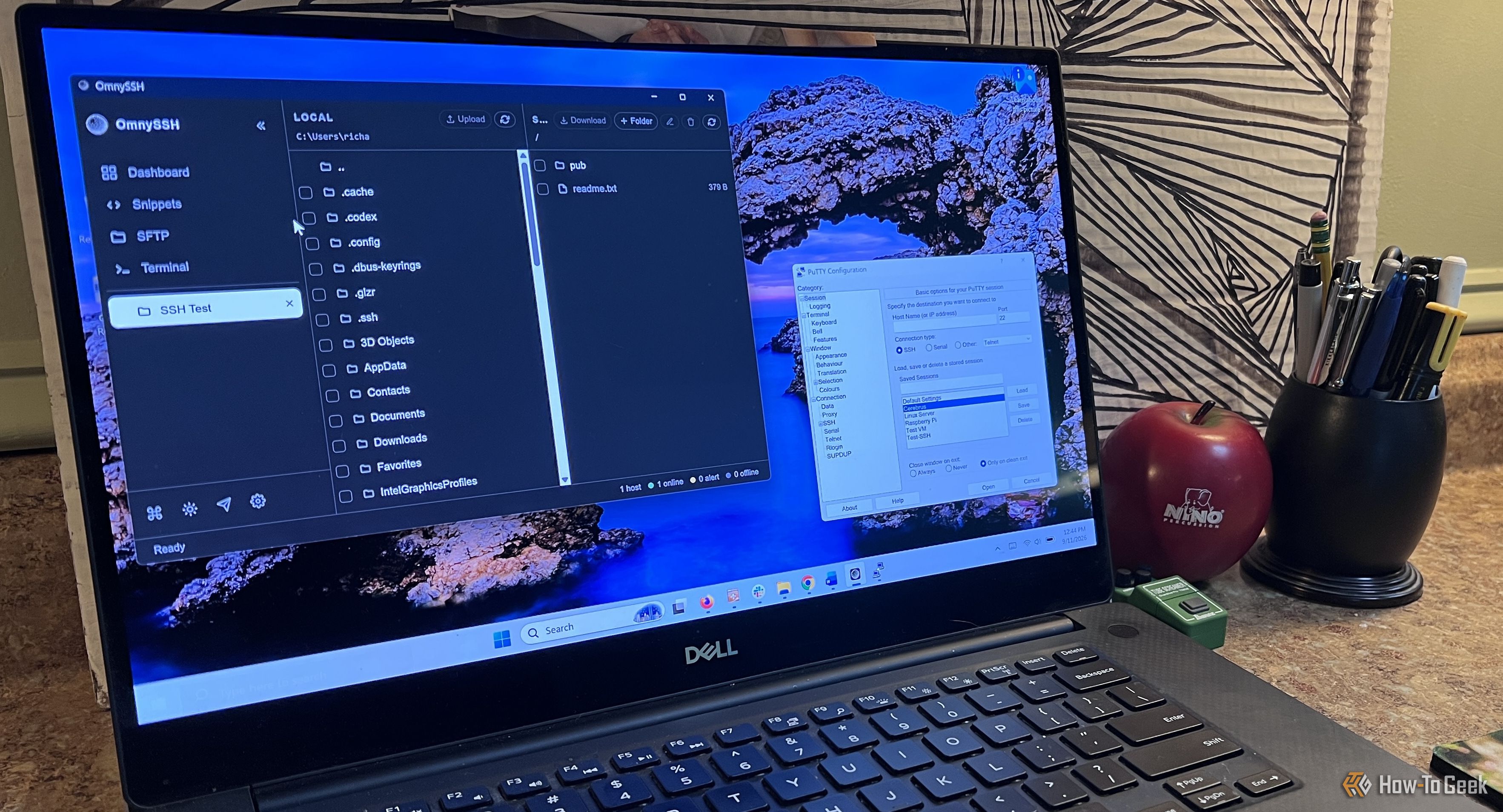
An operating system is only as good as the apps you can run on it, but some apps go beyond that and end up defining the operating system. You seek them out, usually on day one of setting up a new PC, because Windows just feels incomplete without them. Here are three such apps that are so good that they define their entire categories — earning them the title of “greatest of all time.”
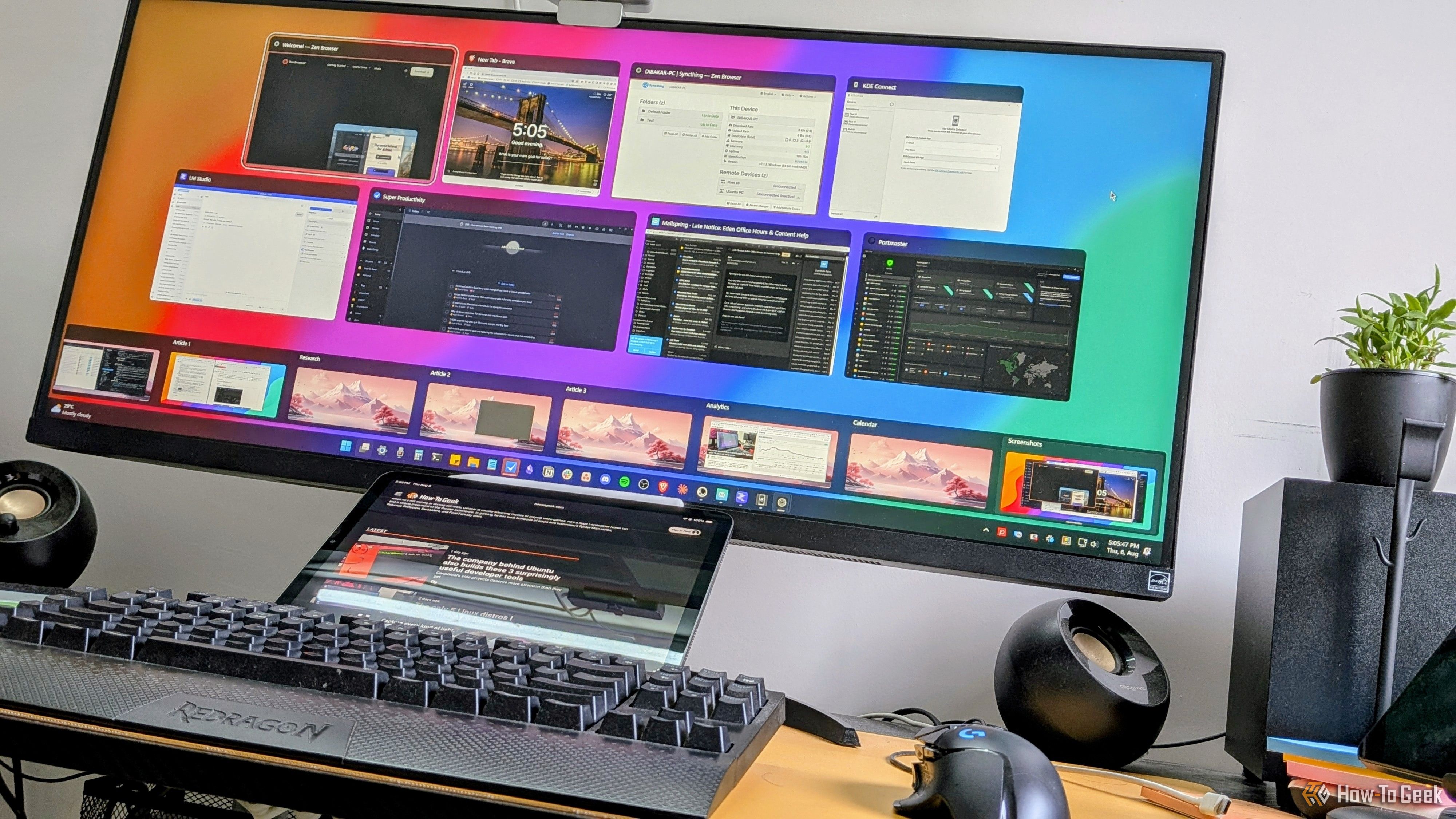
Microsoft included a number of really helpful features and tools in past versions of Windows that many users came to love. While some of these utilities have survived the transition to Windows 11, others were left by the wayside. Some even made it to Windows 11, only to be retired in one of its subsequent updates. Here are some of my favorite classic Windows tools that are missing from Windows 11, with the latest version of Windows still lacking equivalent features.
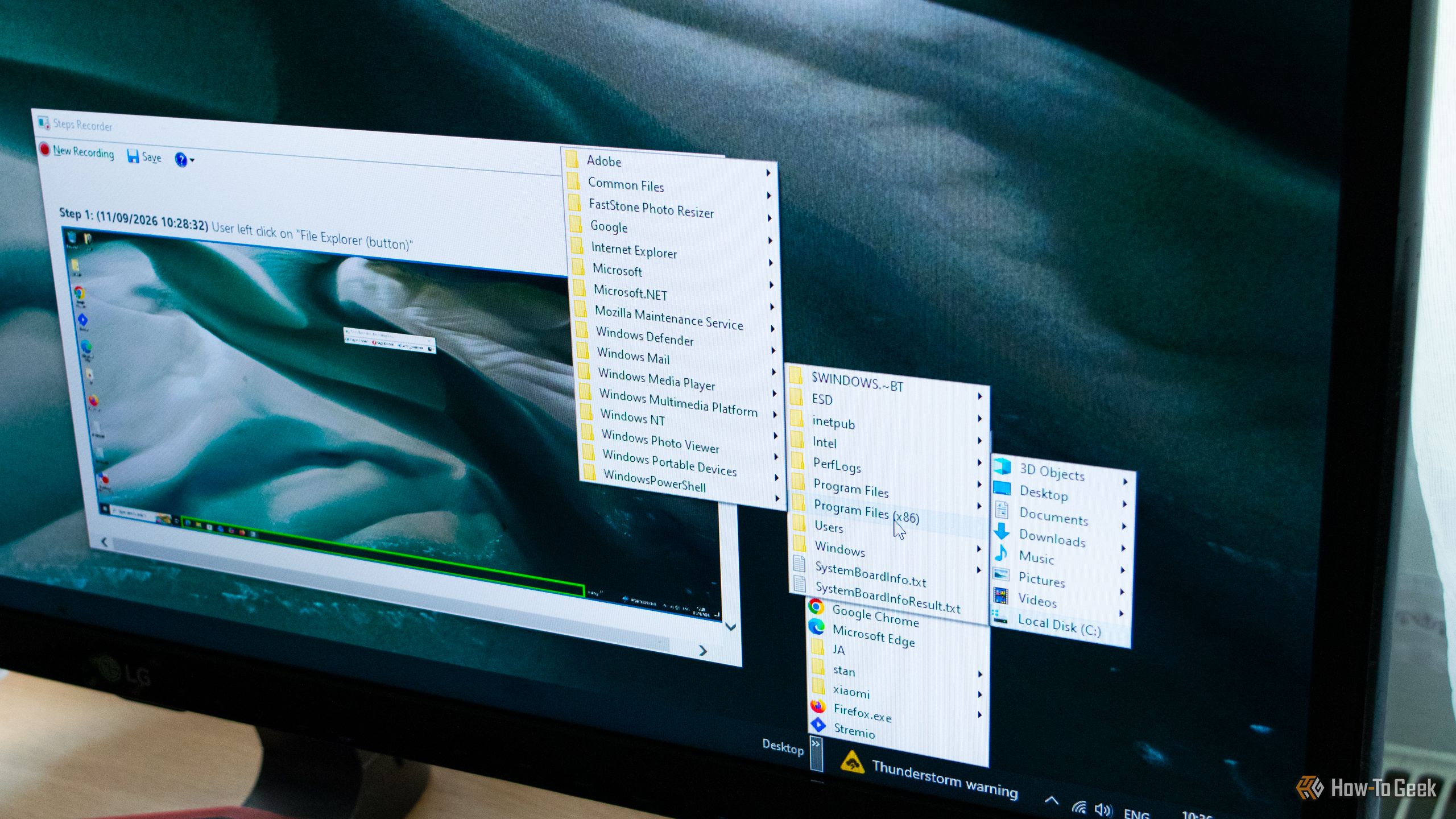
Most of us put a lot of thought into the big applications we base our workflows around — the video editors, the note-taking apps, the image editors — and almost none into the system-facing apps we use every day. However, those applications make up a huge chunk of our day-to-day experience and deserve more thought than they get. This is especially true right now, as tons of high-quality free and open-source apps have emerged that easily offer a better experience than most of your system defaults. Here are three such FOSS apps to replace your Windows defaults.
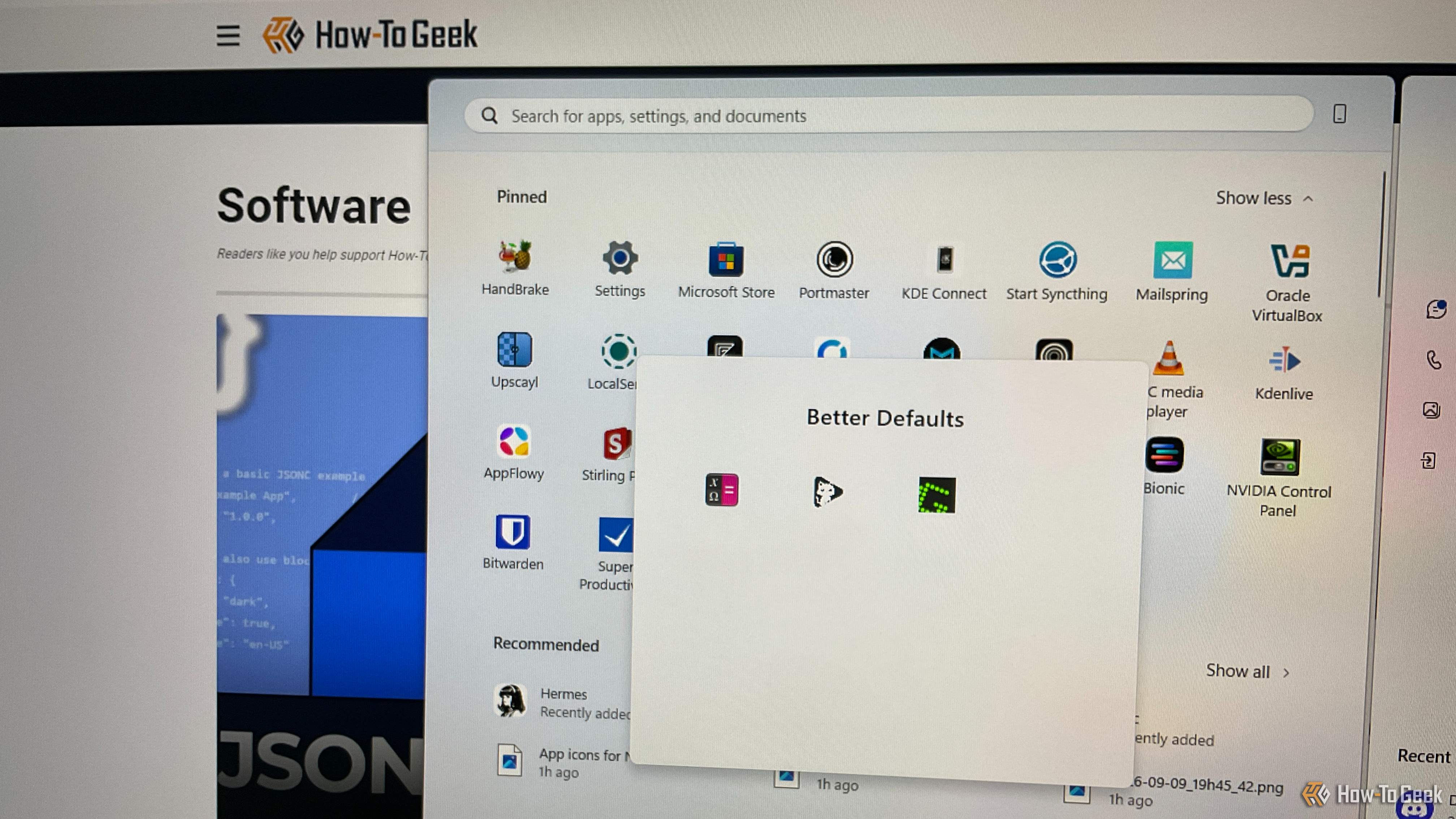
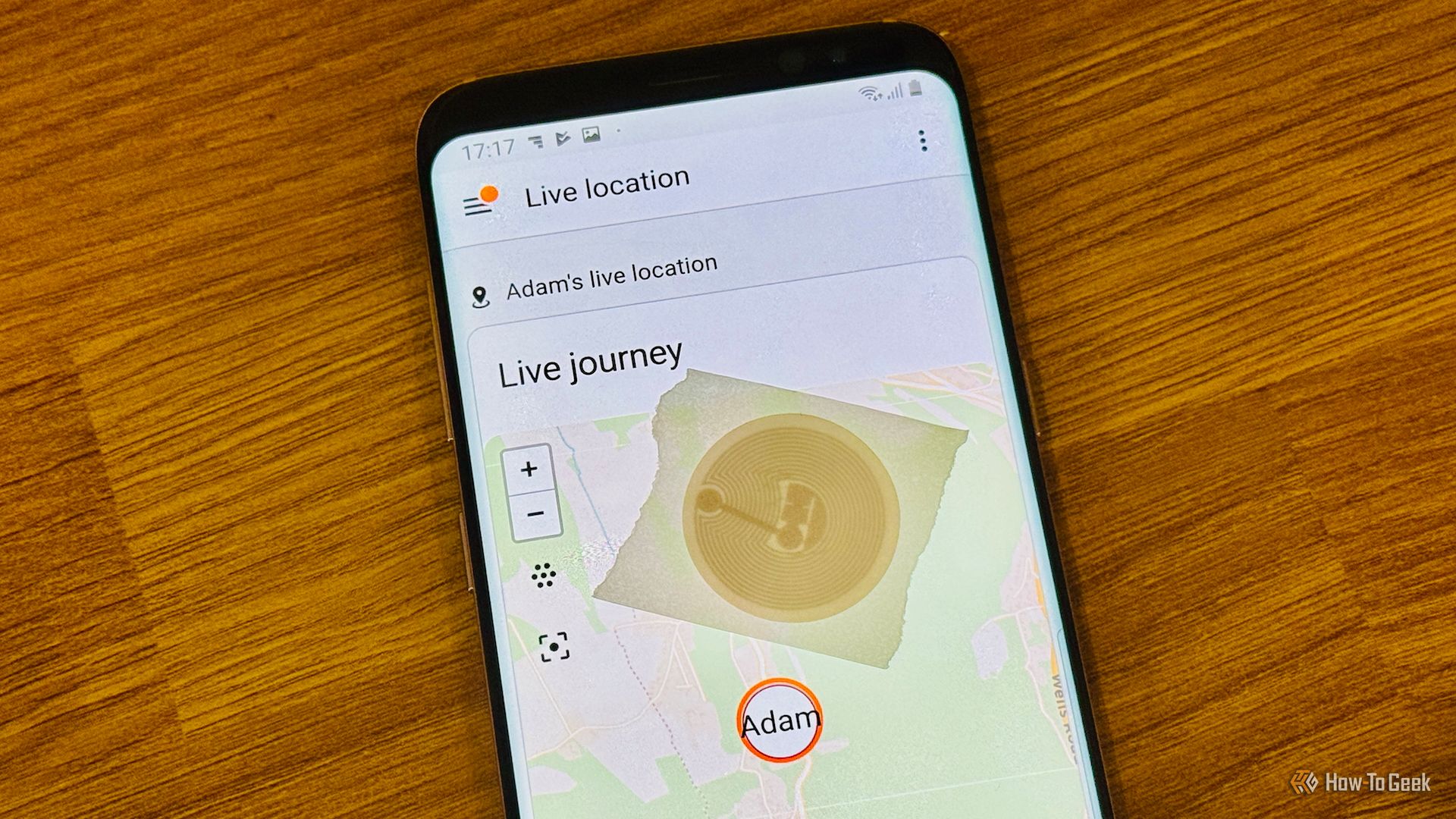
Android's NFC reader does more than tap to pay. Held against the right tag or accessory, it can do a ton of stuff. Here are just some things you can do that will immediately improve your experience.
Unless you own a Google Pixel phone with the built-in Now Playing feature, you have to use Shazam to recognize songs playing around you, right? Well, actually, no. Many Android phones have access to Google's built-in Song Search feature, which is almost as good as Now Playing and Shazam.

Microsoft's PowerToys suite of Windows utilities, which you can download from GitHub or install through the Microsoft Store, has earned a reputation as a tool designed for — and used exclusively by — Windows power users. But the reality is more nuanced.

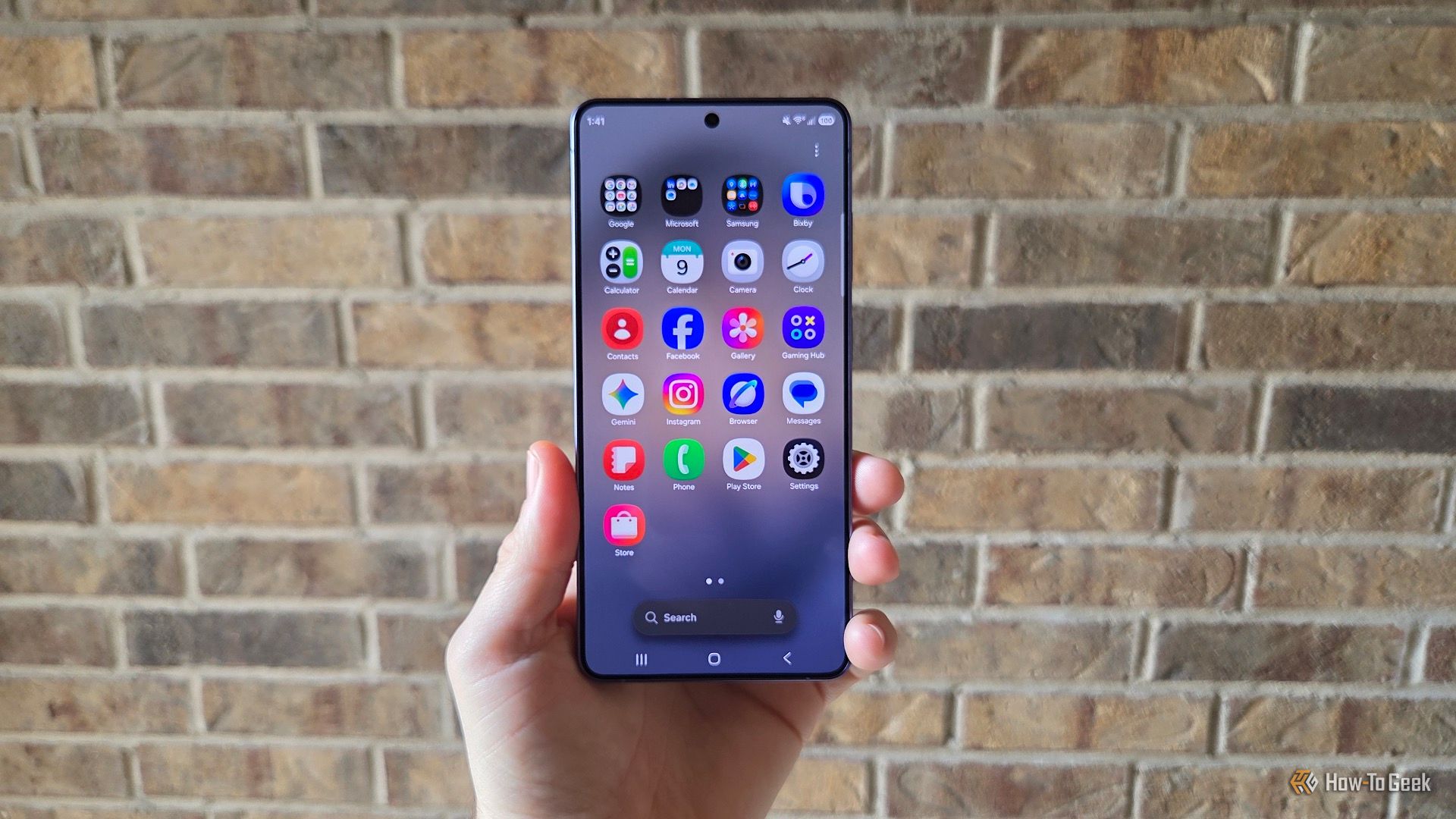
Our Samsung Galaxy phones get better with each update, but sometimes the best features are completely hidden or don't get talked about enough. A prime example is the powerful "Finder" app feature that apparently Samsung doesn't want you to know about. Better yet, you can now put it right on your home screen.