Login
Login
5 simple Chrome settings to fix the browser's worst memory hogs
Chrome is constantly eating up at least 2GB of my computer's memory, and that's when I'm not doing anything particularly demanding.
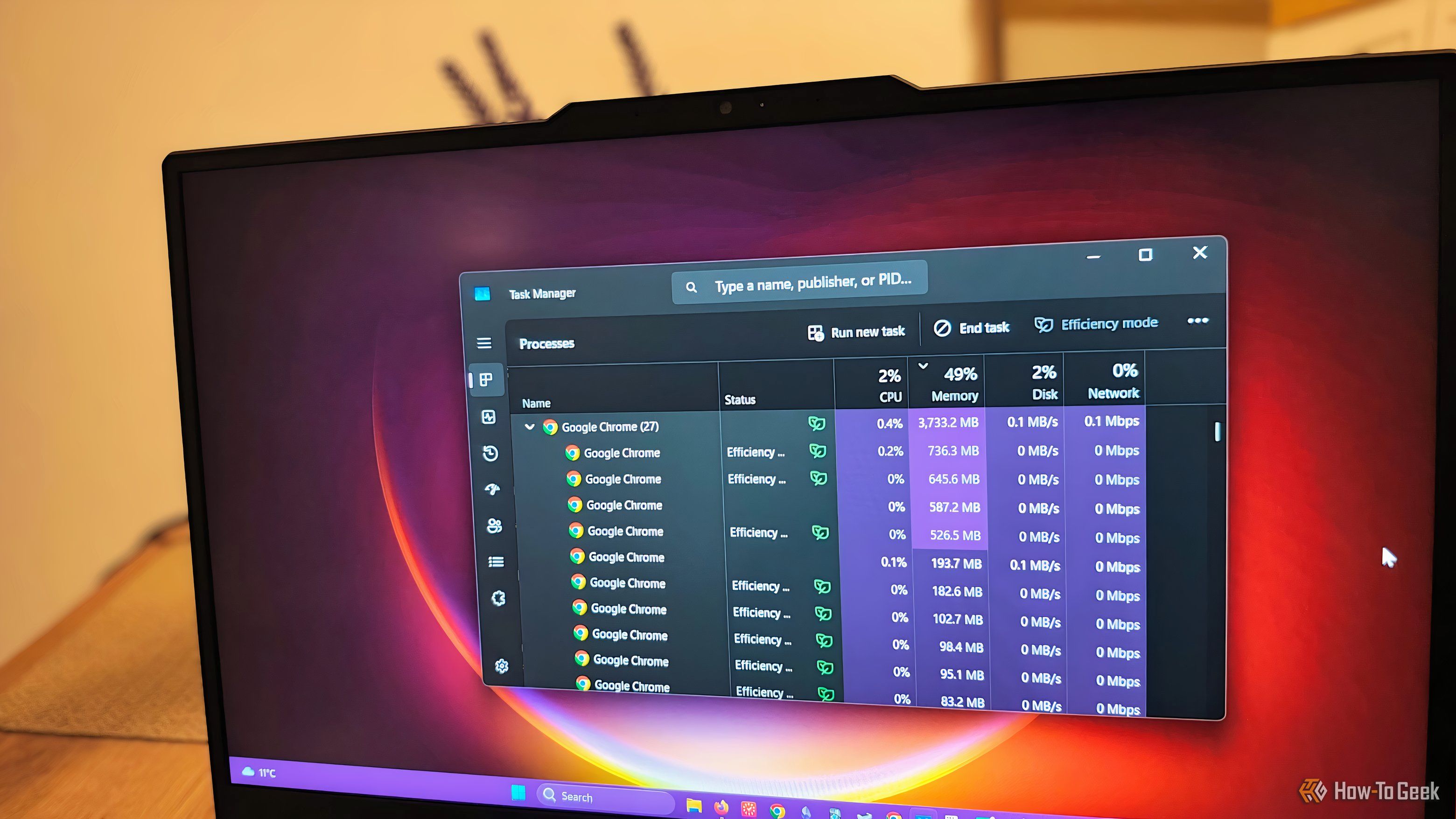

Chrome is constantly eating up at least 2GB of my computer's memory, and that's when I'm not doing anything particularly demanding.
I spent years writing everything in Microsoft Word. But over time, its cluttered interface, messy formatting, and sluggish performance began to distract me from what truly matters—writing. That’s when I tried Markdown. Its clean, distraction-free approach won me over—and I haven’t looked back since.

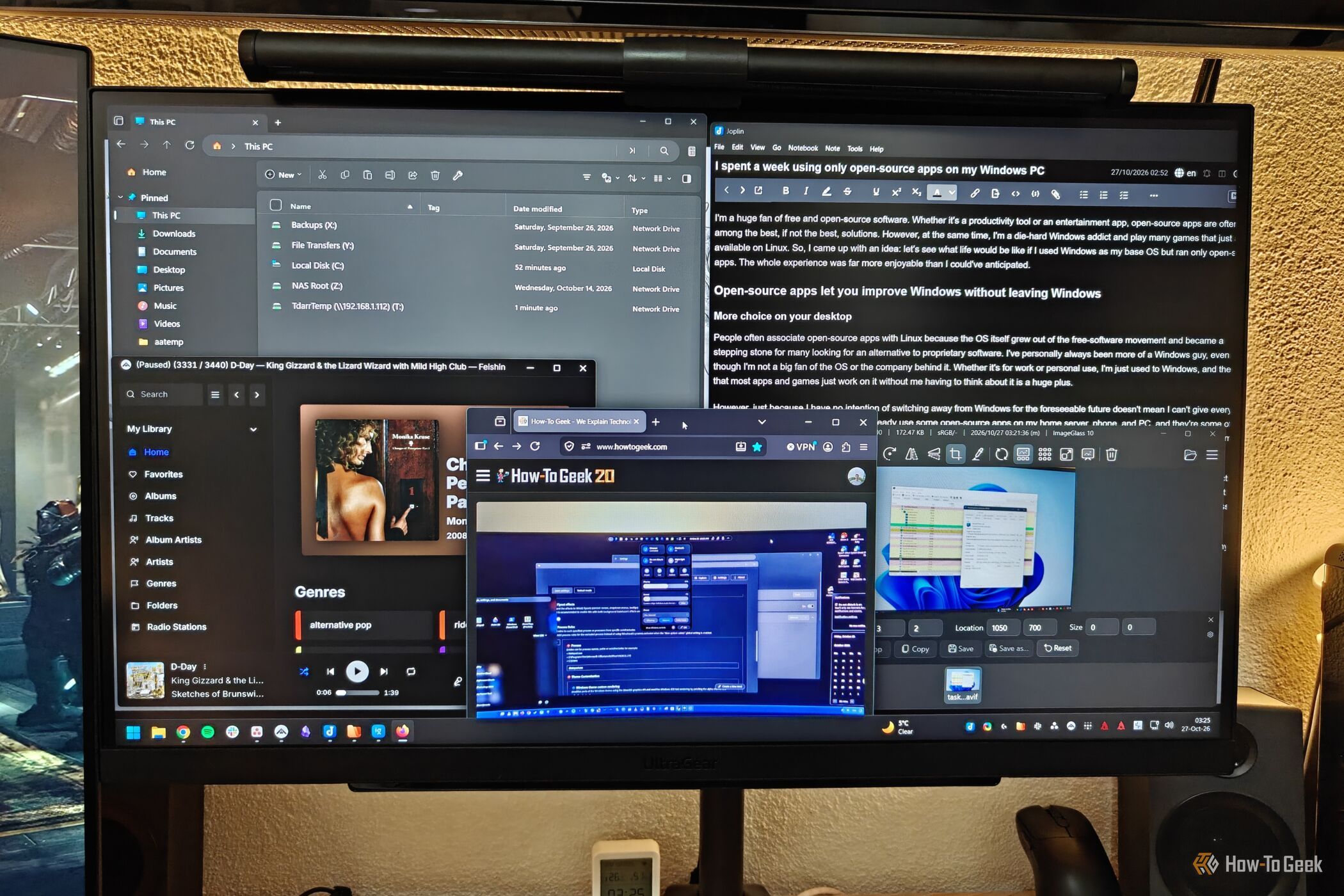
I'm a huge fan of free and open-source software. Whether it's a productivity tool or an entertainment app, open-source apps are often among the best, if not the best, solutions.
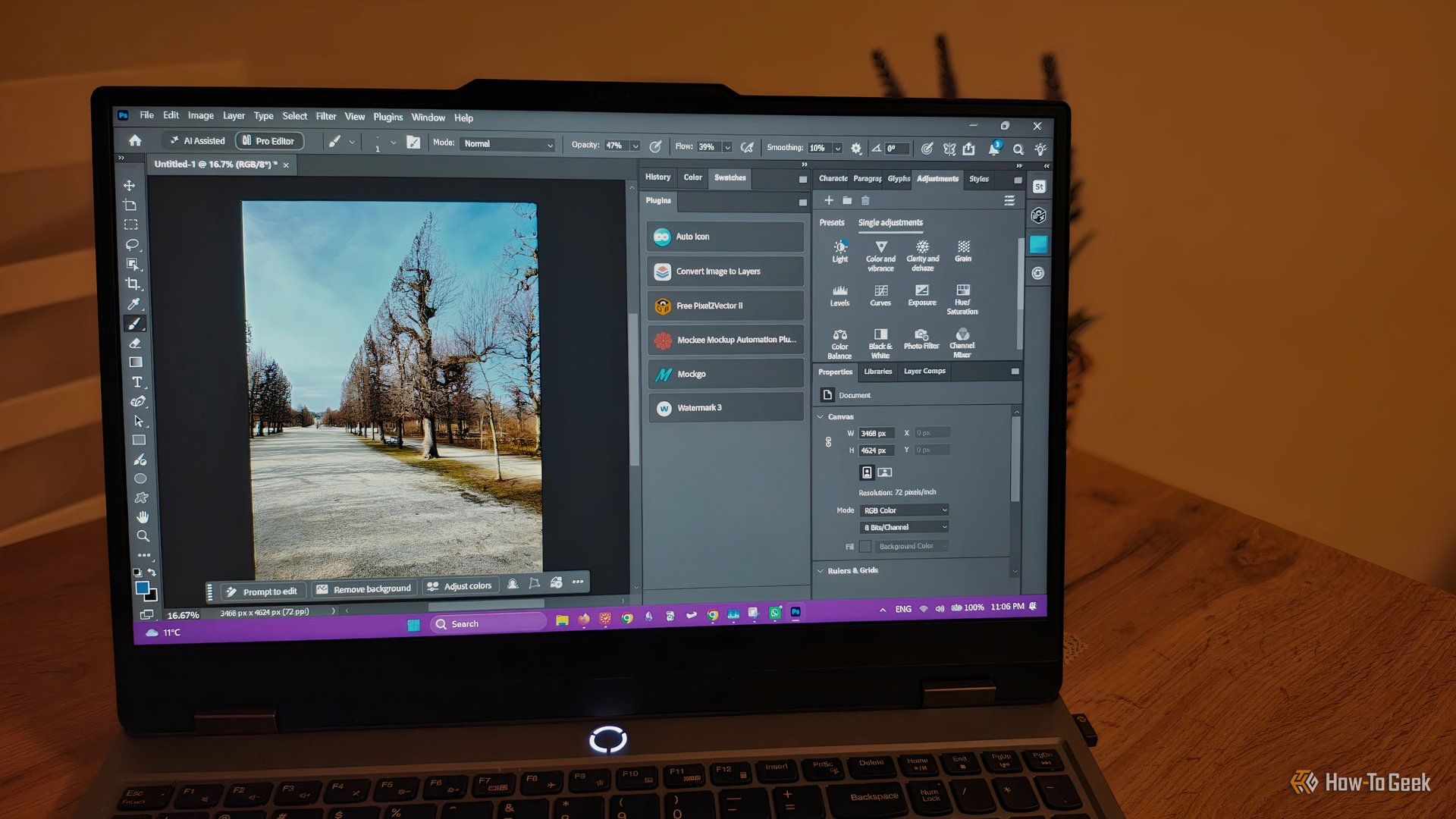
Beyond frequent updates and native integrations with some AI tools that reduce busywork, Photoshop's easy access to thousands of third-party plugins is another reason why it still manages to maintain its spot as the industry standard.
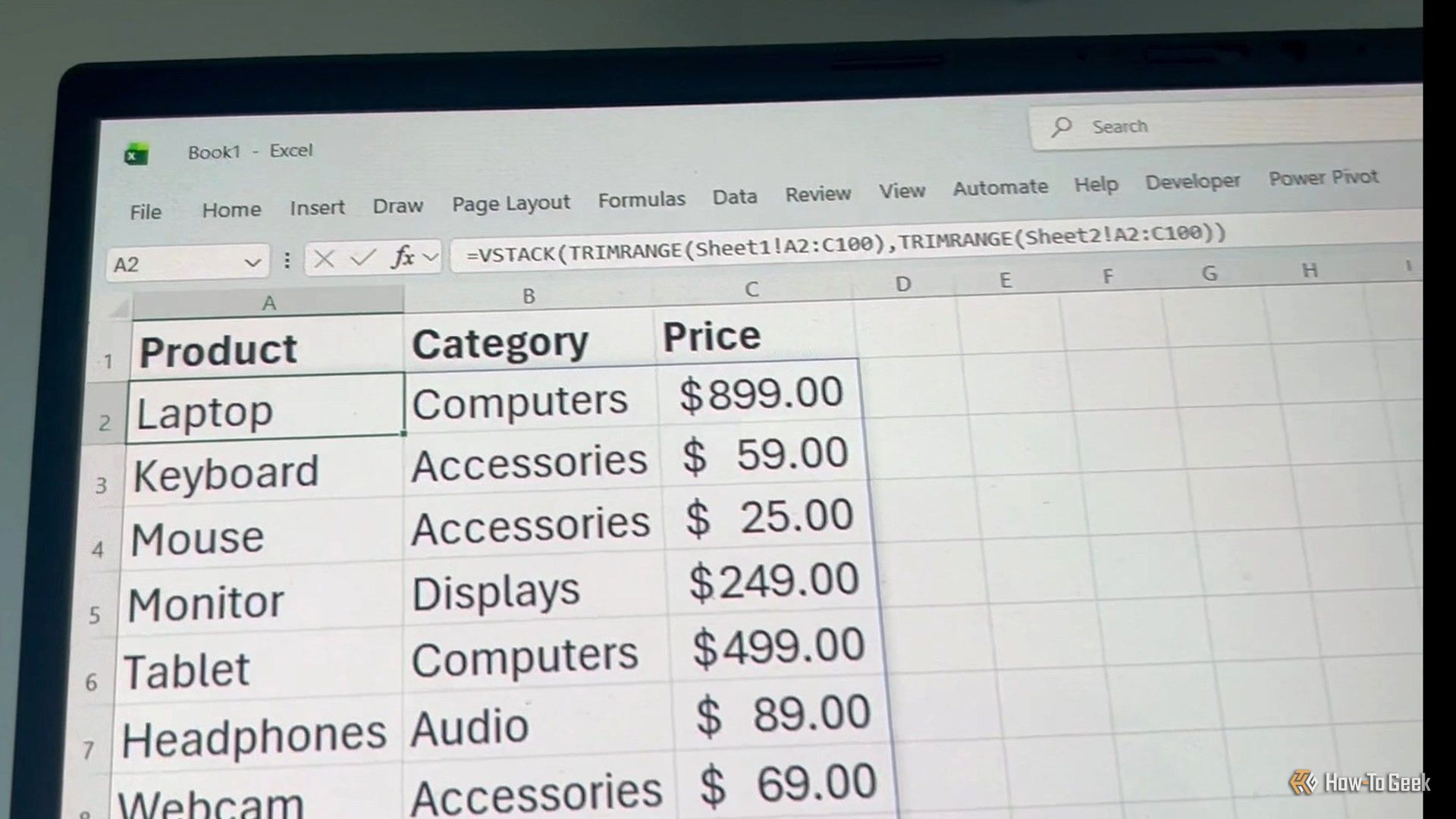
Excel has hundreds of functions, and nobody needs to know them all. But a few are worth keeping in your back pocket because they save you headaches as your data changes. TRIMRANGE is a great example. When you build a spreadsheet that's going to grow, you usually leave room for data you haven't entered yet. Those empty cells can turn dynamic array results into a mess, but TRIMRANGE quietly trims the blank edges off a range and keeps things tidy.
Adobe Creative Cloud offers some of the best applications for creative jobs. The only drawback? You have to pay up to $70 a month—or about $840 per year—to access them. There are first-year promotions available, but even those add up to about $740 per year. That is a big commitment, especially considering the annual subscriptions come with hefty early termination fees.
Spotify Jam lets party guests add songs from their own phones. Here's how to set up a shared queue, invite friends, and manage playback controls.
The post Hosting a Halloween or Holiday Gathering? Here’s How to Use Spotify Jam appeared first on TechRepublic.
See what all of your subscriptions cost every year and get a reminder before you have to pay for them again.
The post This $19 App Helps You Stop Paying for Subscriptions You Don’t Use appeared first on TechRepublic.
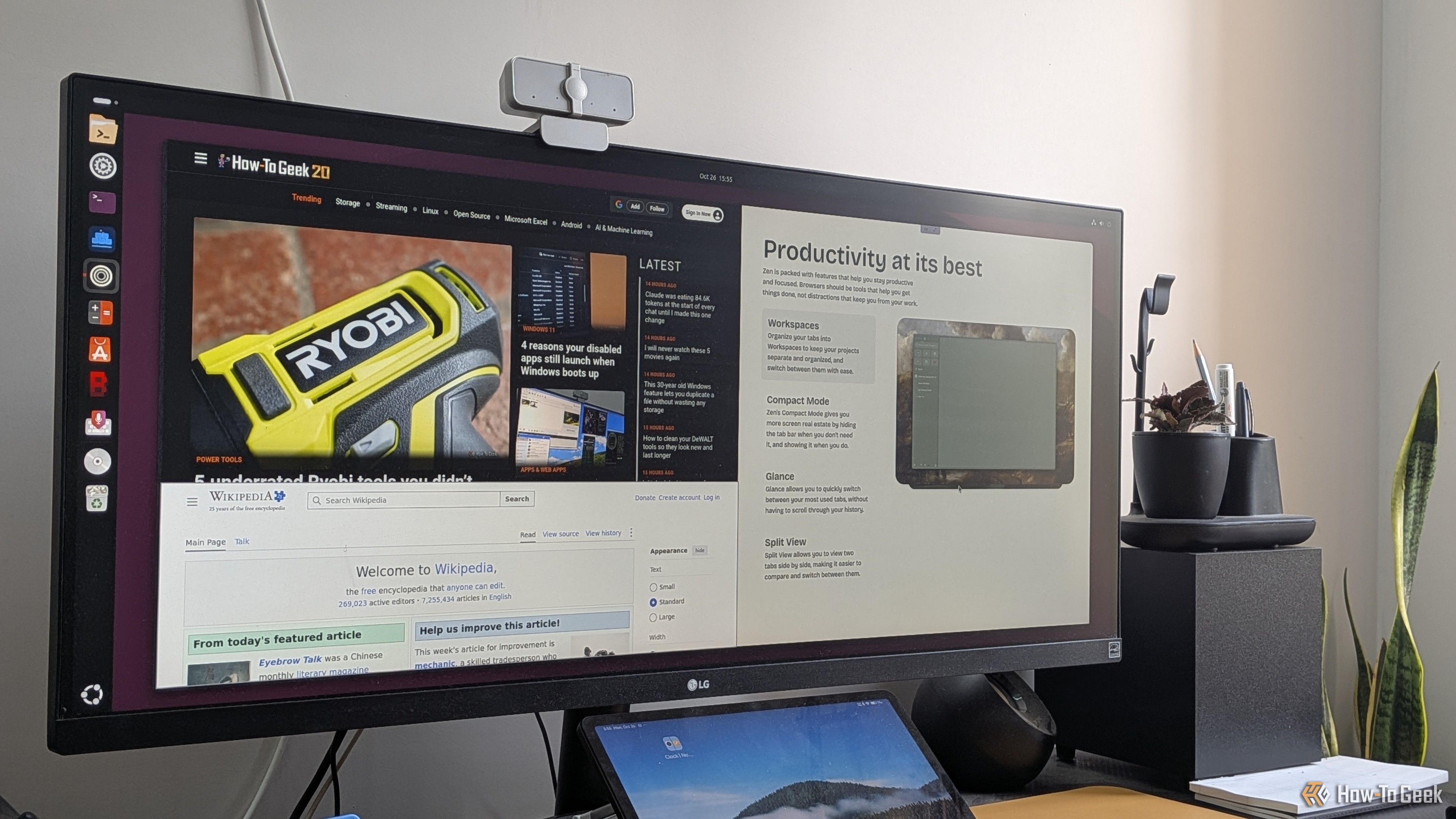
Almost everything I do on my PC happens inside the browser, to the point that I feel like my operating system is basically a bootloader for my browser. Now, when you have an app that’s so central to your workflow, it’s natural to get a bit picky about it. Thankfully, Firefox has been more than enough as my daily driver for over a decade. Sure, I occasionally experiment with other browsers to see what’s out there, but I’ve always returned to Firefox — that is, until now.
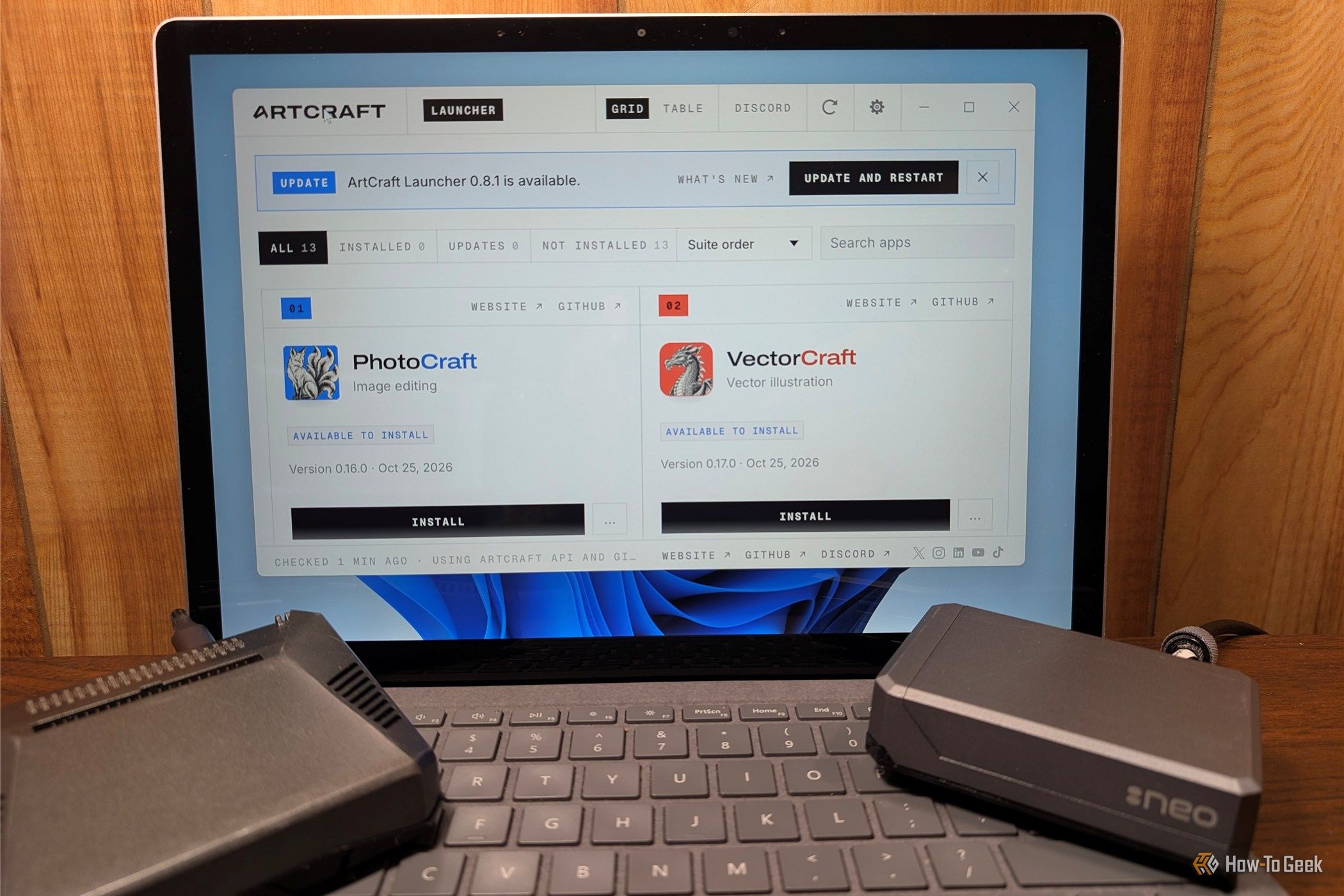
ArtCraft, a free alternative to Adobe's creative suite built with AI-assisted coding, is making people question whether they should pay for creative apps anymore.
I've been homelabbing for over half a decade now, and there are two specific Docker containers that are set-and-forget for me. I never think about them, and they just sit there quietly in the background keeping everything going—and those containers are Pi-hole and Caddy.

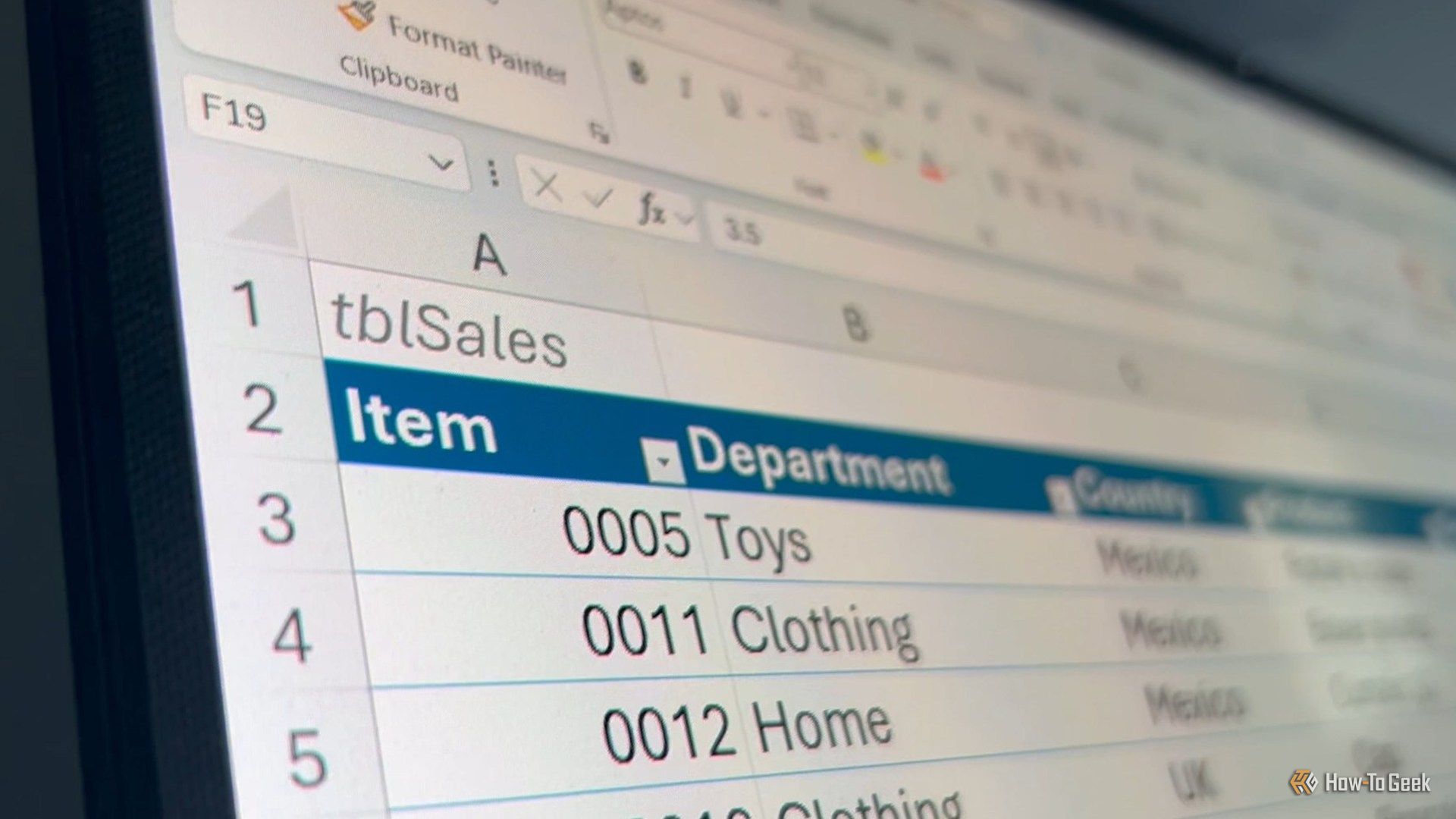
I used to think Excel was just about putting data into rows and columns and doing a few calculations. But once you start using it regularly, you realize how much time you waste doing things manually that Excel can handle in seconds.
Adobe Acrobat is a go-to PDF tool for many people, but you don't necessarily need a subscription to handle everyday tasks. Free alternatives like PDFgear on Windows and Preview on Mac can handle many common PDF tasks.

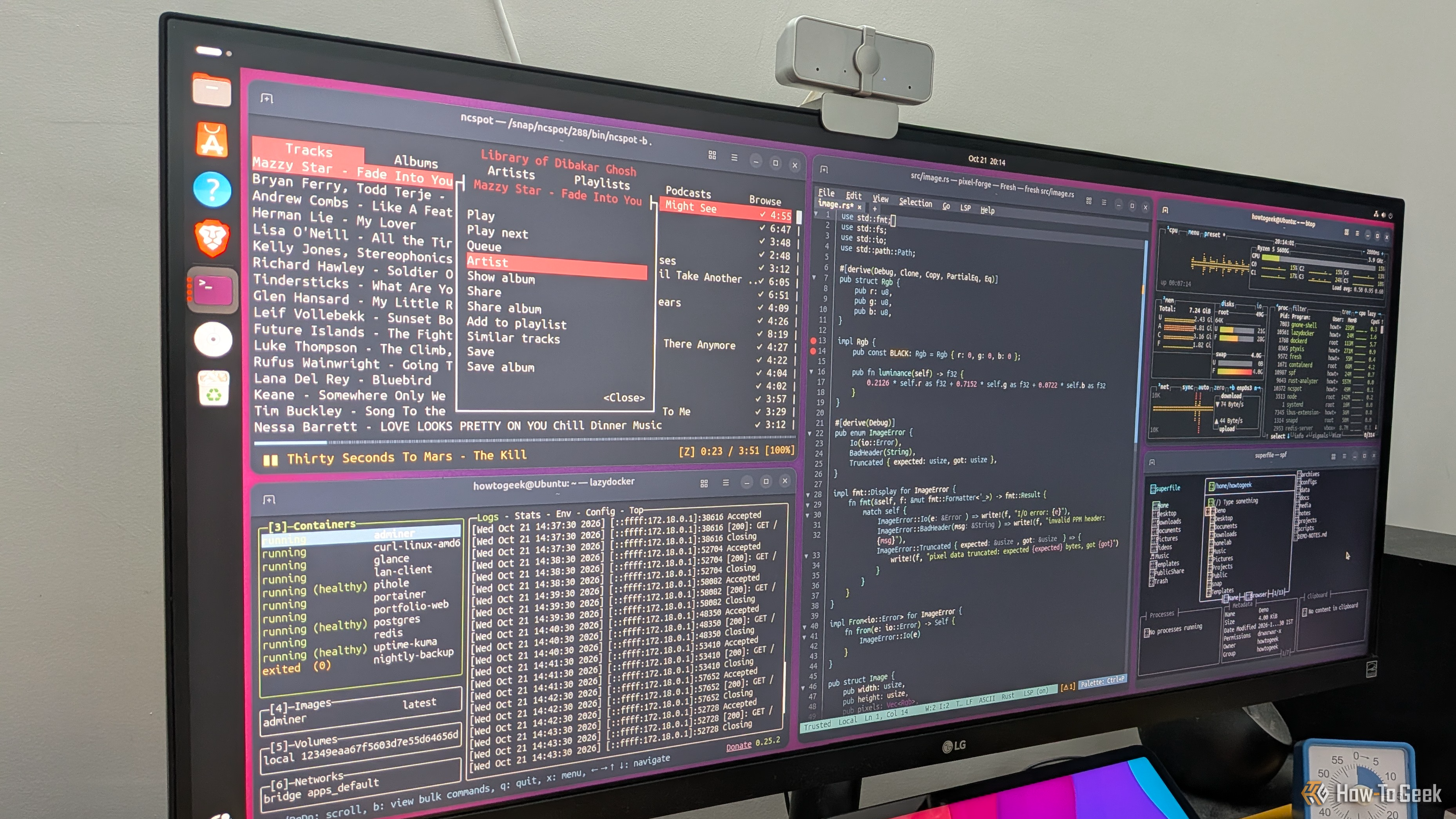
Terminal apps have a reputation for being too minimal, confusing, and useful only for technical workflows. And while that might have been true a few years ago, modern terminal apps are a lot more intuitive and functional, covering plenty of everyday computing use cases. This makes them excellent lightweight alternatives to typical desktop apps. In fact, here are five TUI (terminal user interface) apps that have completely replaced GUI (graphical user interface) apps in my workflow.
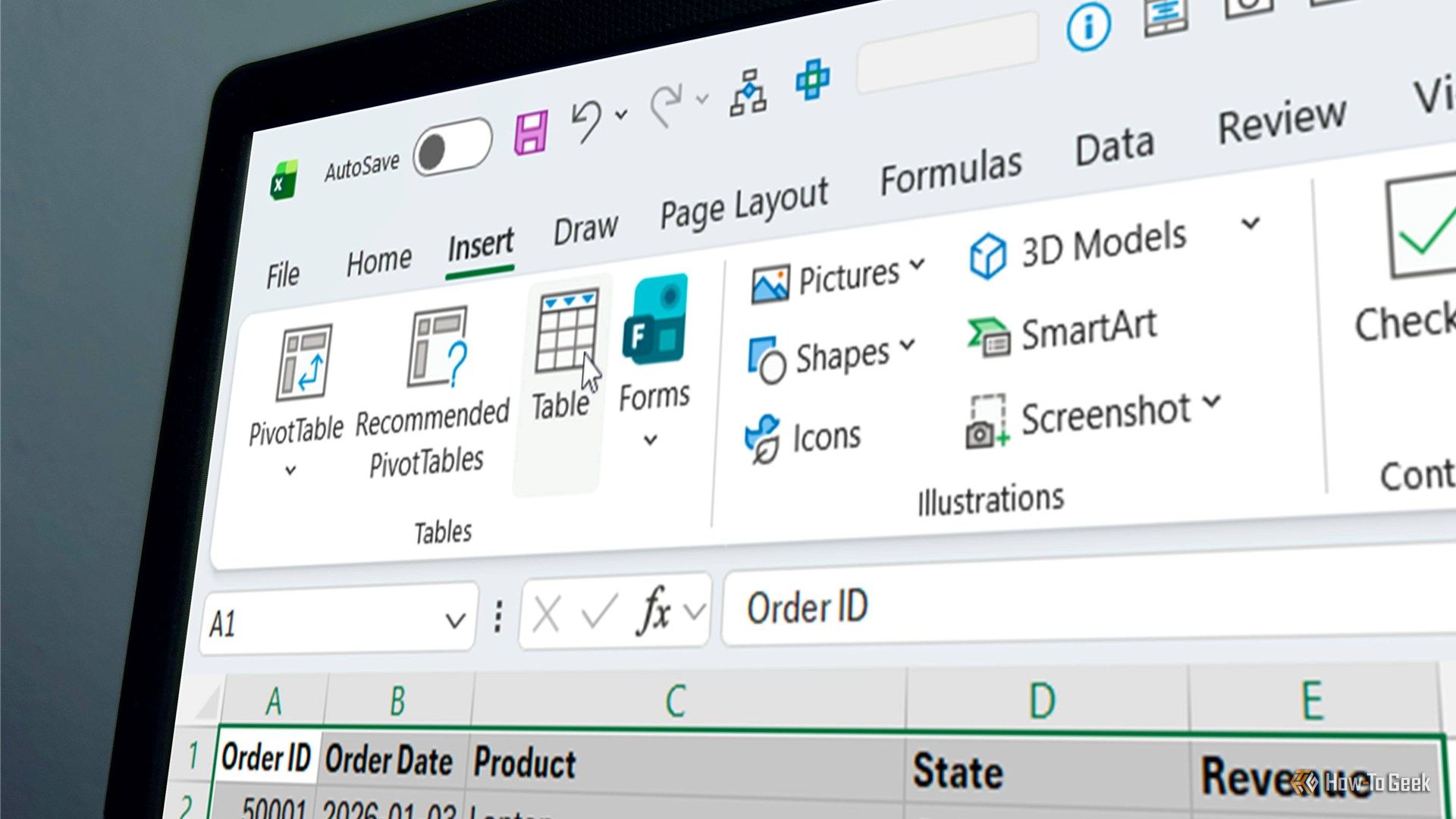
Microsoft has spent what feels like years pushing Copilot updates into Excel, but for me, it's the little usability improvements that make the biggest difference when you use the app every day. A small change to a dialog box can save you a few clicks, remove an annoying extra step, or make a good habit easier to stick to. One recent change to the way Excel creates tables is a good example, and it's something I've wanted for years.
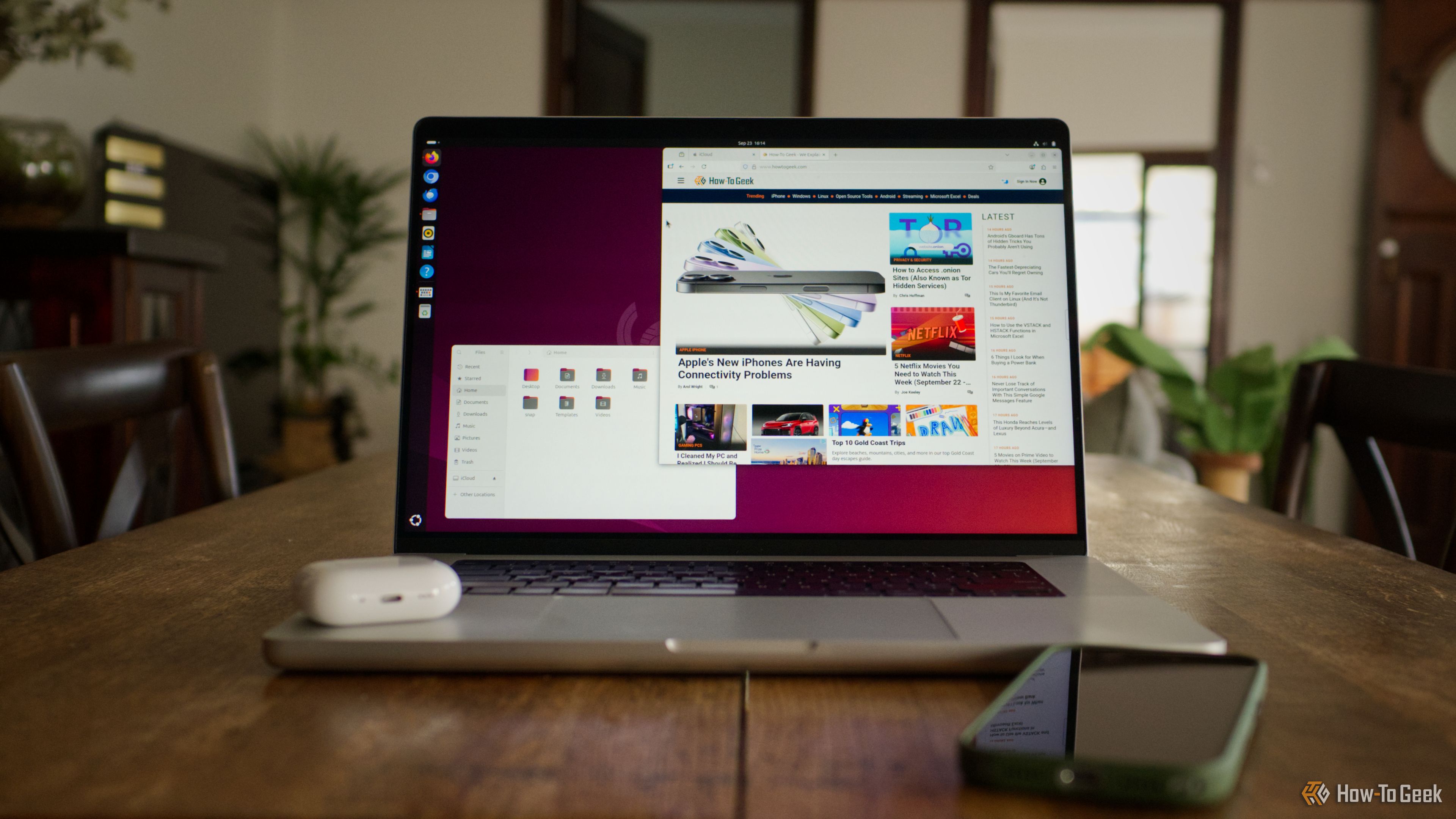
Some of the best software in the world is produced entirely by volunteers and released for free. Over the years, I’ve come to rely on many of these tools to stay productive and in control of my Mac.
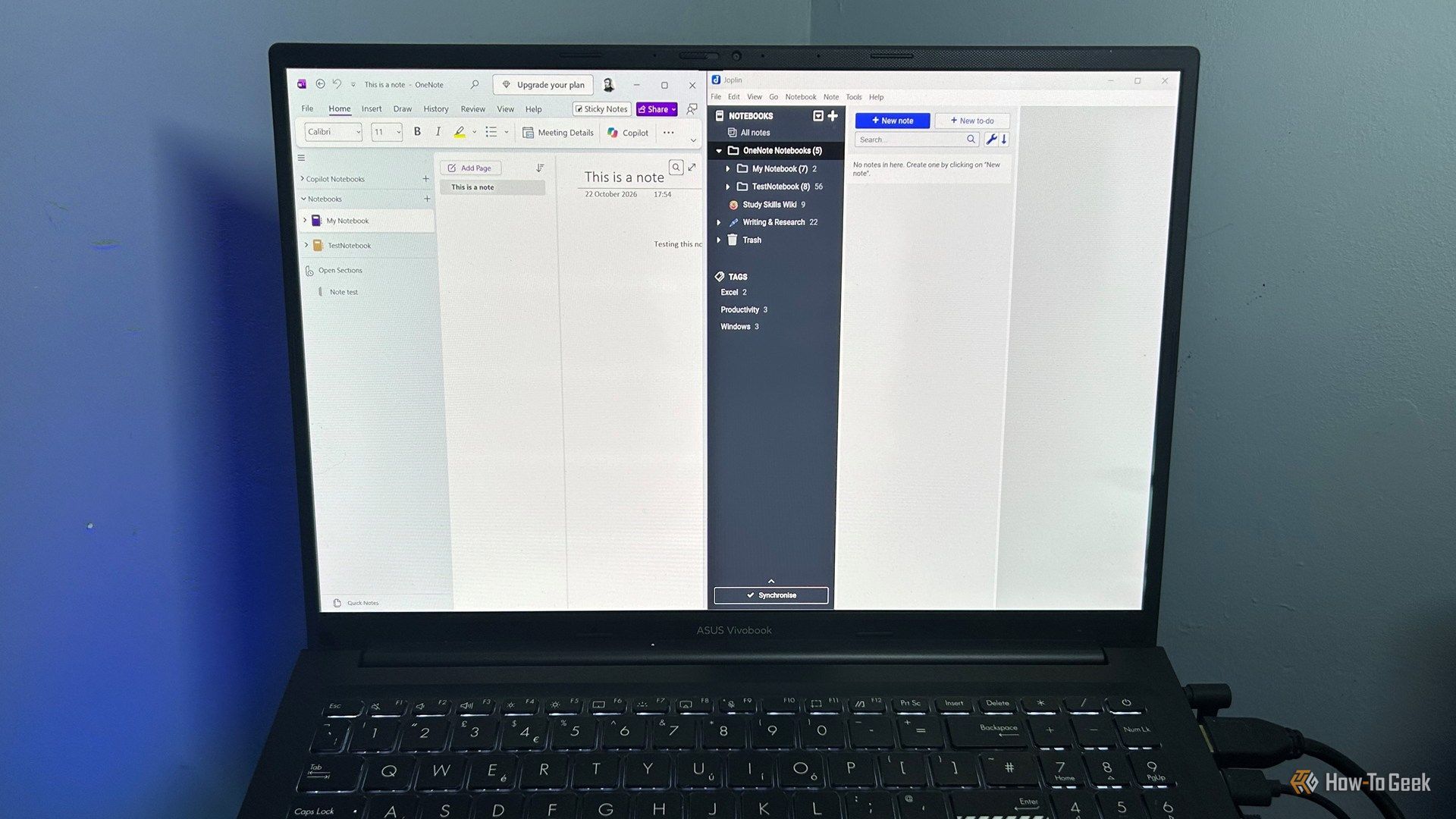
Finding a good alternative app is the easy part. The hard part is deciding what to do with everything you're leaving behind. Years of OneNote notebooks can hold everything from recipes and saved links to work notes you still need. The good news is that moving them into Joplin is easier than you might expect.
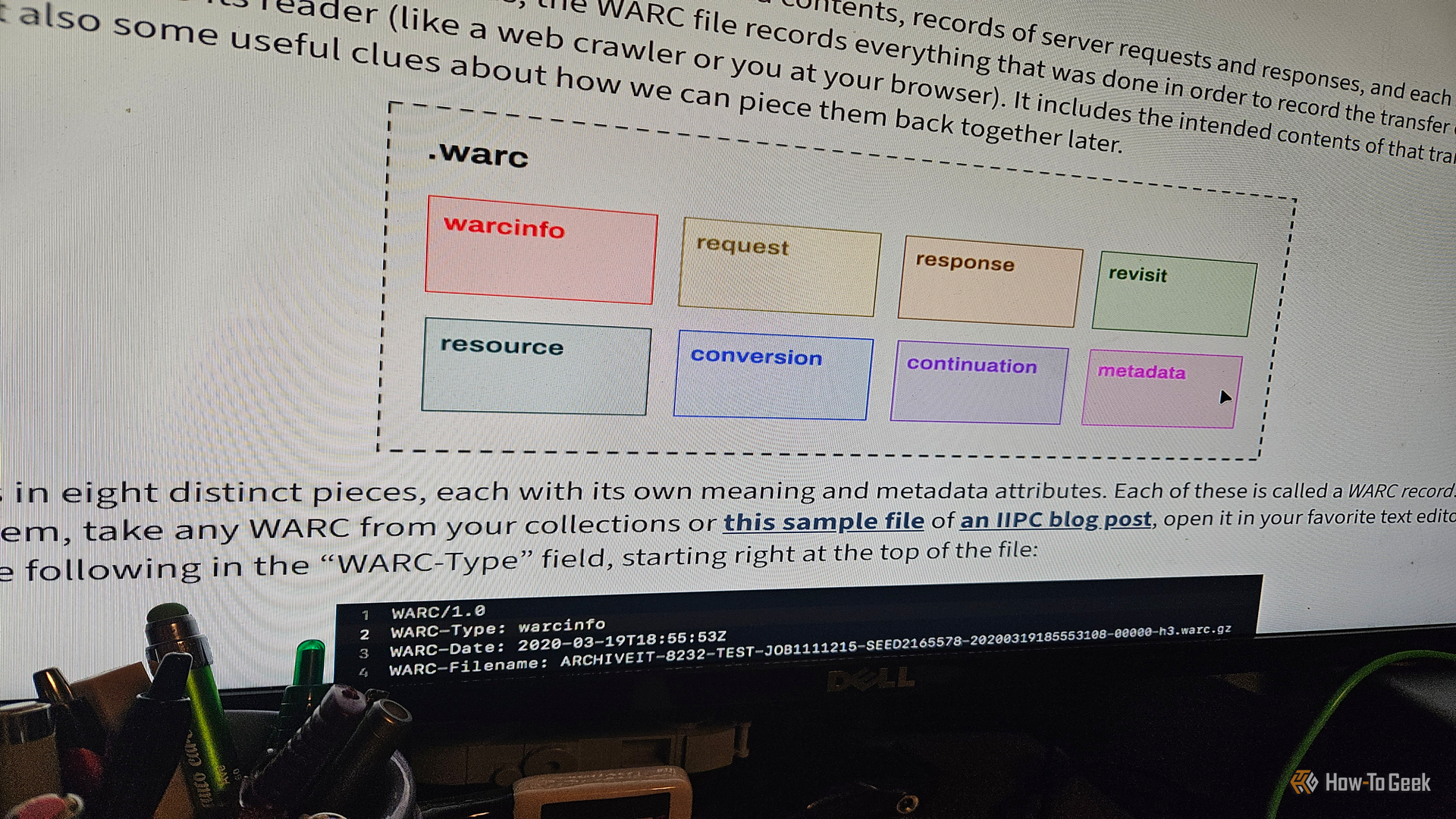
I'm an ardent supporter of archiving things. The Internet Archive and Wayback Machine are two of my most frequented places online. As I was researching something earlier this year, I stumbled upon something I (surprisingly) hadn't heard of before: the WARC format. These things are one of the most fascinating files/formats I've come across since Ogg Vorbis. And I wanted to learn more about what they are and how to use them.
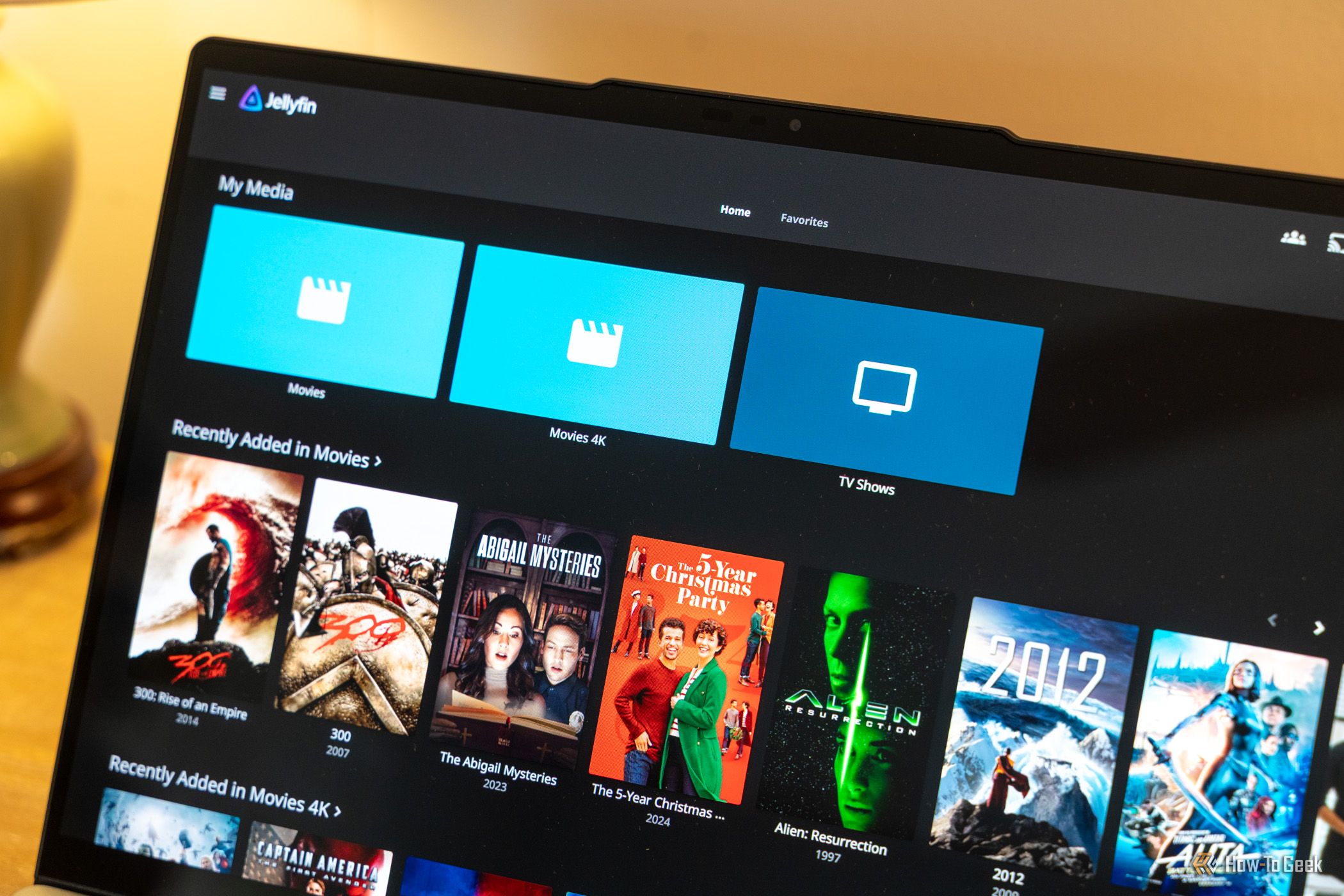
My homelab started with a single service, and before I knew it, I had a few dozen services running. In reality, I only use a handful of services every day—most of them sit idle or even offline.
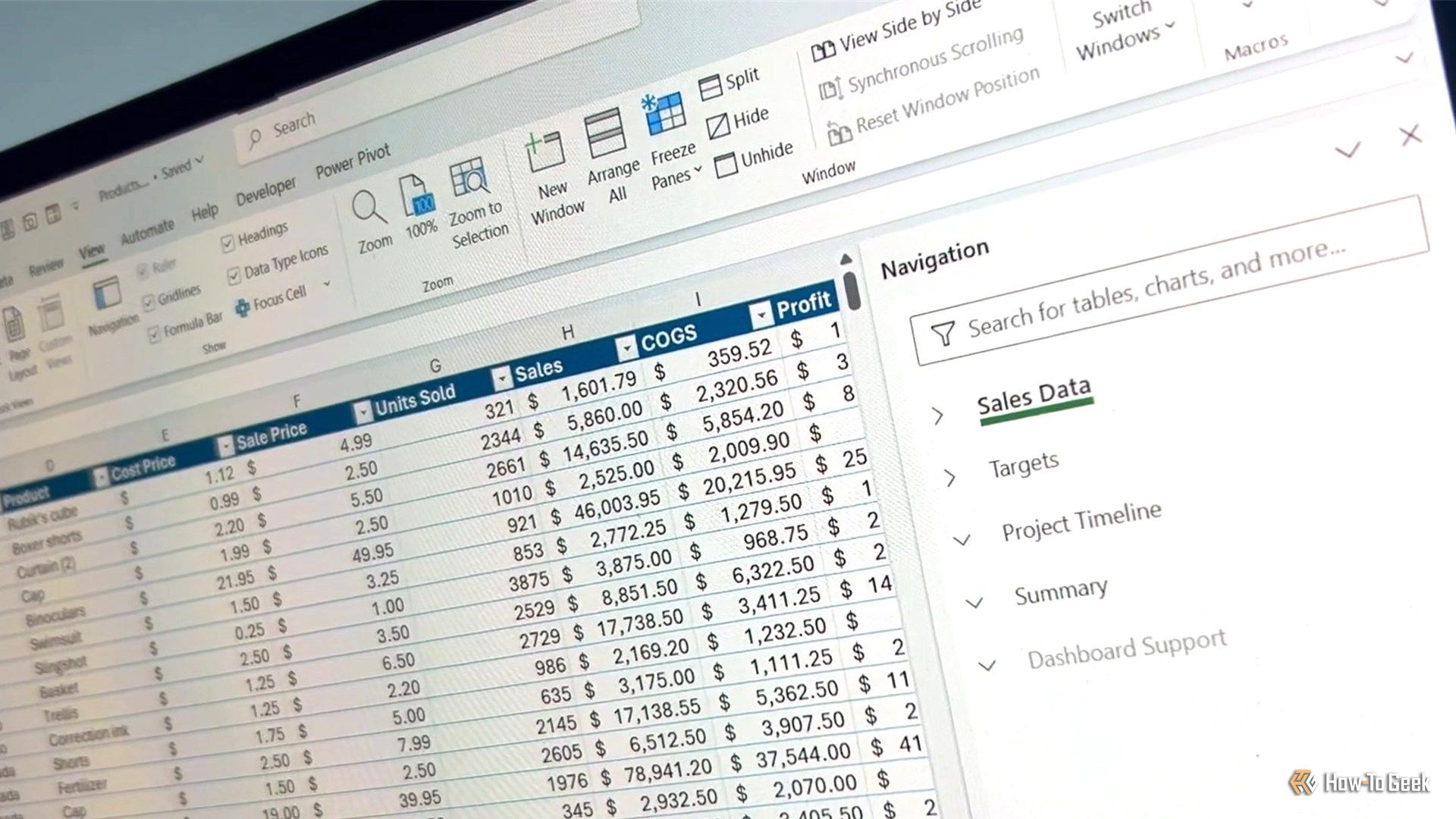
I've watched plenty of people (and I've been one of them) navigate a big Excel workbook by scrolling, squinting at tab names, and hoping for the best. It works, but it's slow. Excel has several lesser-known navigation tools that get you to the right sheet, cell, or result much faster.