Login
Login
Andy Jassy says Prime Video is on track to earn ‘tens of billions of dollars’
The success of blockbuster hits like Project Hail Mary and Verity is only part of the story, Amazon's CEO says.

Meta’s Waddle World AI pet app brings journaling to the Philippines. Learn how it works, who can use it, and what its privacy disclosures reveal.
The post Meta Launches Waddle World: An AI Pet That Journals About Your Day appeared first on TechRepublic.

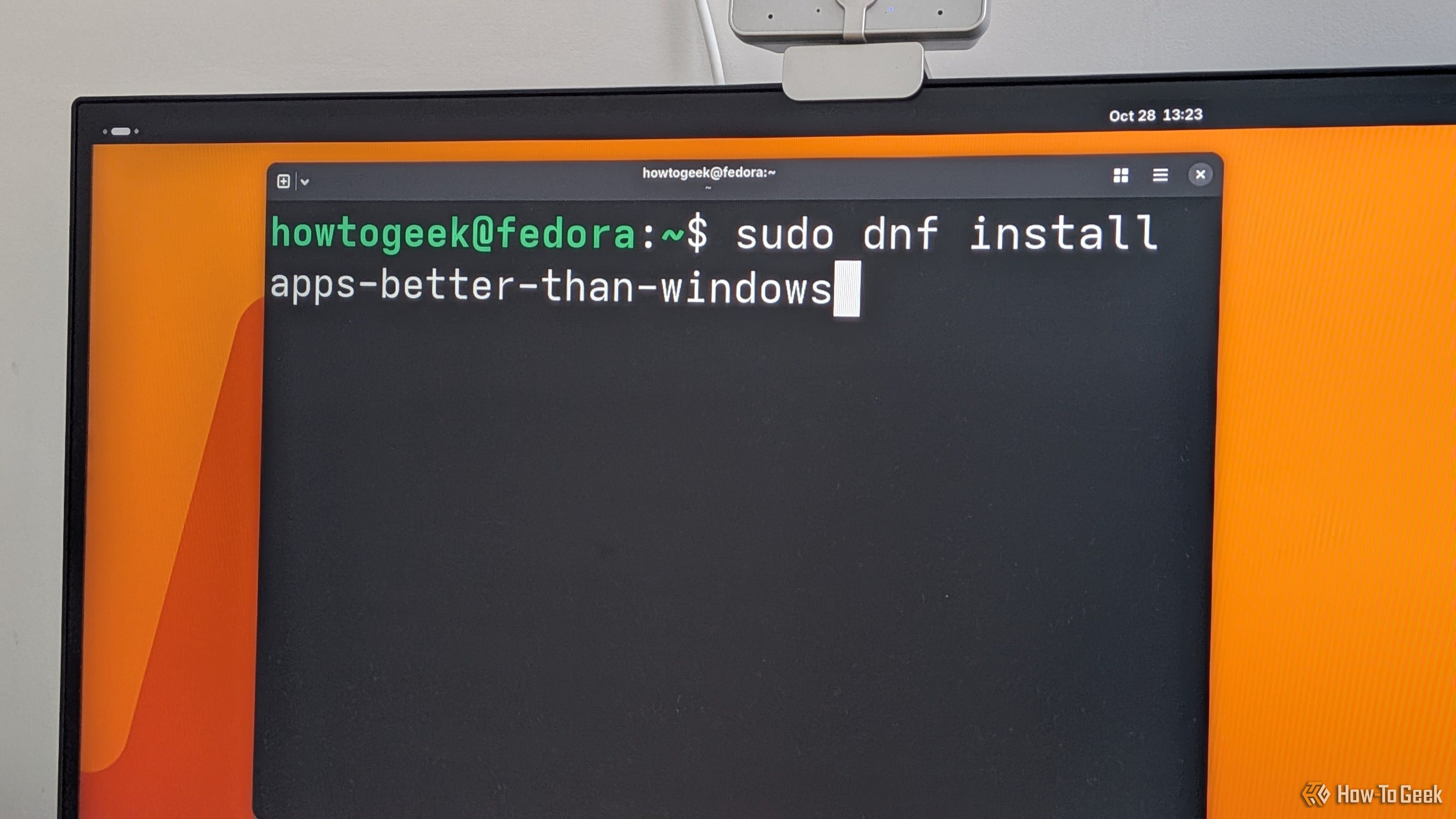
The usual narrative is that a Windows user switches to Linux and then complains about the app gap. That said, I’ve been using Linux for over 10 years, and when I switch back to Windows, I notice an app gap, too — in both functionality and quality.
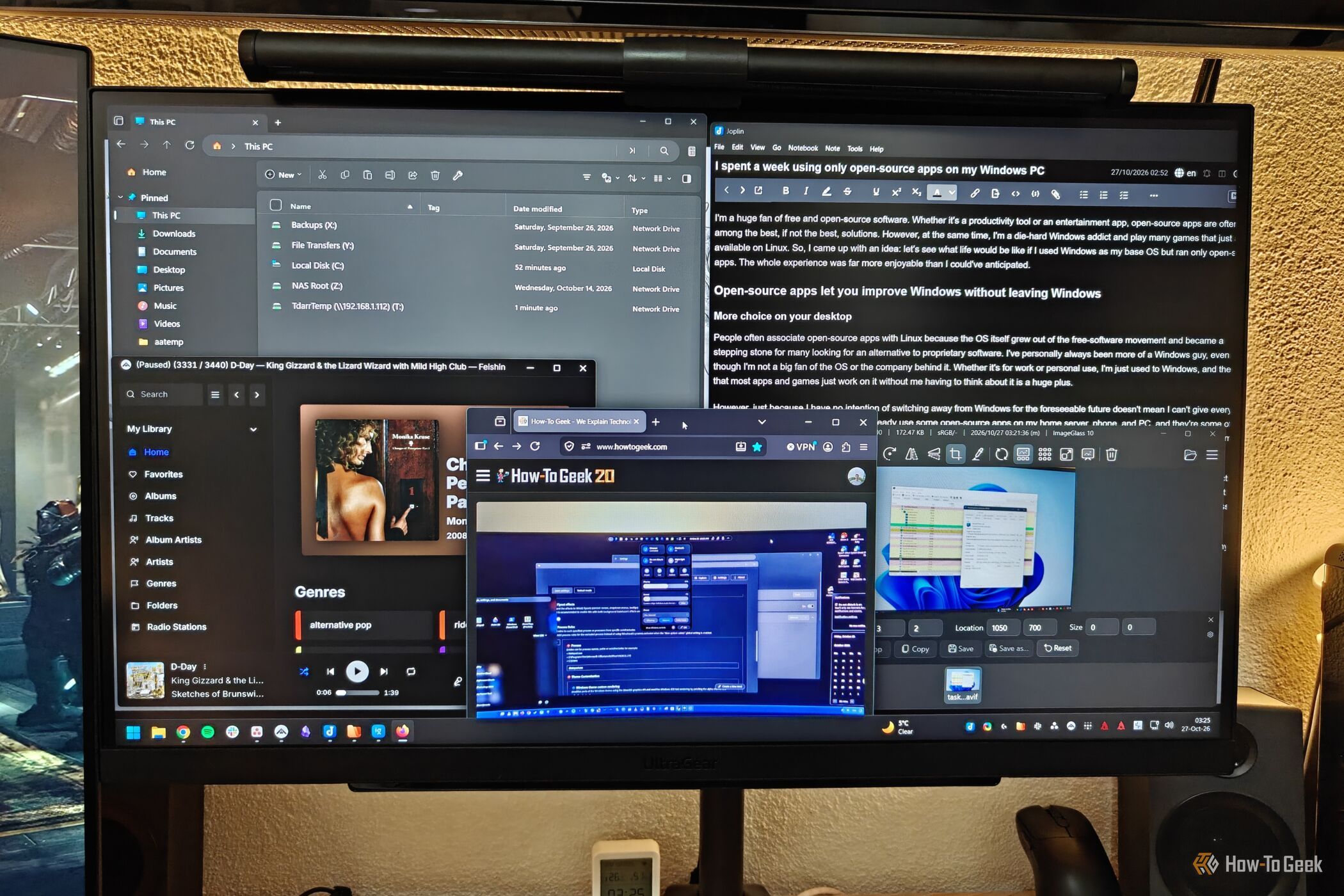
I'm a huge fan of free and open-source software. Whether it's a productivity tool or an entertainment app, open-source apps are often among the best, if not the best, solutions.

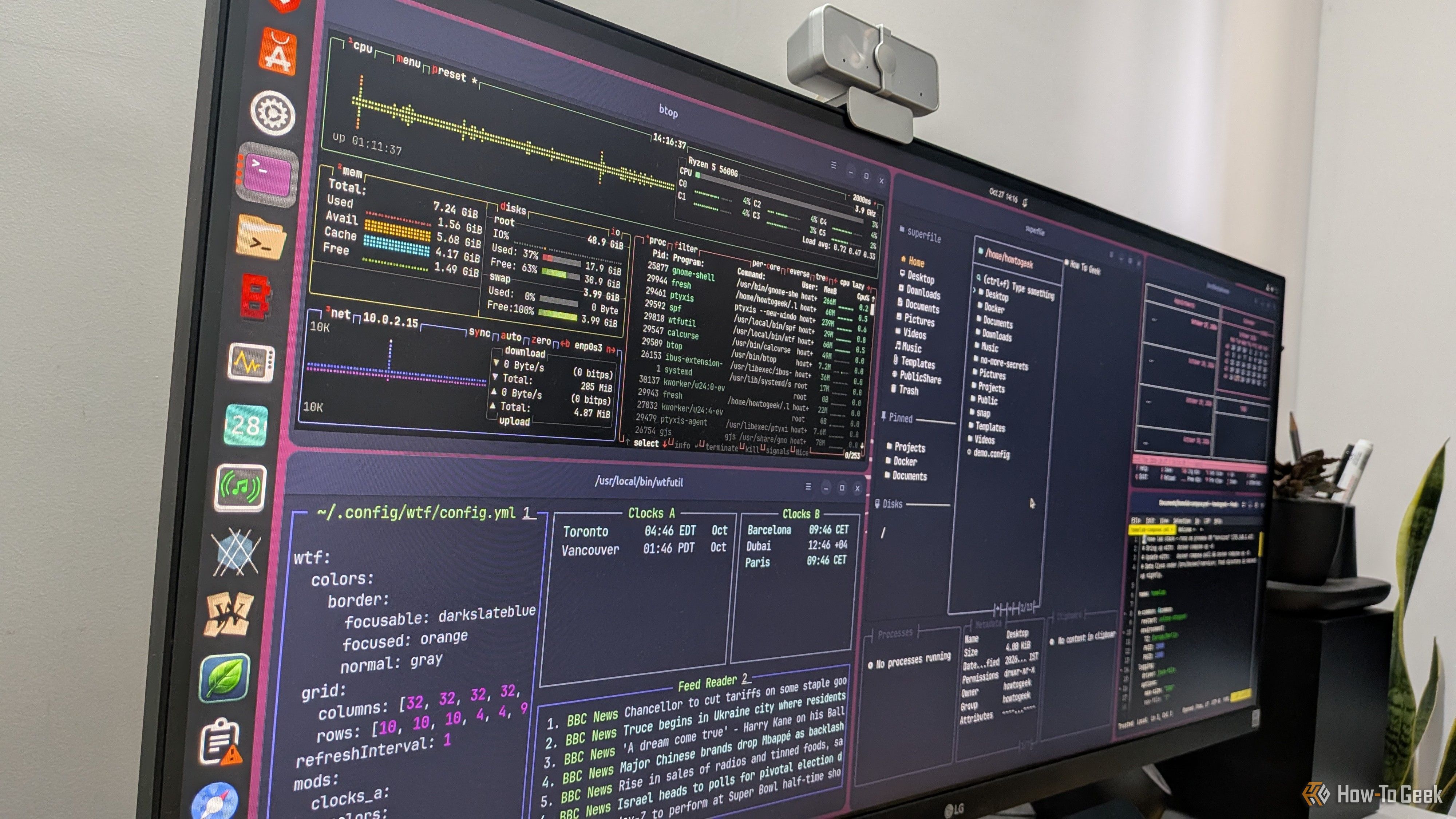
Terminal-based apps are awesome, but if you’ve ever tried to use them, you’re probably already aware of their biggest annoyance: you have to open a terminal and type a command every time. They don’t show up in your dock or app launcher the way regular desktop apps do. Thankfully, there’s a quick and easy fix for that. It’ll hardly take a few minutes, and you’ll be able to give your terminal apps their own icons and entries in your application launcher.